

Word Made Easy Logo

Word Made Easy

Simple, step-by-step Microsoft Word & PowerPoint tutorials

  • Home
  • Word Tutorials
  • PowerPoint Tutorials
  • YouTube Videos

Contact

← Back

Thank you for your response. ✨

Meet the author of Word Made Easy, sharing expert Microsoft Word tips and tutorials
A man standing in a grassy field holding a brown dog while smiling at the camera.

I’m Patrick Elliott, the creator of Word Made Easy. I’m an educator and Inclusion Lead, and I use Microsoft Word and PowerPoint daily for planning, documentation, and classroom resources.

Every guide is tested step-by-step before publishing (usually in Microsoft 365). You’ll also find practical walkthroughs on my YouTube channel.

More: About me • Contact • YouTube

Explore more Microsoft Word tips, guides, and learning resources

Word Tutorials

PowerPoint Tutorials

YouTube Videos

Word Made Easy YouTube channel for Microsoft Word tutorials and tips
Recent posts featuring Microsoft Word tips and step-by-step guides
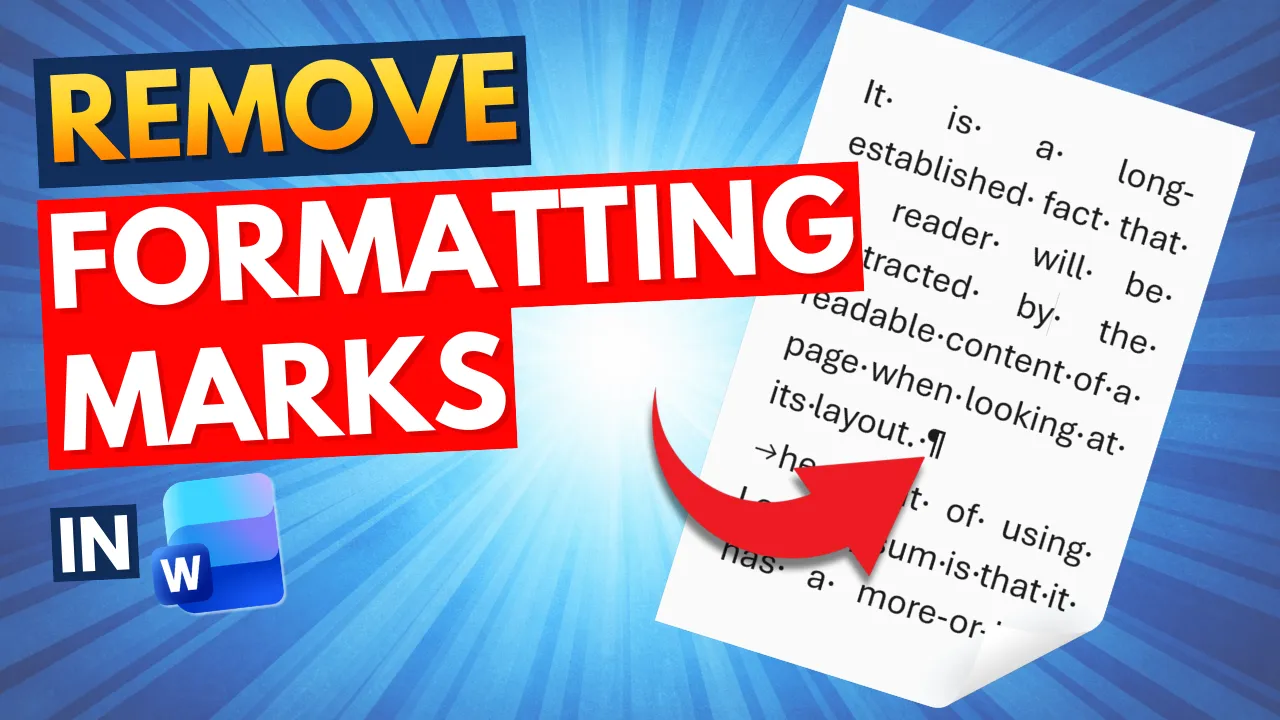
  • How to Remove Formatting Marks in Word

    How to Remove Formatting Marks in Word

  • How to Insert a Clickable Checkbox in Microsoft Word
    How to Insert a Clickable Checkbox in Microsoft Word

  • How to Make an Image Transparent in Microsoft Word

    How to Make an Image Transparent in Microsoft Word

  • How to Indent Text in Word

    How to Indent Text in Word

  • Different Footers on Different Pages

    Different Footers on Different Pages

  • How to Align Text in Word

    How to Align Text in Word

  • How to Insert a Word Counter Directly in Your Word Document
    How to Insert a Word Counter Directly in Your Word Document

  • How to Insert a Picture a into Shape in Word: A Step-by-Step Guide
    How to Insert a Picture a into Shape in Word: A Step-by-Step Guide

  • How to Move an Image Freely in Word

    How to Move an Image Freely in Word

  • How to Change the Default Font in Microsoft Word (Step-by-Step)
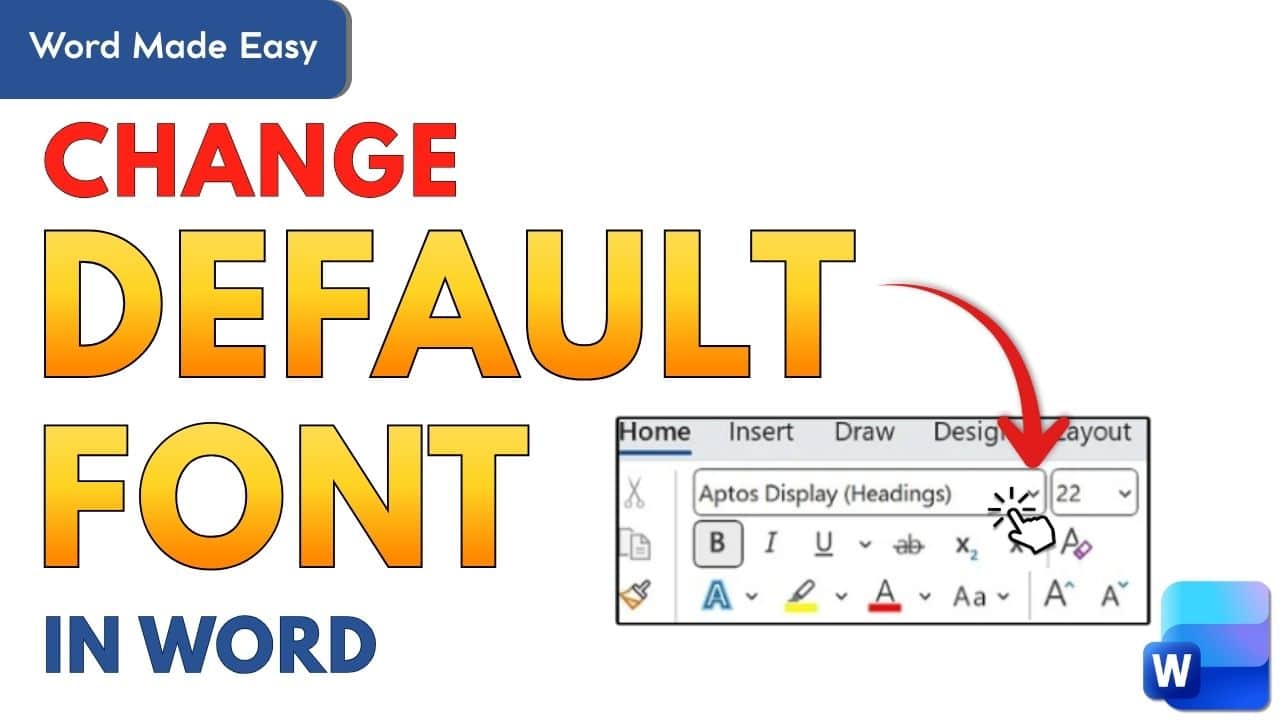
    How to Change the Default Font in Microsoft Word (Step-by-Step)

  • How to Add Audio Files to Microsoft Word (Step-by-Step Tutorial)
    How to Add Audio Files to Microsoft Word (Step-by-Step Tutorial)

  • How to Merge Multiple Word Documents into One File
    How to Merge Multiple Word Documents into One File

  • Three Ways to Insert a Table in Word (2026)
    Three Ways to Insert a Table in Word (2026)

  • Microsoft Word Keyboard Shortcuts Cheat Sheet (Free PDF)

    Microsoft Word Keyboard Shortcuts Cheat Sheet (Free PDF)

  • How to Convert a PDF to Word Document

    How to Convert a PDF to Word Document

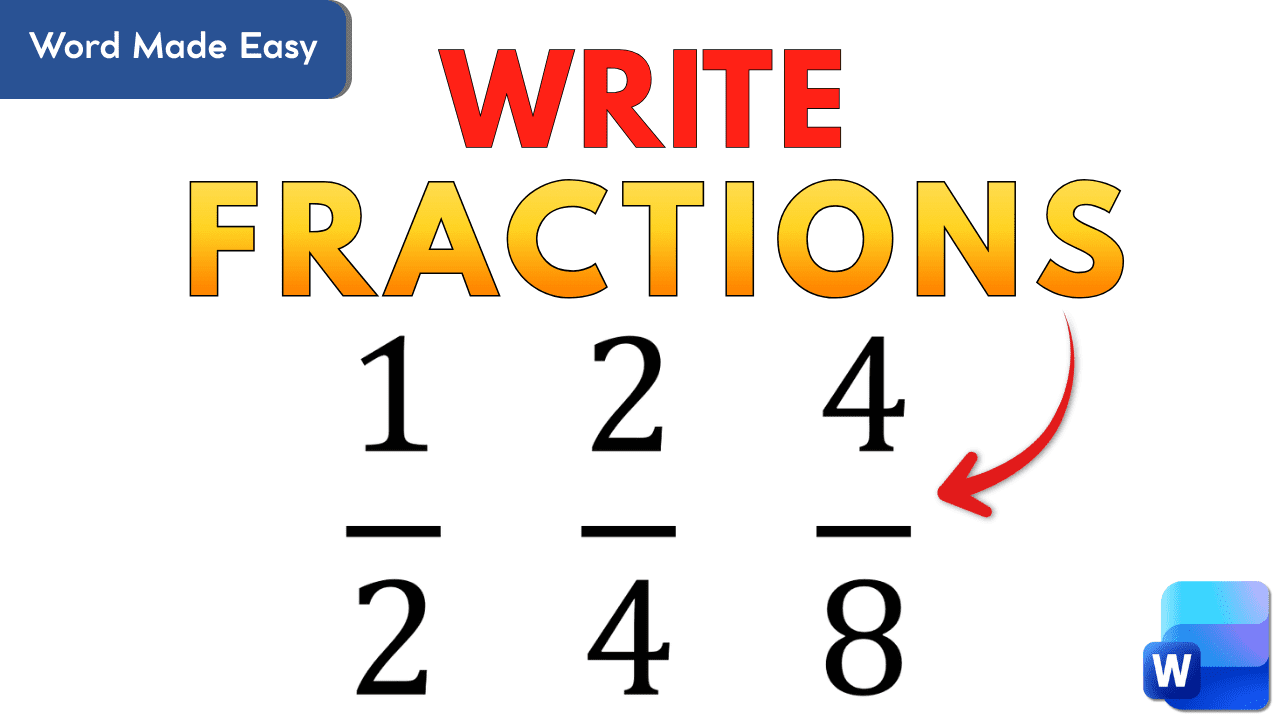
  • How to Write Fractions in Word

    How to Write Fractions in Word

  • How to Delete an Empty Page in Microsoft Word

    How to Delete an Empty Page in Microsoft Word

  • How to Use Dictation in Word

    How to Use Dictation in Word

  • How to Create a Word Scramble Game in PowerPoint
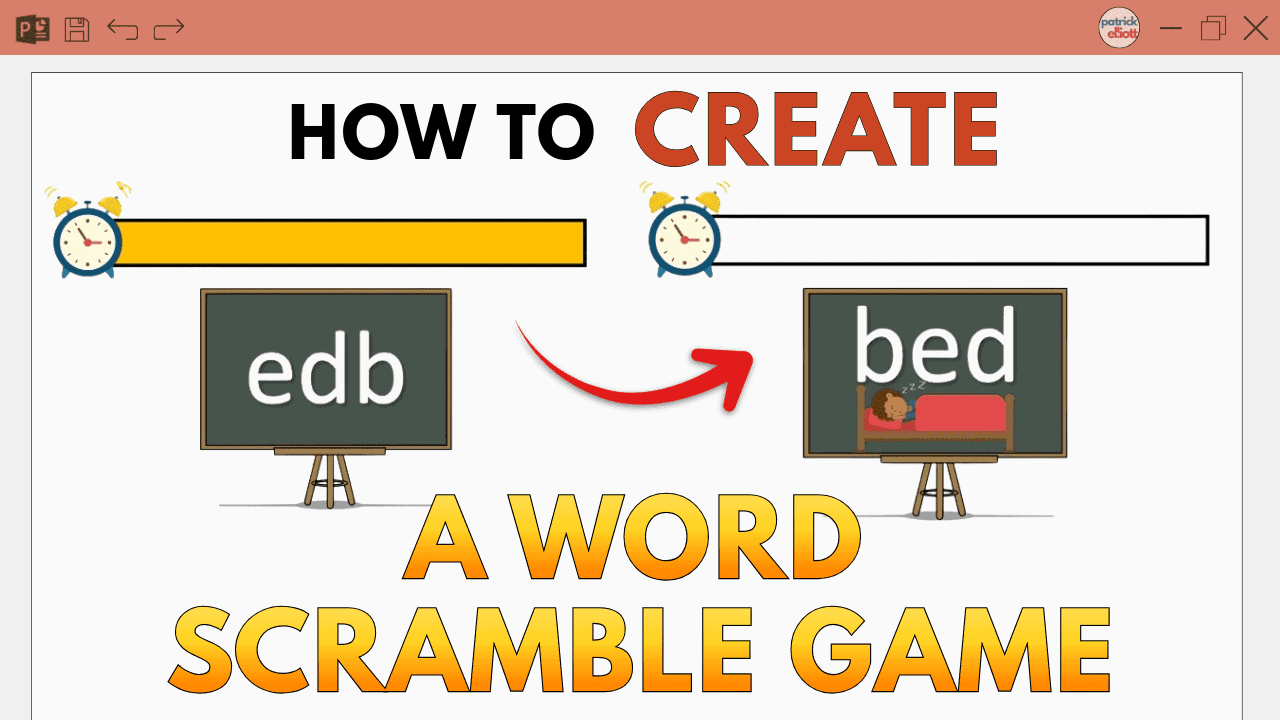
    How to Create a Word Scramble Game in PowerPoint

  • How to Record Audio and Screen in Microsoft PowerPoint (Step-by-Step Guide)
    How to Record Audio and Screen in Microsoft PowerPoint (Step-by-Step Guide)
  • About Me
  • Contact
  • Microsoft Word Tutorials
  • PowerPoint Tutorials
  • YouTube Videos

Privacy Policy | Cookie Policy | Terms of Use


© 2012–2026, Word Made Easy. Content is protected. Excerpts may be shared with clear credit and a link to the original page.

Manage Consent
To provide the best experiences, we use technologies like cookies to store and/or access device information. Consenting to these technologies will allow us to process data such as browsing behavior or unique IDs on this site. Not consenting or withdrawing consent, may adversely affect certain features and functions.
Functional Always active
The technical storage or access is strictly necessary for the legitimate purpose of enabling the use of a specific service explicitly requested by the subscriber or user, or for the sole purpose of carrying out the transmission of a communication over an electronic communications network.
Preferences
The technical storage or access is necessary for the legitimate purpose of storing preferences that are not requested by the subscriber or user.
Statistics
The technical storage or access that is used exclusively for statistical purposes. The technical storage or access that is used exclusively for anonymous statistical purposes. Without a subpoena, voluntary compliance on the part of your Internet Service Provider, or additional records from a third party, information stored or retrieved for this purpose alone cannot usually be used to identify you.
Marketing
The technical storage or access is required to create user profiles to send advertising, or to track the user on a website or across several websites for similar marketing purposes.
  • Manage options
  • Manage services
  • Manage {vendor_count} vendors
  • Read more about these purposes
View preferences
  • {title}
  • {title}
  • {title}