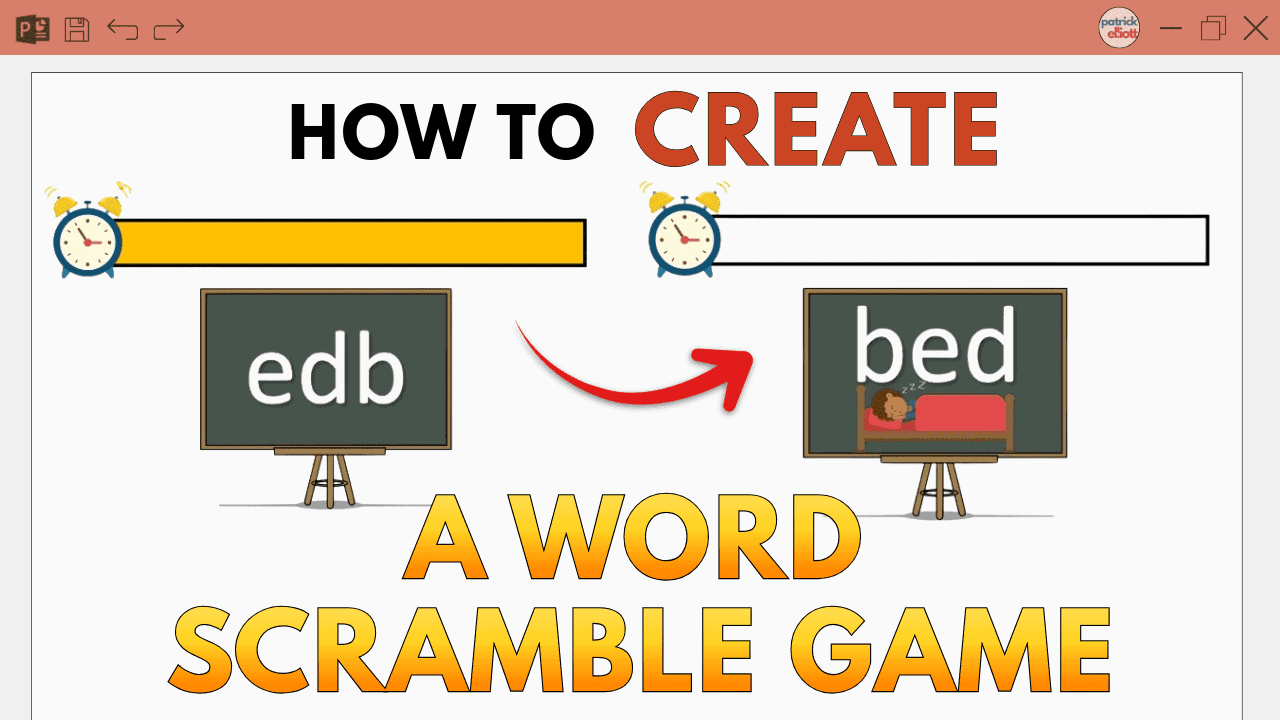
Microsoft PowerPoint can do far more than most people realise — once you know how to use its features effectively. This page offers clear, step-by-step PowerPoint tutorials for beginners, teachers, students, and professionals who want to create better presentations with less effort.
This page is your complete Microsoft PowerPoint learning hub. It brings together clear explanations, practical guidance, and focused tutorials that help users progress from beginner to confident PowerPoint user.
All tutorials include simple instructions and screenshots. Many also include video walkthroughs, allowing you to follow along at your own pace and build confidence using PowerPoint.
Visit my channel: Word Made Easy to watch all my PowerPoint tutorials.
Microsoft PowerPoint Basics
This section is designed for users who are new to Microsoft PowerPoint. It introduces the core ideas behind creating slides, choosing layouts, adding content, and organising a clear presentation.
Learning these foundations makes it easier to work with images, audio, animation, screen recording, classroom activities, and more advanced presentation features later.
Start Learning Microsoft PowerPoint
Browse the tutorials below to find clear solutions to common PowerPoint tasks. Each guide focuses on one specific presentation skill and explains it step by step using simple language and practical examples.