Page Layout & Sections
Word Page Layout & Sections – Control Your Document Structure
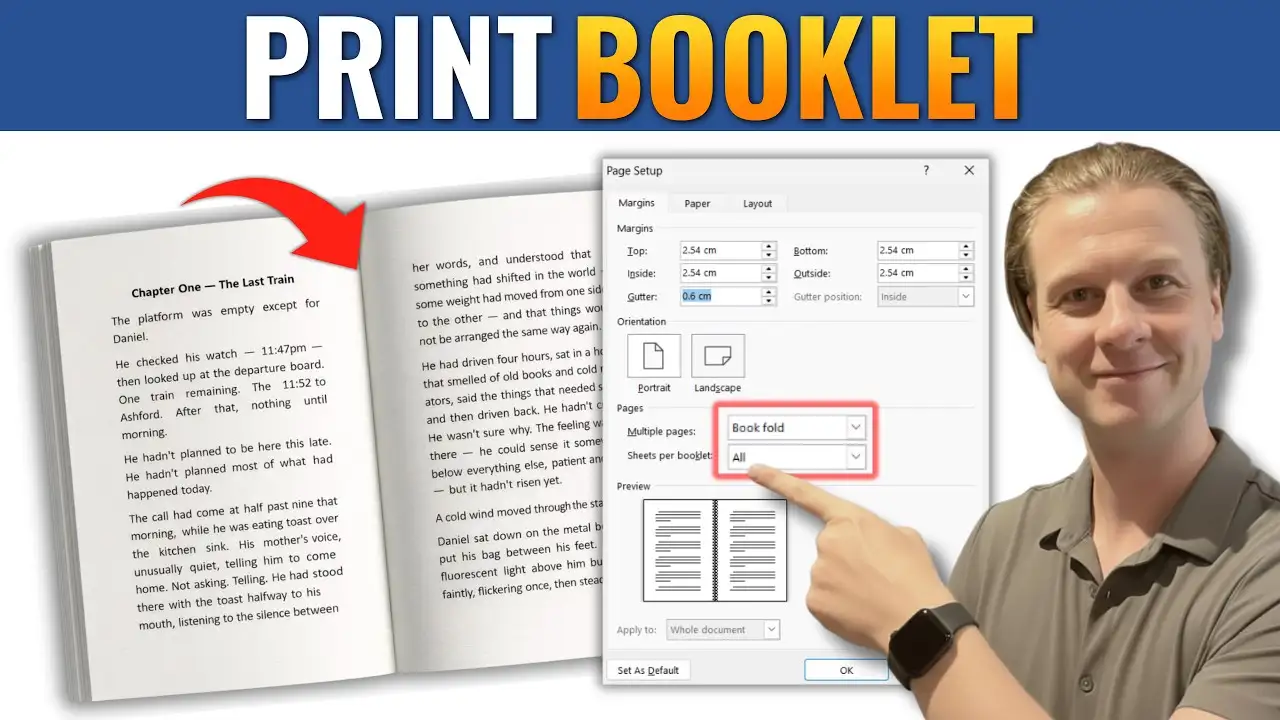
Page layout is one of the most important — and often misunderstood — areas of Microsoft Word. Proper layout settings control how your document prints, displays, and flows from page to page.
This section focuses on mastering margins, sections, page numbers, orientation, and structural layout tools.
Understanding Page Structure in Word
Word uses layout tools to control:
-
Margins
-
Page orientation
-
Section breaks
-
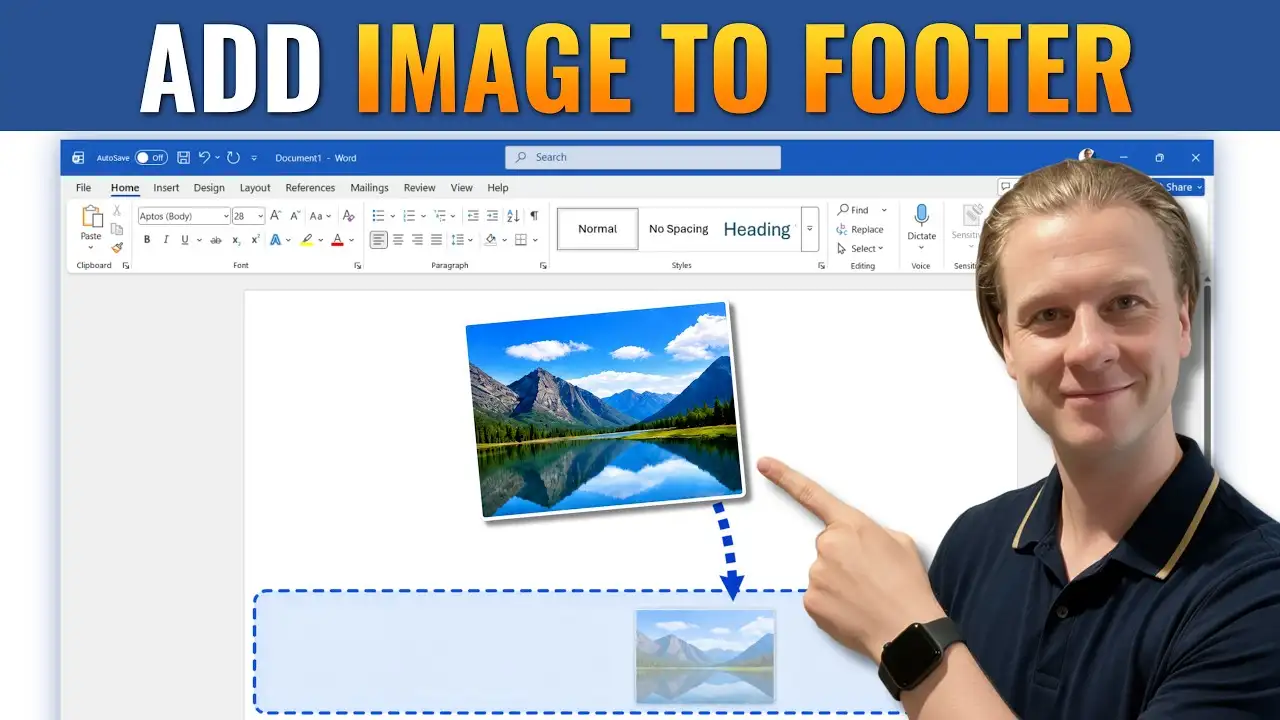
Headers and footers
-
Page numbering
-
Blank page issues
When these settings are used incorrectly, documents can become difficult to edit or format properly.
Section Breaks and Advanced Layout Control
Section breaks allow you to:
-
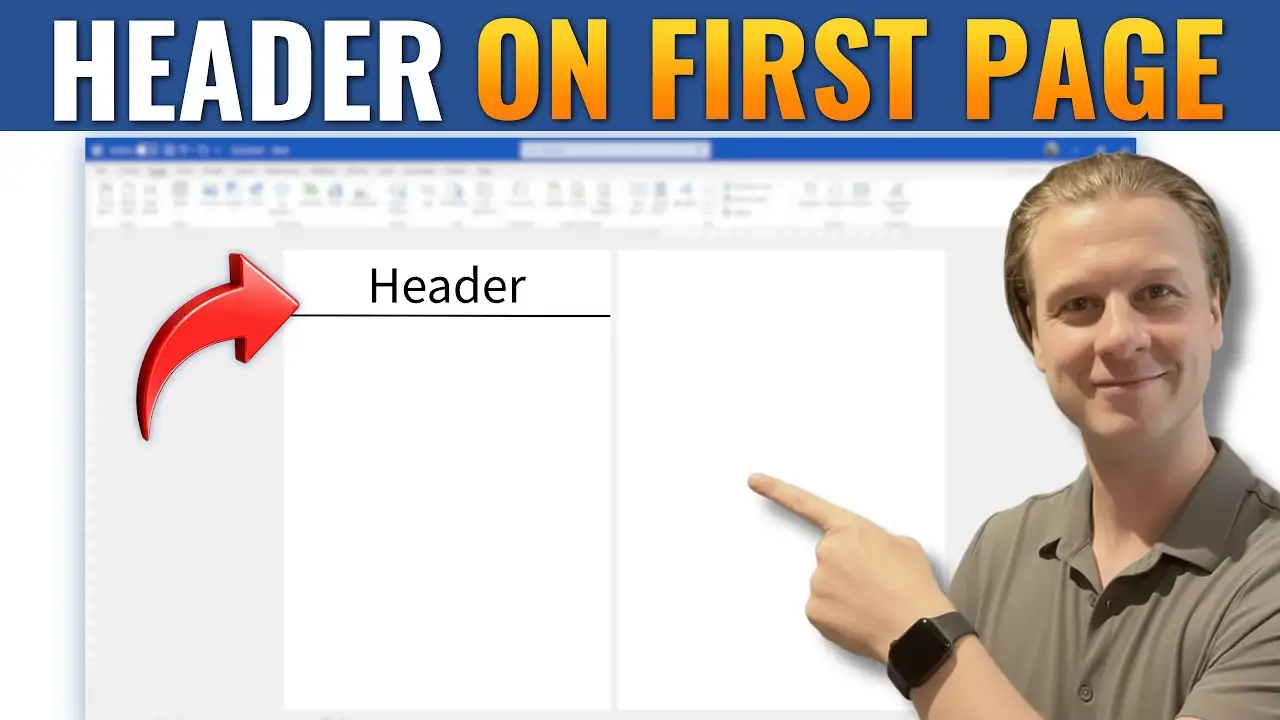
Use different headers on different pages
-
Change page orientation mid-document
-
Apply different page numbering styles
-
Control document flow precisely
These tutorials walk you through how to use sections properly without breaking your formatting.
Common Layout Problems Solved
You’ll also learn how to fix common issues such as:
-
Unwanted blank pages
-
Incorrect page numbering
-
Footer inconsistencies
-
Margin problems
-
Single-page rotation
What You’ll Learn in This Section
-
How to manage page layout professionally
-
How to insert and control section breaks
-
How to format headers and footers
-
How to fix layout errors quickly
Explore the guides below to take full control of your Microsoft Word document structure.