Word Productivity & Automation
Word Productivity Tools – Work Faster in Microsoft Word
Microsoft Word includes powerful built-in tools that can dramatically improve your workflow. Many users only scratch the surface of what Word can do.
This section focuses on productivity features that help you save time, automate tasks, and work more efficiently.
Essential Productivity Features in Word
Here you’ll find step-by-step tutorials covering:
-
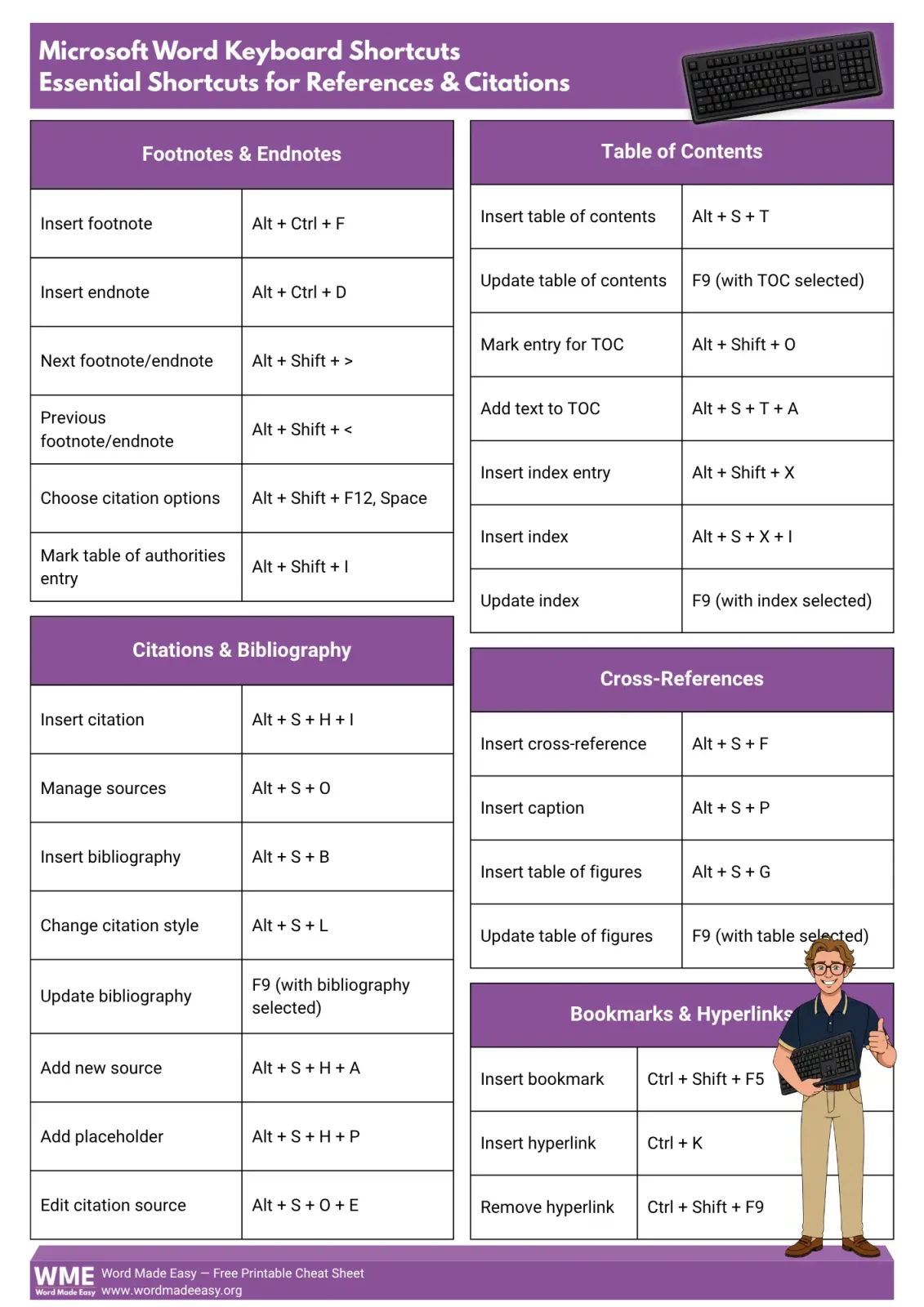
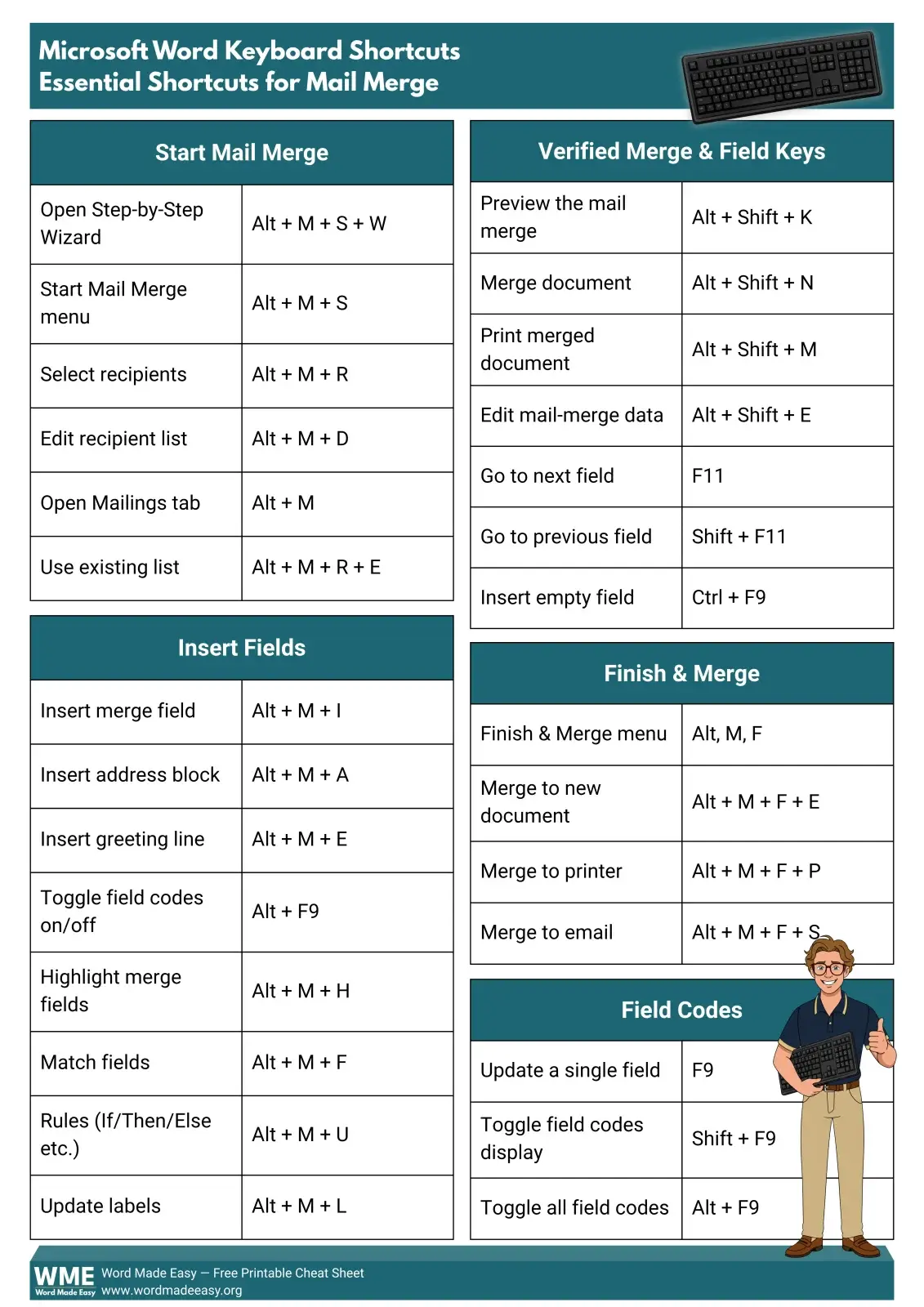
Keyboard shortcuts
-
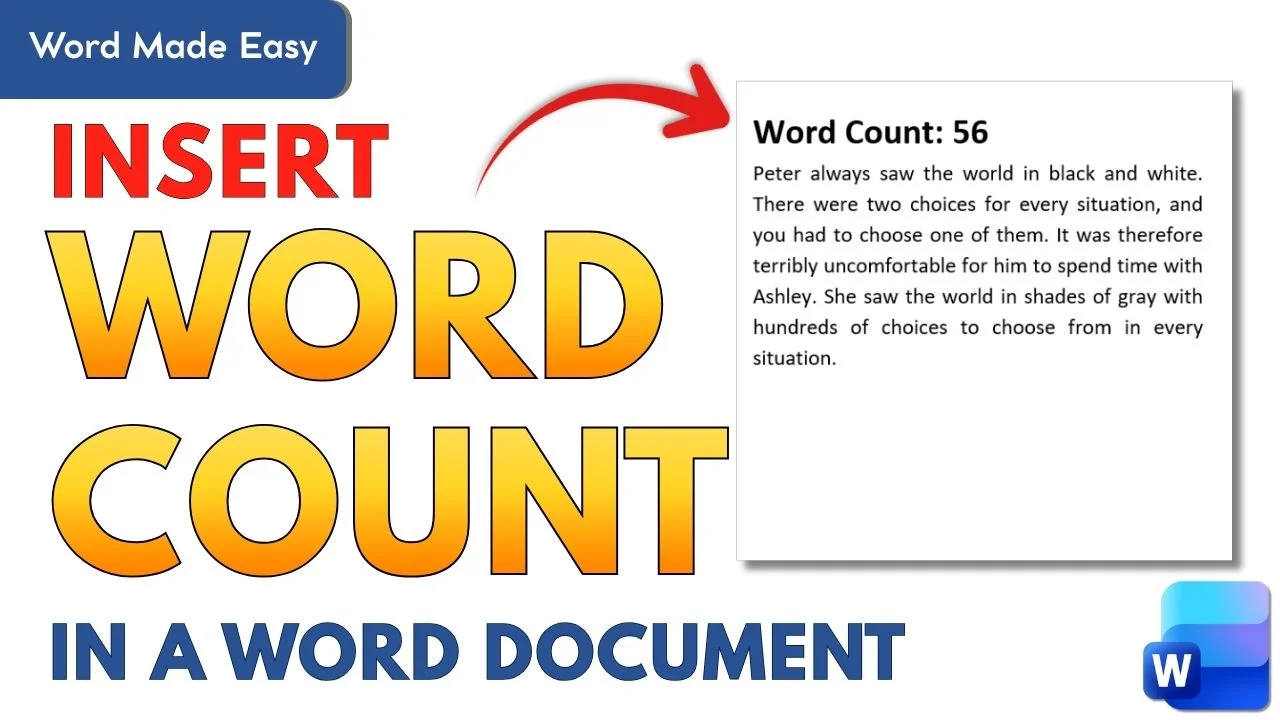
Word count tools
-
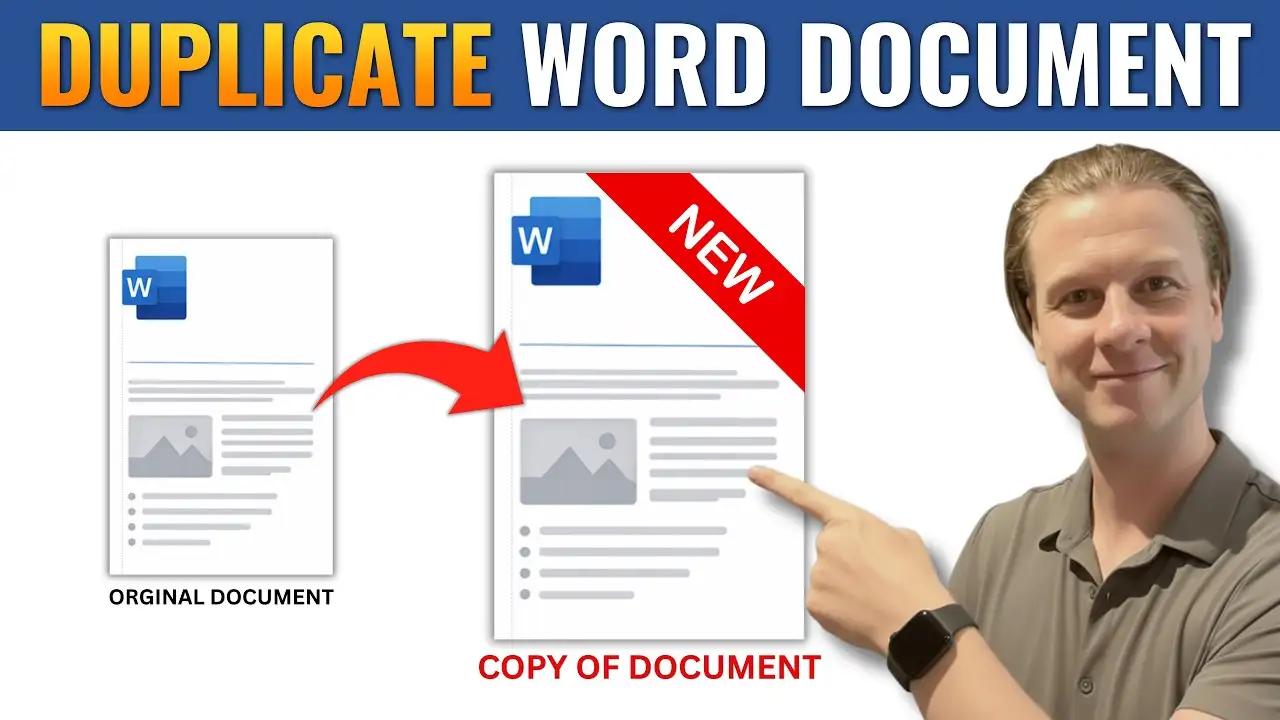
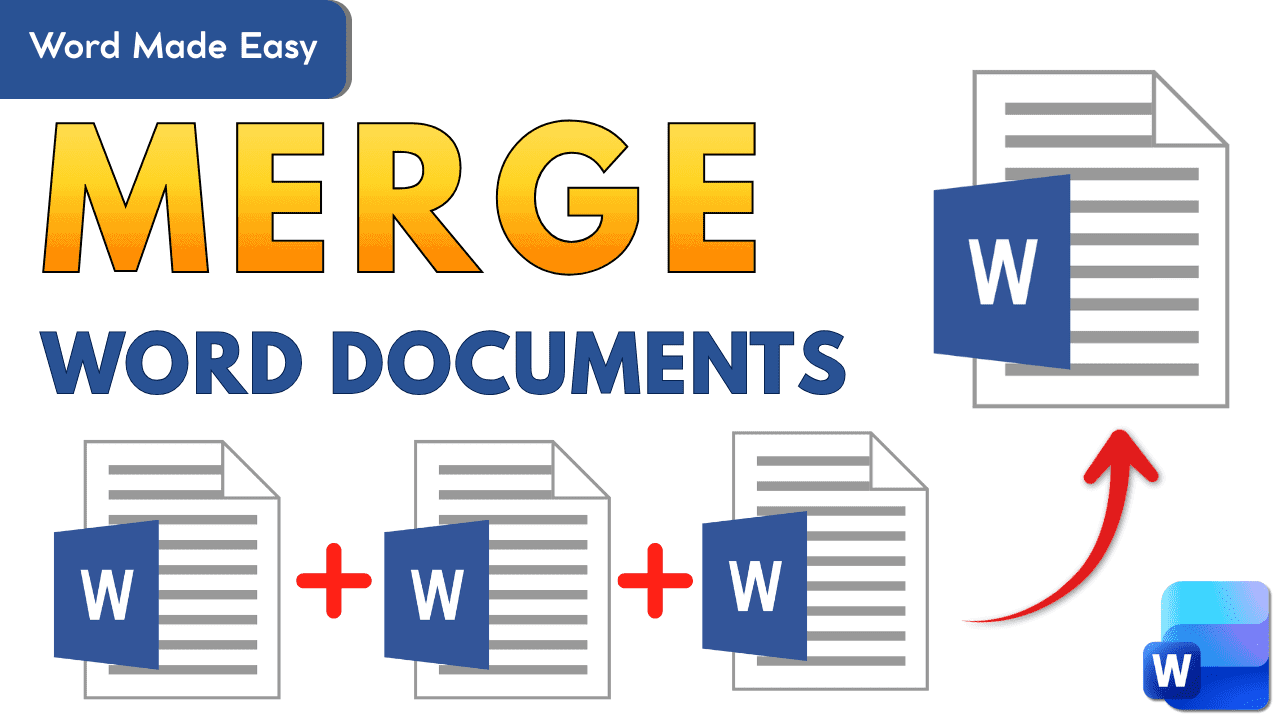
Document merging
-
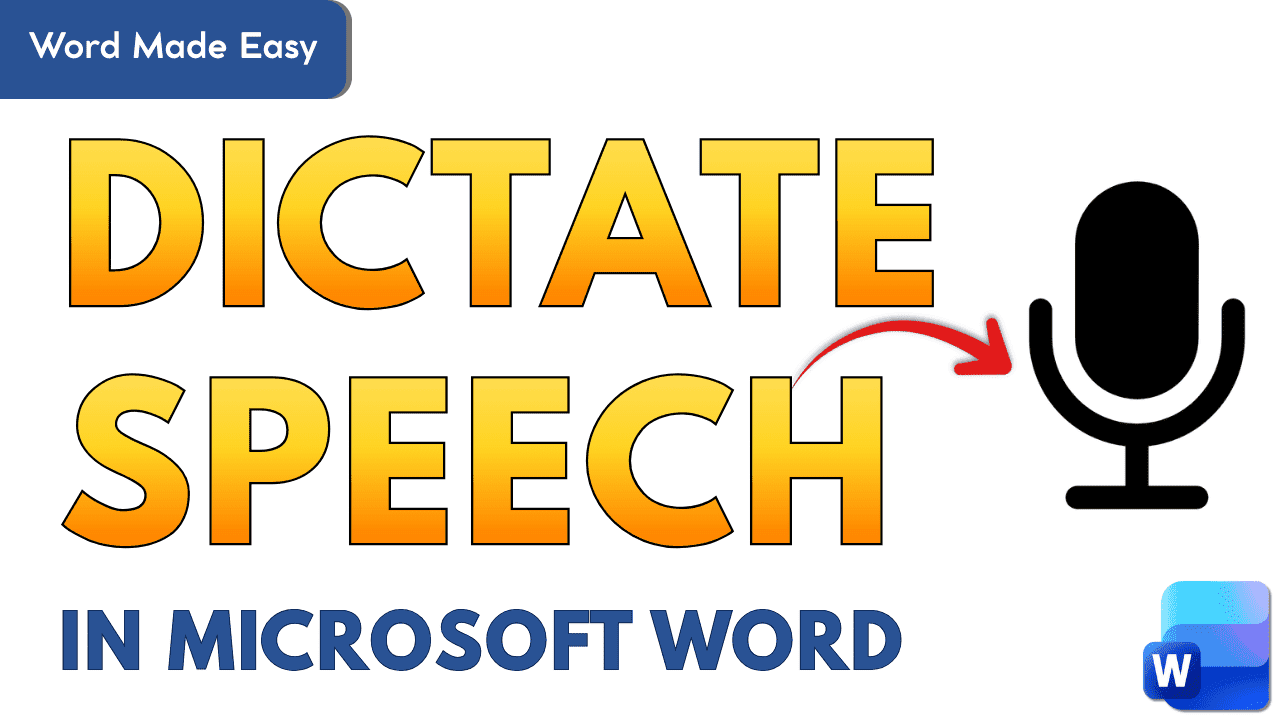
Dictation and voice typing
-
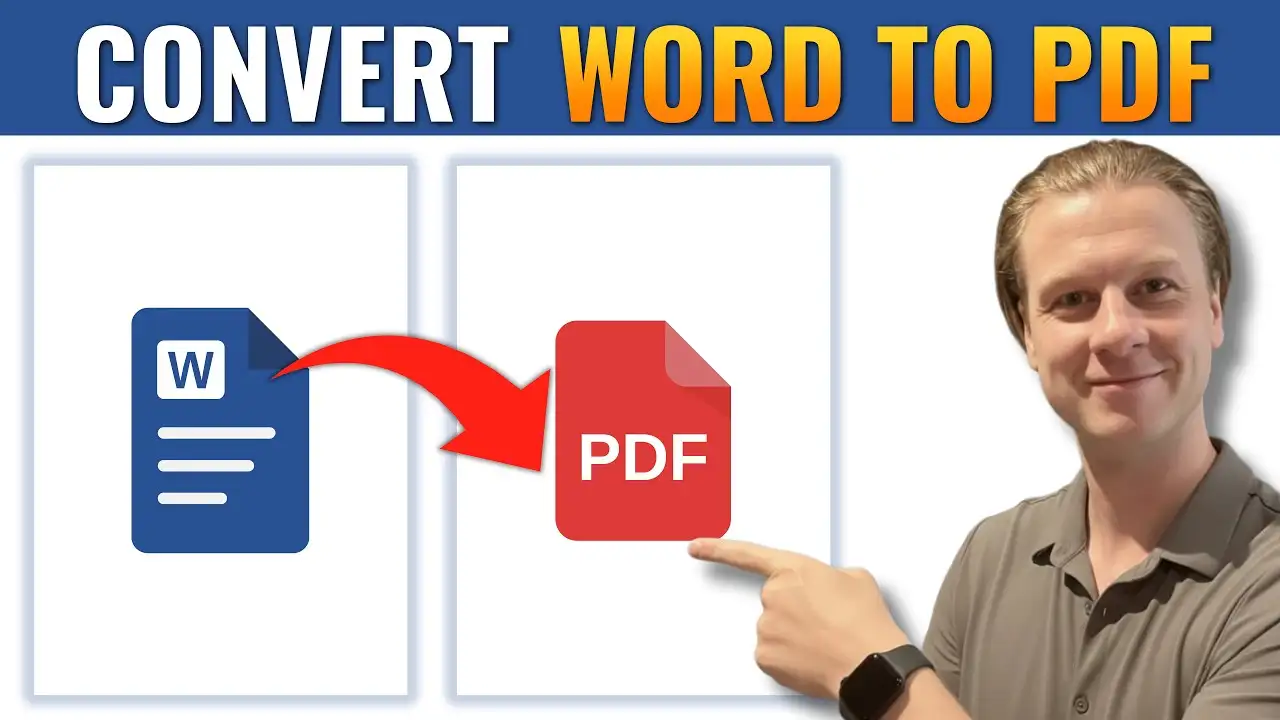
PDF conversion
-
Document comparison
-
Built-in automation features
Mastering these tools allows you to complete tasks in seconds instead of minutes.
Why Productivity Skills Matter
When you use Word regularly — for teaching, reporting, planning, or business — small time savings add up quickly.
Instead of:
-
Manually formatting repeatedly
-
Copying and pasting content inefficiently
-
Re-creating documents from scratch
You can use Word’s built-in features to automate repetitive tasks.
What You’ll Learn in This Section
-
How to speed up editing and formatting
-
How to merge or convert documents
-
How to use shortcuts for faster workflows
-
How to work smarter using Word tools
Browse the tutorials below to unlock faster, more efficient Microsoft Word workflows.