
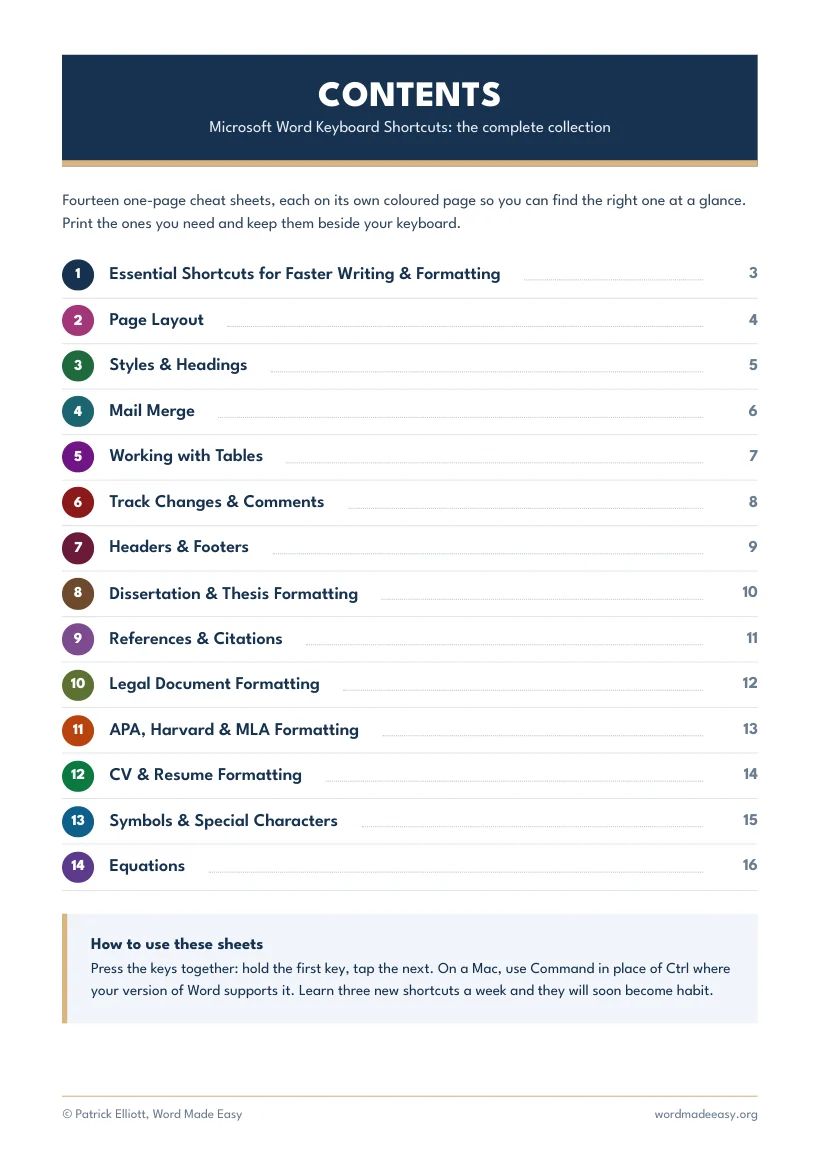
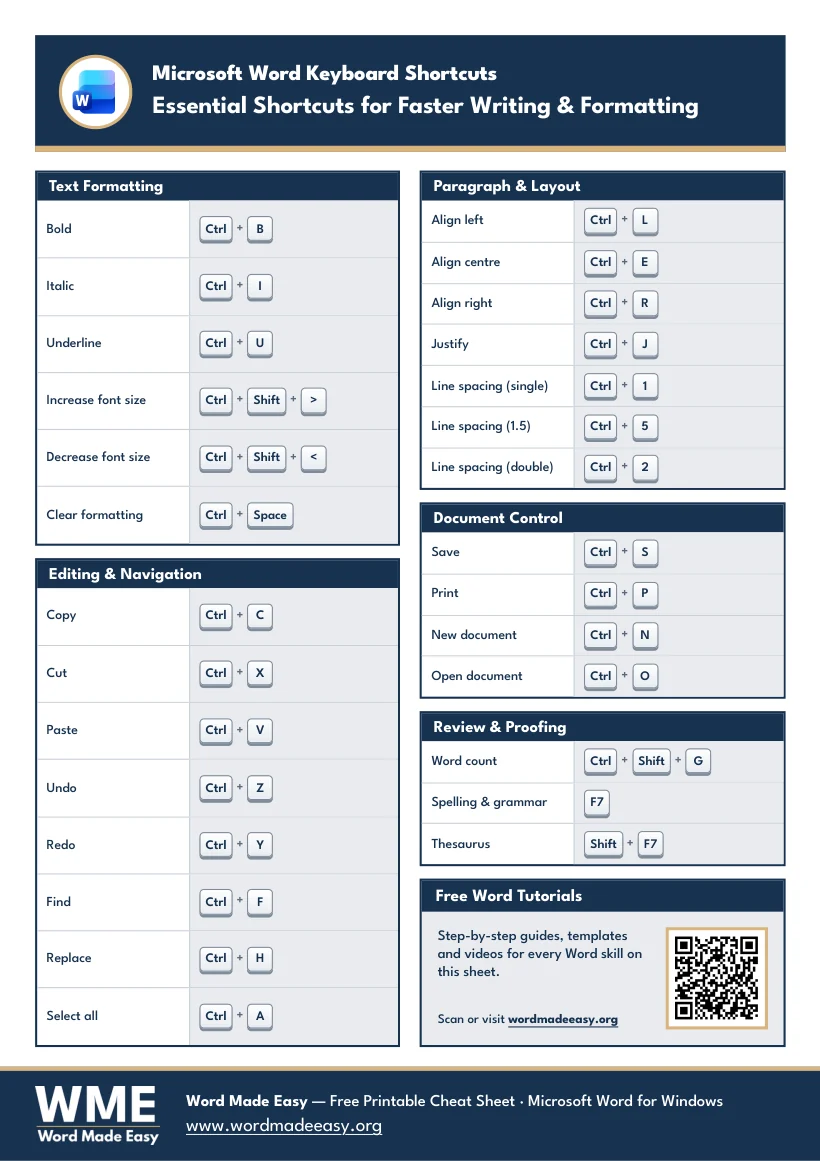
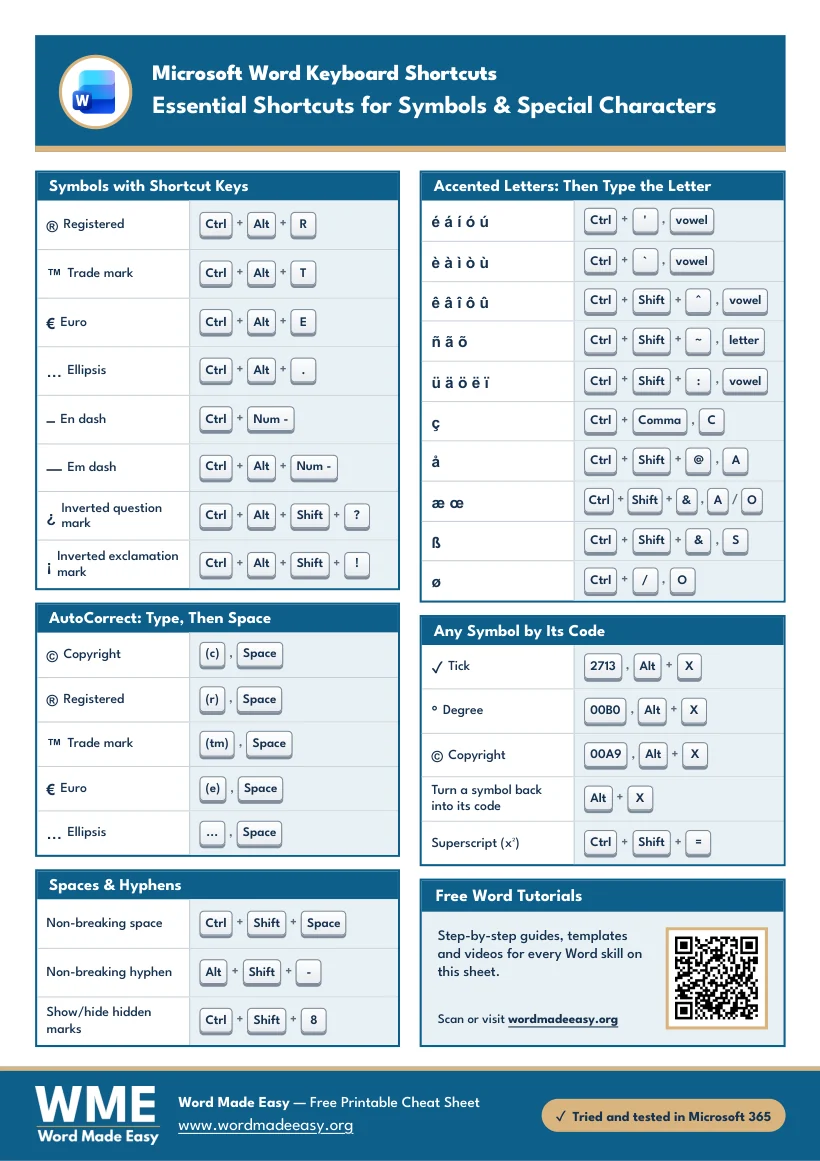
All 14 of the Word Made Easy keyboard shortcut cheat sheets in one printable PDF, with a cover and a contents page. Each sheet is one A4 page in its own colour, so you can find the right one at a glance and keep it beside your keyboard.

What’s Inside the Bundle
- Essential Shortcuts for Faster Writing and Formatting
- Page Layout
- Styles and Headings
- Mail Merge
- Working with Tables
- Track Changes and Comments
- Headers and Footers
- Dissertation and Thesis Formatting
- References and Citations
- Legal Document Formatting
- APA, Harvard and MLA Formatting
- CV and Resume Formatting
- Symbols and Special Characters
- Equations
Each title links to its own guide, where every shortcut is explained step by step. Every sheet was made and tested in Microsoft Word by Patrick Elliott, a teacher and Inclusion Lead.
A Look Inside the Bundle
How to Use the Cheat Sheets
Print the sheets you use most at 100% on A4 paper. Hold the first key and tap the next, and learn three new shortcuts a week: they soon become habit. On a Mac, use Command in place of Ctrl where your version of Word supports it.
Frequently Asked Questions
Is the Word keyboard shortcuts bundle really free?
Yes. Enter your email address and the PDF downloads straight away. Joining the Word Made Easy email list is optional.
How many cheat sheets are in the bundle?
There are 14 cheat sheets, plus a cover and a contents page, so 16 pages in one PDF.
Which versions of Word do the shortcuts work in?
The sheets were made and tested in Word for Microsoft 365 on Windows. On a Mac, use Command in place of Ctrl where your version of Word supports it.
Can I print the cheat sheets?
Yes. Each sheet is one A4 page. Print at 100% and keep the sheets you use most beside your keyboard.
Will I get spam emails?
No. You only get occasional emails about new free resources if you choose to subscribe, and you can unsubscribe at any time.
Leave a Reply