
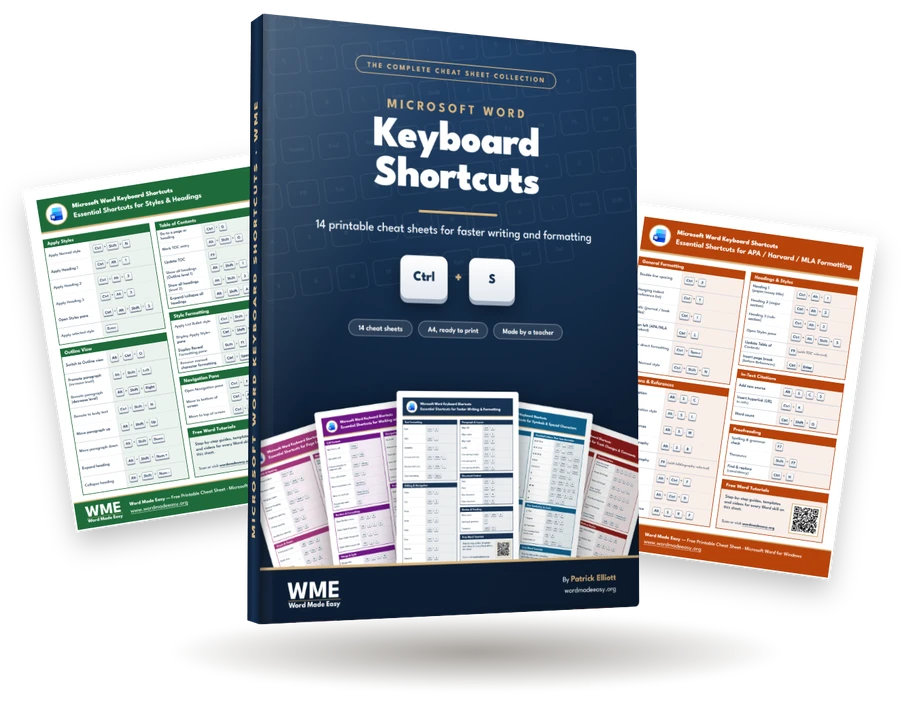
All eight Word Made Easy Word alt codes PDF cheat sheets in one printable file, with a cover and a contents page. Each sheet is one A4 page in its own colour, so you can find the right one at a glance and keep it beside your keyboard.

What’s Inside the Bundle
- Currency Symbols
- Maths Symbols
- Arrows
- Ticks, Boxes and Common Symbols
- Accented Letters
- Greek Letters and More Maths
- Hearts, Smileys and Shapes
- Box Drawing Lines
Each title links to its own guide, where every code is explained with examples. Together the sheets cover 316 symbols: every Windows Alt code and every older DOS Alt code, plus the newer symbols that only have an Alt + X code.
Every Code Tested in Word
Patrick Elliott, a teacher and Inclusion Lead, typed every code on the sheets in Word for Microsoft 365 before publishing them. Codes that only work on a PC set to US English are marked US, and the few codes that work in other Windows programs but not in Word are listed separately, with the Word alternative beside them.
How to Use the Cheat Sheets
Print the sheets you use most at 100% on A4 paper. For an Alt code, hold Alt and type the code on the numeric keypad with Num Lock on. On a laptop with no keypad, type the code from the Alt + X column in Word and press Alt + X.
Leave a Reply