This page features easy-to-follow video tutorials to help you master Microsoft Word and PowerPoint, one tip at a time. There’s a video here to guide you, whether you’re formatting a document. It covers adding headers and footers. Maybe you’re just trying to get your text to behave. Feel free to explore and learn at your own pace. If you find the content helpful, don’t forget to subscribe to my YouTube channel for regular updates and new tips!
If you prefer written guides, you can also explore my Word Tutorials and PowerPoint Tutorials for step-by-step instructions with screenshots.
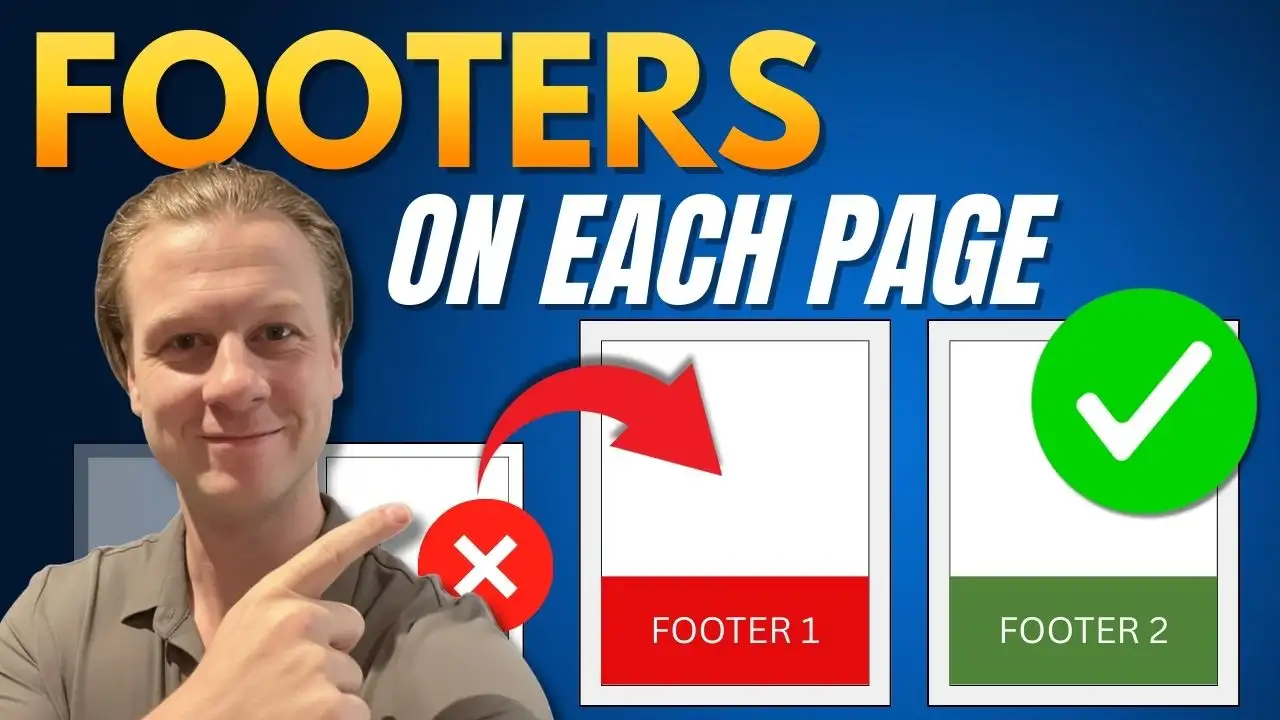
How to Put Different Footers on Each Page in Word
How to Indent Text in Word (Three Ways)
Three Ways to Adjust Margins in Word
Three Ways to Adjust Margins in Word
Three Ways to Adjust Margins in Word
Three Ways to Insert a Table in Word
How to Add Roman Numeral Page Numbers in Word
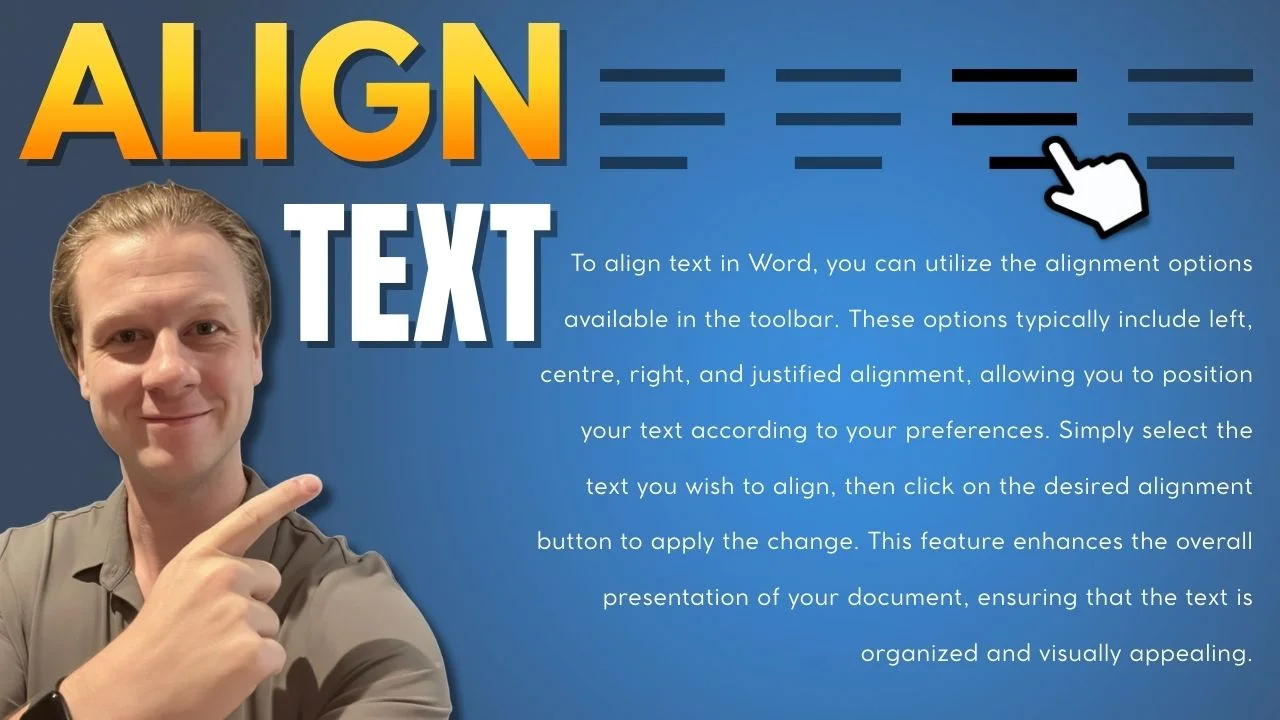
How To Align Text in Word
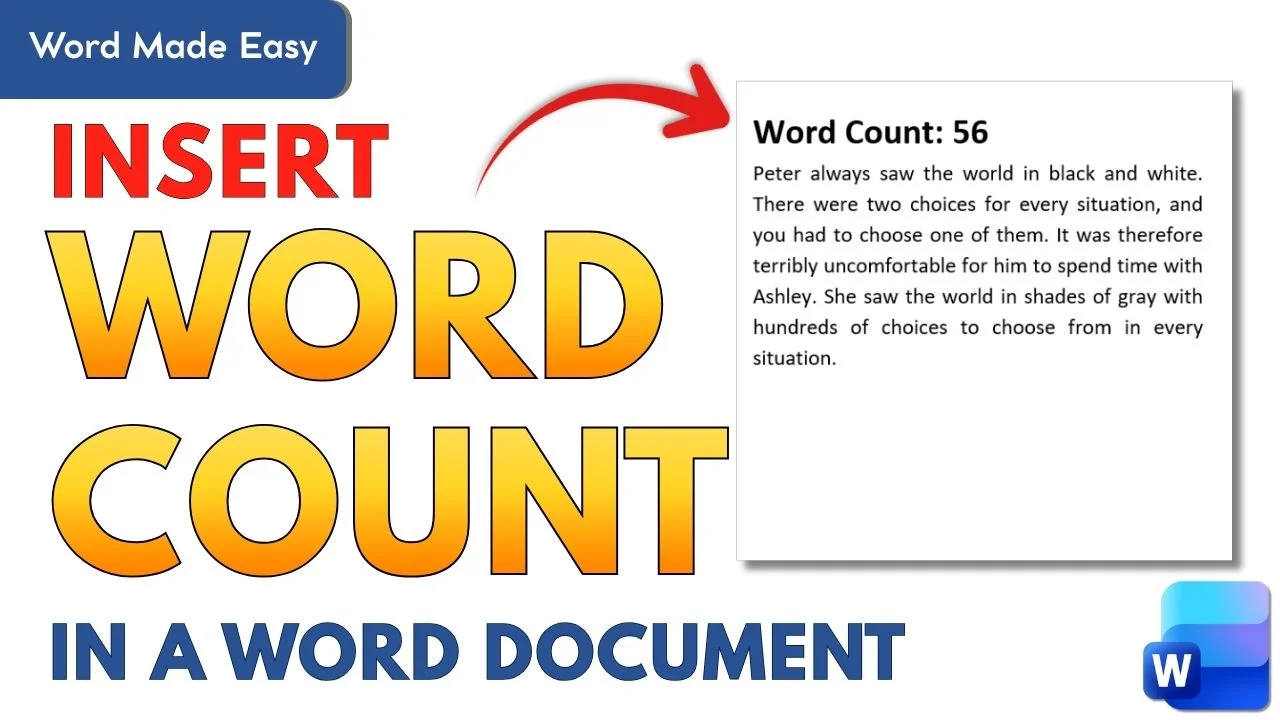
How to Insert a Word Counter Directly in Your Word Document
Double Line Spacing in Word (Tutorial)
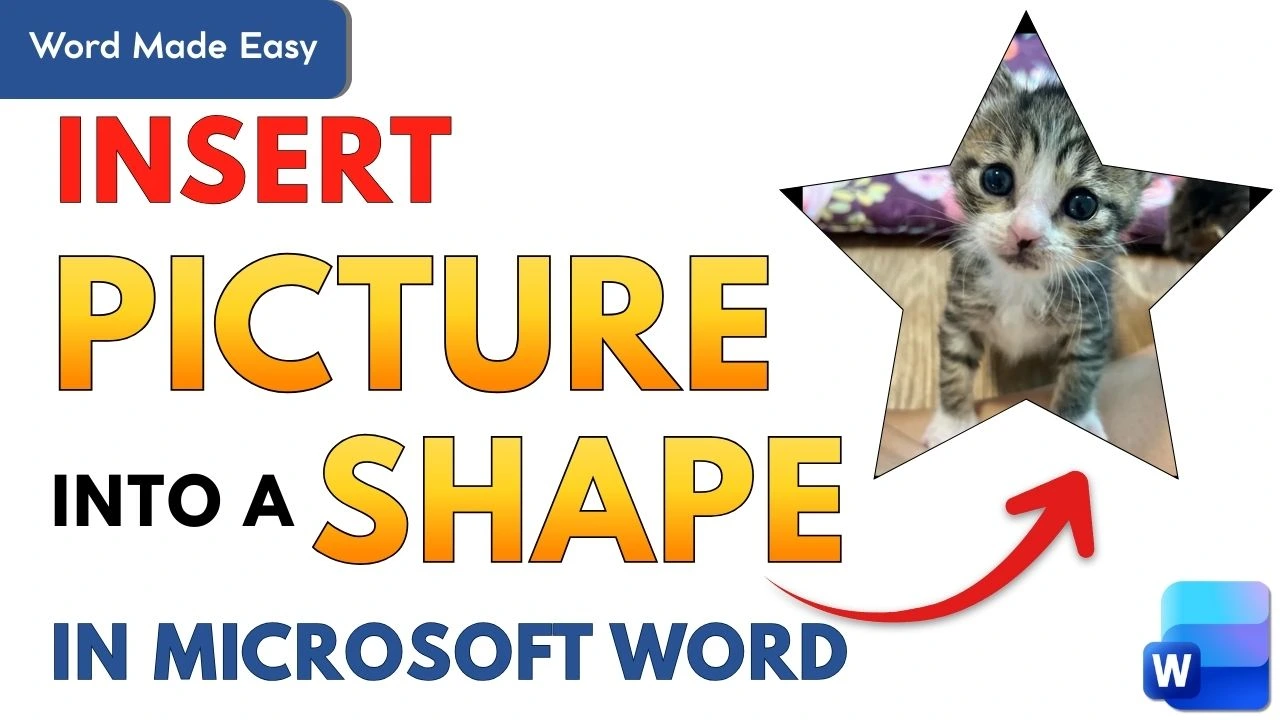
How to Insert a Picture Into Shape in Word
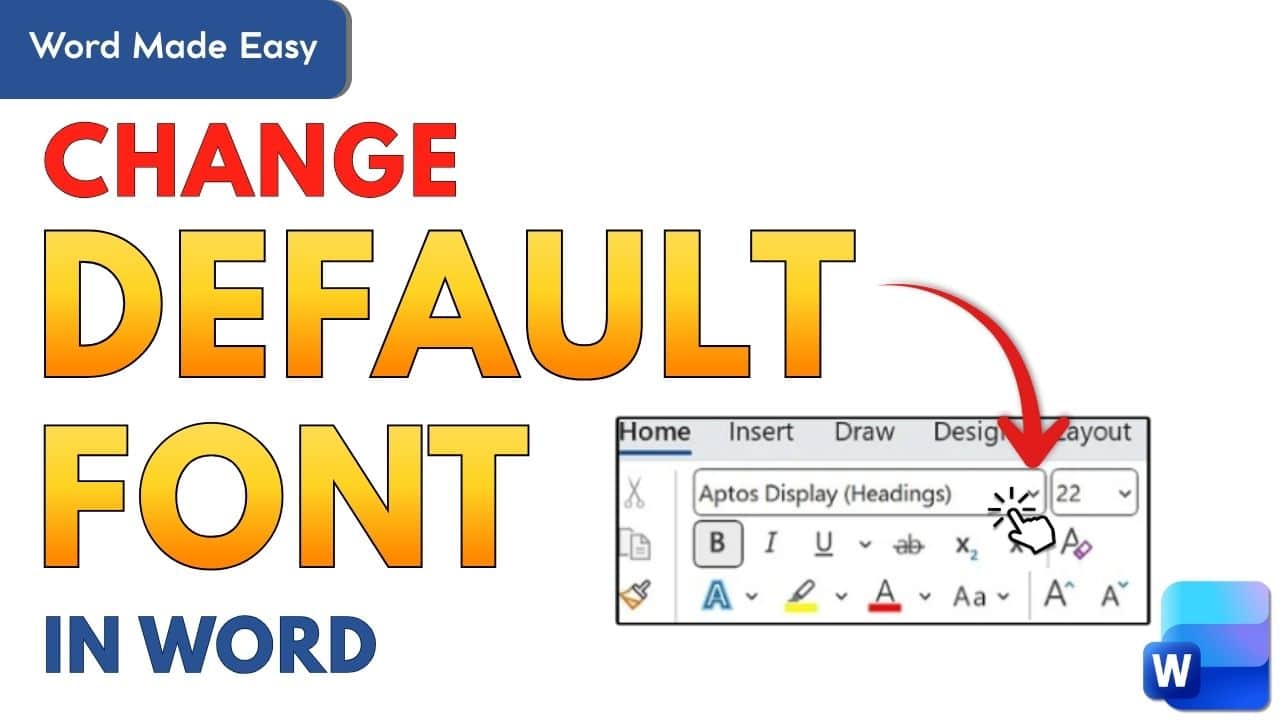
How to Change the Default Font in Microsoft Word
How to Change the Default Font in Microsoft Word
How to Create an Interactive Word Game in PowerPoint (Step-by-Step Tutorial)
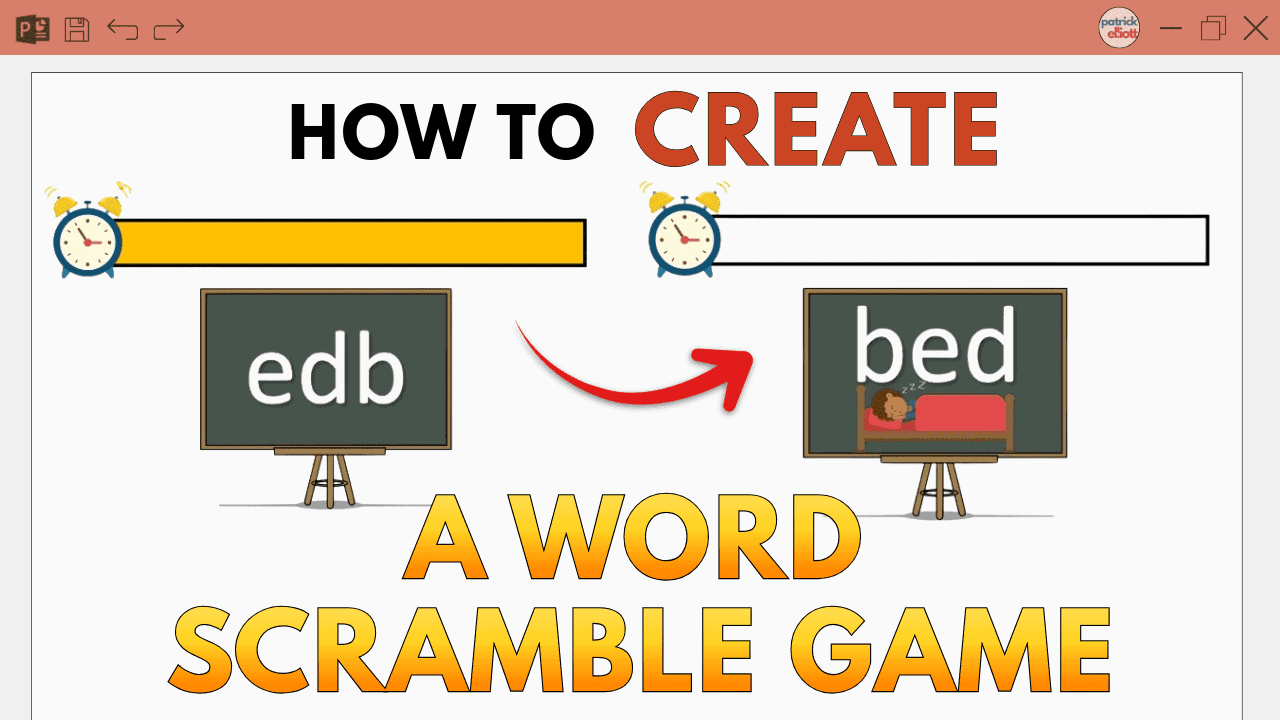
How to Create a Word Scramble Game in PowerPoint
How to Merge Multiple Word Documents
How to Write Fractions in Word
How to Add Audio Files to Microsoft Word (Tutorial)
How to Write Fractions in Word
How to Delete an Empty Page in Microsoft Word
How to Delete an Empty Page in Microsoft Word
How to Screen Record on Microsoft PowerPoint
How to Add Lines in Microsoft Word
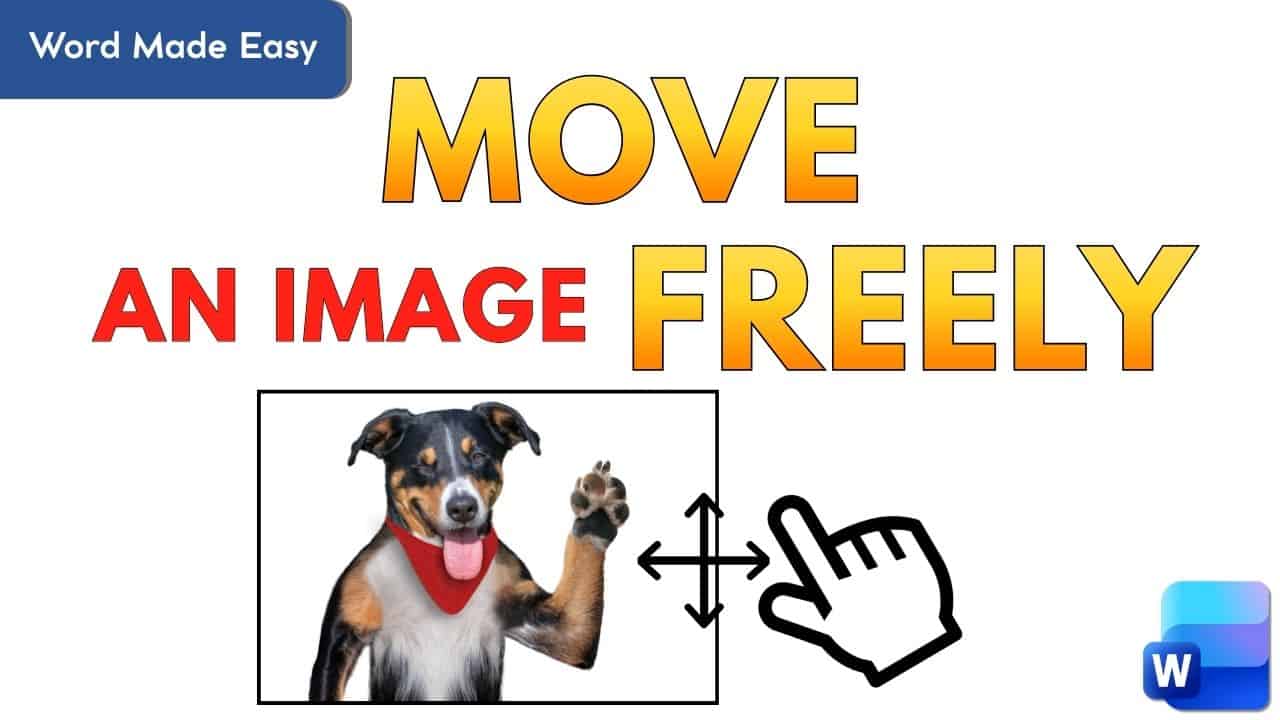
How to Position Images Exactly Where You Want in Word
How to Convert a PDF to Word Document
How to Make an Image Transparent in Microsoft Word
How to Rotate JUST ONE Page in Word (Tutorial)