Skip to content
Word Made Easy
Home Word Tutorials PowerPoint Tutorials YouTube Videos
Microsoft Word, Page Layout & Sections, Word Templates

Word Templates

Free Lined Paper Templates for Word: 32 Easy Printable Rulings

Preview every ruling on A4 and US Letter side by side, then download all 32 lined paper templates as Word documents in one ZIP file.

1 download4 rulings32 Word documentsA4 and LetterFree

Lined paper template preview: Wide ruled, no margin line, normal margins, A4
A4 — Wide ruled, no margin line, normal margins. Click to enlarge.
Lined paper template preview: Wide ruled, no margin line, normal margins, US Letter
US Letter — Wide ruled, no margin line, normal margins. Click to enlarge.
Lined paper template preview: Wide ruled, no margin line, narrow margins, A4
A4 — Wide ruled, no margin line, narrow margins. Click to enlarge.
Lined paper template preview: Wide ruled, no margin line, narrow margins, US Letter
US Letter — Wide ruled, no margin line, narrow margins. Click to enlarge.
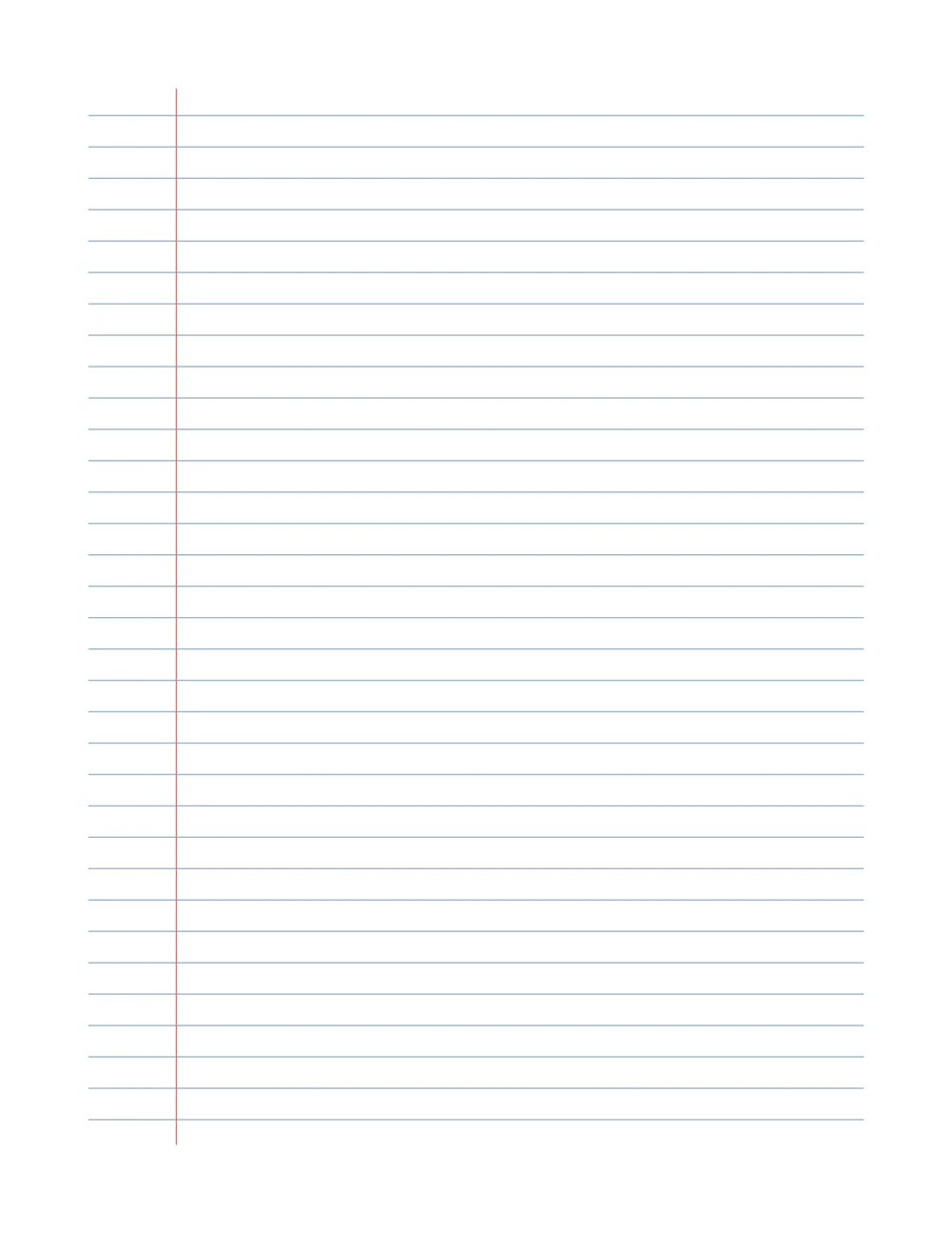
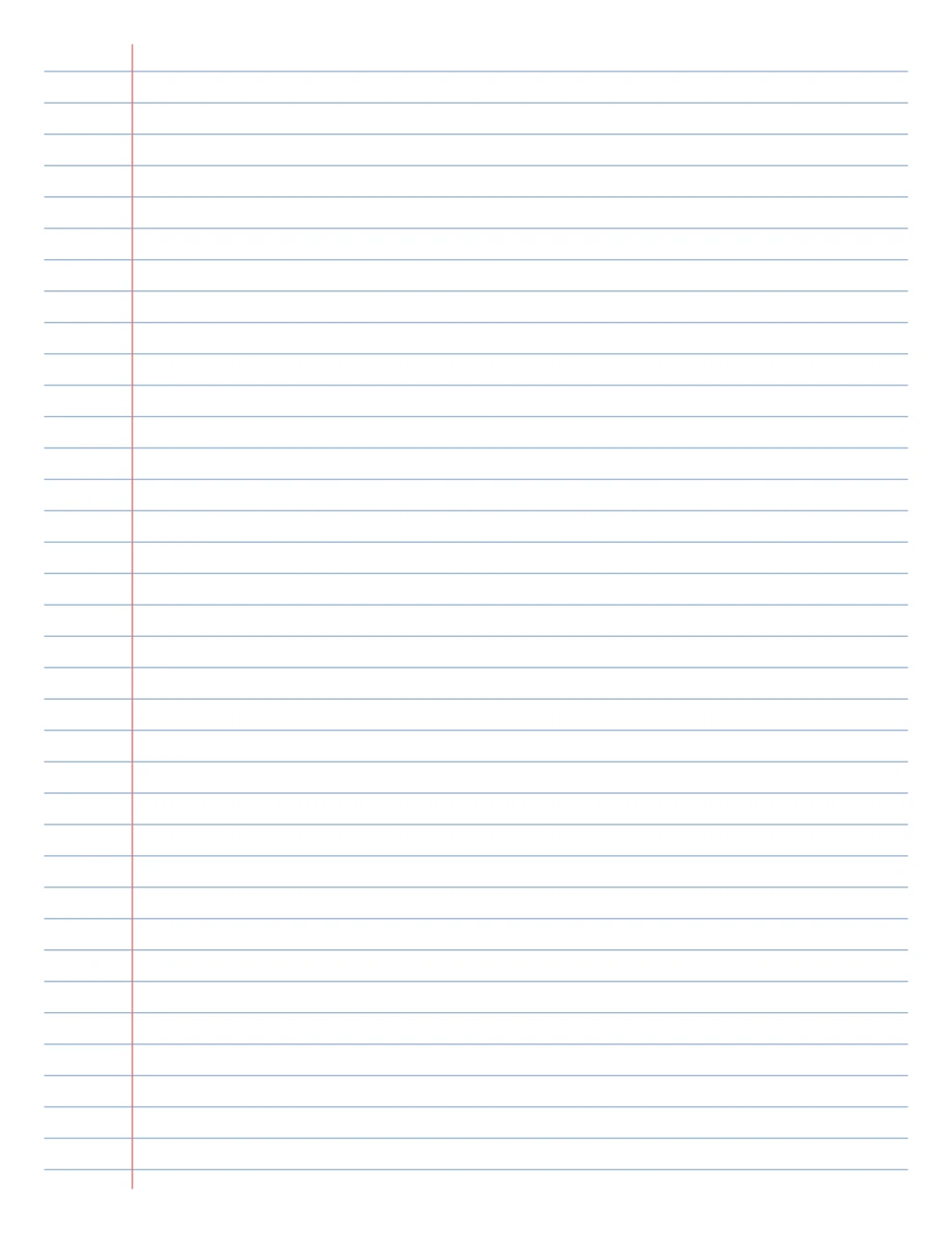
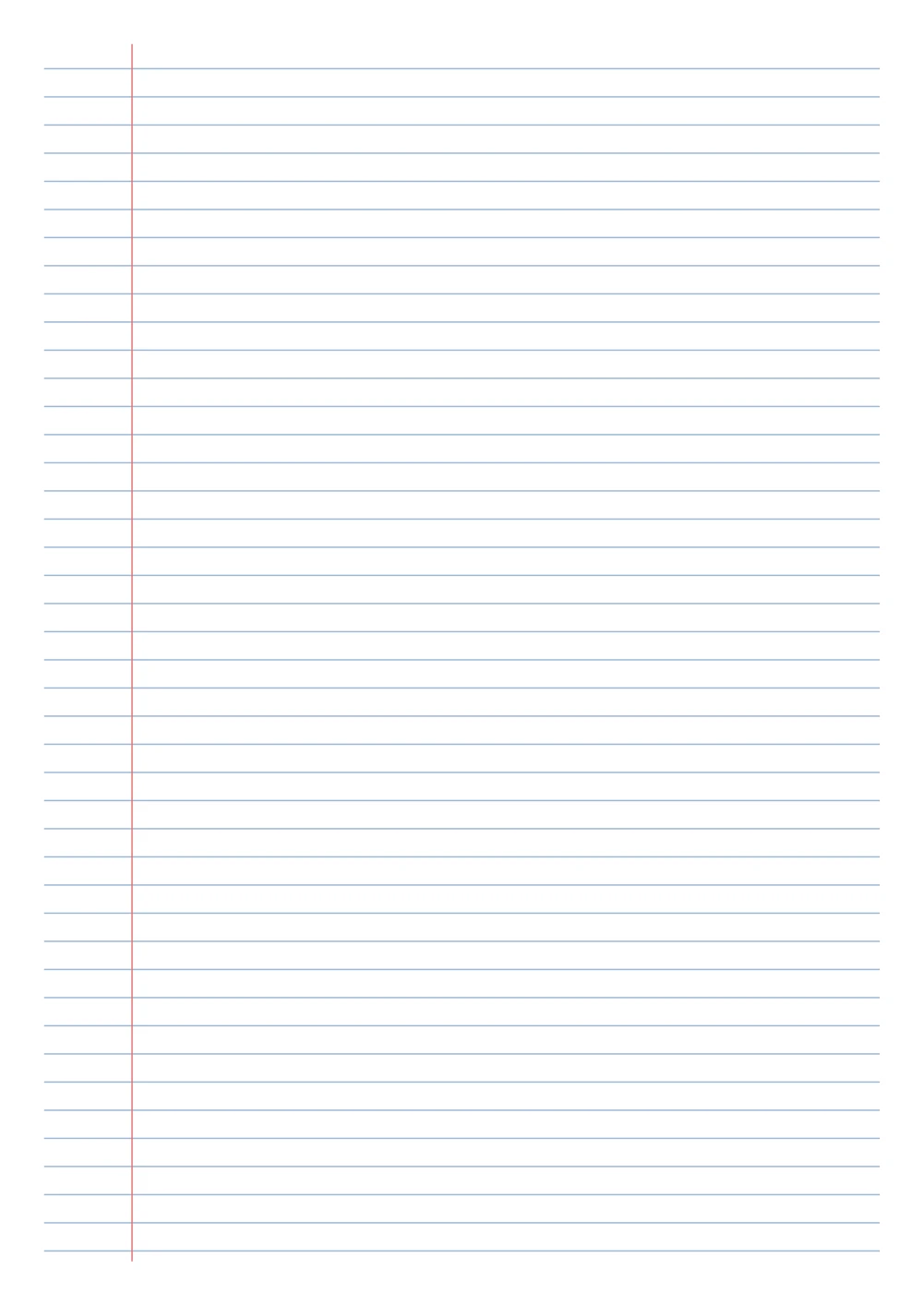
Lined paper template preview: Wide ruled, with margin line, normal margins, A4
A4 — Wide ruled, with margin line, normal margins. Click to enlarge.
Lined paper template preview: Wide ruled, with margin line, normal margins, US Letter
US Letter — Wide ruled, with margin line, normal margins. Click to enlarge.
Lined paper template preview: Wide ruled, with margin line, narrow margins, A4
A4 — Wide ruled, with margin line, narrow margins. Click to enlarge.
Lined paper template preview: Wide ruled, with margin line, narrow margins, US Letter
US Letter — Wide ruled, with margin line, narrow margins. Click to enlarge.
Lined paper template preview: College ruled, no margin line, normal margins, A4
A4 — College ruled, no margin line, normal margins. Click to enlarge.
Lined paper template preview: College ruled, no margin line, normal margins, US Letter
US Letter — College ruled, no margin line, normal margins. Click to enlarge.
Lined paper template preview: College ruled, no margin line, narrow margins, A4
A4 — College ruled, no margin line, narrow margins. Click to enlarge.
Lined paper template preview: College ruled, no margin line, narrow margins, US Letter
US Letter — College ruled, no margin line, narrow margins. Click to enlarge.
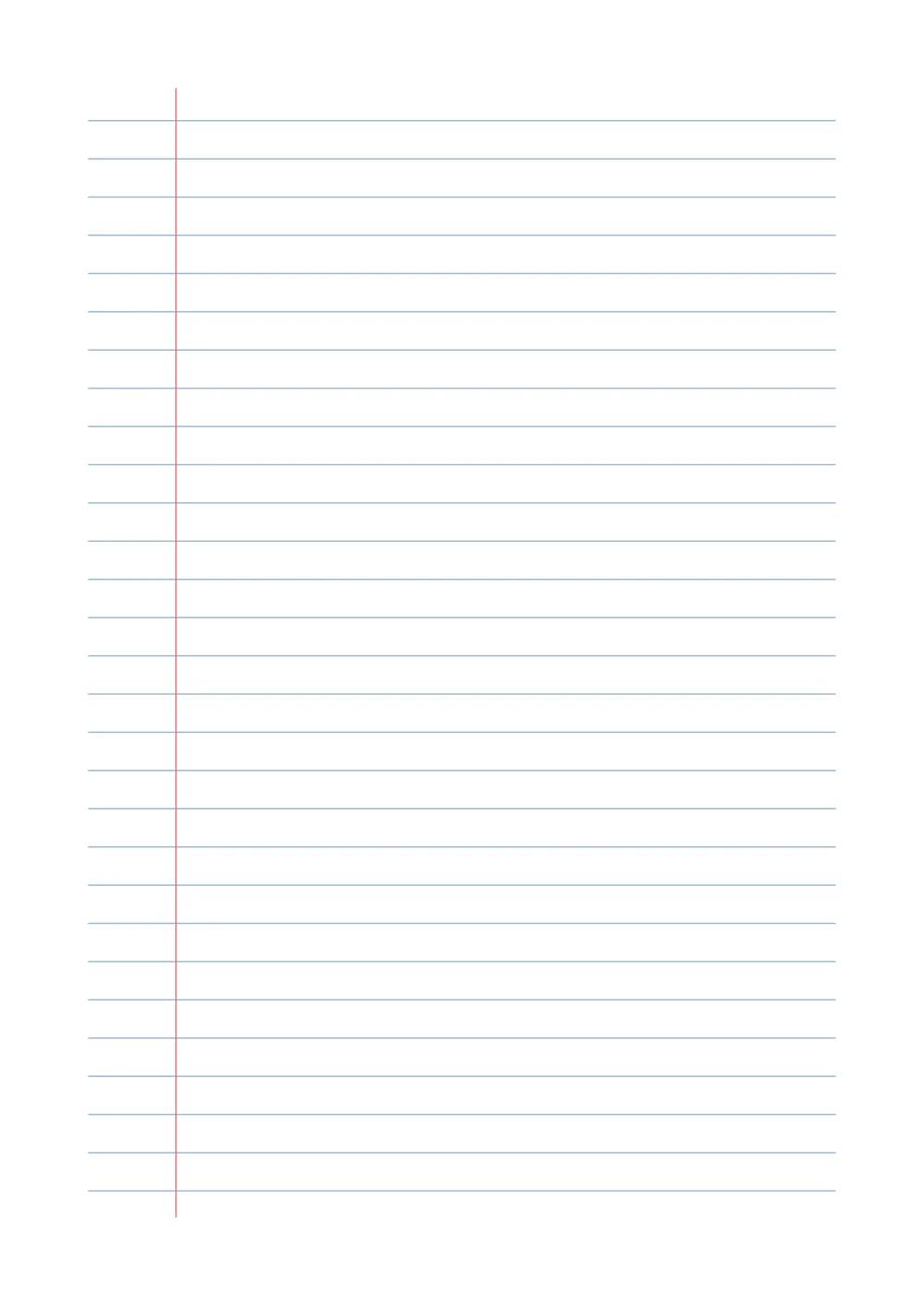
Lined paper template preview: College ruled, with margin line, normal margins, A4
A4 — College ruled, with margin line, normal margins. Click to enlarge.
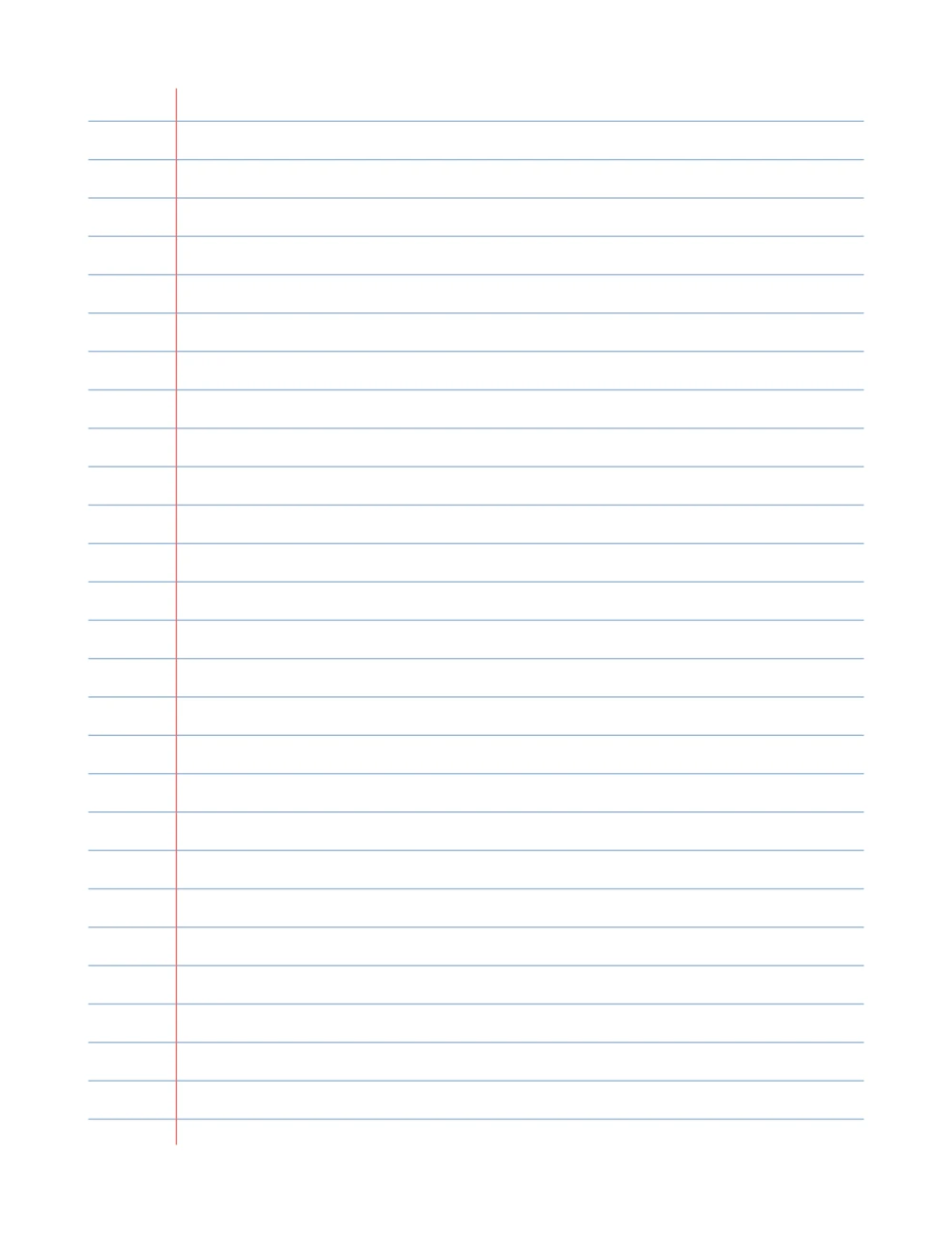
Lined paper template preview: College ruled, with margin line, normal margins, US Letter
US Letter — College ruled, with margin line, normal margins. Click to enlarge.
Lined paper template preview: College ruled, with margin line, narrow margins, A4
A4 — College ruled, with margin line, narrow margins. Click to enlarge.
Lined paper template preview: College ruled, with margin line, narrow margins, US Letter
US Letter — College ruled, with margin line, narrow margins. Click to enlarge.
Lined paper template preview: Narrow ruled, no margin line, normal margins, A4
A4 — Narrow ruled, no margin line, normal margins. Click to enlarge.
Lined paper template preview: Narrow ruled, no margin line, normal margins, US Letter
US Letter — Narrow ruled, no margin line, normal margins. Click to enlarge.
Lined paper template preview: Narrow ruled, no margin line, narrow margins, A4
A4 — Narrow ruled, no margin line, narrow margins. Click to enlarge.
Lined paper template preview: Narrow ruled, no margin line, narrow margins, US Letter
US Letter — Narrow ruled, no margin line, narrow margins. Click to enlarge.
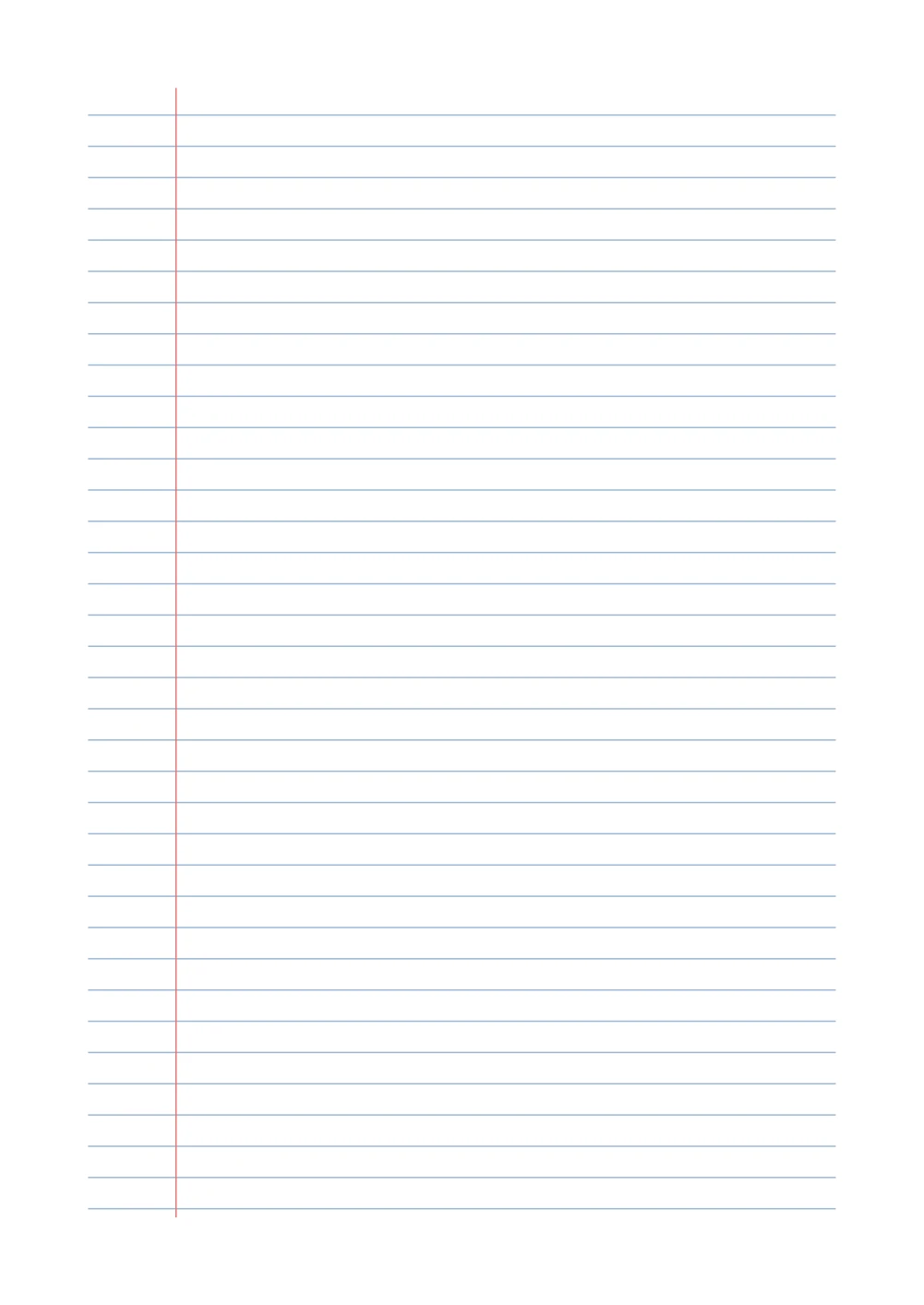
Lined paper template preview: Narrow ruled, with margin line, normal margins, A4
A4 — Narrow ruled, with margin line, normal margins. Click to enlarge.
Lined paper template preview: Narrow ruled, with margin line, normal margins, US Letter
US Letter — Narrow ruled, with margin line, normal margins. Click to enlarge.
Lined paper template preview: Narrow ruled, with margin line, narrow margins, A4
A4 — Narrow ruled, with margin line, narrow margins. Click to enlarge.
Lined paper template preview: Narrow ruled, with margin line, narrow margins, US Letter
US Letter — Narrow ruled, with margin line, narrow margins. Click to enlarge.
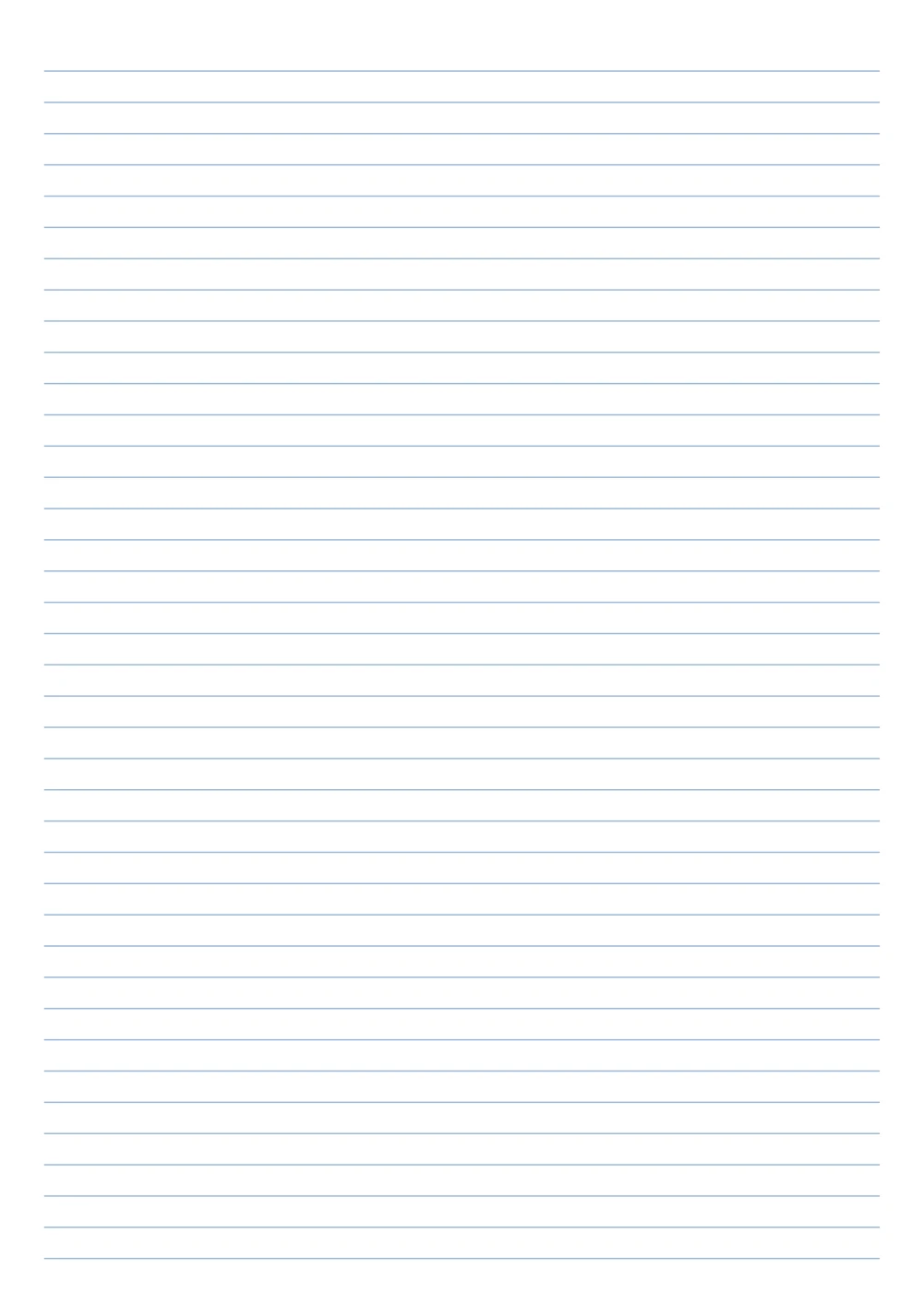
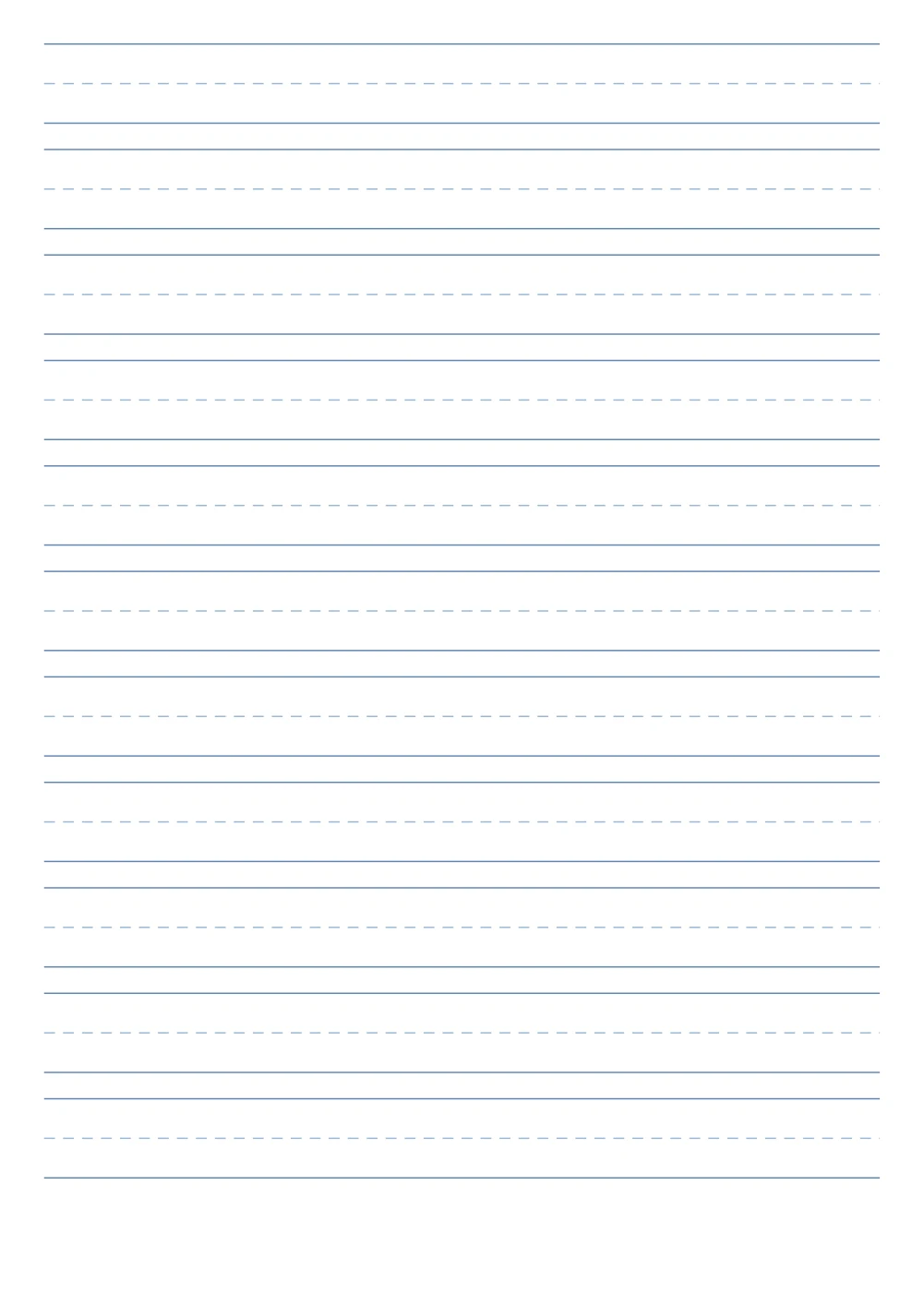
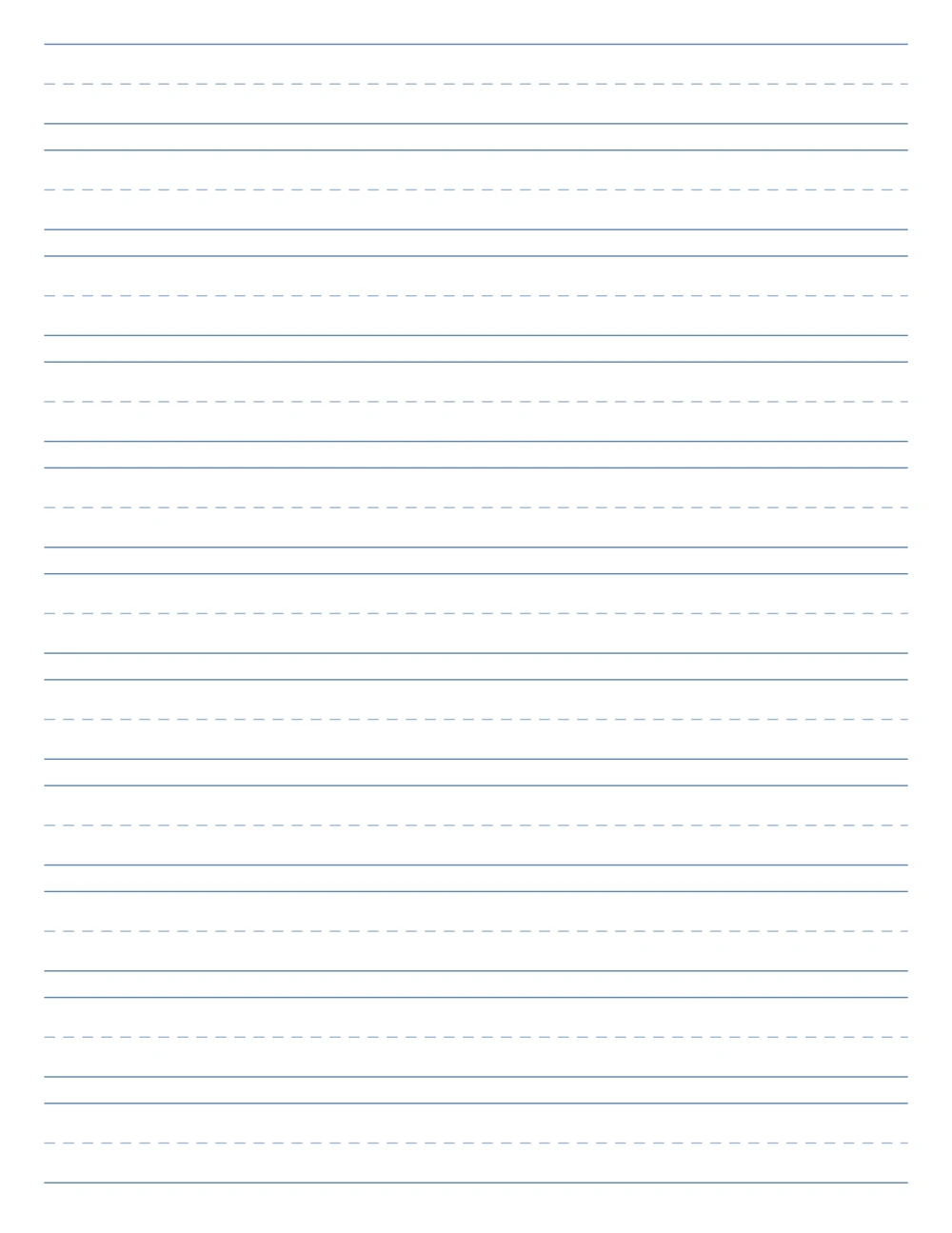
Lined paper template preview: Handwriting paper, no margin line, normal margins, A4
A4 — Handwriting paper, no margin line, normal margins. Click to enlarge.
Lined paper template preview: Handwriting paper, no margin line, normal margins, US Letter
US Letter — Handwriting paper, no margin line, normal margins. Click to enlarge.
Lined paper template preview: Handwriting paper, no margin line, narrow margins, A4
A4 — Handwriting paper, no margin line, narrow margins. Click to enlarge.
Lined paper template preview: Handwriting paper, no margin line, narrow margins, US Letter
US Letter — Handwriting paper, no margin line, narrow margins. Click to enlarge.
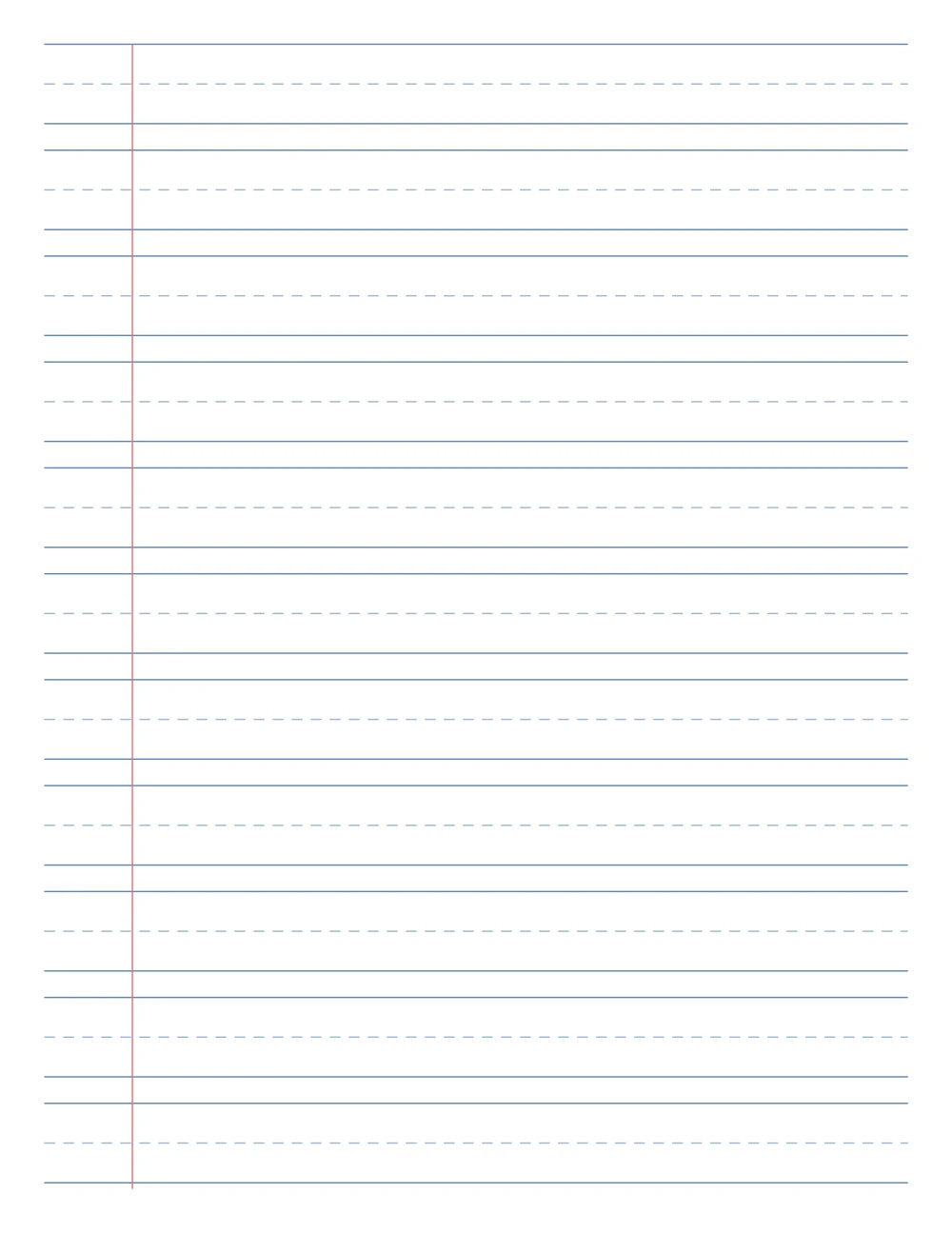
Lined paper template preview: Handwriting paper, with margin line, normal margins, A4
A4 — Handwriting paper, with margin line, normal margins. Click to enlarge.
Lined paper template preview: Handwriting paper, with margin line, normal margins, US Letter
US Letter — Handwriting paper, with margin line, normal margins. Click to enlarge.
Lined paper template preview: Handwriting paper, with margin line, narrow margins, A4
A4 — Handwriting paper, with margin line, narrow margins. Click to enlarge.
Lined paper template preview: Handwriting paper, with margin line, narrow margins, US Letter
US Letter — Handwriting paper, with margin line, narrow margins. Click to enlarge.

Download the Lined paper templates (32 Word documents)

Enter your email address, then choose whether you would also like occasional emails about new Word Made Easy Word Templates.

Choose your email preference

I agree that Word Made Easy may email me occasional updates about new Word Templates. I can unsubscribe at any time. Choose Download only if you do not want marketing emails.

Read the Privacy Policy for details about storage, retention and your rights.

This free lined paper template pack gives you 32 printable sheets as ordinary Word documents: wide, college and narrow ruled paper plus handwriting paper, with or without a red margin line, on A4 and US Letter. The lines are drawn behind the page and Word’s line spacing is set to match, so typed text sits on the lines — the same idea as Exactly line spacing in Word.

In this guide, you’ll find which ruling suits which writer, how to type on the lines, and how to print the sheets at the right size.


Contents hide
1 What’s in the Lined Paper Template Pack
2 How to Type on the Lined Paper Template
3 How to Print Lined Paper
4 Which Lined Paper Should You Use?
5 FAQs
6 Conclusion
7 Related Tutorials
8 Word Tutorials

What’s in the Lined Paper Template Pack

RulingLine spacingGood for
Wide ruled8.7 mm (11/32 in)Young students and large handwriting
College ruled7.1 mm (9/32 in)Most students and everyday notes
Narrow ruled6.4 mm (1/4 in)Small handwriting and more lines per page
Handwriting paper18 mm rows with a dashed midlineLearning to form letters
Lined paper template for Word: college ruled A4 sheet with a red margin line

👉 Every ruling comes with or without a red margin line, in normal (2 cm) or narrow (1 cm) margins, on A4 and US Letter: 32 files in all.


How to Type on the Lined Paper Template

  1. Open a template and start typing at the top.
  2. Press Enter for each new line; every line lands on the next ruled line.
  3. Keep the text in the Normal style: changing line spacing or adding space after paragraphs moves text off the lines.

👉 In our checks, typed text stayed 0.5 mm above each line from the top of the page to the bottom.


How to Print Lined Paper

Press Ctrl + P, choose the same paper size as the file and print at 100% or Actual size. For a stack of blank sheets, set the number of copies — the lines are on every page. If you want a different paper size, see paper sizes in Word.


Which Lined Paper Should You Use?

  • Children learning to write? Handwriting paper, then wide ruled.
  • School and college notes? College ruled.
  • Small handwriting or long essays by hand? Narrow ruled.
  • Want space for comments or numbering? Any ruling with the margin line.

FAQs

Is this lined paper template free?

Yes. Download all 32 Word documents in one ZIP file at no cost.

Can I type on the lines in Word?

Yes. The line spacing is set to match the ruling, so each press of Enter puts the next line of text on the next ruled line.

What is the difference between wide and college ruled?

Wide ruled lines are 8.7 mm apart; college ruled lines are 7.1 mm apart, so college ruled fits more lines on a page.

Why does my text not sit on the lines?

The paragraph spacing or font size has changed. Select the text and apply the Normal style again.

Are there A4 and US Letter versions?

Yes. Every design comes in both sizes, in separate folders in the ZIP file.

Can I change the line colour?

Double-click the top of the page to open the header, select the lines picture and use Picture Format > Color.


Conclusion

This lined paper template pack gives you every common ruling in one download, ready to type on or print from Word.

Pick a ruling above, download the ZIP, and for maths and diagrams the matching graph paper template pack works the same way.


Related Tutorials

  • Free Graph Paper Templates for Word
  • Line Spacing Options in Word
  • 18 Free Pastel Cornell Notes Templates for Word

Word Tutorials

Recently Added on Word Made Easy

  • Free Lined Paper Templates for Word: 32 Easy Printable Rulings

    October 14, 2026
  • Free Graph Paper Templates for Word: 24 Easy Printable Grids

    October 14, 2026
  • Microsoft Word Glossary: Easy Definitions of 54 Terms

    October 14, 2026

Browse the complete collection for help with formatting, layout, pages, tables, images, and document setup.

View all Word tutorials
Watch on YouTube

For Microsoft support documentation, visit the official Microsoft guidance.

Like this:

Like Loading…
free printable lined paper microsoft word Microsoft Word tutorial printable paper Word templates
←Free Graph Paper Templates for Word: 24 Easy Printable Grids

Comments

Leave a Reply Cancel reply

Meet the Author

Patrick Elliott standing outdoors holding his dog.

I’m Patrick Elliott, the creator of Word Made Easy. I’m an educator and Inclusion Lead, and I use Microsoft Word and PowerPoint daily for planning, documentation, and classroom resources.

Every guide is tested step-by-step before publishing (usually in Microsoft 365). You’ll also find practical walkthroughs on my YouTube channel.

Browse

  • Word TutorialsStep-by-step guides for every feature
  • Beginners HubFree 12-chapter Word course
  • Word TemplatesFree, editable downloads
  • Shortcut Cheat SheetsFree printable PDFs
  • PowerPoint TutorialsClear, simple slide guides
  • YouTube VideosWatch the video walkthroughs

Watch on YouTube

Prefer to watch? Most guides have a short video walkthrough on the Word Made Easy channel.

  • 147videos
  • 1.88Mviews
  • 8,000+subscribers
Subscribe on YouTube

Recently Added

  • Free Lined Paper Templates for Word: 32 Easy Printable RulingsOctober 14, 2026
  • Free Graph Paper Templates for Word: 24 Easy Printable GridsOctober 14, 2026
  • Microsoft Word Glossary: Easy Definitions of 54 TermsOctober 14, 2026
  • Microsoft Word Ribbon: Easy Map of All 11 Tabs (Free PDF)October 14, 2026
  • Page Break vs Section Break in Word: Easy Guide to 3 BreaksOctober 14, 2026
Word Made Easy

Free, step-by-step Microsoft Word tutorials, written and tested by teacher Patrick Elliott.

Subscribe on YouTube

Explore

  • Home
  • Word Tutorials
  • PowerPoint Tutorials
  • YouTube Videos

Categories

  • Page Layout & Sections
  • Tables, Images & Media
  • Word Formatting Basics
  • Word Productivity & Automation
  • Beginners Hub
  • Word Templates
  • Shortcut Cheat Sheets

About

  • About Me
  • Contact
Privacy Policy Cookie Policy Terms of Use
© 2012–2026 Word Made Easy. All rights reserved.
Your privacy choices

We use cookies and similar technologies to make this site work, understand how it is used, and show relevant content and advertising. You can accept all cookies, deny non-essential cookies, or manage your preferences. You can change your choice at any time.

Functional Always active
The technical storage or access is strictly necessary for the legitimate purpose of enabling the use of a specific service explicitly requested by the subscriber or user, or for the sole purpose of carrying out the transmission of a communication over an electronic communications network.
Preferences
The technical storage or access is necessary for the legitimate purpose of storing preferences that are not requested by the subscriber or user.
Statistics
The technical storage or access that is used exclusively for statistical purposes. The technical storage or access that is used exclusively for anonymous statistical purposes. Without a subpoena, voluntary compliance on the part of your Internet Service Provider, or additional records from a third party, information stored or retrieved for this purpose alone cannot usually be used to identify you.
Marketing
The technical storage or access is required to create user profiles to send advertising, or to track the user on a website or across several websites for similar marketing purposes.
  • Manage options
  • Manage services
  • Manage {vendor_count} vendors
  • Read more about these purposes
Manage preferences
  • {title}
  • {title}
  • {title}

Discover more from Word Made Easy

Subscribe now to keep reading and get access to the full archive.

Continue reading

Loading Comments...
%d