
Free Frayer Model Templates for Word: 6 Easy Printables
Choose your paper size, preview every Frayer model, then download your Word templates in one small ZIP file.
Made by a teacherA4 and US Letter6 Word documentsFree
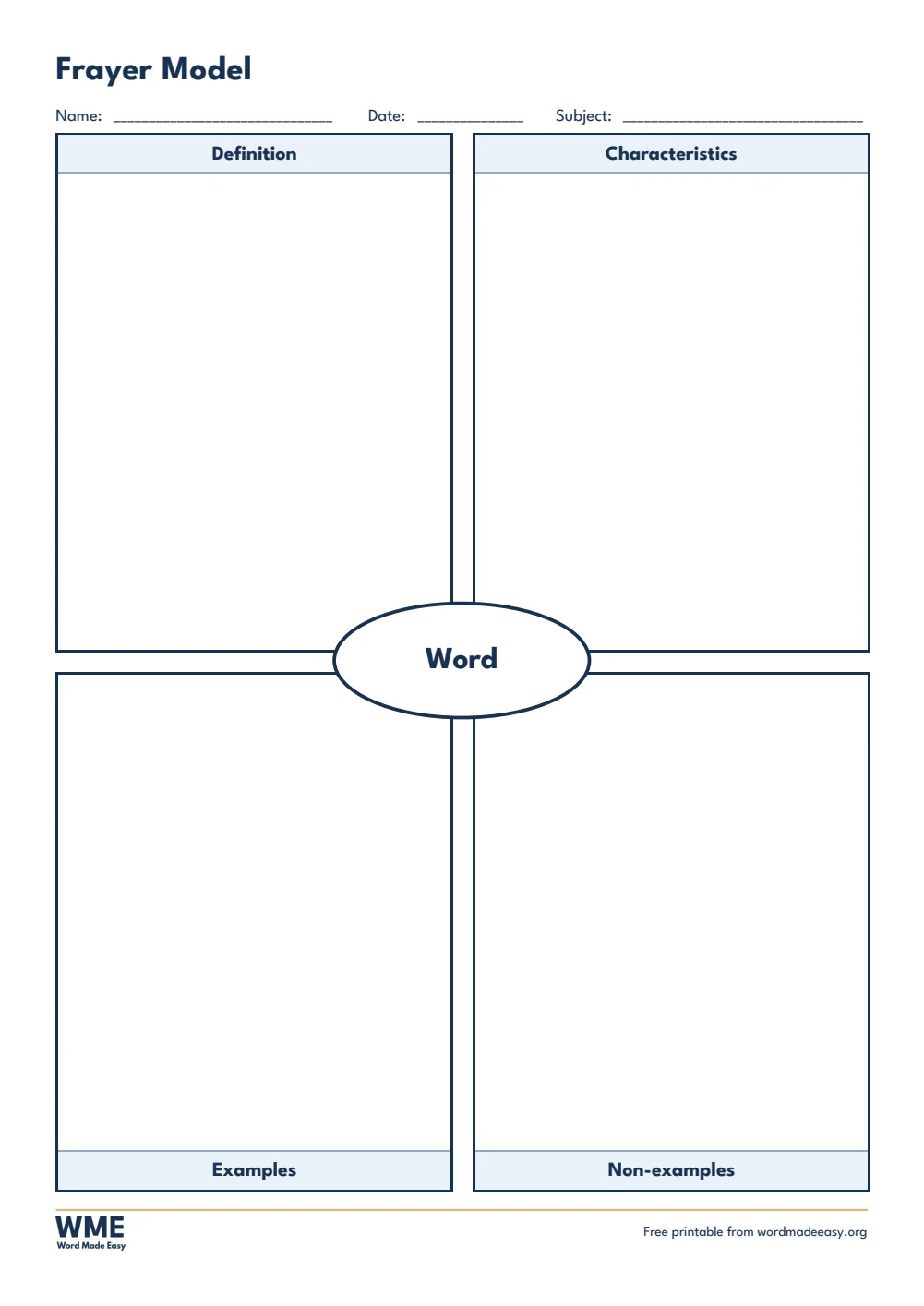
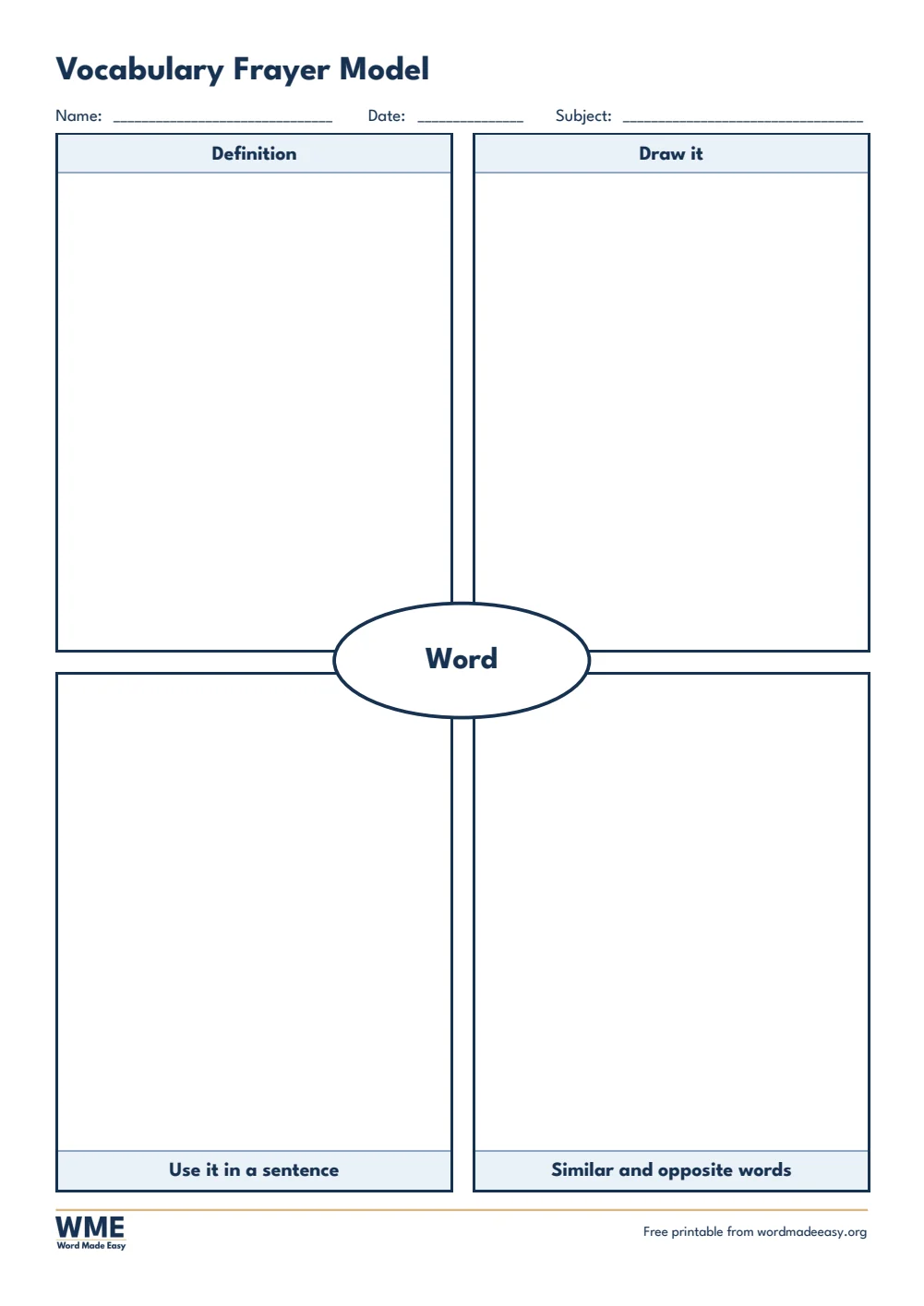
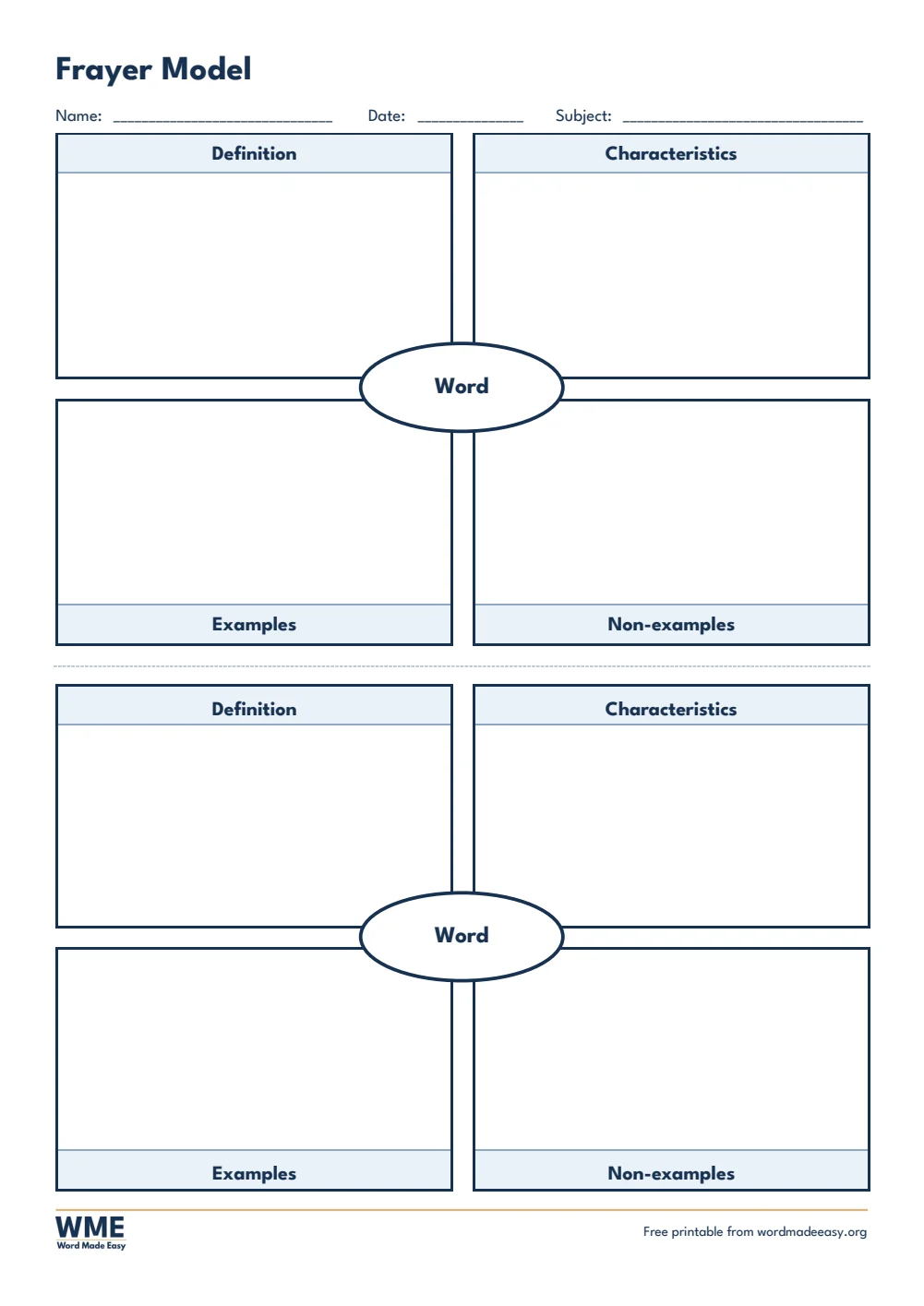
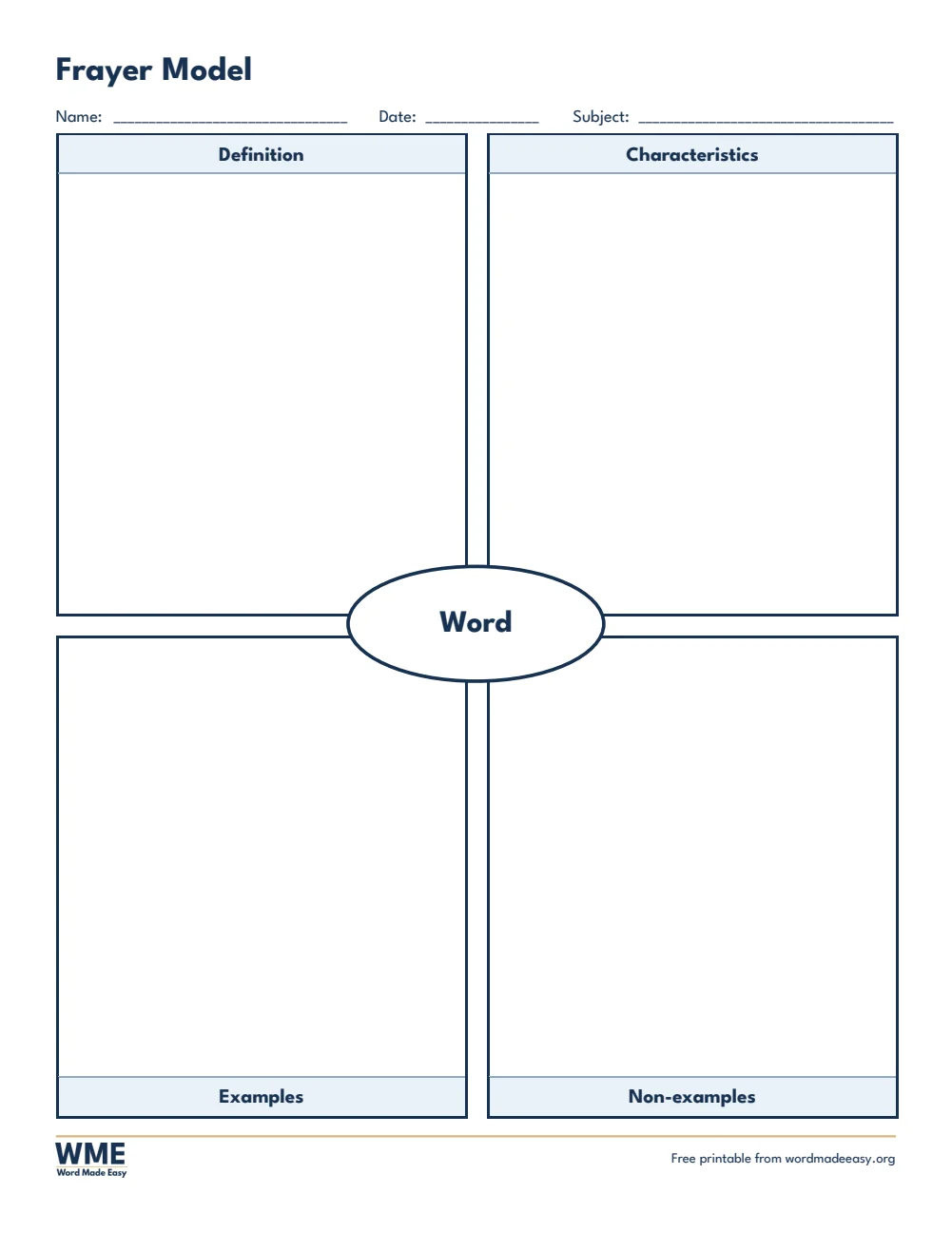
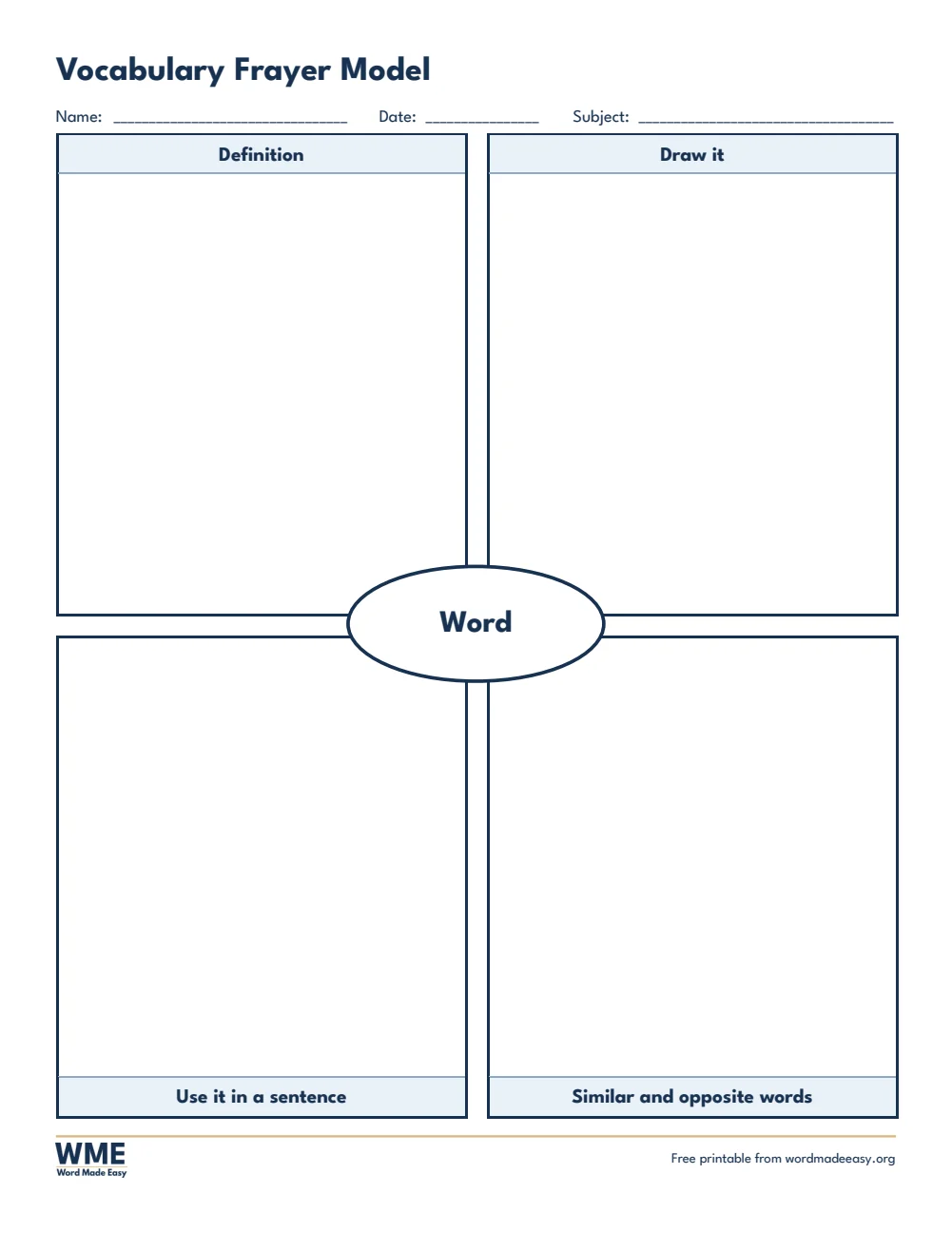
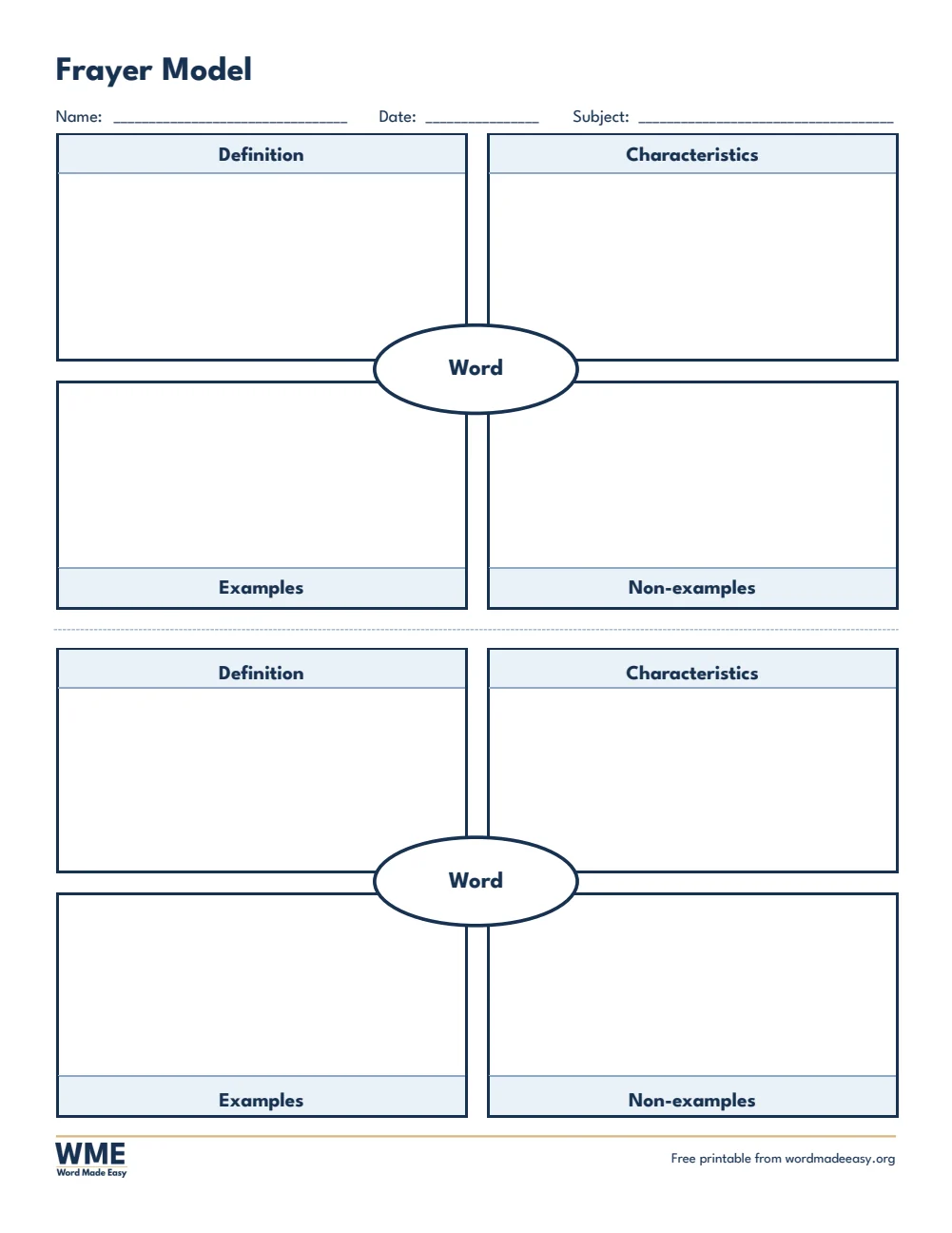
These free Frayer model templates give you 6 Word documents on A4 and US Letter: the classic Frayer model, a vocabulary Frayer model and two Frayer models on one page. I’m Patrick Elliott, a teacher and Inclusion Lead. I use the Frayer model to teach new vocabulary in maths, science and English, especially with EAL and SEN pupils who need more than a definition to understand a word.
In this guide, you’ll find what a Frayer model is, which version suits your lesson, and how to type straight into the boxes in Word.
What’s in the Frayer Model Templates
| Paper | Version | Best for |
|---|---|---|
| A4 | Classic | Definition, characteristics, examples and non–examples |
| A4 | Vocabulary | Definition, a picture, a sentence and similar words |
| A4 | Two per Page | Two words on one sheet, to cut in half |
| US Letter | Classic | Definition, characteristics, examples and non–examples |
| US Letter | Vocabulary | Definition, a picture, a sentence and similar words |
| US Letter | Two per Page | Two words on one sheet, to cut in half |
👉 The word goes in the oval in the middle: click it once and type. The four boxes are a Word table, so you can type in them too.
What Is a Frayer Model?
A Frayer model is a vocabulary graphic organiser with a word in the centre and four boxes around it. Pupils explain the word, list what is always true about it, and sort examples from non-examples, which builds a much deeper understanding than copying a definition.
Which Frayer Model Should You Use?
- Classic: definition, characteristics, examples and non-examples, ideal for maths and science words such as prime number or mammal.
- Vocabulary: definition, a picture, a sentence and similar or opposite words, great for English, EAL and SEN pupils.
- Two per page: two smaller Frayer models to cut in half, so each pupil can work on two words or you save paper.
How to Fill In a Frayer Model in Word
- Click Word in the oval once and type the key word.
- Click inside each box and type, or print the sheet and write by hand.
- Fill the boxes in order: definition first, then characteristics, examples and non-examples.
- Print one per word for a vocabulary wall, or keep them in a folder as a word bank.
How to Print at the Right Size
Print one model per word for vocabulary work, or the two-per-page version to save paper and cut in half.
FAQs
Who created the Frayer model?
Dorothy Frayer and her colleagues at the University of Wisconsin developed it in 1969 to teach new concepts.
Which subjects use the Frayer model?
Maths, science and English, for any word with a clear meaning and clear examples.
What are the four parts of a Frayer model?
Definition, characteristics, examples and non-examples, arranged around the word in the centre.
Can I type in the Frayer model in Word?
Yes. Click the oval once to type the word, then click in each box to type.
Is the Frayer model good for SEN and EAL pupils?
Yes. The vocabulary version adds a picture and a sentence, which helps pupils who need visual support or are learning English.
Is the Frayer model good for EAL pupils?
Yes. The picture and sentence boxes help pupils learning English understand and use new words.
Conclusion
These Frayer model templates cover maths, science and English vocabulary, human-made by a teacher and ready to fill in from Word.
Choose your paper size above, download the ZIP, and to compare two ideas try the Venn diagram templates.
Related Tutorials
- Free Venn Diagram Templates for Word
- Free Story Map Templates for Word
- Free Spelling Test Templates for Word
Word Templates
Recently Added Word Templates
Browse the complete collection of free printable Word templates for home and school, all made by a teacher.
New to Word? Our Word tutorials show you how to edit and print your templates.
Leave a Reply