
Free Mind Map Templates for Word: 8 Editable Mind Maps
Choose your paper size, preview every organizer, then download your Word templates in one small ZIP file.
Made by a teacherA4 and US Letter8 Word documentsFree

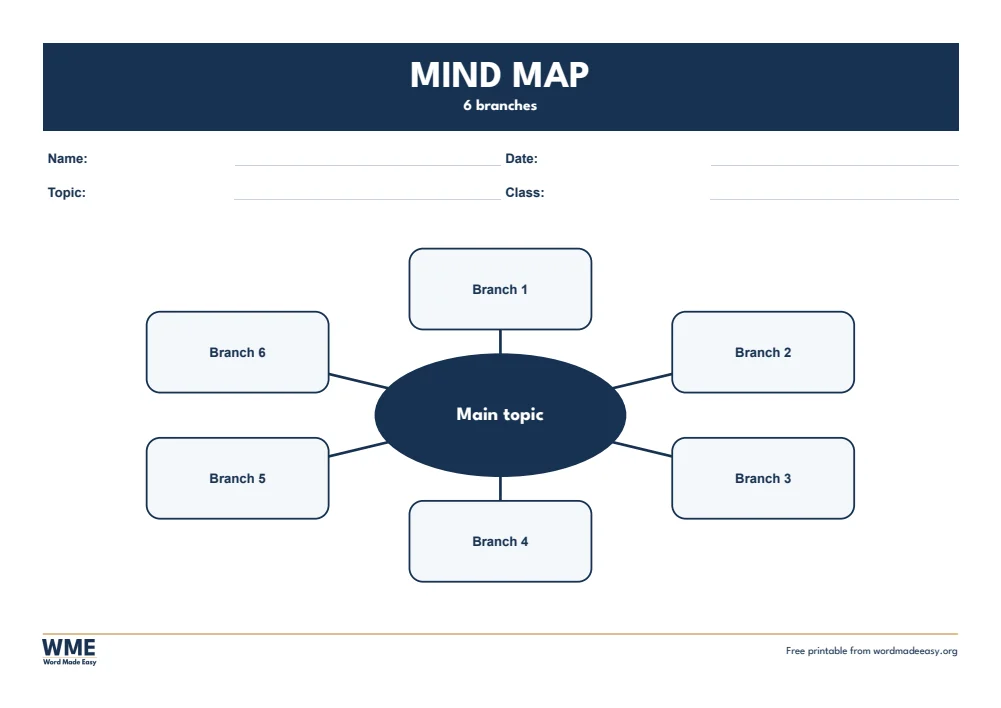

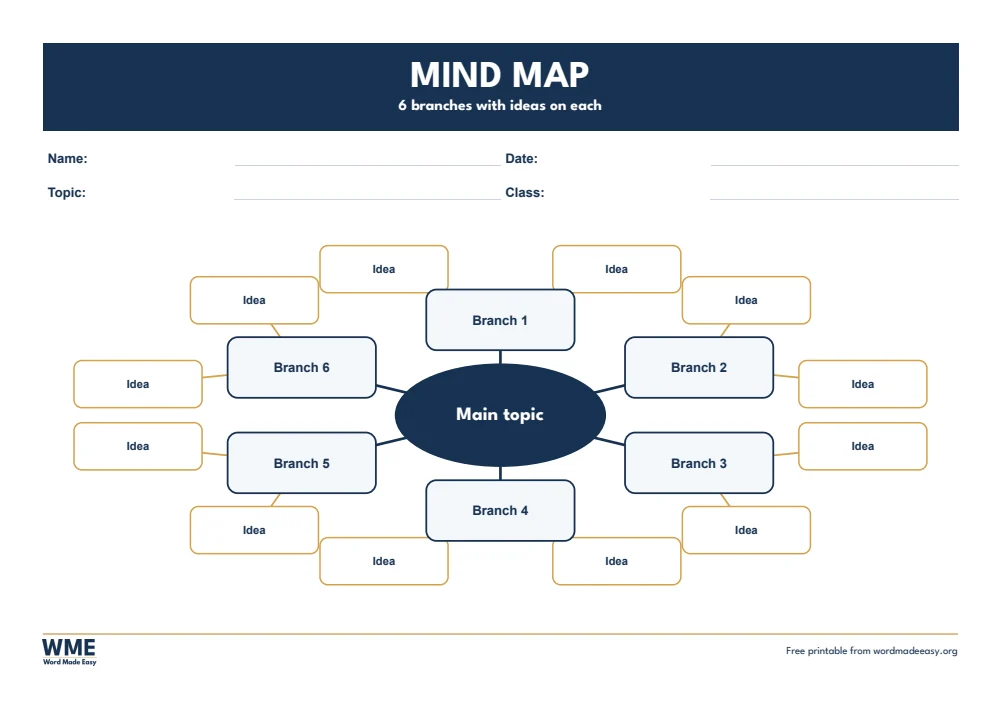

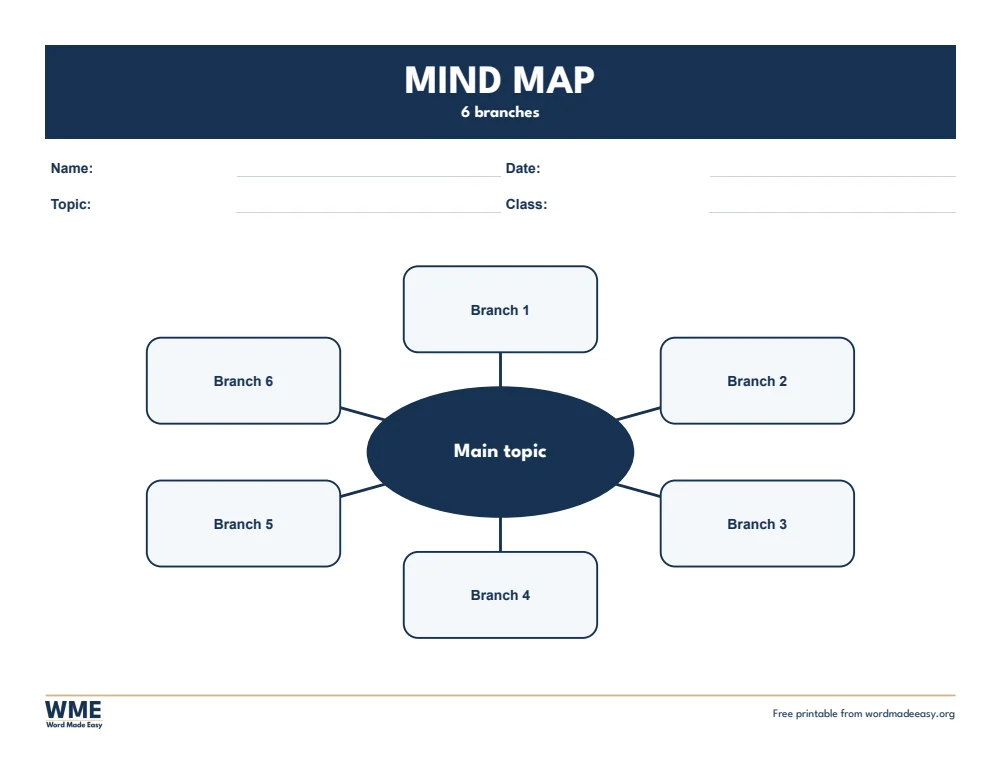
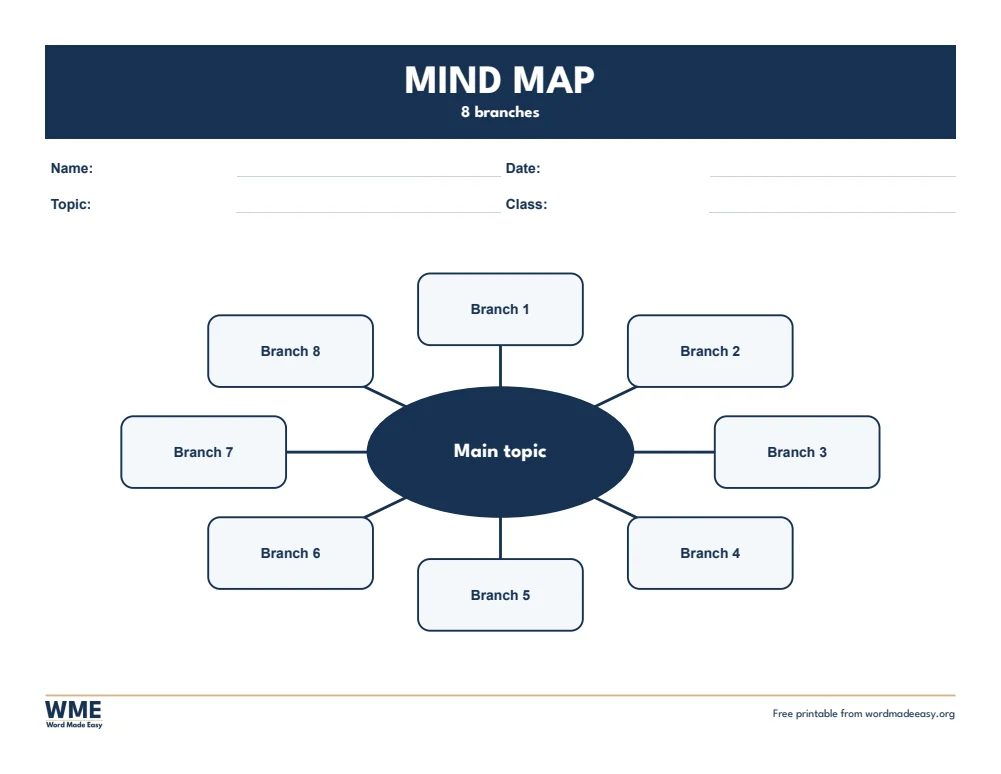

These free mind map templates give you 8 landscape Word documents on A4 and US Letter: mind maps with four, six and eight branches, and a mind map with two ideas on each branch. I’m Patrick Elliott, a teacher and Inclusion Lead. I teach children to plan writing and revise with mind maps, so I built these with big, clear boxes that work on screen and on paper.
In this guide, you’ll find what a mind map is, which version suits your lesson, and how to fill one in on screen or on paper.
What’s in the Mind Map Templates
| Paper | Version | Best for |
|---|---|---|
| A4 | 4 Branches | A main topic with four branches |
| A4 | 6 Branches | A main topic with six branches |
| A4 | 8 Branches | A main topic with eight branches |
| A4 | With Sub-Branches | Six branches, each with two ideas |
| US Letter | 4 Branches | A main topic with four branches |
| US Letter | 6 Branches | A main topic with six branches |
| US Letter | 8 Branches | A main topic with eight branches |
| US Letter | With Sub-Branches | Six branches, each with two ideas |
👉 Every heading and box is click-and-type, so students can fill it in on a computer, or you can print it for pens and pencils.
What Is a Mind Map?
A mind map puts the main topic in the middle of the page, with branches for the big ideas and smaller branches for the details. Because it spreads out like the way we think, it is a quick way to brainstorm, plan writing or revise a topic.
Which Mind Map Should You Use?
- 4 branches: big boxes for younger students or a simple plan, such as beginning, middle, end and characters.
- 6 branches: the most useful size for planning a piece of writing or a project.
- 8 branches: for revision, where each branch is a sub-topic.
- With sub-branches: six branches, each with two gold idea boxes for details and examples.
How to Use It in Class
- Write the topic in the oval in the middle.
- Add one big idea to each branch, using a word or a short phrase.
- Add details, examples or questions to the idea boxes.
- Number the branches in the order you will write or present them.
Keep words short on a mind map: one key word per box helps students remember more than full sentences do.
How to Print at the Right Size
Print at 100% in landscape, on A3 if your printer allows, so there is plenty of room to write on each branch.
FAQs
Are these mind map templates free?
Yes. Choose A4 or US Letter and download all the Word templates in one ZIP file at no cost.
Who made these mind map templates?
Patrick Elliott, a teacher and Inclusion Lead, designed and built every mind map by hand in Microsoft Word.
How do I type in the mind map?
Click the words Main topic or Branch and type. Each box is a Word shape with a text box inside.
Can I add more branches?
Yes. Click a box and a line, copy them with Ctrl+C and Ctrl+V, and drag the copy into place.
What is the difference between a mind map and a concept map?
A mind map spreads from one main topic; a concept map links several ideas and labels each link.
Can I remove the Word Made Easy footer?
Yes. Double-click the bottom of the page, click the logo and the web address, and press Delete.
Conclusion
These mind map templates help students organise their thinking before they write, human-made by a teacher and ready to print or fill in from Word.
Choose your paper size above, download the ZIP, and for more graphic organizers try the concept map templates.
Related Tutorials
- Free Concept Map Templates for Word
- Free KWL Chart Templates for Word
- Free Story Map Templates for Word
Word Templates
Recently Added Word Templates
Browse the complete collection of free printable Word templates for home and school, all made by a teacher.
New to Word? Our Word tutorials show you how to edit and print your templates.
Leave a Reply