
Free Gantt Chart Templates for Word: 12 Project Planners
Choose your paper size, preview every chart, then download your Word templates in one small ZIP file.
Made by a teacherA4 and US Letter12 Word documentsFree
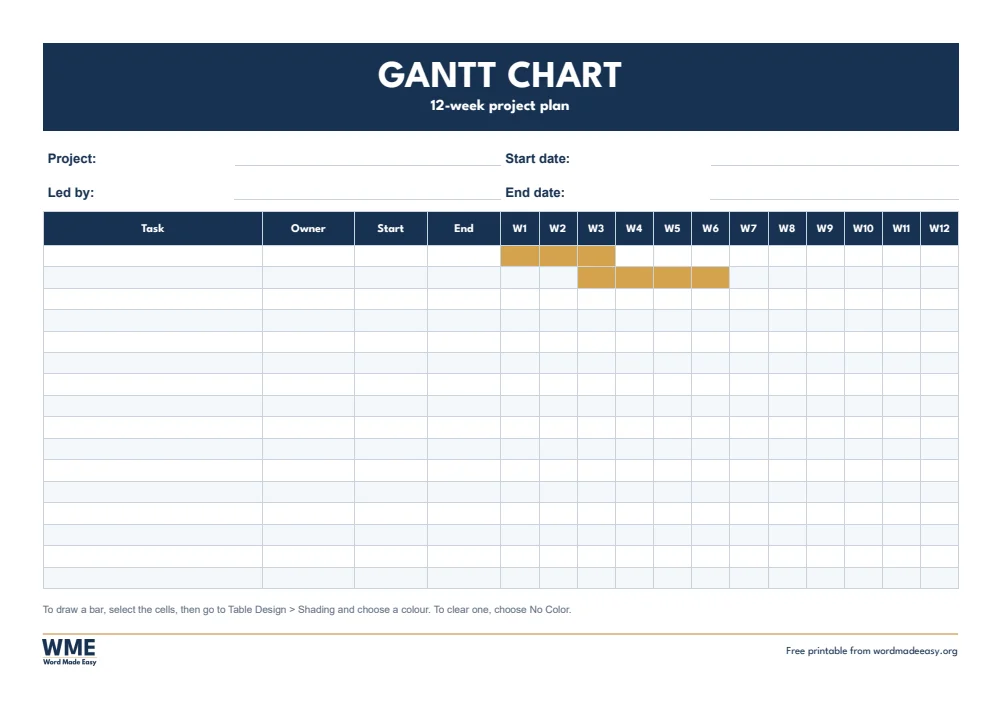
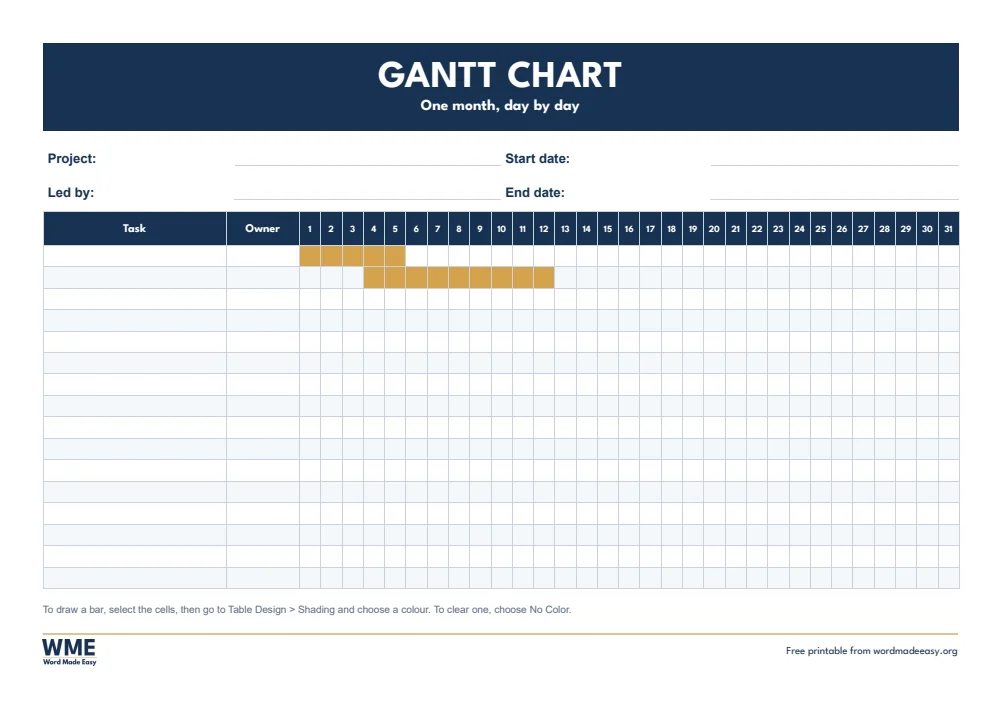
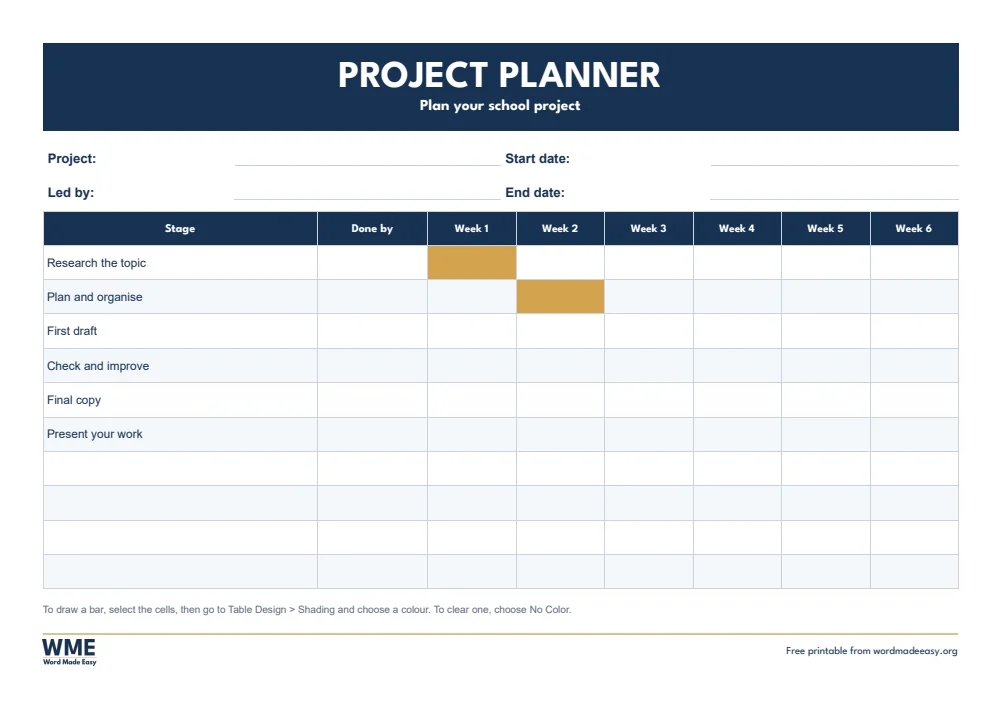

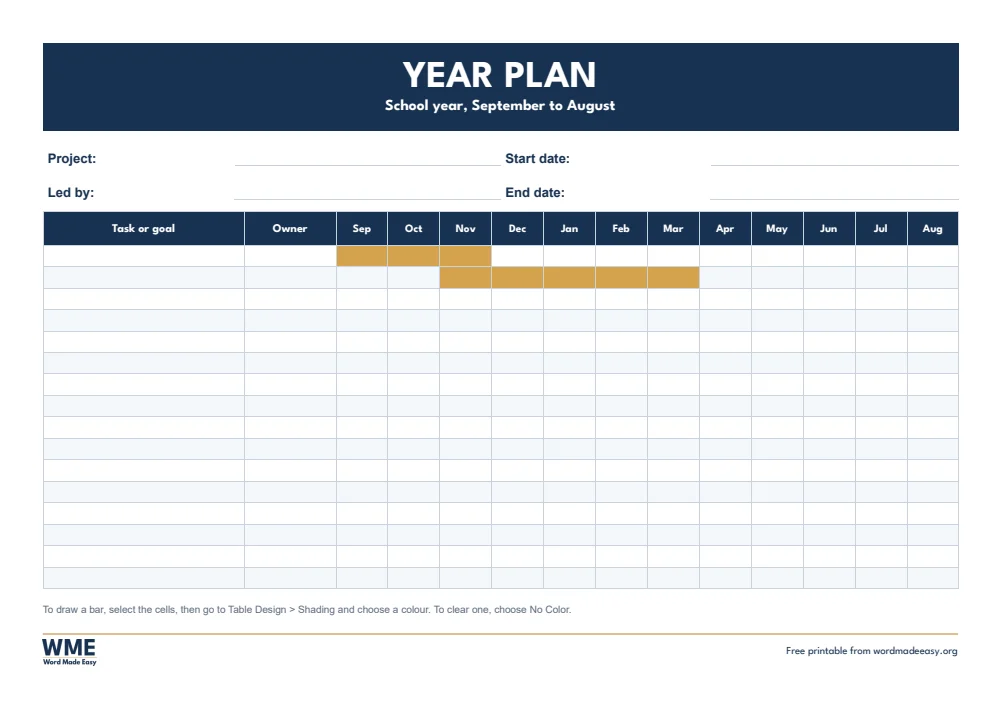


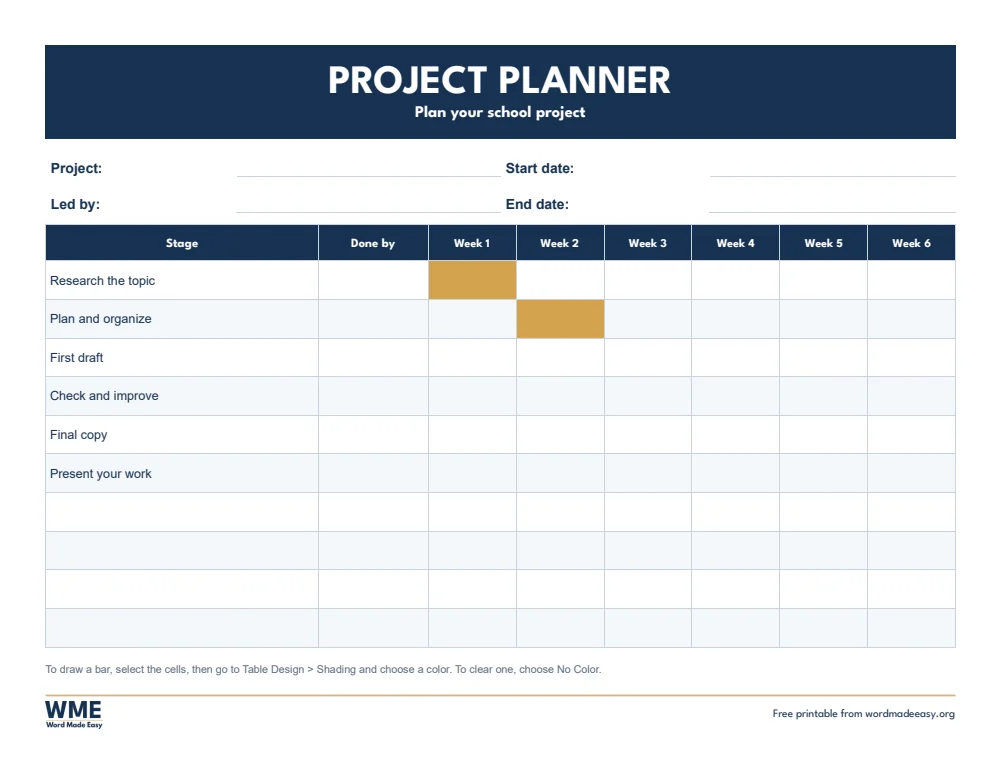
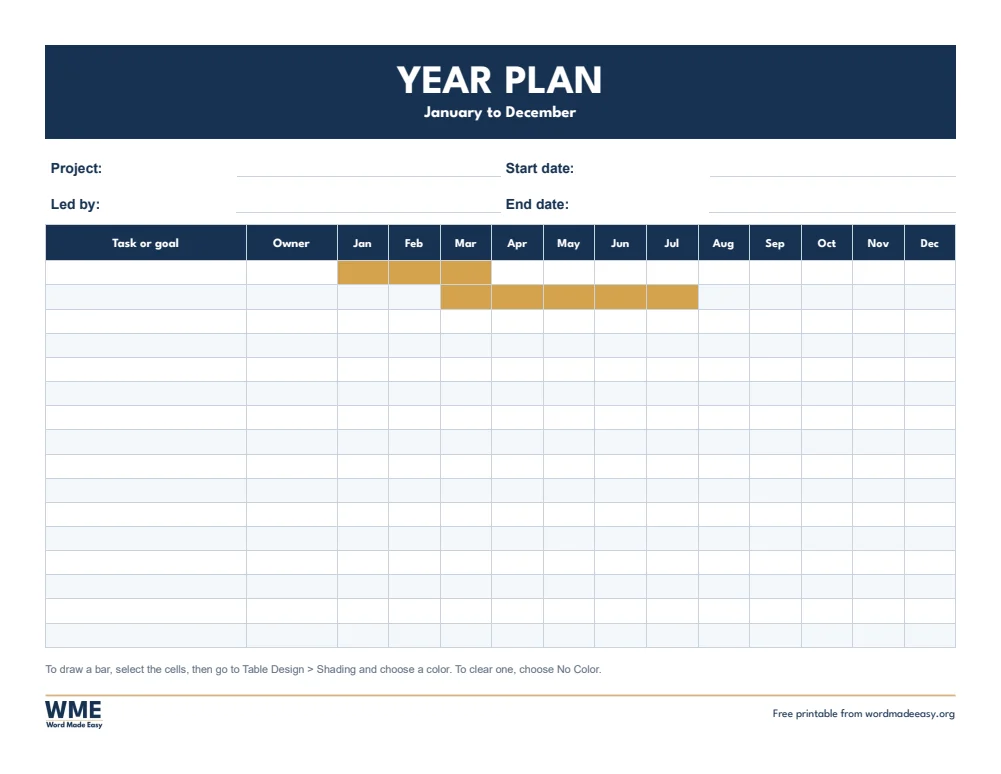

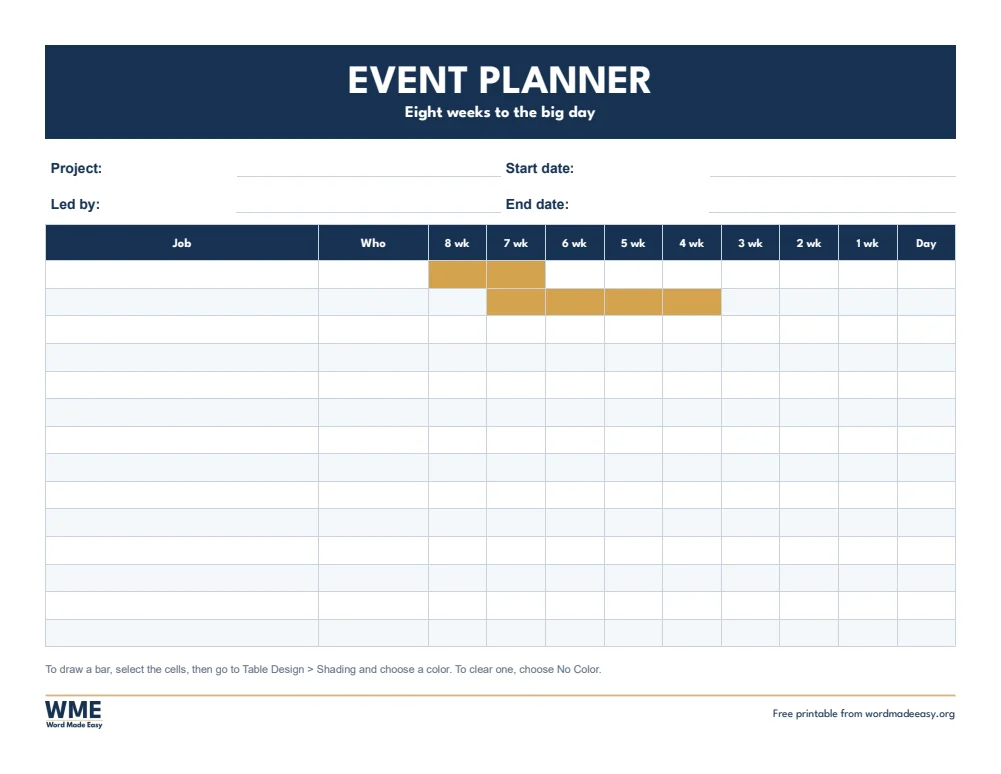
These free Gantt chart templates give you 12 landscape Word documents on A4 and US Letter: a 12-week project plan, a one-month chart by day, a school project planner, a year plan, a school year plan and an eight-week event countdown. I’m Patrick Elliott, a teacher and Inclusion Lead. I plan school events, projects and the school year on a single page, so I built these Gantt charts in Word for anyone who does not have project software.
In this guide, you’ll find what a Gantt chart is, which template suits your project, and how to draw the bars in Word in a few clicks.
What’s in the Gantt Chart Templates
| Paper | Version | Best for |
|---|---|---|
| A4 | 12-Week Project | Tasks, owners and dates across 12 weeks |
| A4 | One Month | Every day of the month, 1 to 31 |
| A4 | School Project | Six stages already filled in, over six weeks |
| A4 | Year Plan | January to December, one column per month |
| A4 | School Year Plan | September to August, one column per month |
| A4 | Event Countdown | Eight weeks to the big day, with the jobs for each week |
| US Letter | 12-Week Project | Tasks, owners and dates across 12 weeks |
| US Letter | One Month | Every day of the month, 1 to 31 |
| US Letter | School Project | Six stages already filled in, over six weeks |
| US Letter | Year Plan | January to December, one column per month |
| US Letter | School Year Plan | August to July, one column per month |
| US Letter | Event Countdown | Eight weeks to the big day, with the jobs for each week |
👉 Each chart has two gold example bars, so you can see how it works. Select them and choose No Color to clear them before you start.
👉 The A4 school year plan runs from September to August, and the US Letter version runs from August to July.
What Is a Gantt Chart?
A Gantt chart is a project timeline. Each task has its own row, time runs from left to right in weeks, days or months, and a bar shows when each task starts and ends. At a glance you can see what happens first, which tasks overlap and whether the project will finish on time.
Which Gantt Chart Template Should You Use?
- 12-week project: task, owner, start and end dates, across 12 weeks, for work projects and coursework.
- One month: a column for every day from 1 to 31, for short projects, events or a busy month.
- School project: research, plan, first draft, check, final copy and present, already filled in across six weeks.
- Year plan: January to December, for goals, campaigns or a long project.
- School year plan: one column per month of the school year, for curriculum, events and deadlines.
- Event countdown: eight weeks to the big day, for a wedding, party, school fair or launch.
How to Make a Gantt Chart in Word
- Type each task in the first column, one task per row, in the order they happen.
- Add who is responsible and the start and end dates, if your chart has those columns.
- Select the cells from the task’s start to its end, go to Table Design > Shading and choose a colour to draw the bar.
- Use a second colour for a different team or type of task, and choose No Color to remove a bar.
- Need more rows? Click in the last row and press Tab at the end of it.
How to Print at the Right Size
Print at 100% in landscape, pin the chart where the team can see it, and shade each bar with a highlighter as the work gets done.
FAQs
Are these Gantt chart templates free?
Yes. Choose A4 or US Letter and download all the Word templates in one ZIP file at no cost.
Who made these Gantt chart templates?
Patrick Elliott, a teacher and Inclusion Lead, designed and built every chart by hand in Microsoft Word.
Can you make a Gantt chart in Word?
Yes. A table works well: one row per task, one column per week, day or month, and shaded cells for the bars.
How do I change the weeks to dates?
Click a heading such as W1 and type the date the week starts, for example 6 Jan.
Can students use the school project planner?
Yes. The six stages are already filled in. Students shade a bar for when they plan to do each stage and tick it off.
Can I remove the Word Made Easy footer?
Yes. Double-click the bottom of the page, click the logo and the web address, and press Delete.
Conclusion
These Gantt chart templates cover work projects, school projects, events and a whole year, human-made by a teacher and ready to fill in from Word.
Choose your paper size above, download the ZIP, and to plan each week in detail try the schedule templates.
Related Tutorials
- Free Schedule Templates for Word
- Free Meeting Agenda Templates for Word
- Free 2027 Calendar Templates for Word
Word Templates
Recently Added Word Templates
Browse the complete collection of free printable Word templates for home and school, all made by a teacher.
New to Word? Our Word tutorials show you how to edit and print your templates.
Leave a Reply