Skip to content
Word Made Easy Shop
Home Word Tutorials Word Templates Resources Google Docs PowerPoint Tutorials YouTube Videos
Home Word Tutorials Word Templates Resources Google Docs PowerPoint Tutorials YouTube Videos Shop
Christmas, Writing

Writing

Christmas Border Templates for Word: 10 Free Printable Borders

Choose your country, preview every template, then download your Word templates in one small ZIP file.

Made by a teacherA4 and US Letter10 bordersFree

Updated 20 November 2026 · By Patrick Elliott

Christmas border template for Word: Holly and Berries Border, US Letter
Holly and Berries Border · A holly sprig in each corner. Click to enlarge.
Christmas border template for Word: the Holly and Berries border, a thin green frame with a holly sprig in each corner and writing lines, on US Letter
Holly and Berries Border with Lines · A holly sprig in each corner. Click to enlarge.
Christmas border template for Word: Candy Cane Border, US Letter
Candy Cane Border · A thin red and white stripe. Click to enlarge.
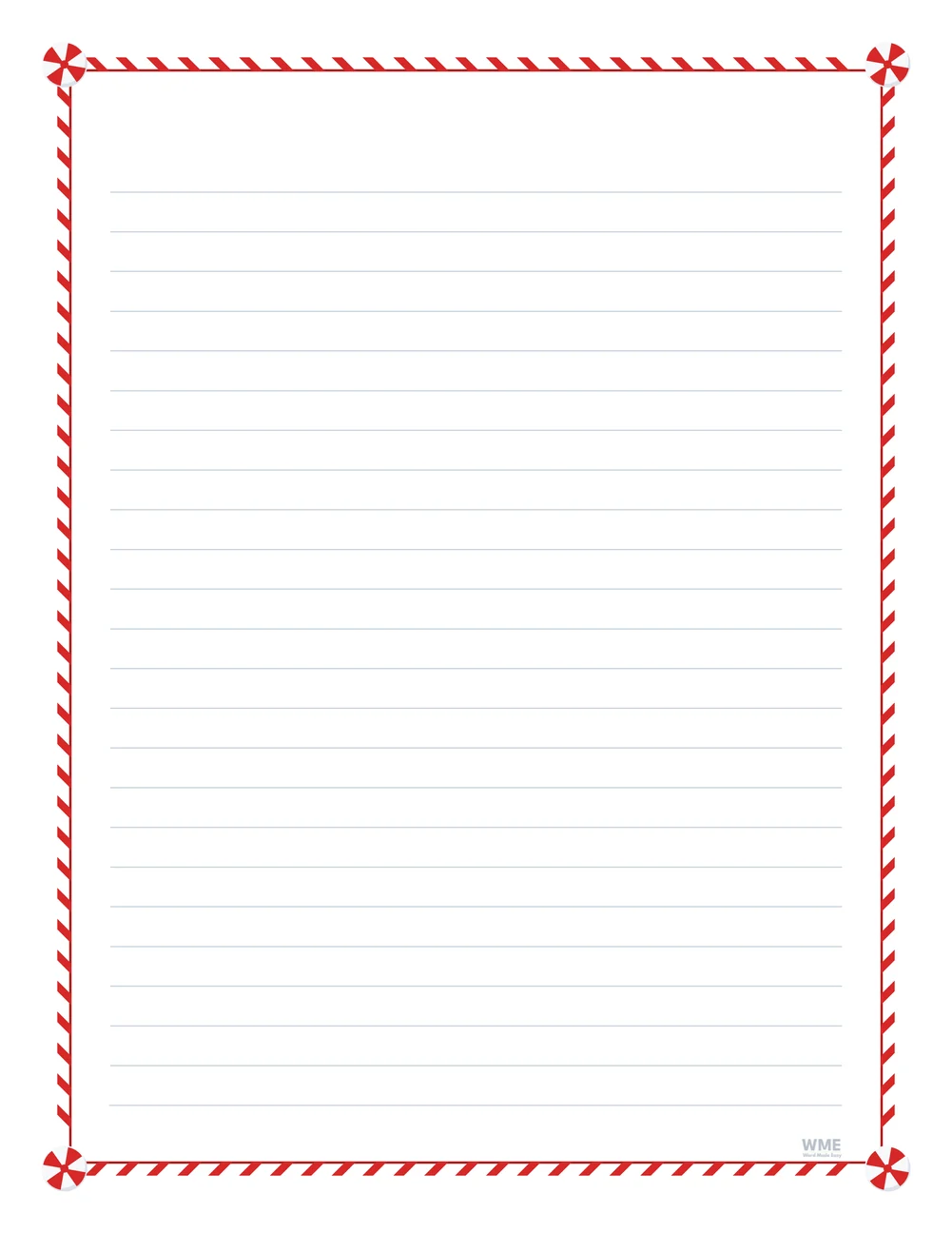
Christmas border template for Word: Candy Cane Border with Lines, US Letter
Candy Cane Border with Lines · A thin red and white stripe. Click to enlarge.
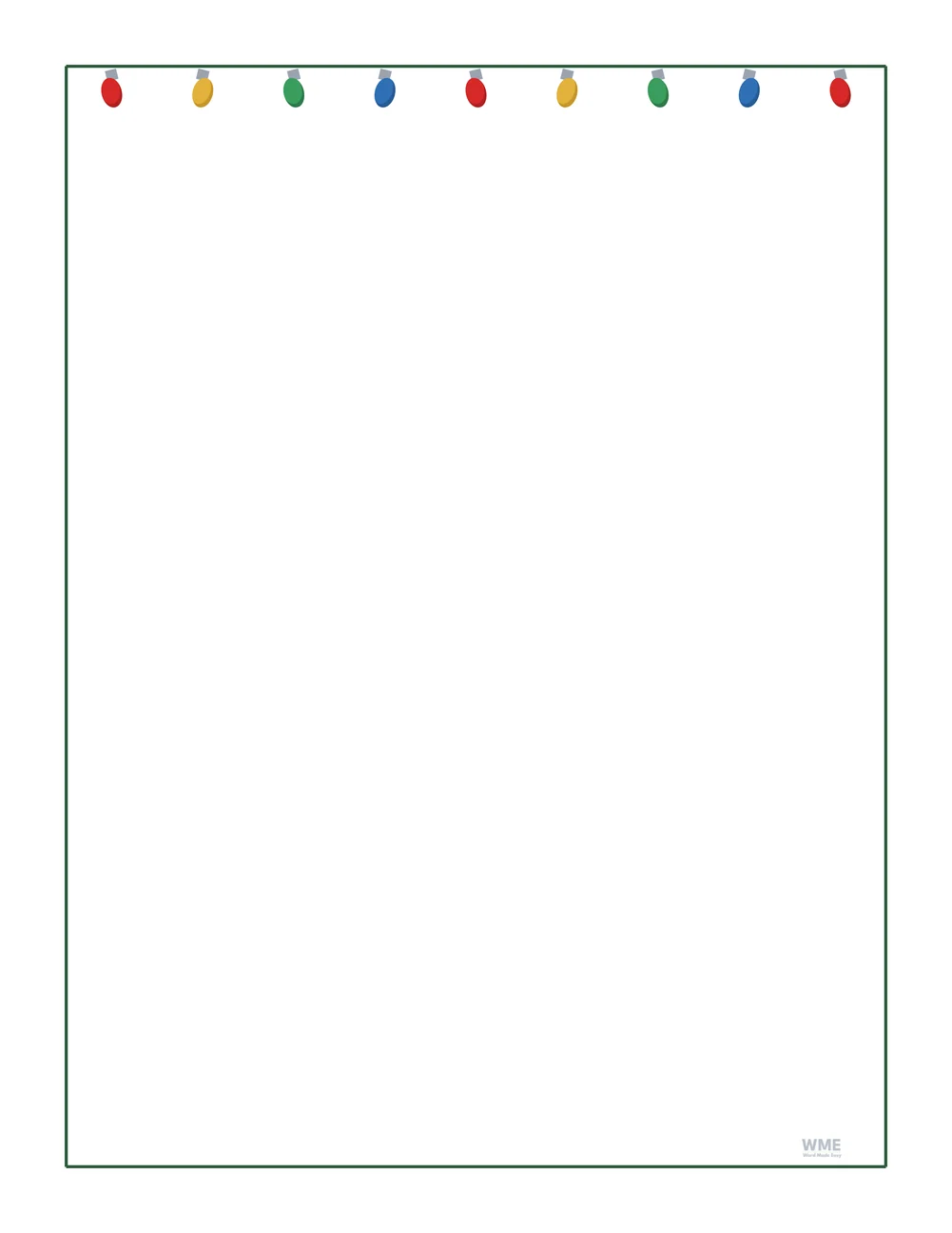
Christmas border template for Word: Christmas Lights Border, US Letter
Christmas Lights Border · A string of coloured lights along the top. Click to enlarge.
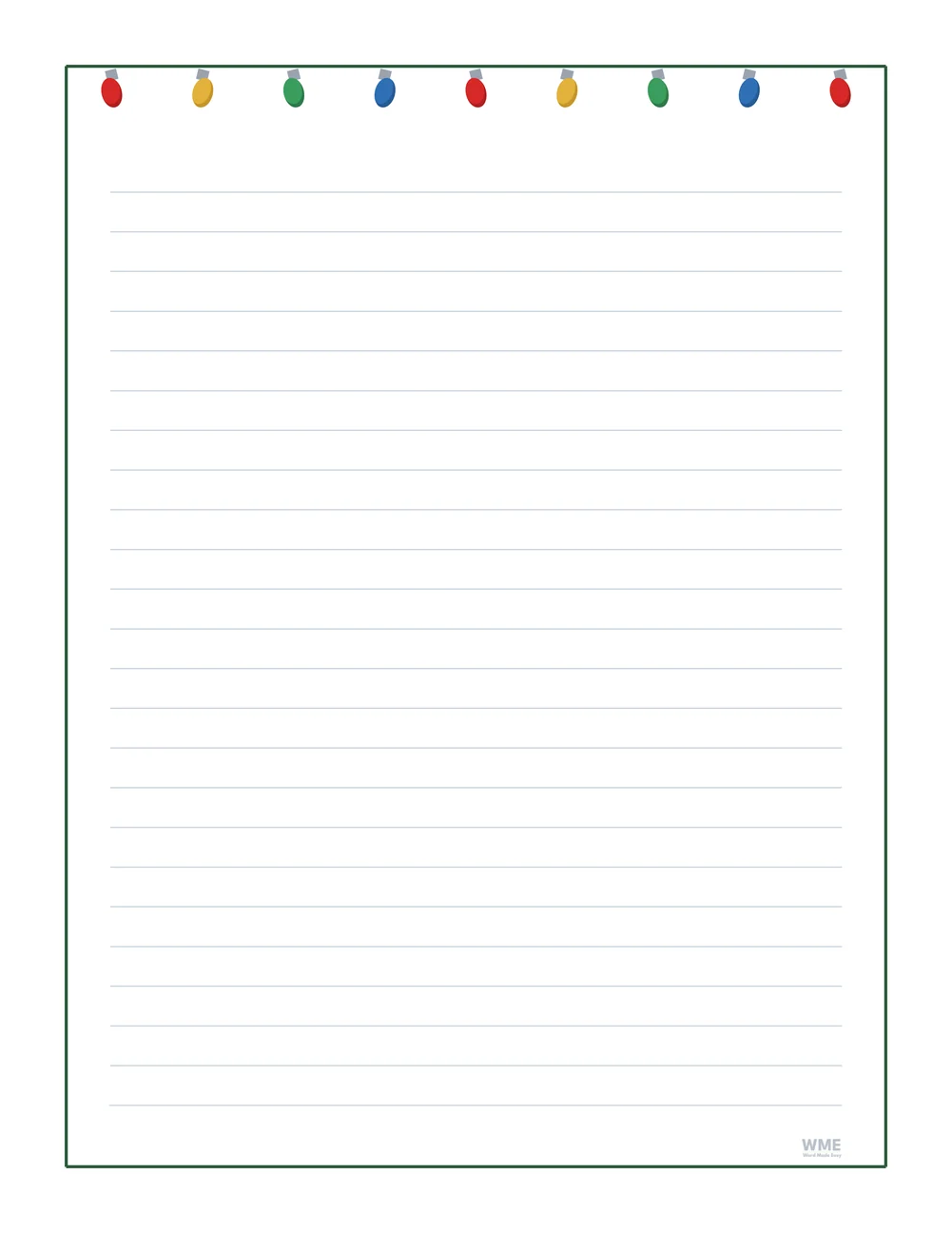
Christmas border template for Word: Christmas Lights Border with Lines, US Letter
Christmas Lights Border with Lines. Click to enlarge.
Christmas border template for Word: Christmas Tree Border, US Letter
Christmas Tree Border · Three little trees on the frame. Click to enlarge.
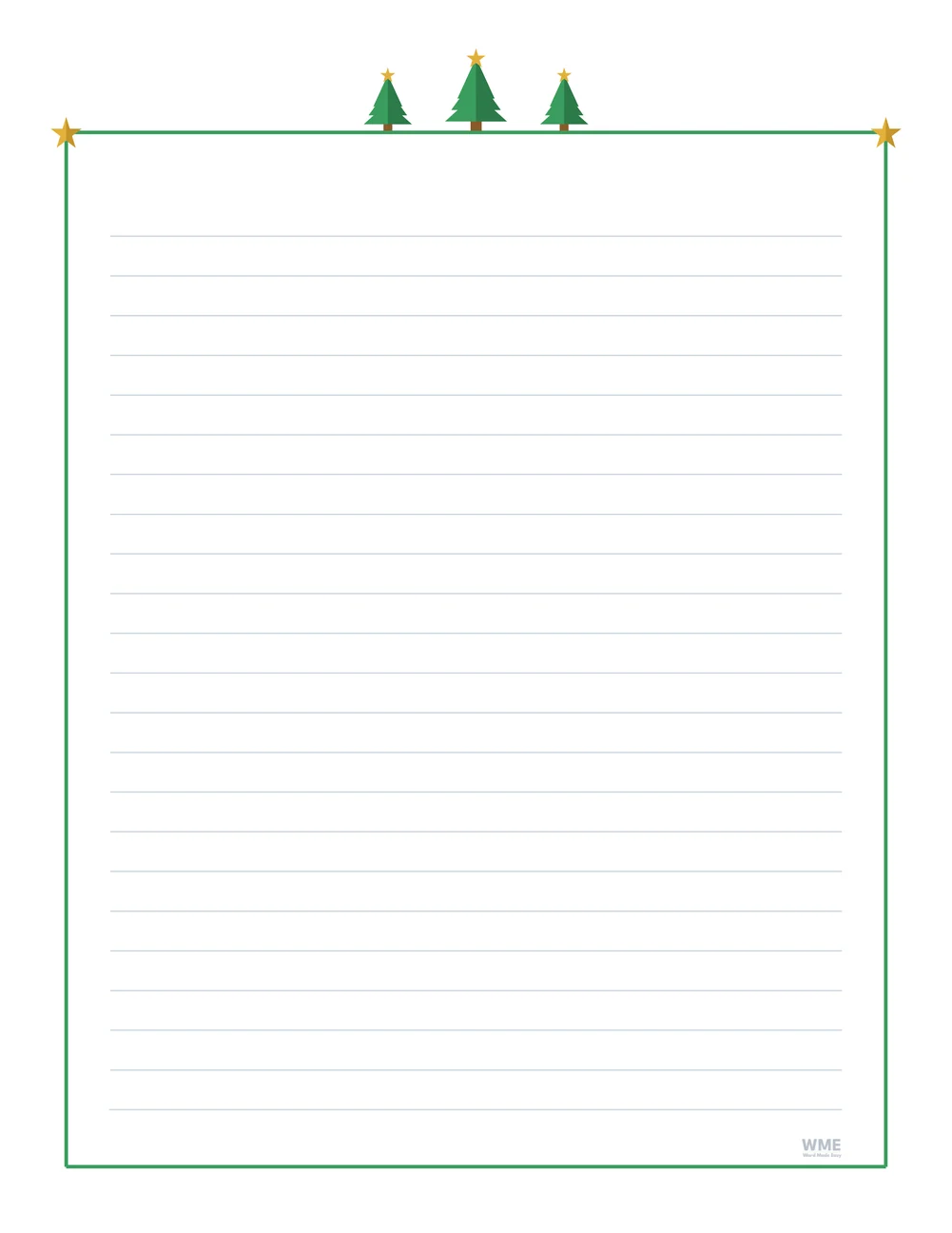
Christmas border template for Word: Christmas Tree Border with Lines, US Letter
Christmas Tree Border with Lines · Three little trees on the frame. Click to enlarge.
Christmas border template for Word: Bauble Border, US Letter
Bauble Border · Seven baubles hanging from the top. Click to enlarge.
Christmas border template for Word: Bauble Border with Lines, US Letter
Bauble Border with Lines · Seven baubles hanging from the top. Click to enlarge.
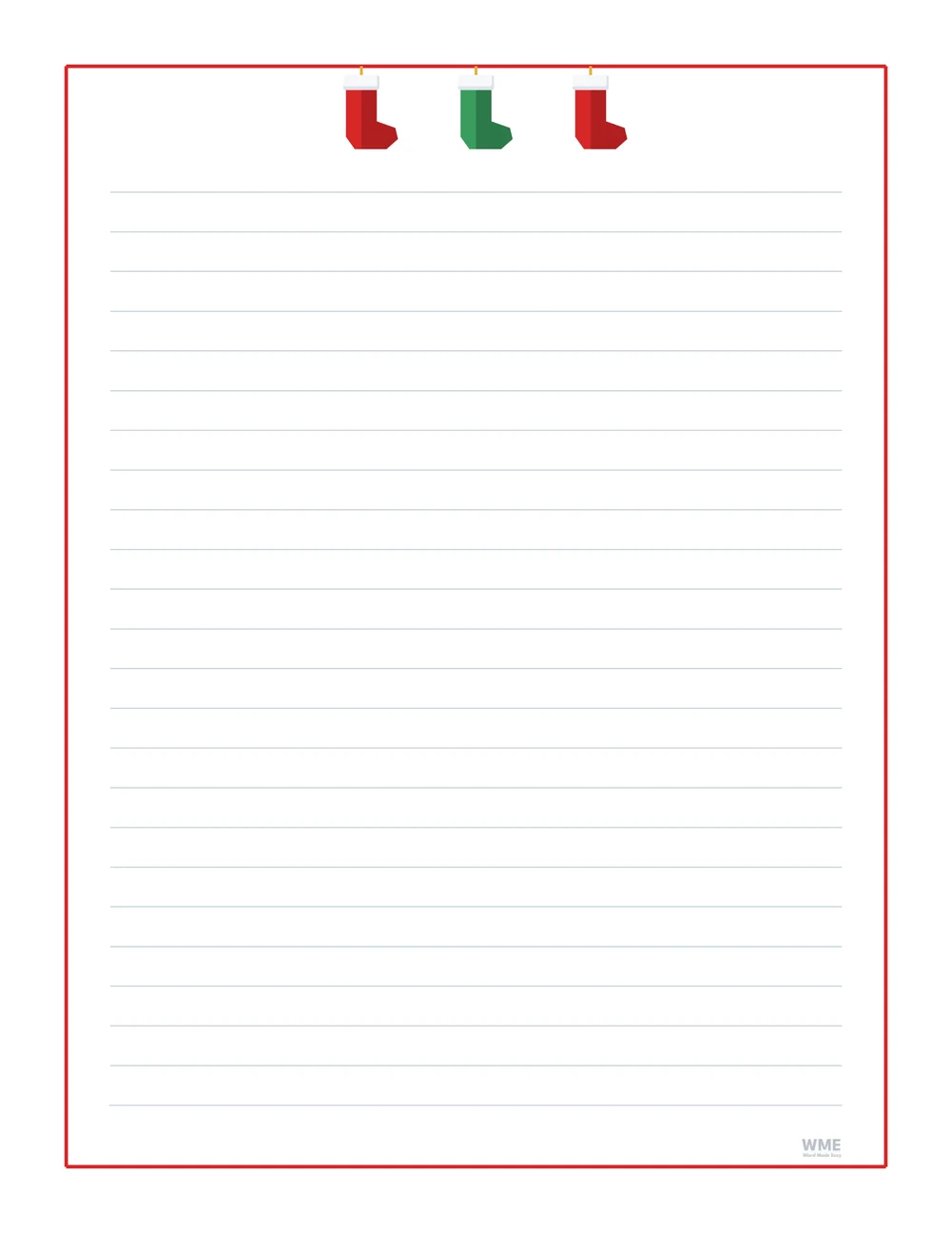
Christmas border template for Word: Stocking Border, US Letter
Stocking Border · Three stockings hanging from the top. Click to enlarge.
Christmas border template for Word: Stocking Border with Lines, US Letter
Stocking Border with Lines · Three stockings hanging from the top. Click to enlarge.
Christmas border template for Word: Wreath Border, US Letter
Wreath Border · A wreath with a red bow at the top. Click to enlarge.
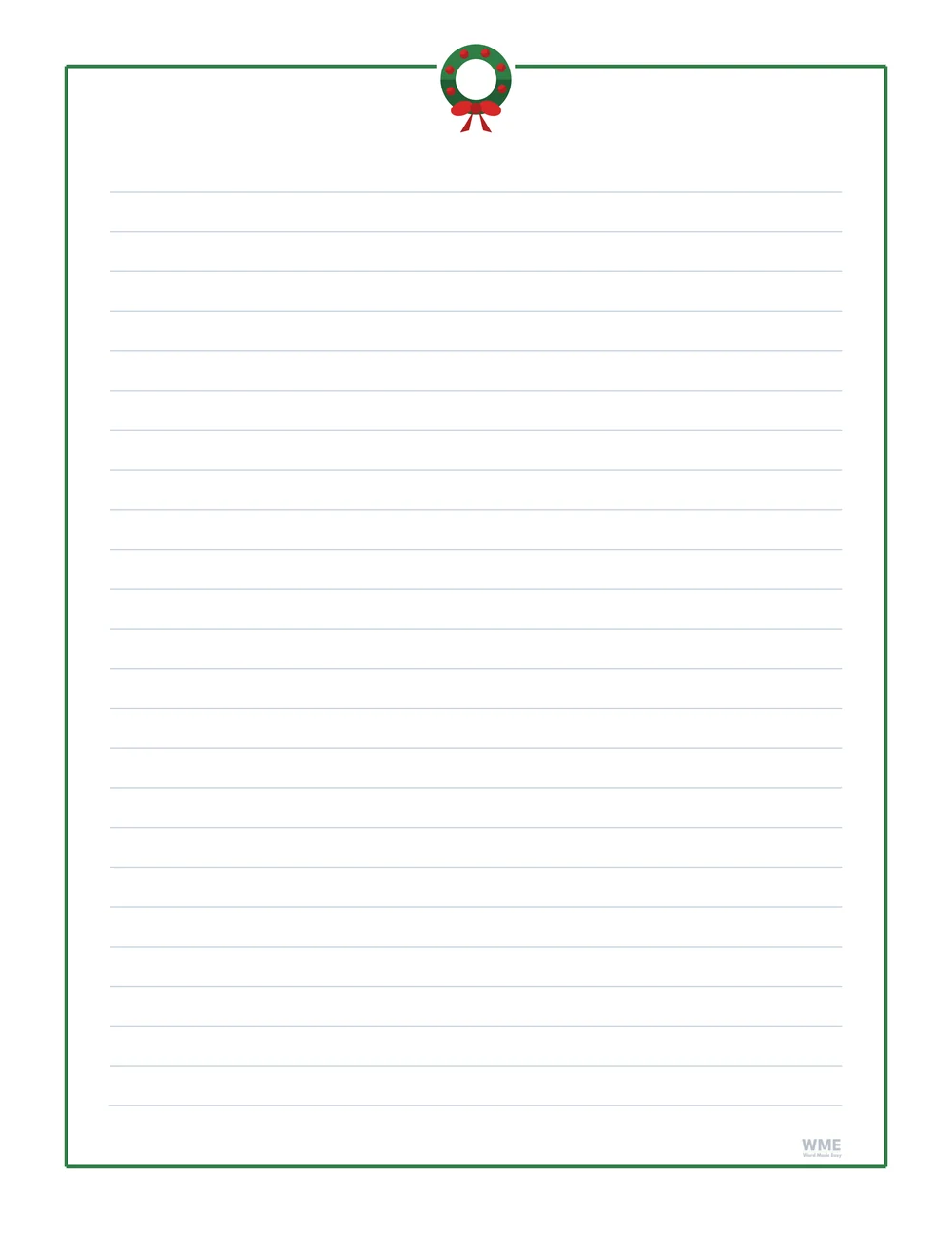
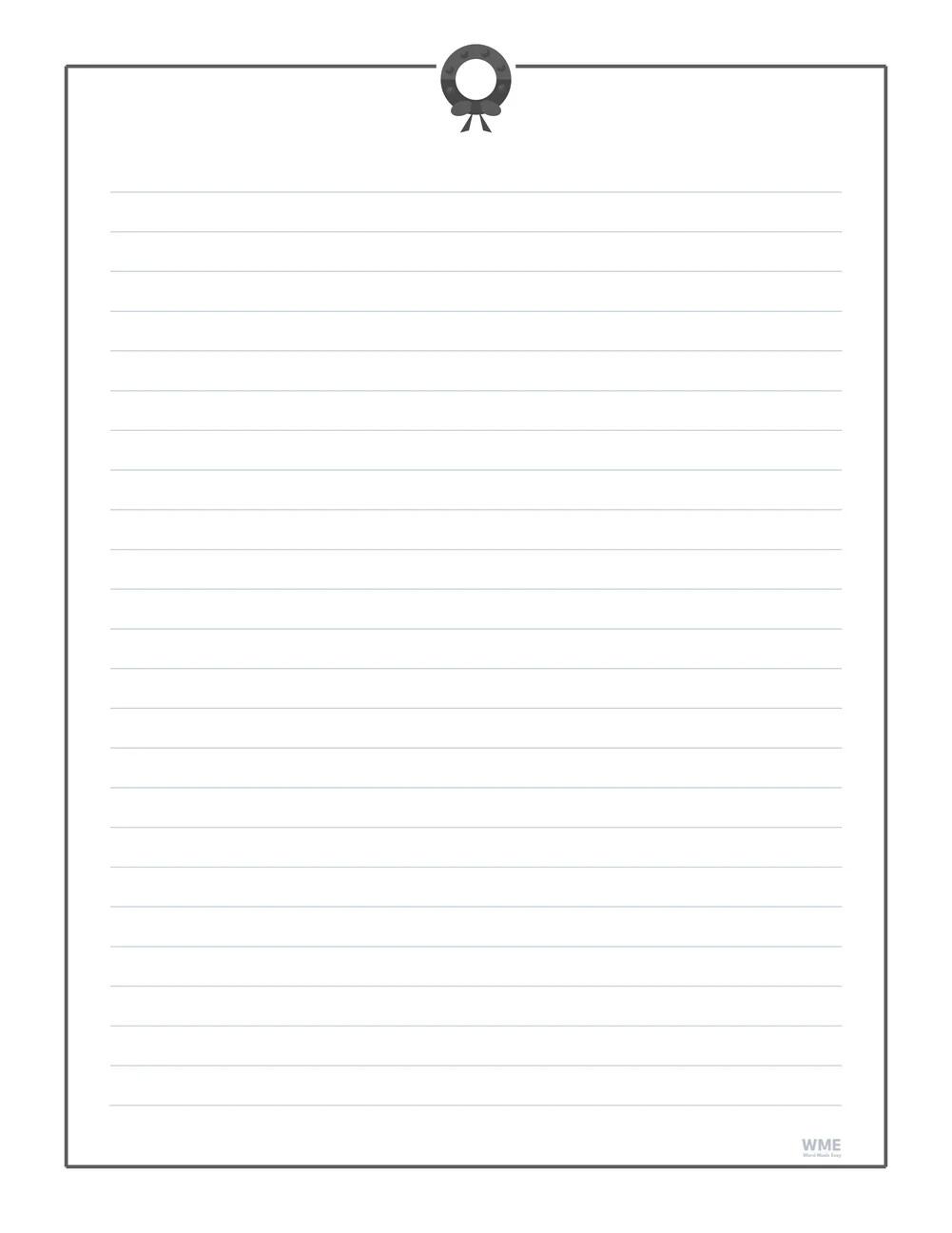
Christmas border template for Word: Wreath Border with Lines, US Letter
Wreath Border with Lines · A wreath with a red bow at the top. Click to enlarge.
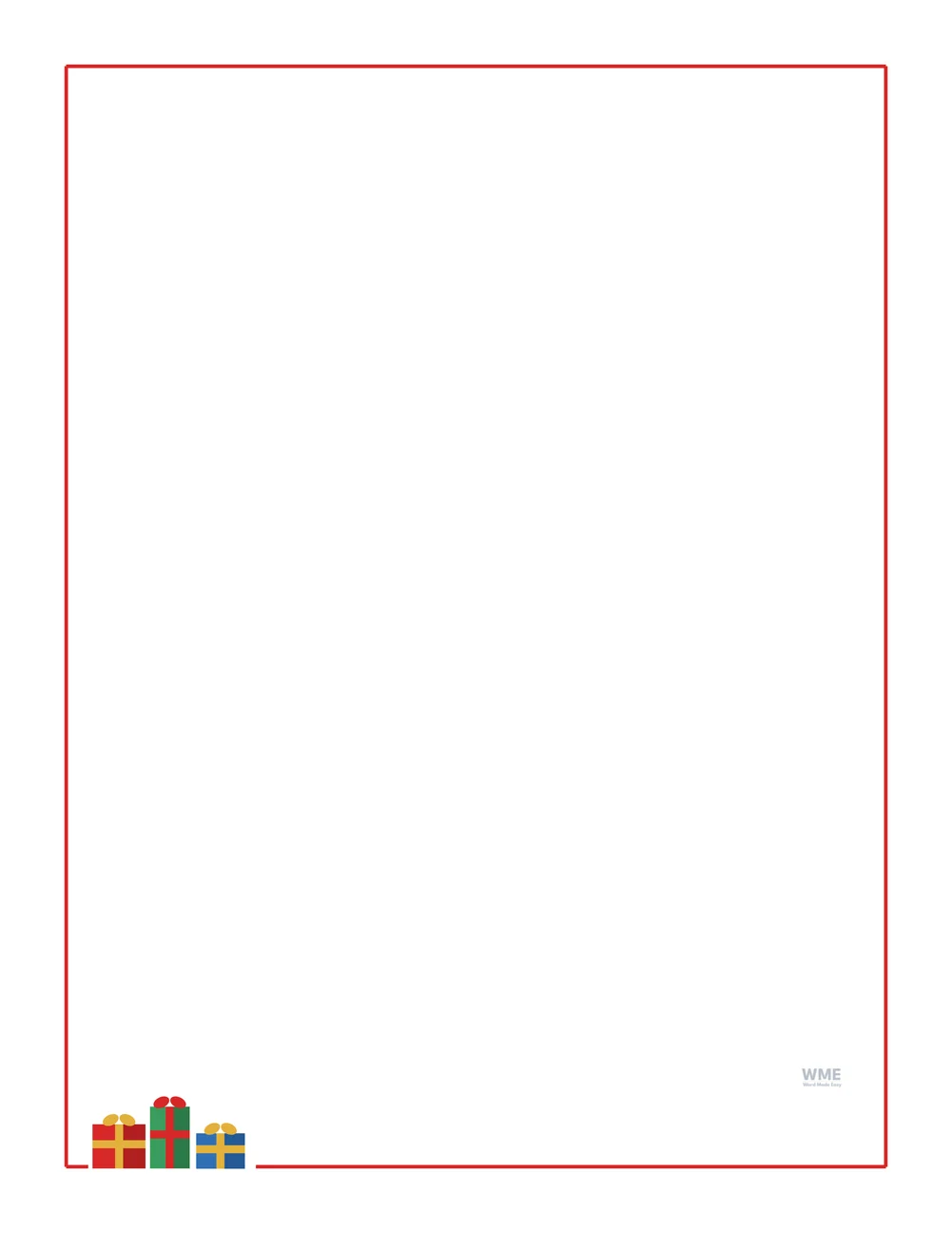
Christmas border template for Word: Present Border, US Letter
Present Border · Three wrapped presents on the frame. Click to enlarge.
Christmas border template for Word: Present Border with Lines, US Letter
Present Border with Lines · Three wrapped presents on the frame. Click to enlarge.
Christmas border template for Word: Bell Border, US Letter
Bell Border · Two golden bells with a bow at the top. Click to enlarge.
Christmas border template for Word: Bell Border with Lines, US Letter
Bell Border with Lines · Two golden bells with a bow at the top. Click to enlarge.
Christmas stationery for Word: Red Ribbon Border, US Letter
Red Ribbon Border · A red ribbon frame with bows and holly. Click to enlarge.
Red Ribbon Border with Lines · A red ribbon frame with bows and holly. Click to enlarge.
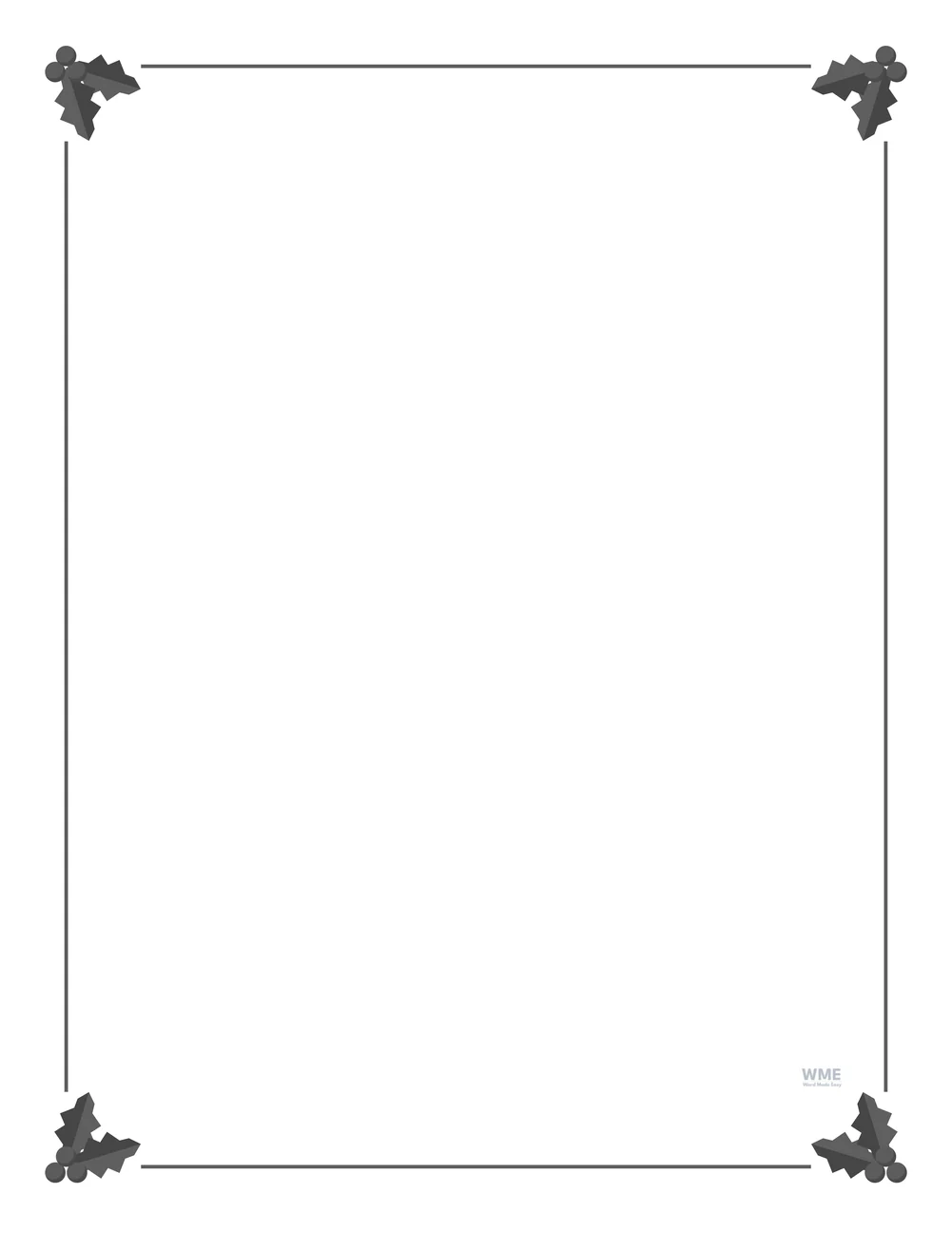
Christmas border template for Word: Holly and Berries Border, black and white, US Letter
Holly and Berries Border, Black and White. Click to enlarge.
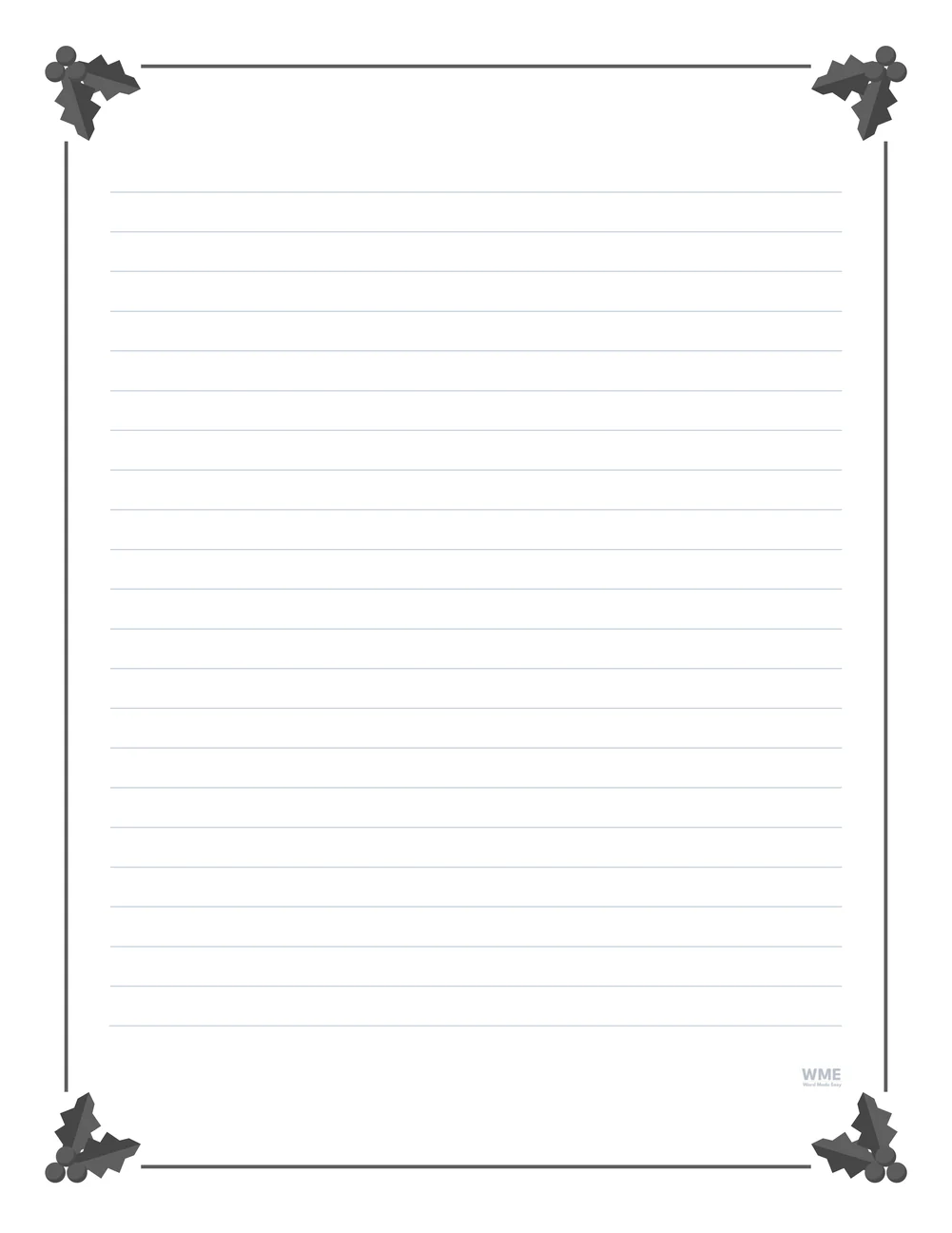
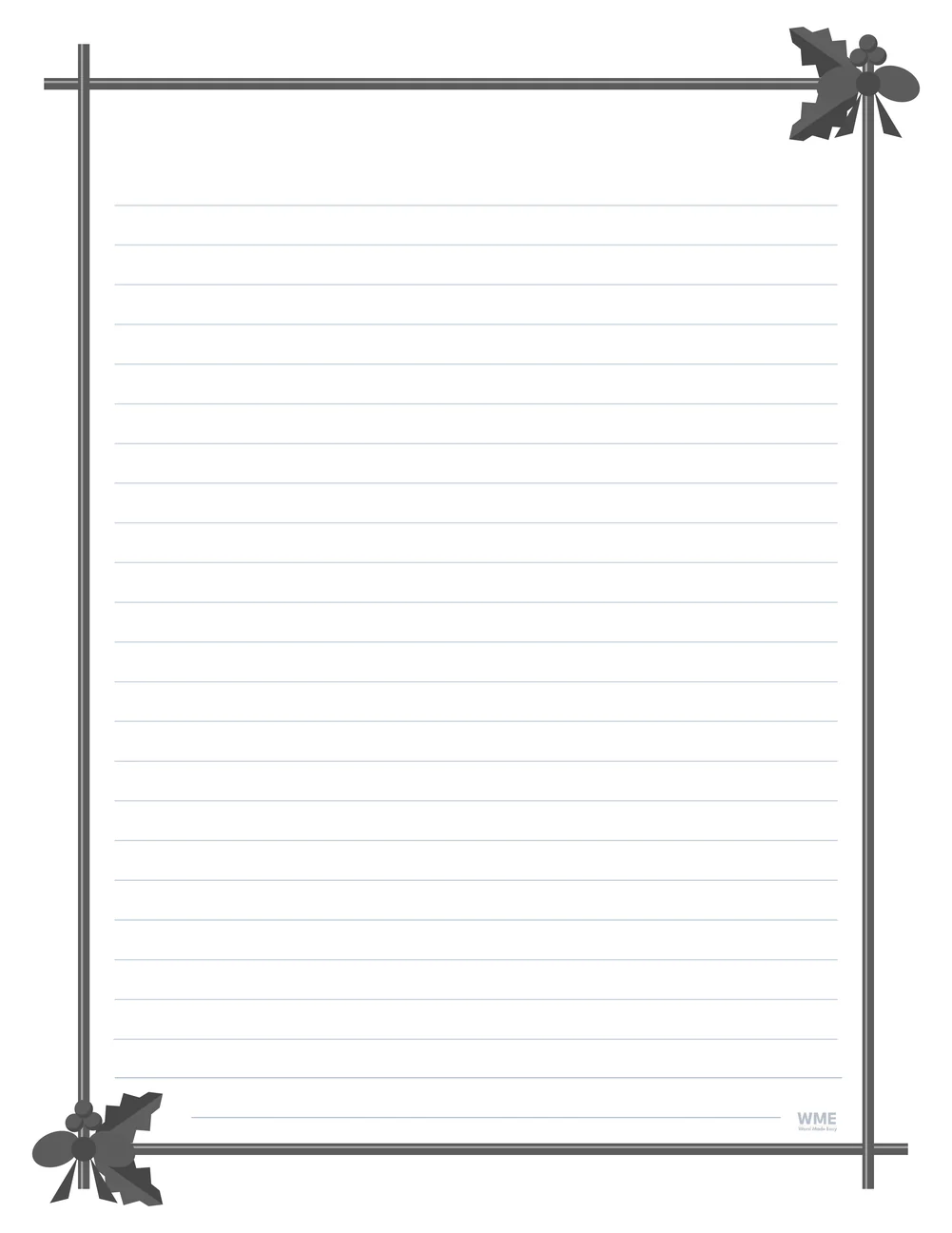
Christmas border template for Word: Holly and Berries Border with Lines, black and white, US Letter
Holly and Berries Border with Lines, Black and White. Click to enlarge.
Christmas border template for Word: Candy Cane Border, black and white, US Letter
Candy Cane Border, Black and White · A thin red and white stripe. Click to enlarge.
Christmas border template for Word: Candy Cane Border with Lines, black and white, US Letter
Candy Cane Border with Lines, Black and White. Click to enlarge.
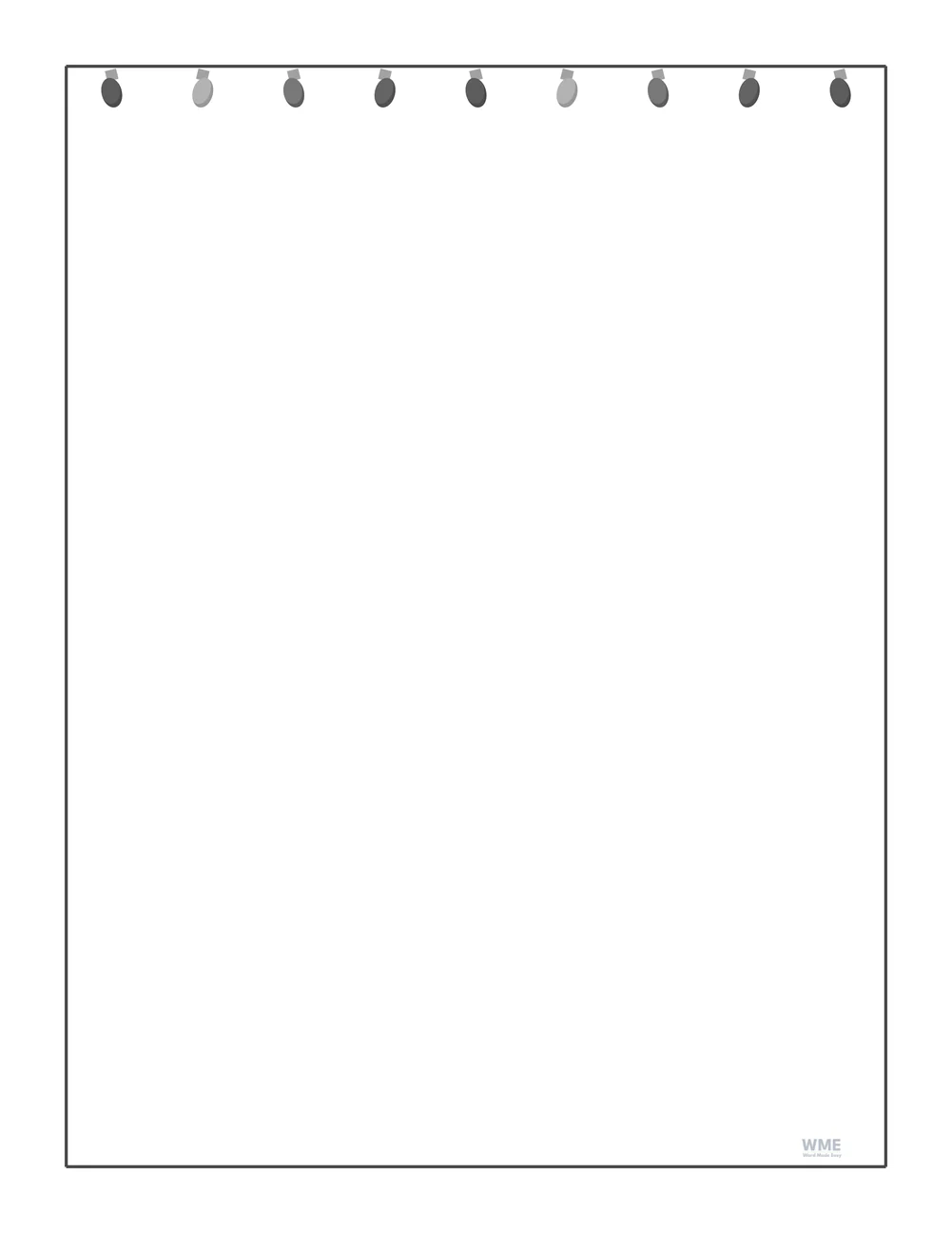
Christmas border template for Word: Christmas Lights Border, black and white, US Letter
Christmas Lights Border, Black and White. Click to enlarge.
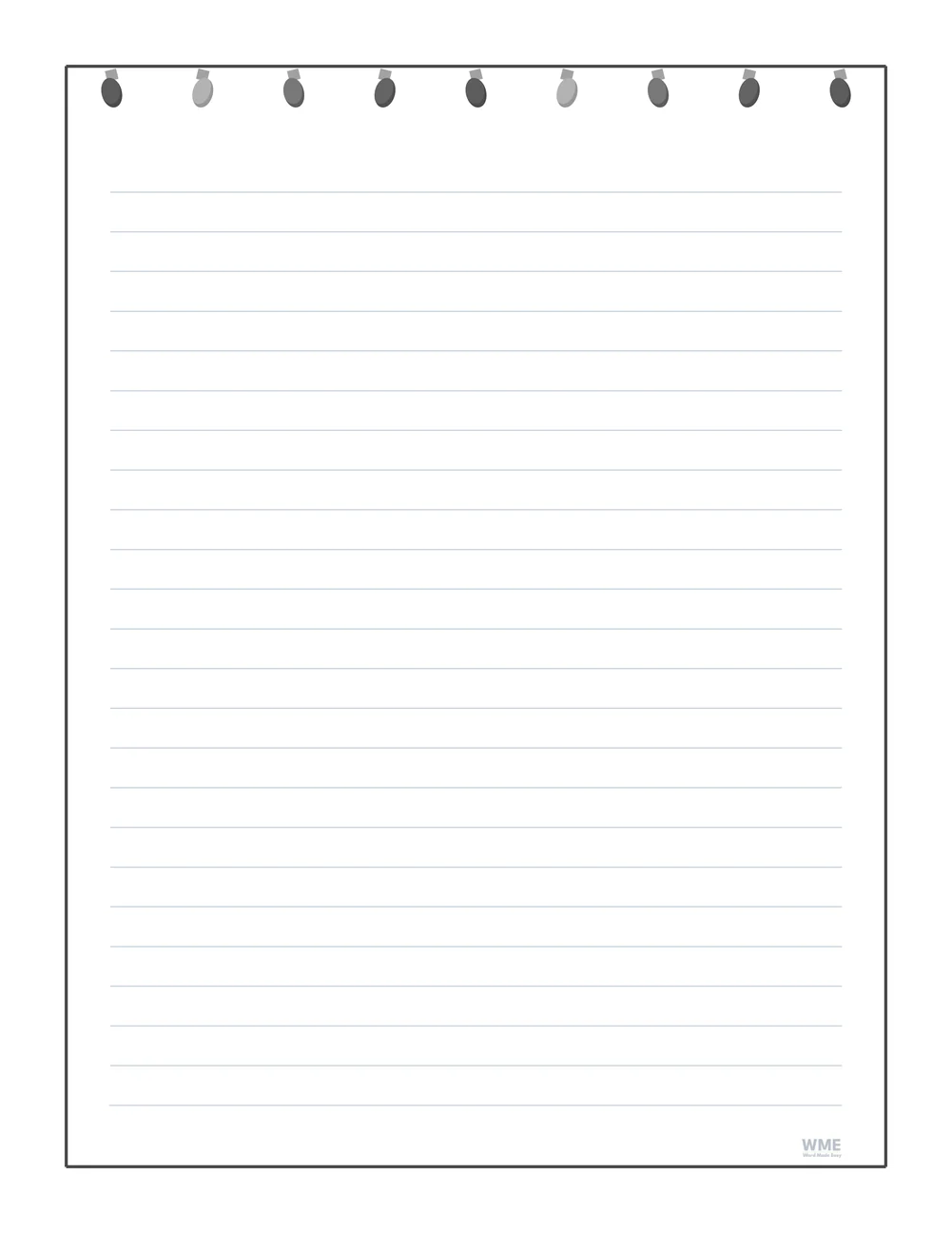
Christmas border template for Word: Christmas Lights Border with Lines, black and white, US Letter
Christmas Lights Border with Lines, Black and White. Click to enlarge.
Christmas border template for Word: Christmas Tree Border, black and white, US Letter
Christmas Tree Border, Black and White. Click to enlarge.
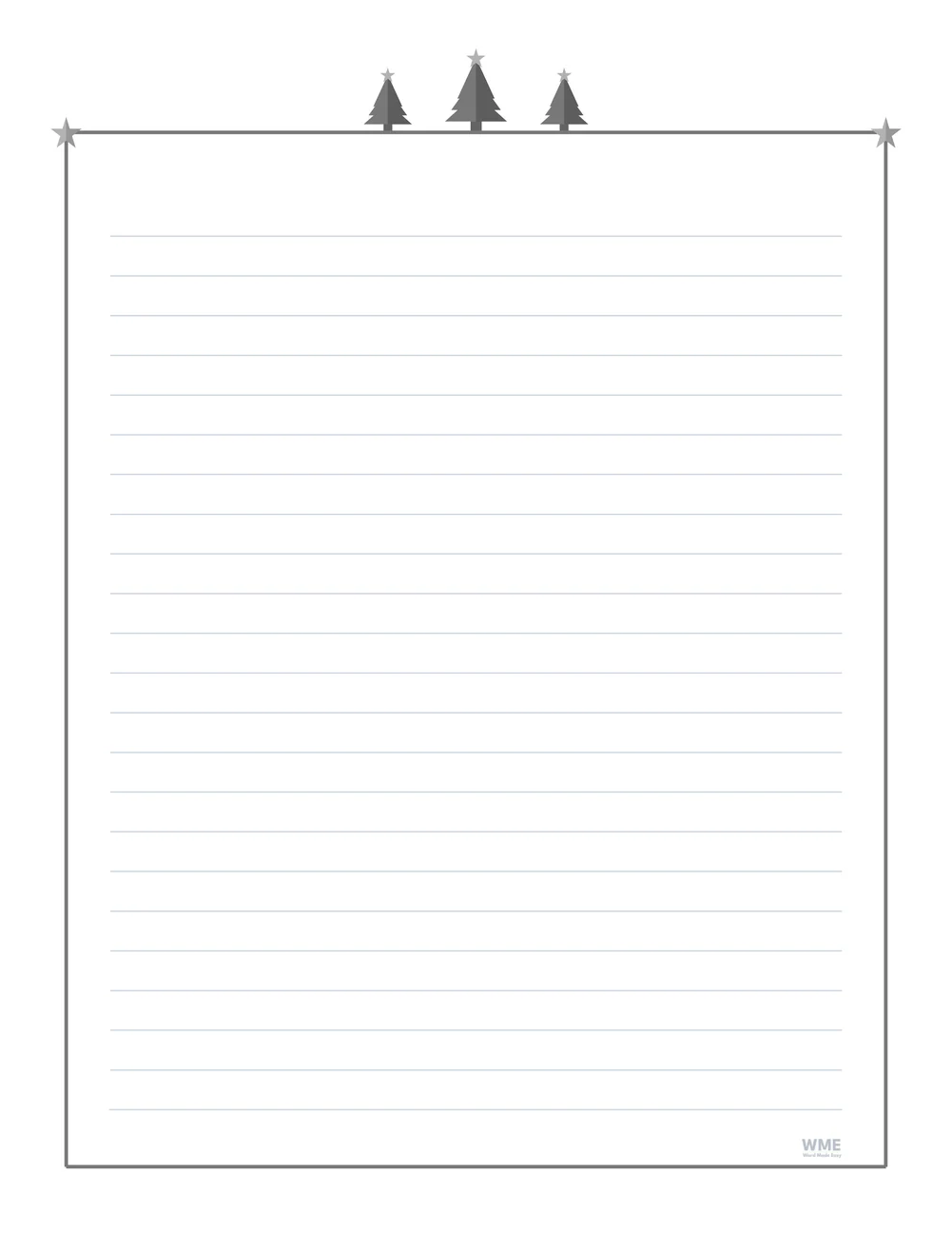
Christmas border template for Word: Christmas Tree Border with Lines, black and white, US Letter
Christmas Tree Border with Lines, Black and White. Click to enlarge.
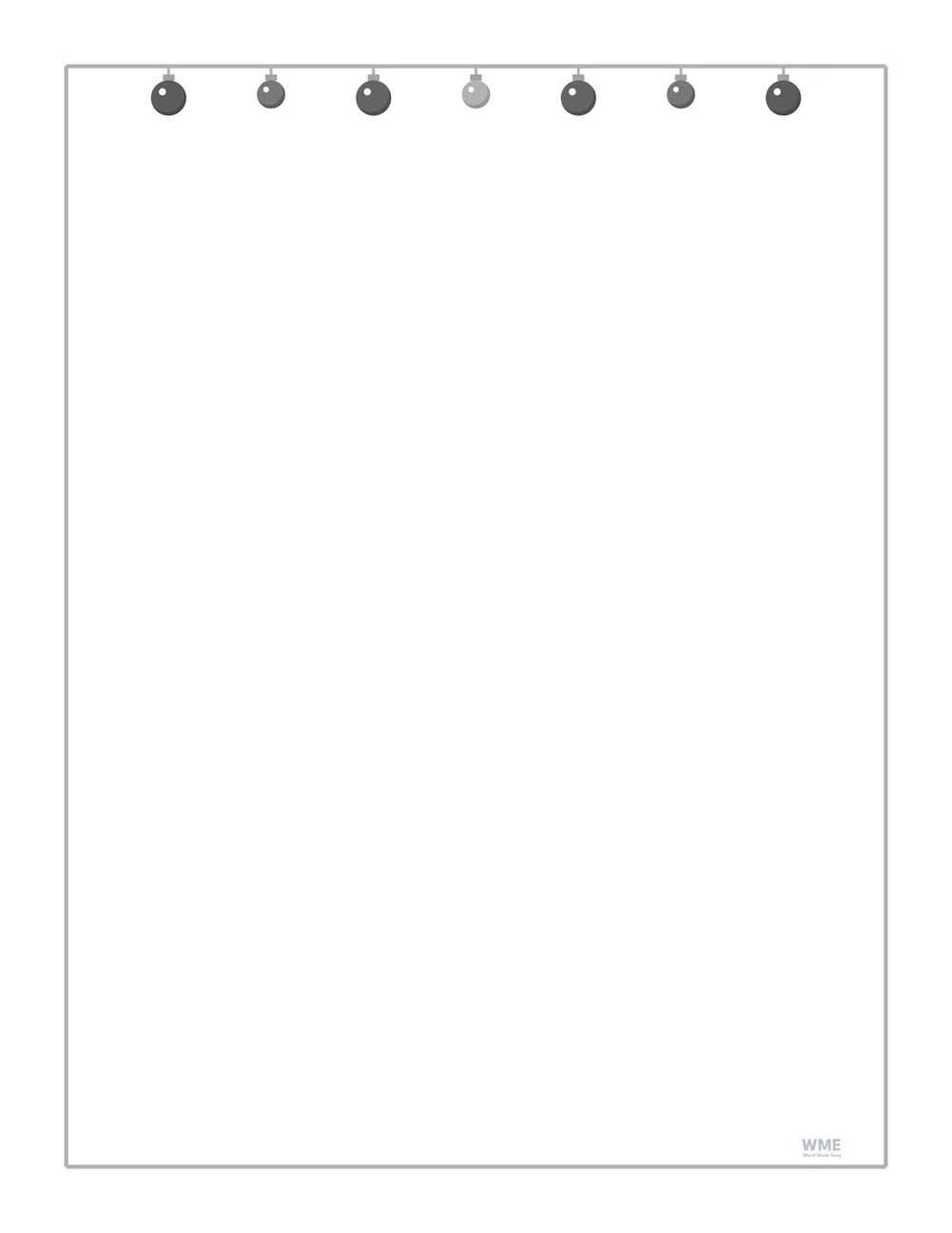
Christmas border template for Word: Bauble Border, black and white, US Letter
Bauble Border, Black and White · Seven baubles hanging from the top. Click to enlarge.
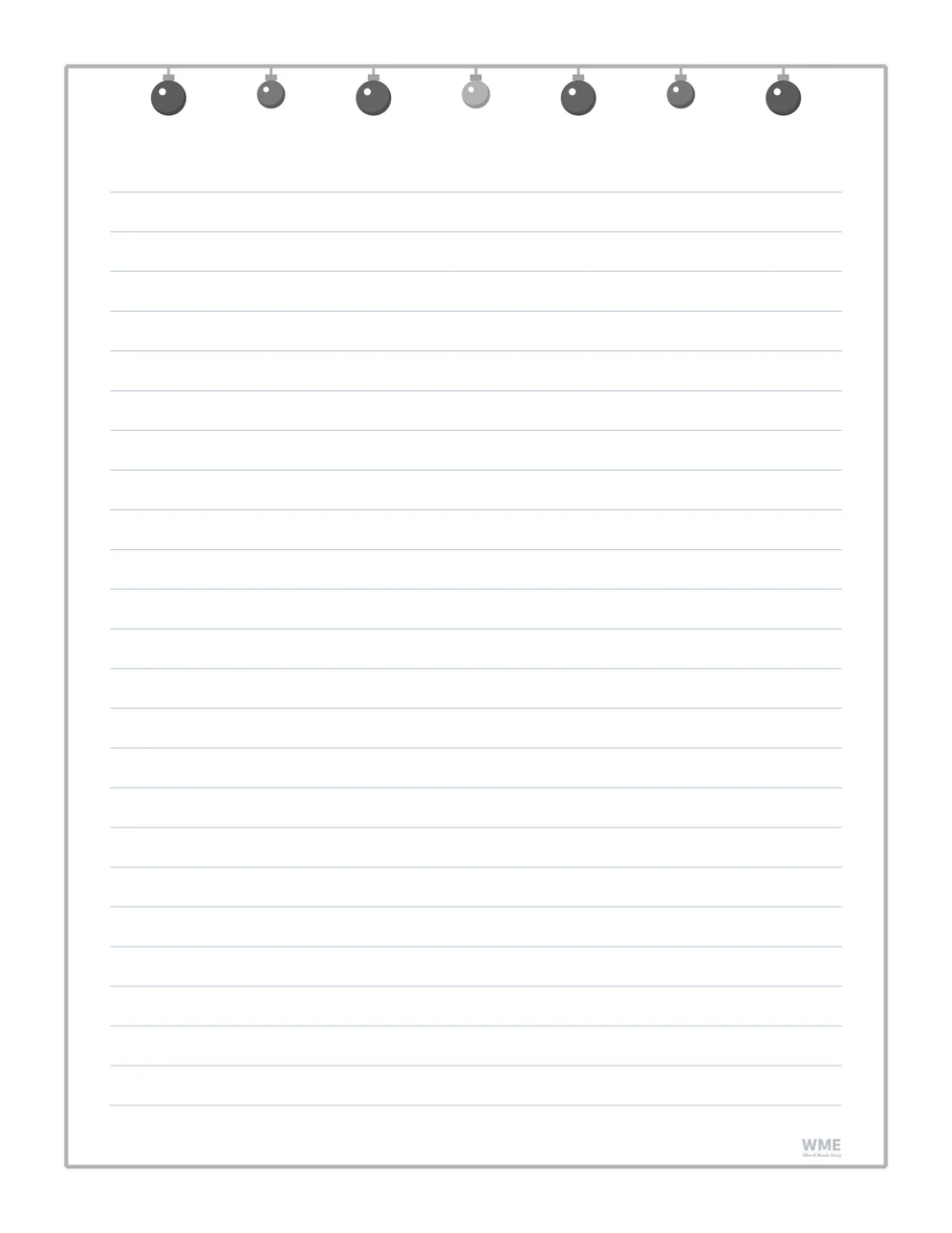
Christmas border template for Word: Bauble Border with Lines, black and white, US Letter
Bauble Border with Lines, Black and White. Click to enlarge.
Christmas border template for Word: Stocking Border, black and white, US Letter
Stocking Border, Black and White. Click to enlarge.
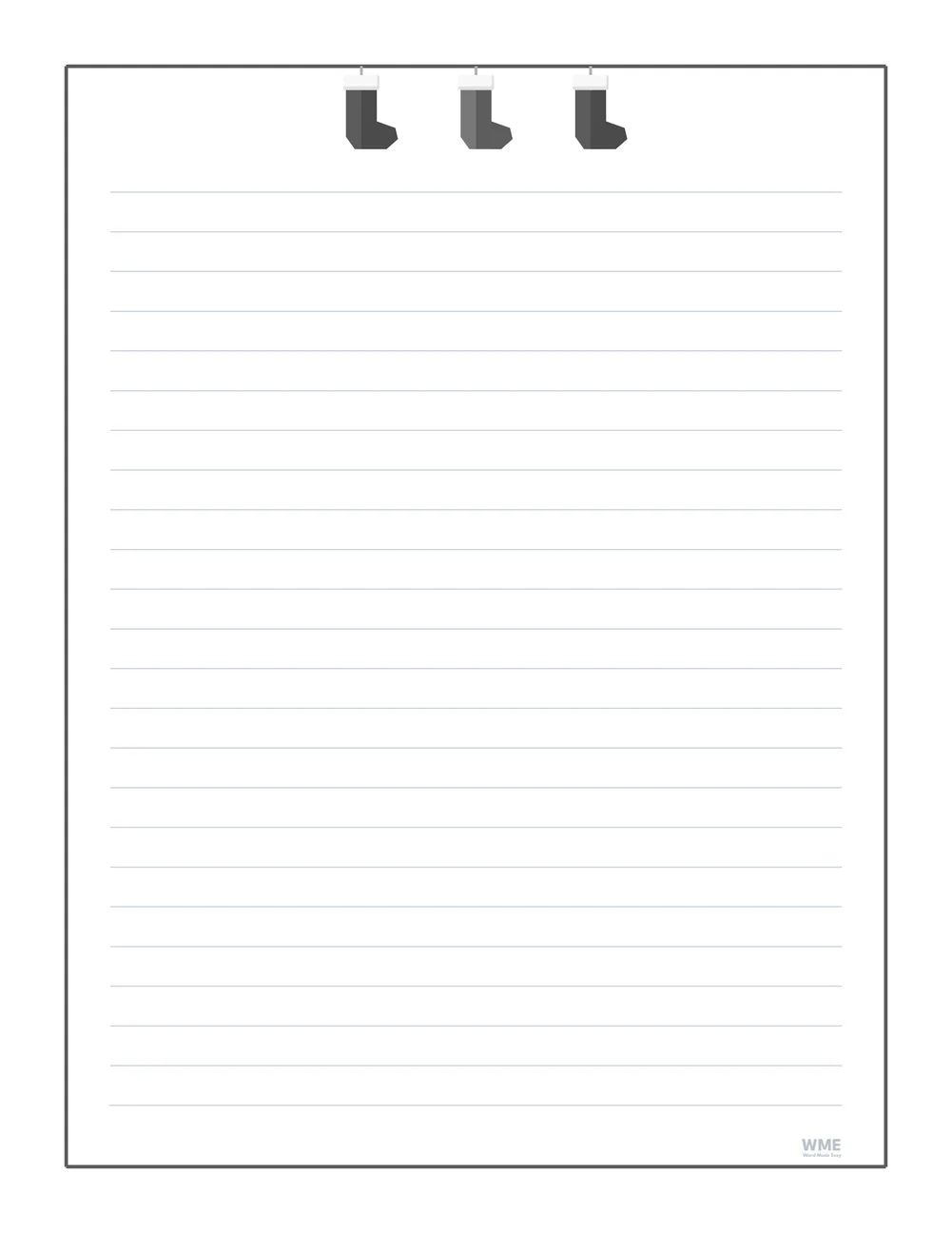
Christmas border template for Word: Stocking Border with Lines, black and white, US Letter
Stocking Border with Lines, Black and White. Click to enlarge.
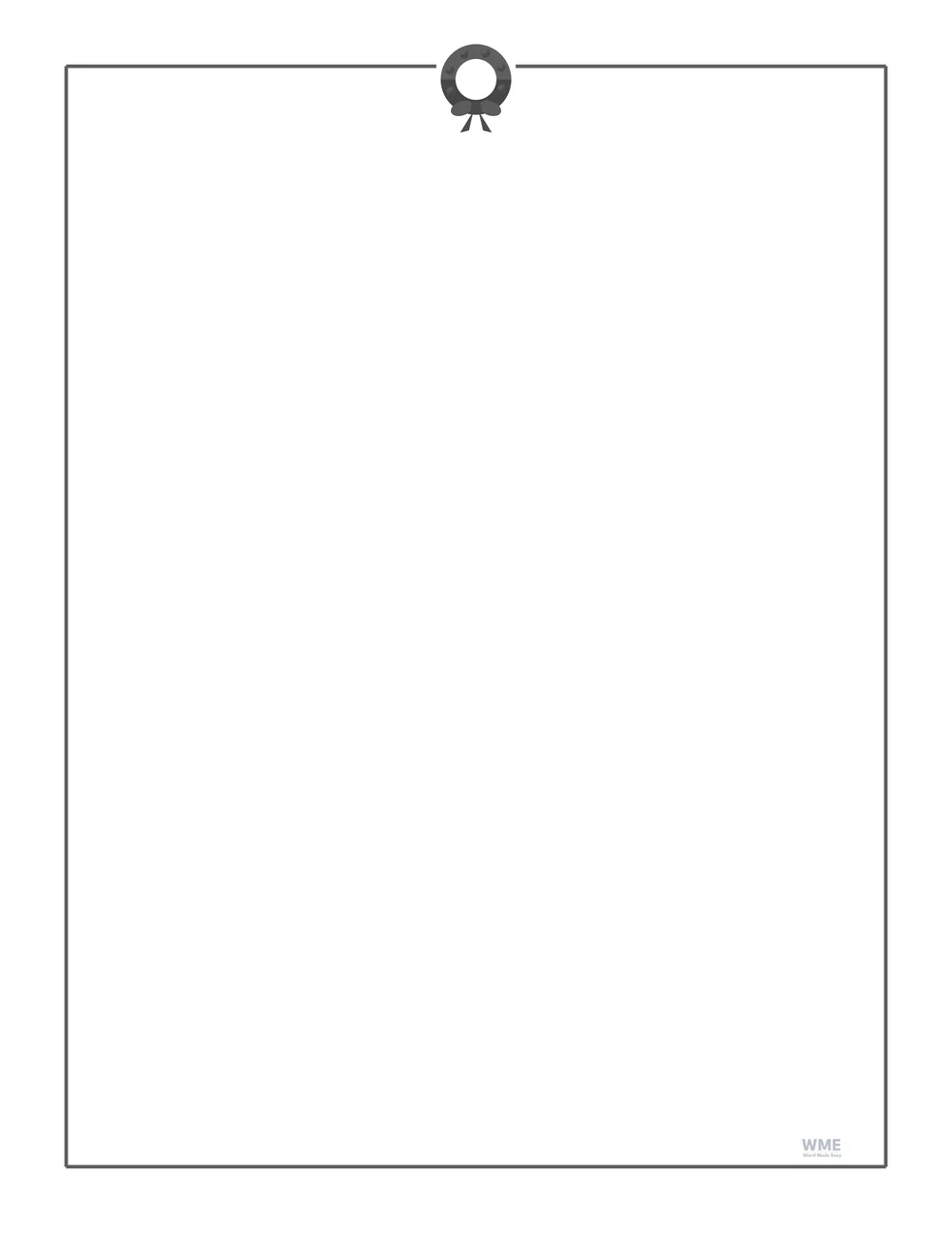
Christmas border template for Word: Wreath Border, black and white, US Letter
Wreath Border, Black and White · A wreath with a red bow at the top. Click to enlarge.
Christmas border template for Word: Wreath Border with Lines, black and white, US Letter
Wreath Border with Lines, Black and White. Click to enlarge.
Christmas border template for Word: Present Border, black and white, US Letter
Present Border, Black and White · Three wrapped presents on the frame. Click to enlarge.
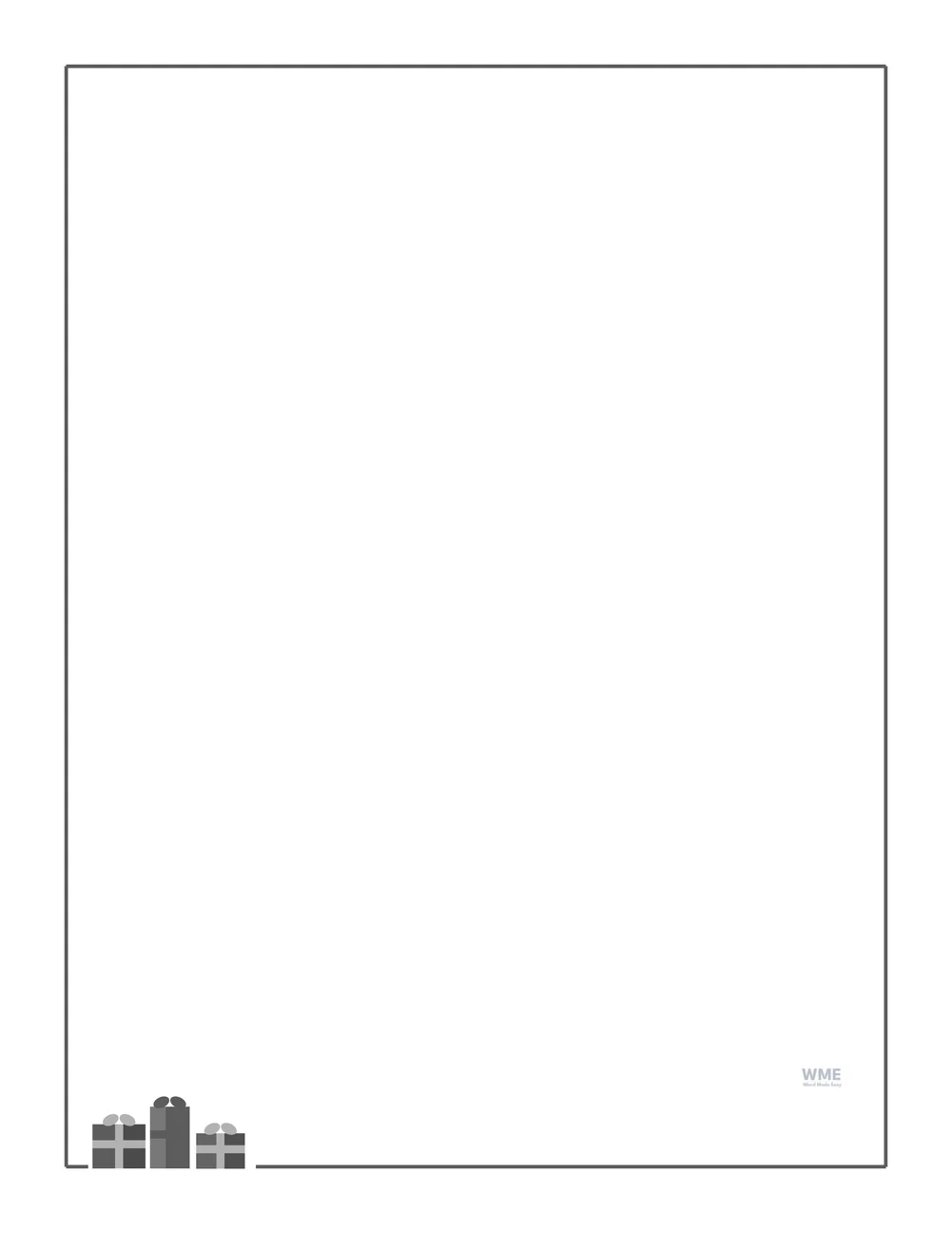
Christmas border template for Word: Present Border with Lines, black and white, US Letter
Present Border with Lines, Black and White. Click to enlarge.
Christmas border template for Word: Bell Border, black and white, US Letter
Bell Border, Black and White · Two golden bells with a bow at the top. Click to enlarge.
Christmas border template for Word: Bell Border with Lines, black and white, US Letter
Bell Border with Lines, Black and White · Two golden bells. Click to enlarge.
Christmas stationery for Word: Red Ribbon Border, black and white, US Letter
Red Ribbon Border, Black and White · A red ribbon frame. Click to enlarge.
Red Ribbon Border with Lines, Black and White · A red ribbon frame. Click to enlarge.

More free templates

  • Christmas Frame Templates for Word Christmas Frame Templates 7 Word files
  • Winter Border Templates for Word Winter Border Templates 7 Word files
  • New Year’s Goals Worksheets for Kids for Word New Year’s Goals Worksheets for Kids 5 Word files
  • Goal Setting Worksheets for Word Goal Setting Worksheets 4 Word files
  • Newspaper Templates for Word Newspaper Templates 4 Word files
  • Graphic Organizer Templates for Word Graphic Organizer Templates Free Word files
  • Page Border Templates for Word Page Border Templates Free Word files
  • Wanted Poster Templates for Word Wanted Poster Templates Free Word files

Download your free printables

Enter your email address to download. We will also send you new free templates and printables now and then, unless you choose to just download.

Choose colour or black and white
Choose your paper size

I agree that Word Made Easy may email me a weekly newsletter with new free templates, printables and Word tips, and occasional offers of paid templates. I can unsubscribe at any time. Choose "No thanks, just download" if you do not want these emails.

Read the Privacy Policy for details about storage, retention and your rights.

Can’t find the template you need? Request a template and I’ll make it in Word, free.

Get new free printables first: follow Word Made Easy on Pinterest

Christmas border template in use: the Holly and Berries Border printed on US Letter with handwritten Christmas news, on a desk with an exercise book and pens
The Holly and Berries Border, lined, with a child’s Christmas news written on it.

These ten free Christmas border templates give every page a festive frame without crowding it: a thin coloured line round the edge and just a few pictures, such as holly sprigs, a string of lights, three hanging stockings or two golden bells.

Below you’ll find what each border looks like, how the blank and lined versions differ, and how to type a letter, a list or a class notice inside one in Word.


Contents hide
1 What’s in the Christmas Border Templates
2 A Clean Christmas Frame, Not a Busy One
3 Which Christmas Border Should You Choose?
4 How to Use a Christmas Border in Word
5 Black and White Versions
6 How to Print the Christmas Borders
7 FAQs
8 Conclusion
9 Related Tutorials
10 Writing Resources

What’s in the Christmas Border Templates

BorderWhat it showsVersions
Holly and Berries BorderA holly sprig in each cornerBlank and lined; US Letter and A4; colour and black and white
Candy Cane BorderA thin red and white stripe with peppermint cornersBlank and lined; US Letter and A4; colour and black and white
Christmas Lights BorderA string of coloured lights along the topBlank and lined; US Letter and A4; colour and black and white
Christmas Tree BorderThree little trees on the frameBlank and lined; US Letter and A4; colour and black and white
Bauble BorderSeven baubles hanging from the topBlank and lined; US Letter and A4; colour and black and white
Stocking BorderThree stockings hanging from the topBlank and lined; US Letter and A4; colour and black and white
Wreath BorderA wreath with a red bow at the topBlank and lined; US Letter and A4; colour and black and white
Present BorderThree wrapped presents on the frameBlank and lined; US Letter and A4; colour and black and white
Bell BorderTwo golden bells with a bow at the topBlank and lined; US Letter and A4; colour and black and white
Red Ribbon BorderA red ribbon frame with bows and hollyBlank and lined; US Letter and A4; colour and black and white
Christmas border template for Word: the Holly and Berries border, a thin green frame with a holly sprig in each corner and writing lines, on US Letter

👉 The border is a drawing behind the page, so you can type straight onto the lines, change the font, or delete the lines and add your own text box without moving the frame.


A Clean Christmas Frame, Not a Busy One

Many free Christmas borders pack pictures all the way round, which leaves little room to write and uses a lot of ink. Each of these keeps to one thin frame line with a few pictures, so the writing area stays large and the page still looks finished. There is no footer on the page, only a small faint Word Made Easy logo tucked inside the frame.


Which Christmas Border Should You Choose?

  • Holly and Berries: a holly sprig in each corner, classic and calm for letters and certificates.
  • Candy Cane: a narrow red and white stripe all round with peppermints at the corners.
  • Christmas Lights: one string of nine coloured bulbs along the top.
  • Christmas Tree: three little trees standing on the top line.
  • Bauble, Stocking and Bell: pictures hanging from the top line, with the rest of the page left clear.
  • Wreath and Present: a wreath with a red bow at the top, or a stack of wrapped presents in a bottom corner.
  • Red Ribbon: a red ribbon frame with bows, and holly at opposite corners.
  • For snowflakes and snowy scenes that last past Christmas, see the winter border templates.

How to Use a Christmas Border in Word

  1. Choose your paper size and colour or black and white above, download the ZIP and open the border you like.
  2. On a lined page, click the first line and type; press Enter to move to the next line.
  3. On a blank page, click anywhere inside the frame and type, or choose Insert > Text Box for a heading.
  4. To use your own lines, select the line table and press Delete, then type freely.
  5. Print one copy to check it, then print as many as you need.

Use the lined versions for letters to family, thank-you notes and class writing; the blank versions suit menus, programmes and certificates. For a bolder, fuller look, try the Christmas frame templates.


Black and White Versions

Every Christmas border also comes in black and white: the frame and pictures turn grey, so the page prints neatly on any printer without colour ink. In the download box, choose Colour, Black and white or All, then US Letter, A4 or both.


How to Print the Christmas Borders

Print at 100% (Actual size) on the paper in the file name. White paper keeps the colours bright; thin card works well for menus and certificates.


FAQs

Are these Christmas borders free?

Yes. Choose US Letter or A4, colour or black and white, and download all ten borders in one ZIP file at no cost.

Can I type inside the border?

Yes. The border sits behind the page, so you type on the lines or anywhere inside the frame, and the frame never moves.

Is there a version without lines?

Yes. Every design comes blank and with writing lines, so ten borders make twenty pages on each paper size.

Is there a black and white version?

Yes. Each border also comes in grey, which saves colour ink and works well on a photocopier.

Will the border print to the edge of the paper?

No, and that is on purpose: every frame stays clear of the edge most printers cannot reach, so nothing is cut off.


Conclusion

These Christmas border templates give letters, lists and notices a festive frame while keeping plenty of room to write, ready to edit in Word and print at home or school.

Choose your paper size above and download the ZIP. For a winter look that lasts into the new year, see the winter border templates.


Related Tutorials

  • Free Winter Border Templates for Word
  • Free Christmas Frame Templates for Word
  • Free Page Border Templates for Word
  • A Christmas Carol Study Pack
  • Free Wanted Poster Templates for Word

Writing Resources

Recently Added Writing Resources

  • Christmas Frame Templates for Word: 7 Free Printable Frames

    November 18, 2026
  • Winter Border Templates for Word: 7 Free Printable Borders

    November 18, 2026
  • Free New Year’s Goals Worksheets for Kids for Word: 5 Printables

    November 4, 2026

Browse all free writing resources for home and school, all made by a teacher.

View all Writing Resources
Watch on YouTube
← PreviousDecember 2026 Calendar for Word: 4 Free Printable Designs
Next →Winter Border Templates for Word: 7 Free Printable Borders

Leave a comment Cancel reply

Have a question about these resources, or an idea for a new one? Ask below.

Meet the Author

Patrick Elliott standing outdoors holding his dog.

I’m Patrick Elliott, the creator of Word Made Easy. I’ve worked in schools for over 10 years and I’m now an Inclusion Lead in the UAE. I use Microsoft Word and PowerPoint every day for planning, documentation and classroom resources.

Every guide is tested step by step before publishing (usually in Microsoft 365), and every free template is one I made myself in Word. You’ll also find practical walkthroughs on my YouTube channel.

Browse

  • Word TutorialsStep-by-step guides for every feature
  • Word Beginners HubFree 12-chapter Word course
  • Word TemplatesFree, editable downloads
  • ResourcesWorksheets, posters and puzzles
  • Word Shortcut Cheat SheetsFree printable PDFs
  • Google Docs TutorialsStep-by-step Docs guides
  • PowerPoint TutorialsClear, simple slide guides
  • YouTube VideosWatch the video walkthroughs

Watch on YouTube

Prefer to watch? Most guides have a short video walkthrough on the Word Made Easy channel.

  • 147videos
  • 1.88Mviews
  • 8,000+subscribers
Subscribe on YouTube

Page Border Designs

This set is part of the Page Border Designs collection, with every related set side by side on one page.

See the collection →

In this section: Writing

  • Christmas Frame Templates for Word: 7 Free Printable FramesNovember 18, 2026
  • Winter Border Templates for Word: 7 Free Printable BordersNovember 18, 2026
  • Free New Year’s Goals Worksheets for Kids for Word: 5 PrintablesNovember 4, 2026
  • Free Goal Setting Worksheets for Word: 4 Printables for StudentsOctober 30, 2026
  • Free Newspaper Templates for Word: 4 Class Newspaper PrintablesOctober 30, 2026

See all →

Recently Added Resources

  • Number Cross Puzzles: 10 Free Printables with Sum Boxes and AnswersNovember 20, 2026
  • Magic Square Worksheets: 10 Free Printables with Triangles and a StarNovember 20, 2026
  • Christmas Quiz: 10 Free Printable Rounds with Questions and AnswersNovember 20, 2026
  • Factor Tree Worksheets: 10 Free Prime Factorization Printables with AnswersNovember 20, 2026
  • Number Bonds to 10 Worksheets: 10 Free Number Bond House PrintablesNovember 20, 2026

See all →

Most Downloaded

  • Free Microsoft Word Keyboard Shortcuts Bundle: 14 Cheat Sheets (PDF)76 downloads in the last 30 days
  • Microsoft Word for Beginners: Free Guide and PDF74 downloads in the last 30 days
  • Free Fillable Form Templates for Word: 4 Easy Forms63 downloads in the last 30 days
  • Free ILAW Lesson Plan Templates for Word: English and Filipino (DO 16, s. 2026)58 downloads in the last 30 days
  • Free Printable Alphabet Charts for Word: 5 Easy Designs52 downloads in the last 30 days

About

  • About Me
  • Contact
  • Shop

Microsoft Word

  • All Word Tutorials
  • Page Layout & Sections
  • Tables, Images & Media
  • Formatting Basics
  • Productivity & Automation
  • Beginners Hub
  • Shortcut Cheat Sheets

Word Templates

  • Business
  • Calendars and Planners
  • Home, Health and Money
  • School and Teacher Forms
  • Cards, Invitations and Labels
  • Paper and Grids
  • Holidays and Seasonal

Resources

  • Phonics and Reading
  • Handwriting
  • Writing
  • Maths
  • Puzzles and Activities
  • Classroom Display
  • Study Packs
  • Seasonal
  • Collections

More Tutorials

  • Google Docs Tutorials
  • PowerPoint Tutorials
  • YouTube Videos

Follow Us

  • YouTube
  • Facebook
  • Pinterest
Privacy Policy Cookie Policy Terms of Use
© 2012–2026 Word Made Easy. All rights reserved.
Manage your privacy

To provide the best experiences, we and our partners use technologies like cookies to store and/or access device information. Consenting to these technologies will allow us and our partners to process personal data such as browsing behavior or unique IDs on this site and show (non-) personalized ads. Not consenting or withdrawing consent, may adversely affect certain features and functions.

Click below to consent to the above or make granular choices. Your choices will be applied to this site only. You can change your settings at any time, including withdrawing your consent, by using the toggles on the Cookie Policy, or by clicking on the manage consent button at the bottom of the screen.

Functional Always active
The technical storage or access is strictly necessary for the legitimate purpose of enabling the use of a specific service explicitly requested by the subscriber or user, or for the sole purpose of carrying out the transmission of a communication over an electronic communications network.
Preferences
The technical storage or access is necessary for the legitimate purpose of storing preferences that are not requested by the subscriber or user.
Statistics
The technical storage or access that is used exclusively for statistical purposes. The technical storage or access that is used exclusively for anonymous statistical purposes. Without a subpoena, voluntary compliance on the part of your Internet Service Provider, or additional records from a third party, information stored or retrieved for this purpose alone cannot usually be used to identify you.
Marketing
The technical storage or access is required to create user profiles to send advertising, or to track the user on a website or across several websites for similar marketing purposes.
Statistics

Marketing

Features
Always active

Special features

Special purposes
Always active

  • Manage options
  • Manage services
  • Manage {vendor_count} vendors
  • Read more about these purposes
Manage options
  • {title}
  • {title}
  • {title}
Manage your privacy
To provide the best experiences, we use technologies like cookies to store and/or access device information. Consenting to these technologies will allow us to process data such as browsing behavior or unique IDs on this site. Not consenting or withdrawing consent, may adversely affect certain features and functions.
Functional Always active
The technical storage or access is strictly necessary for the legitimate purpose of enabling the use of a specific service explicitly requested by the subscriber or user, or for the sole purpose of carrying out the transmission of a communication over an electronic communications network.
Preferences
The technical storage or access is necessary for the legitimate purpose of storing preferences that are not requested by the subscriber or user.
Statistics
The technical storage or access that is used exclusively for statistical purposes. The technical storage or access that is used exclusively for anonymous statistical purposes. Without a subpoena, voluntary compliance on the part of your Internet Service Provider, or additional records from a third party, information stored or retrieved for this purpose alone cannot usually be used to identify you.
Marketing
The technical storage or access is required to create user profiles to send advertising, or to track the user on a website or across several websites for similar marketing purposes.
Statistics

Marketing

Features
Always active

Special features

Special purposes
Always active

  • Manage options
  • Manage services
  • Manage {vendor_count} vendors
  • Read more about these purposes
Manage options
  • {title}
  • {title}
  • {title}