
Christmas Frame Templates for Word: 7 Free Printable Frames
Choose your country, preview every template, then download your Word templates in one small ZIP file.
Made by a teacherA4 and US Letter7 framesFree









Can’t find the template you need? Request a template and I’ll make it in Word, free.
Get new free printables first: follow Word Made Easy on Pinterest

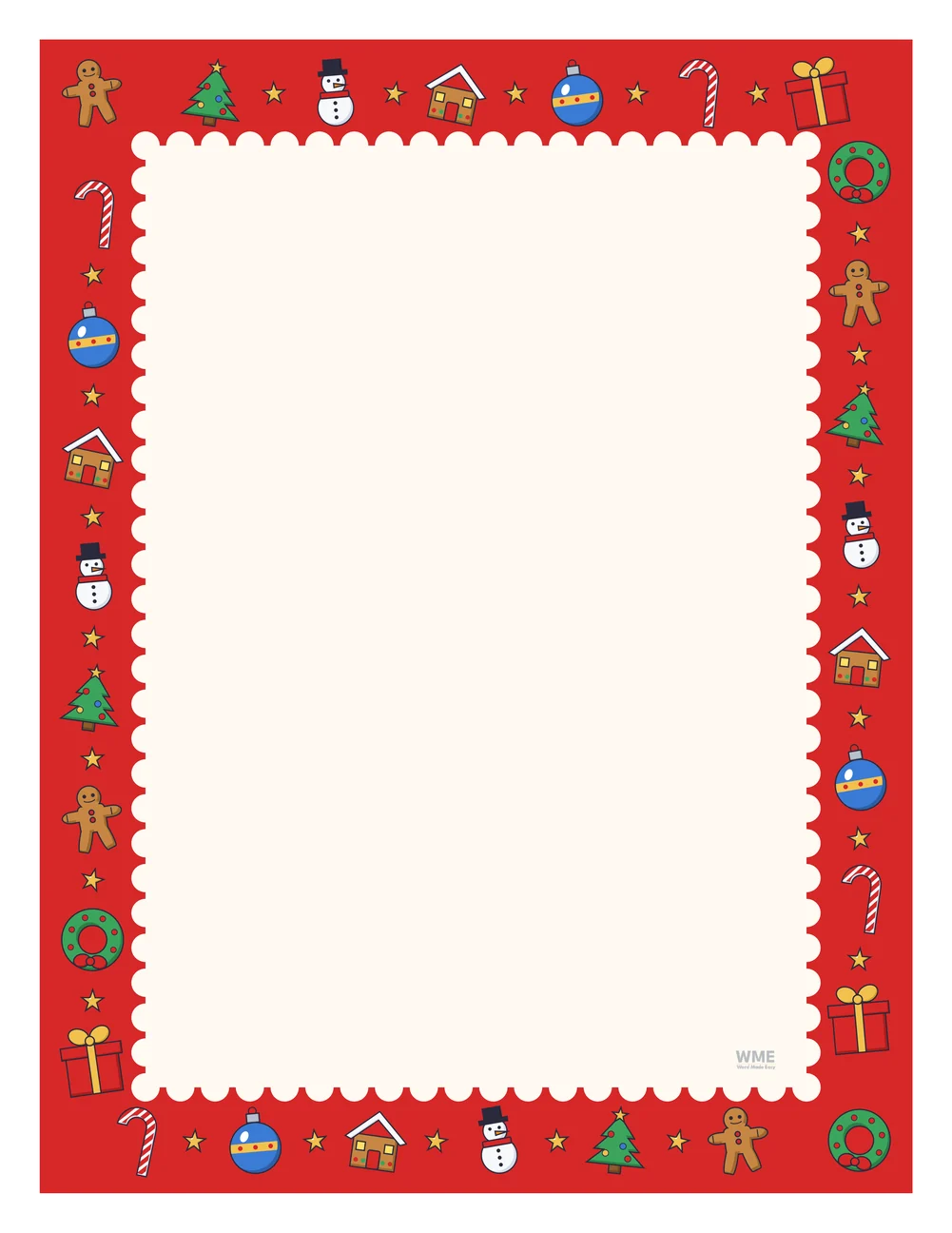
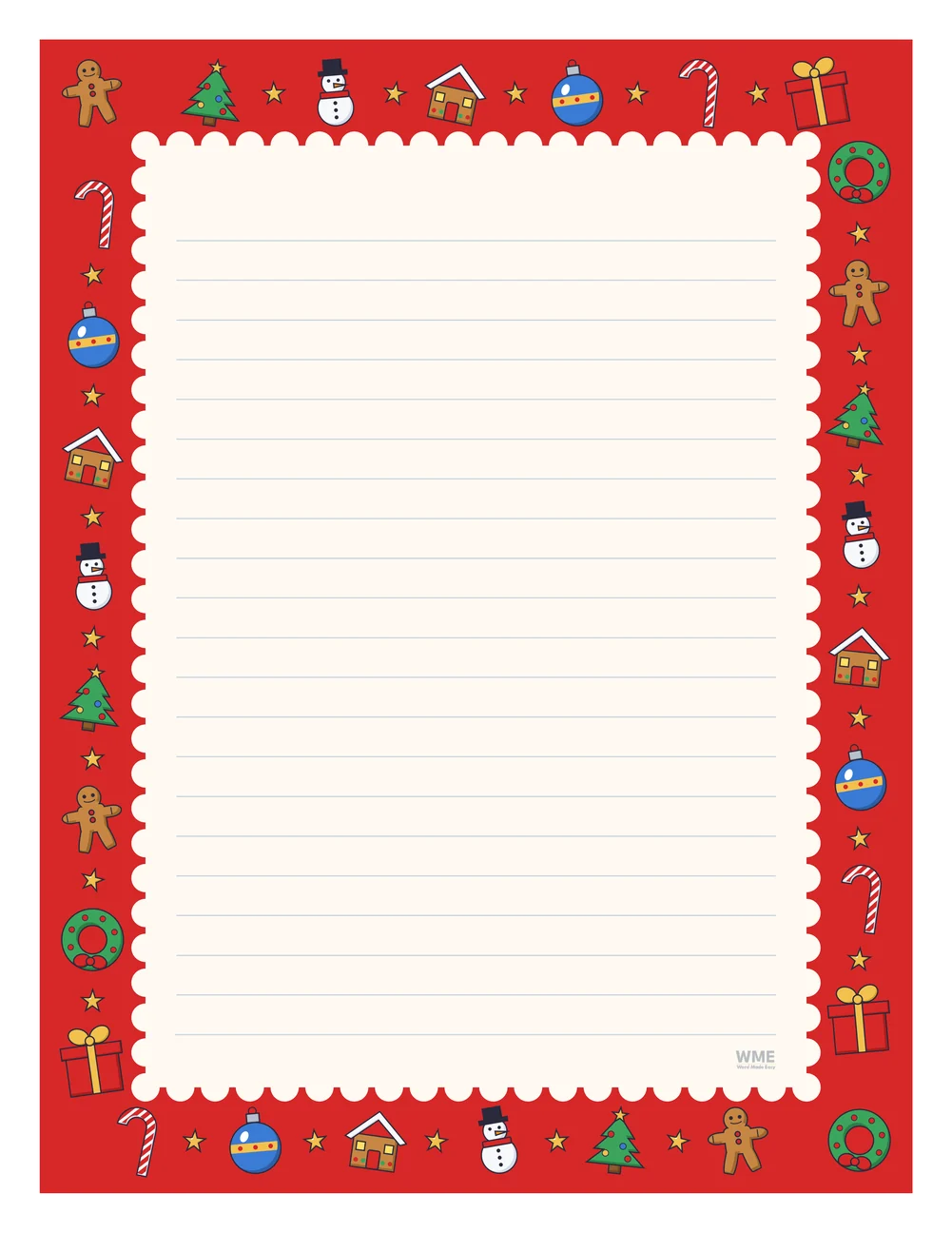
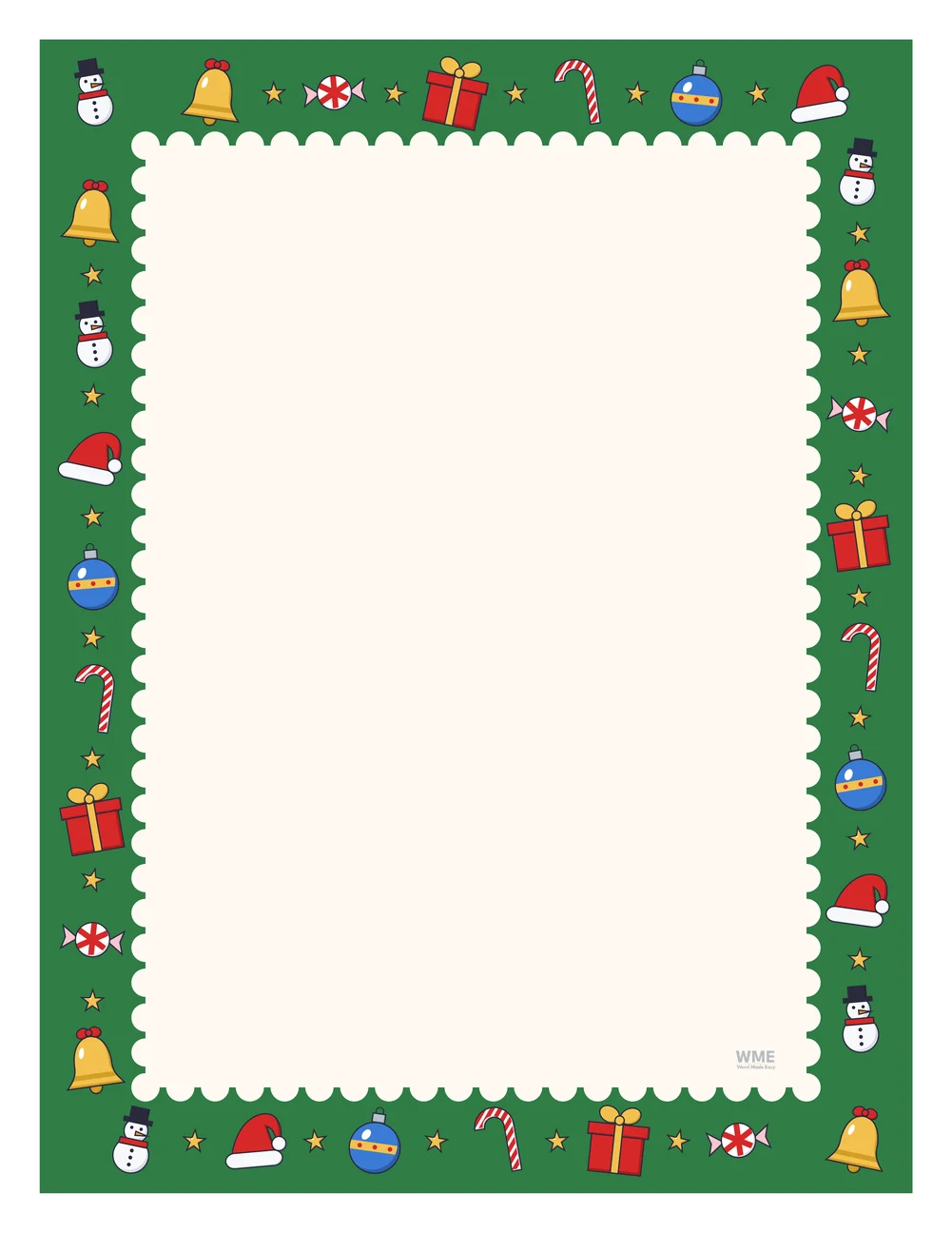
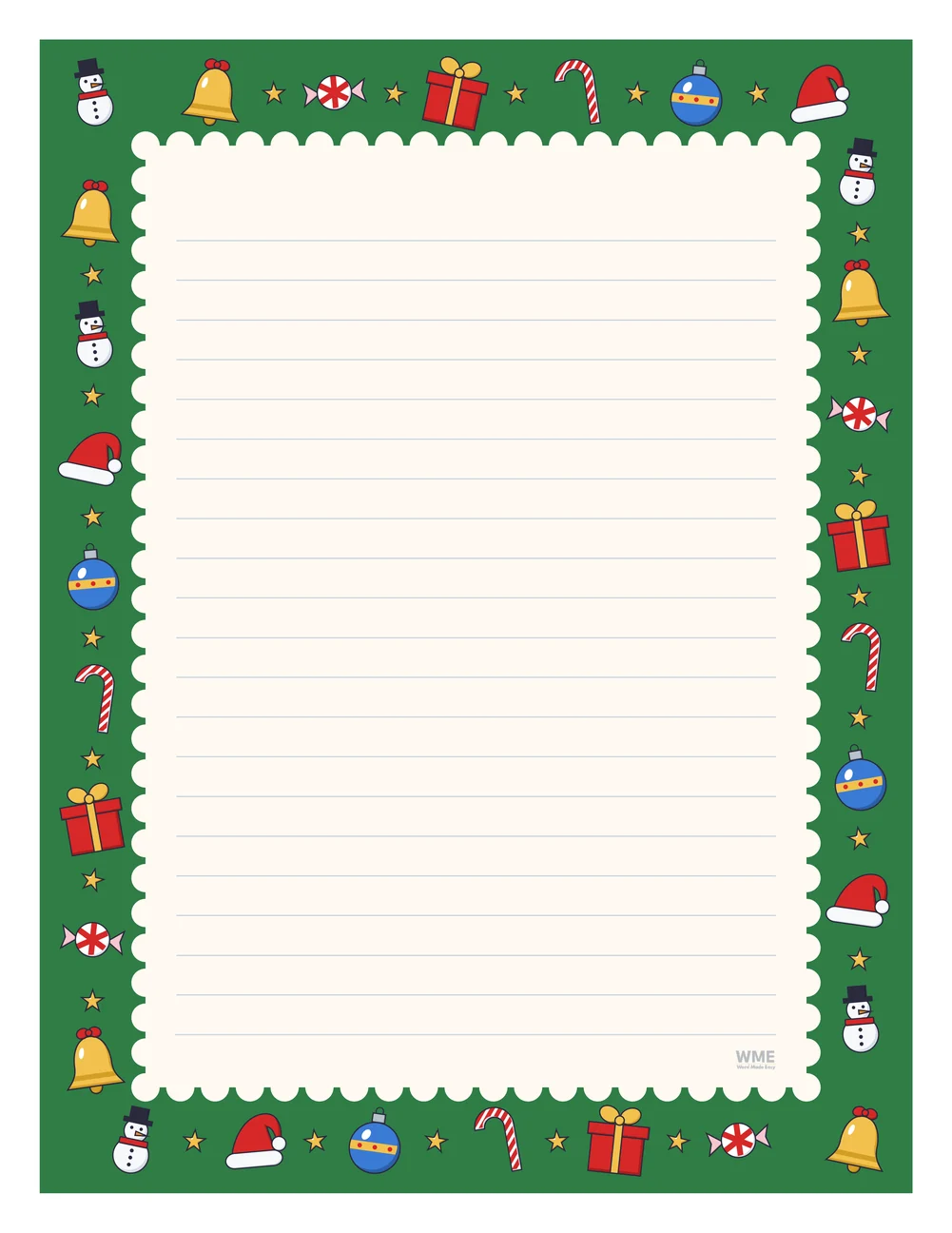
These free Christmas frame templates make a letter feel like a card. Five frames wrap the page in a bold band of festive pictures round a cream scalloped panel; two more frame it with hanging baubles, or a string of lights and two reindeer.
Read on for what is in each design, how the lined and blank versions work, and how to type or handwrite a festive letter on them.
What’s in the Christmas Frame Templates
| Border | What it shows | Versions |
|---|---|---|
| Red Christmas Cookie Border | A bold red band with gingerbread, snowmen and trees | Blank and lined; US Letter and A4; colour and black and white |
| Green Christmas Border | A bold green band with snowmen, bells and presents | Blank and lined; US Letter and A4; colour and black and white |
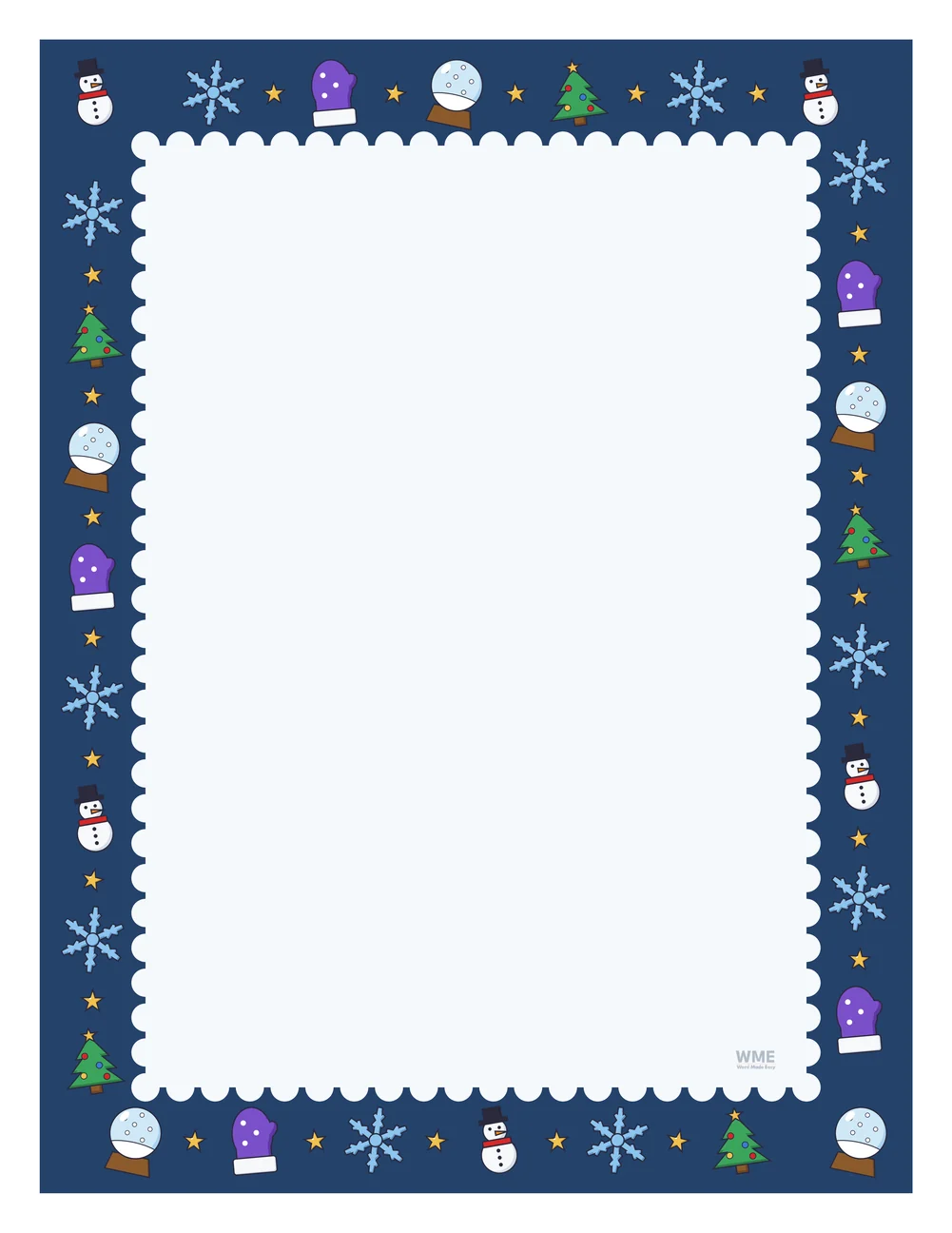
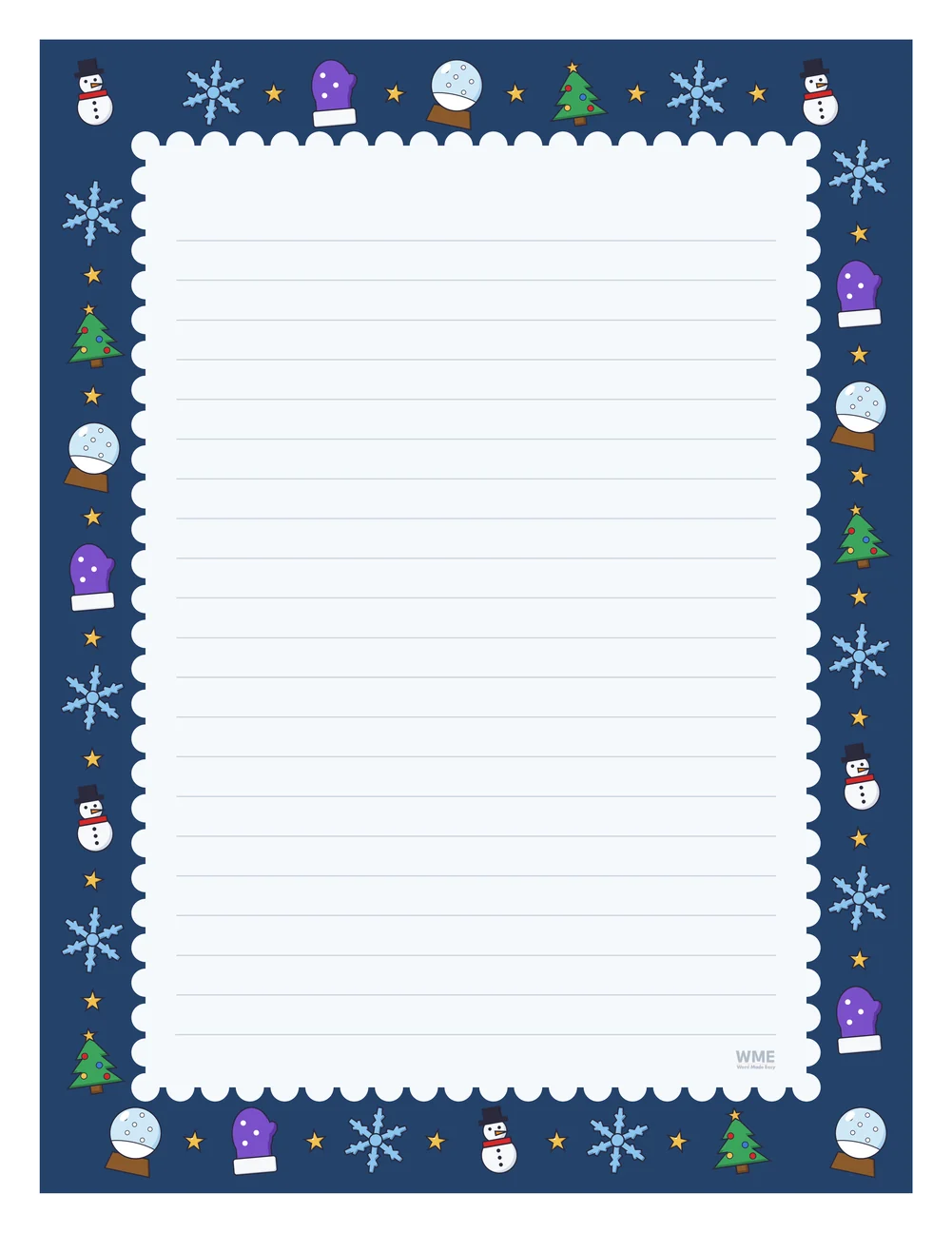
| Navy Winter Border | A bold navy band with snowmen, snowflakes and mittens | Blank and lined; US Letter and A4; colour and black and white |
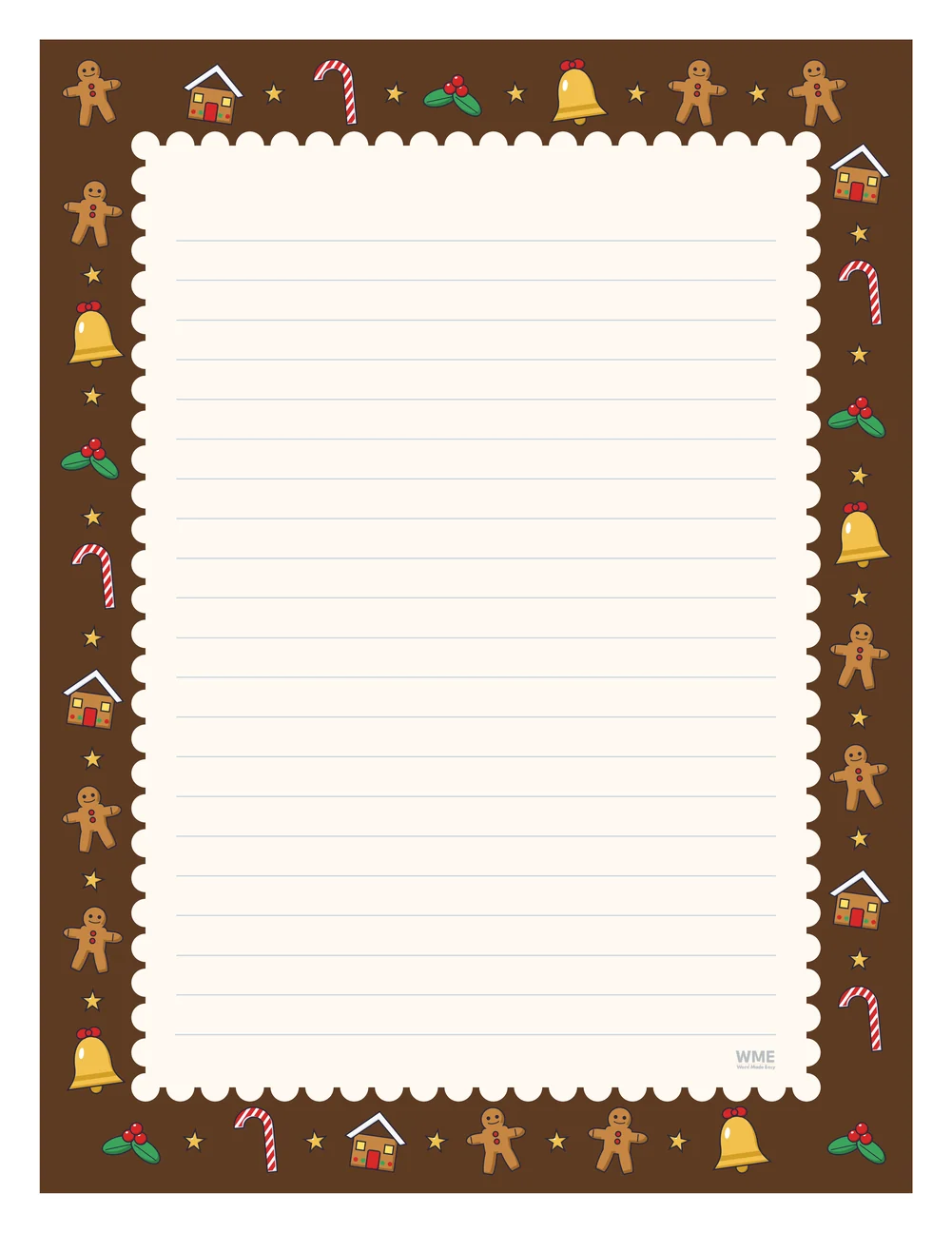
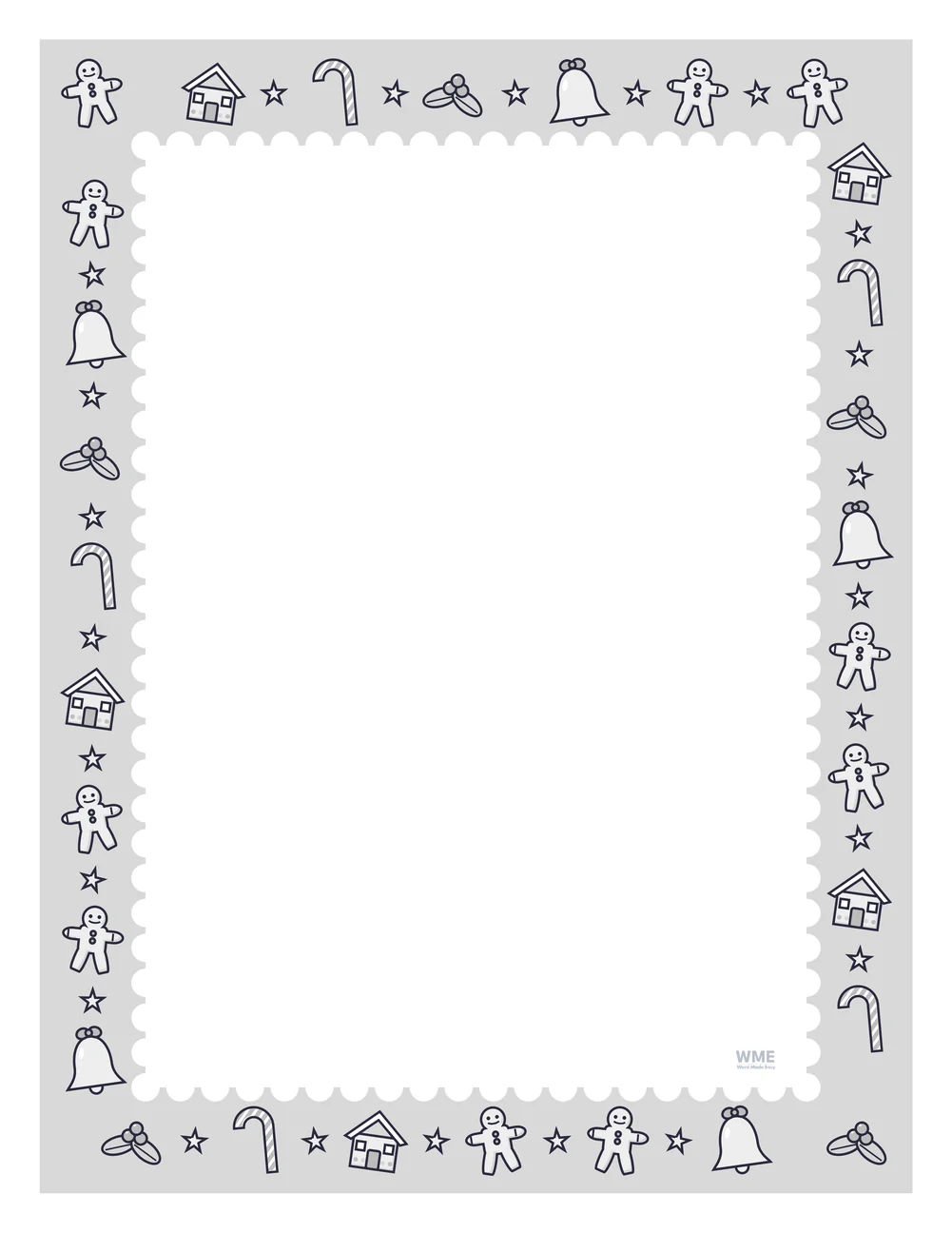
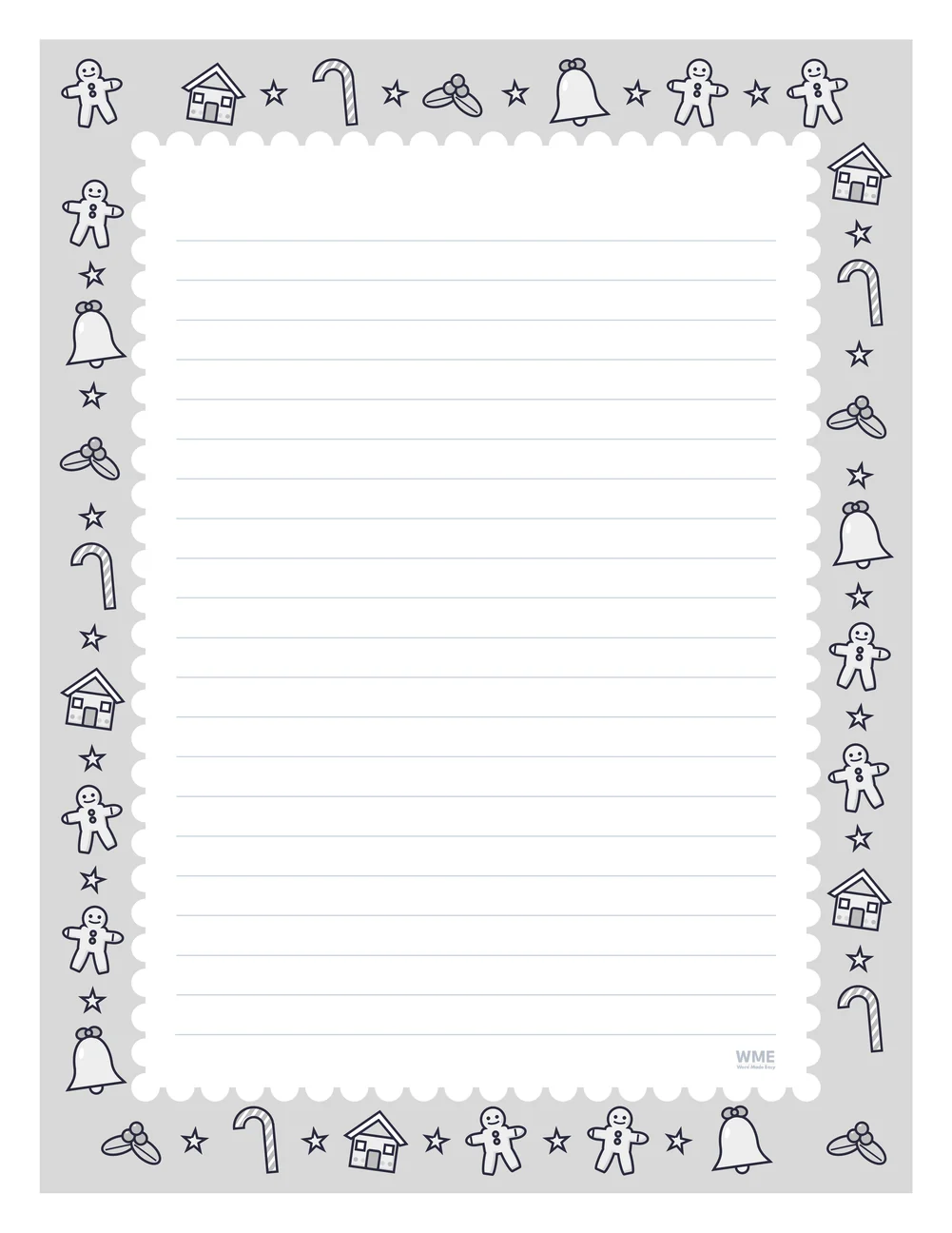
| Gingerbread Border | A cocoa-brown band with gingerbread men and houses | Blank and lined; US Letter and A4; colour and black and white |
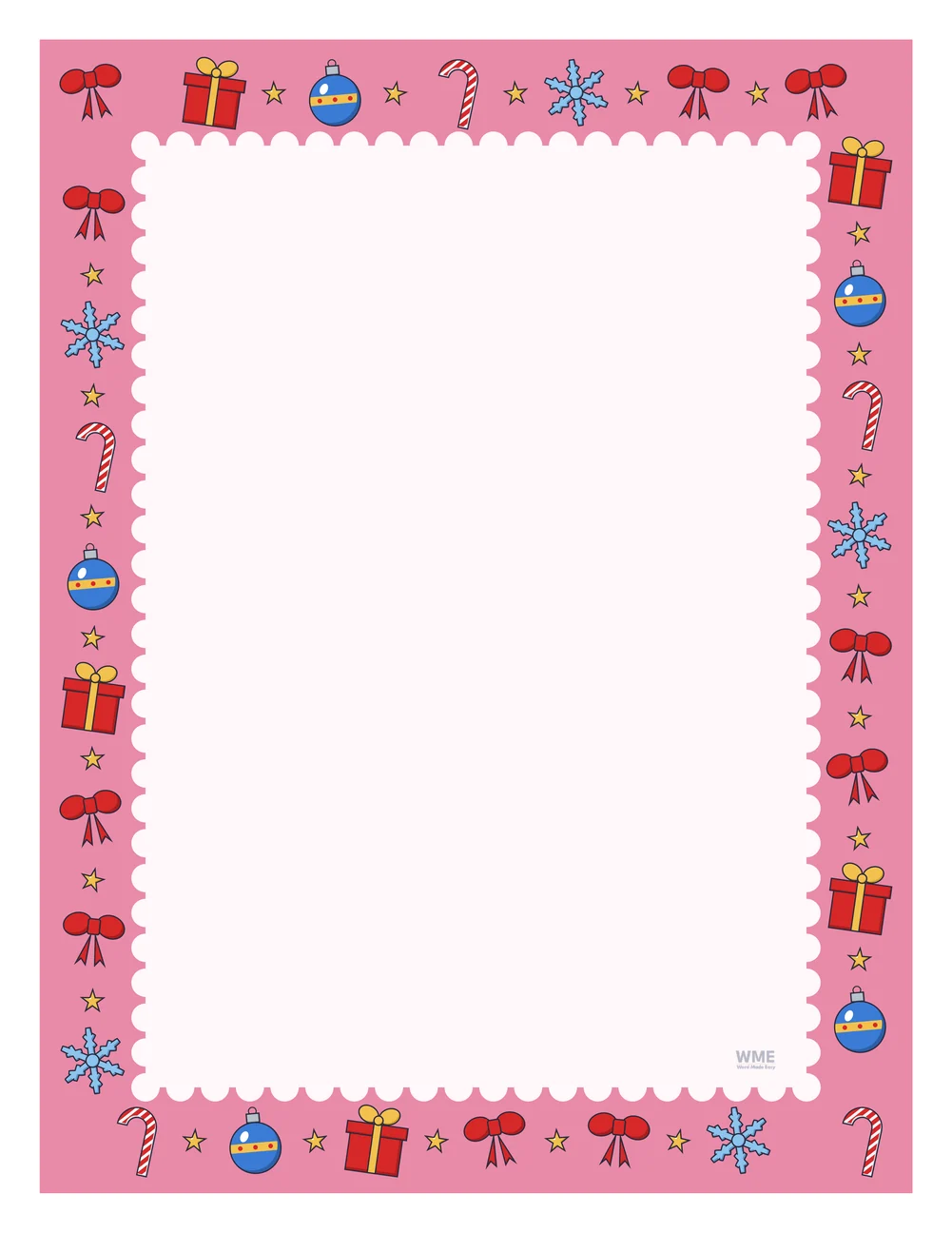
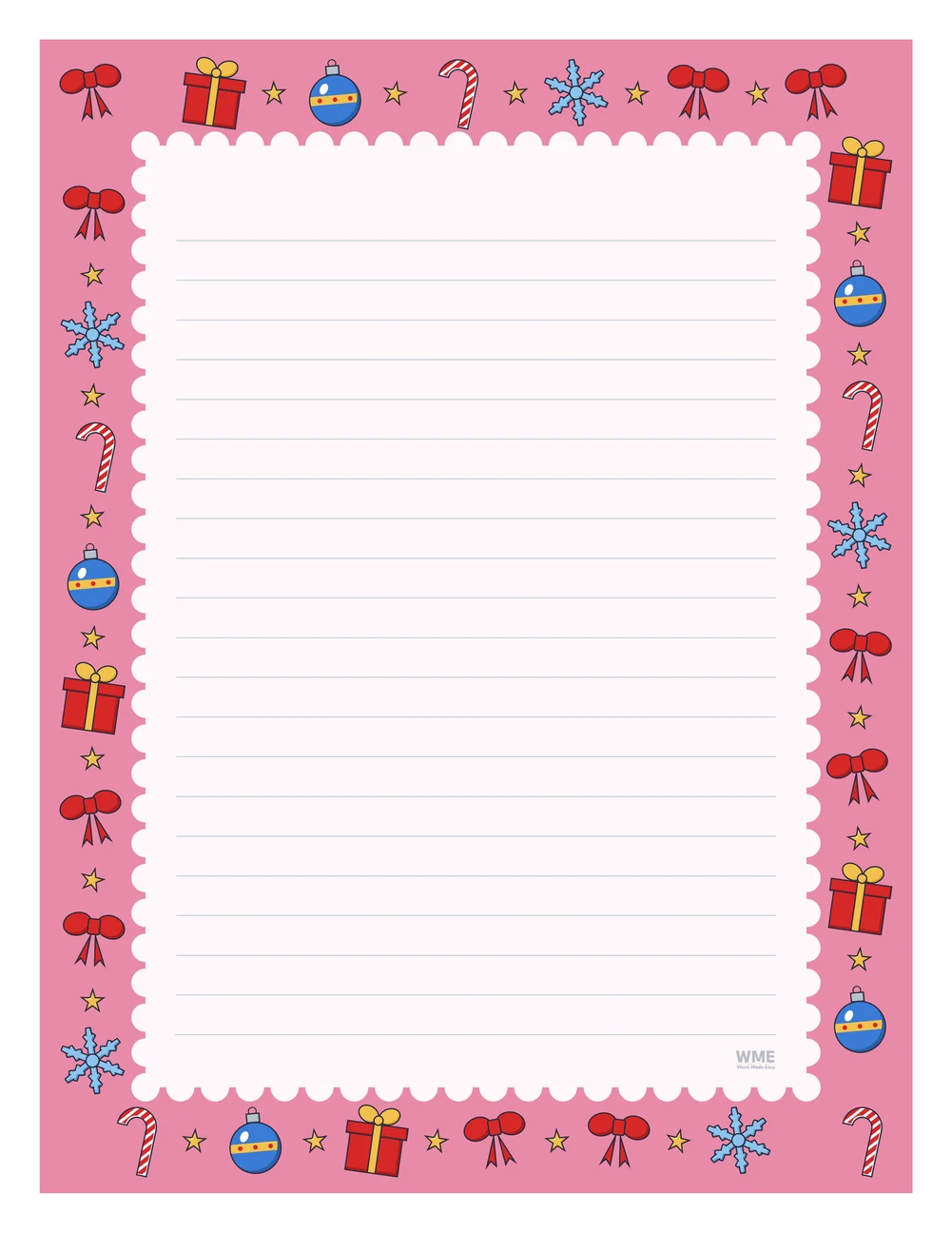
| Pink Christmas Border | A bold pink band with bows, presents and baubles | Blank and lined; US Letter and A4; colour and black and white |
| Hanging Bauble Border | A red frame with striped baubles and snowflakes | Blank and lined; US Letter and A4; colour and black and white |
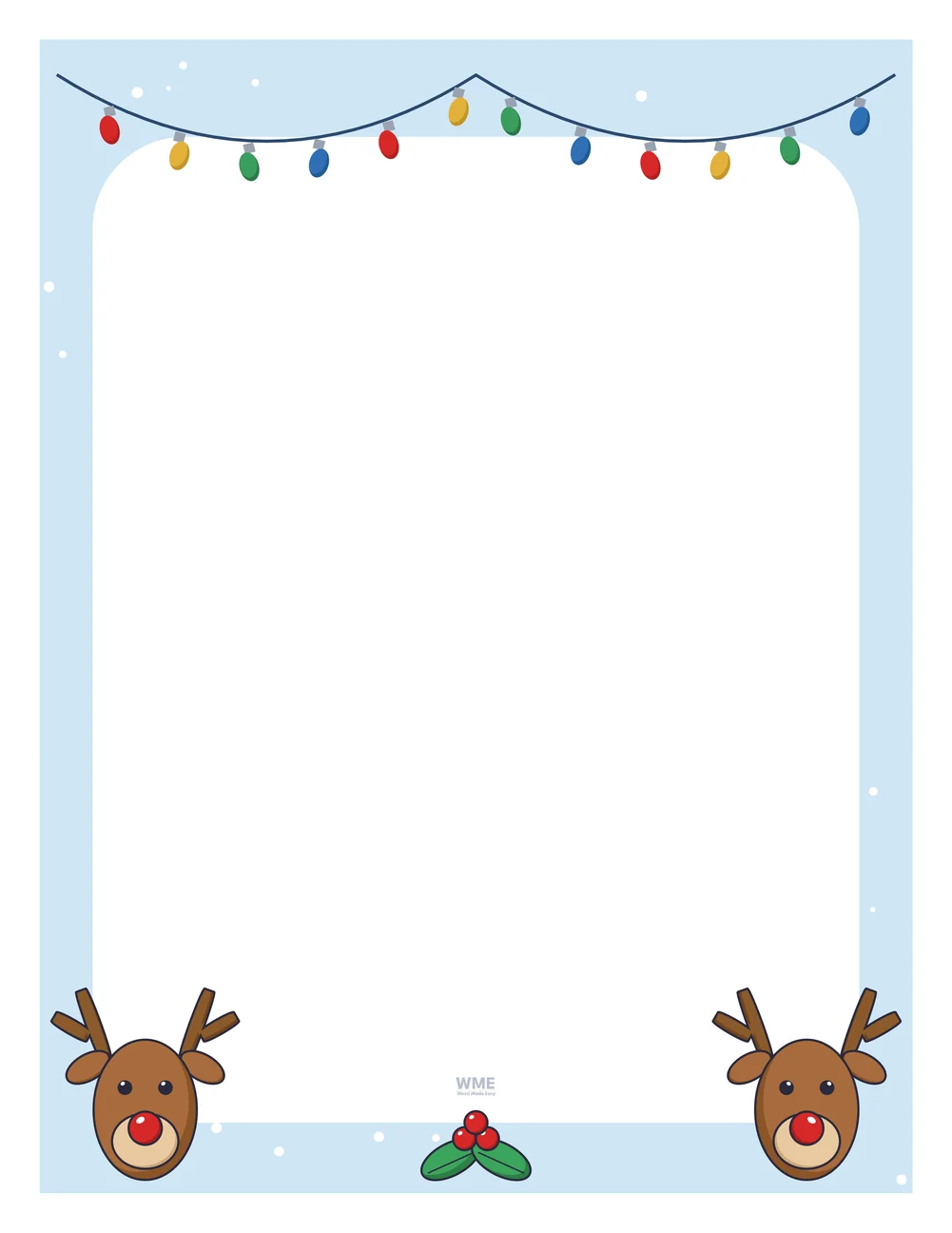
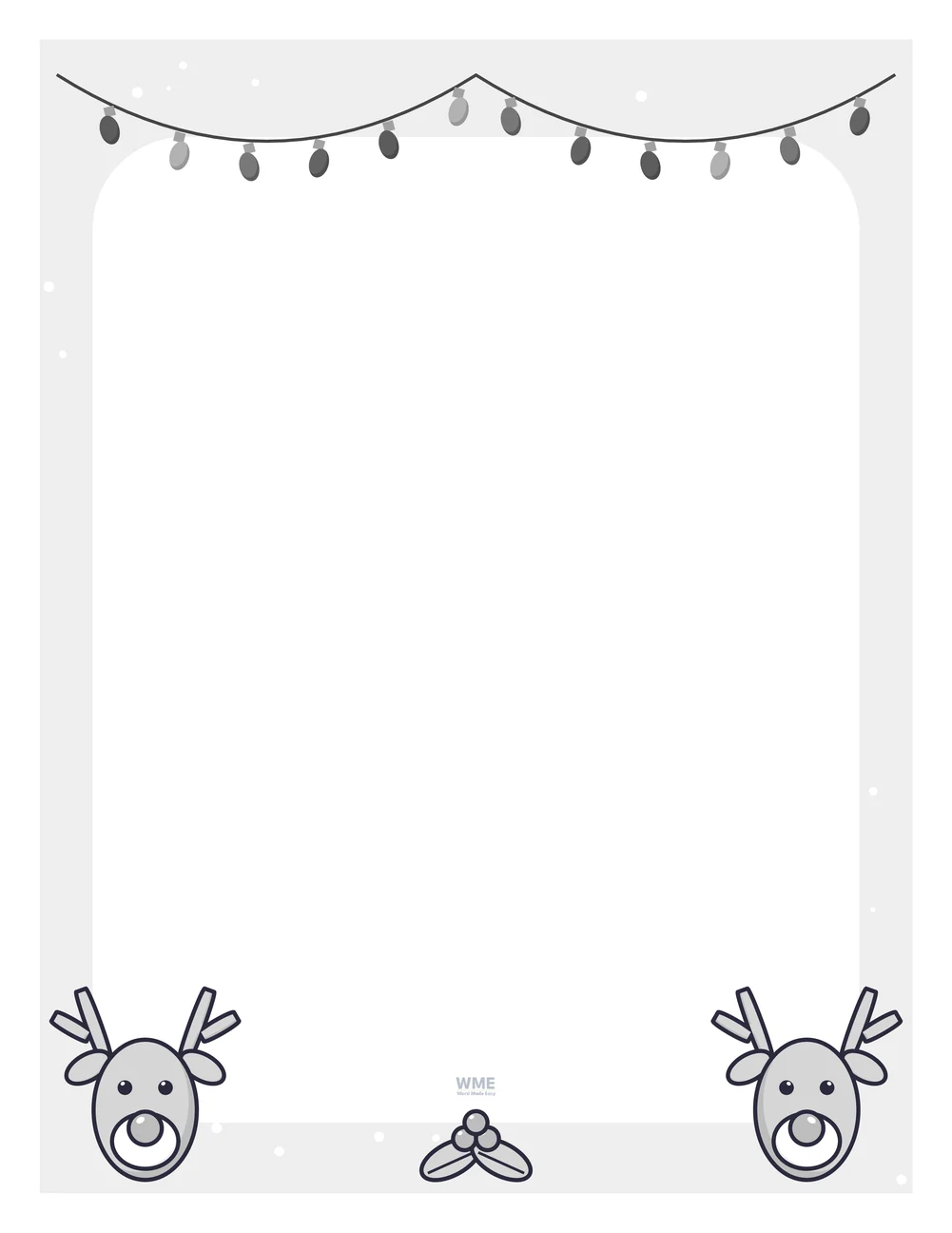
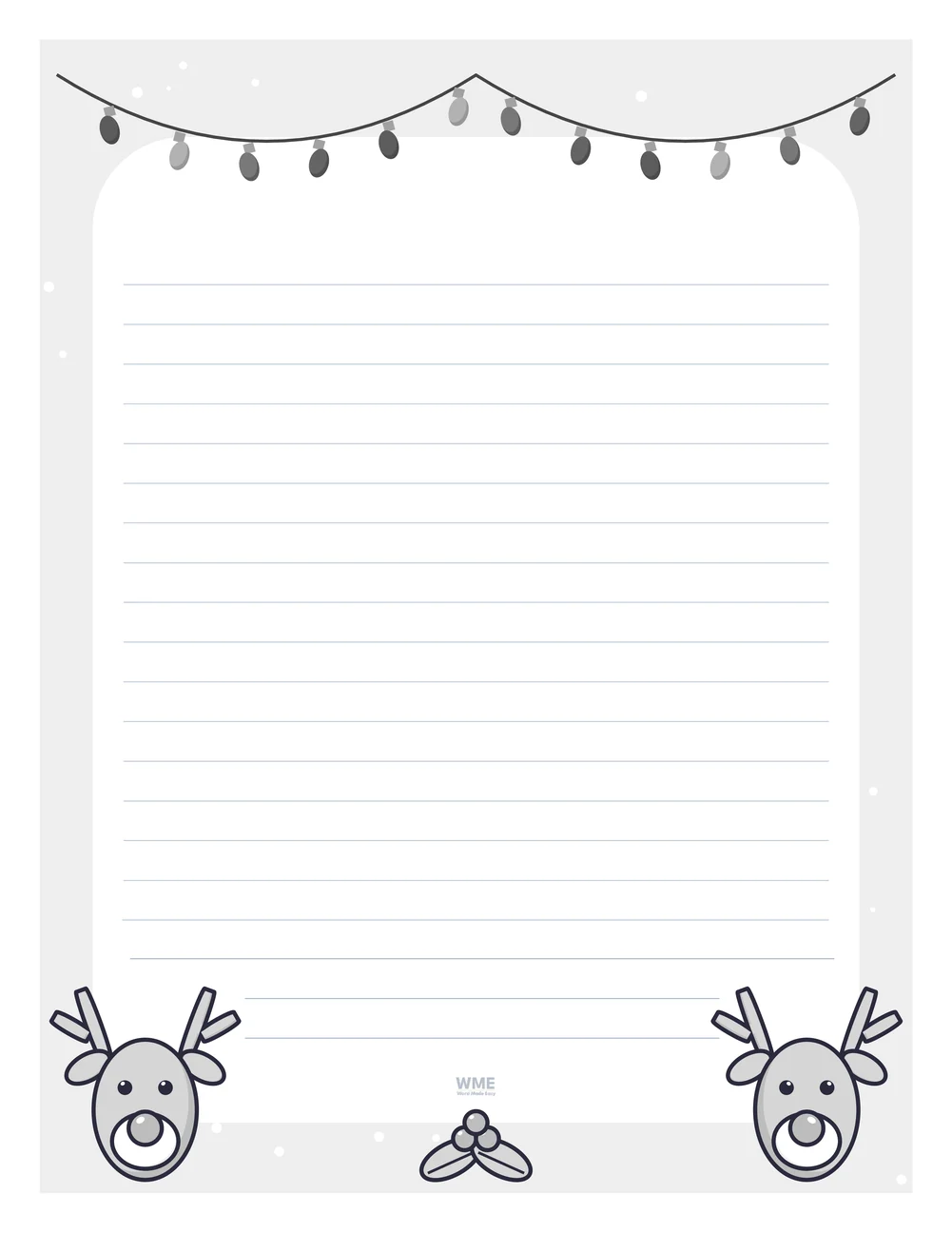
| Reindeer and Lights Border | Reindeer and a string of lights on pale blue | Blank and lined; US Letter and A4; colour and black and white |
👉 On the lined pages the writing lines stay well clear of the pictures; on Hanging Bauble and Reindeer and Lights, extra shorter lines run around the pictures at the bottom so no space is wasted.
Bold Christmas Frames for Letters and Notes
Where the Christmas border templates keep to a thin frame, these Christmas frames go all in. The five band designs fill the edge of the page with colour and scatter it with gingerbread men, snowmen, trees, baubles, presents and stars, around a panel with a scalloped edge like a postage stamp. The other two are framed pages with bigger pictures.
Which Christmas Frame Should You Pick?
- Red Christmas Cookie: gingerbread men, snowmen, trees, wreaths and candy canes on a bold red band.
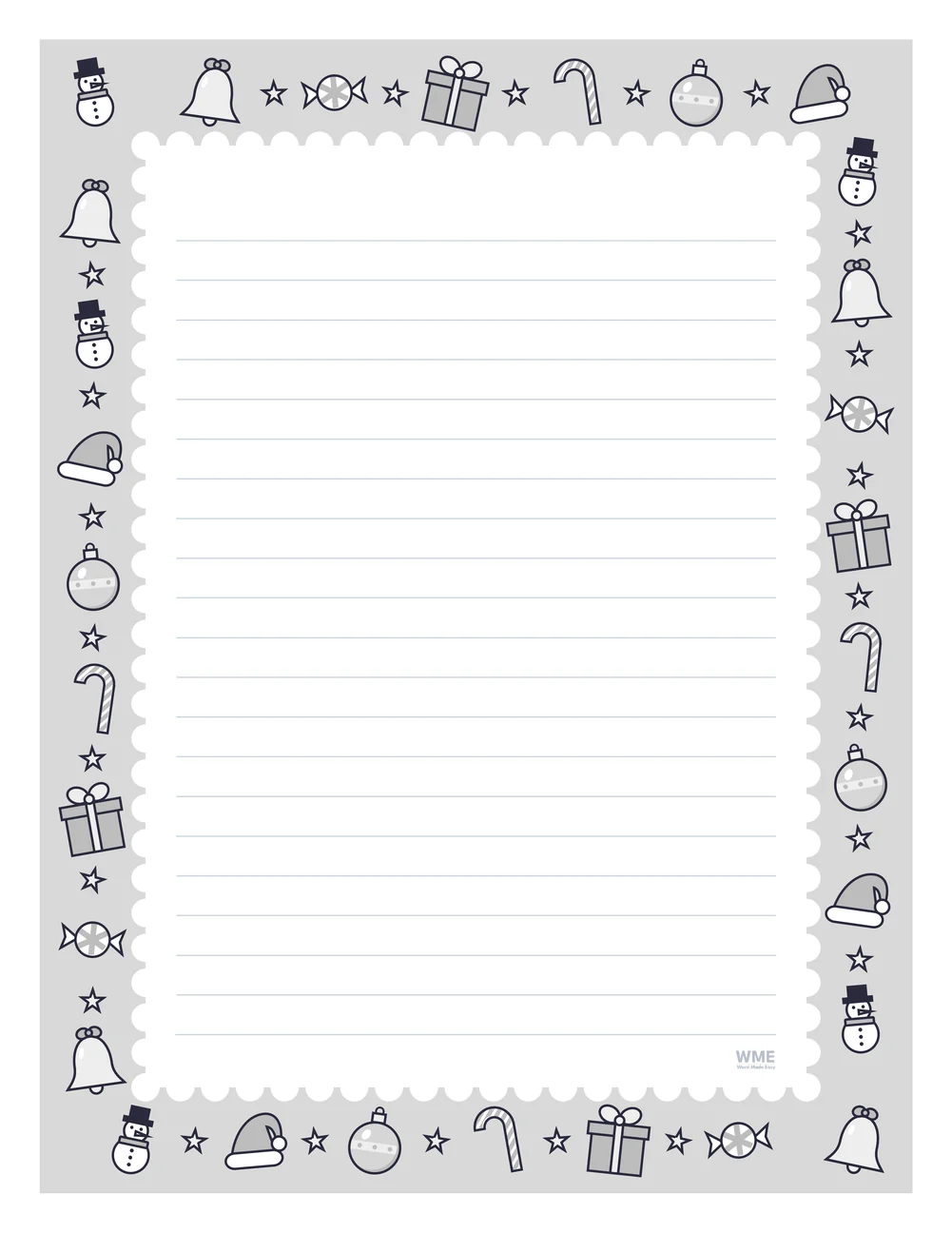
- Green Christmas: snowmen, bells, presents, peppermints and Santa hats on deep green.
- Navy Winter: snowmen, snowflakes, mittens and snow globes on navy, which also suits January.
- Gingerbread: gingerbread men and houses, candy canes and bells on cocoa brown.
- Pink Christmas: bows, presents, baubles and snowflakes on soft pink.
- Hanging Bauble: a thick red frame with striped baubles hanging from the top and a snowflake in the corner.
- Reindeer and Lights: a pale blue page with a white panel, a string of lights and two reindeer with holly.
- Prefer a lighter page? The Christmas border templates, including Red Ribbon, use thin frames.
How to Write a Letter in a Christmas Frame
- Choose your paper size and colour or black and white above and download the ZIP.
- Open a lined page in Word, click the first line and type your letter.
- For handwriting, print the lined page and write with a dark pen so it stands out.
- Use a blank page for a menu, invitation or certificate, adding text with Insert > Text Box.
The band designs use more ink than a thin frame, so print the black and white version for drafts and class sets, and keep colour for the final letter. For snowy designs without Christmas pictures, see the winter border templates.
Black and White Versions
Each design also comes in black and white: the band designs get a light grey band with grey outline pictures and a white panel, and the framed designs turn grey, so they print quickly and use little ink. In the download box, choose Colour, Black and white or All, then US Letter, A4 or both.
How to Print the Christmas Frames
Print at 100% (Actual size). Every design stops short of the paper edge, so choose your printer’s normal margins; there is no need for borderless printing.
FAQs
Are these Christmas frames free?
Yes. All seven frames download in one ZIP file at no cost, on US Letter or A4.
Can I type a letter on it?
Yes. Click the first line and type; the band, frame and pictures stay in place behind the text.
Does it print to the edge?
No. Every design starts a short way in from the edge so every printer prints it in full.
Is there a black and white version?
Yes. The band designs get a light grey band and grey outline pictures, which use far less ink and can even be coloured in.
Why are some lines shorter?
On Hanging Bauble and Reindeer and Lights, the last few lines stop short of the pictures so you can still write right down the page.
Conclusion
These Christmas frame templates turn a letter, note or menu into something that feels like a card, in seven festive frames ready to type on in Word or write on by hand.
Choose your paper size above and download the ZIP. For thinner frames, see the christmas border templates.
Related Tutorials
- Free Christmas Border Templates for Word
- Free Winter Border Templates for Word
- Free Page Border Templates for Word
- A Christmas Carol Study Pack
- Free Newspaper Templates for Word
Writing Resources
Recently Added Writing Resources
Browse all free writing resources for home and school, all made by a teacher.

Leave a comment
Have a question about these resources, or an idea for a new one? Ask below.