
January 2027 Calendar for Word: 6 Free Printable Designs
Preview every calendar, choose colour or black and white and your paper size, then download your Word templates in one small ZIP file.
Made by a teacherA4 and US Letter6 calendarsFree

Can’t find the template you need? Request a template and I’ll make it in Word, free.
Get new free printables first: follow Word Made Easy on Pinterest
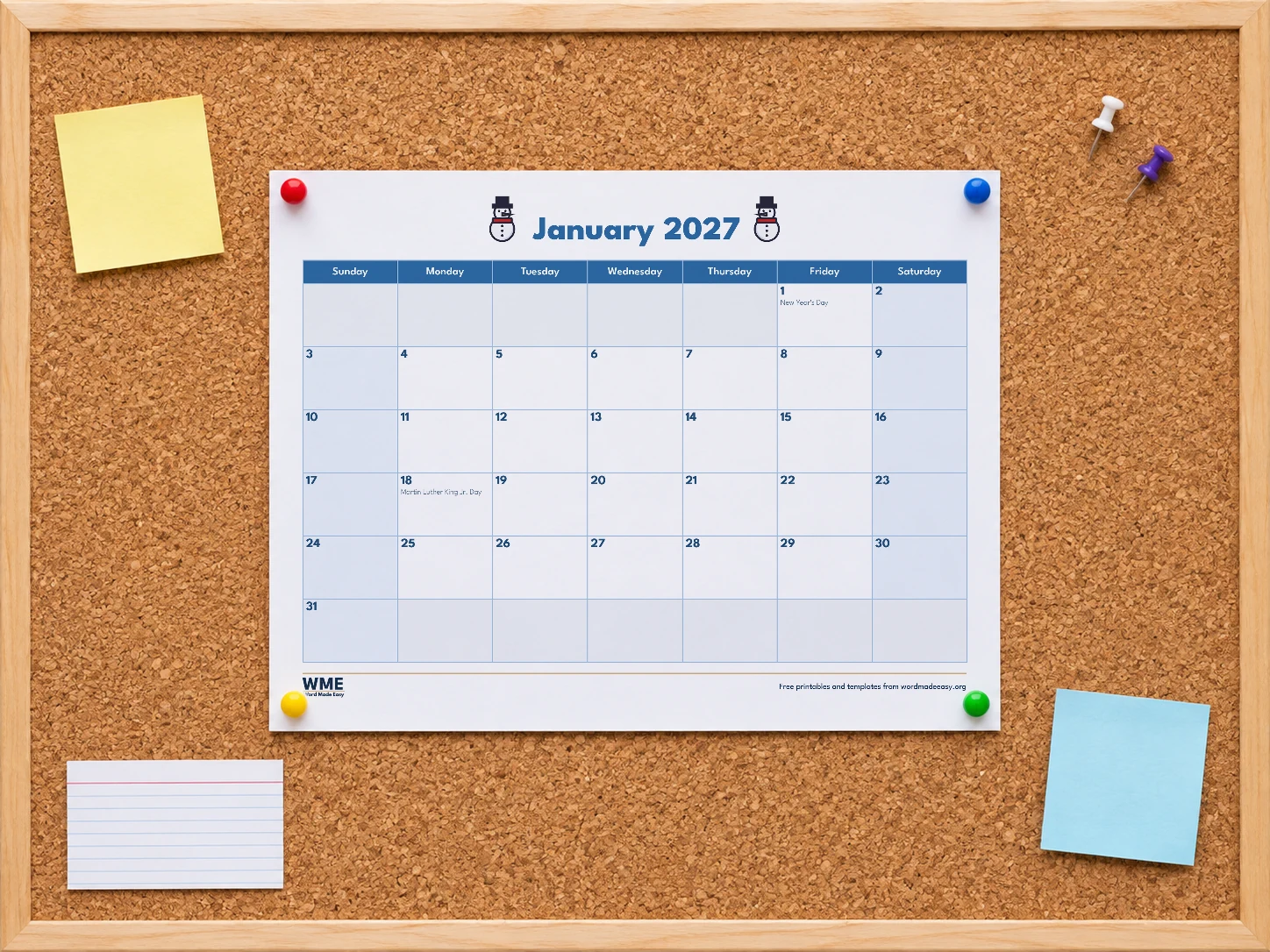
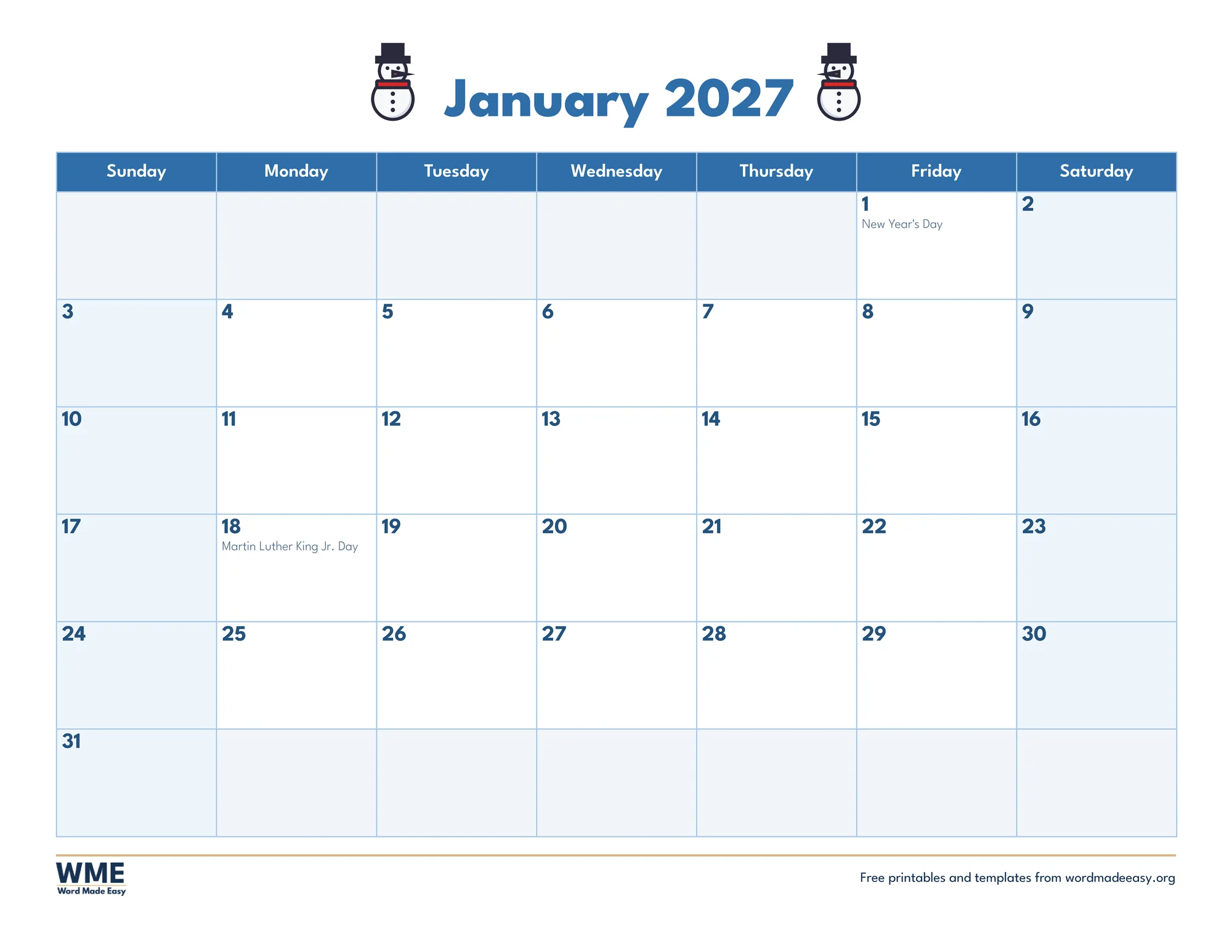
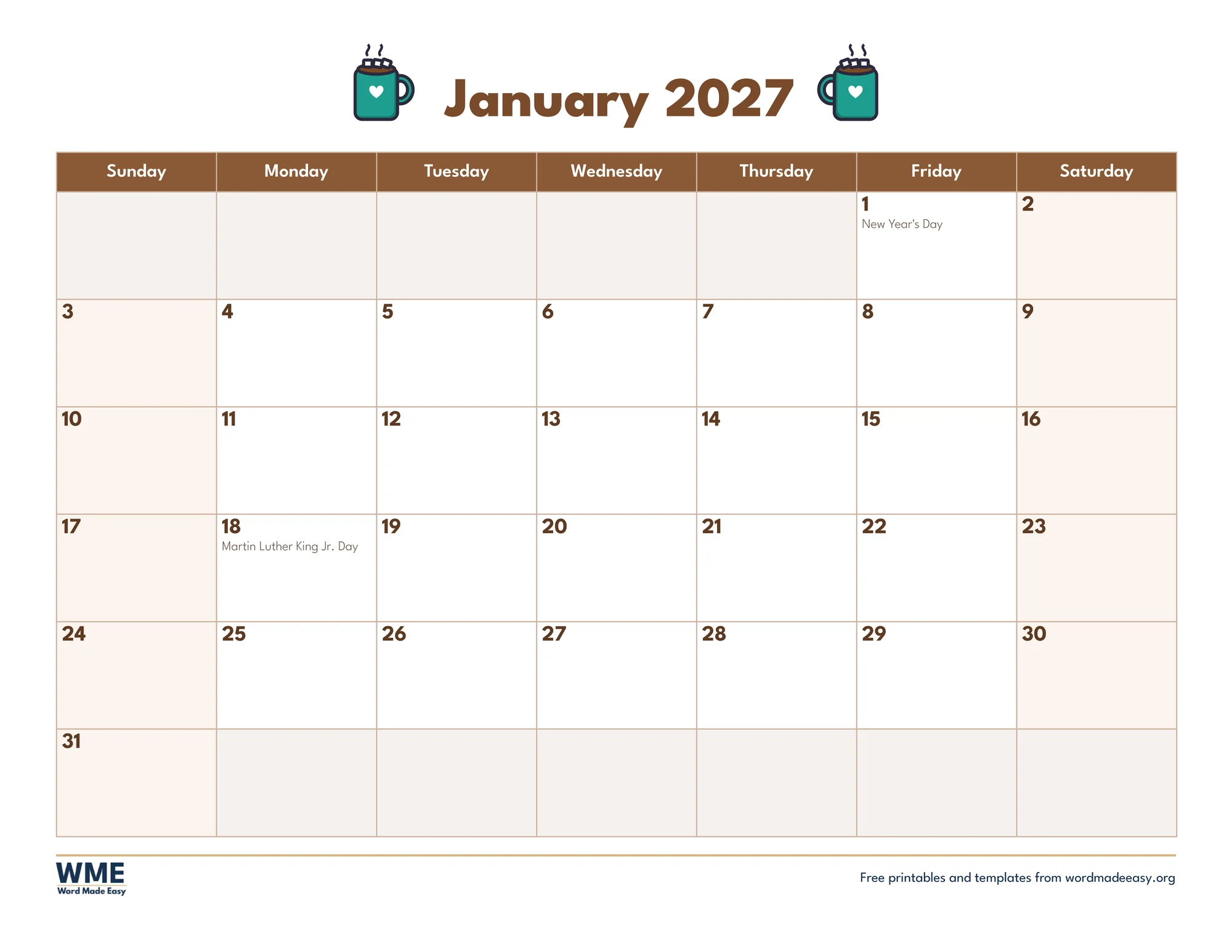
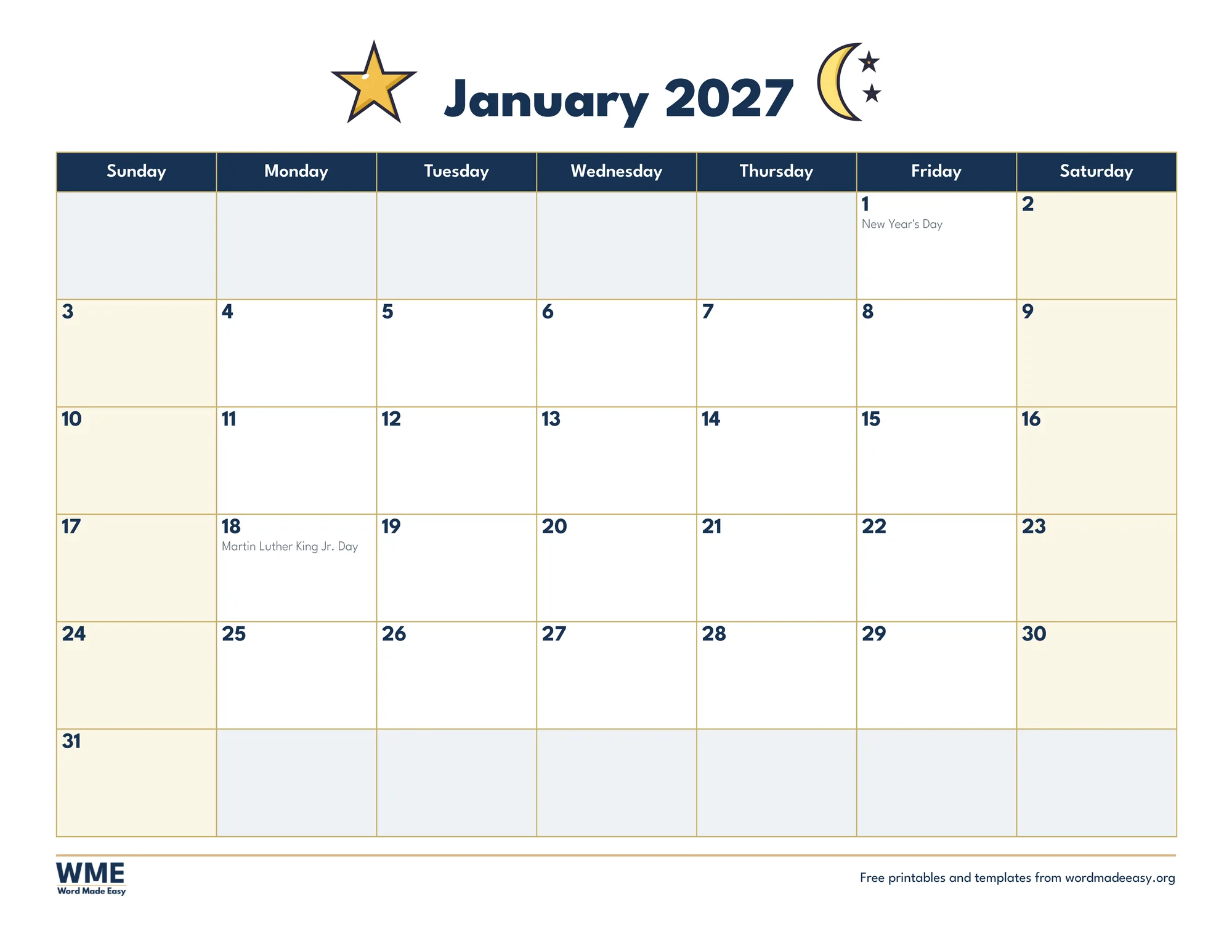
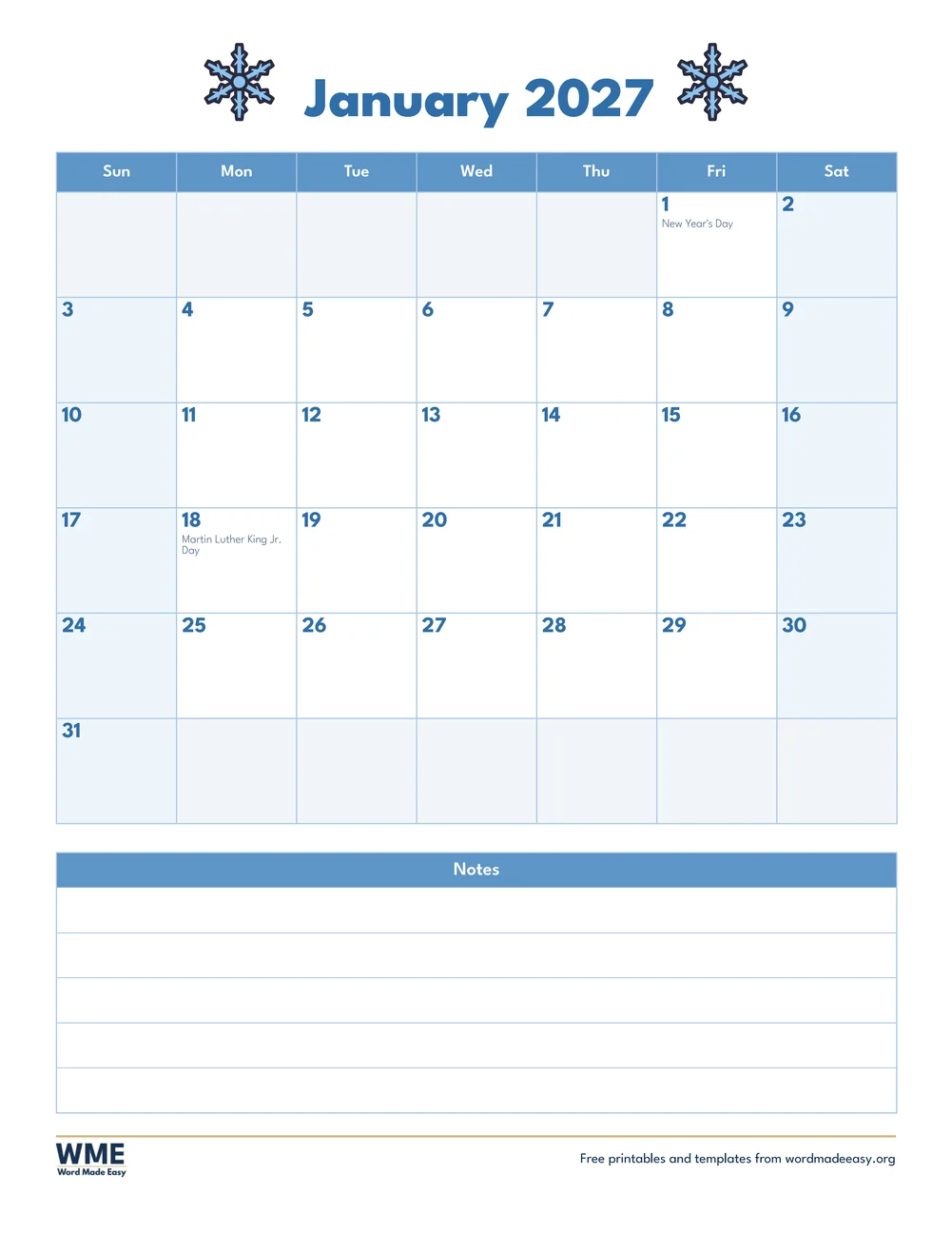
This free January 2027 calendar comes in six winter designs you can edit in Microsoft Word: Snowman, Cosy Mittens, Hot Cocoa, New Year Stars, a plain Simple calendar and a portrait Snowflake calendar with a notes box, each on US Letter or A4 and in colour or black and white.
Below you’ll find how January 2027 falls, which holidays are already marked, which design suits which job, and how to type your plans into the boxes before you print.
What’s in the January 2027 Calendar
| Calendar | Look | Paper |
|---|---|---|
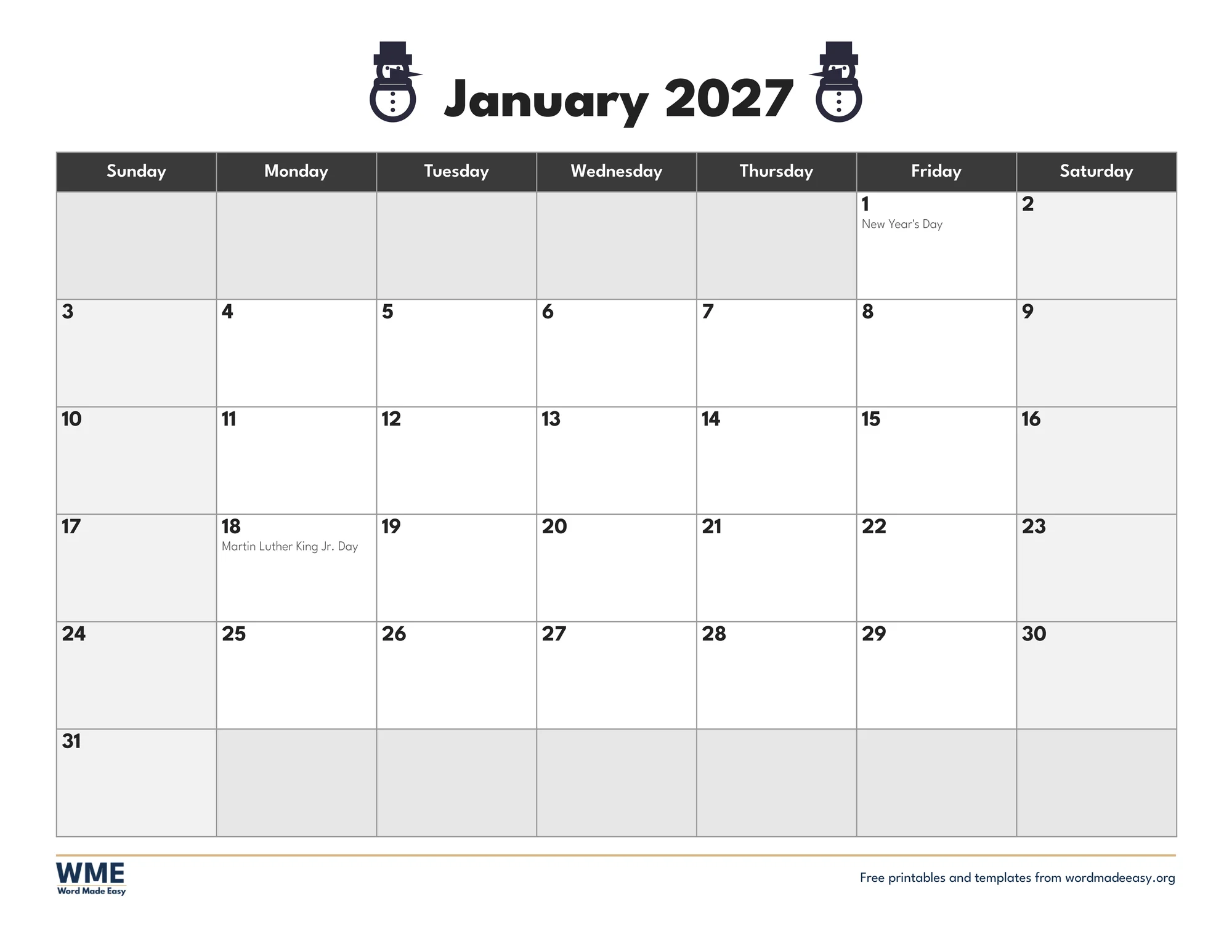
| Snowman | Icy blue with snowmen | US Letter and A4, colour and black and white |
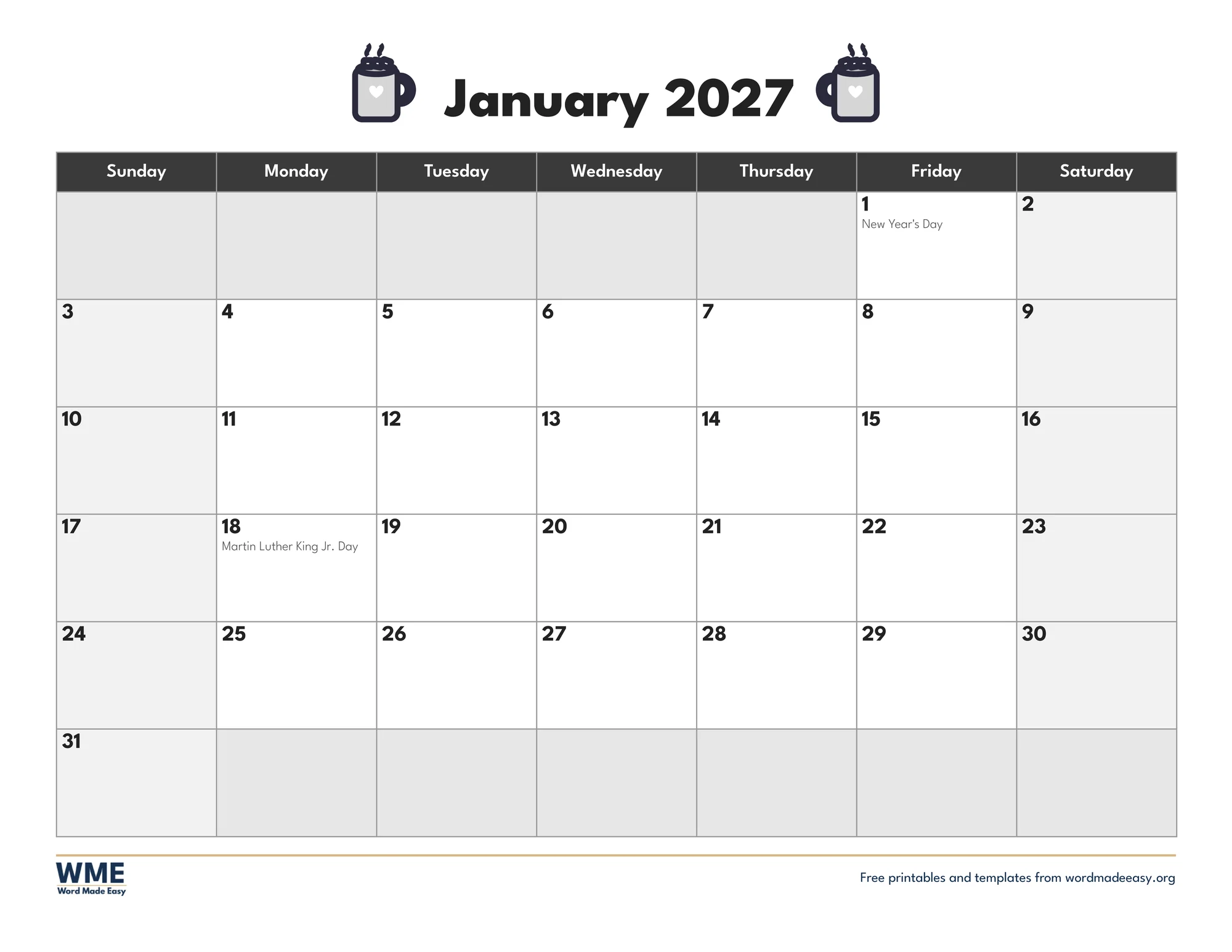
| Hot Cocoa | Warm brown with cocoa mugs | US Letter and A4, colour and black and white |
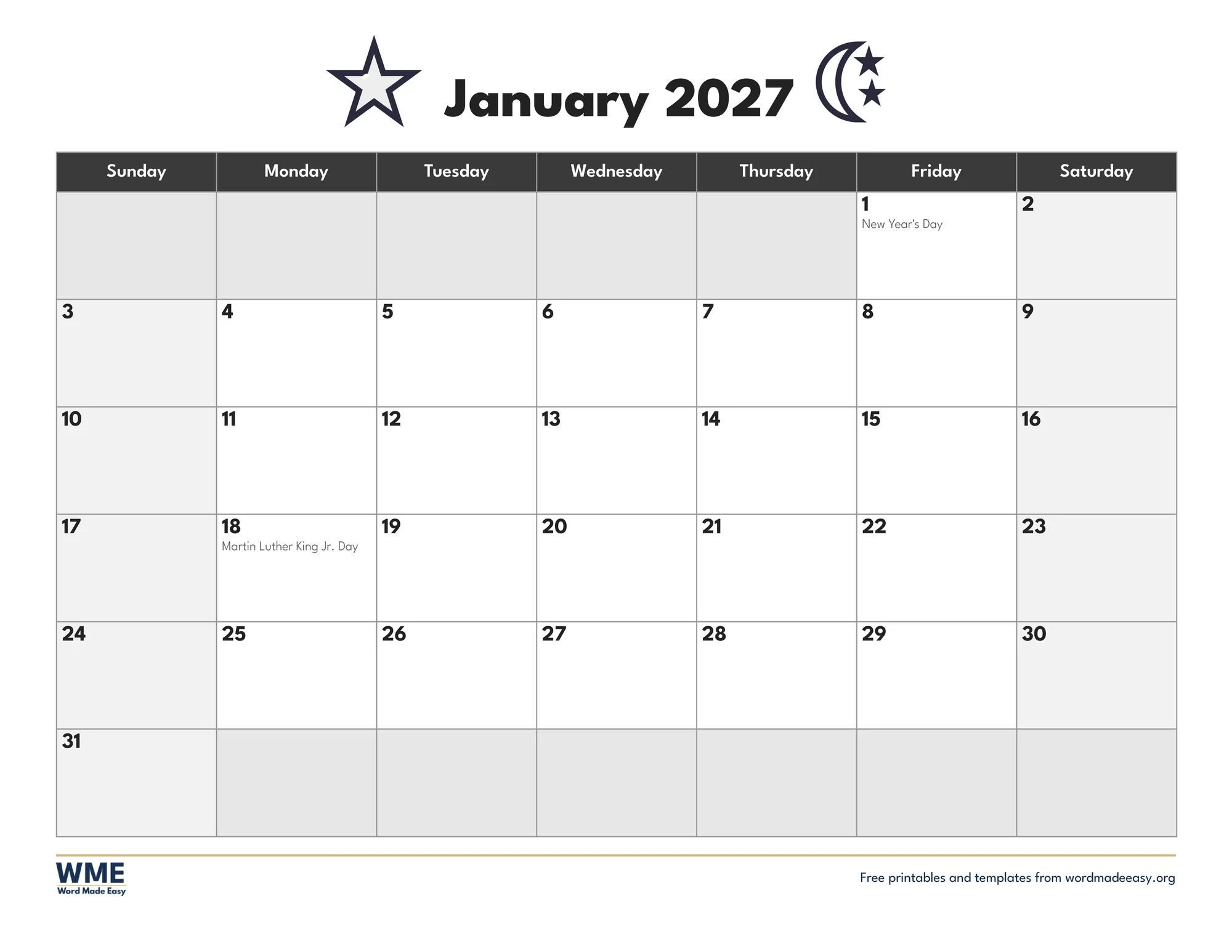
| New Year Stars | Navy and gold with a star and moon | US Letter and A4, colour and black and white |
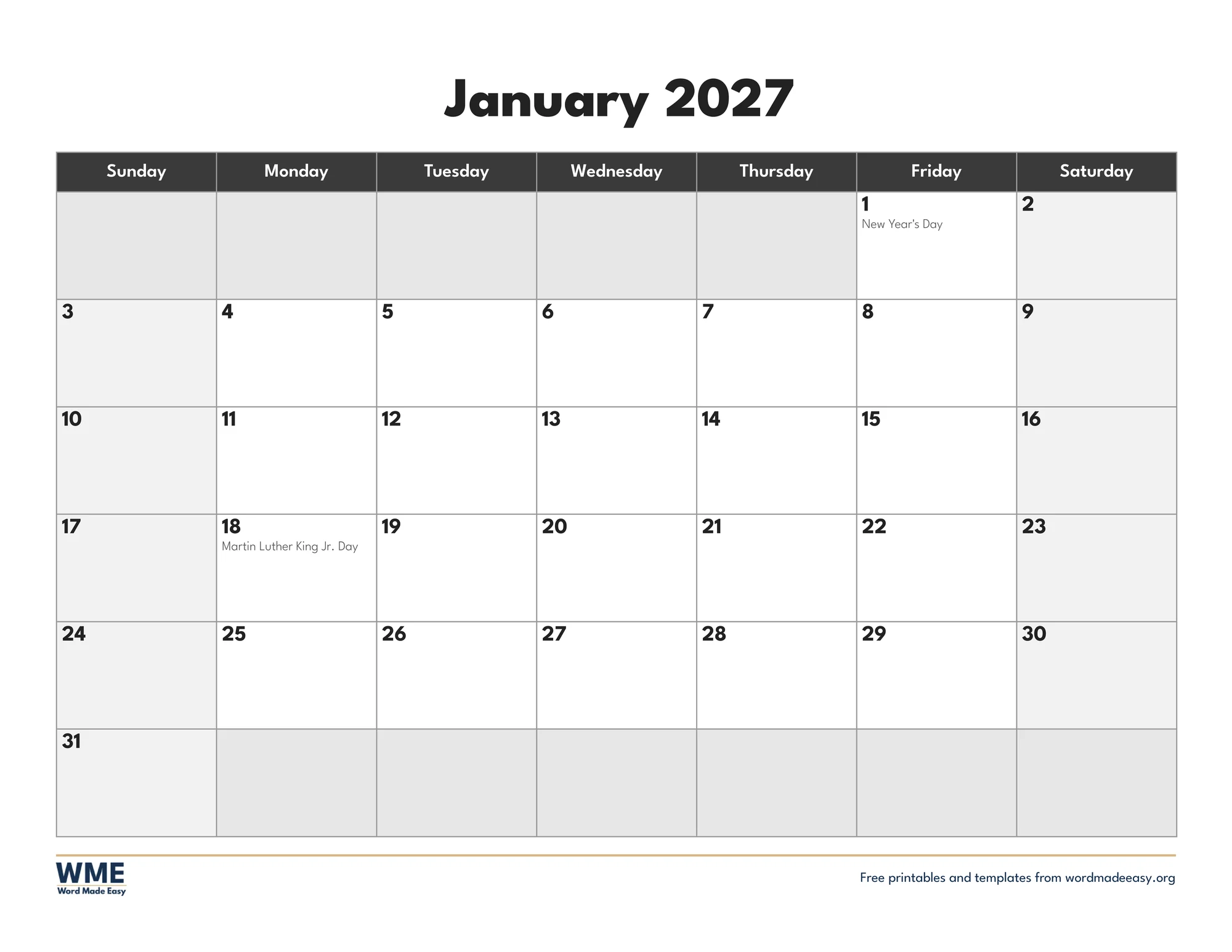
| Simple | Plain navy, no pictures | US Letter and A4, colour and black and white |
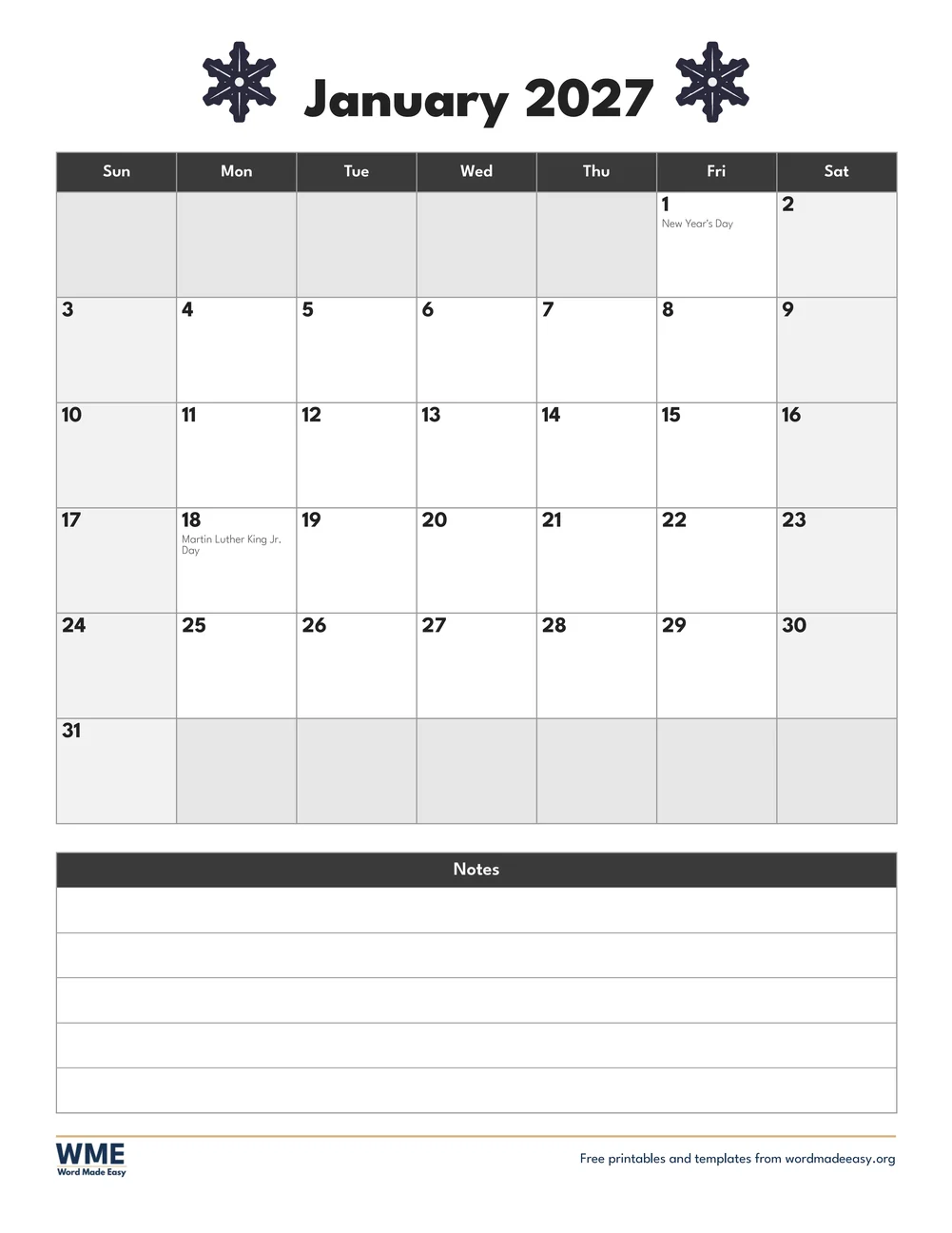
| Snowflake with Notes | Portrait, with a notes box | US Letter and A4, colour and black and white |
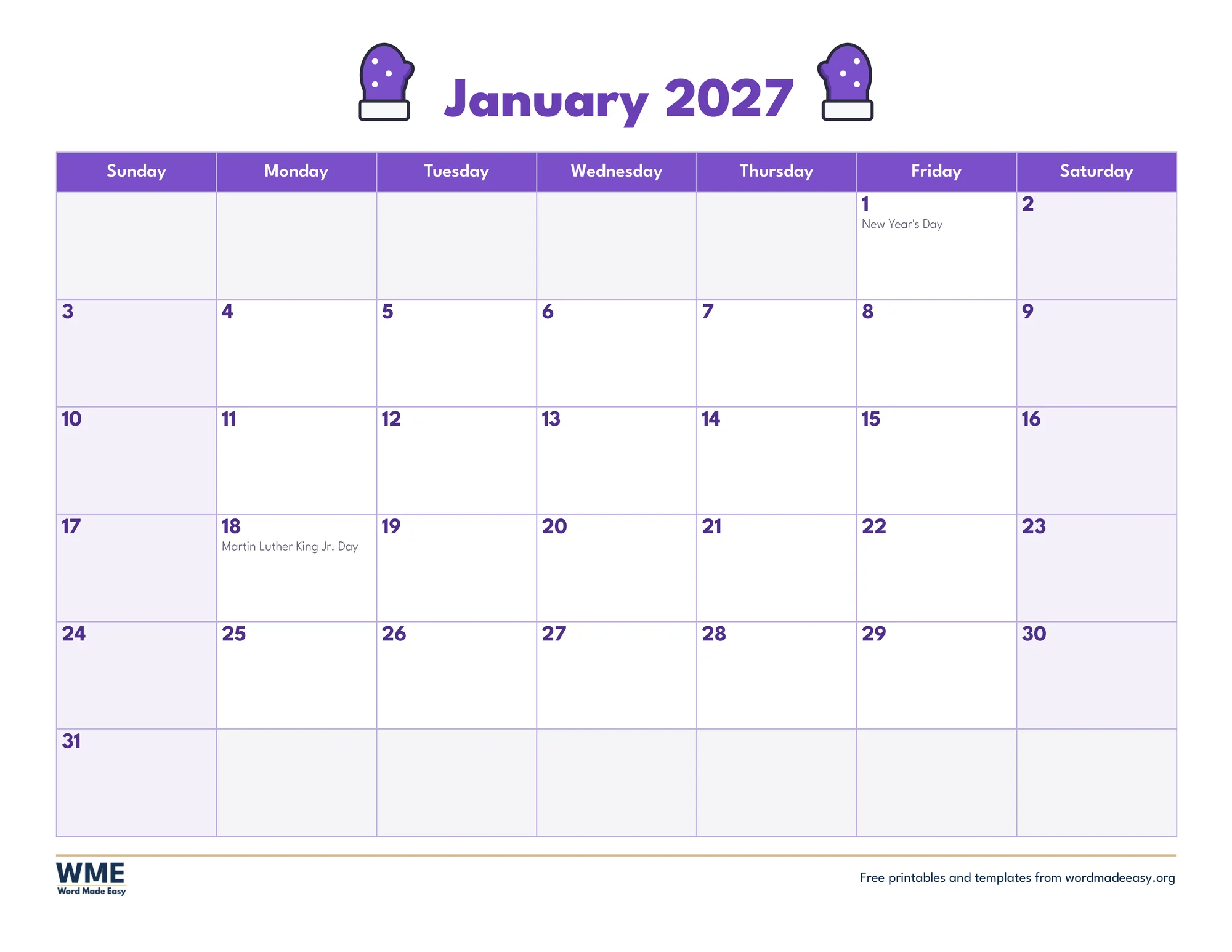
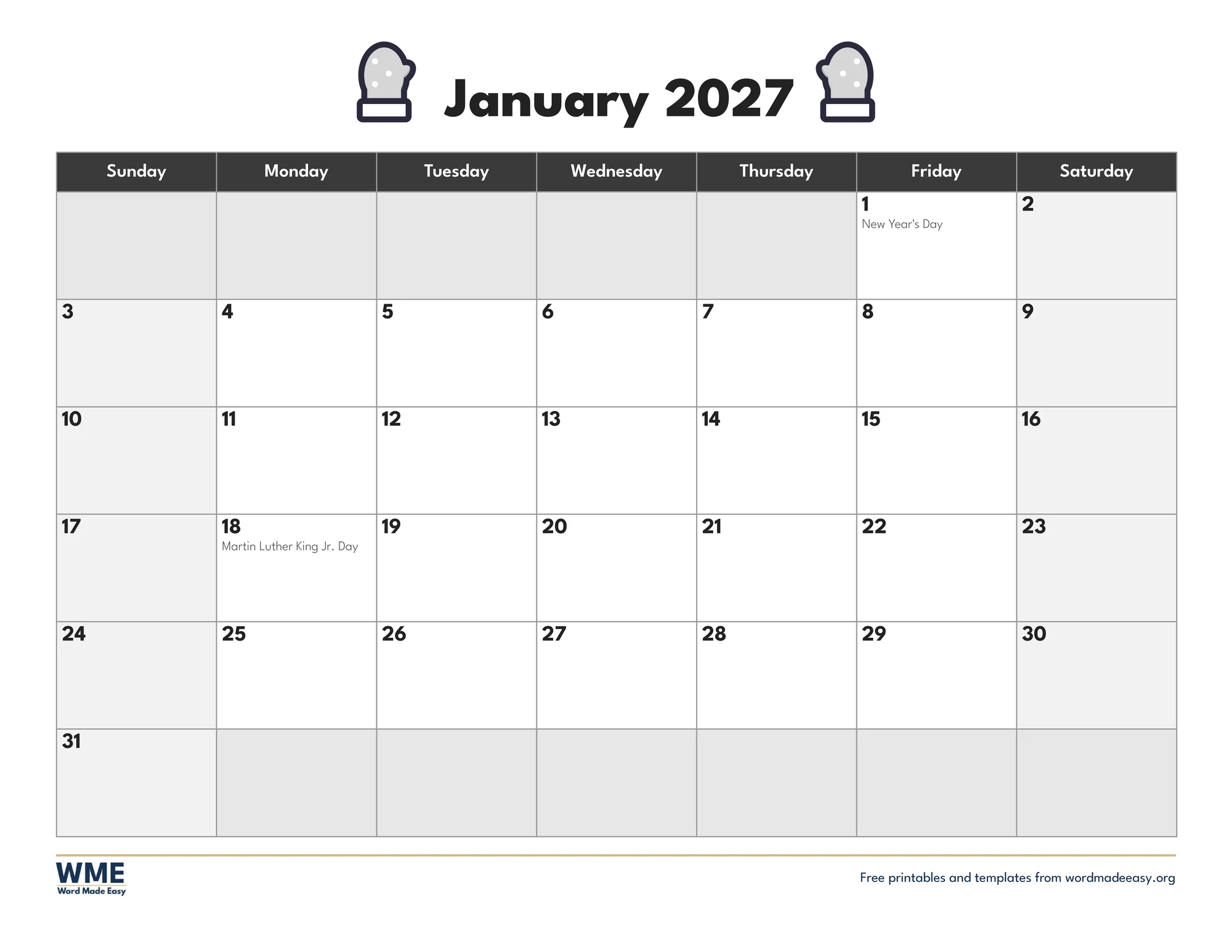
| Cosy Mittens | Purple with mittens | US Letter and A4, colour and black and white |
👉 Each day is a box in a Word table, so you can click under any date and type. New Year’s Day and the other January holidays are already filled in, in small grey text.
January 2027 at a Glance
January 2027 starts on a Friday, so New Year’s Day gives a long weekend, and it ends on Sunday 31 January. On the US Letter calendars, which start on Sunday, that last Sunday needs a sixth row; on the A4 calendars, which start on Monday, the month fits in five. Martin Luther King Jr. Day is Monday 18 January. In Scotland, 2 January falls on a Saturday, so its bank holiday moves to Monday 4 January, and Burns Night is on Monday 25 January; the A4 calendars show both.
Which January Calendar Design Should You Choose?
- Snowman: icy blue with a snowman on each side of the title, a cheerful winter page for a classroom or the fridge.
- Cosy Mittens: purple with a pair of spotted mittens beside the title, a bright, cosy page for the coldest month.
- Hot Cocoa: chocolate browns with a steaming mug either side, for the kitchen or a family noticeboard.
- New Year Stars: navy with a gold grid, a star and a moon, a calm start to the year for an office or a planner.
- Simple: navy and white with no pictures, for work rotas, appointments or a binder.
- Snowflake with Notes: a portrait page with smaller day boxes and a lined notes box for goals, birthdays or a to do list.
- Need the whole year? The 2027 calendar templates cover every month.
How to Fill In Your January Calendar in Word
- Pick your paper size and colour or black and white above, download the ZIP and open the design you like.
- Click just after a date number and press Enter to start a new line under it.
- Type the event, for example the first day back at school, a dentist appointment or a birthday.
- To highlight a busy day, click in its box and choose Table Design > Shading, then a pale colour.
- On the Snowflake with Notes calendar, click the first notes line and type, pressing Down Arrow to move to the next line.
- Print one copy to check it, then print a copy for each person or room.
January is a good month to write two or three small goals in the notes box and tick off each day you keep them. For children, the New Year goals worksheets pair well with the calendar.
Black and White Versions
Every design also comes in black and white: the headings turn dark grey, the weekends a light grey and the snowmen, mittens, mugs, stars and snowflakes grey, so the calendar prints cleanly without colour ink. In the download box, choose Colour, Black and white or All, then US Letter, A4 or both.
How to Print the January Calendar
Print at 100% (Actual size) on the paper in the file name, US Letter or A4. The five landscape designs need Landscape chosen in the print box if your printer does not pick it up; the Snowflake with Notes design is portrait. Card or thicker paper keeps the calendar flat on a fridge or noticeboard.
FAQs
Is this January 2027 calendar free?
Yes. Choose US Letter or A4, colour or black and white, and download all six designs in one ZIP file at no cost.
What day does January 2027 start on?
Friday 1 January 2027. The month ends on Sunday 31 January 2027.
Which holidays are on the calendar?
US Letter: New Year’s Day and Martin Luther King Jr. Day (18 January). A4: New Year’s Day, the Scottish bank holiday on 4 January and Burns Night (25 January).
Why does the A4 calendar start on Monday?
Weeks start on Monday in the UK, Ireland, Australia and most of Europe, and on Sunday in the USA and Canada, so each paper size follows the usual layout where it is printed.
Can I remove or change the holidays?
Yes. They are ordinary text in the date boxes: select a holiday name and delete it or type over it.
Is there a black and white version?
Yes. All six designs come in black and white with grey headings and grey pictures, which saves colour ink.
Conclusion
These January 2027 calendars give you a wintry or a plain page for the first month of the year, with the holidays already marked, ready to type on in Word and print for the fridge, the classroom or the office.
Choose your paper size above and download the ZIP. To plan the rest of the year, see the 2027 calendar templates.
Related Tutorials
- Free 2027 Calendar Templates for Word
- Free December 2026 Calendar for Word
- Free Blank Calendar Templates for Word
- Free 2027 Philippine Calendar with Holidays for Word
- 2027 Life Planner
Word Templates
Recently Added Word Templates
Browse the complete collection of free printable Word templates for home and school, all made by a teacher.
New to Word? Our Word tutorials show you how to edit and print your templates.
Leave a comment
Have a question about these templates, or an idea for a new one? Ask below.