
Free Fairy Tales Coordinate Graphing Mystery Pictures for Word: 10 Printables
Preview every picture, choose your paper size, then download your mystery pictures in one small ZIP file.
A4 and US Letter10 mystery picturesFree

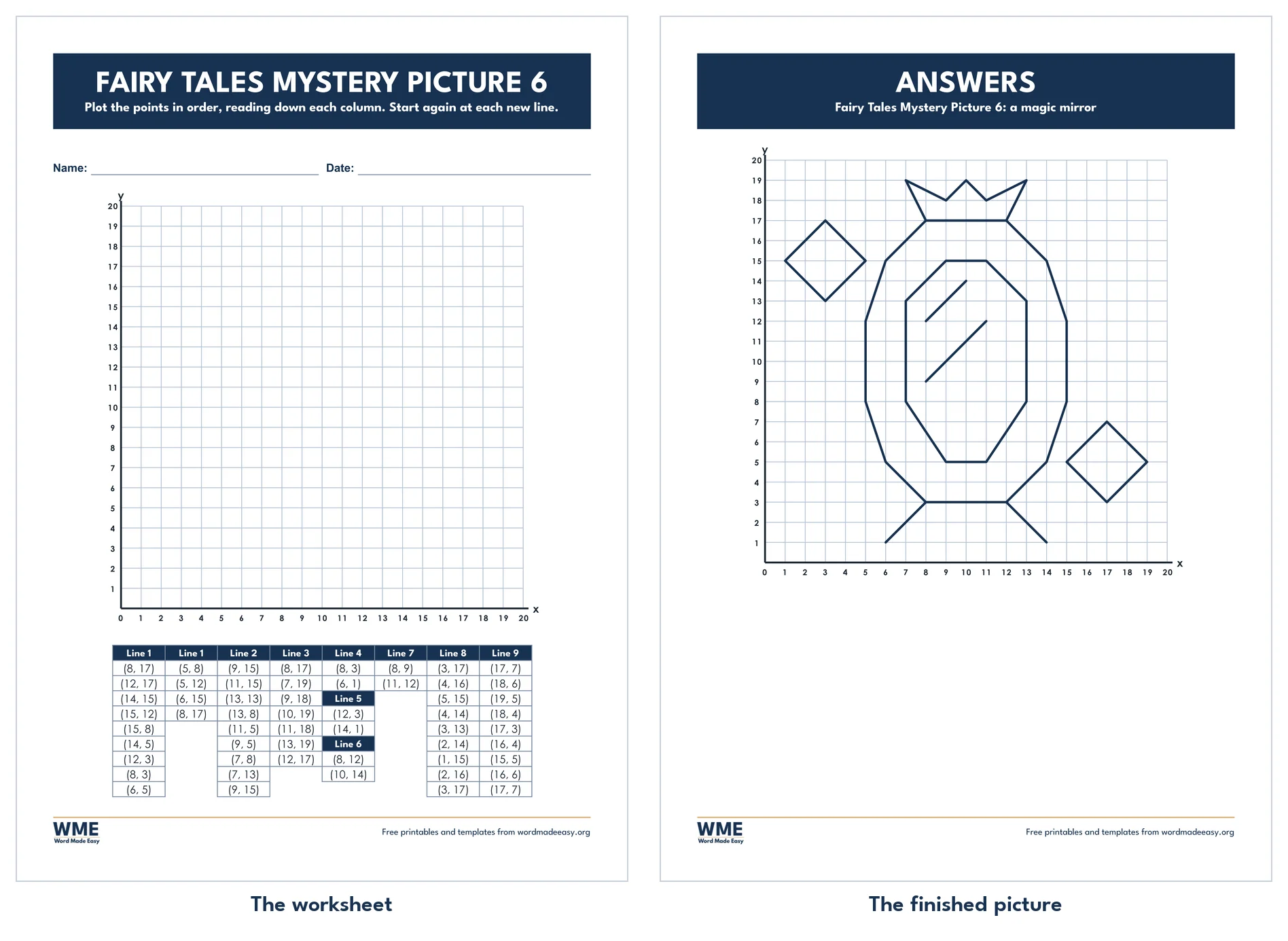
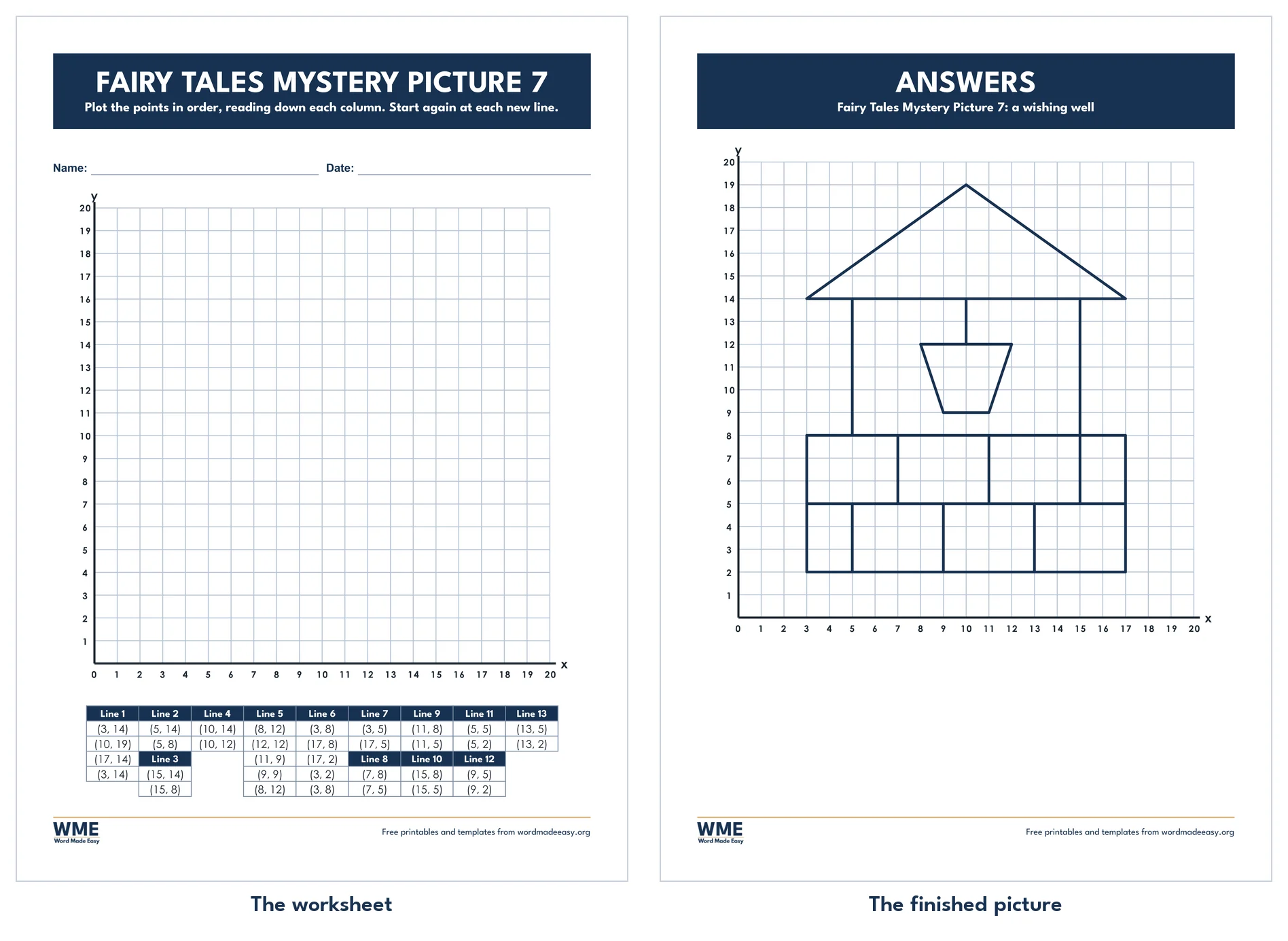
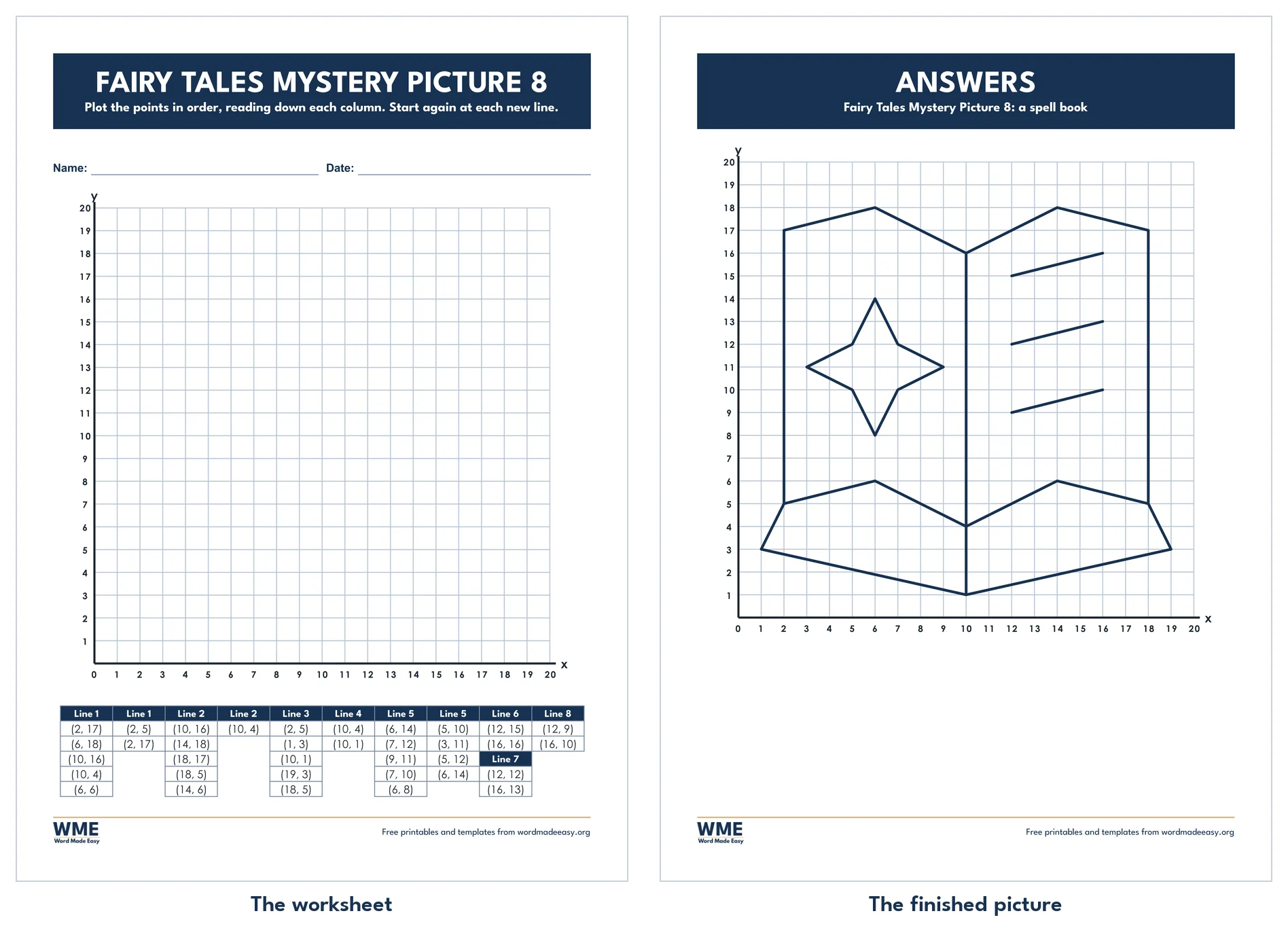
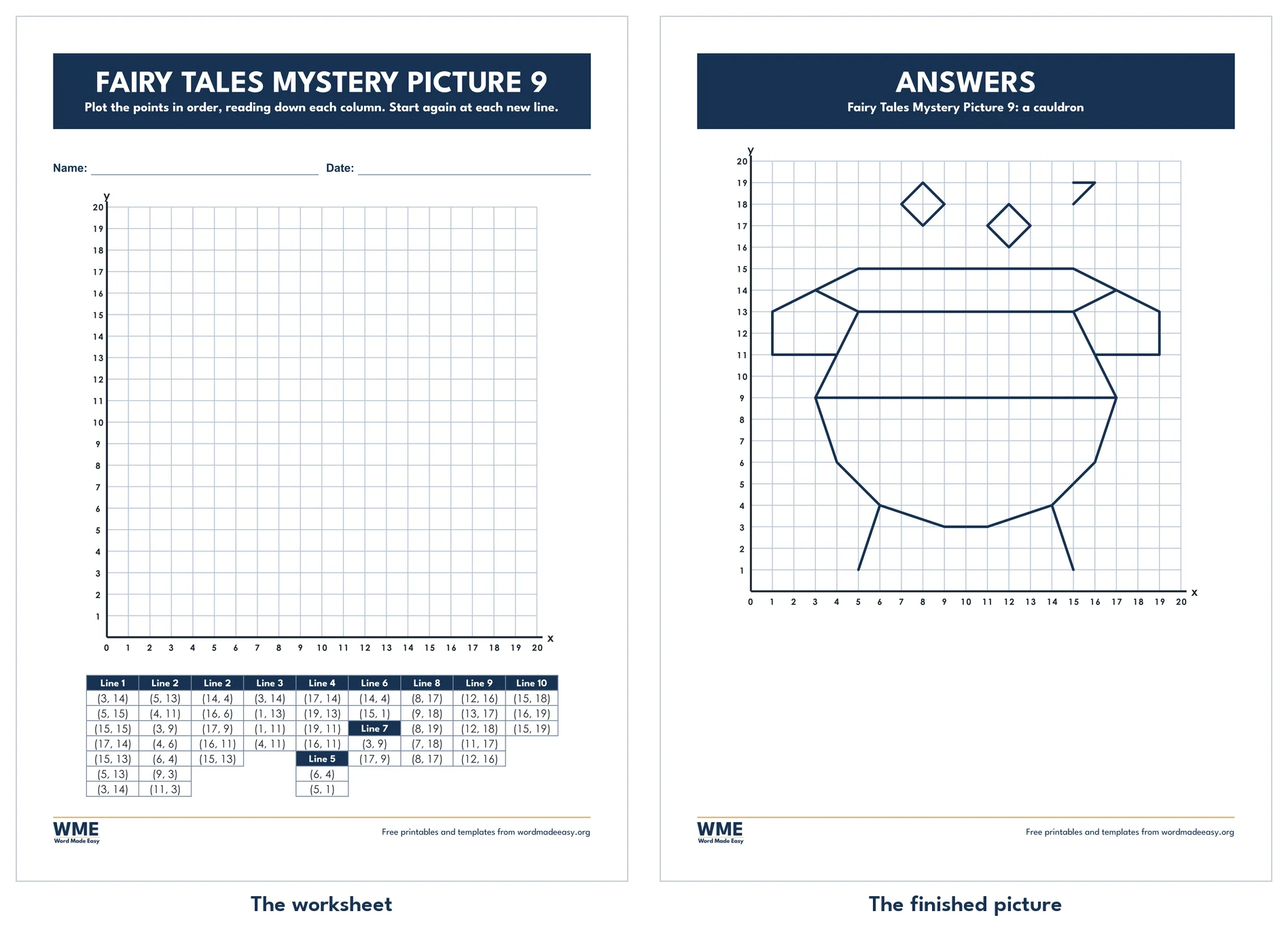

Can’t find the template you need? Request a template and I’ll make it in Word, free.
Get new free printables first: follow Word Made Easy on Pinterest
Once upon a time, a list of numbers became a unicorn. These fairy tale math worksheets are ten fairy tales coordinate graphing mystery pictures for Word, each with its own answer page, on US Letter and A4.
Here is what the ten pictures are, which ones are short, how to tie them to a story week, and how to use the answers.
What’s in the Fairy Tales Coordinate Graphing Mystery Pictures
| Paper | What you get | Best for |
|---|---|---|
| US Letter | 10 mystery pictures, each with an answer page (US wording: ordered pairs) | Ages 8 to 12 |
| A4 | The same 10 mystery pictures and answer pages (UK wording: coordinates) | Ages 8 to 12 |
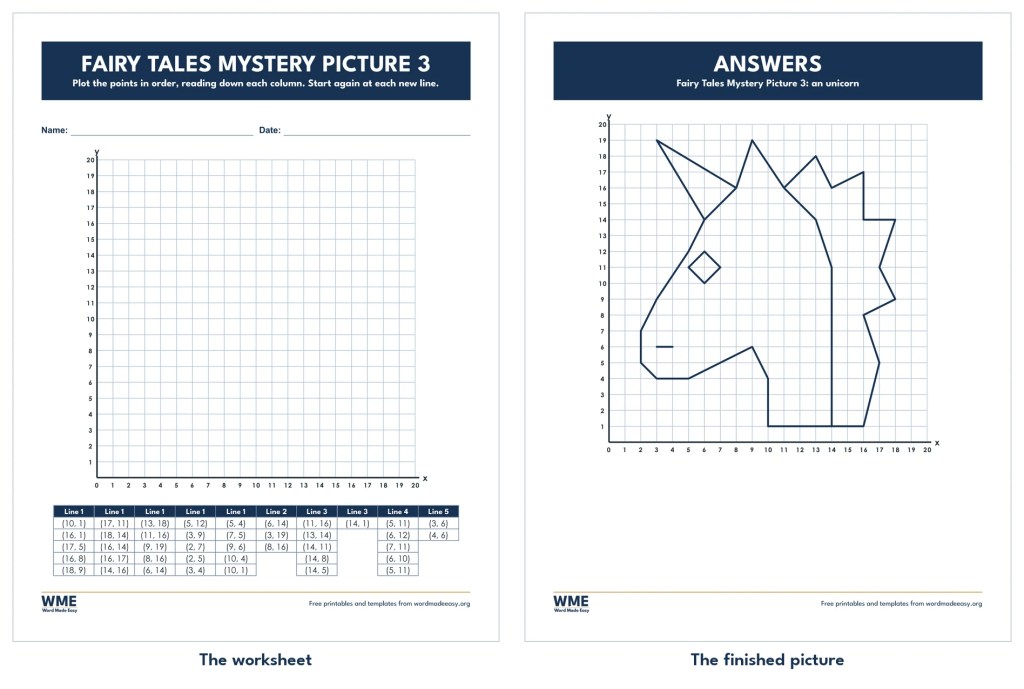
👉 All the points are typed in a Word table, so a picture can be edited or shortened before it goes to the printer.
What Is a Fairy Tale Mystery Picture?
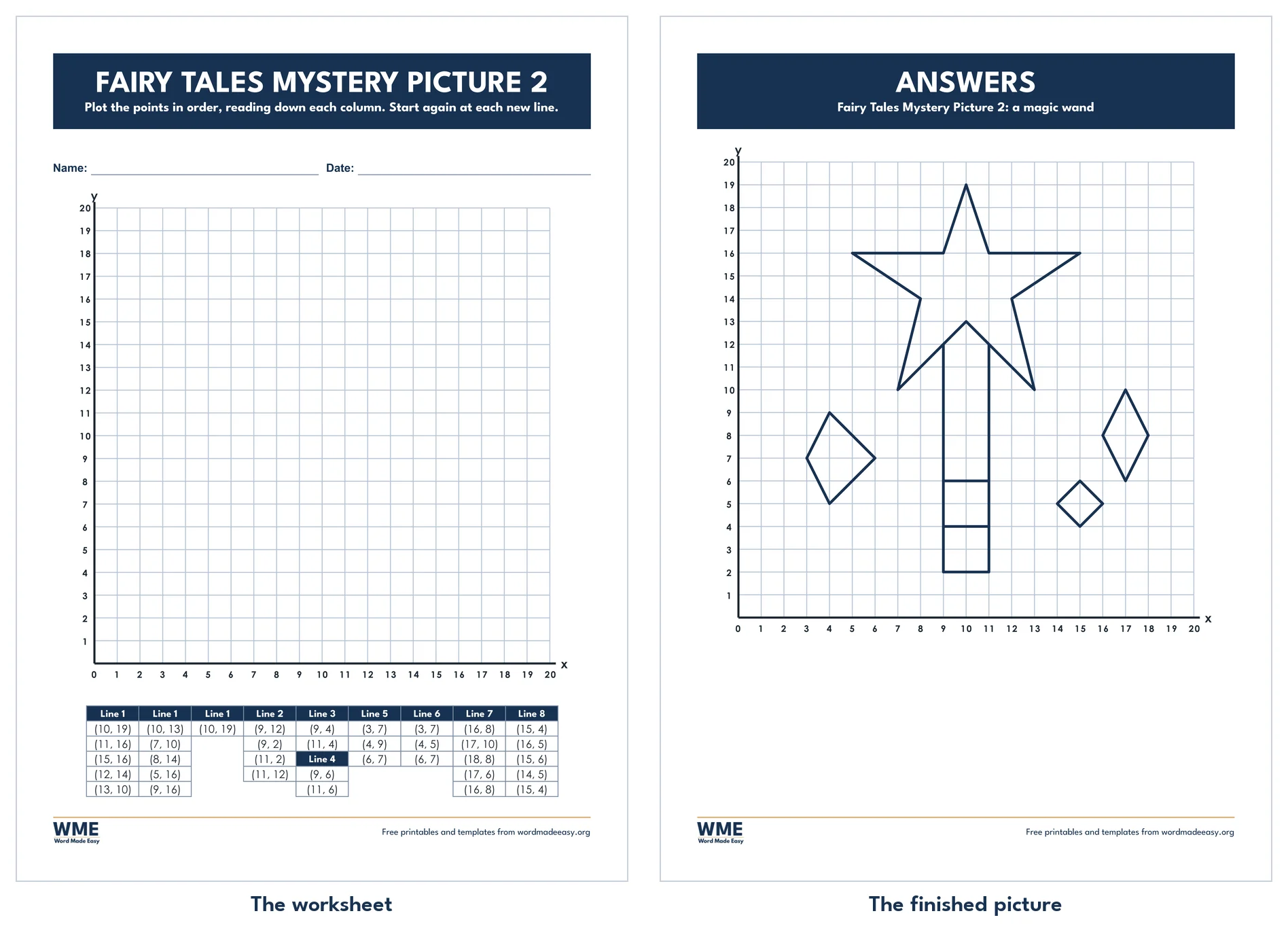
A fairy tale mystery picture is a story object written as coordinates. Pupils plot the points, join each line, and a magic wand, a wishing well or a cauldron appears. None of the pictures is a film character, so they fit any traditional tales topic, and they suit grades 2 to 5.
What Is in the Pack?
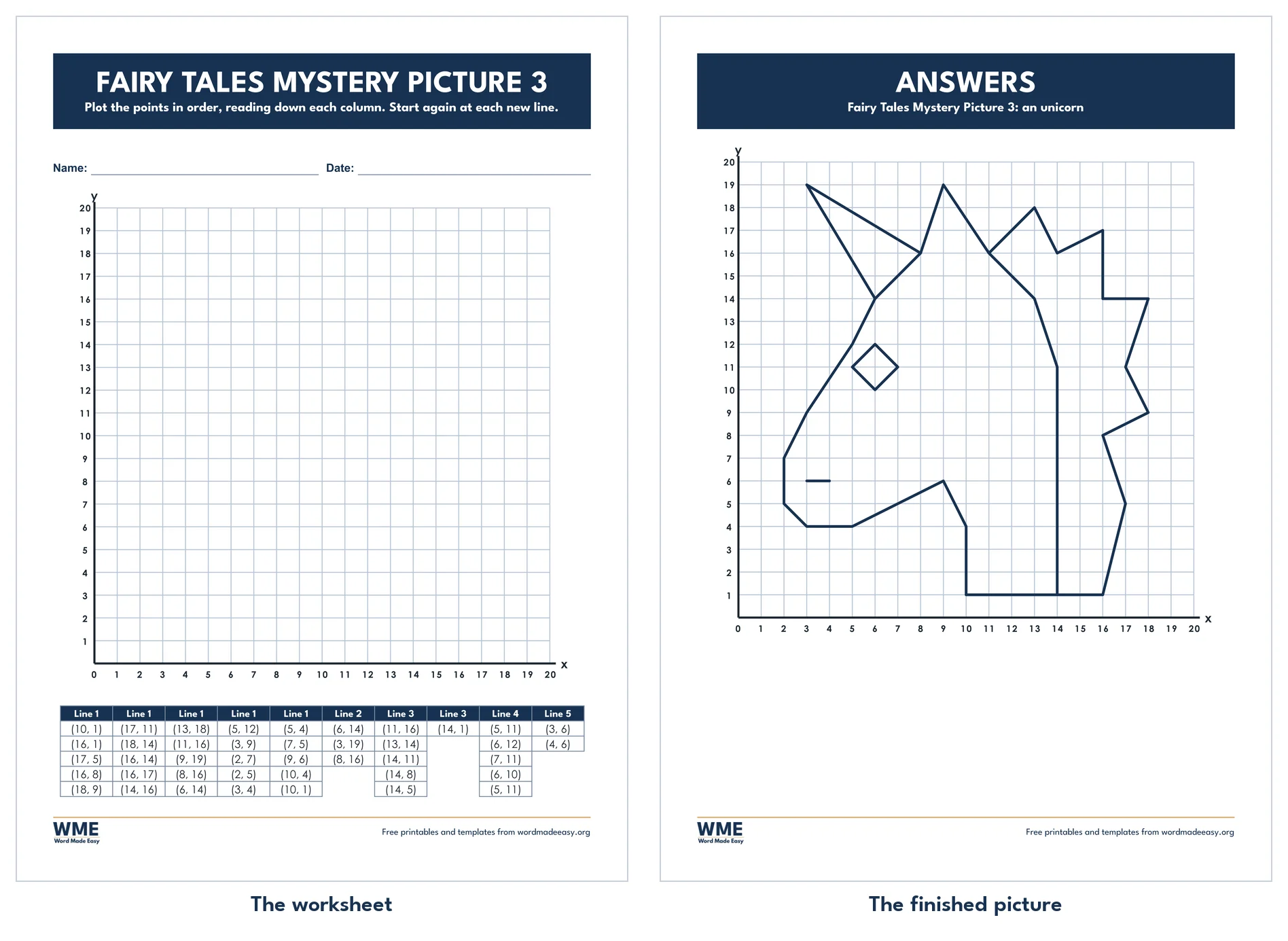
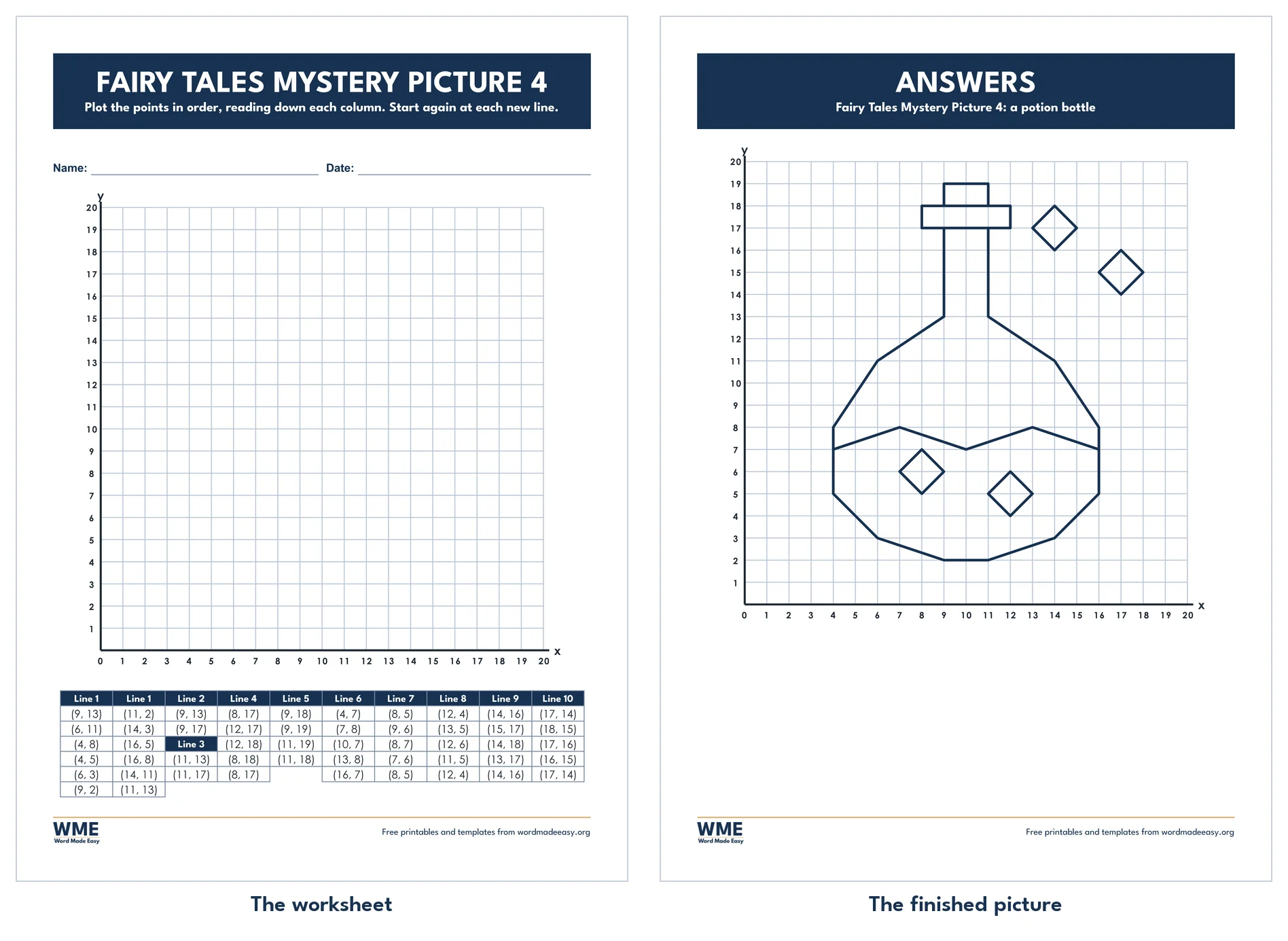
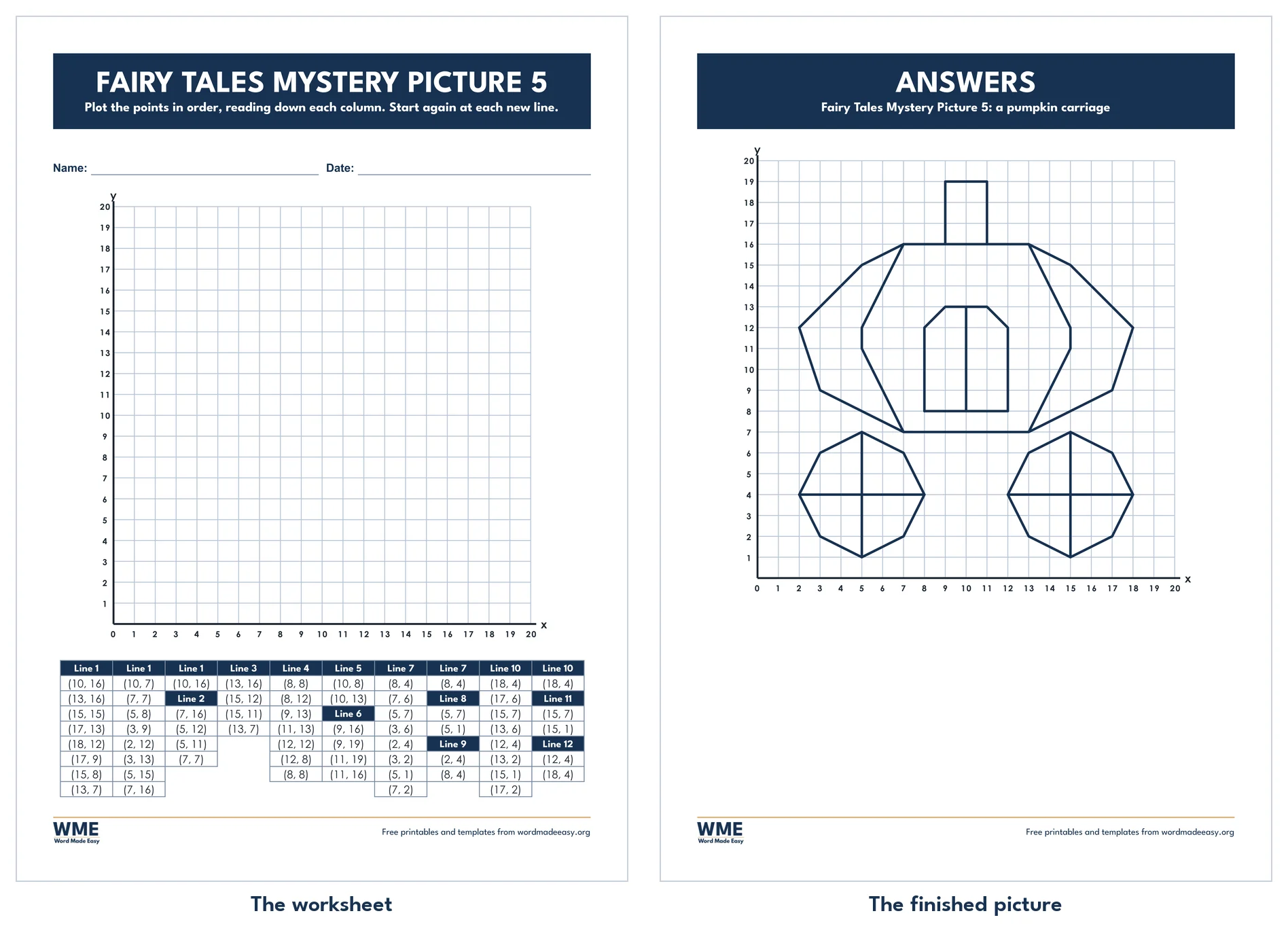
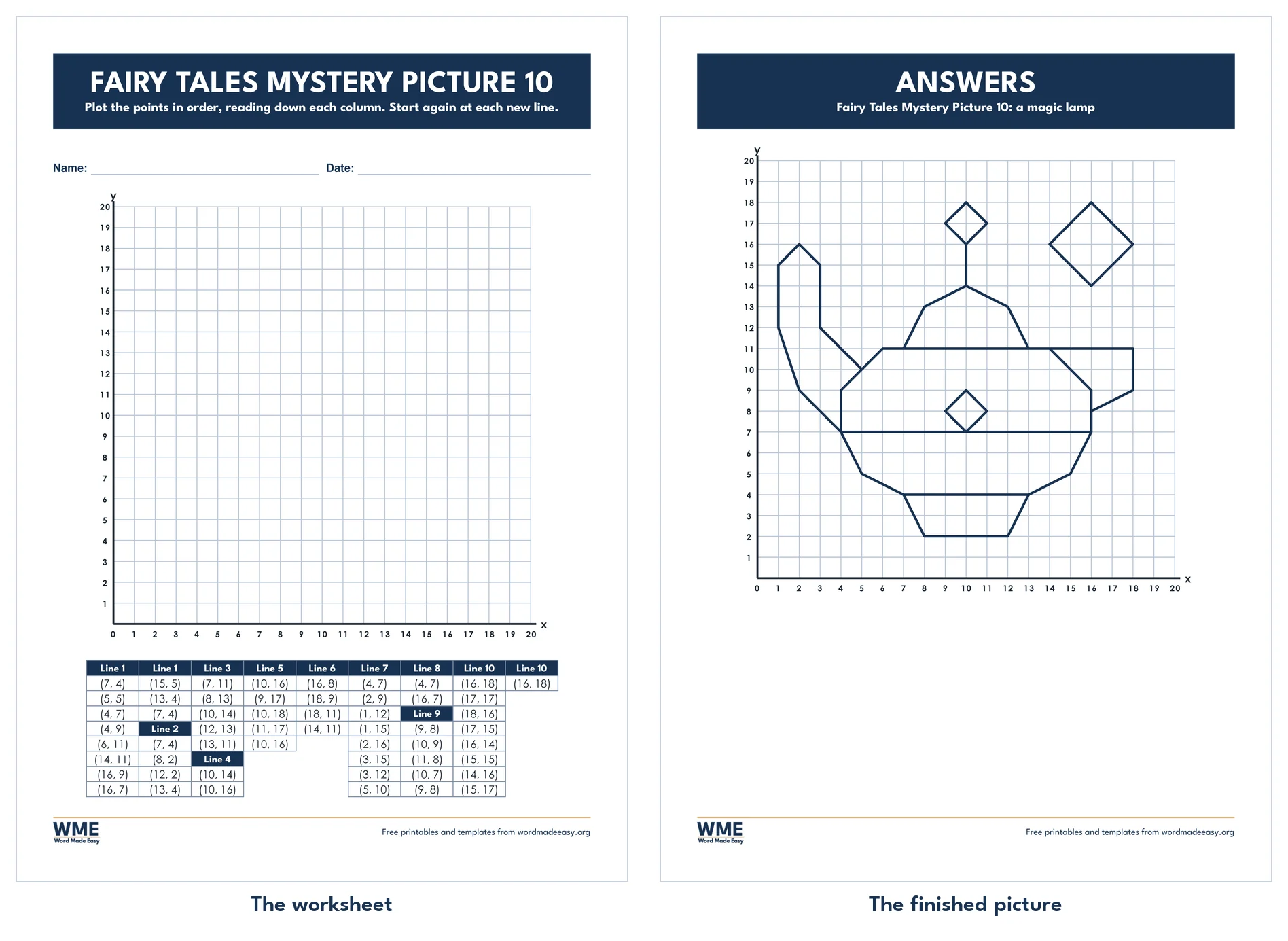
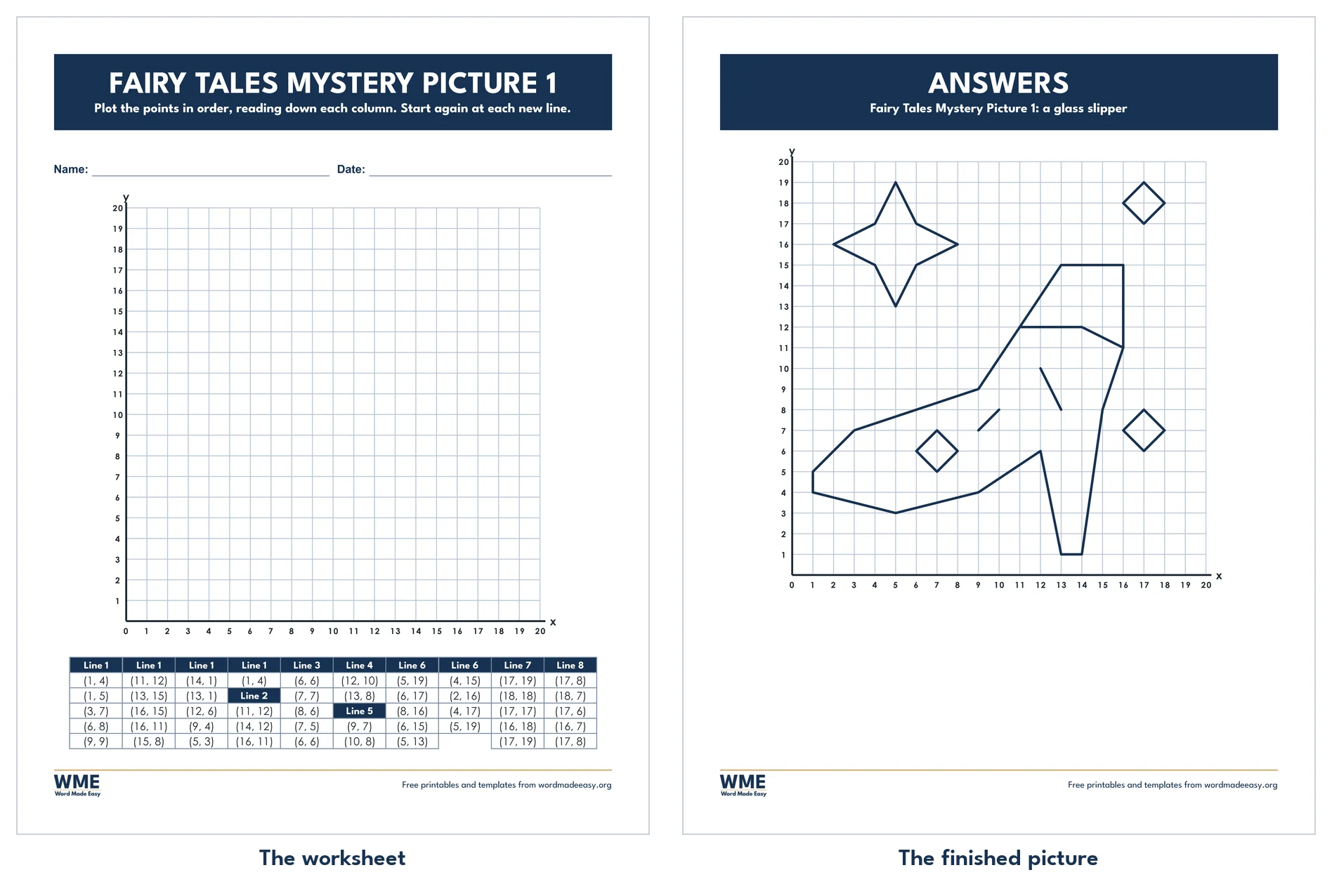
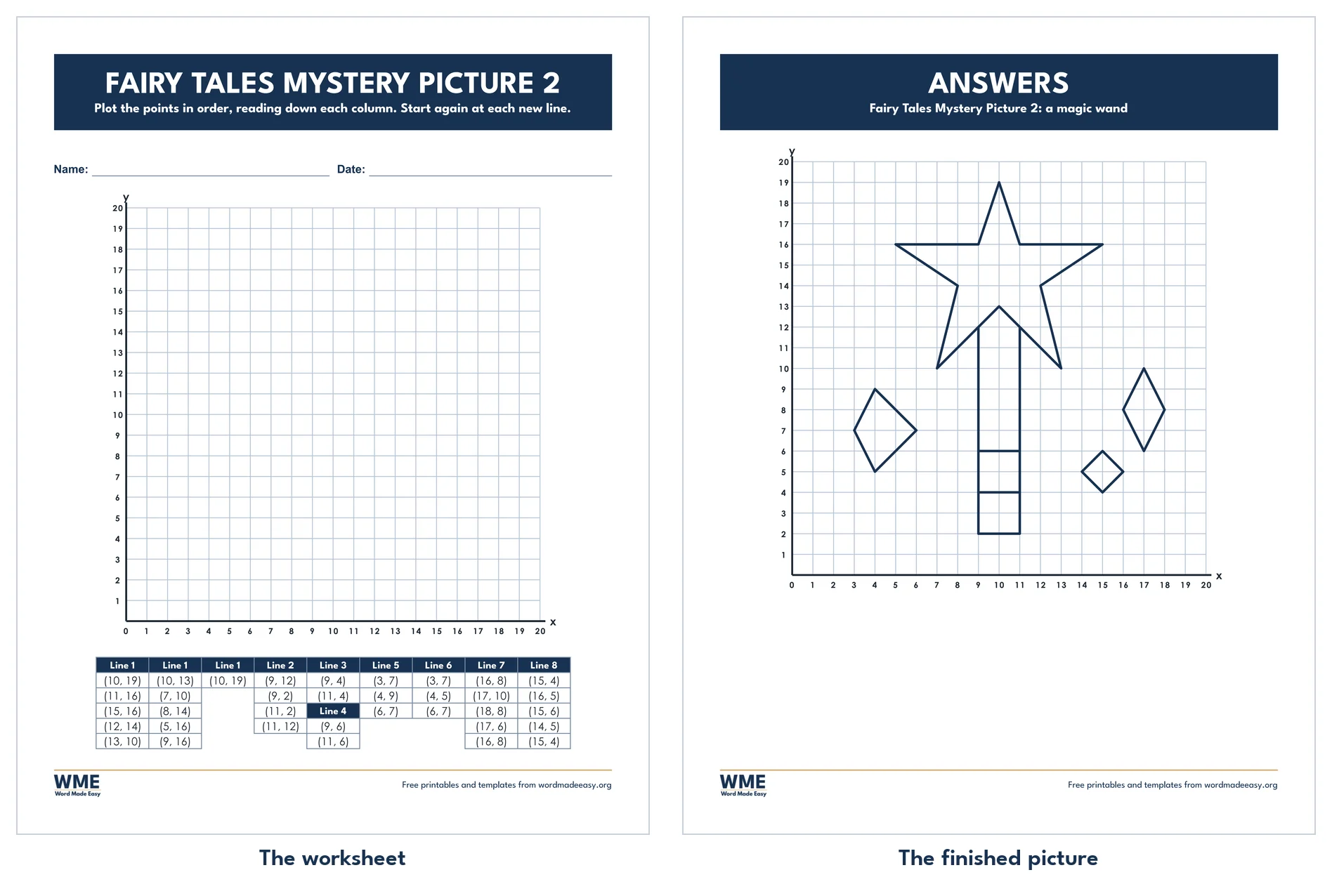
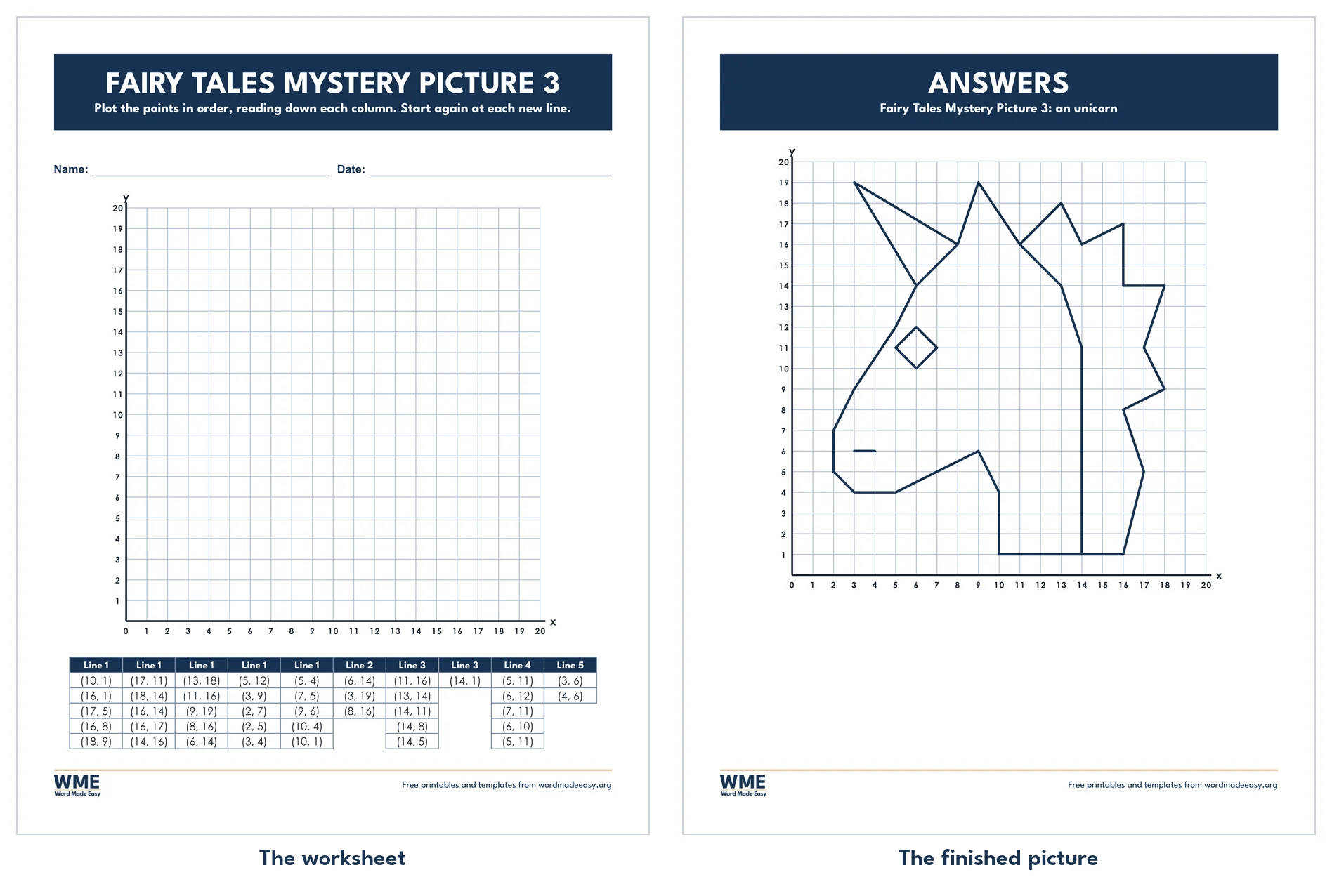
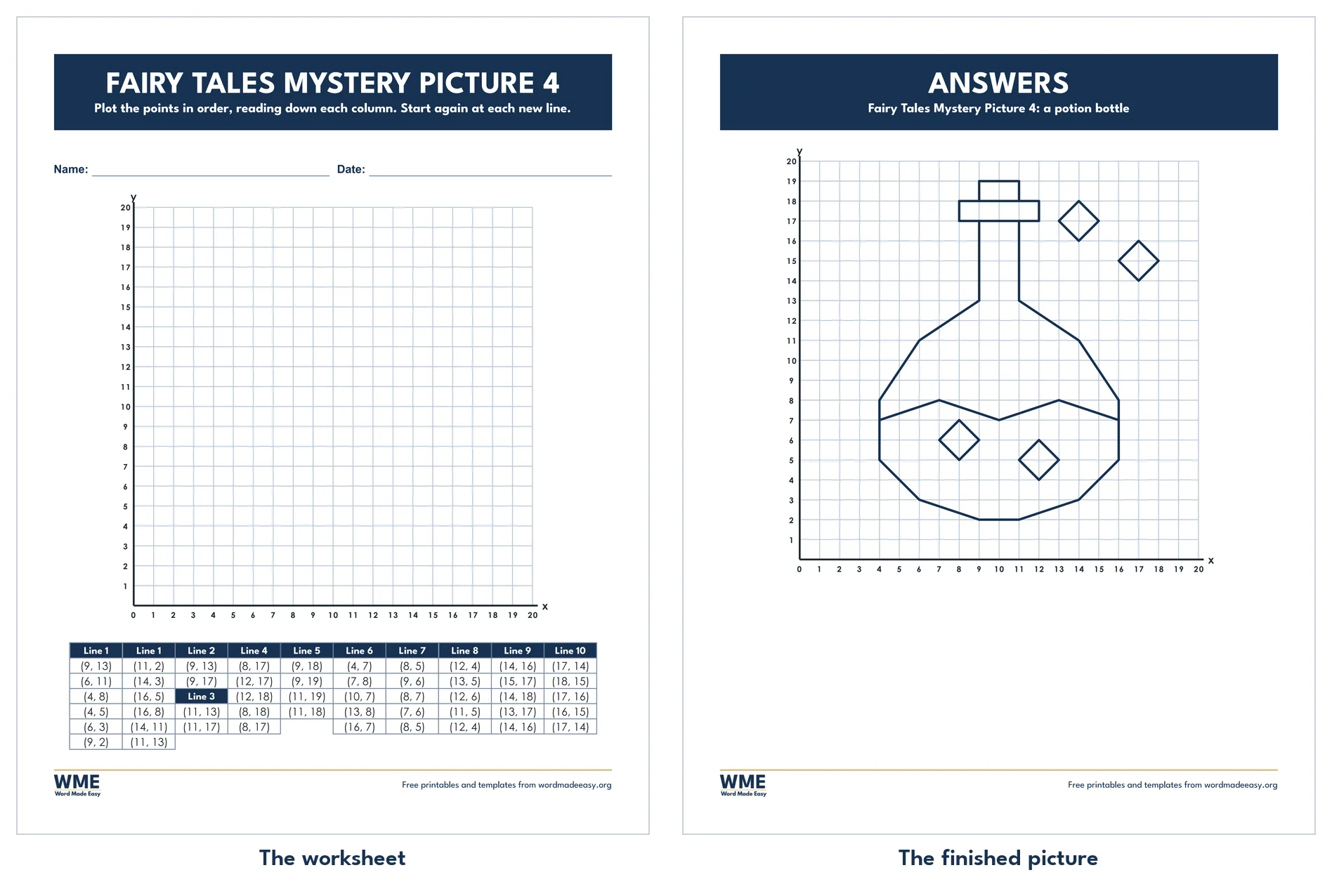
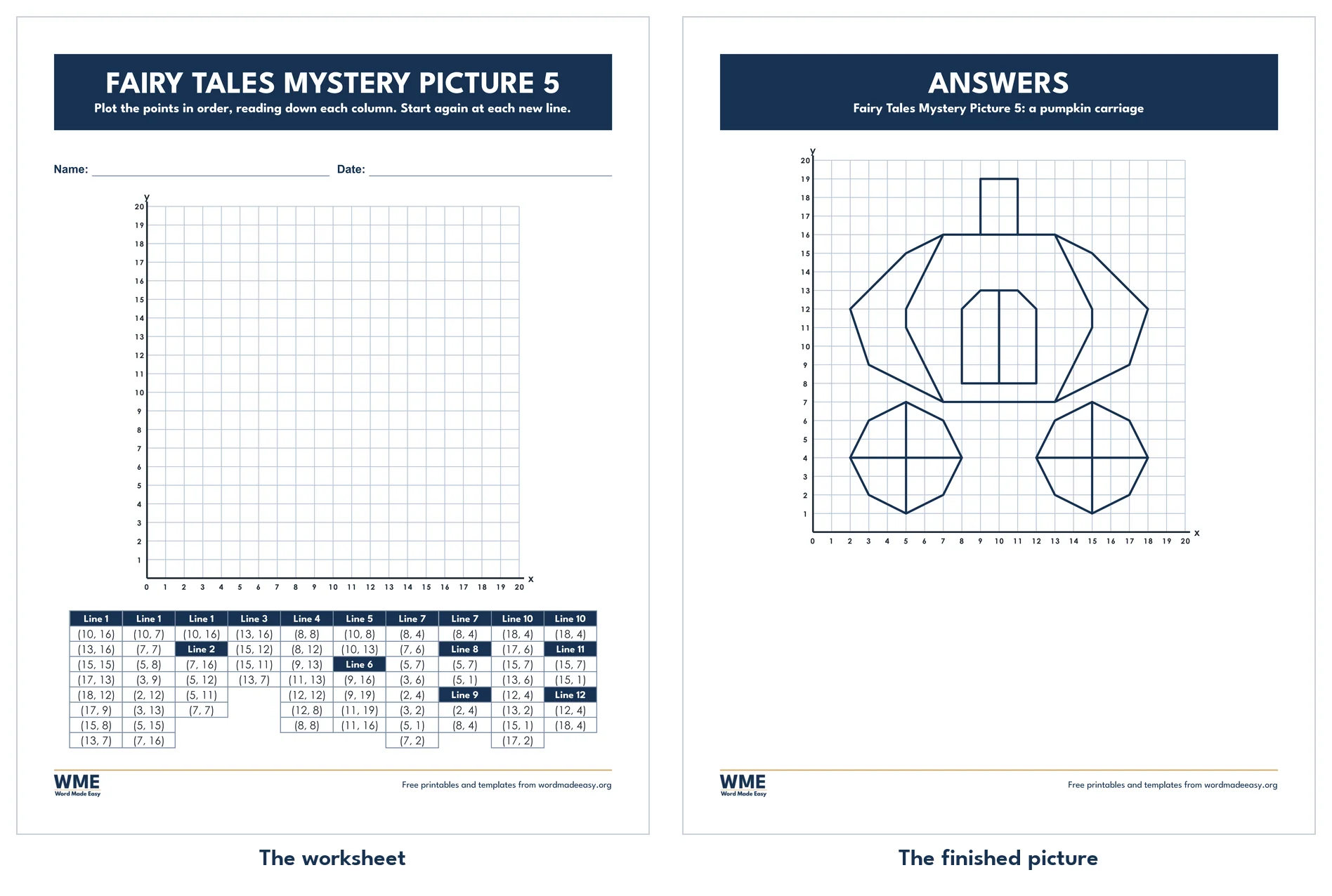
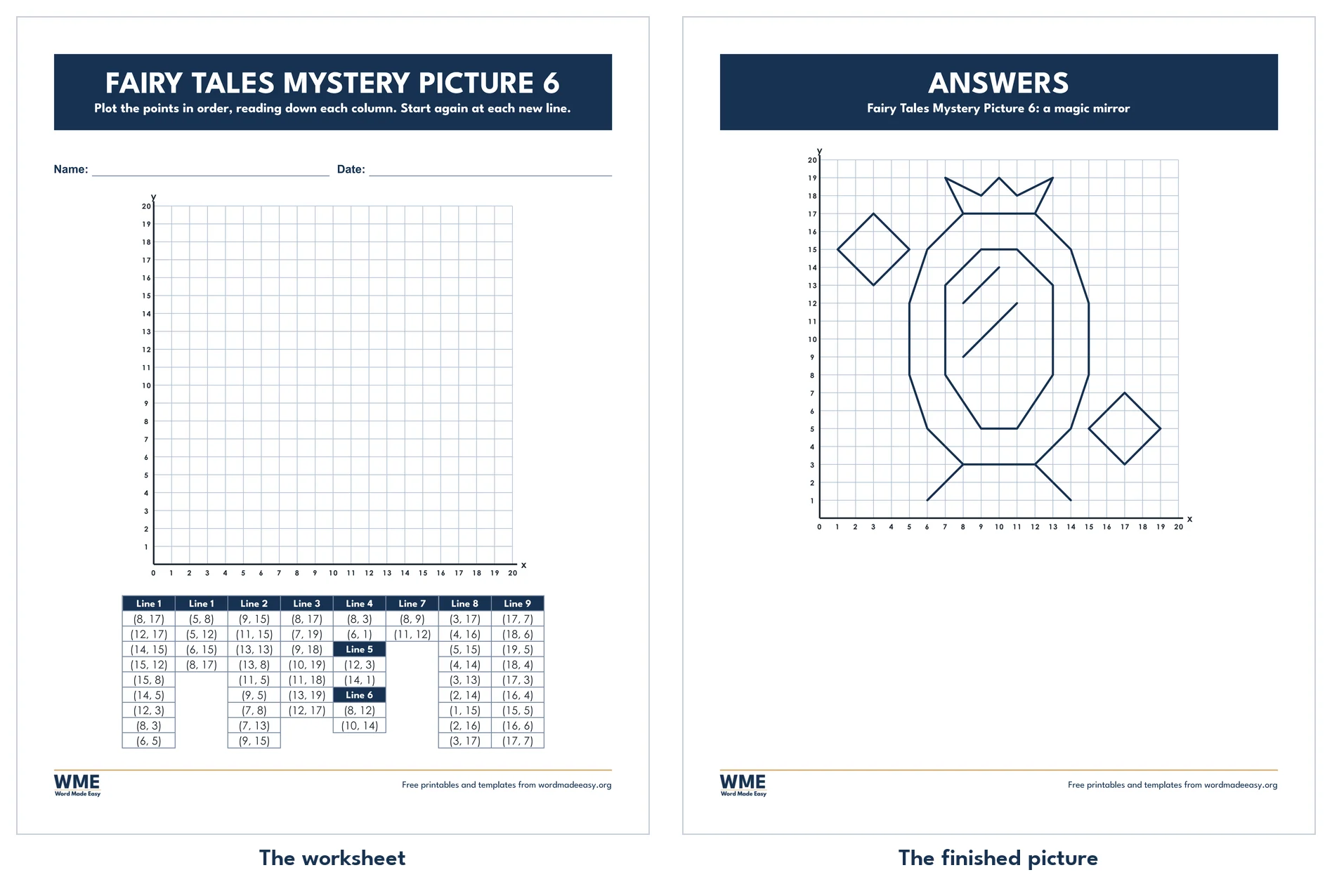
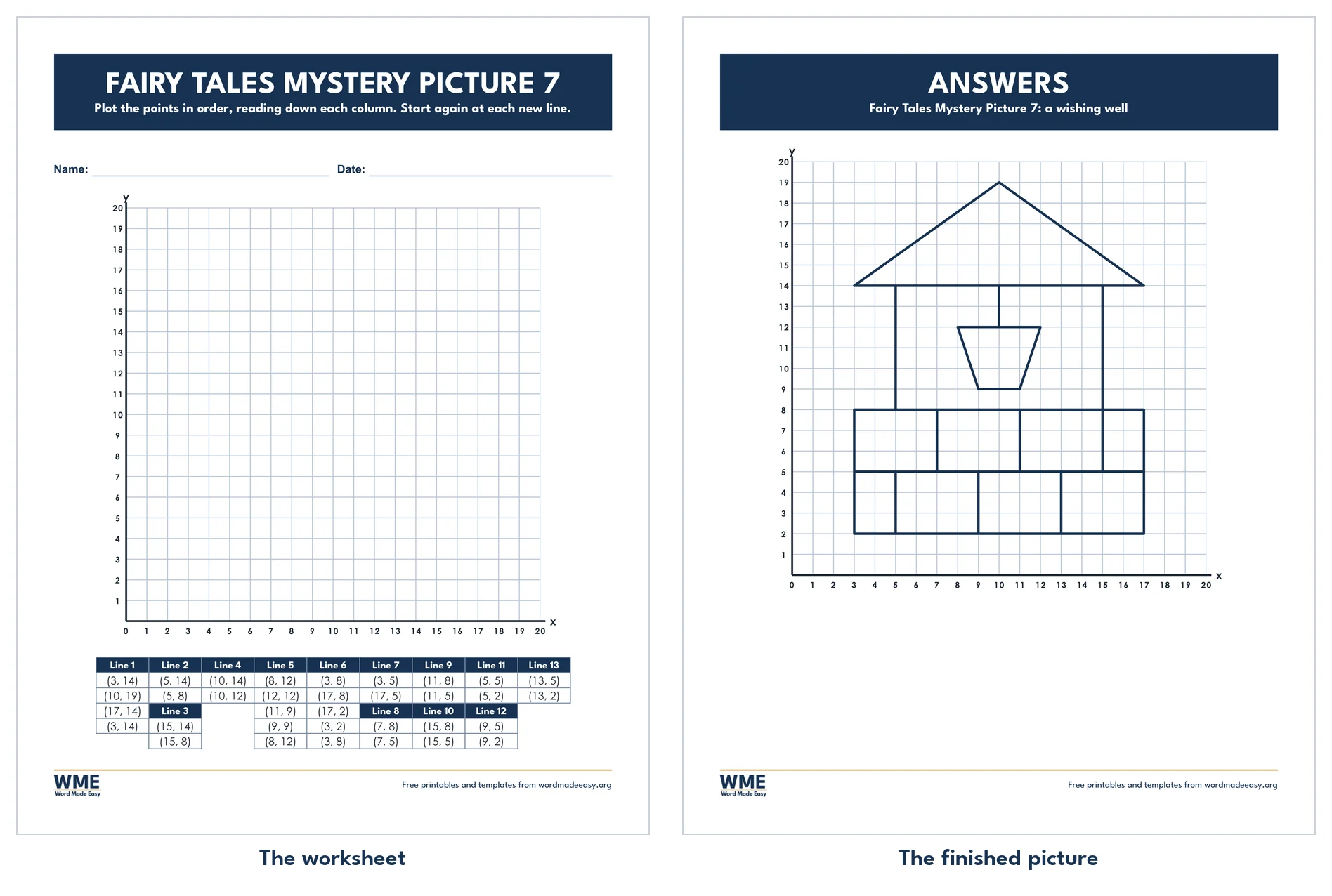
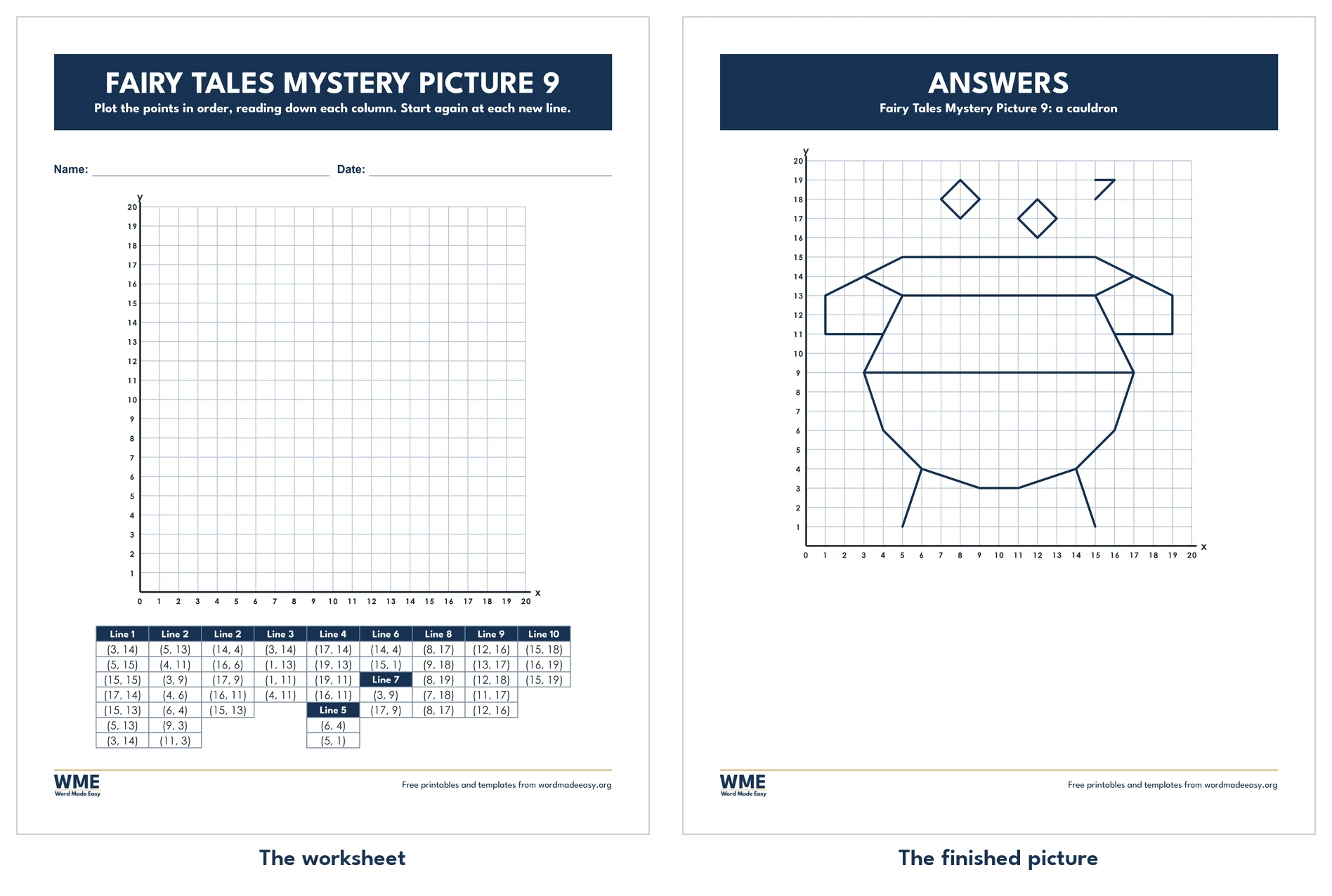
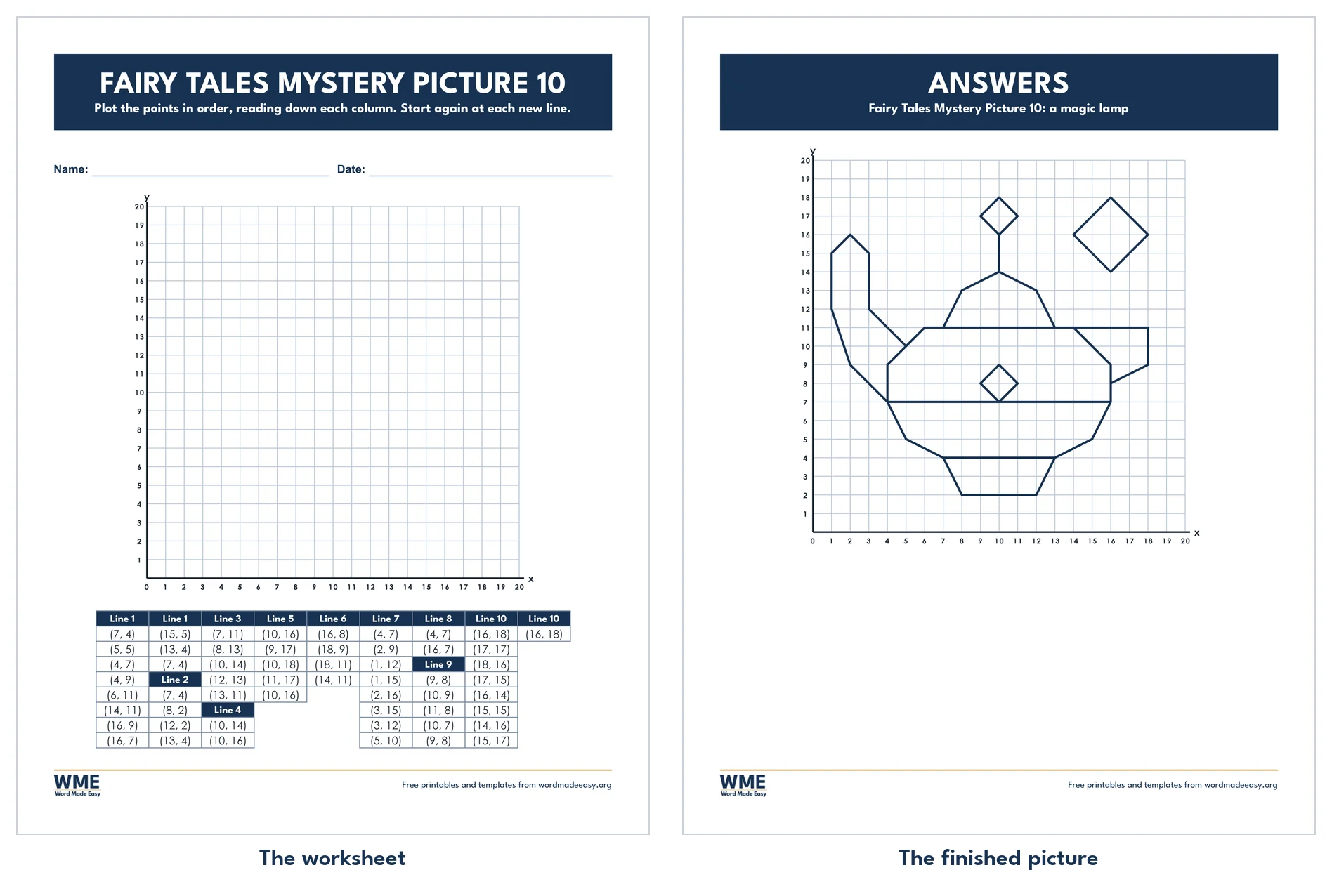
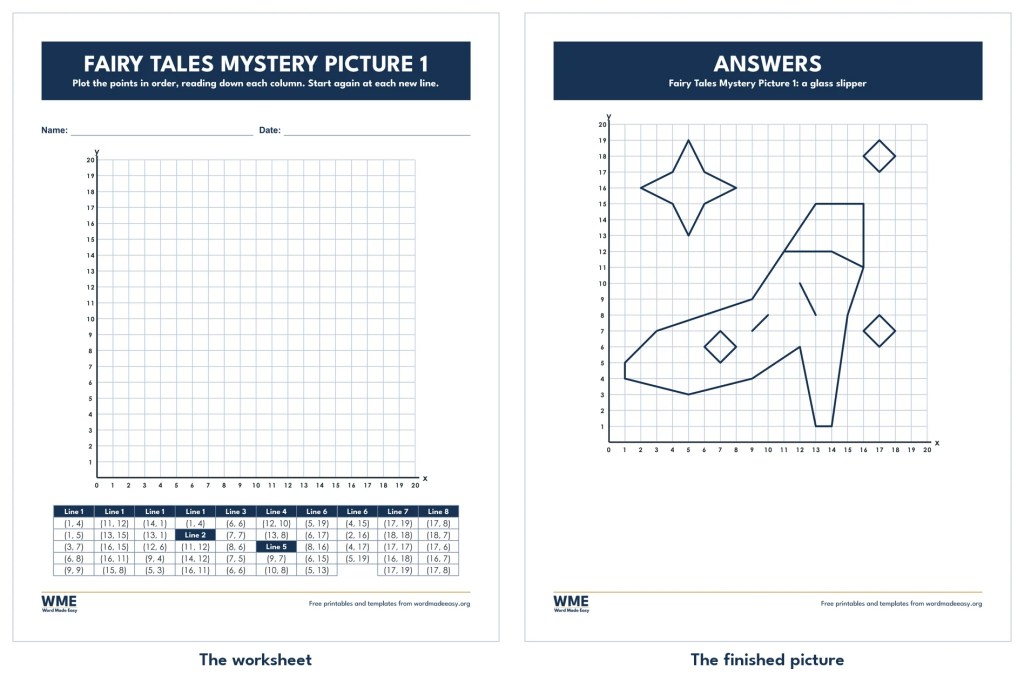
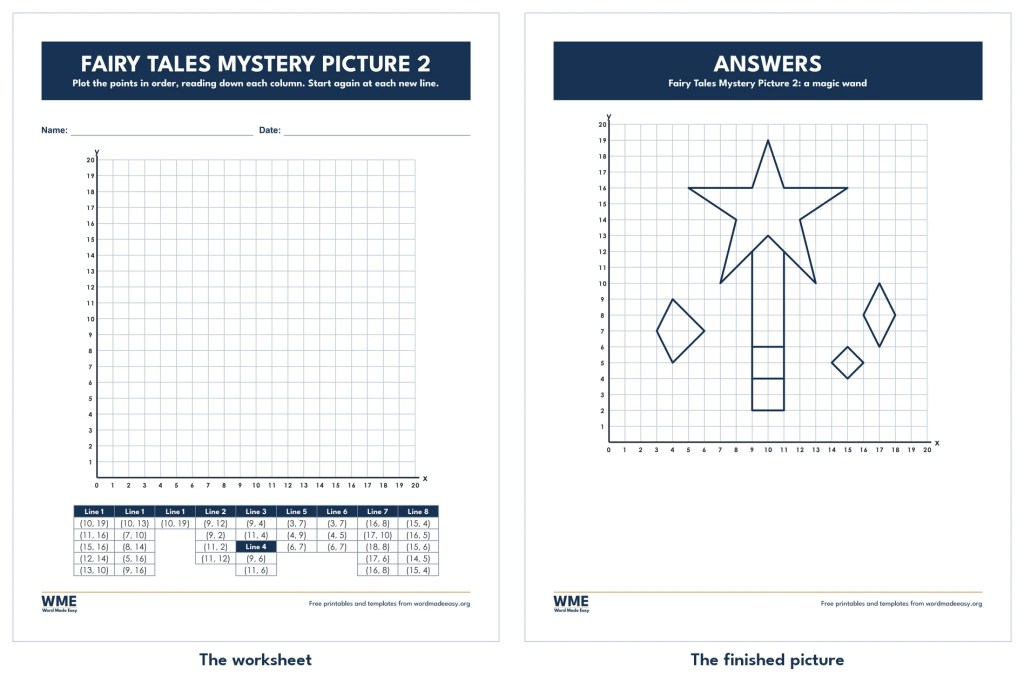
- 10 fairy tale pictures: a glass slipper, magic wand, unicorn, potion bottle, pumpkin carriage, magic mirror, wishing well, spell book, cauldron and magic lamp.
- Quick to long: the unicorn is just 41 points over 5 lines, and the magic wand and spell book have 35 points each. The pumpkin carriage has 64 points and the wishing well packs 34 points into 13 short lines.
- Answer pages: page 2 shows the finished picture on the grid.
- Grid: 0 to 20 in the first quadrant, whole numbers only.
- More packs: For more magic on the grid, plot Pirates, Camping and Birthday Party.
How to Use the Mystery Pictures
- Try the unicorn or the magic wand as a first picture.
- Plot one line at a time and join the points in the order given.
- Look at page 2 to check, then colour the picture and glue it into a storybook.
- First time teaching coordinates? The coordinate graphing mystery pictures page has the full guide.
Ask pupils to write two sentences about their finished picture, such as who owns the lamp and what they wish for. The glass slipper has 47 points over 8 lines, a fair step up from the wand. If the carriage wheels look flat, one pair has probably been entered with the numbers swapped. A wall of mirrors, wells and potions makes a good backdrop for a story-writing week.
How to Print the Mystery Pictures
Want to print without editing? Every download has three folders: the editable Word files, the same sheets as PDFs, and every page as a print-ready image (JPEG), so you can print straight away without opening Word.
Print at 100% (Actual size) so the grid squares stay square. Page 1 is the worksheet and page 2 is the answer page: print page 1 only for the class and keep page 2 for marking.
FAQs
Are these fairy tales mystery pictures free?
Yes. Choose US Letter or A4 and download all 10 mystery pictures in one ZIP file at no cost.
Is there an answer page?
Yes. Each file has an answer page, page 2, that shows the finished fairy tale picture on the grid.
How do children plot the points?
Start at 0, go along the x-axis to the first number, then up to the second number, and mark the point. Join the points in order with a ruler, and start each new line fresh.
What grid do the pictures use?
All ten fairy tale pictures use a 0 to 20 grid in the first quadrant with whole-number points.
What age are these fairy tale math worksheets for?
They suit ages 7 to 11 (grades 2 to 5). Younger children enjoy the storybook objects, and the shorter pictures keep a first plot manageable.
Is there a black and white version?
No. The mystery pictures come in colour only, and they still print clearly on a black and white printer.
Can I remove the Word Made Easy footer?
Yes, in the Word file (not a PDF). Double-click the footer at the bottom of the page, click the logo and press Delete, then do the same with the thin line above it. For the web address, click the edge of its box rather than the words, and press Delete.
Conclusion
These fairy tale pictures give a story week some number work, and a teacher made them in Word.
Choose your paper size above and download the ZIP. For 50 more pictures on other topics, open the coordinate graphing mystery pictures.
Related Tutorials
- Free Coordinate Graphing Mystery Pictures for Word
- Free Coordinate Grid Worksheets for Word
- Free Pirates Coordinate Graphing Mystery Pictures for Word
Maths Resources
Recently Added Maths Resources
Browse all free maths resources for home and school, all made by a teacher.
Leave a comment
Have a question about these resources, or an idea for a new one? Ask below.