
Free Word Search Templates for Word: 6 Easy Printables
Choose your paper size, preview every puzzle, then download your Word templates in one small ZIP file.
Made by a teacherA4 and US Letter6 Word documentsFree
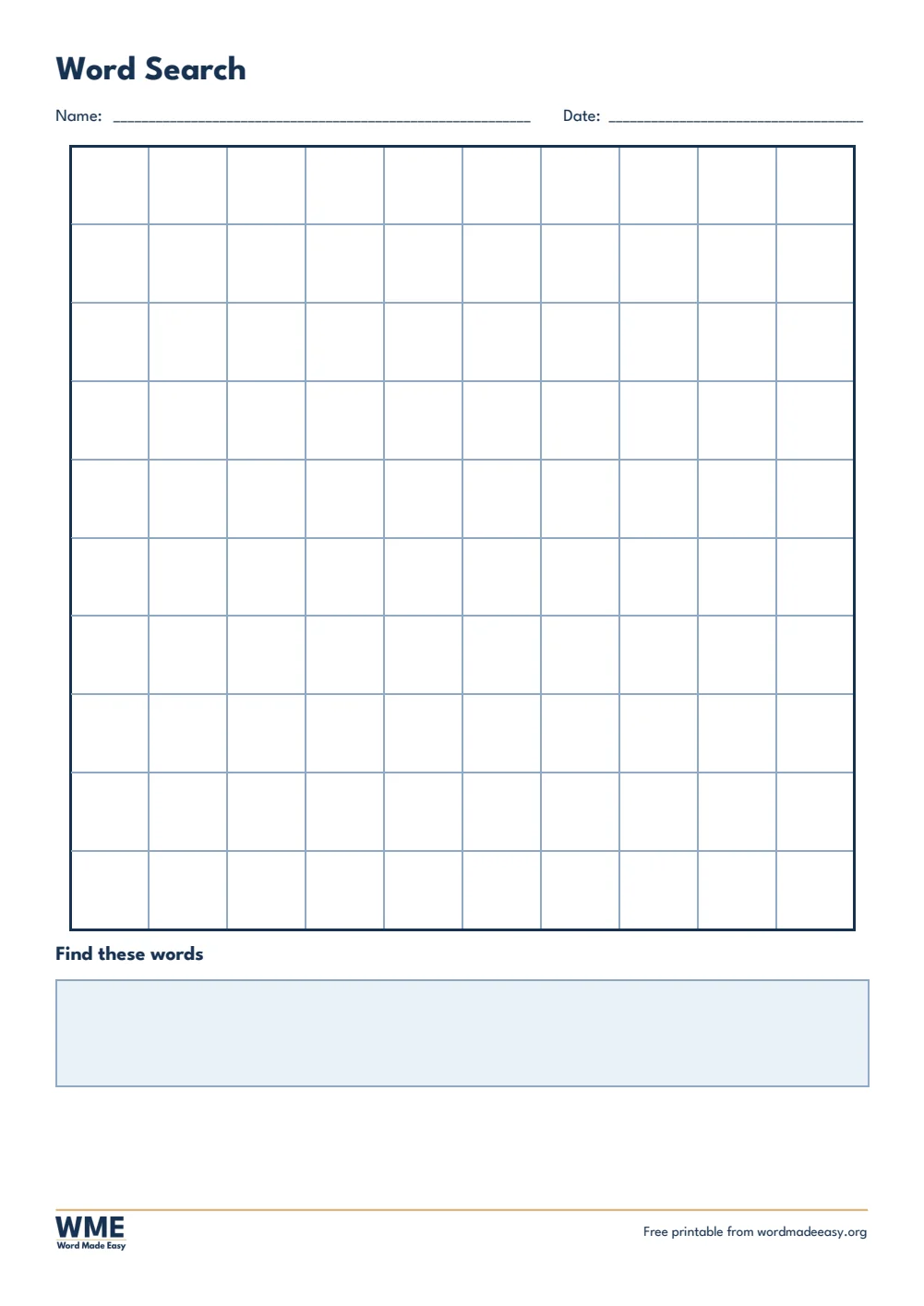
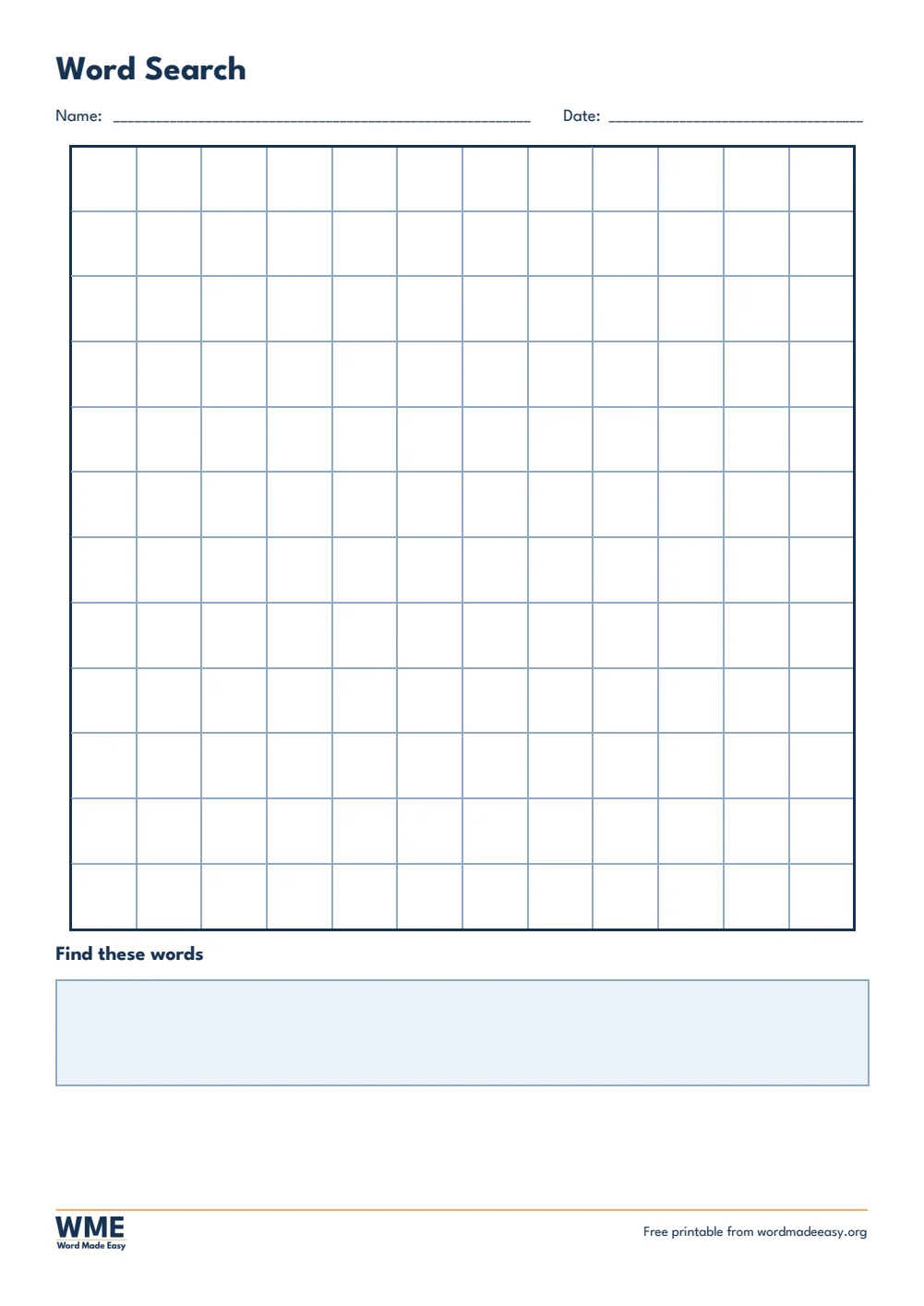
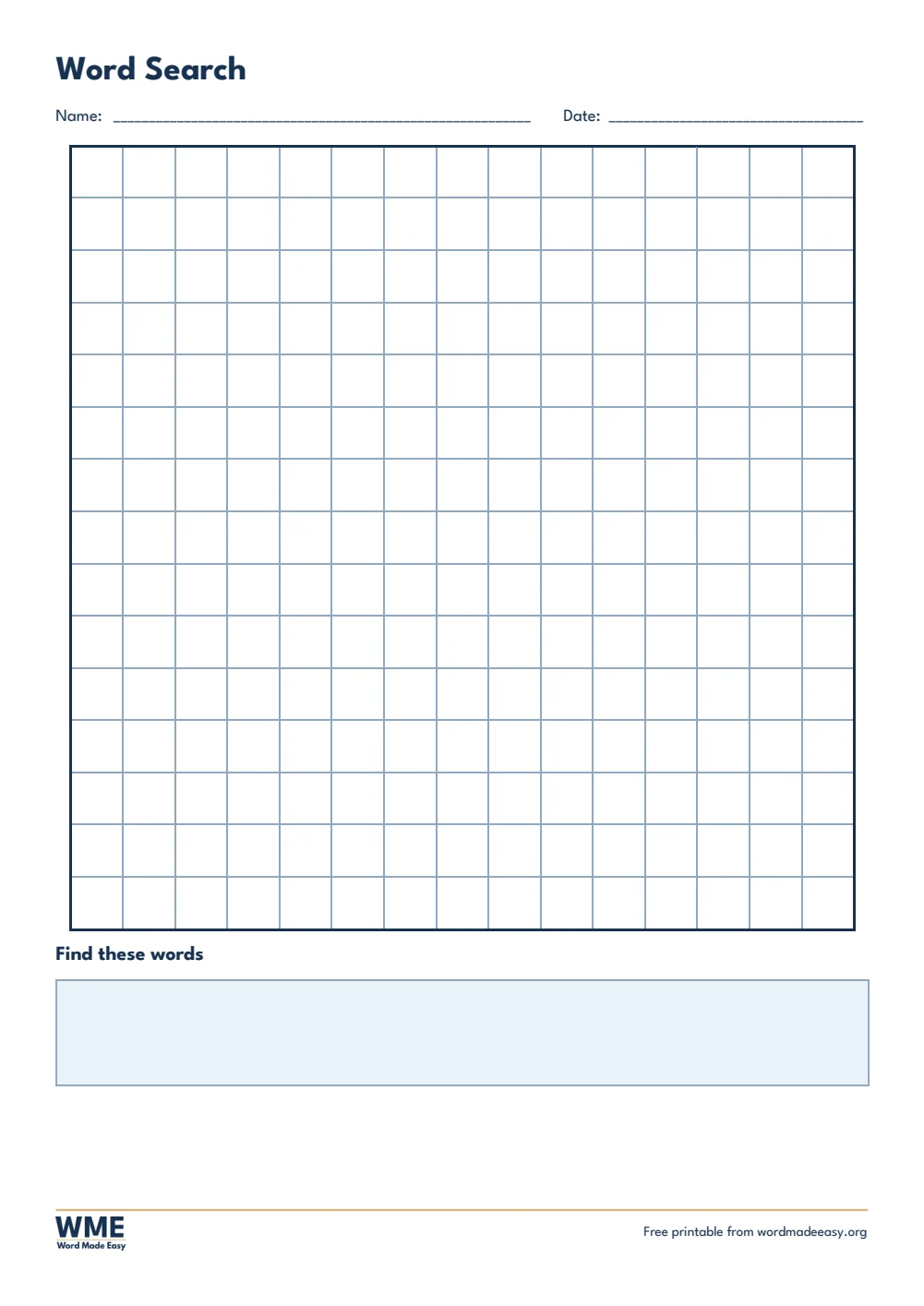
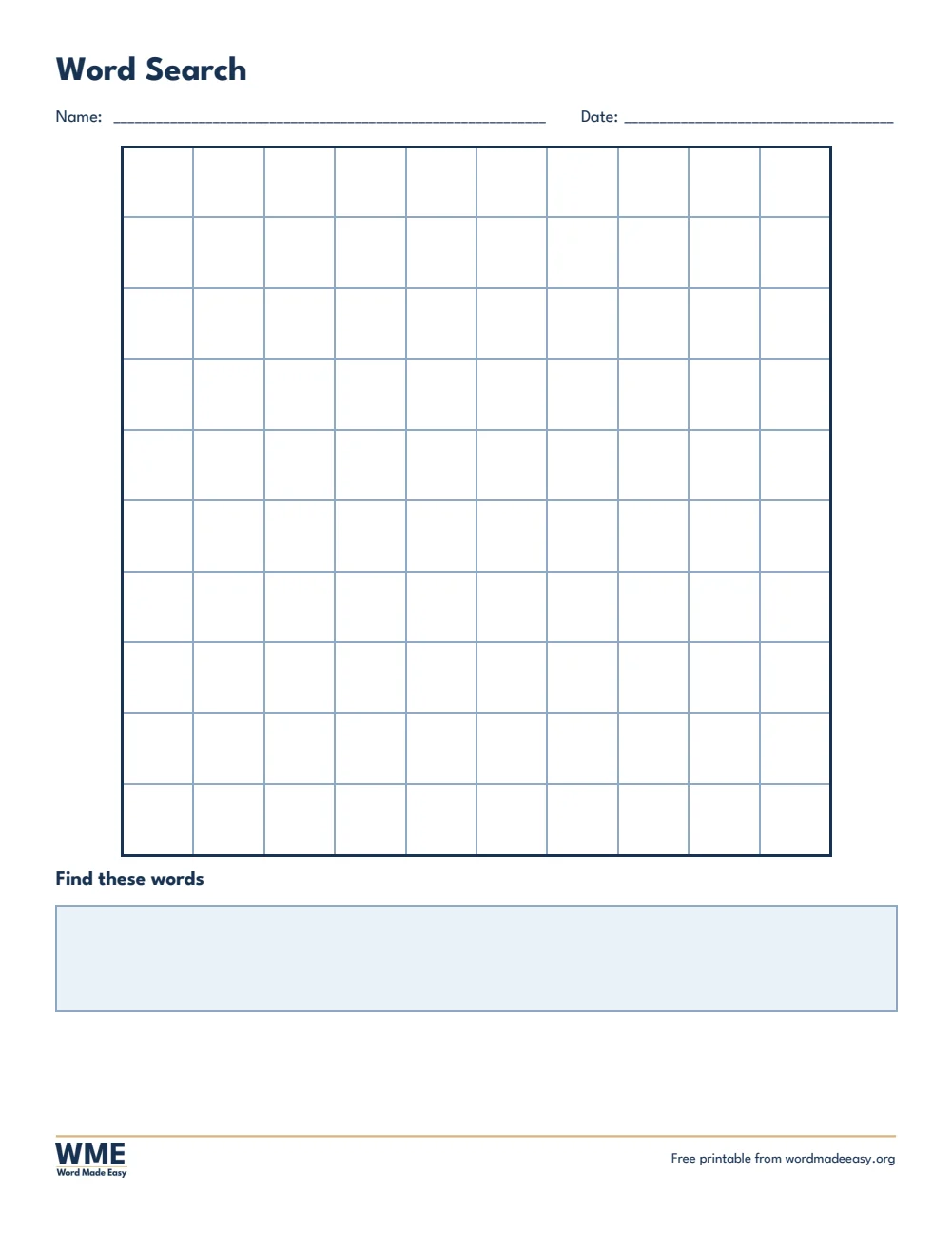
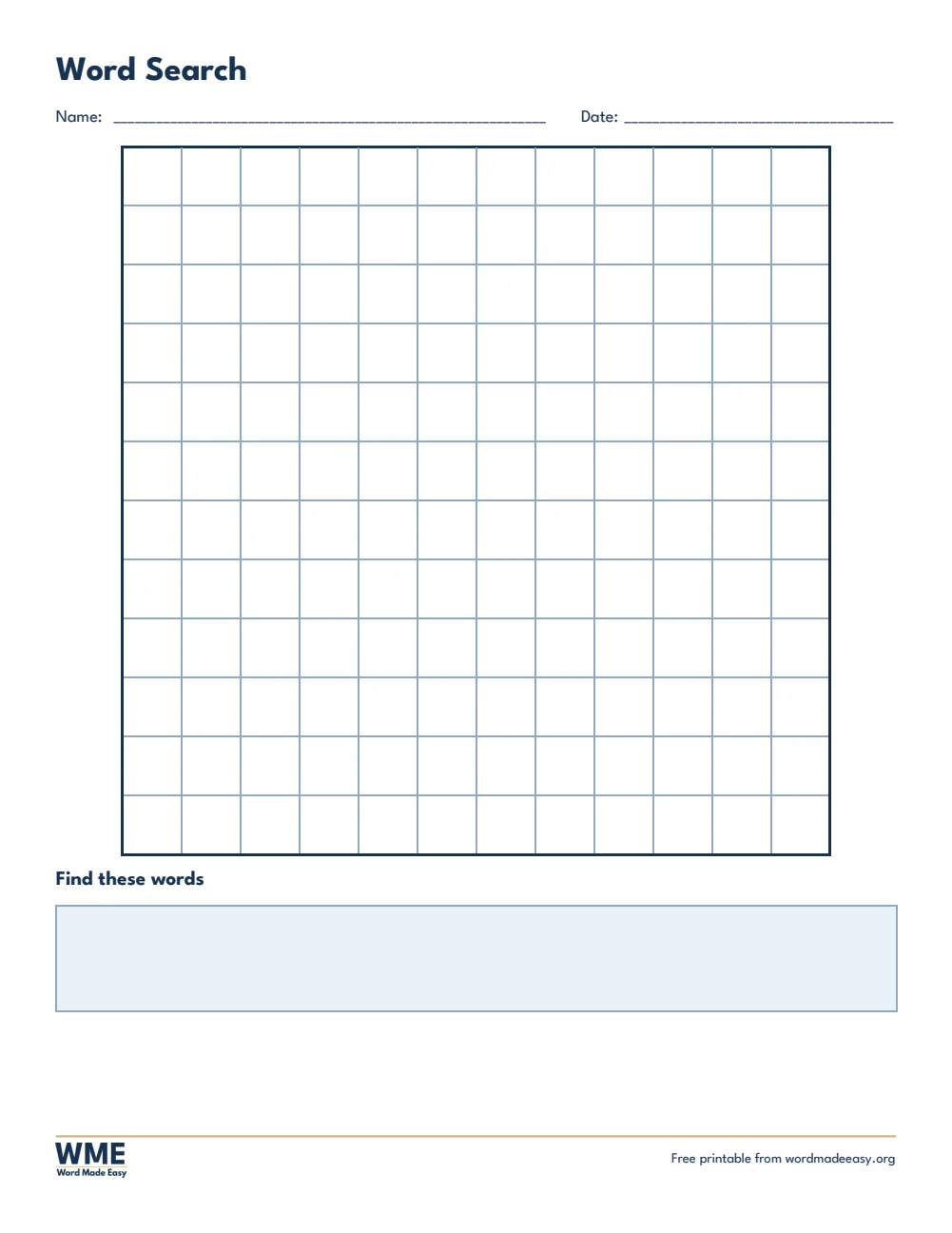
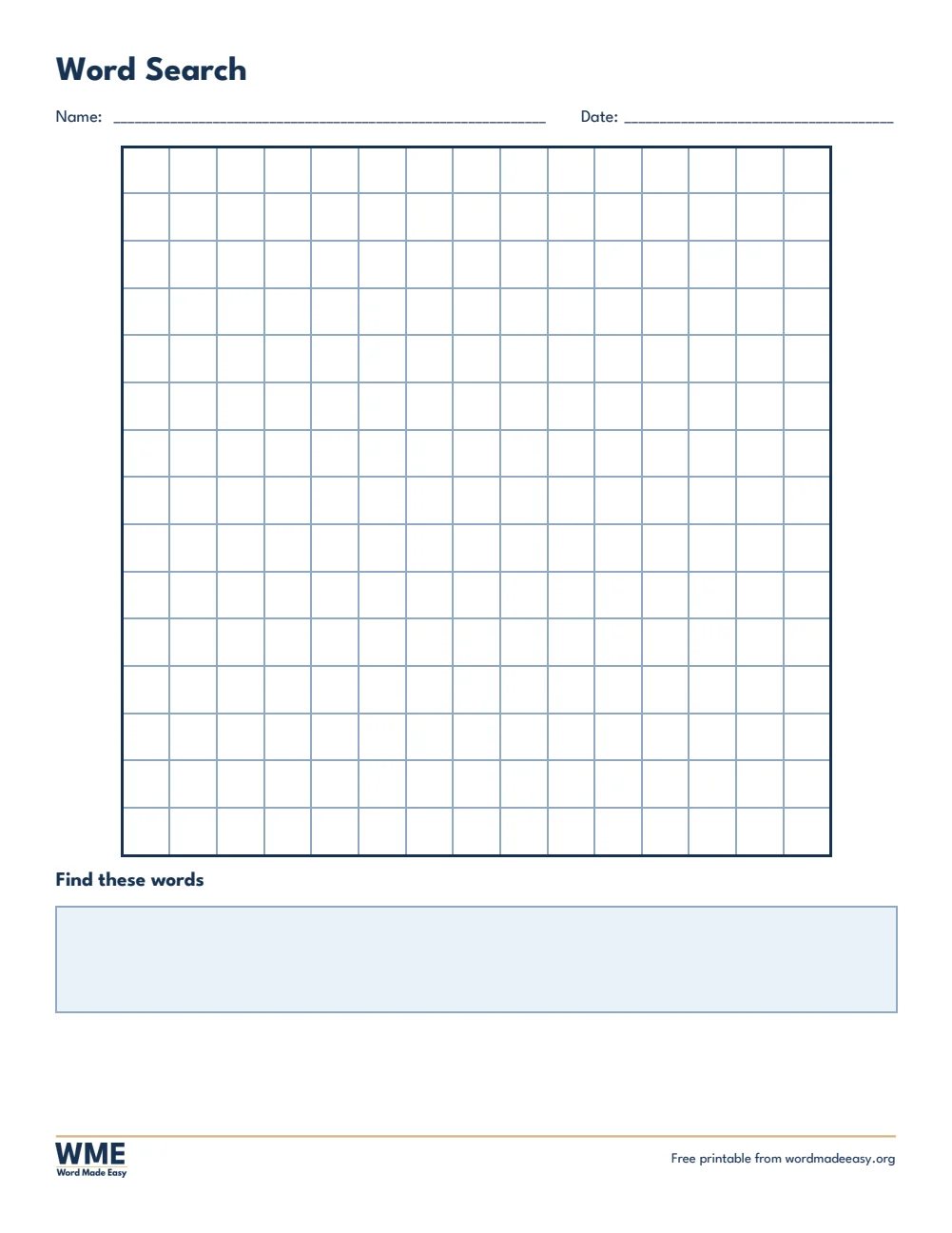
These free printable word search templates give you 6 Word documents on A4 and US Letter: blank 10 by 10, 12 by 12 and 15 by 15 grids, each with a word list box, so you can make a word search for any topic, spelling list or celebration. I’m Patrick Elliott, a teacher and Inclusion Lead. I use word searches for spelling practice and topic vocabulary, so these blank grids let you build a puzzle around any word list.
In this guide, you’ll find which grid suits which age, how to make your own word search in Word, and how to print the puzzles at full size.
What’s in the Word Search Templates
| Paper | Version | Best for |
|---|---|---|
| A4 | Blank 10 x 10 | Type your own letters and words |
| A4 | Blank 12 x 12 | Type your own letters and words |
| A4 | Blank 15 x 15 | Longer words, older pupils |
| US Letter | Blank 10 x 10 | Type your own letters and words |
| US Letter | Blank 12 x 12 | Type your own letters and words |
| US Letter | Blank 15 x 15 | Longer words, older pupils |
👉 Every grid is a Word table, so each letter sits in its own box and lines up perfectly when you print.
Which Word Search Should You Use?
- Blank 10 by 10: short words and younger children, such as spelling or phonics words.
- Blank 12 by 12: a full class word list with room for longer words.
- Blank 15 by 15: topic vocabulary for older pupils, with diagonal words for an extra challenge.
How to Make Your Own Word Search in Word
- Choose a blank grid and type your words into the word list box first.
- Click in a grid square and type each word one letter per square, across, down or diagonally. Press Tab to move to the next square.
- Fill every empty square with a random letter so the words are hidden.
- Save a copy, then shade the hidden words in another copy to make your own answer key.
Pair a word search with this week’s spelling list, or use it as a quiet early-finisher activity. For spelling practice, try the spelling test templates.
How to Print at the Right Size
Print the grid at 100% so each letter box is big enough to circle. Use a word list of 8 to 12 words on a 12 x 12 grid for most classes.
FAQs
How do I make my own word search?
Type your words into the grid across and down, fill the empty squares with random letters, then type the words in the list.
Which grid size should I choose?
10 x 10 for younger children, 12 x 12 for most classes and 15 x 15 for a challenge.
Can I make my own word search in Word?
Yes. Type your letters into a blank grid, one per square, then fill the empty squares with random letters.
How do I make an answer key?
Save a second copy of your finished puzzle and shade the squares of each hidden word with Shading on the Table Design tab.
Which word search is best for young children?
The 10 by 10 grid, with short words hidden across and down only.
Can I add diagonal words?
Yes. Type the letters diagonally for a harder puzzle.
Conclusion
These word search templates give you blank grids to make a puzzle for any topic, human-made by a teacher and ready to fill in from Word.
Choose your paper size above, download the ZIP, and for more classroom activities try the Venn diagram templates.
Related Tutorials
- Free Spelling Test Templates for Word
- Free Venn Diagram Templates for Word
- Free Certificate Templates for Word
Word Templates
Recently Added Word Templates
Browse the complete collection of free printable Word templates for home and school, all made by a teacher.
New to Word? Our Word tutorials show you how to edit and print your templates.
Leave a Reply