
Free Sudoku Templates for Word: 10 Easy Printables
Choose your paper size, preview every grid, then download your Word templates in one small ZIP file.
Made by a teacherA4 and US Letter10 Word documentsFree

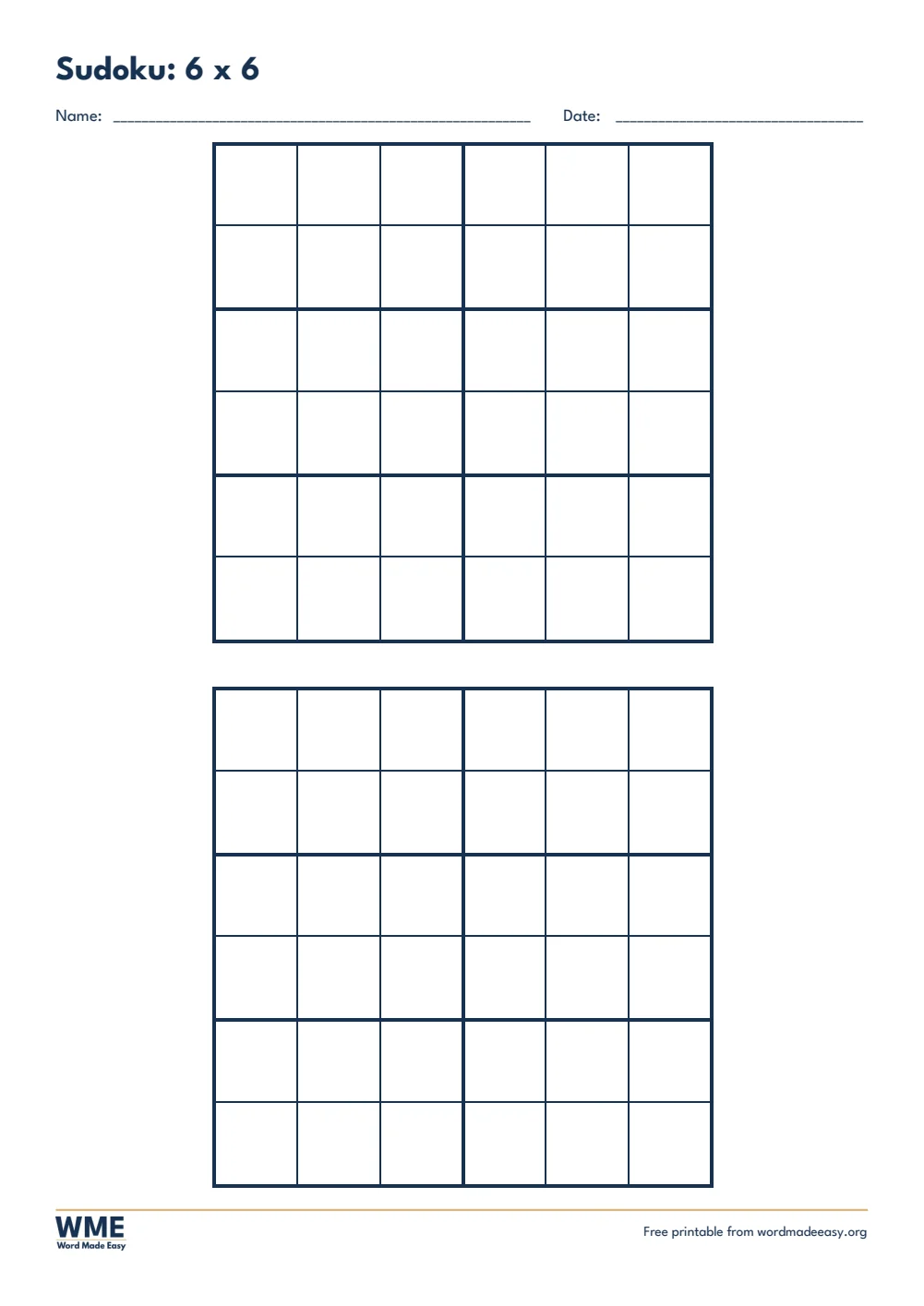
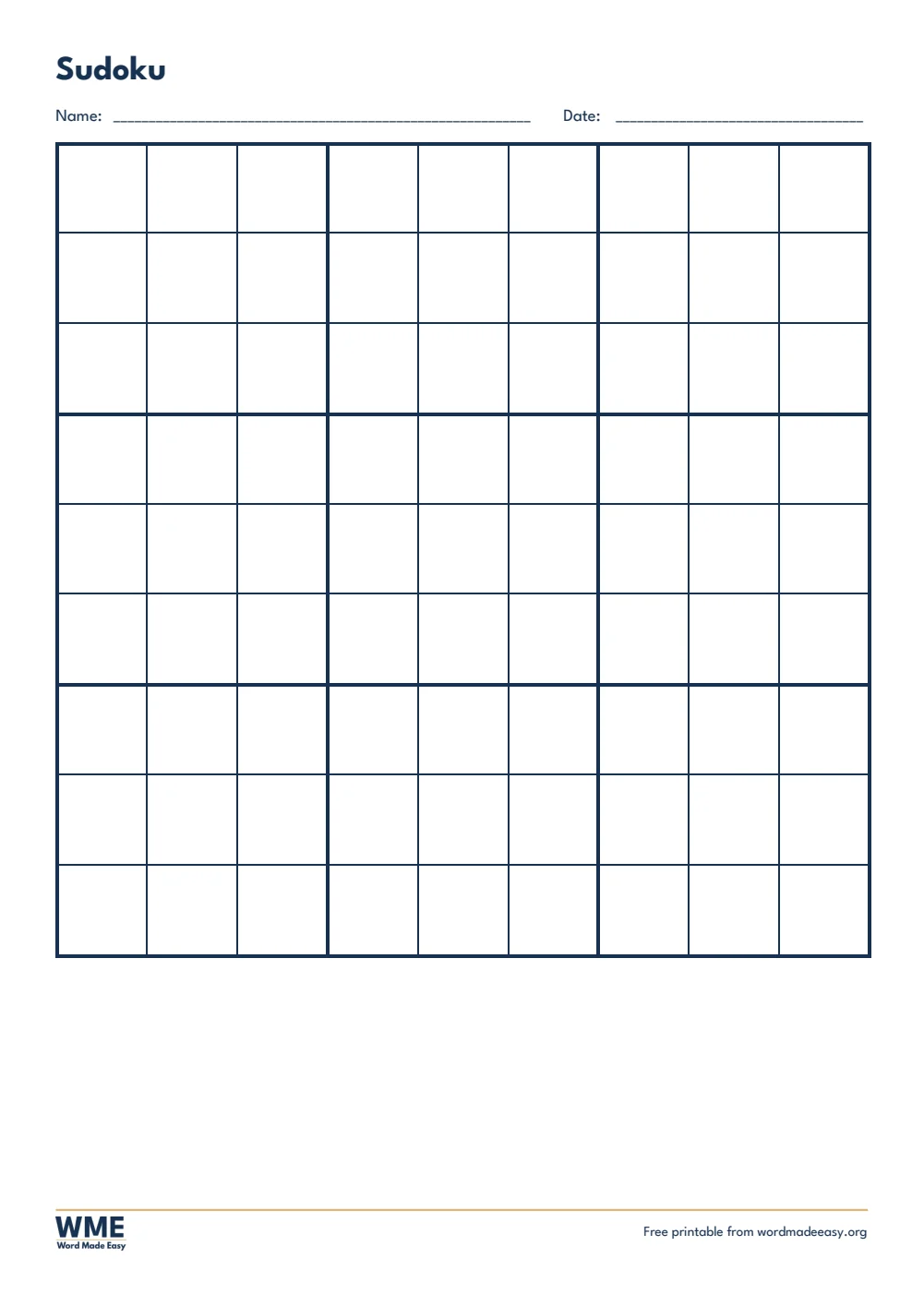
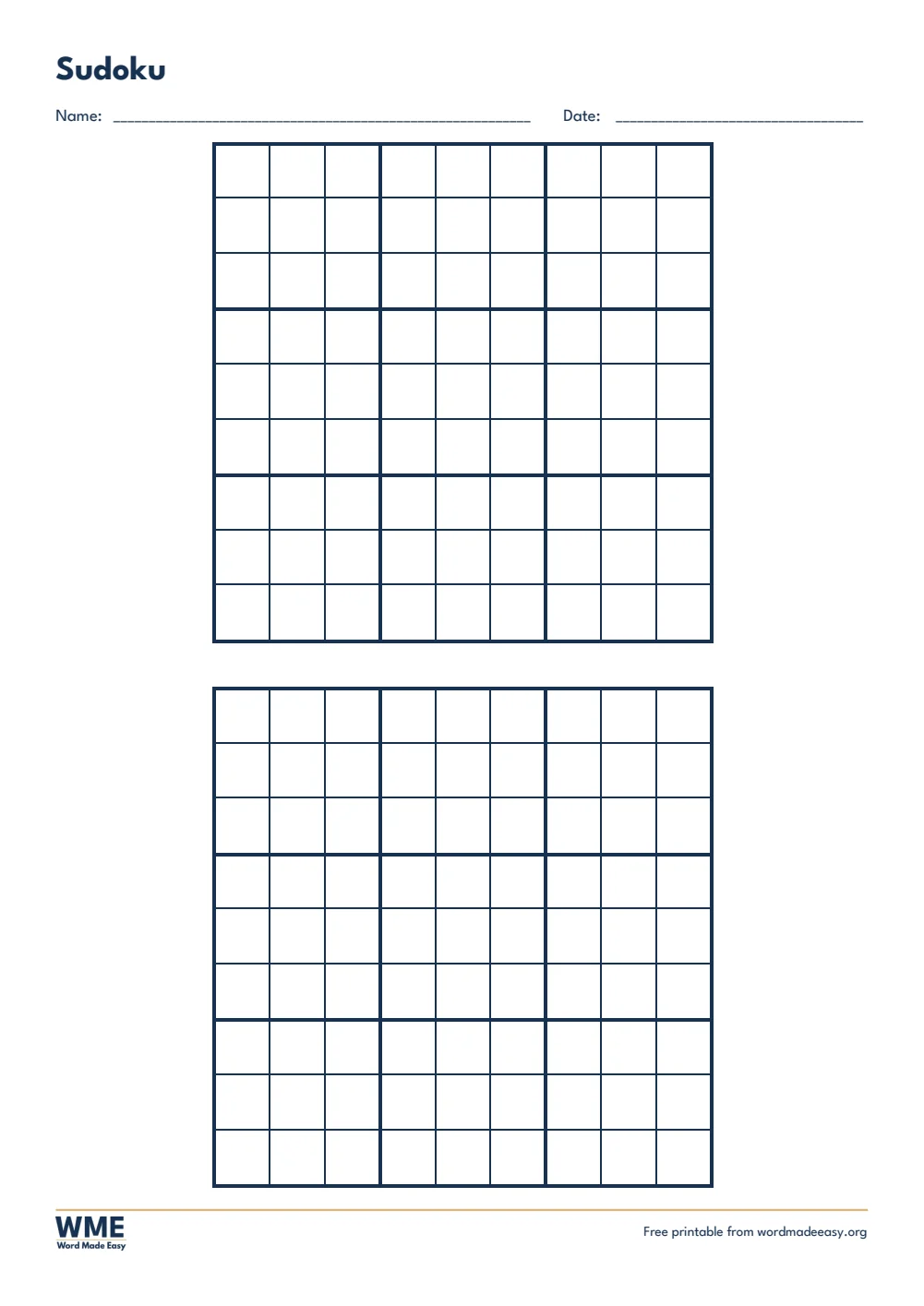

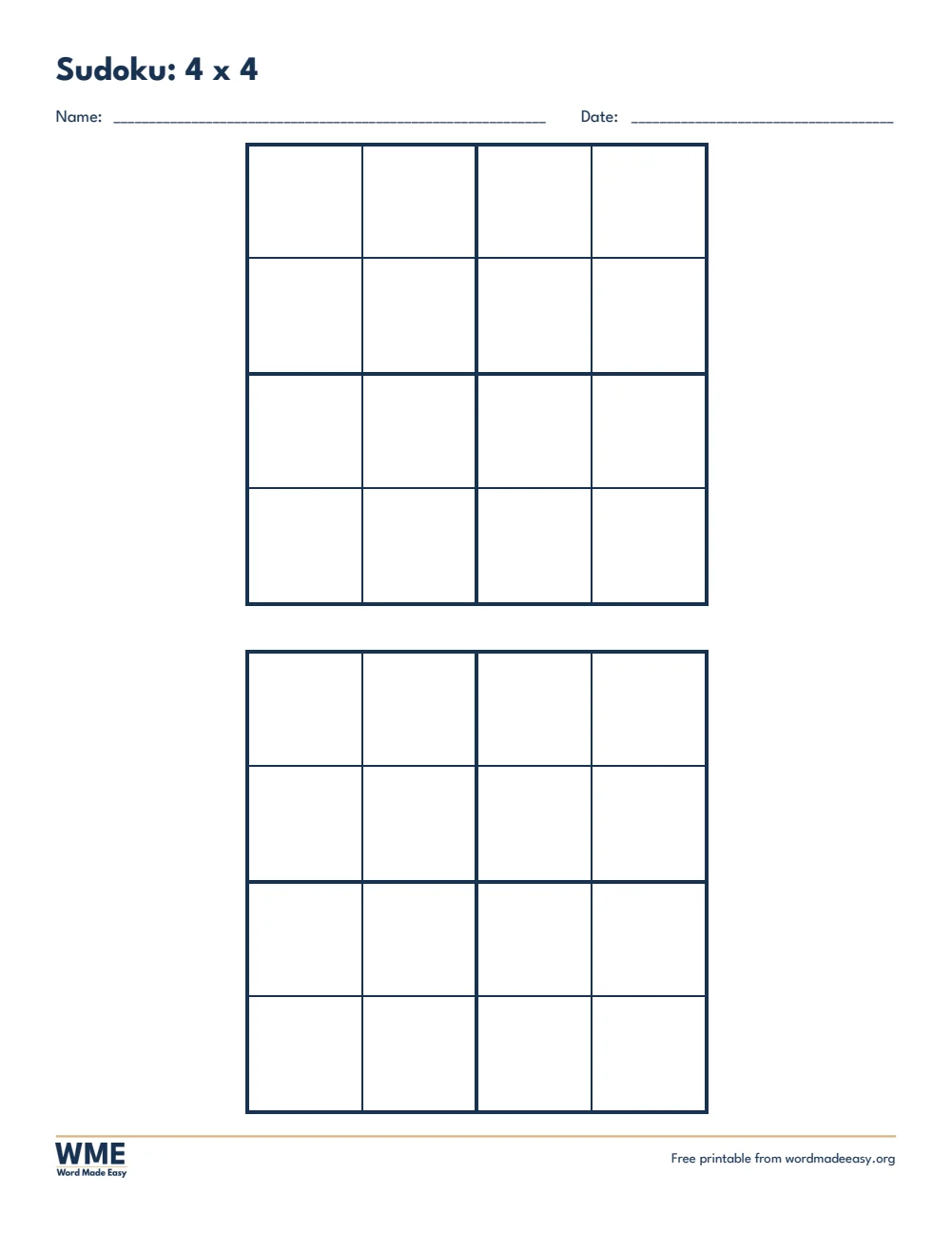
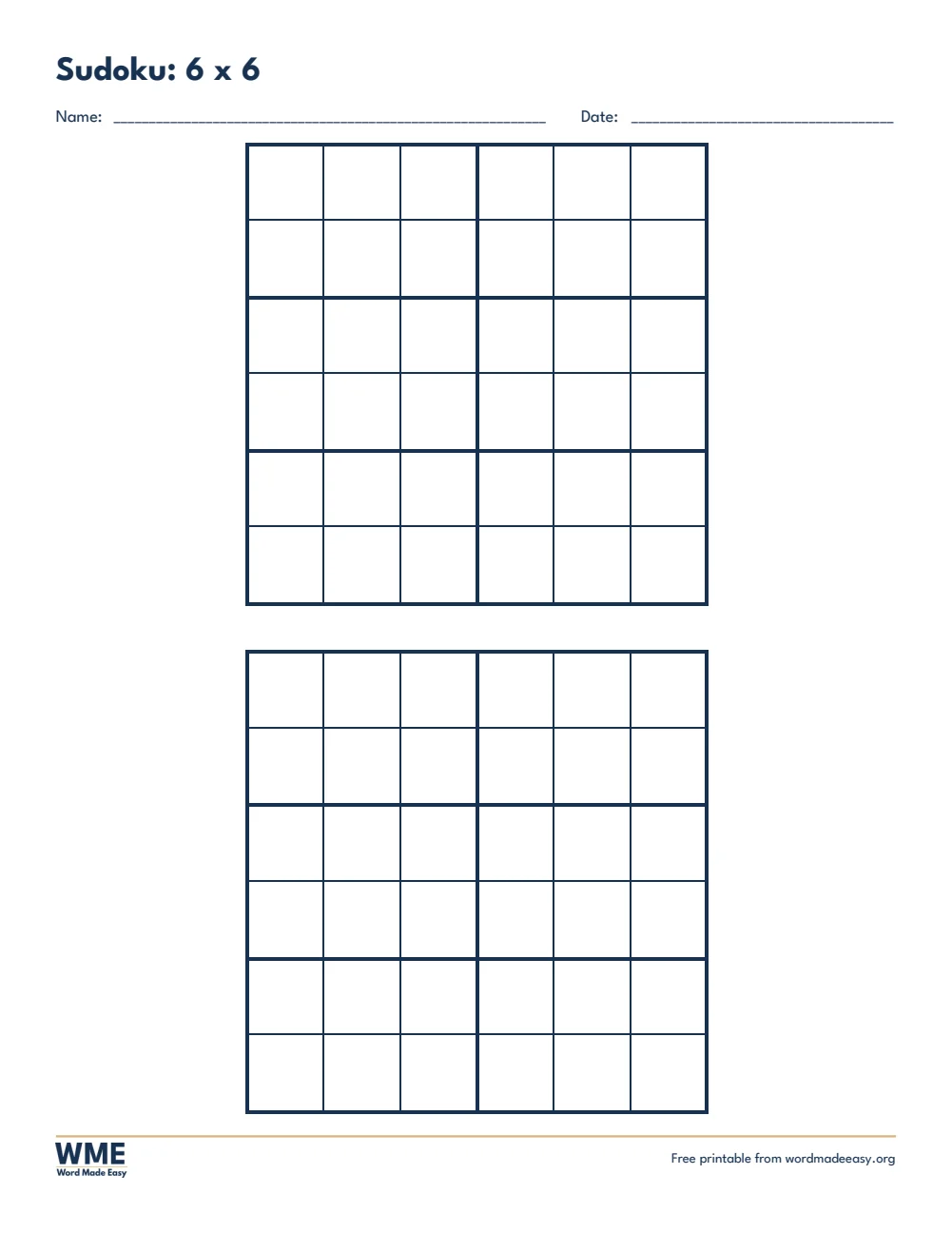
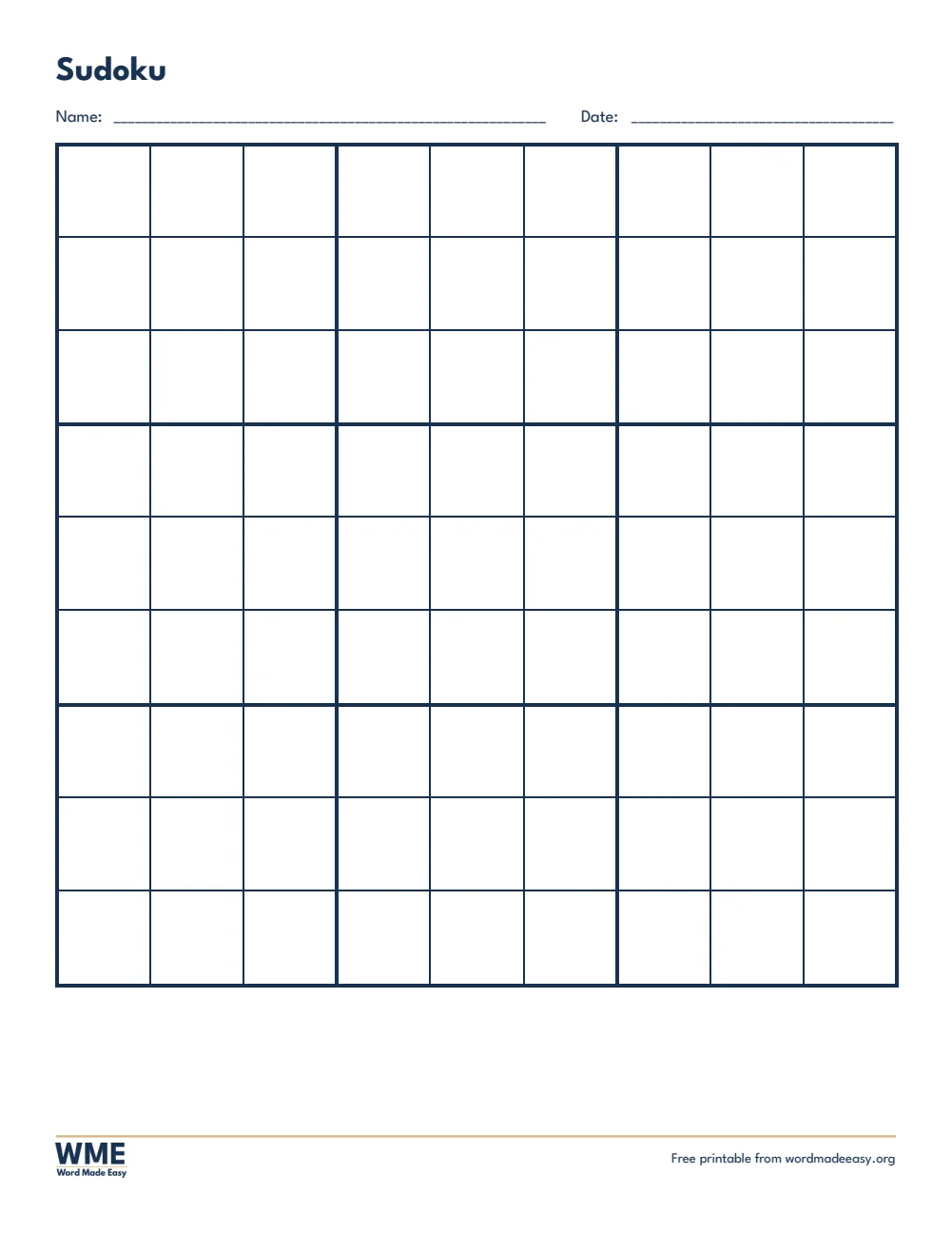
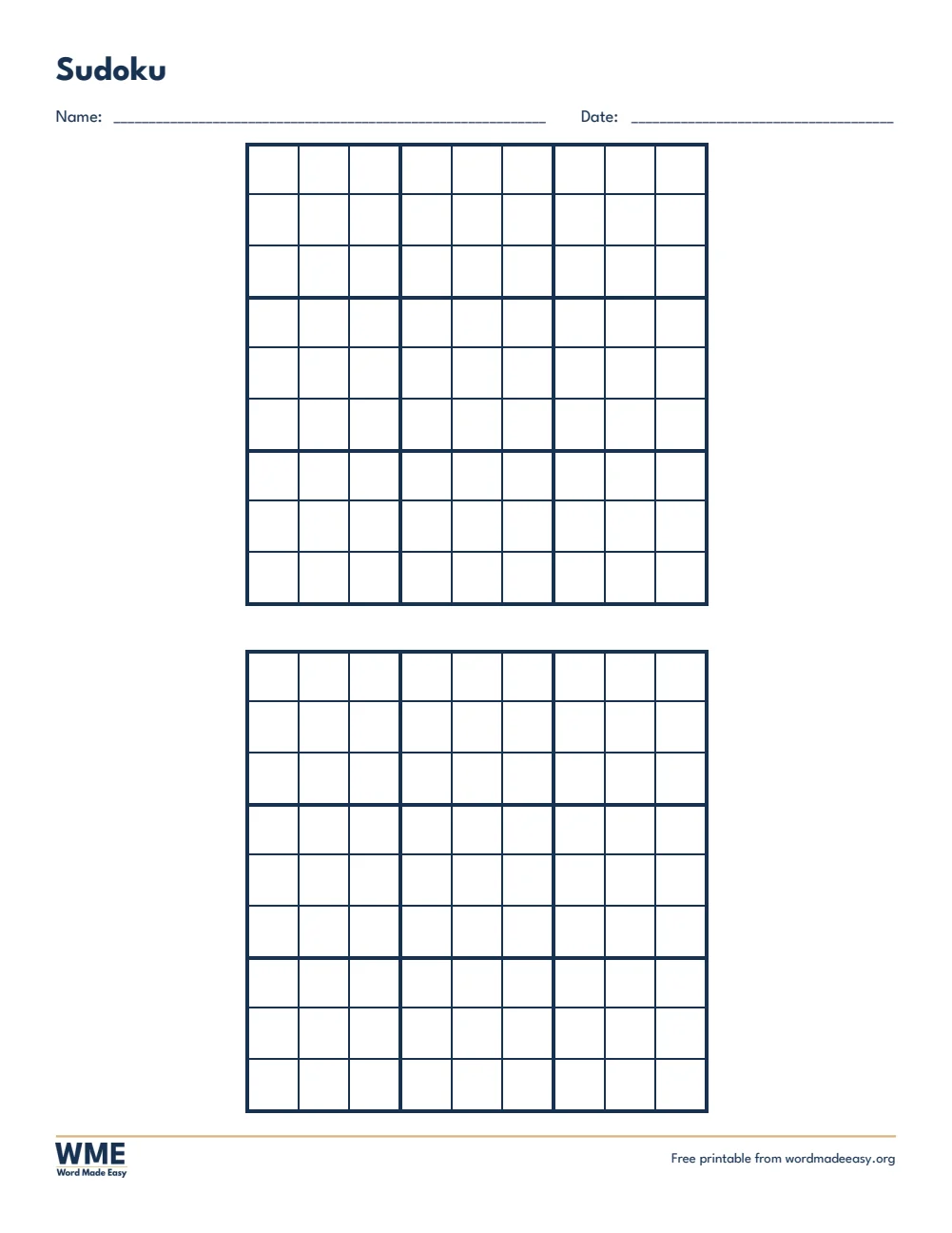
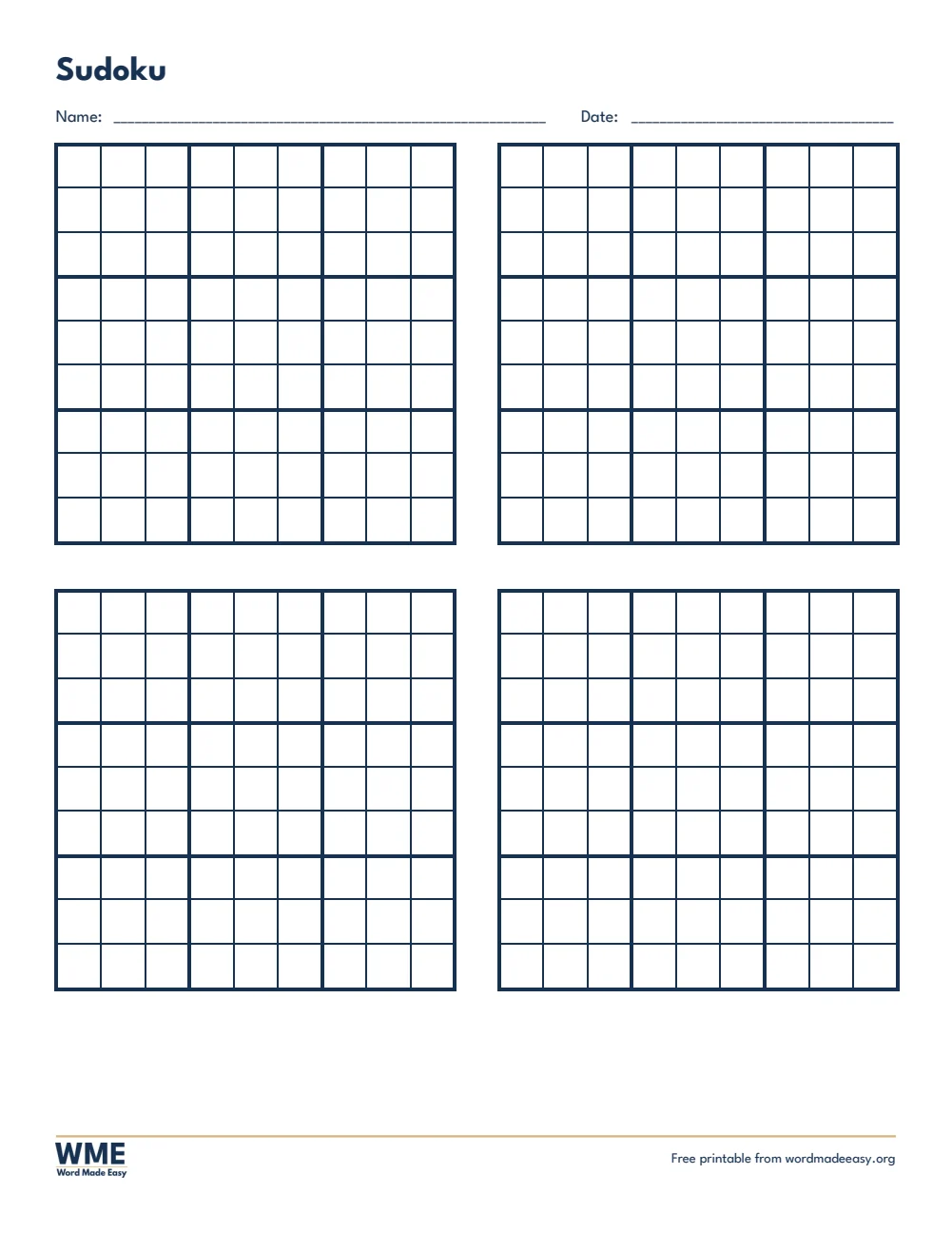
These free sudoku templates give you 10 blank sudoku grids as Word documents on A4 and US Letter: 4 x 4 and 6 x 6 grids for children who are new to sudoku, and classic 9 x 9 grids one, two or four to a page. I’m Patrick Elliott, a teacher and Inclusion Lead. I use sudoku as a calm logic starter in class: the 4 x 4 grids let younger children feel success quickly, and the 9 x 9 grids keep older pupils busy.
In this guide, you’ll find how to make your own sudoku in Word, which grid suits which age, and how to write a puzzle that has only one answer.
What’s in the Sudoku Templates
| Paper | Version | Best for |
|---|---|---|
| A4 | 4 x 4 for Beginners | Numbers 1 to 4, two puzzles per page |
| A4 | 6 x 6 | Numbers 1 to 6, two puzzles per page |
| A4 | 9 x 9 | The classic sudoku, one large grid |
| A4 | 9 x 9, 2 per Page | Two classic grids |
| A4 | 9 x 9, 4 per Page | Four smaller grids for practice |
| US Letter | 4 x 4 for Beginners | Numbers 1 to 4, two puzzles per page |
| US Letter | 6 x 6 | Numbers 1 to 6, two puzzles per page |
| US Letter | 9 x 9 | The classic sudoku, one large grid |
| US Letter | 9 x 9, 2 per Page | Two classic grids |
| US Letter | 9 x 9, 4 per Page | Four smaller grids for practice |
👉 Thick lines mark each box and thin lines mark each square. Type a number in any square and it appears large, bold and centred.
How to Make a Sudoku in Word
- Find or write a sudoku: every row, column and box must use each number once.
- Click a square and type a starting number, then press Tab to move to the next square.
- Leave the other squares empty for the solver.
- Save a copy with every square filled in as your answer key, then delete the answers from the puzzle copy.
Which Sudoku Grid Should You Use?
- 4 x 4: numbers 1 to 4 in four 2 x 2 boxes, the best first sudoku for children aged 5 to 7.
- 6 x 6: numbers 1 to 6 in 2 x 3 boxes, a step up before the full puzzle.
- 9 x 9: the classic sudoku, one large grid per page.
- 9 x 9, 2 or 4 per page: more puzzles on one sheet for practice, homework or a puzzle club.
Why Sudoku Is Good for Children
Sudoku uses no maths at all, only logic: children look for what is missing in a row, column or box and rule numbers out one by one. That builds reasoning, concentration and resilience, and the small grids give younger children quick wins before the 9 x 9 challenge.
How to Print at the Right Size
Print the grids at 100% so every square stays square. Solvers will rub numbers out, so use plain 80 gsm paper and pencils rather than pens.
FAQs
How do I make a sudoku in Word?
Type the starting numbers into the squares, leave the rest empty, and keep a filled-in copy as your answer key.
Which sudoku suits young children?
The 4 x 4 grid, using only the numbers 1 to 4.
Do you need to be good at maths for sudoku?
No. Sudoku uses logic, not sums: the numbers could be letters or shapes.
How many starting numbers should a sudoku have?
Around 30 to 36 for an easy 9 x 9 puzzle and 22 to 28 for a hard one. Fewer numbers make it harder.
What are the rules of sudoku?
Fill every square so that each row, each column and each box contains every number exactly once.
Can children use letters or pictures instead of numbers?
Yes. On the 4 x 4 grid, use four letters, colours or shapes in place of 1 to 4.
Conclusion
These sudoku templates take children from their first 4 x 4 puzzle to the classic 9 x 9, human-made by a teacher and ready to fill in from Word.
Choose your paper size above, download the ZIP, and for a word puzzle try the crossword templates.
Related Tutorials
- Free Crossword Templates for Word
- Free Word Scramble Templates for Word
- Free Word Search Templates for Word
Word Templates
Recently Added Word Templates
Browse the complete collection of free printable Word templates for home and school, all made by a teacher.
New to Word? Our Word tutorials show you how to edit and print your templates.
Leave a Reply