
Free Christmas List Templates for Word: 8 Easy Printables
Choose your paper size, preview every list, then download your Word templates in one small ZIP file.
Made by a teacherA4 and US Letter8 Word documentsFree

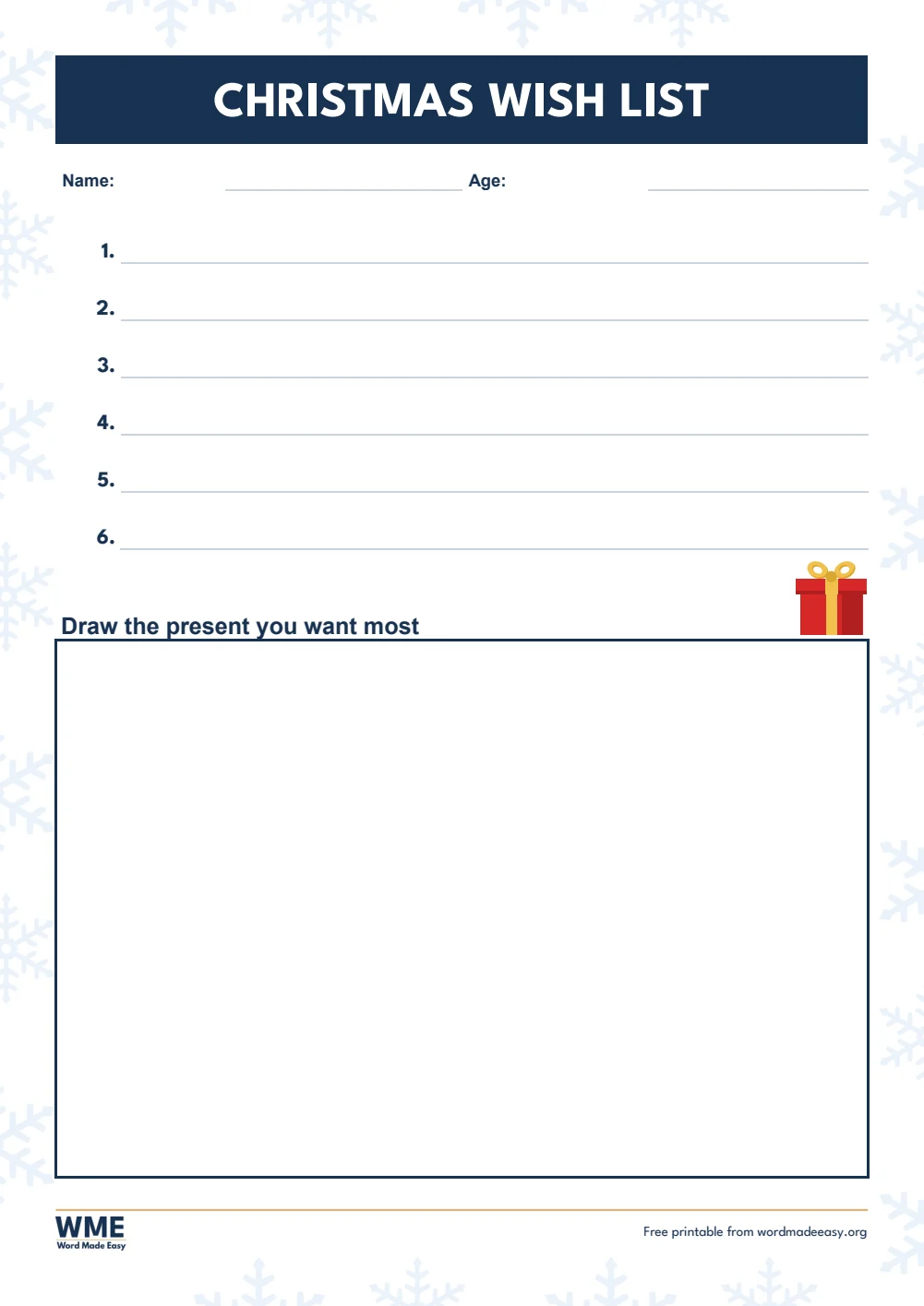
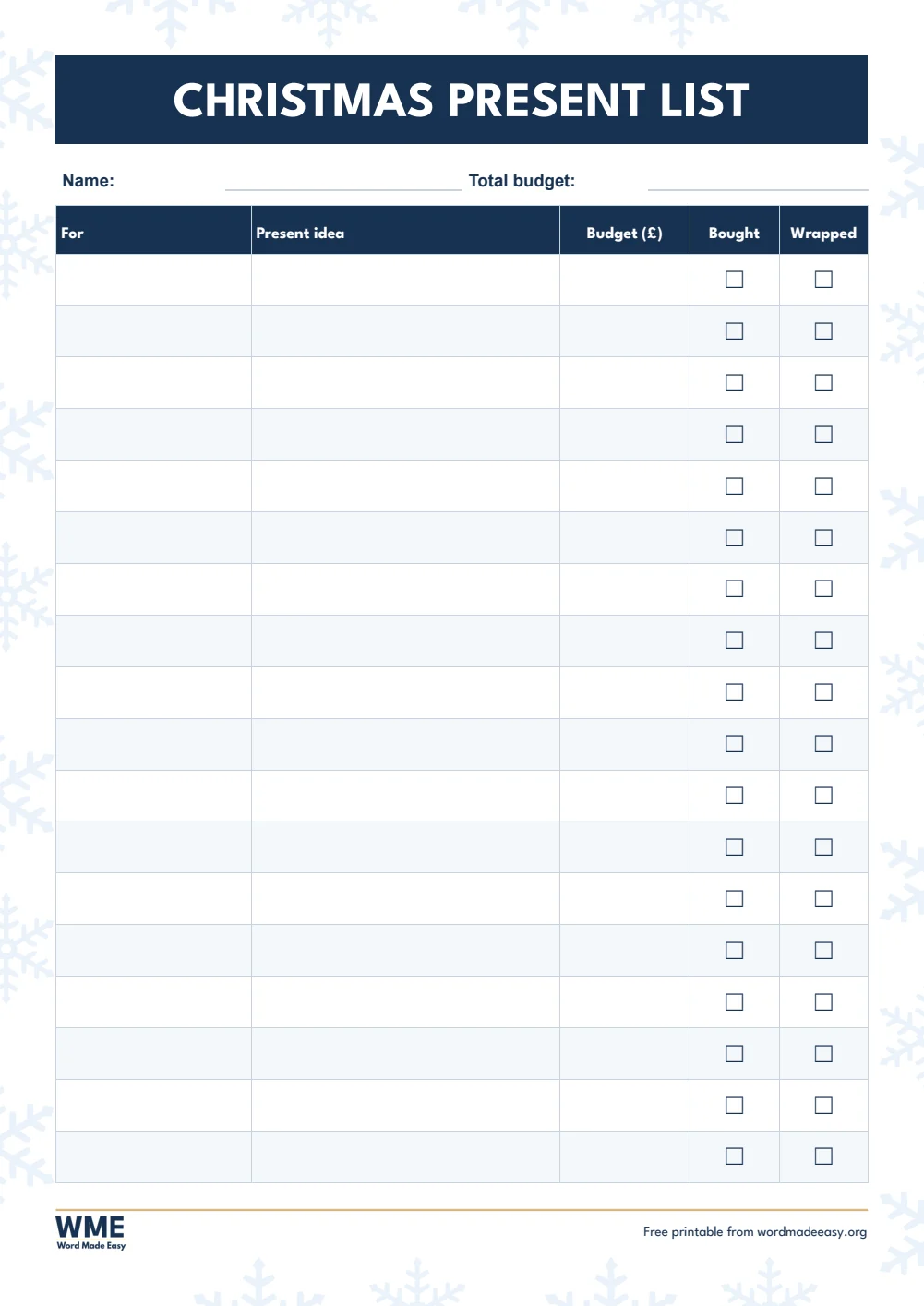
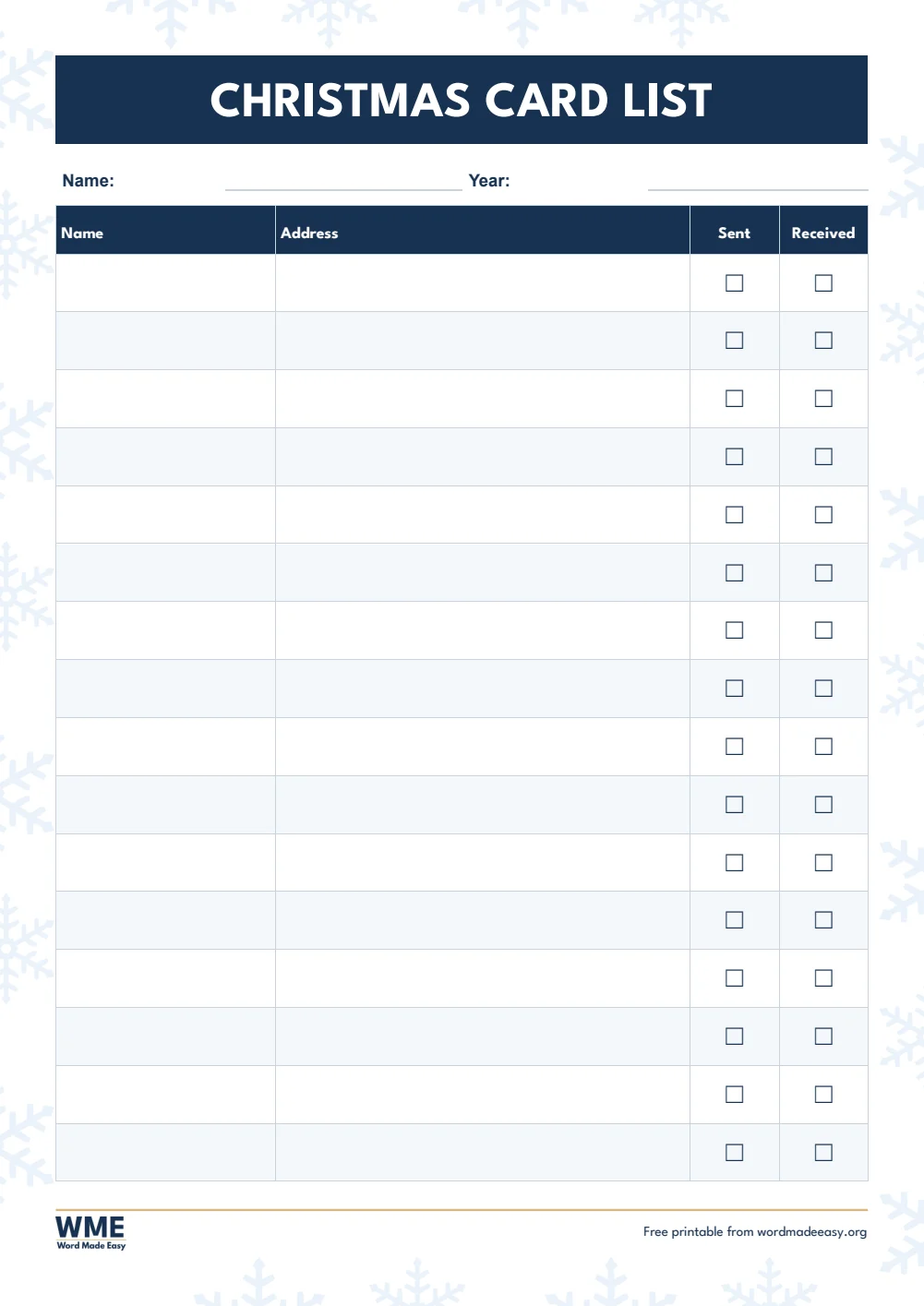
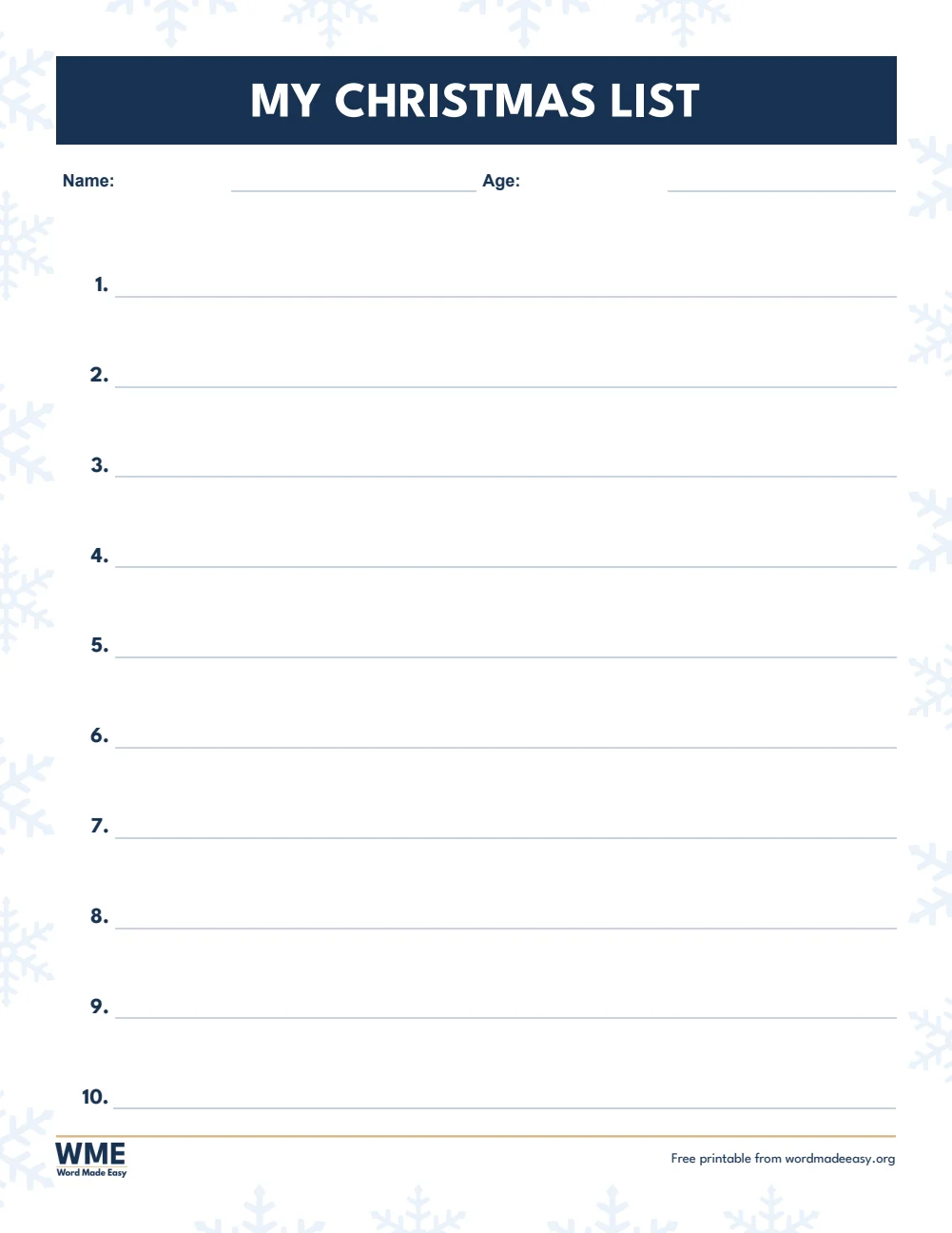
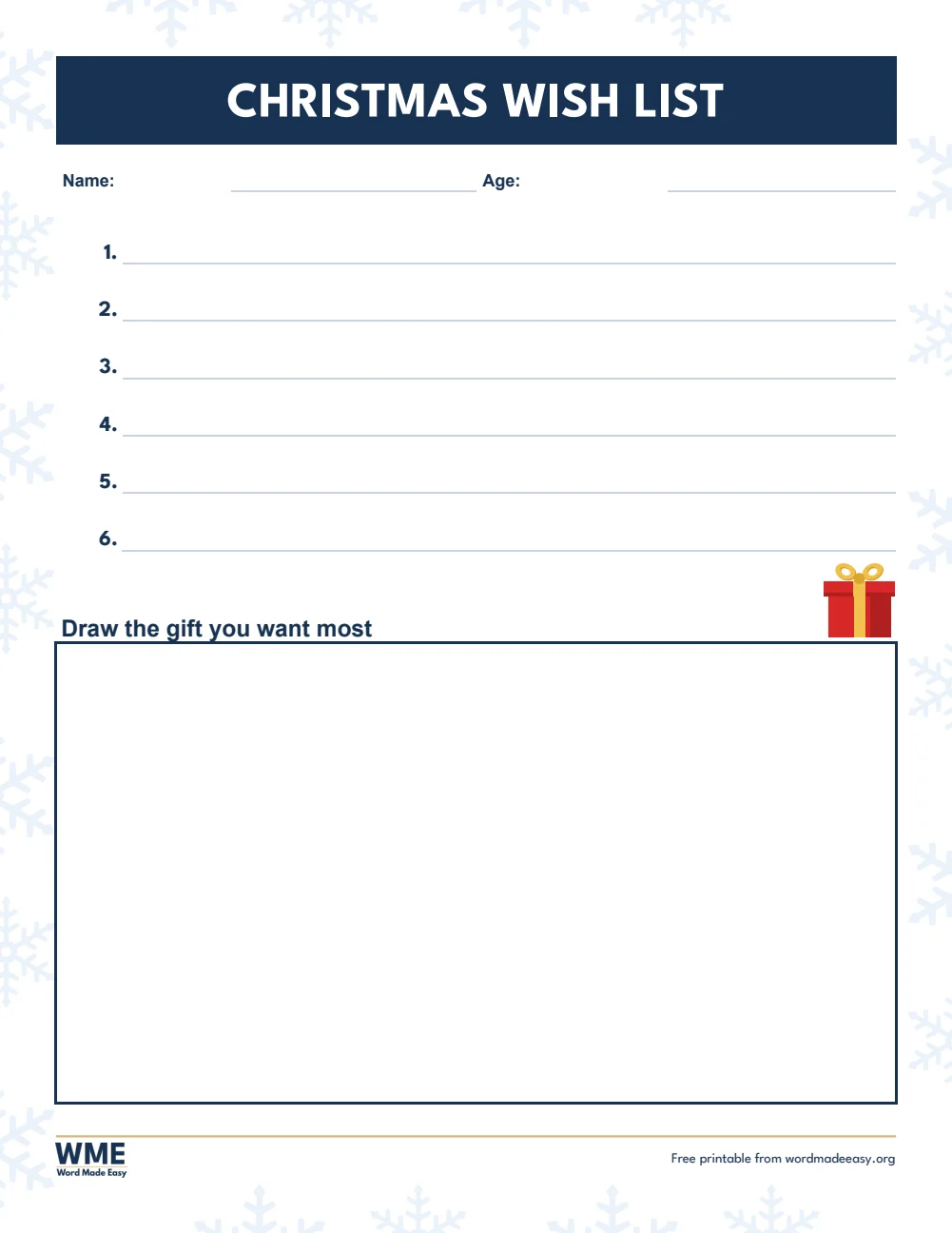


These free Christmas list templates give you 8 Word documents on A4 and US Letter: a child’s Christmas list with ten big lines, a Christmas wish list with a box to draw in, a present list with Bought and Wrapped check boxes, and a Christmas card list. I’m Patrick Elliott, a teacher and Inclusion Lead. Every December my class writes Christmas lists, so I made these with big lines that fill the page, a present and snowflakes I drew myself in PowerPoint from simple shapes, plus the present and card lists I use at home.
In this guide, you’ll find which Christmas list suits each job, who drew the pictures, and how to tick the boxes and add rows in Word.
What’s in the Christmas List Templates
| Paper | Version | Best for |
|---|---|---|
| A4 | My Christmas List | Ten big numbered lines for a child’s wishes |
| A4 | Christmas Wish List with Drawing Box | Six wishes and a box to draw the one they want most |
| A4 | Christmas Present List | Who to buy for, ideas, budget, Bought and Wrapped boxes |
| A4 | Christmas Card List | Names and addresses with Sent and Received boxes |
| US Letter | My Christmas List | Ten big numbered lines for a child’s wishes |
| US Letter | Christmas Wish List with Drawing Box | Six wishes and a box to draw the one they want most |
| US Letter | Christmas Gift List | Who to buy for, ideas, budget, Bought and Wrapped boxes |
| US Letter | Christmas Card List | Names and addresses with Sent and Received boxes |
👉 The A4 versions use UK wording, such as a Christmas present list. The US Letter versions use US wording, such as a Christmas gift list.
👉 Every box on the present and card lists is a real Word check box: click it once to tick it, or tick it with a pen on paper.
Which Christmas List Should You Use?
- My Christmas list: ten big numbered lines for a child’s wishes, spread over the whole page so young writers have room.
- Christmas wish list with drawing box: six wishes, then a large box to draw the present they want most. Good for children who love to draw more than write.
- Christmas present or gift list: who you are buying for, the idea, the budget, and boxes to tick when each present is bought and wrapped.
- Christmas card list: names and addresses with Sent and Received boxes. Keep the file and next year’s list is ready to go.
About the Illustrations
The present and the snowflakes on these lists were drawn by Patrick Elliott in PowerPoint, using only shapes, with no clip art and no AI. The present sits beside the drawing-box heading, never on a line, and the faint snowflakes stay in the page margins so every line is easy to read.
In Word, click a picture to move, resize or delete it, as shown in the guide on how to move an image freely in Word.
How to Use the Christmas Lists in Word
- Click on a line or in a table cell and type. The text sits on the line, and the page stays on one sheet.
- Click a check box once to tick it and again to clear it.
- To add a row to the present or card list, click in the last cell and press Tab. Copy a check box with Ctrl + C and paste it into the new row with Ctrl + V.
- Save a blank copy with File > Save As before you fill it in, so you can start a fresh list next year.
The tick boxes are the same check boxes as in the guide on how to insert a check box in Word.
How to Print at the Right Size
Print the children’s lists in colour so the snowflakes and present show, or in black and white to save ink: the lines and check boxes stay clear either way. Print at 100% on the paper size in the file name.
FAQs
Can I add more people to the present list?
Yes. Click in the last row and press Tab to add a new row, then copy a check box into it.
Can I move or remove the pictures?
Yes. Click a picture to select it, then drag it, resize it from a corner, or press Delete for a plainer page.
Will the lists print well in black and white?
Yes. The pictures print in shades of grey and the faint snowflakes almost disappear, while the lines and boxes stay clear.
What should children write on a Christmas list?
Encourage a short list of wishes in order, from the one they want most, and one thing they would like for someone else.
Can I use the card list for more than one year?
Yes. Save it with the year in the file name, then copy it next year and clear the ticks.
Is there a matching letter to Santa?
Yes. The letter to Santa templates have the same snowflake border, with lined, fill-in and drawing versions and a reply from Santa.
Conclusion
These Christmas list templates cover the whole family, from a child’s wishes to the present budget and the card list, human-made by a teacher and ready to print from Word.
Choose your paper size above, download the ZIP, and to send the wishes to the North Pole try the letter to Santa templates.
Related Tutorials
- Free Letter to Santa Templates for Word
- Free Certificate Templates for Word
- Free Envelope Templates for Word
Word Templates
Recently Added Word Templates
Browse the complete collection of free printable Word templates for home and school, all made by a teacher.
New to Word? Our Word tutorials show you how to edit and print your templates.
Leave a Reply