
Free Birthday Party Invitation Templates for Word: 7 Invitations
Preview every invitation, choose colour or black and white and your paper size, then download your Word templates in one small ZIP file.
Made by a teacherA4 and US Letter7 invitationsFree
Can’t find the template you need? Request a template and I’ll make it in Word, free.
Get new free printables first: follow Word Made Easy on Pinterest
These free birthday party invitation templates give you seven designs to edit in Microsoft Word: Balloons, First Birthday, Space, Sparkle, Teen and Adult, Milestone (30th, 40th, 50th) and Surprise Party. Each sheet prints two invitations, on US Letter or A4, in colour or in black and white. I’m Patrick Elliott, a teacher and Inclusion Lead. I designed every invitation in Microsoft Word and drew the balloons, rocket, crown, string lights, present and confetti in PowerPoint, using only shapes, then printed each sheet to check the cut lines and the spacing. Every name, place and phone number in the samples is made up.
In this guide, you’ll find which birthday invitation template suits each party, what to write on an invitation, and how to type your details and print the invitations at home.
What’s in the Birthday Party Invitation Templates
| Invitation | Best for | Paper |
|---|---|---|
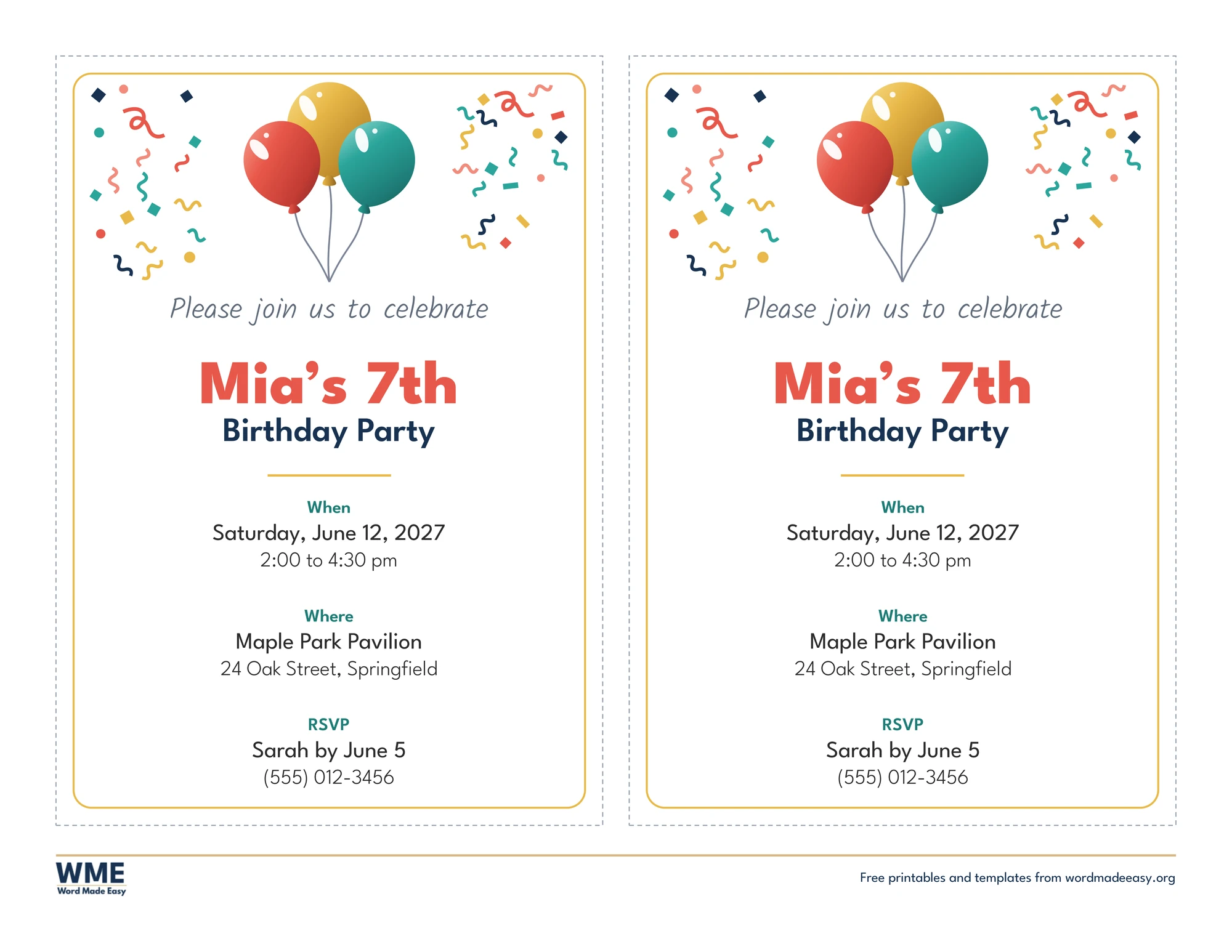
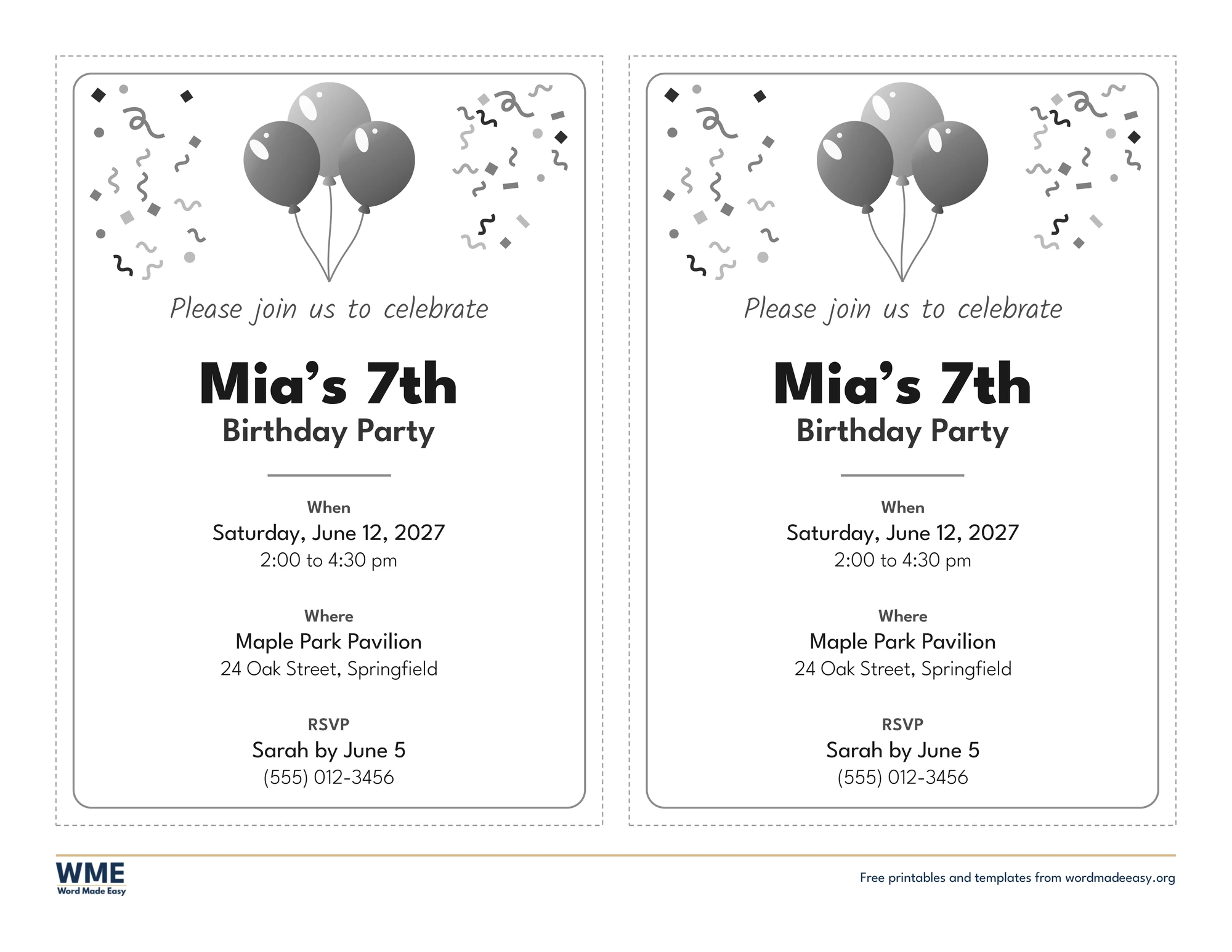
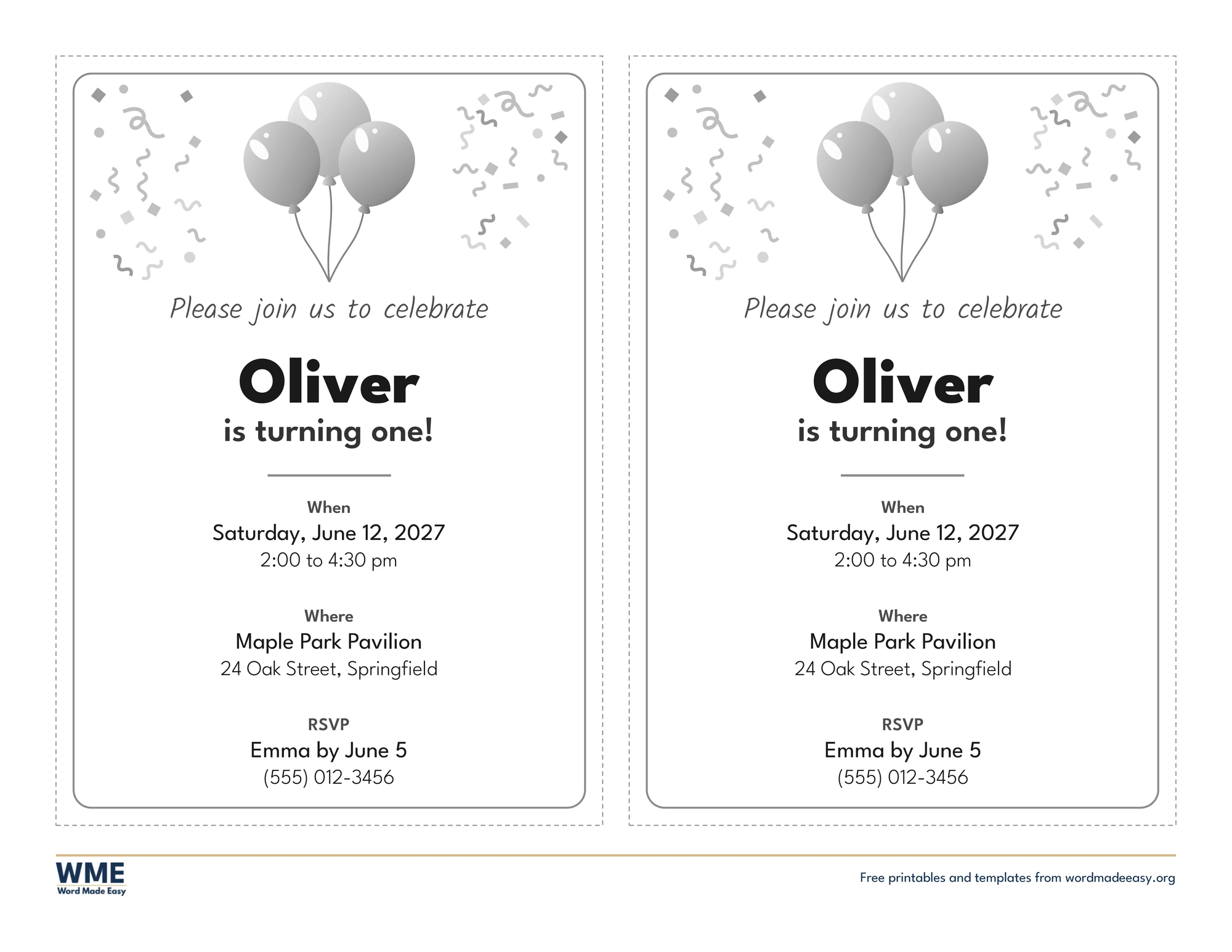
| Balloons | Coral, gold and teal balloons with confetti, for any kids’ party | US Letter and A4, colour and black and white |
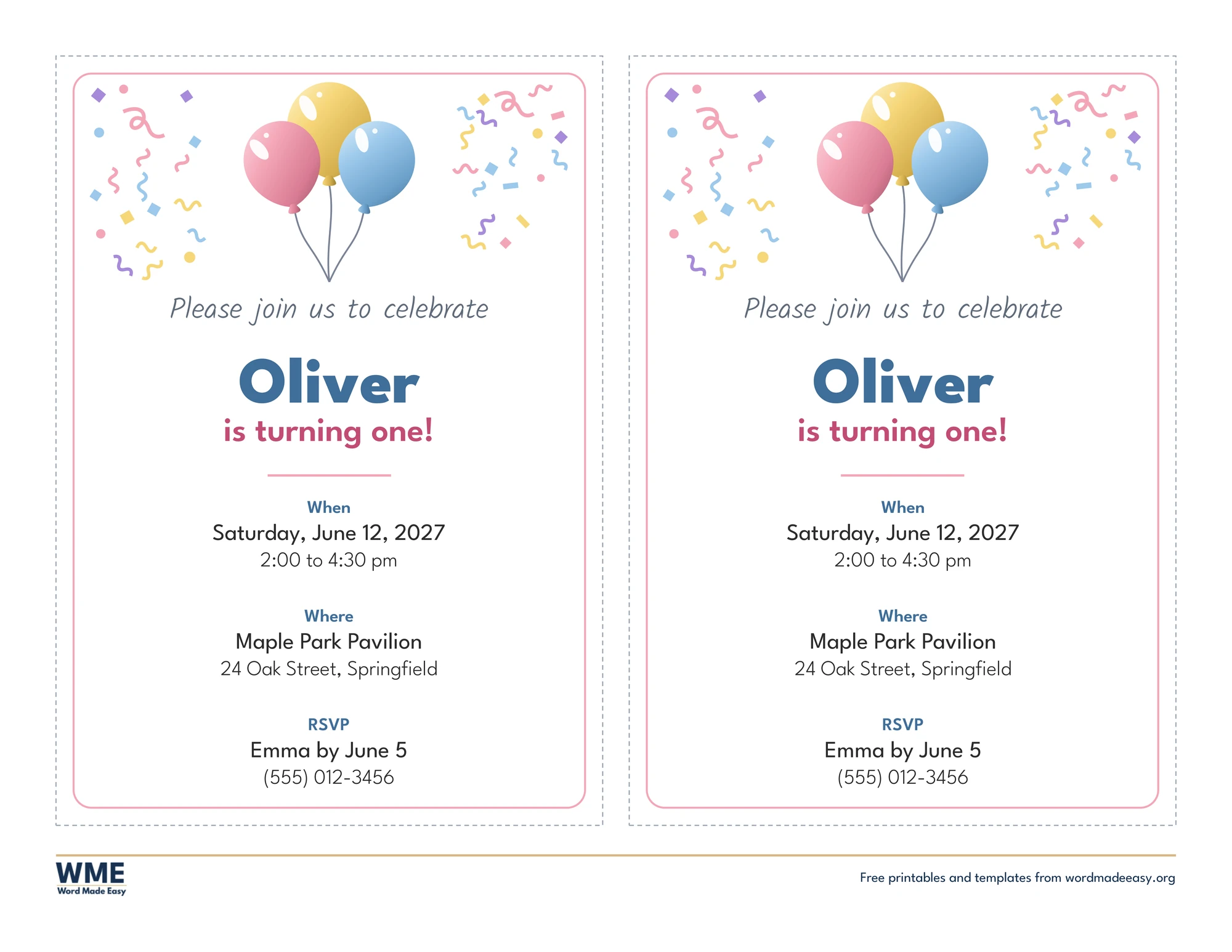
| First Birthday | Pastel balloons and confetti for a first birthday | US Letter and A4, colour and black and white |
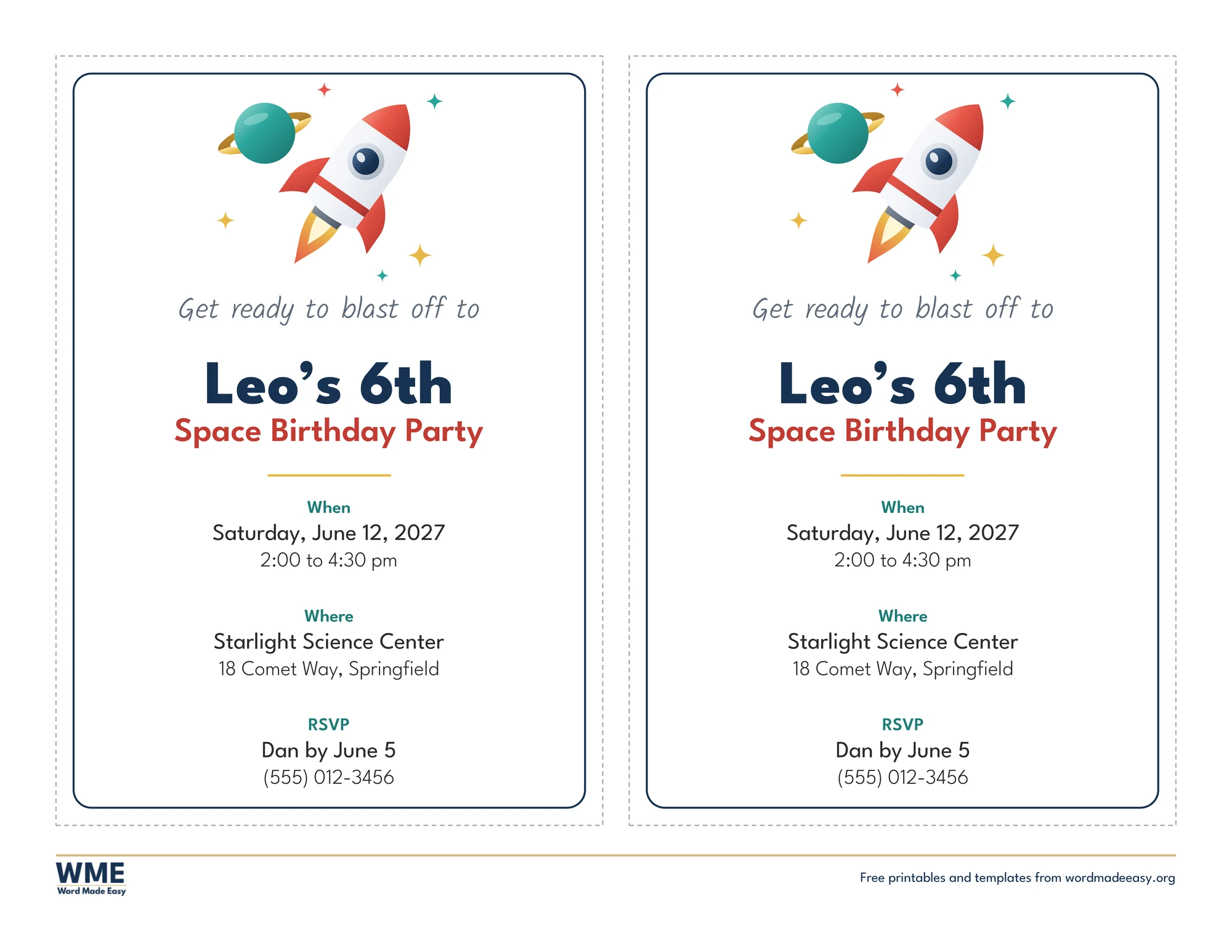
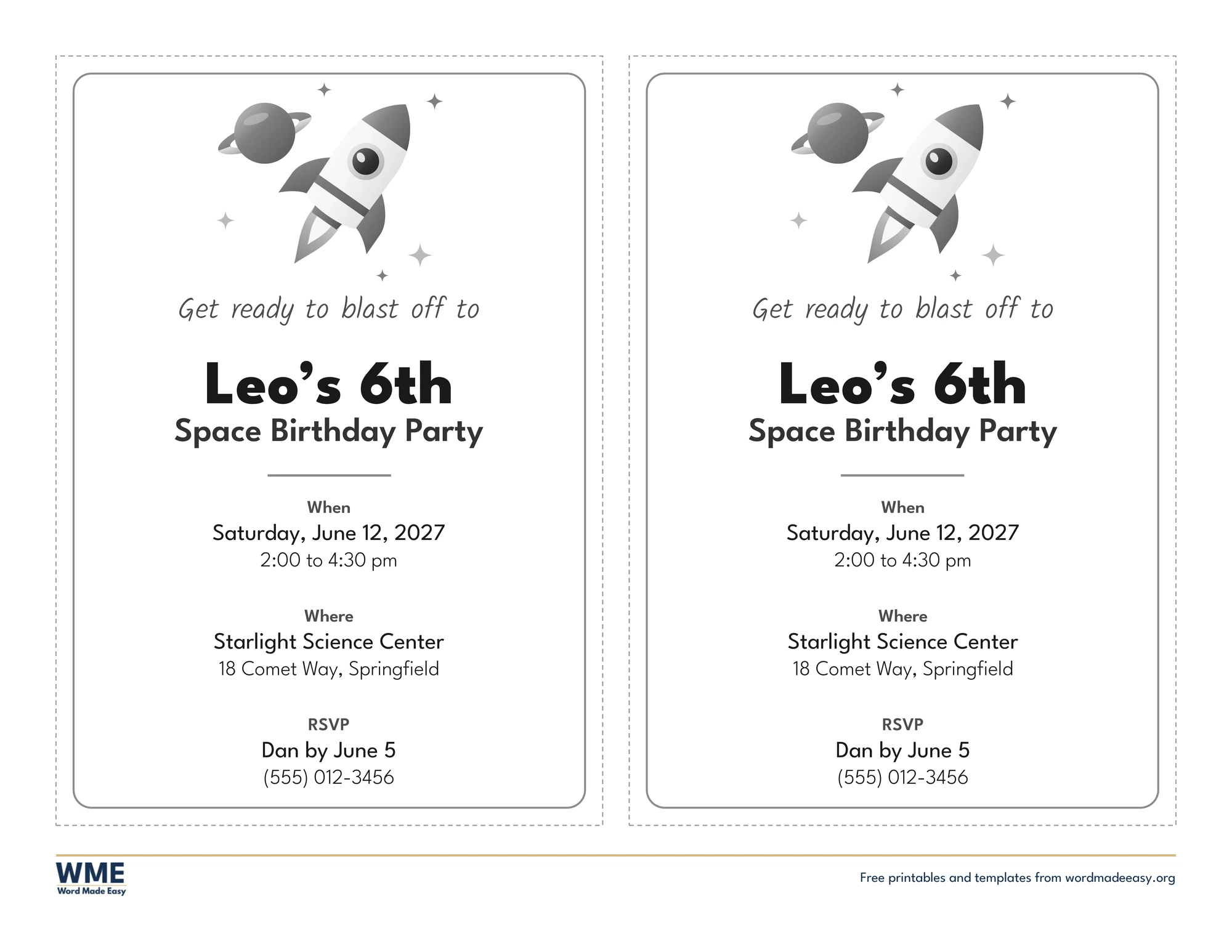
| Space | Rocket, ringed planet and stars for a space party | US Letter and A4, colour and black and white |
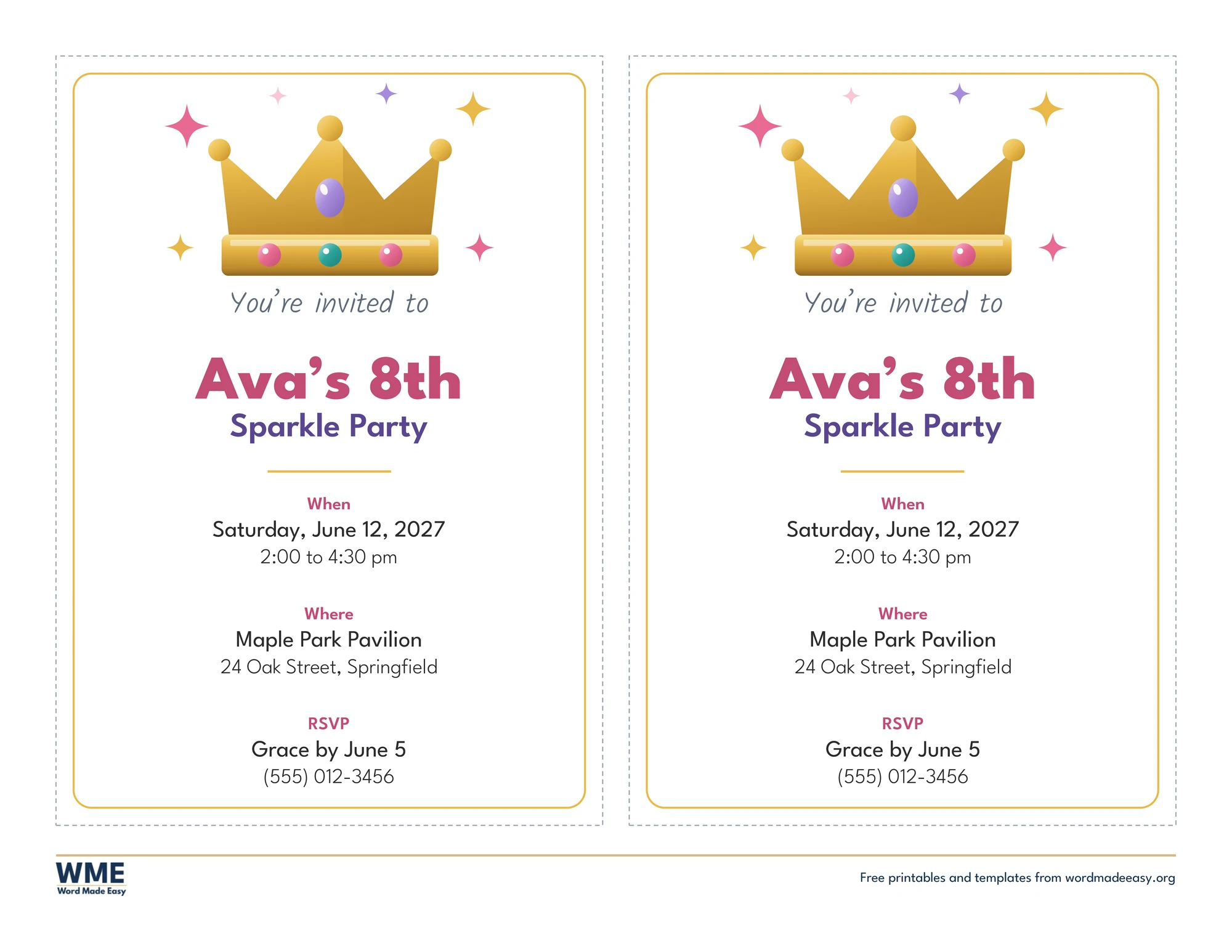
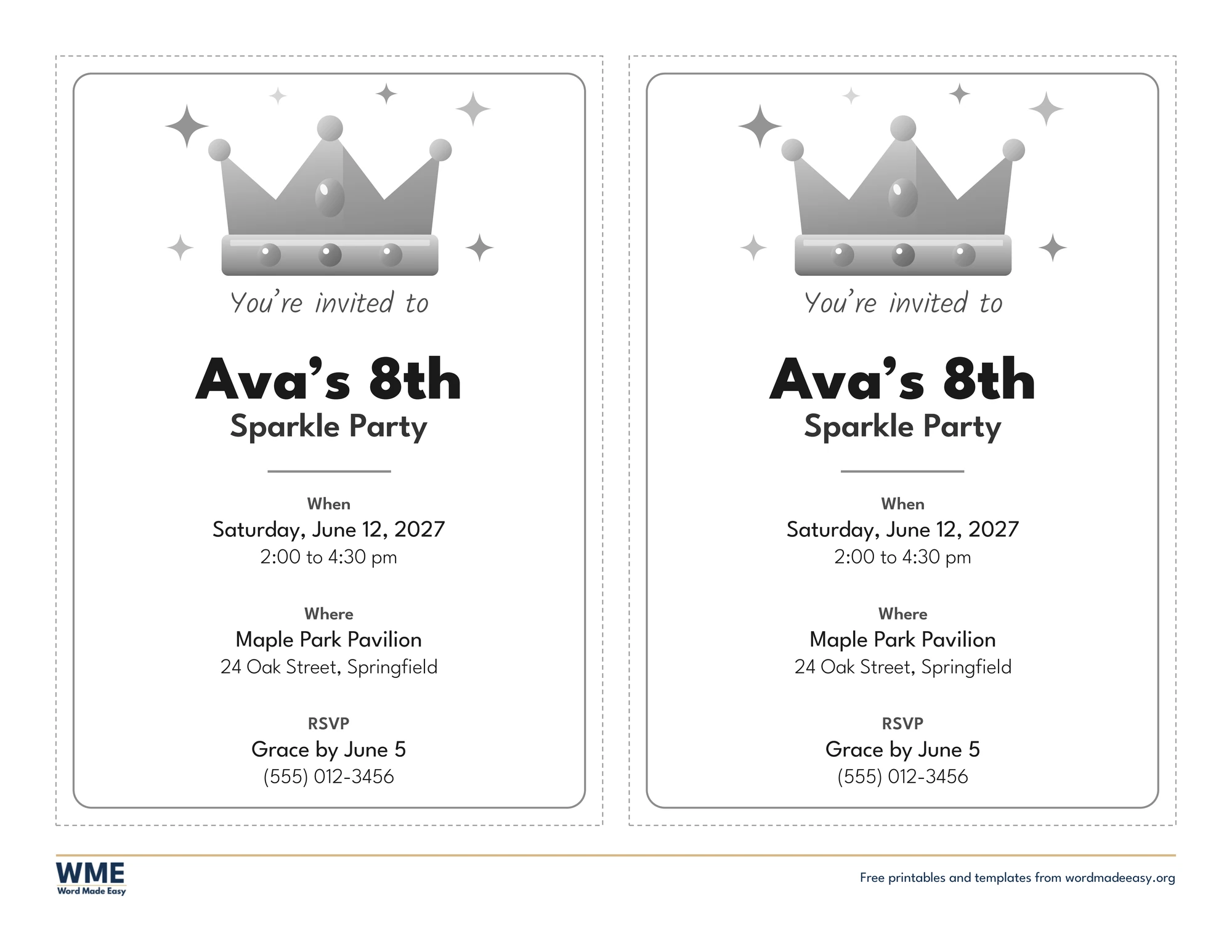
| Sparkle | Gold crown and sparkles for a girls’ party | US Letter and A4, colour and black and white |
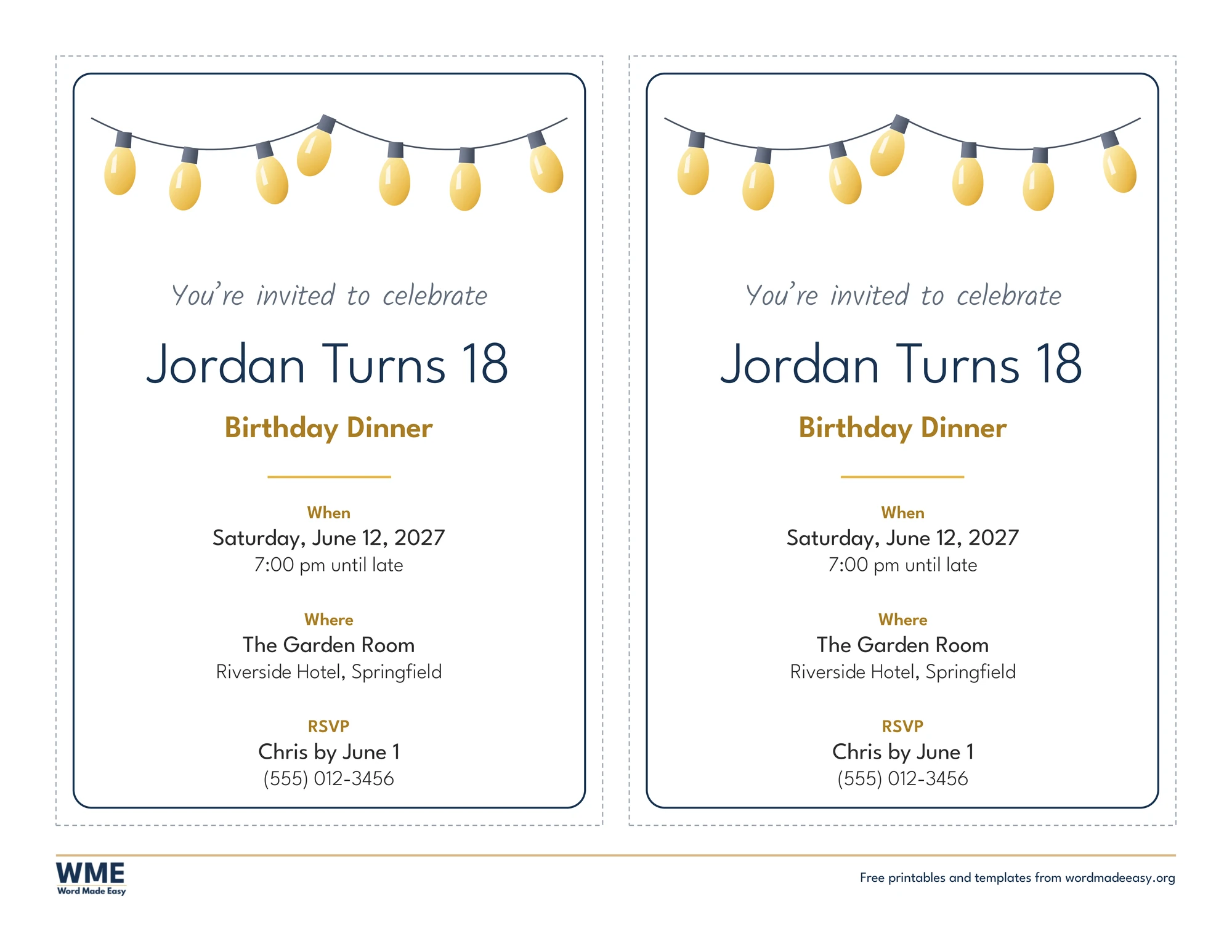
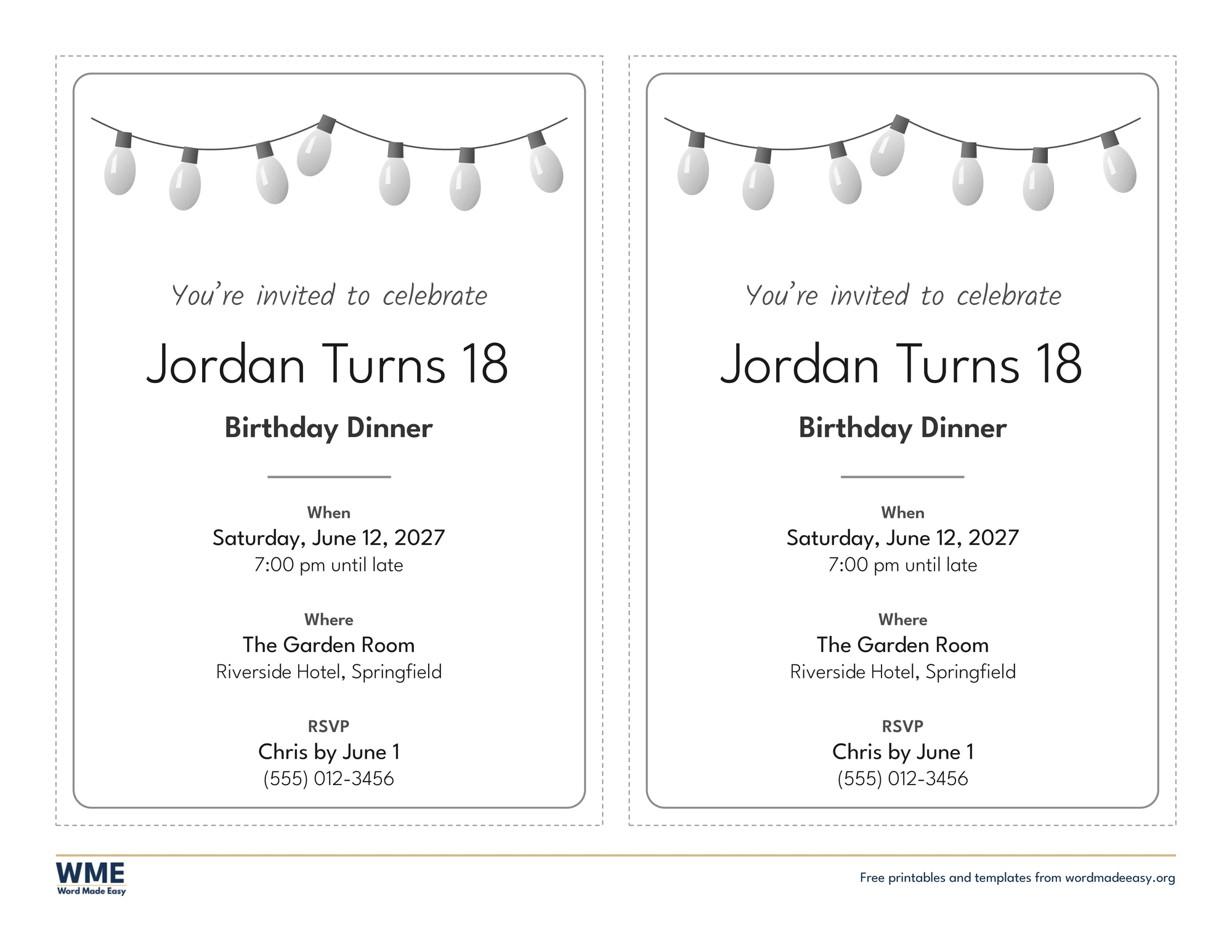
| Teen and Adult | String lights and grown-up type for a teen or adult party | US Letter and A4, colour and black and white |
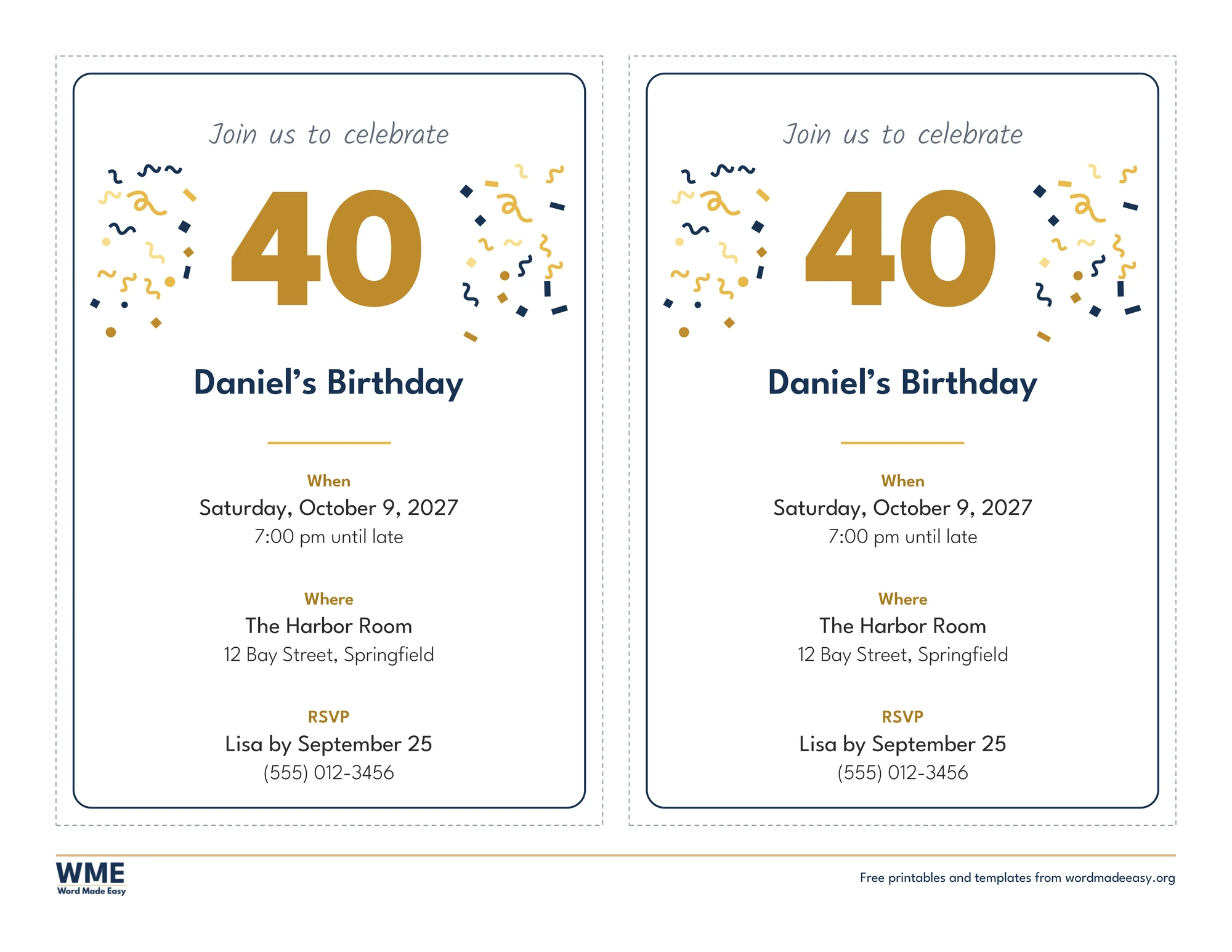
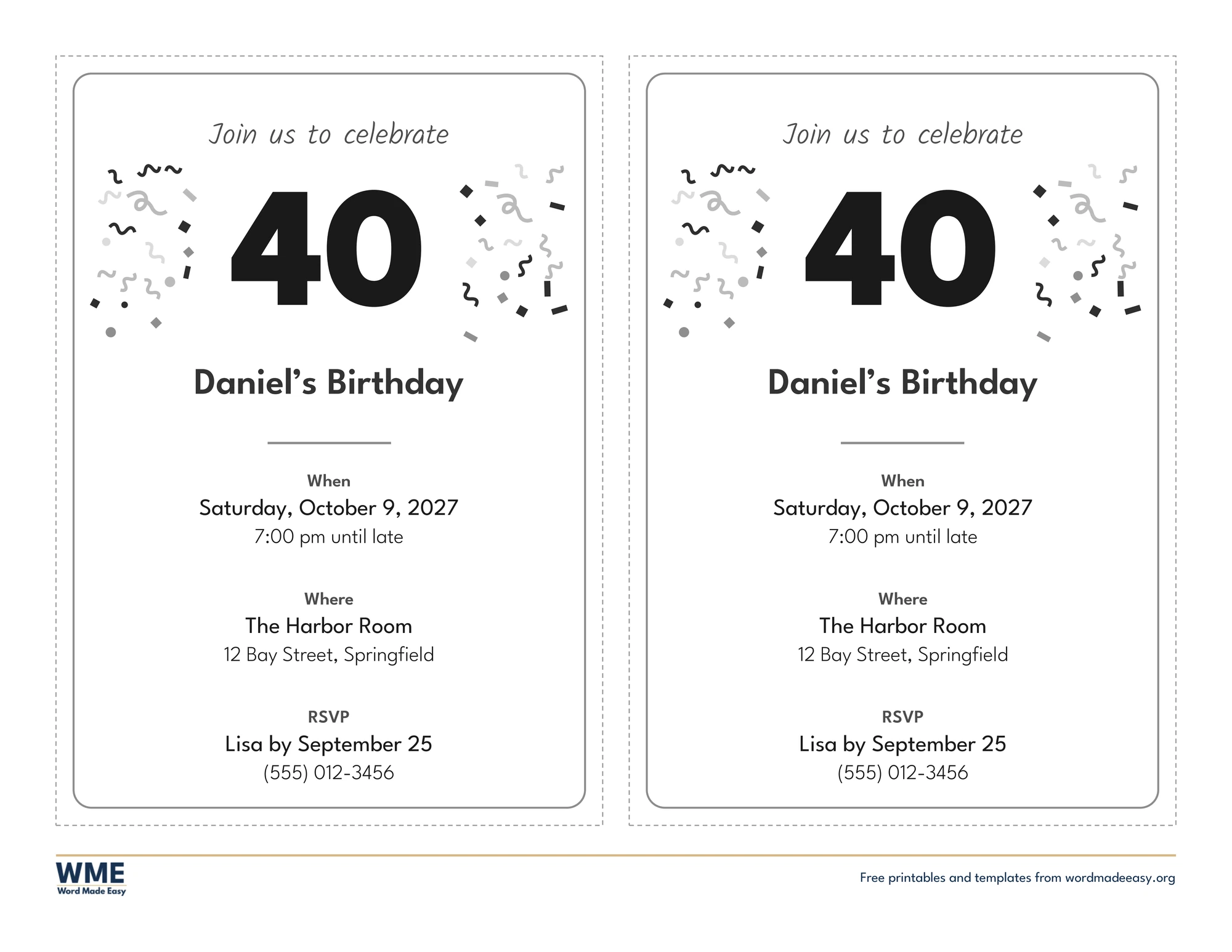
| Milestone (30th, 40th, 50th) | A big editable number for a 30th, 40th, 50th or any birthday | US Letter and A4, colour and black and white |
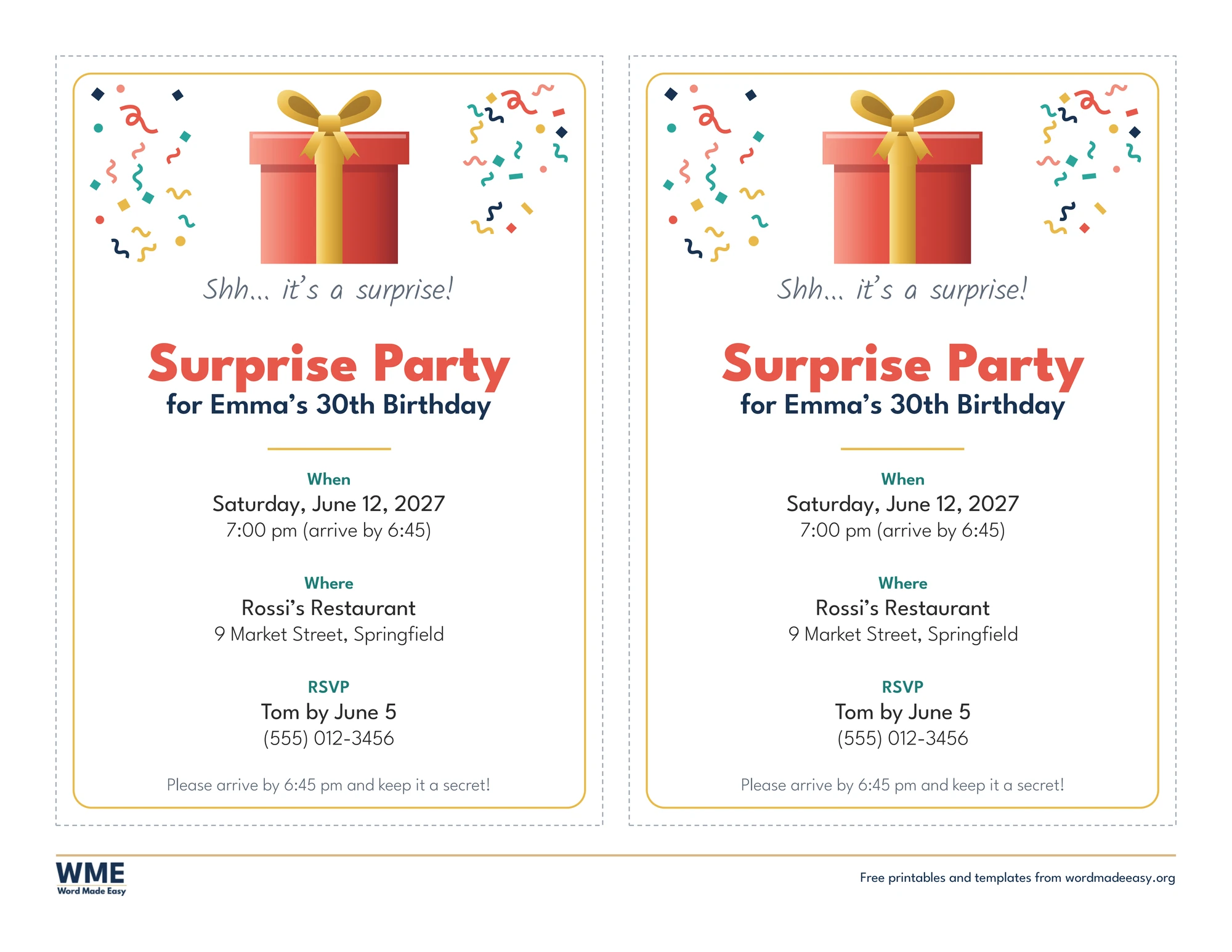
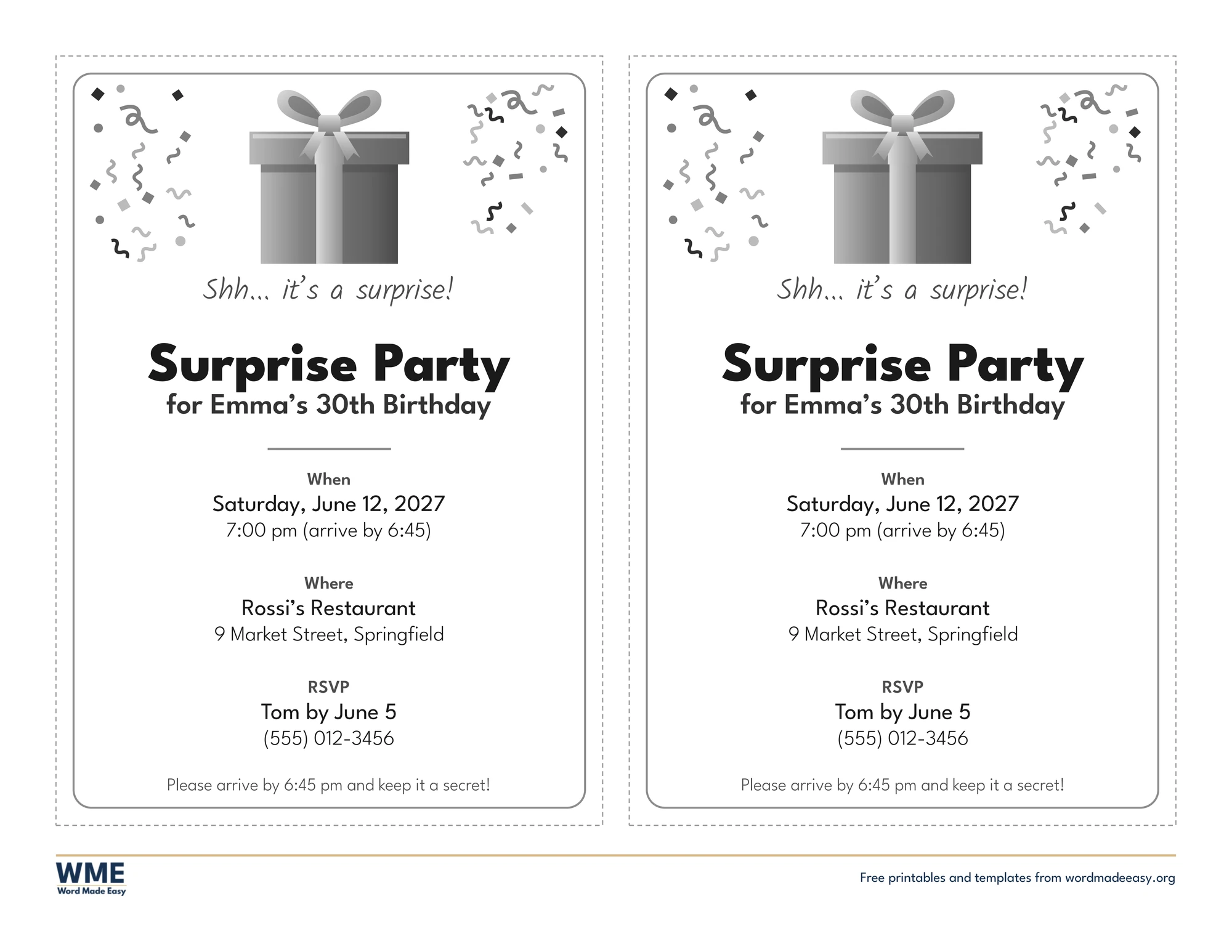
| Surprise Party | Wrapped present and a keep-it-a-secret note | US Letter and A4, colour and black and white |
👉 Every line is a click-and-type box: click the name, the date, the place or the RSVP line and type, and the sample text disappears. Both invitations on a sheet are separate, so you can print two for one party or change the second for a friend.
What Goes on a Birthday Invitation?
A birthday invitation tells guests four things at a glance: whose party it is and the age they are turning, when it starts and ends, where it is, and who to reply to by when. Every design here sets those out in the same order, with small When, Where and RSVP headings, so nothing gets missed. The top of each invitation carries the theme: balloons and confetti, a rocket, a crown, warm string lights, a big milestone number or a wrapped present. The pictures were drawn by Patrick Elliott in PowerPoint, using only shapes, so they print crisply at any size.
Which Birthday Invitation Template Should You Use?
- Balloons: coral, gold and teal balloons with confetti, a cheerful printable birthday invitation for any kids’ party.
- First Birthday: pastel pink and blue balloons with “is turning one!”, a soft 1st birthday invitation template.
- Space: a rocket, a ringed planet and stars with “Get ready to blast off”, ideal for a boy’s or girl’s space party.
- Sparkle: a gold crown with rose, gold and lilac sparkles for a sparkle party, with no licensed characters.
- Teen and Adult: warm string lights and grown-up lettering for an 18th, a birthday dinner or a night out.
- Milestone (30th, 40th, 50th): a huge number you can change to any age, between gold and navy confetti.
- Surprise Party: a wrapped present, “Shh… it’s a surprise!” and a line asking guests to arrive early and keep the secret.
- Planning the food too? The potluck sign-up sheets let guests choose what to bring.
How to Make a Birthday Invitation in Word
- Choose colour or black and white and your paper size above, download the ZIP and open the design you like.
- Click the name and age line and type the birthday person’s name, then change the occasion line if you need to.
- Click each line under When, Where and RSVP and type your date, time, place, address, and the name and phone number for replies.
- Type the same details on the second invitation, or copy and paste them across from the first one.
- Print a test sheet on plain paper, then print the rest on card and cut along the dotted grey lines.
Send invitations two to three weeks before the party, and set the RSVP date about a week before it, so you know how much food to buy. Put the end time on kids’ invitations so parents know when to collect. Matte white card (about 65 to 80 lb cover, or 176 to 216 gsm) takes ink well and feels like a shop-bought card. For a party certificate or prize, the certificate templates print in the same way.
Black and White Versions
Every birthday invitation also comes in black and white with the same layout: black and grey lettering and grey pictures, so it prints clearly on any printer and saves colour ink. In the download box, choose Colour, Black and white or All, then your paper size: US Letter, A4 or both.
How to Print the Birthday Invitations
Print at 100% (Actual size) on the same paper as the file, US Letter or A4, in landscape. Print one test sheet on plain paper first. Card prints best if you choose a heavier paper type in the printer settings and feed one sheet at a time. Cut along the dotted grey lines with scissors or a paper trimmer; the thin coloured frame stays inside each invitation.
FAQs
Are these birthday invitation templates free?
Yes. Choose colour or black and white, US Letter or A4, and download all seven designs in one ZIP file at no cost.
Who made these birthday invitation templates?
Patrick Elliott, a teacher and Inclusion Lead, designed every invitation in Microsoft Word and drew the pictures in PowerPoint using only shapes.
How many invitations print on one page?
Two. Each sheet is landscape with two invitations side by side, so ten sheets give you twenty invitations.
Can I change the age on the milestone invitation?
Yes. Click the big number and type any age, such as 30, 40, 50 or 60, then change the name line under it.
Is there a first birthday invitation?
Yes. The First Birthday design has pastel balloons and confetti and says “is turning one!” under the name.
Is there a black and white version?
Yes. Every design comes in black and white with the same layout and grey pictures. Choose Black and white, or All, in the download box.
What paper should I print birthday invitations on?
Plain paper works, but white card gives a sturdier invitation. Print at 100% (Actual size) and cut along the dotted grey lines.
Conclusion
These free birthday party invitation templates give you a finished invitation for a first birthday, a kids’ party, a teen or a milestone, ready to type into and print, made by a teacher in Microsoft Word.
Choose your paper size above and download the ZIP. To advertise a bigger event, try the flyer templates.
Related Tutorials
- Free Flyer Templates for Word
- Free Potluck Sign-Up Sheet Templates for Word
- Free Certificate Templates for Word
Word Templates
Recently Added Word Templates
Browse the complete collection of free printable Word templates for home and school, all made by a teacher.
New to Word? Our Word tutorials show you how to edit and print your templates.
Leave a comment
Have a question about these templates, or an idea for a new one? Ask below.