
To write overline in Word, insert an equation and use the Overbar accent: Word draws a line above whatever you type. Overlines appear in maths, statistics (x̄ for the mean) and logic. Word has no overline button, so the equation tools are the way to do it. For other maths layouts, see how to insert equations in Word.
In this guide, you’ll learn two methods to write overline in Word: the Accent menu and a typed command.
What Is an Overline?
An overline, or overbar, is a horizontal line above characters. It is used for:
- The sample mean in statistics, such as x̄
- Repeating decimals, such as 0.3 with a bar over the 3
- NOT in logic and Boolean algebra
- Line segments in geometry, such as AB
Watch the Video Tutorial
If you prefer to see this in action, the full video walkthrough is below, showing each method step by step.
Method 1: Write Overline in Word With the Accent Menu
- Click where you want the overline and select the Insert tab.
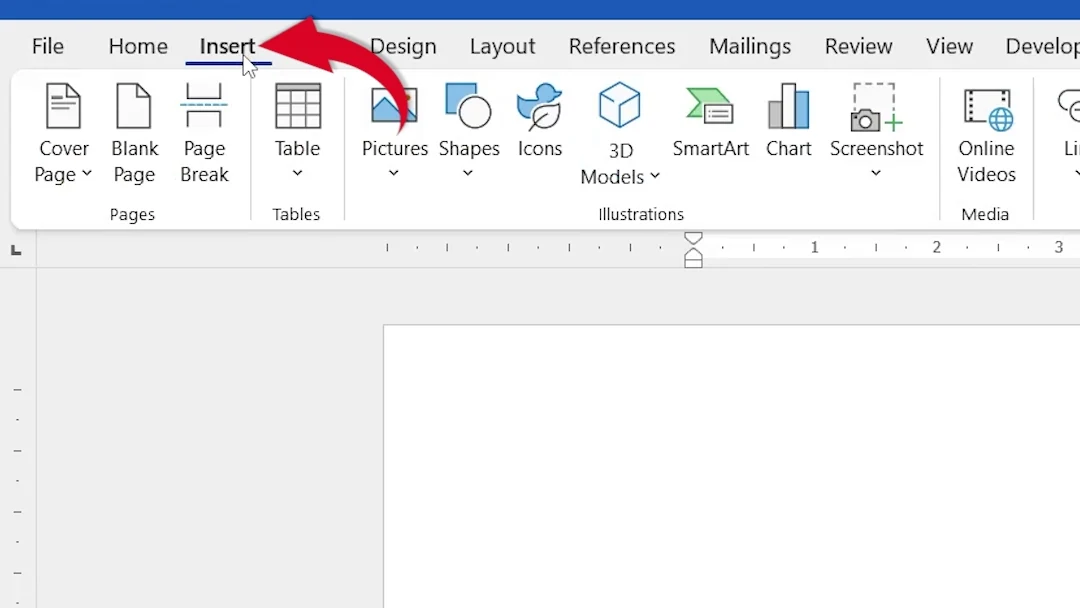
- Select Equation in the Symbols group, or press Alt + =.

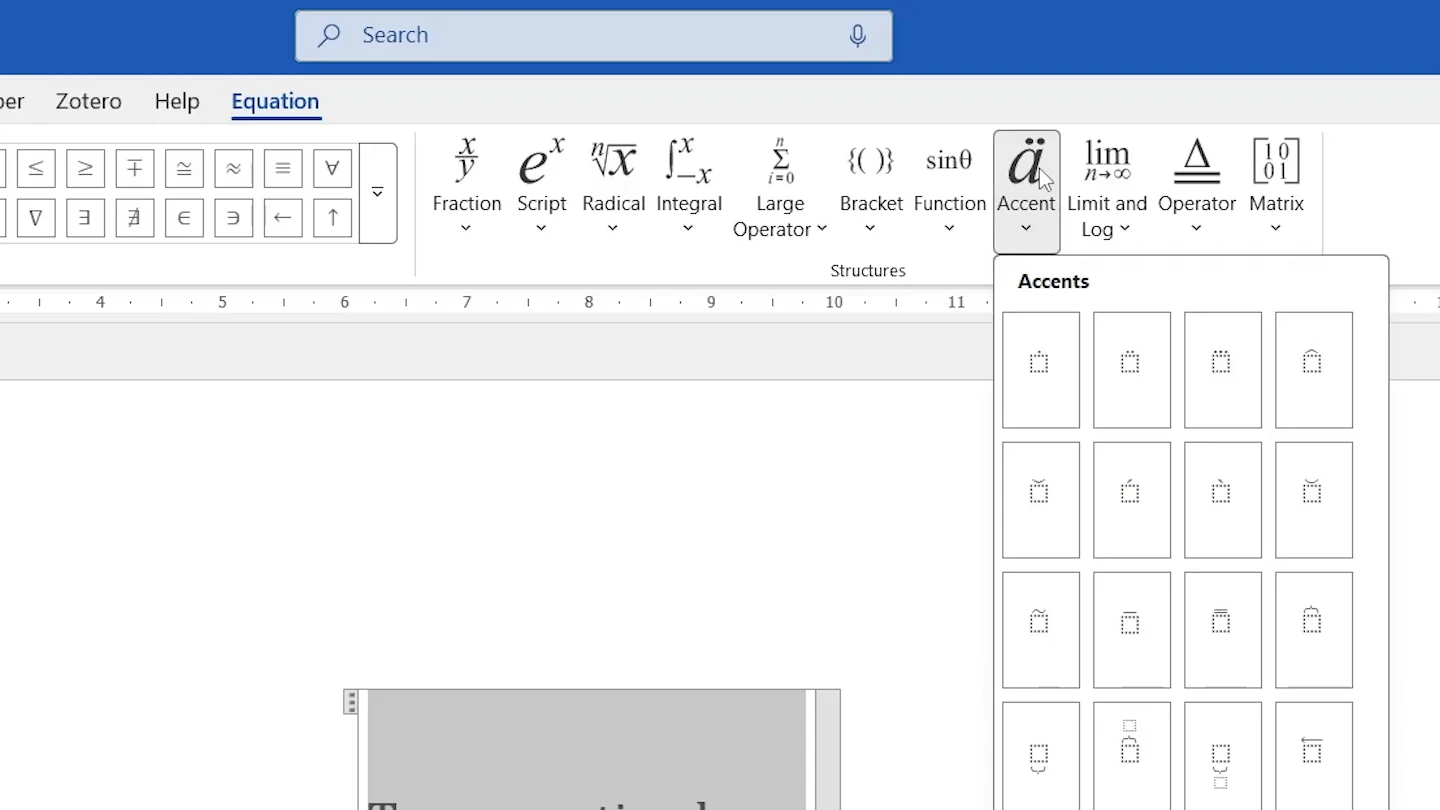
- On the Equation tab, make sure Unicode is selected.

- Select Accent.
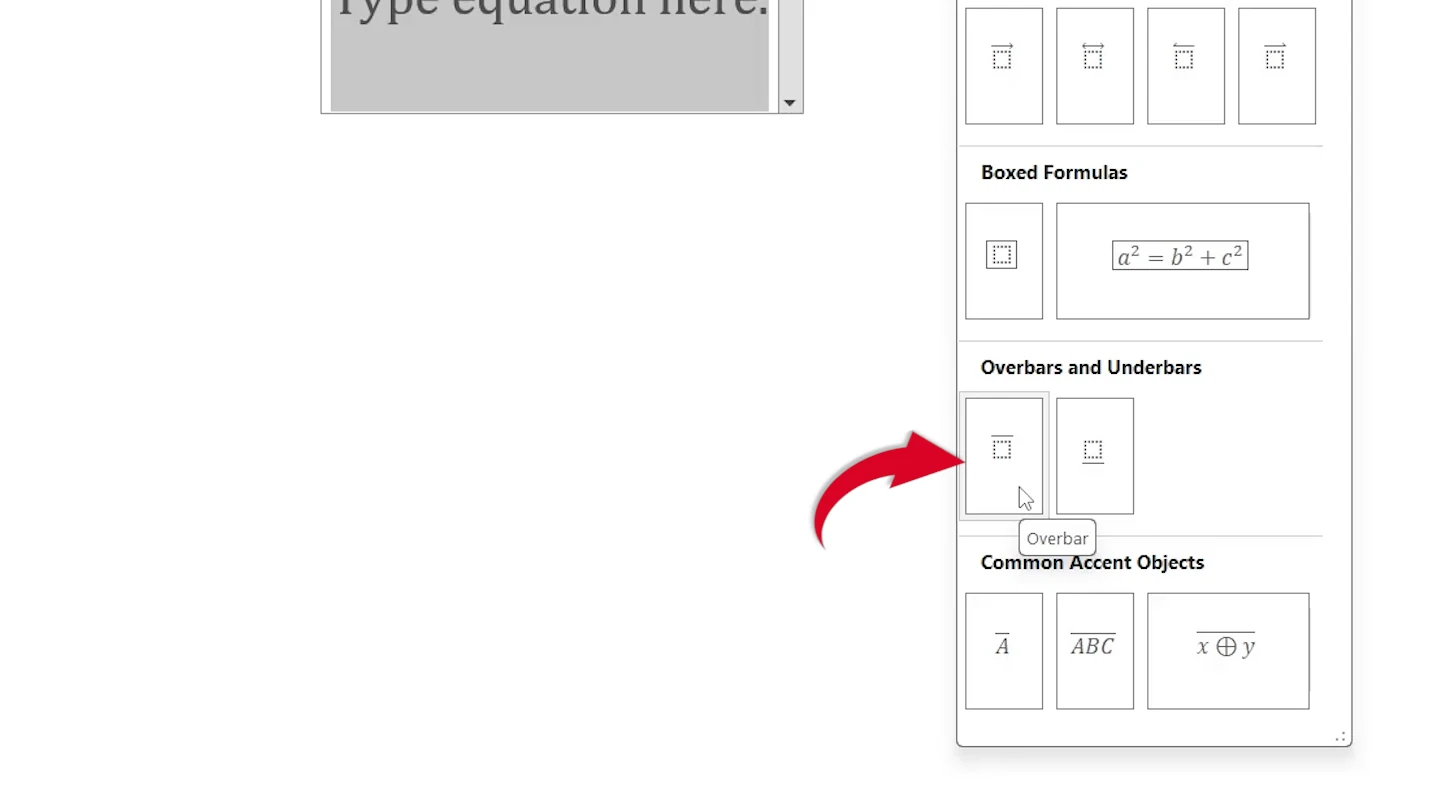
- Choose Overbar under Overbars and Underbars.
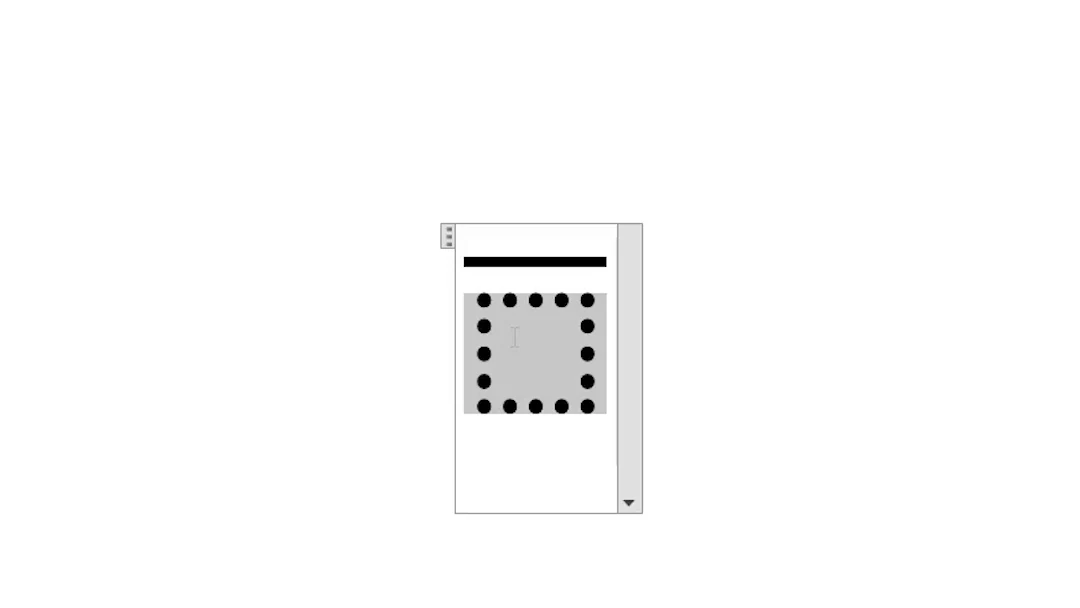
- Click in the dotted box and type your text, for example ABC.
- Click outside the equation.
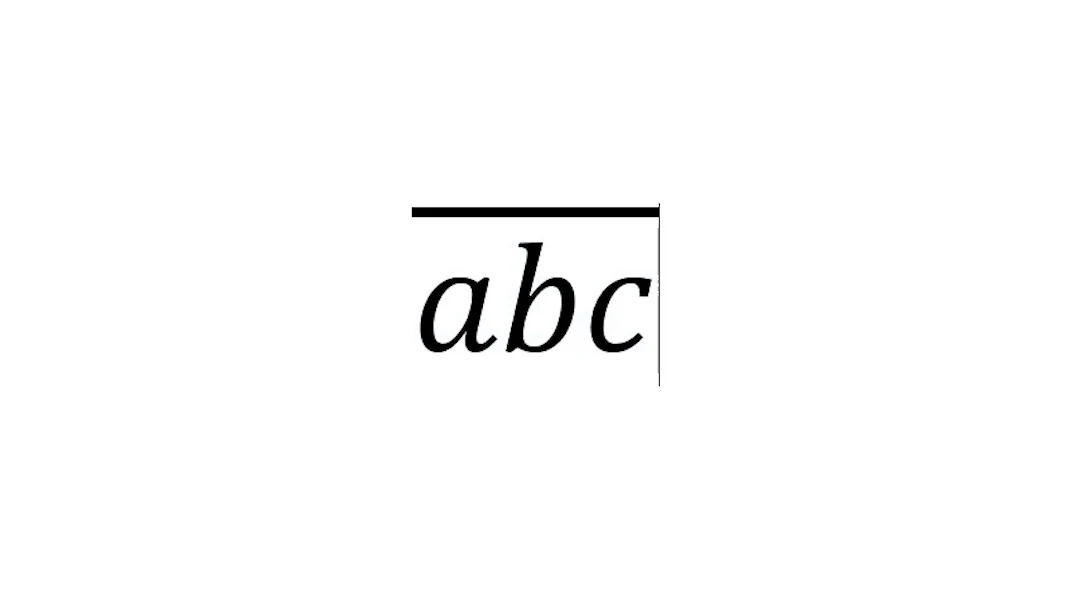
👉 The letters now have a line above them.
Method 2: Write Overline in Word by Typing \overbar
The fastest method once you know it:
- Press Alt + = to insert an equation.
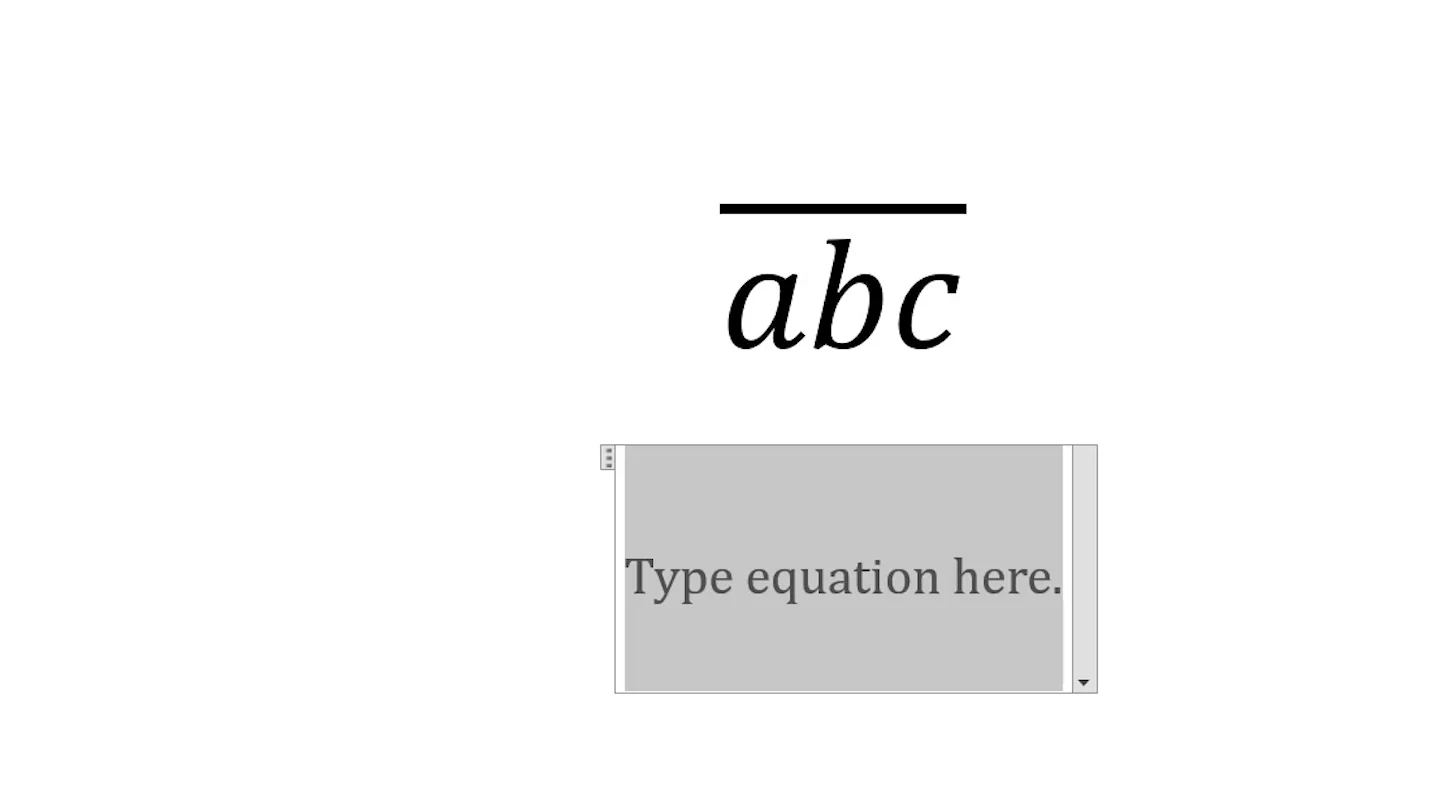
- Type
\overbar(ABC).
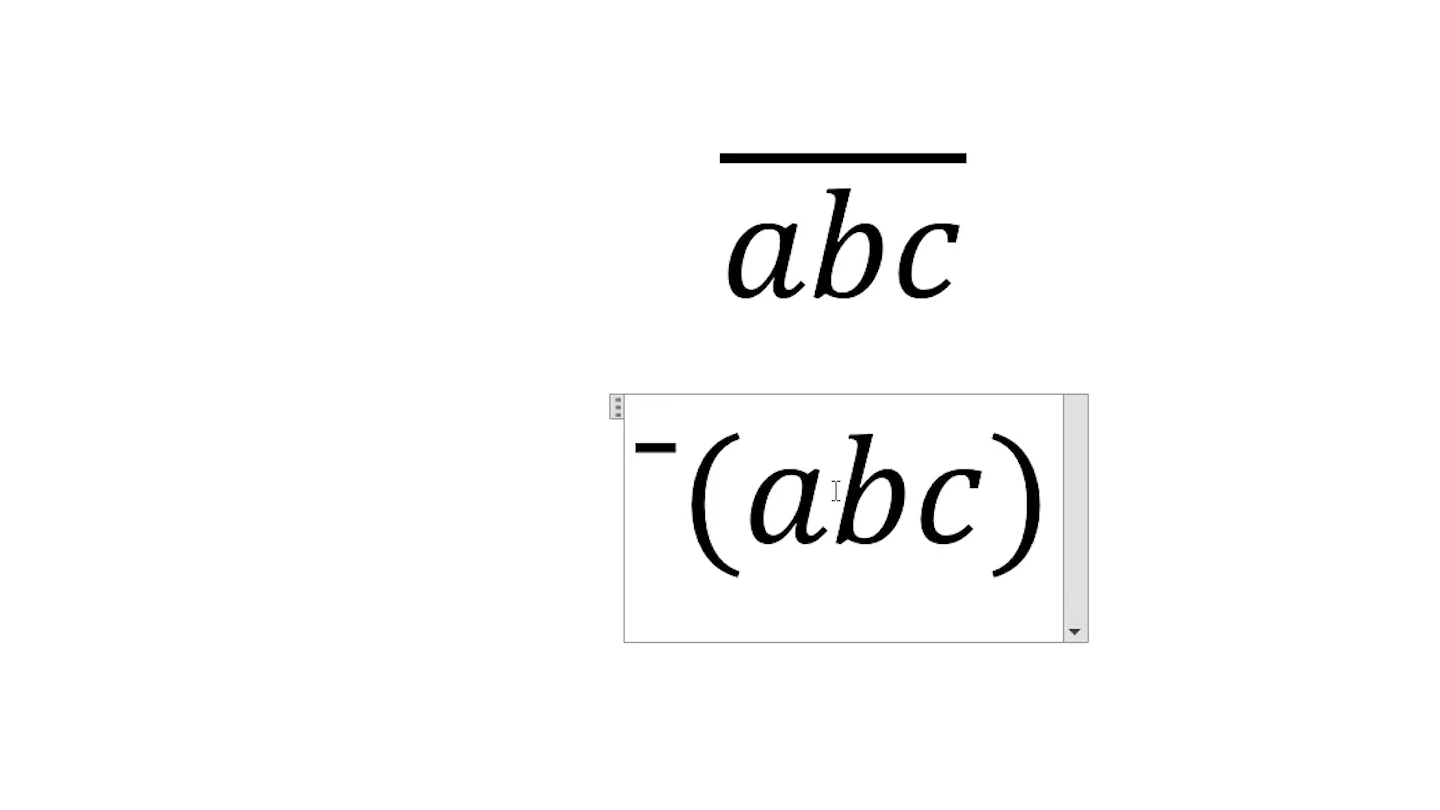
- Press Enter or Space.

👉 Word turns the command into ABC with an overline, the same result as Method 1. No menus. No clicks.
Quick Tips
Single Letter
For one letter outside an equation, type the letter, then 0305, then press Alt + X.
Bar for the Mean
Type \bar instead of \overbar for a short bar over one letter, such as x̄.
Underline Too
Use \underbar(ABC) for a line below, or see bold, italic and underline in Word.
Symbols
Need other maths signs? See the math symbol Alt codes.
FAQs
How do I write overline in Word?
Press Alt + =, choose Accent > Overbar on the Equation tab and type your text in the box. Or type \overbar(ABC) in the equation and press Enter.
How do I put a line over a letter in Word?
Type the letter, then 0305, then press Alt + X. Word adds a combining overline above that letter.
How do I type x bar in Word?
Insert an equation with Alt + =, type \bar after x or type x\bar, then press Space. You can also choose Accent > Bar.
Is there an overline button in Word?
No. Word has an underline button but no overline button, so use the Overbar accent in the equation tools.
What is the difference between bar and overbar?
Bar draws a short line over one character. Overbar stretches across everything inside the brackets.
Why does \overbar not work?
The command only works inside an equation. Press Alt + = first and check Unicode is selected on the Equation tab.
Conclusion
To write overline in Word, insert an equation and choose Accent > Overbar, or type \overbar(ABC) and press Enter. Microsoft explains the equation tools in write an equation or formula.
For more maths in Word, learn how to write fractions in Word.
Related Tutorials
Word Tutorials
Recently Added on Word Made Easy
Browse the complete collection for help with formatting, layout, pages, tables, images, and document setup.
For Microsoft support documentation, visit the official Microsoft guidance.
Leave a Reply