
Free Place Value Chart Templates for Word: 8 Easy Printables
Choose your paper size, preview every chart, then download your Word templates in one small ZIP file.
Made by a teacherA4 and US Letter8 Word documentsFree


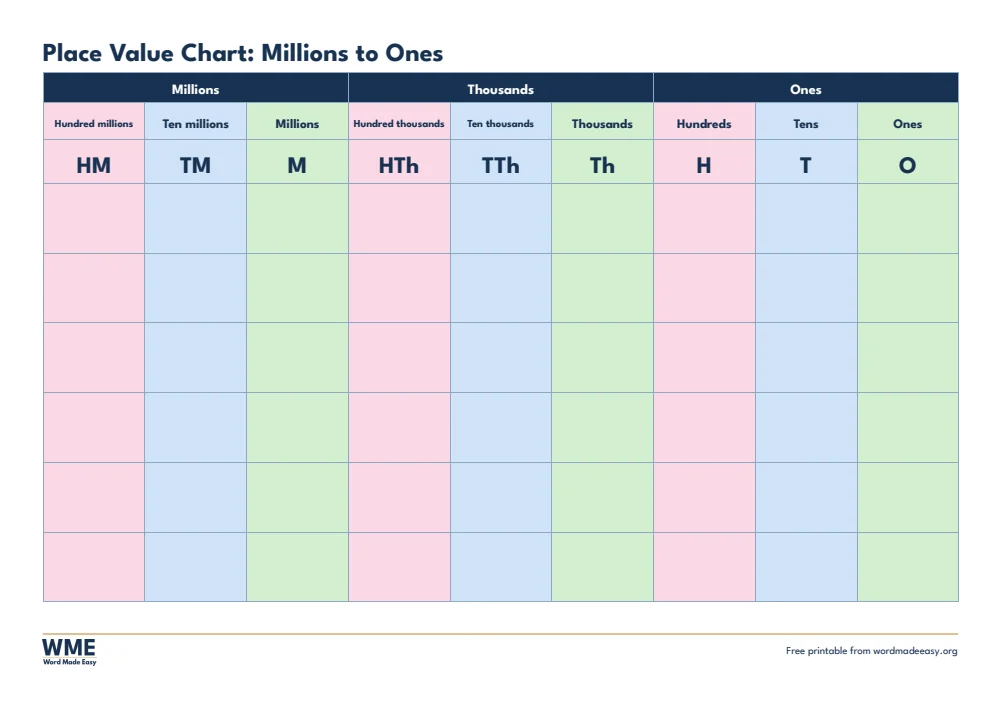
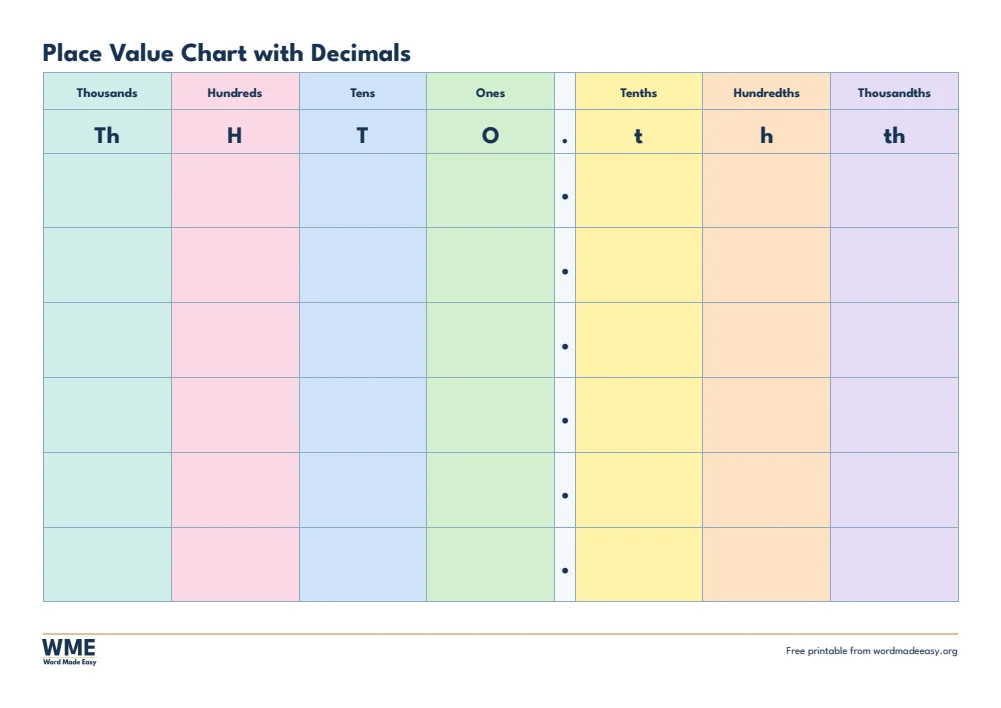
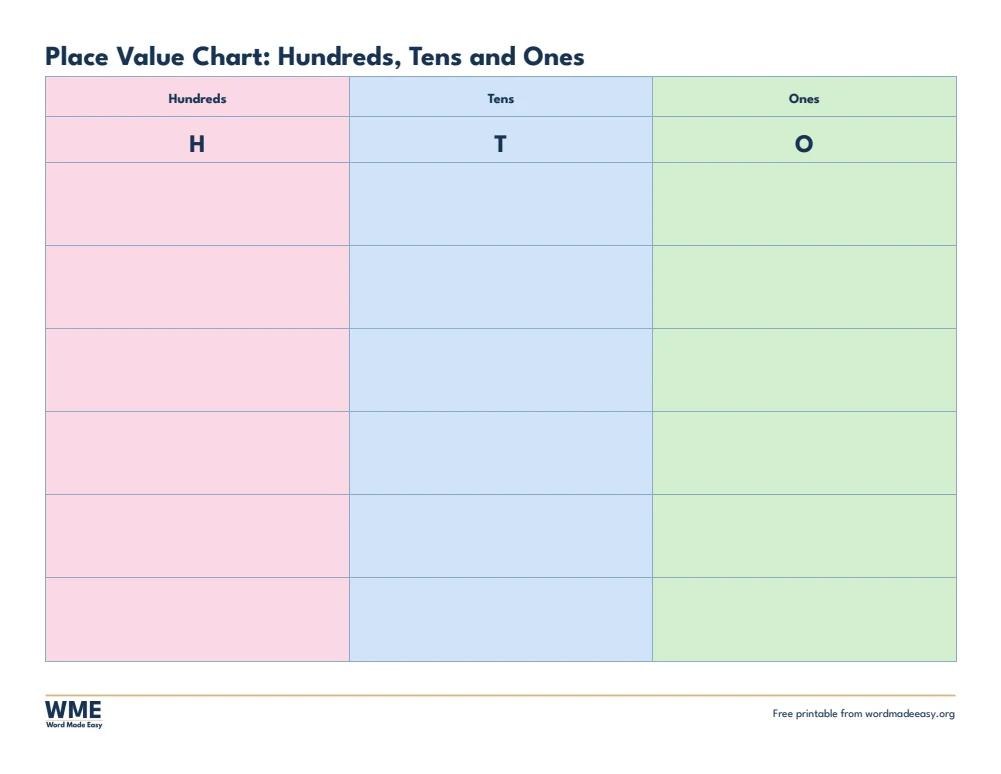
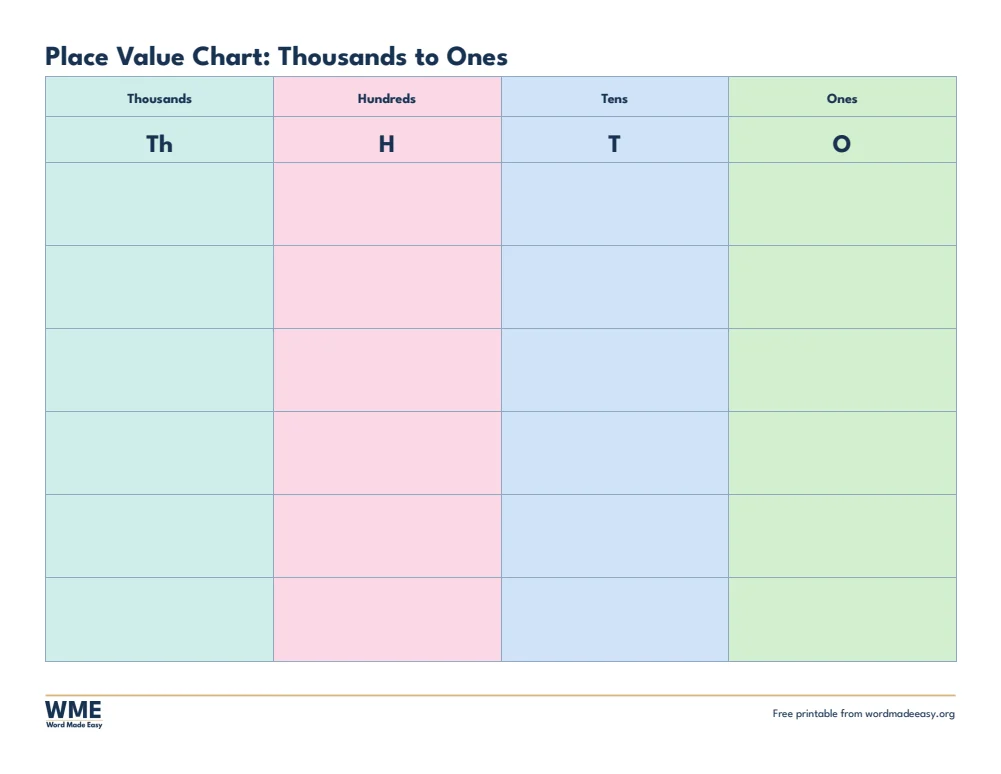

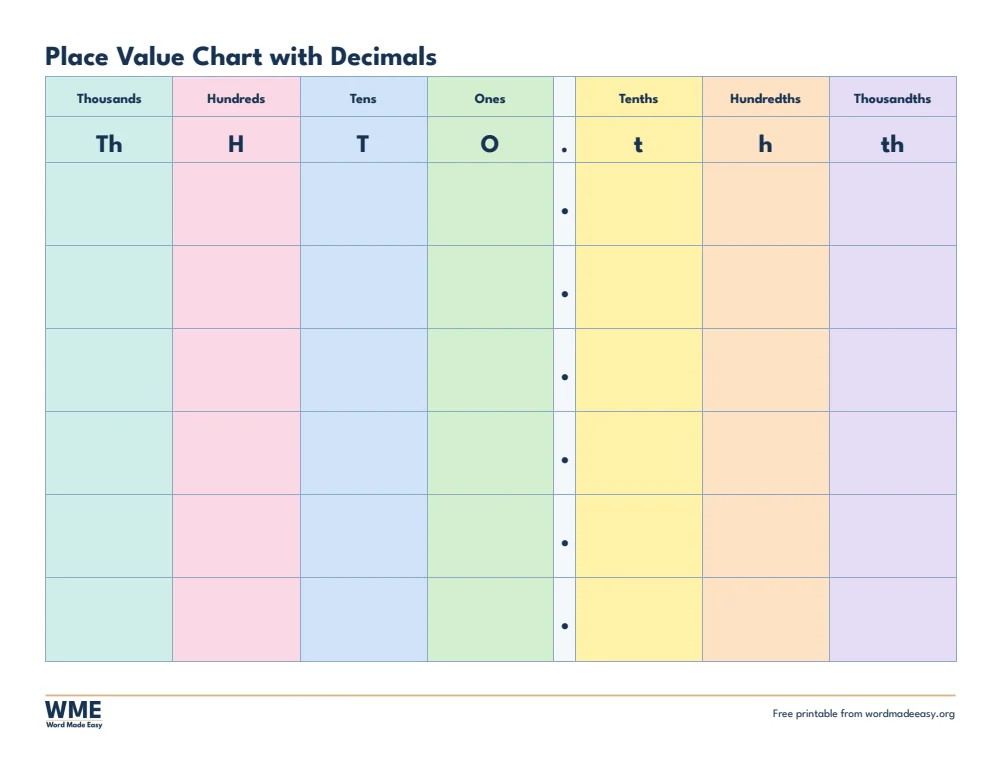
These free place value chart templates give you 8 colour-coded Word documents: hundreds, tens and ones, thousands to ones, millions to ones and a chart with decimals to thousandths, on A4 or US Letter. I’m Patrick Elliott, a teacher and Inclusion Lead. Place value is where so many maths difficulties start, so I made charts from hundreds, tens and ones all the way to millions and decimals, with colours that match the way I teach it.
In this guide, you’ll find which place value chart suits which age, how to use one in lessons, and how to print the charts at full size.
What’s in the Place Value Chart Templates
| Paper | Version | Best for |
|---|---|---|
| A4 | Hundreds Tens Ones | Numbers to 999 |
| A4 | Thousands | Numbers to 9,999 |
| A4 | Millions | Numbers to 999 million |
| A4 | Decimals | Tenths, hundredths and thousandths |
| US Letter | Hundreds Tens Ones | Numbers to 999 |
| US Letter | Thousands | Numbers to 9,999 |
| US Letter | Millions | Numbers to 999 million |
| US Letter | Decimals | Tenths, hundredths and thousandths |
👉 Each place has its own colour, so children can match digits to columns quickly, and the rows below are big enough to write a digit in each box.
Which Place Value Chart Should You Use?
- Hundreds, tens and ones: numbers to 999, for early place value and partitioning.
- Thousands: four-digit numbers and rounding to the nearest 10, 100 or 1,000.
- Millions: large numbers, grouped into millions, thousands and ones as they are read aloud.
- Decimals: tenths, hundredths and thousandths either side of the decimal point.
How to Use a Place Value Chart
- Write or place each digit of a number in its column, starting from the ones.
- Read the number aloud using the column names, for example 3 hundreds, 4 tens and 7 ones is 347.
- Multiply or divide by 10 by moving every digit one column left or right.
- Laminate a chart and use a dry-wipe pen to reuse it every lesson.
How to Print at the Right Size
Print in colour: each column has its own colour, which helps children keep digits in the right place.
FAQs
Which place value chart should I start with?
Start with hundreds, tens and ones, then move to thousands, millions and decimals as children progress.
How do I use a place value chart?
Children write or place digits in the right columns to read, build and compare numbers.
What is a place value chart?
A table with a column for each place, such as hundreds, tens and ones, that shows how much each digit in a number is worth.
Which place value chart is best for decimals?
Use the decimals chart, which has tenths, hundredths and thousandths to the right of the decimal point.
Can I type numbers into the place value chart in Word?
Yes. Every chart is a Word table, so you can type digits into the boxes before you print.
Do the charts include decimals?
Yes. The decimals chart adds tenths, hundredths and thousandths after the decimal point.
Conclusion
These place value chart templates take children from hundreds, tens and ones to millions and decimals, human-made by a teacher and ready to print from Word.
Choose your paper size above, download the ZIP, and for counting to 100 try the 100 chart templates.
Related Tutorials
- Free 100 Chart Templates for Word
- Free Number Line Templates for Word
- Free Multiplication Chart Templates for Word
Word Templates
Recently Added Word Templates
Browse the complete collection of free printable Word templates for home and school, all made by a teacher.
New to Word? Our Word tutorials show you how to edit and print your templates.
Leave a Reply