Skip to content
Word Made Easy Shop
Home Word Tutorials Word Templates Resources Google Docs PowerPoint Tutorials YouTube Videos
Home Word Tutorials Word Templates Resources Google Docs PowerPoint Tutorials YouTube Videos Shop
Microsoft Word, School and Teacher Forms, Word Templates

School and Teacher Forms

edTPA Lesson Plan Template for Word: 4 Free edTPA-Style Forms

Preview every template, choose colour or black and white and your paper size, then download your Word files in one small ZIP file.

US Letter and A44 Word templatesFree
Published 27 November 2026 · By Patrick Elliott

Part of the Lesson Plan Templates collection (20 sets)

  • SIOP Lesson Plan Template for Word: 4 Free SIOP-Style Plans
  • Danielson Lesson Plan Template for Word: 4 Free Observation Plans
  • Free ILAW Lesson Plan Templates for Word: English and Filipino (DO 16, s. 2026)

See all 20 sets in the collection →

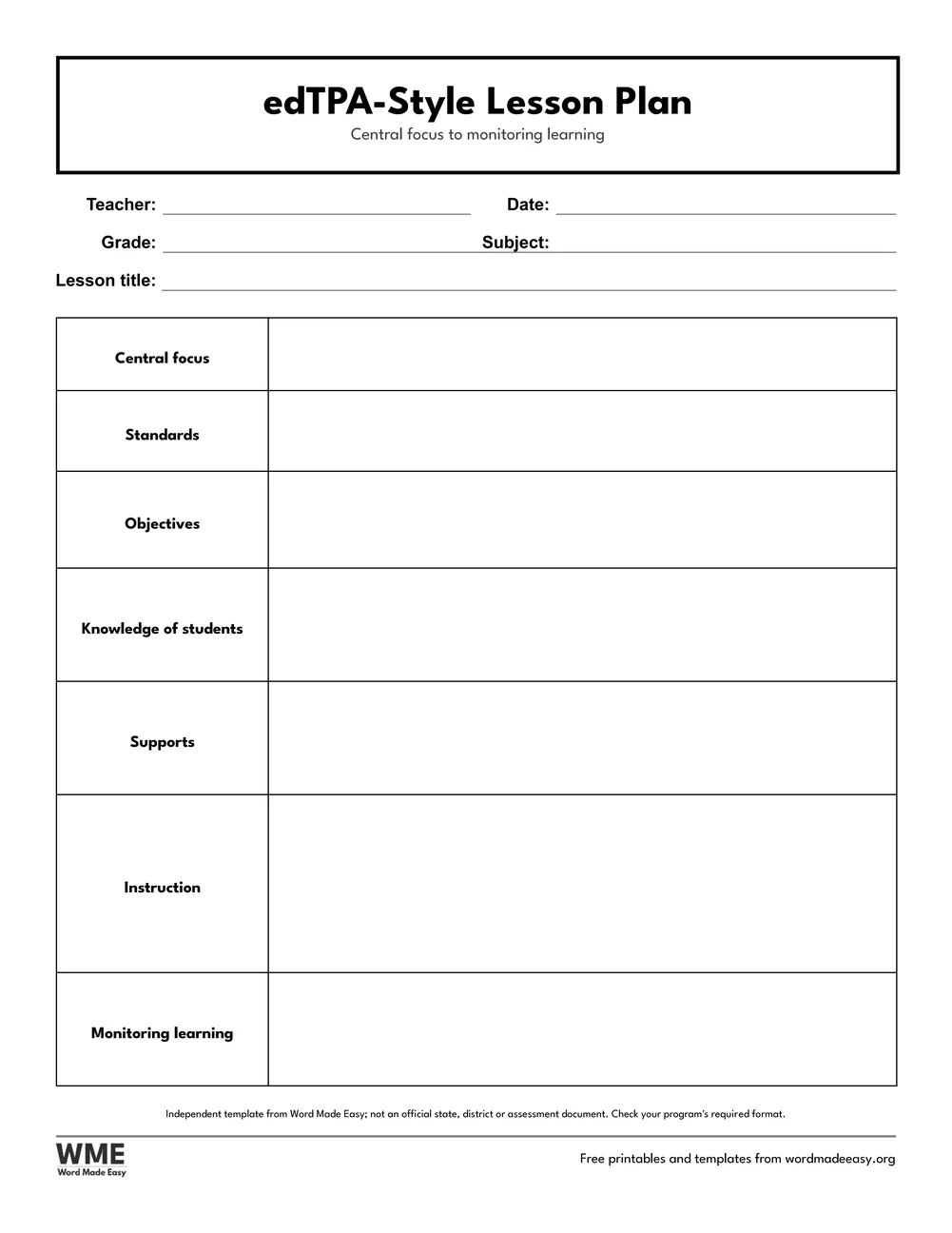
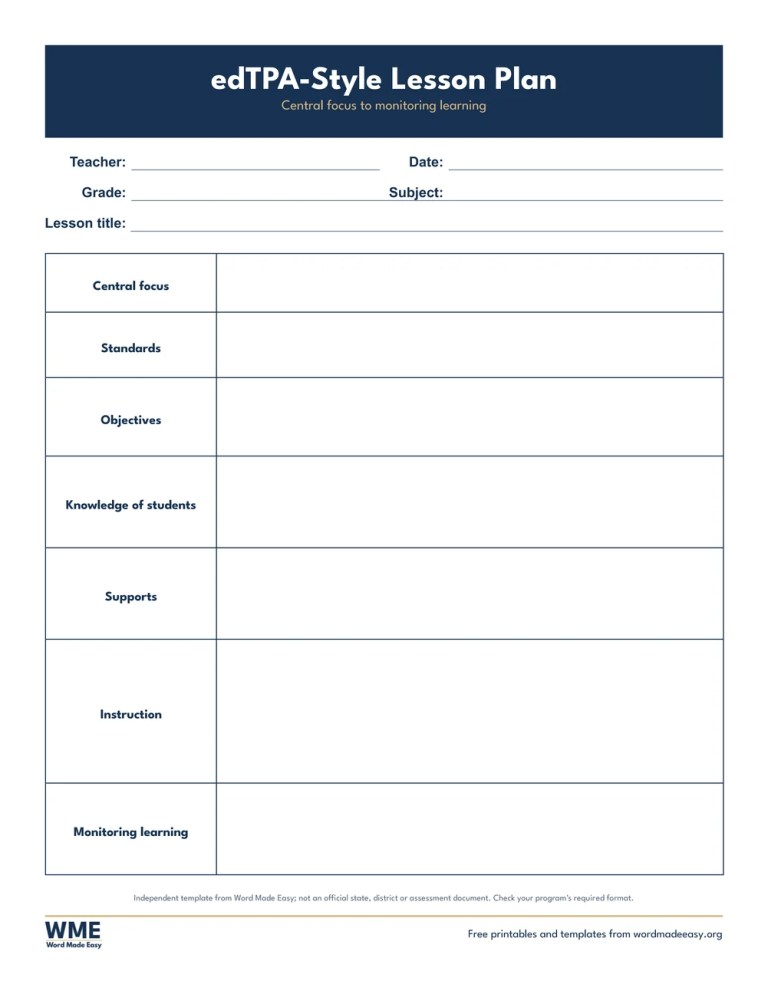
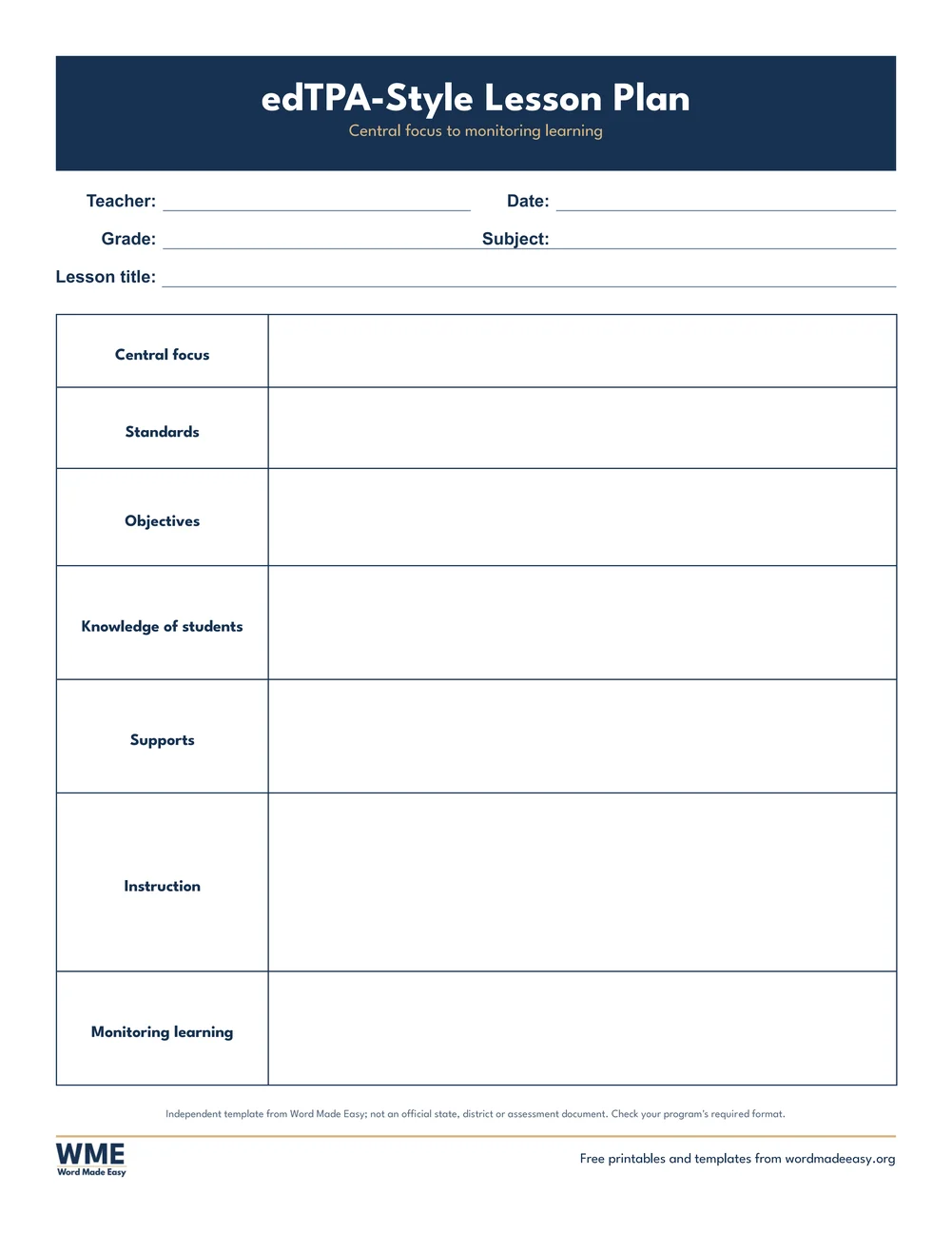
edTPA lesson plan template for Word, edTPA-style, on US Letter: a navy title bar, header rows, then blank labelled rows for central focus, standards, objectives, knowledge of students, supports, instruction and monitoring learning
Click the page to enlarge it.
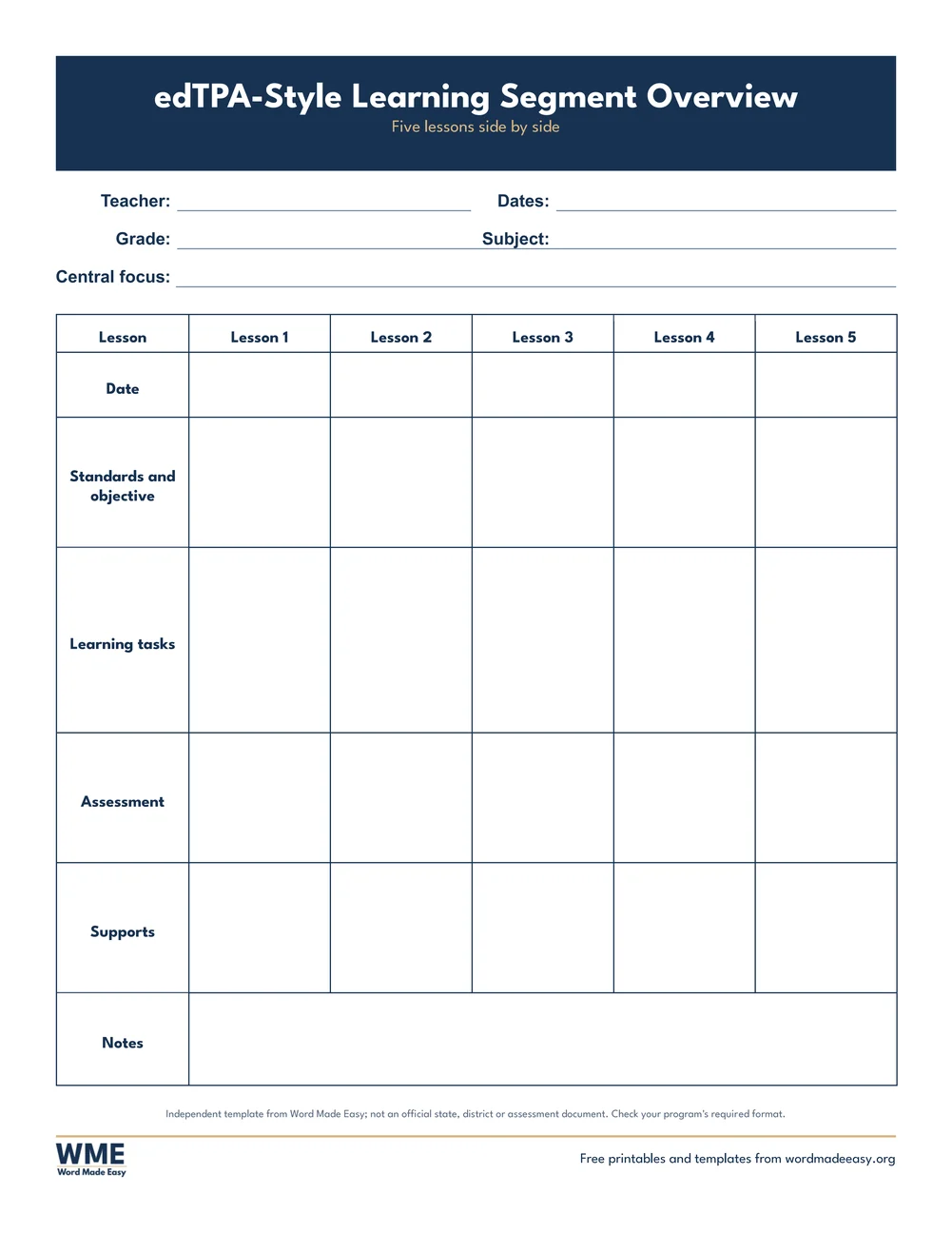
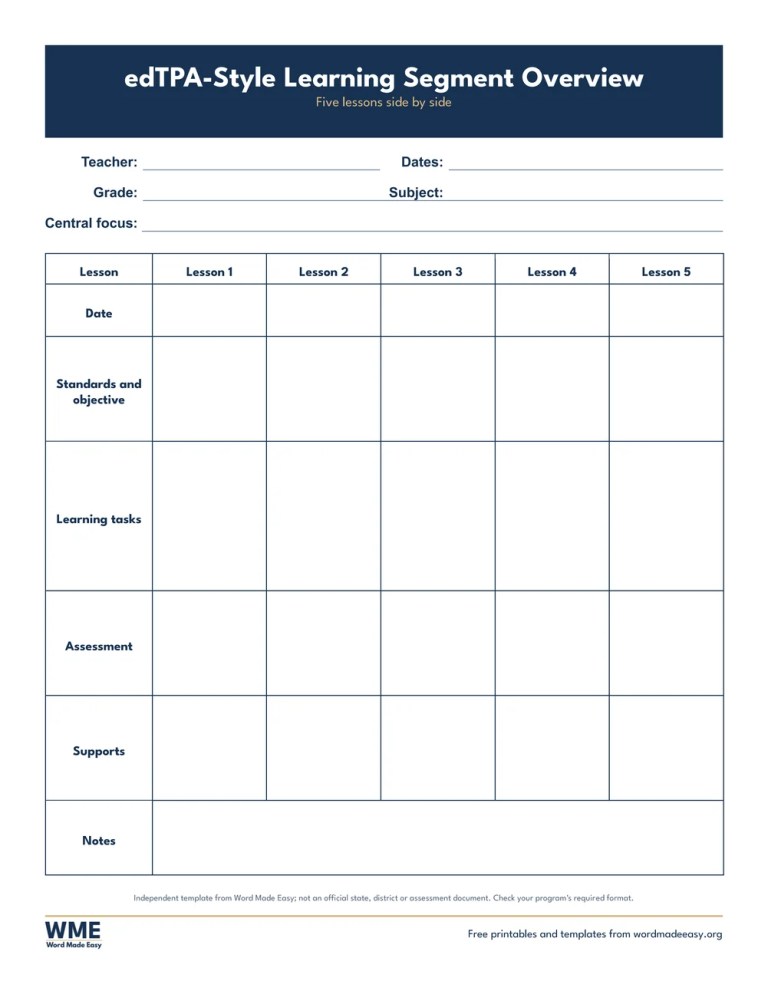
edTPA-style lesson plan template for Word: edTPA-Style Learning Segment Overview, US Letter
Click the page to enlarge it.
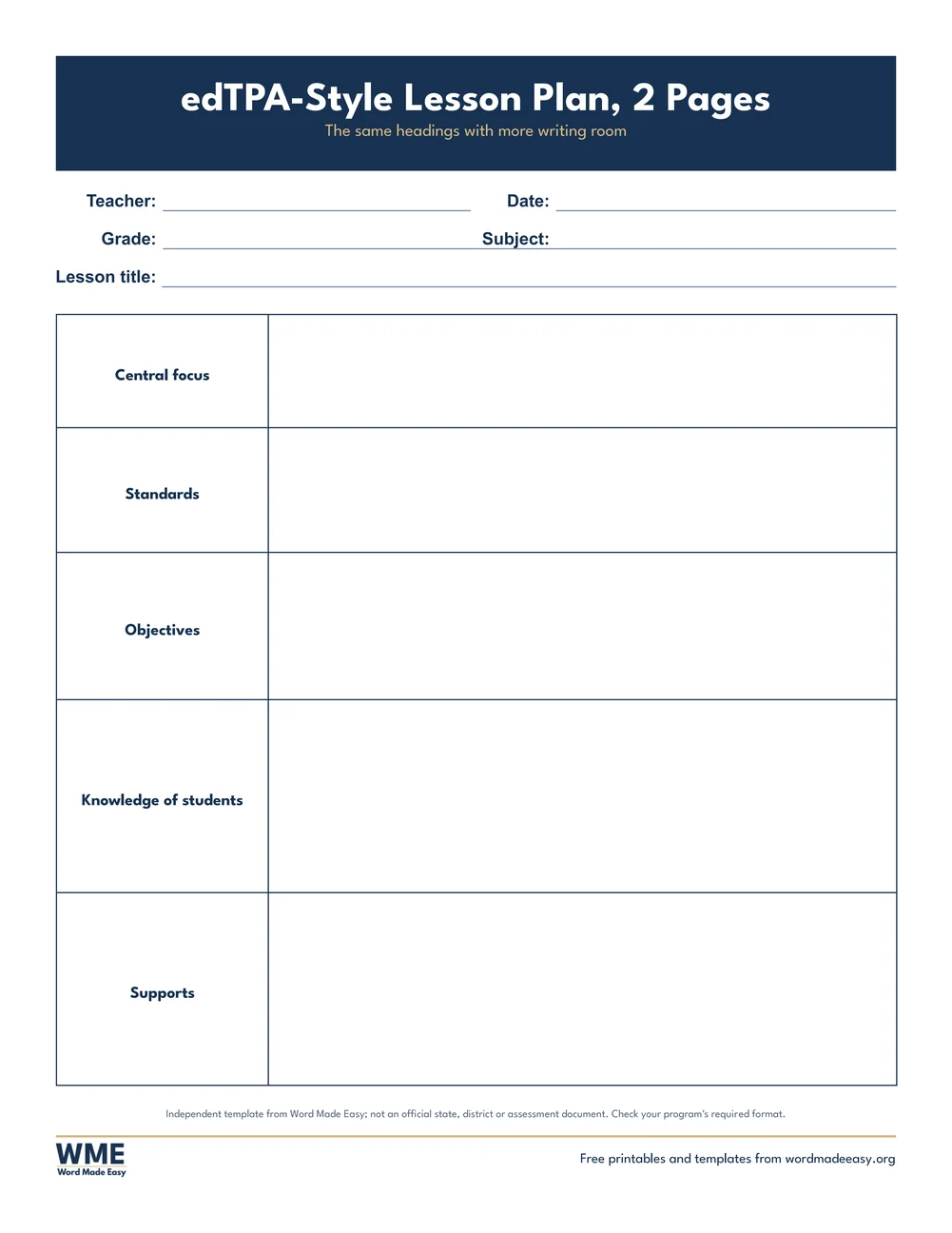
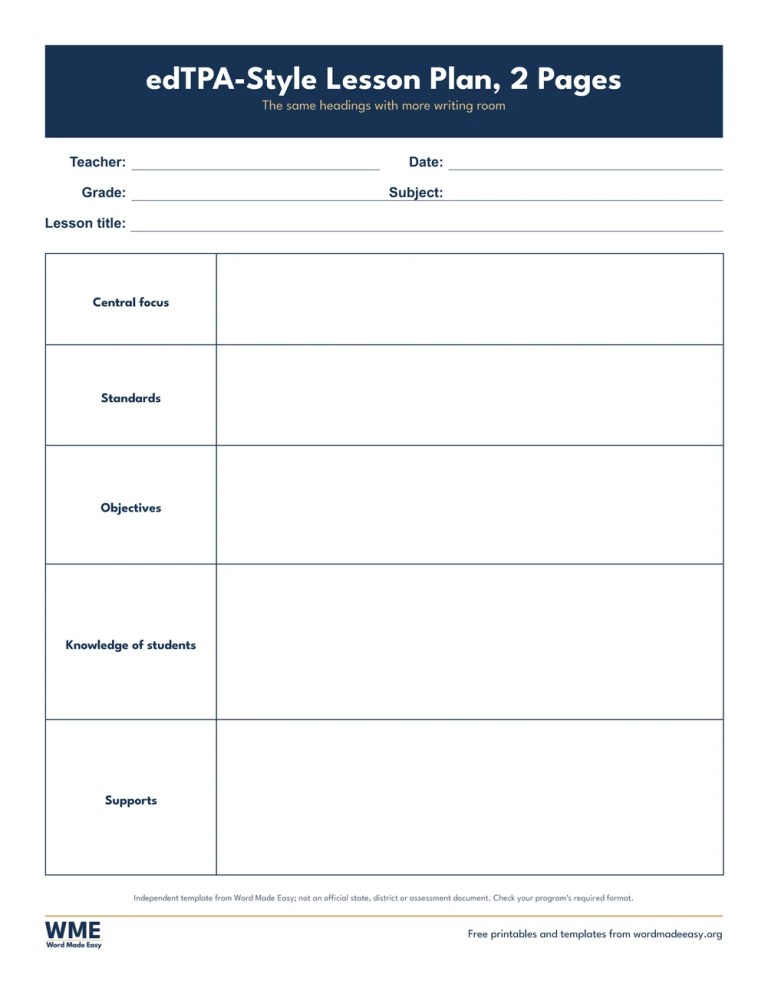
edTPA-style lesson plan template for Word: edTPA-Style Lesson Plan, 2 Pages, US Letter
Click the page to enlarge it.
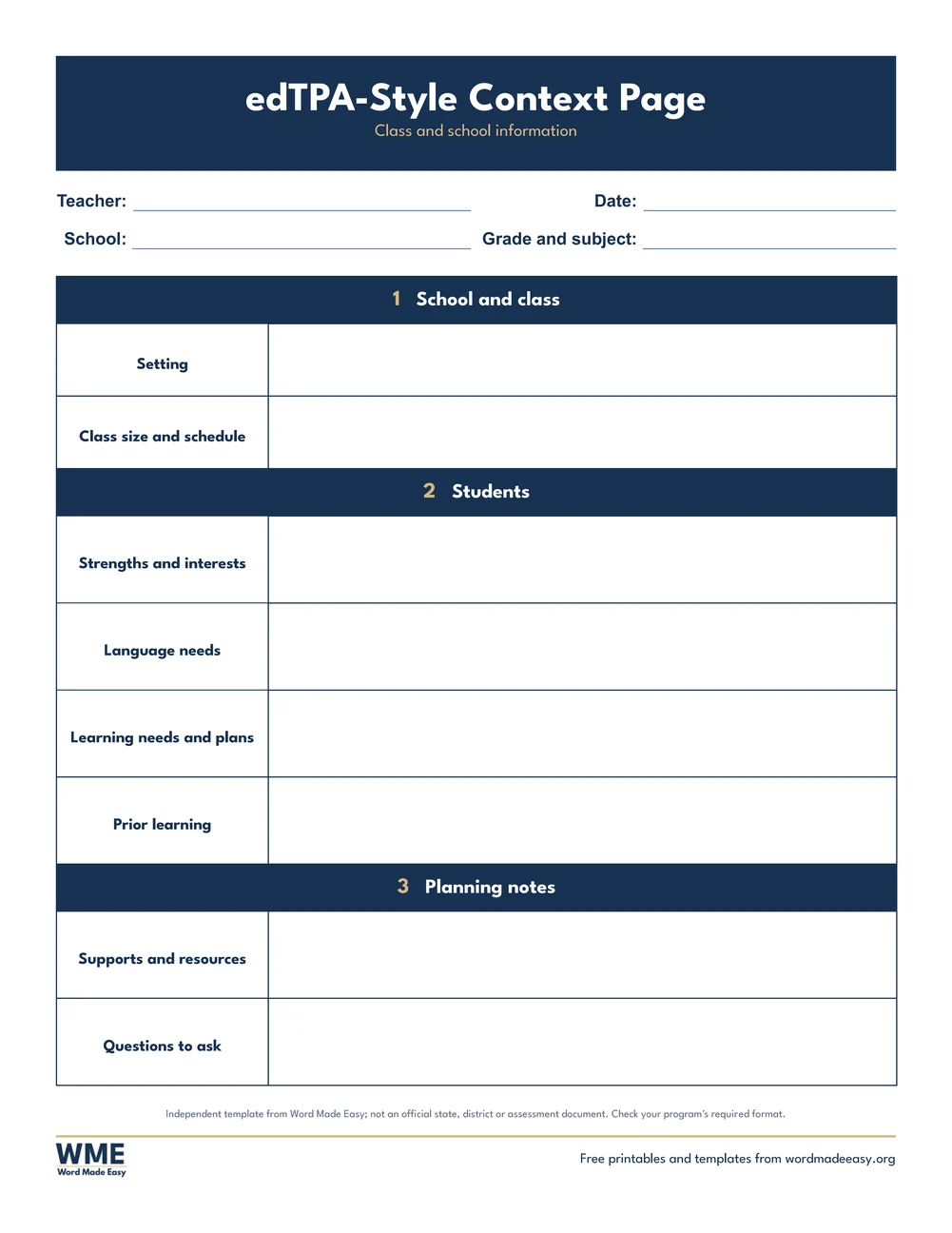
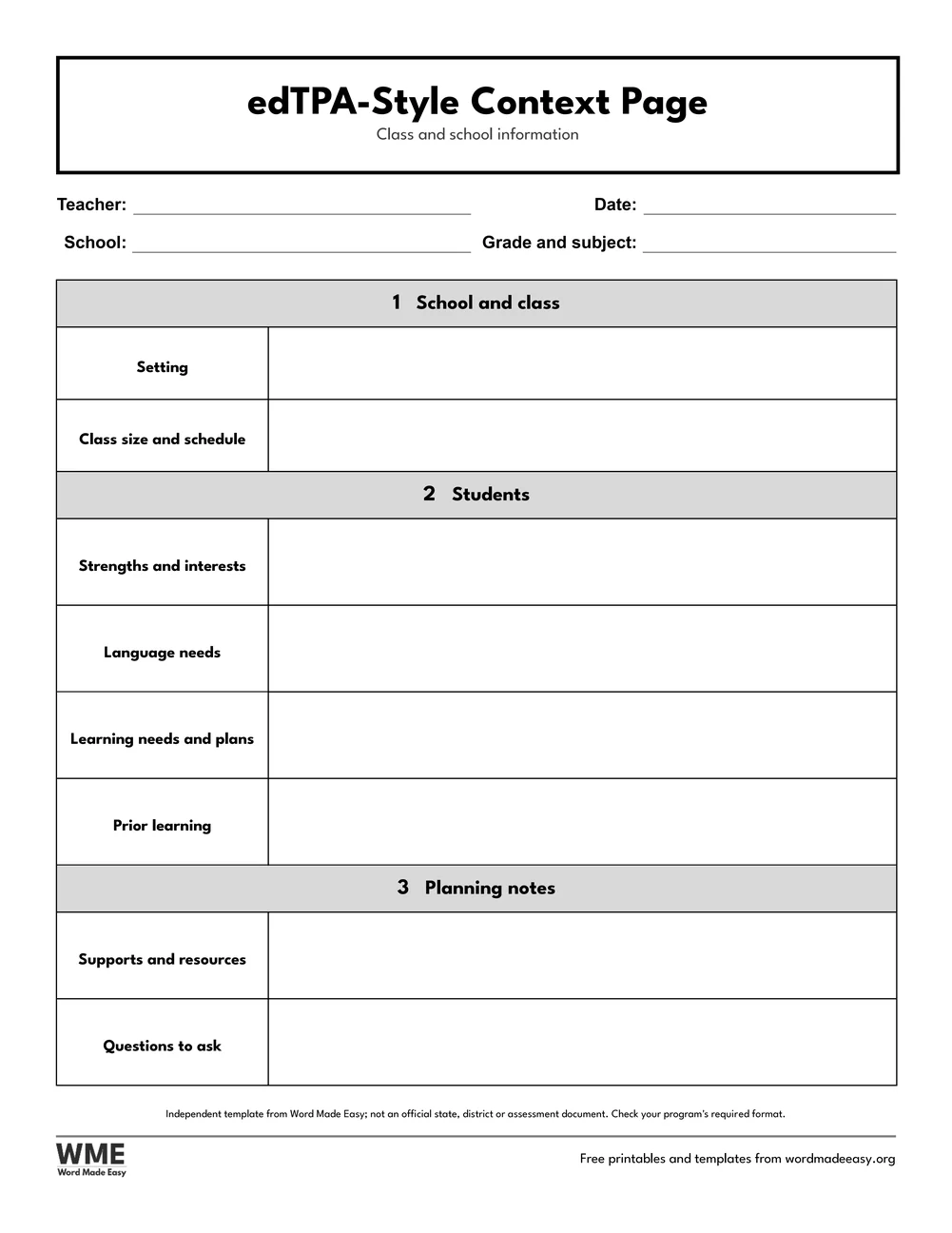
edTPA-style lesson plan template for Word: edTPA-Style Context Page, US Letter
Click the page to enlarge it.
edTPA-style lesson plan template for Word: edTPA-Style Lesson Plan, black and white, US Letter
Click the page to enlarge it.
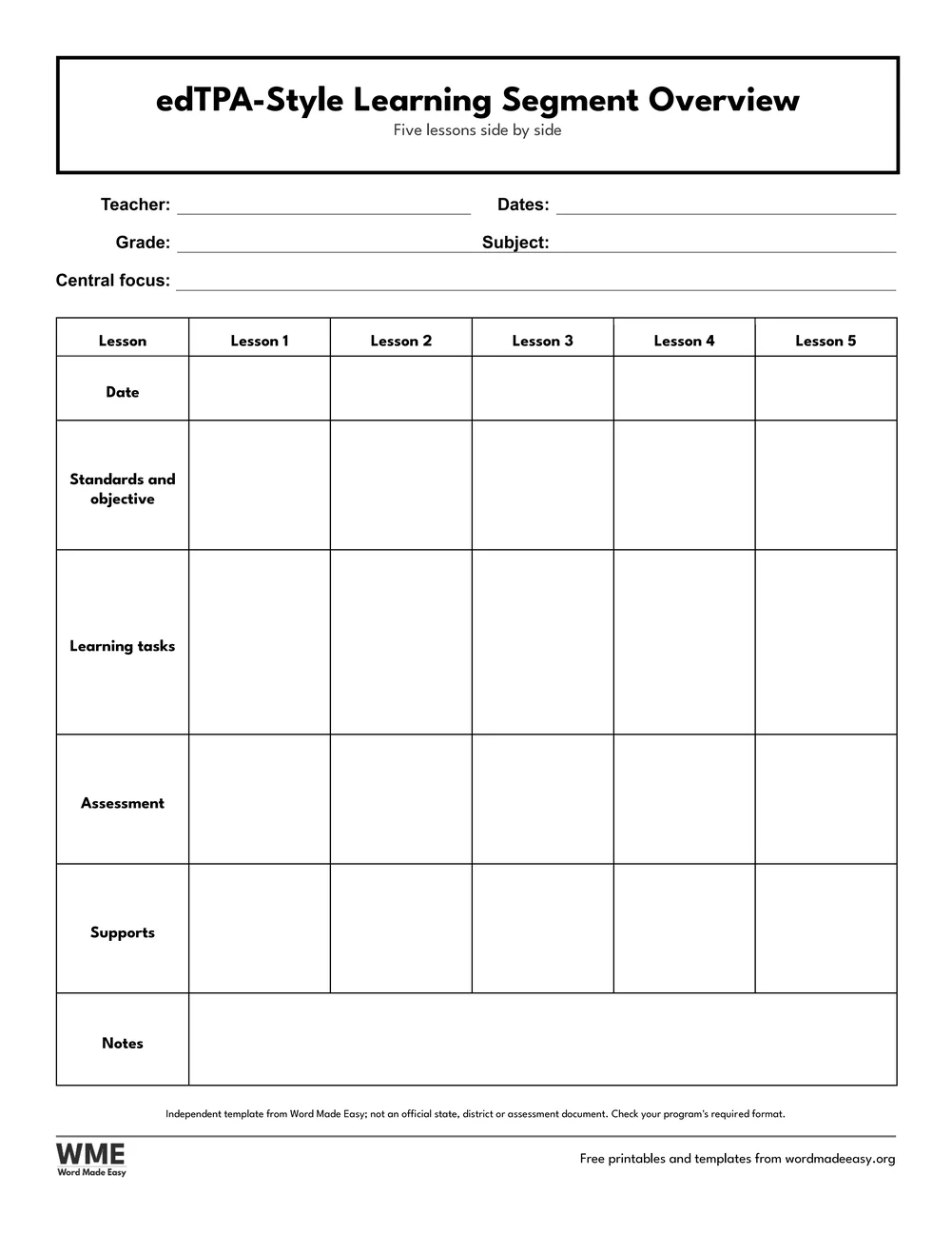
edTPA-style lesson plan template for Word: edTPA-Style Learning Segment Overview, black and white, US Letter
Click the page to enlarge it.
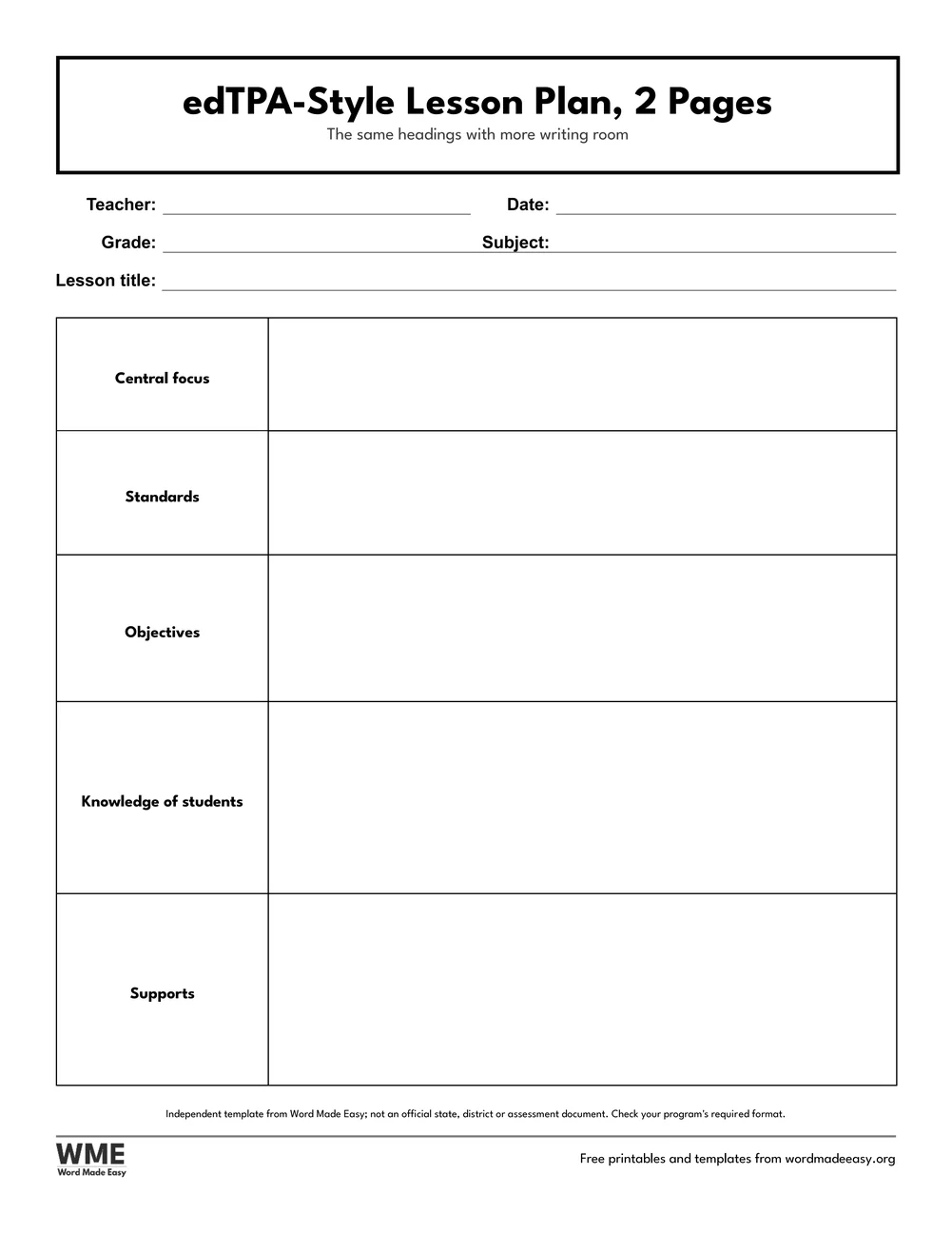
edTPA-style lesson plan template for Word: edTPA-Style Lesson Plan, 2 Pages, black and white, US Letter
Click the page to enlarge it.
edTPA-style lesson plan template for Word: edTPA-Style Context Page, black and white, US Letter
Click the page to enlarge it.

More free templates

  • Danielson Lesson Plan Template for Word Danielson Lesson Plan Template 4 Word files
  • SIOP Lesson Plan Template for Word SIOP Lesson Plan Template 4 Word files
  • UbD Template for Word UbD Template 4 Word files
  • Madeline Hunter Lesson Plan Template for Word Madeline Hunter Lesson Plan Template 4 Word files
  • Weekly Lesson Plan Template for Word Weekly Lesson Plan Template 4 Word files
  • 5E Lesson Plan Template for Word 5E Lesson Plan Template 4 Word files
  • Lab Report Template for Word Lab Report Template 8 Word files
  • Daily Time Record Templates for Word Daily Time Record Templates 6 Word files

Download your free Word templates

Enter your email address to download. We will also send you new free templates and printables now and then, unless you choose to just download.

Choose colour or black and white
Choose your paper size

I agree that Word Made Easy may email me a weekly newsletter with new free templates, printables and Word tips, and occasional offers of paid templates. I can unsubscribe at any time. Choose "No thanks, just download" if you do not want these emails.

Read the Privacy Policy for details about storage, retention and your rights.

Can’t find the template you need? Request a template and I’ll make it in Word, free.

Get new free printables first: follow Word Made Easy on Pinterest

This free edTPA lesson plan template gives teacher candidates four blank, edTPA-style Word forms: a one-page lesson plan, a two-page plan with room for planned assessment and reflection, an overview for a five-lesson learning segment, and a page for your classroom context. The headings are the ones candidates hear about in methods courses, so you start with a tidy structure instead of a blank page. They are independent templates and not an official document, as the section below explains. The forms are blank and the page names no school, state or assessment provider; the independent-template line prints above the footer.

Below, you’ll find what is on each form, how the segment overview and the lesson plan fit together, and some drafting habits that help when your plan has to be uploaded as a PDF.


Contents hide
1 What’s in the edTPA lesson plan template
2 What is an edTPA-style lesson plan?
3 Which edTPA-style form should you use?
4 How to use the edTPA-style forms
5 Independent template, not an official document
6 Black and white versions
7 How to print the edTPA-style forms
8 FAQs
9 Conclusion
10 Related tutorials
11 Word Templates

What’s in the edTPA lesson plan template

TemplateWhat it holds
edTPA-Style Lesson PlanOne blank page: central focus through monitoring learning
edTPA-Style Lesson Plan, 2 PagesThe same headings with more room, plus planned assessment and reflection
edTPA-Style Learning Segment OverviewFive lessons across the page, each with standards, objective, tasks and assessment
edTPA-Style Context PageSetting, grade and subject, students, supports and prior learning
Paper and stylesUS Letter and A4, colour and black and white
edTPA lesson plan template for Word, edTPA-style, on US Letter: a navy title bar, header rows, then blank labelled rows for central focus, standards, objectives, knowledge of students, supports, instruction and monitoring learning
edTPA-Style Lesson Plan
edTPA-style lesson plan template for Word: edTPA-Style Learning Segment Overview, US Letter
edTPA-Style Learning Segment Overview
edTPA-style lesson plan template for Word: edTPA-Style Lesson Plan, 2 Pages, US Letter
edTPA-Style Lesson Plan, 2 Pages

👉 Every form is blank and every cell is a Word table cell that grows as you type, so a long supports row never runs off the page. Nothing is filled in for you.


What is an edTPA-style lesson plan?

edTPA is the performance assessment many teacher preparation programs use for licensure. Candidates plan a learning segment of three to five lessons, teach and film it, and write about it. The planning that comes first usually has a few recurring parts: a central focus for the segment, the standards and objectives for each lesson, what you know about your students, the supports they may need, the instruction you will give, and how you will monitor learning. An edTPA-style lesson plan simply gives each of those headings a labelled box. Programs differ on the format they ask for, and many give their own, so treat these forms as a clean way to organise your thinking. A general plan for any classroom sits on the lesson plan template page.


Which edTPA-style form should you use?

  • edTPA-Style Lesson Plan: one blank page with rows from central focus and standards through objectives, knowledge of students, supports, instruction and monitoring learning.
  • edTPA-Style Lesson Plan, 2 Pages: the same headings with more writing room, plus a planned-assessment area and a reflection area for after you teach.
  • edTPA-Style Learning Segment Overview: five lessons side by side, each with standards and objective, learning tasks and assessment, so you can see the whole segment on one page.
  • edTPA-Style Context Page: blank rows for the setting, grade and subject, the students, the supports in place and prior learning.
  • Teaching English learners in your placement? The SIOP lesson plan template adds language objectives, and the Danielson lesson plan template suits the observations that go with student teaching.

How to use the edTPA-style forms

  1. Pick US Letter or A4 above, download the ZIP and open the forms in Word.
  2. Start with the context page: describe the setting, the class and what learners already know.
  3. Use the segment overview to sketch your lessons in order, with a standard and an objective for each.
  4. Copy one lesson from the overview into the lesson plan and write the instruction, the supports and how you will monitor learning.
  5. Save each plan as a PDF if your program asks for that, and keep the Word file for edits.
  6. Don’t want our footer? Open the Word file and double-click the footer at the bottom of the page. Click the logo and press Delete, then do the same with the thin line above it. For the web address, click the edge of its box rather than the words, and press Delete. Double-click the page to finish. This only works in the Word file, not in a PDF.

Draft in the overview first: seeing five lessons together shows quickly where one is too big or one repeats another. Name the students by group, not by name: forms that leave your school should not hold names of real children. Supports: if learners have plans or goals from an IEP, describe the support in your own words; the IEP templates are for the school’s own records, not for the portfolio. Cooperating teachers appreciate a plan to follow in your absence, so keep a copy with your substitute teacher template. For planning that starts from the goal and works back, compare the UbD template.

Independent template, not an official document

These are independent templates from Word Made Easy. They use publicly known component headings only and are not an official document of edTPA, Pearson, SCALE (the Stanford Center for Assessment, Learning and Equity) or your program. Your program or state may require its own planning format, so check what it asks for before you write. The pages are blank only: there is no sample commentary and none of the handbook’s or rubrics’ wording, so everything you write is your own.


Black and white versions

All four edTPA-style forms come in black and white as well. The navy bars print black and the label cells a light grey, which keeps the forms clear when you print a draft for your supervisor. Open the download box, pick Black and white (or All for both versions) and then your paper size.


How to print the edTPA-style forms

Want to print without editing? Every download has three folders: the editable Word files, the same sheets as PDFs, and every page as a print-ready image (JPEG), so you can print straight away without opening Word.

Print at 100% (Actual size) on US Letter or A4 to match the file name. Each form is one page except the two-page plan, which prints best back to back; the segment overview is wide, so check that every lesson column fits before printing.


FAQs

Is this edTPA lesson plan template free?

Yes. Choose US Letter or A4, colour or black and white, and download all four forms in one ZIP file at no cost.

Are these forms from edTPA or Pearson?

No. They are edTPA-style forms from Word Made Easy, made from publicly known headings only. They are not an official document of edTPA, Pearson or SCALE. Use the templates and instructions your program gives you.

Do the forms include sample answers?

No. They are blank only, with no sample commentary, so nothing you submit is borrowed.

Does my program require this format?

Not necessarily. Education programs and states differ, and many provide their own. Check before you use these.

How many lessons does the segment overview hold?

Five, laid across the page. If your segment has three or four, leave the extra columns empty or delete them in Word.

Is there a black and white version?

Yes. All four forms come in black and white with the same layout. Choose Black and white, or All, in the download box.


Conclusion

Four blank edTPA-style forms, from a context page and a segment overview to a one-page and a two-page lesson plan, ready to type into in Microsoft Word.

Choose your paper size above and download the ZIP. For an observed lesson in your placement, try the Danielson-aligned observation plan; for a different lesson shape, see the Madeline Hunter lesson plan template. Every format is listed in the lesson plan templates collection.

Free downloads for this topic

  • SIOP Lesson Plan Template for Word: 4 Free SIOP-Style Plans Free Word templates, ready to download
  • Danielson Lesson Plan Template for Word: 4 Free Observation Plans Free Word templates, ready to download

Related tutorials

  • Free Lesson Plan Templates for Word
  • Free Substitute Teacher Templates for Word
  • Free IEP Templates for Word

Word Templates

Recently Added Word Templates

  • Danielson Lesson Plan Template for Word: 4 Free Observation Plans

    November 27, 2026
  • SIOP Lesson Plan Template for Word: 4 Free SIOP-Style Plans

    November 27, 2026
  • UbD Template for Word: 4 Free Printable Lesson and Unit Plans

    November 27, 2026

Browse the complete collection of free printable Word templates for home and school, all made by a teacher.

View all Word templates
Watch on YouTube

New to Word? Our Word tutorials show you how to edit and print your templates.
← PreviousUbD Template for Word: 4 Free Printable Lesson and Unit Plans
Next →SIOP Lesson Plan Template for Word: 4 Free SIOP-Style Plans

Leave a comment Cancel reply

Have a question about these templates, or an idea for a new one? Ask below.

Meet the Author

Patrick Elliott standing outdoors holding his dog.

I’m Patrick Elliott, the creator of Word Made Easy. I’ve worked in schools for over 10 years and I’m now an Inclusion Lead in the UAE. I use Microsoft Word and PowerPoint every day for planning, documentation and classroom resources.

Every guide is tested step by step before publishing (usually in Microsoft 365), and every free template is one I made myself in Word. You’ll also find practical walkthroughs on my YouTube channel.

Browse

  • Word TutorialsStep-by-step guides for every feature
  • Word Beginners HubFree 12-chapter Word course
  • Word TemplatesFree, editable downloads
  • ResourcesWorksheets, posters and puzzles
  • Word Shortcut Cheat SheetsFree printable PDFs
  • Google Docs TutorialsStep-by-step Docs guides
  • PowerPoint TutorialsClear, simple slide guides
  • YouTube VideosWatch the video walkthroughs

Watch on YouTube

Prefer to watch? Most guides have a short video walkthrough on the Word Made Easy channel.

  • 147videos
  • 1.88Mviews
  • 8,000+subscribers
Subscribe on YouTube

Lesson Plan Templates

This set is part of the Lesson Plan Templates collection, with every related set side by side on one page.

See the collection →

In this section: School and Teacher Forms

  • Danielson Lesson Plan Template for Word: 4 Free Observation PlansNovember 27, 2026
  • SIOP Lesson Plan Template for Word: 4 Free SIOP-Style PlansNovember 27, 2026
  • UbD Template for Word: 4 Free Printable Lesson and Unit PlansNovember 27, 2026
  • Madeline Hunter Lesson Plan Template for Word: 4 Free PlansNovember 27, 2026
  • Weekly Lesson Plan Template for Word: 4 Free Printable PlansNovember 27, 2026

See all →

Recently Added Word Templates

  • Danielson Lesson Plan Template for Word: 4 Free Observation PlansNovember 27, 2026
  • SIOP Lesson Plan Template for Word: 4 Free SIOP-Style PlansNovember 27, 2026
  • UbD Template for Word: 4 Free Printable Lesson and Unit PlansNovember 27, 2026
  • Madeline Hunter Lesson Plan Template for Word: 4 Free PlansNovember 27, 2026
  • Weekly Lesson Plan Template for Word: 4 Free Printable PlansNovember 27, 2026

See all →

Most Downloaded

  • Microsoft Word for Beginners: Free Guide and PDF91 downloads in the last 30 days
  • Free ILAW Lesson Plan Templates for Word: English and Filipino (DO 16, s. 2026)90 downloads in the last 30 days
  • Free 1×1 and 2×2 Picture Templates for Word: 4 ID Photo Sheets76 downloads in the last 30 days
  • Free Fillable Form Templates for Word: 4 Easy Forms65 downloads in the last 30 days
  • Free Microsoft Word Keyboard Shortcuts Bundle: 18 Cheat Sheets (PDF)57 downloads in the last 30 days

About

  • About Me
  • Contact
  • Shop

Microsoft Word

  • All Word Tutorials
  • Page Layout & Sections
  • Tables, Images & Media
  • Formatting Basics
  • Productivity & Automation
  • Beginners Hub
  • Shortcut Cheat Sheets

Word Templates

  • Business
  • Calendars and Planners
  • Home, Health and Money
  • School and Teacher Forms
  • Cards, Invitations and Labels
  • Paper and Grids
  • Holidays and Seasonal

Resources

  • Phonics and Reading
  • Handwriting
  • Writing
  • Maths
  • Puzzles and Activities
  • Classroom Display
  • Study Packs
  • Seasonal
  • Collections

More Tutorials

  • Google Docs Tutorials
  • PowerPoint Tutorials
  • YouTube Videos

Follow Us

  • YouTube
  • Facebook
  • Pinterest
Privacy Policy Cookie Policy Terms of Use
© 2012–2026 Word Made Easy. All rights reserved.
Manage your privacy

To provide the best experiences, we and our partners use technologies like cookies to store and/or access device information. Consenting to these technologies will allow us and our partners to process personal data such as browsing behavior or unique IDs on this site and show (non-) personalized ads. Not consenting or withdrawing consent, may adversely affect certain features and functions.

Click below to consent to the above or make granular choices. Your choices will be applied to this site only. You can change your settings at any time, including withdrawing your consent, by using the toggles on the Cookie Policy, or by clicking on the manage consent button at the bottom of the screen.

Functional Always active
The technical storage or access is strictly necessary for the legitimate purpose of enabling the use of a specific service explicitly requested by the subscriber or user, or for the sole purpose of carrying out the transmission of a communication over an electronic communications network.
Preferences
The technical storage or access is necessary for the legitimate purpose of storing preferences that are not requested by the subscriber or user.
Statistics
The technical storage or access that is used exclusively for statistical purposes. The technical storage or access that is used exclusively for anonymous statistical purposes. Without a subpoena, voluntary compliance on the part of your Internet Service Provider, or additional records from a third party, information stored or retrieved for this purpose alone cannot usually be used to identify you.
Marketing
The technical storage or access is required to create user profiles to send advertising, or to track the user on a website or across several websites for similar marketing purposes.
Statistics

Marketing

Features
Always active

Special features

Special purposes
Always active

  • Manage options
  • Manage services
  • Manage {vendor_count} vendors
  • Read more about these purposes
Manage options
  • {title}
  • {title}
  • {title}
Manage your privacy
To provide the best experiences, we use technologies like cookies to store and/or access device information. Consenting to these technologies will allow us to process data such as browsing behavior or unique IDs on this site. Not consenting or withdrawing consent, may adversely affect certain features and functions.
Functional Always active
The technical storage or access is strictly necessary for the legitimate purpose of enabling the use of a specific service explicitly requested by the subscriber or user, or for the sole purpose of carrying out the transmission of a communication over an electronic communications network.
Preferences
The technical storage or access is necessary for the legitimate purpose of storing preferences that are not requested by the subscriber or user.
Statistics
The technical storage or access that is used exclusively for statistical purposes. The technical storage or access that is used exclusively for anonymous statistical purposes. Without a subpoena, voluntary compliance on the part of your Internet Service Provider, or additional records from a third party, information stored or retrieved for this purpose alone cannot usually be used to identify you.
Marketing
The technical storage or access is required to create user profiles to send advertising, or to track the user on a website or across several websites for similar marketing purposes.
Statistics

Marketing

Features
Always active

Special features

Special purposes
Always active

  • Manage options
  • Manage services
  • Manage {vendor_count} vendors
  • Read more about these purposes
Manage options
  • {title}
  • {title}
  • {title}
Request