
Lab Report Template for Word: 8 Free Editable Science Formats
Preview every lab report, choose colour or black and white and your paper size, then download your Word templates in one small ZIP file.
A4 and US Letter8 templatesFree
Can’t find the template you need? Request a template and I’ll make it in Word, free.
Get new free printables first: follow Word Made Easy on Pinterest
A good lab report template gives students the same clear order every time: what they set out to find, what they used, what they did, what they measured and what it means. These eight Word templates set that order out for different ages and subjects, so the writing space goes where the thinking happens. Each lab report is a Word table: the headings and labels are plain text and every answer is a click-and-type box, so the page stays tidy however much a student types.
Below you’ll find the sections a lab report needs, which template suits which class, and how to fill one in and print it.
What’s in the Lab Report Template
| Lab report | Look | Paper |
|---|---|---|
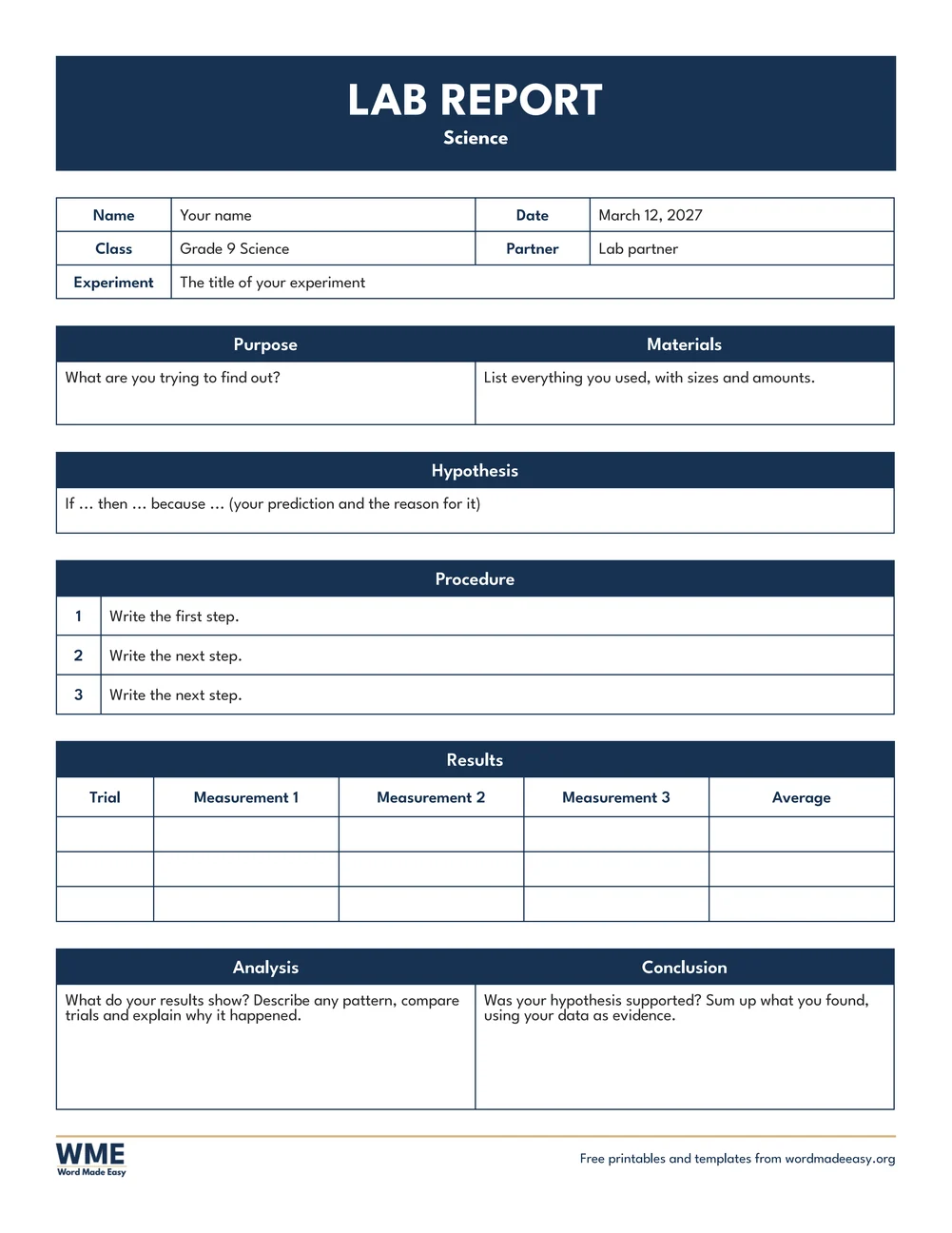
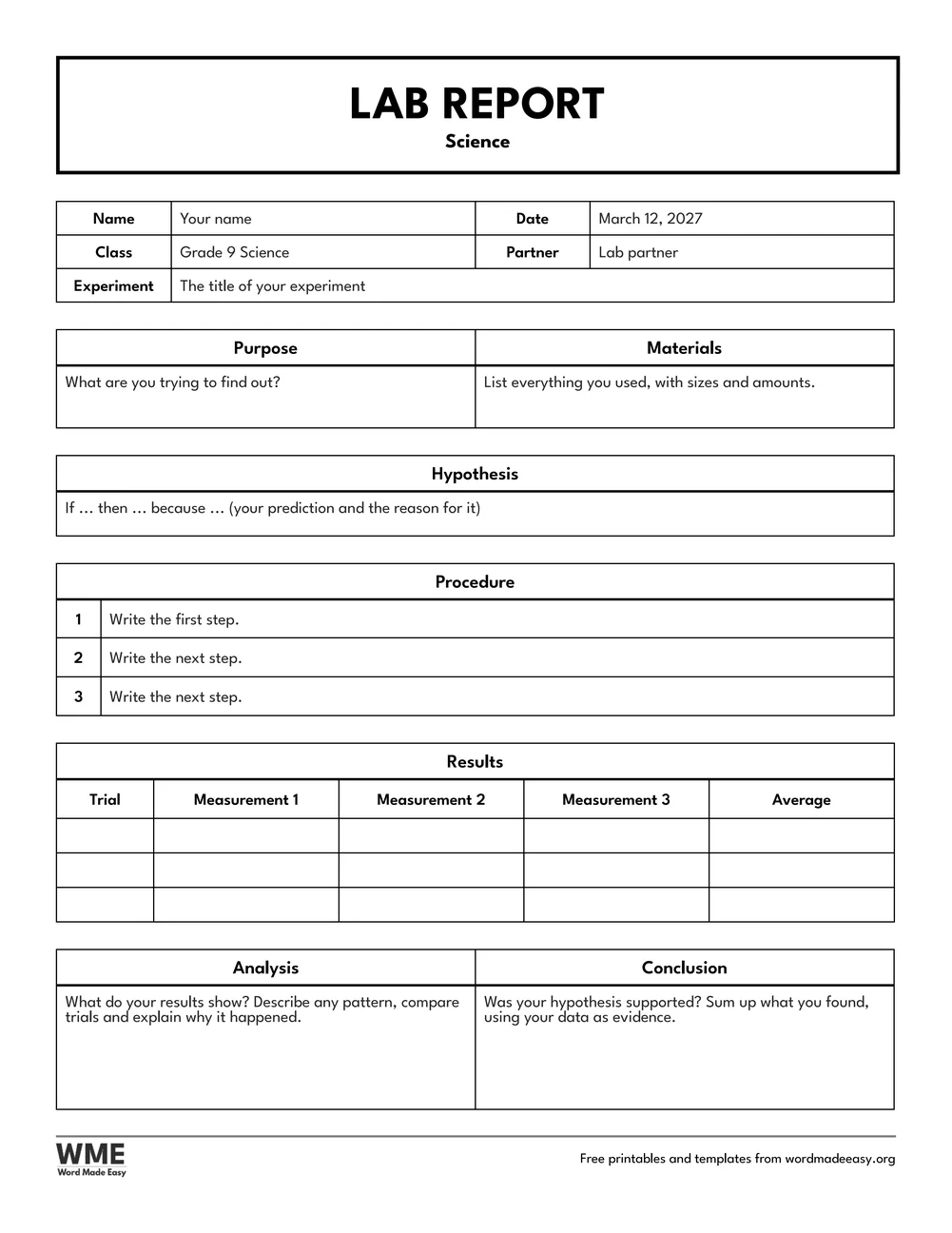
| Classic Lab Report | Navy lab report: aim, hypothesis, method, results table, analysis and conclusion | A4 and US Letter, colour and black and white |
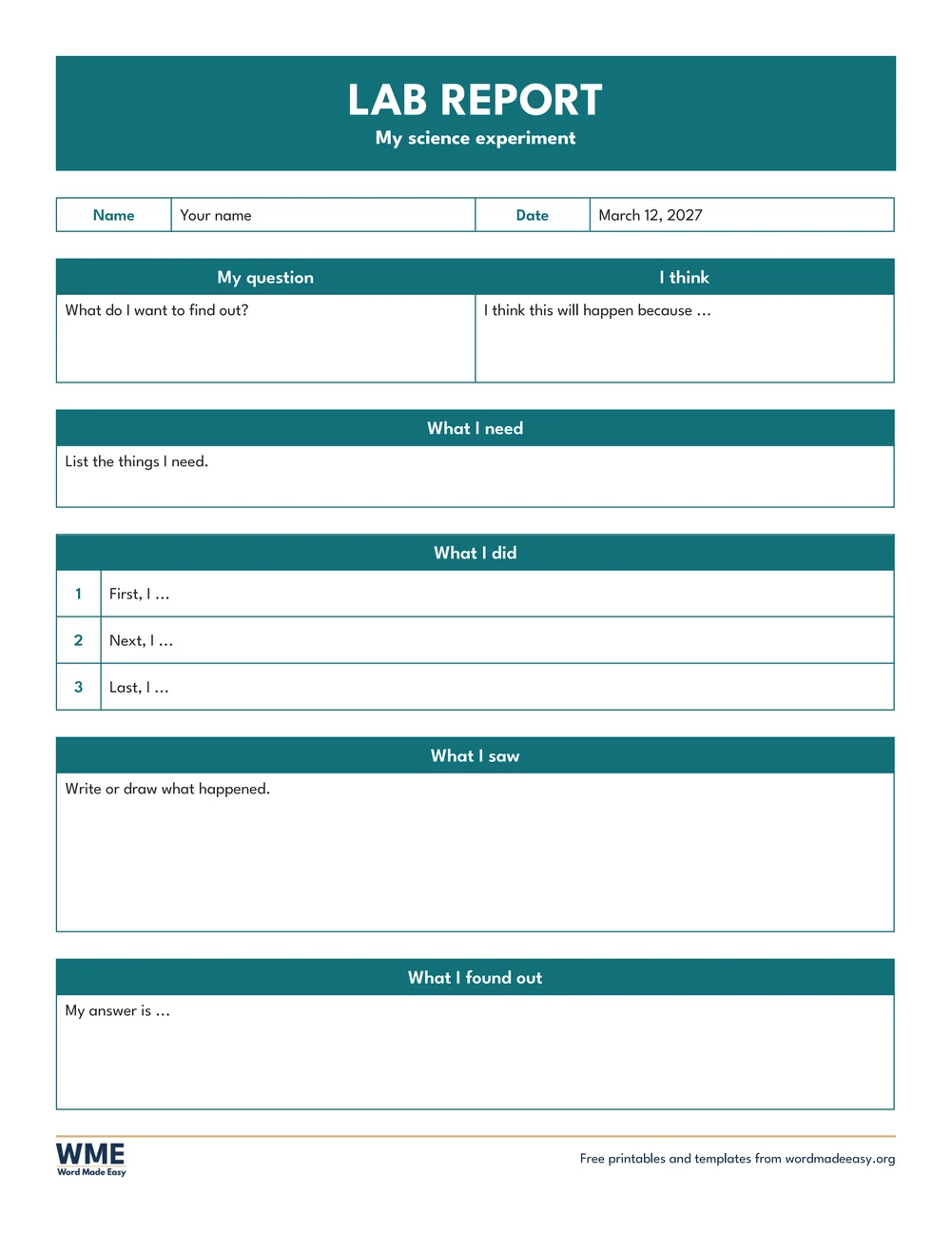
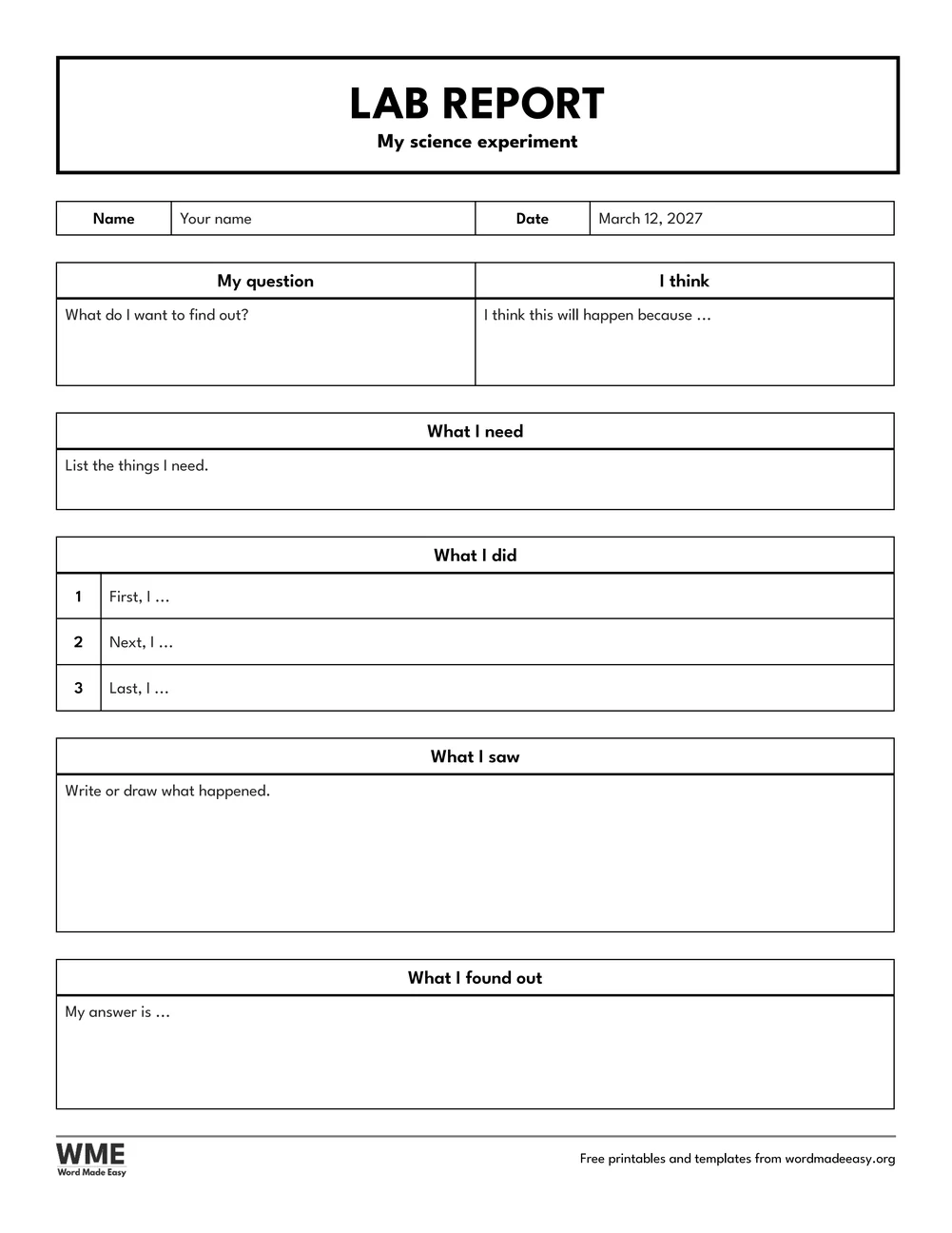
| Junior Lab Sheet | Primary lab sheet with big boxes: question, prediction, what I saw and found out | A4 and US Letter, colour and black and white |
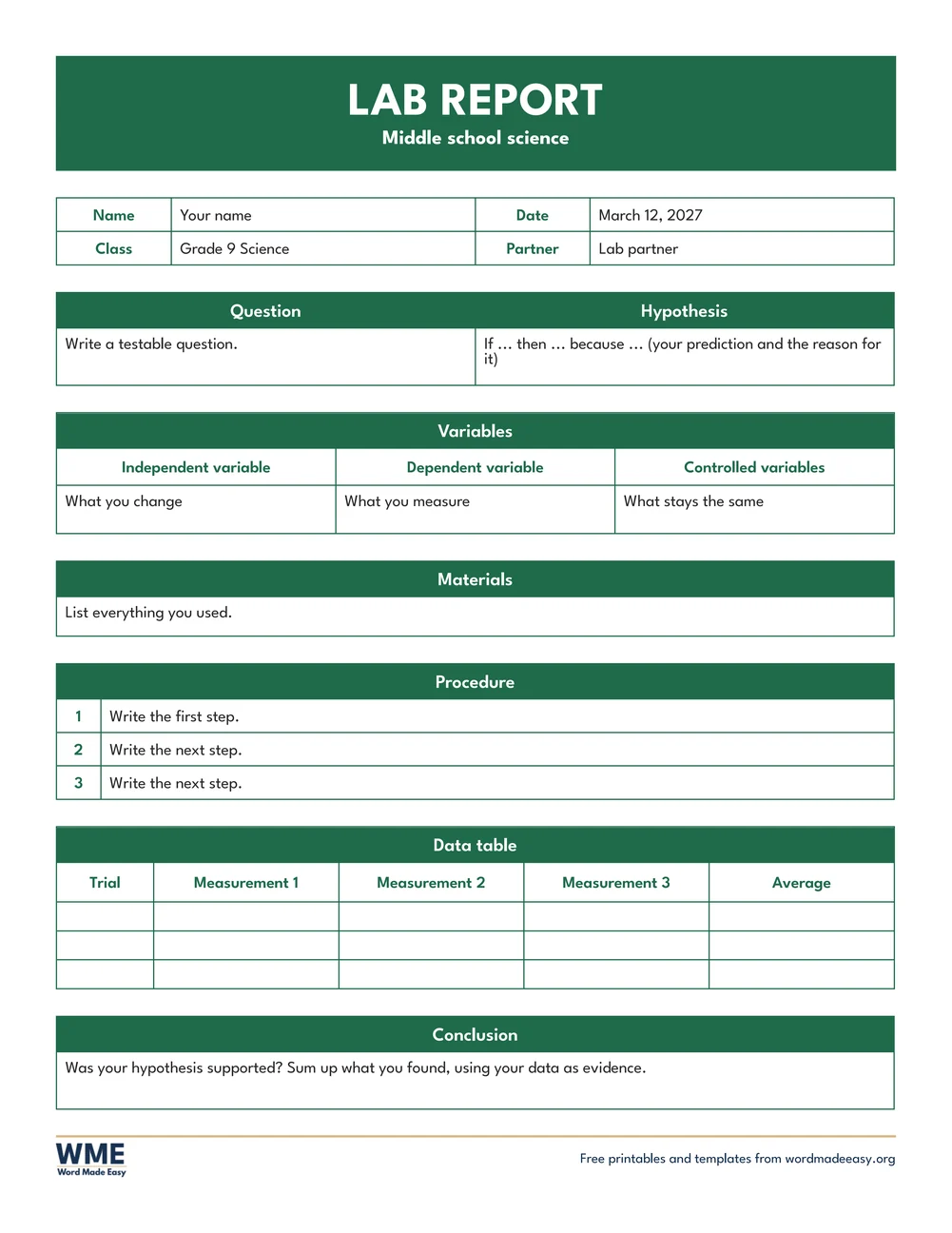
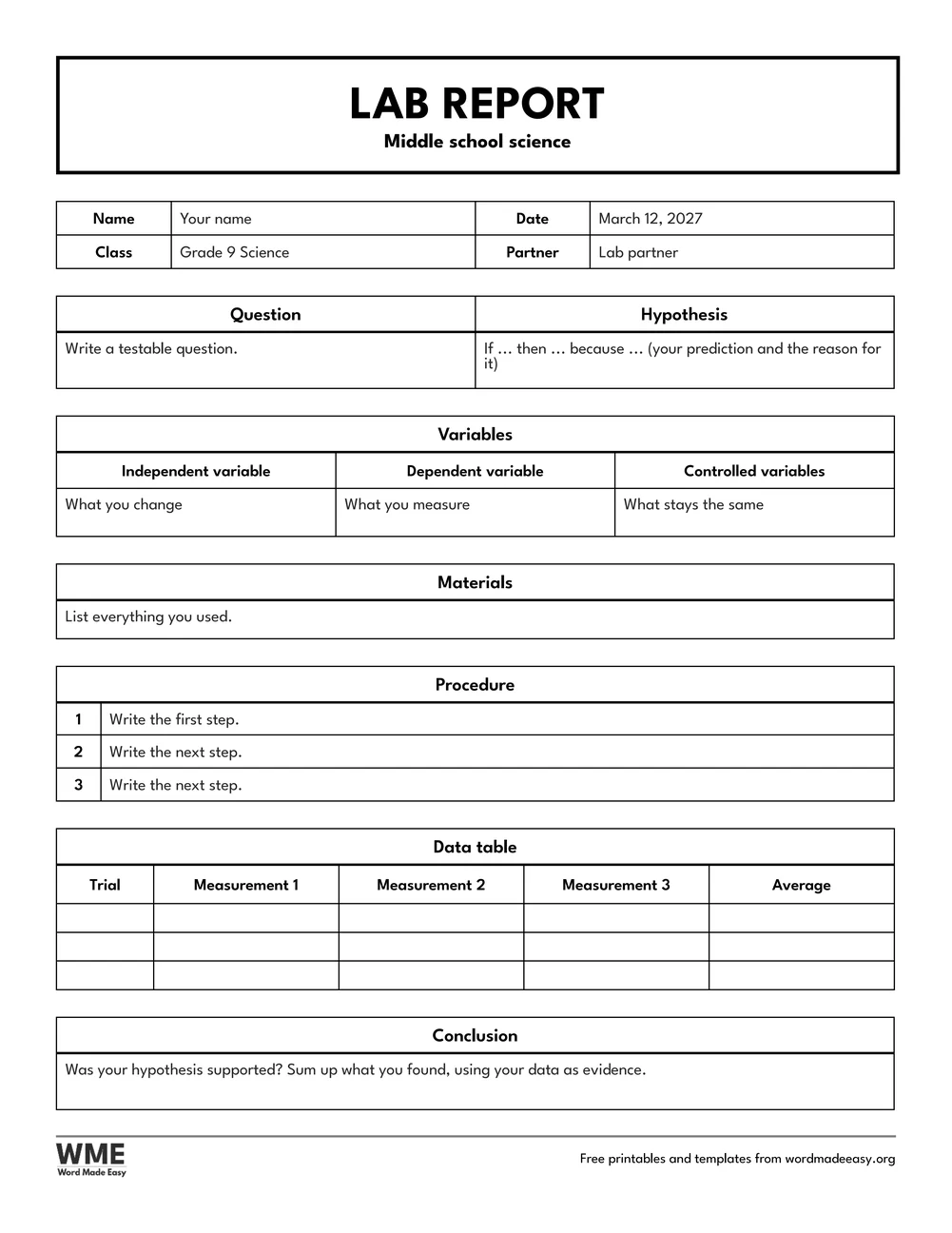
| Scientific Method | Middle school: question, hypothesis, variables table, procedure and data | A4 and US Letter, colour and black and white |
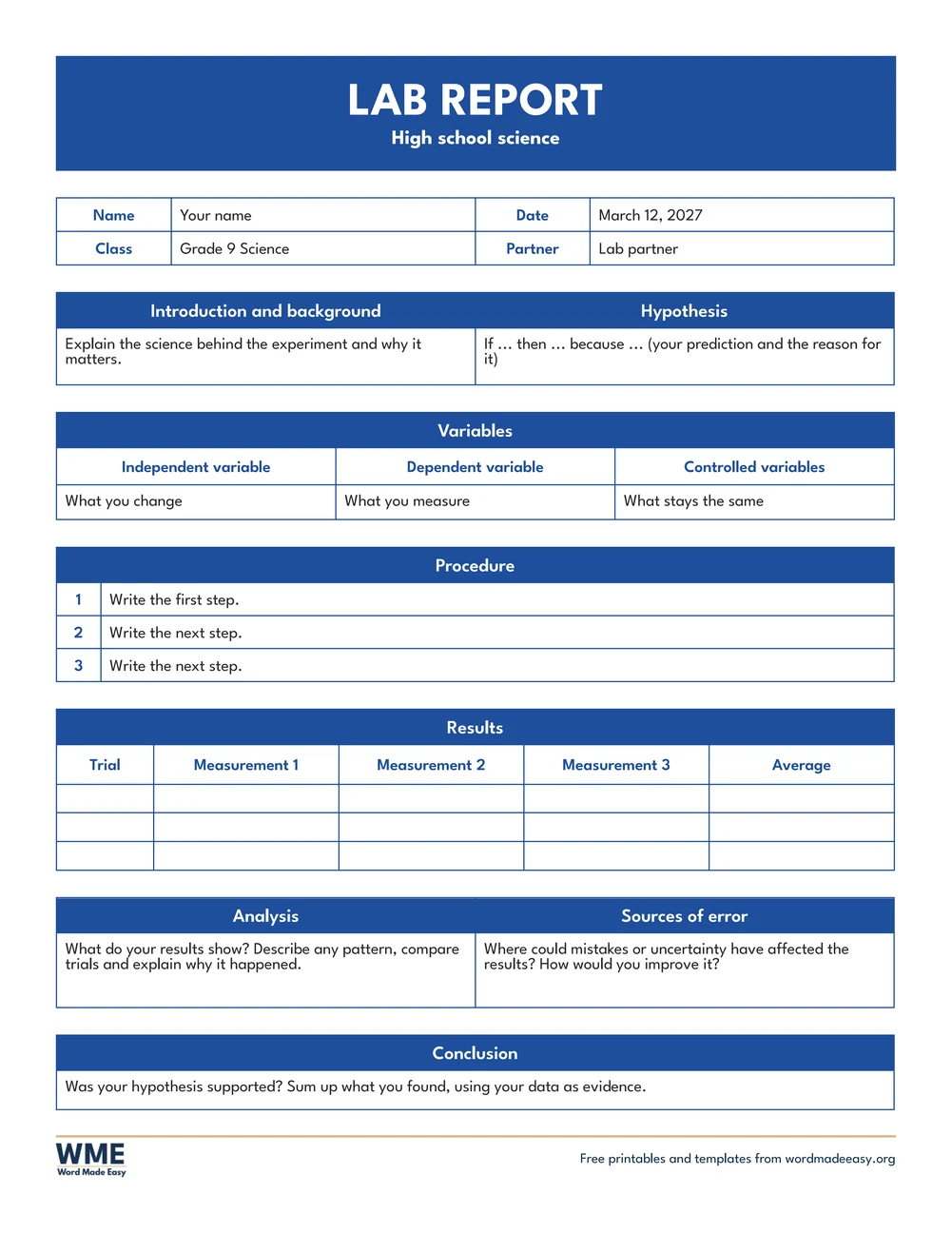
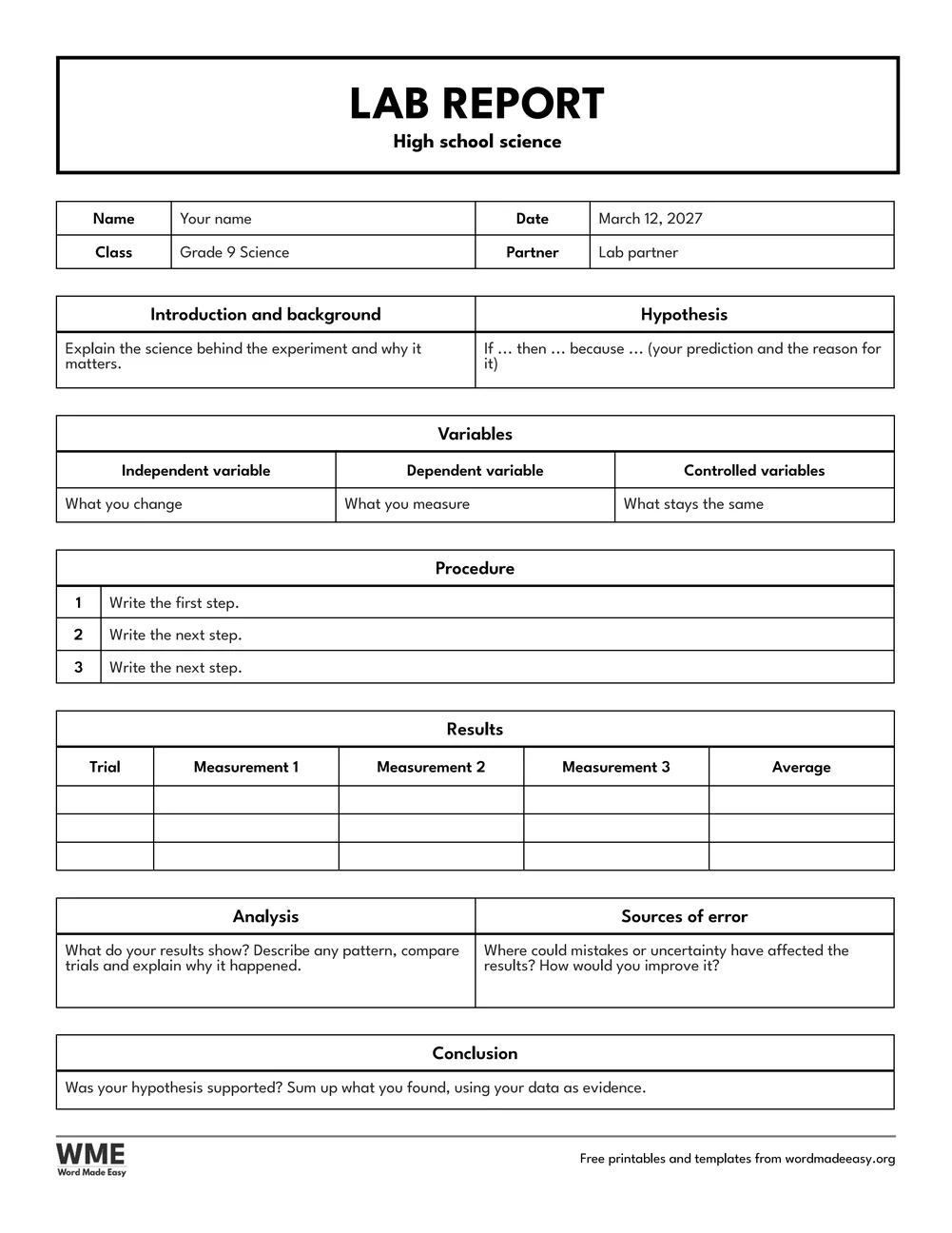
| High School Detailed | High school: background, variables, results, analysis and sources of error | A4 and US Letter, colour and black and white |
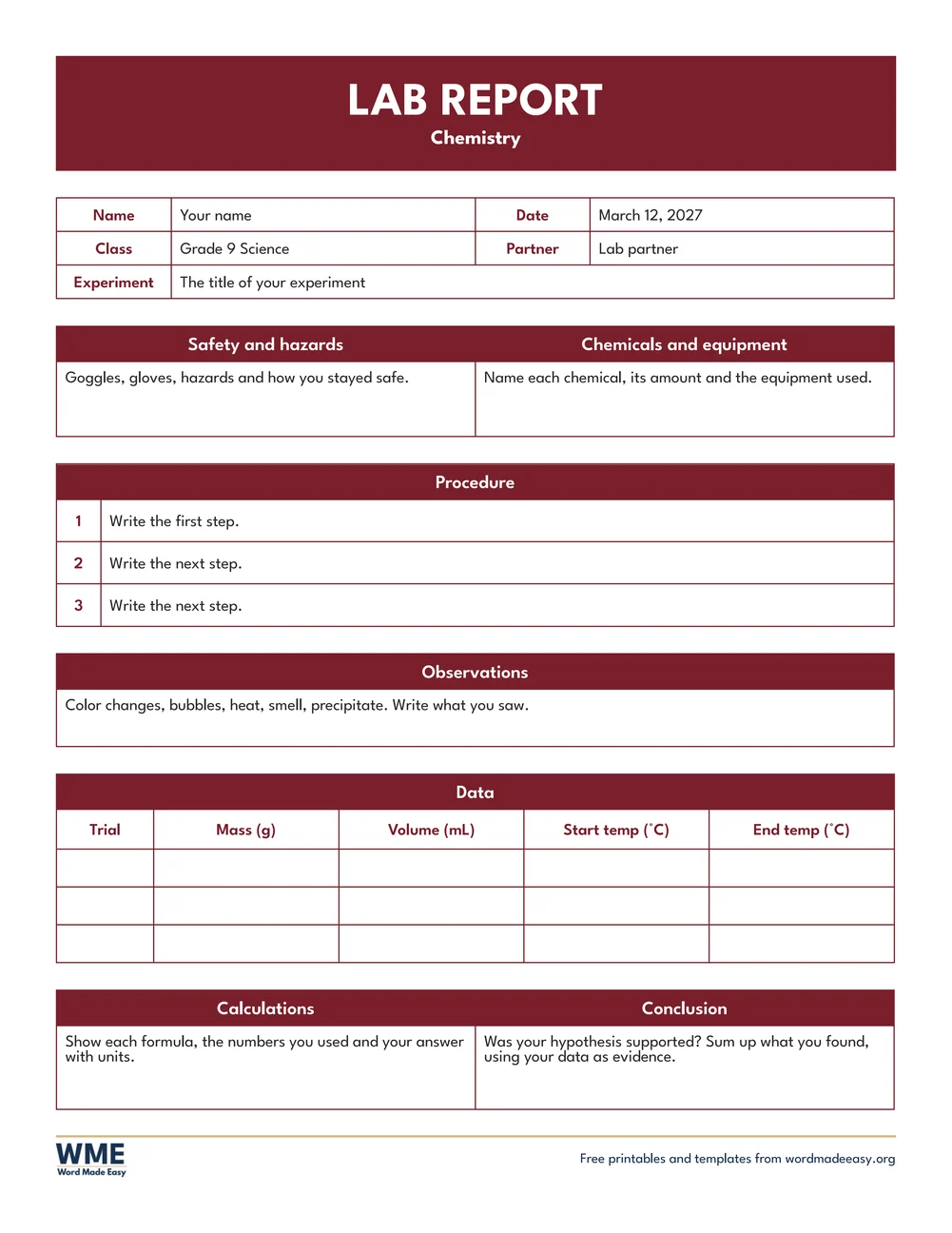
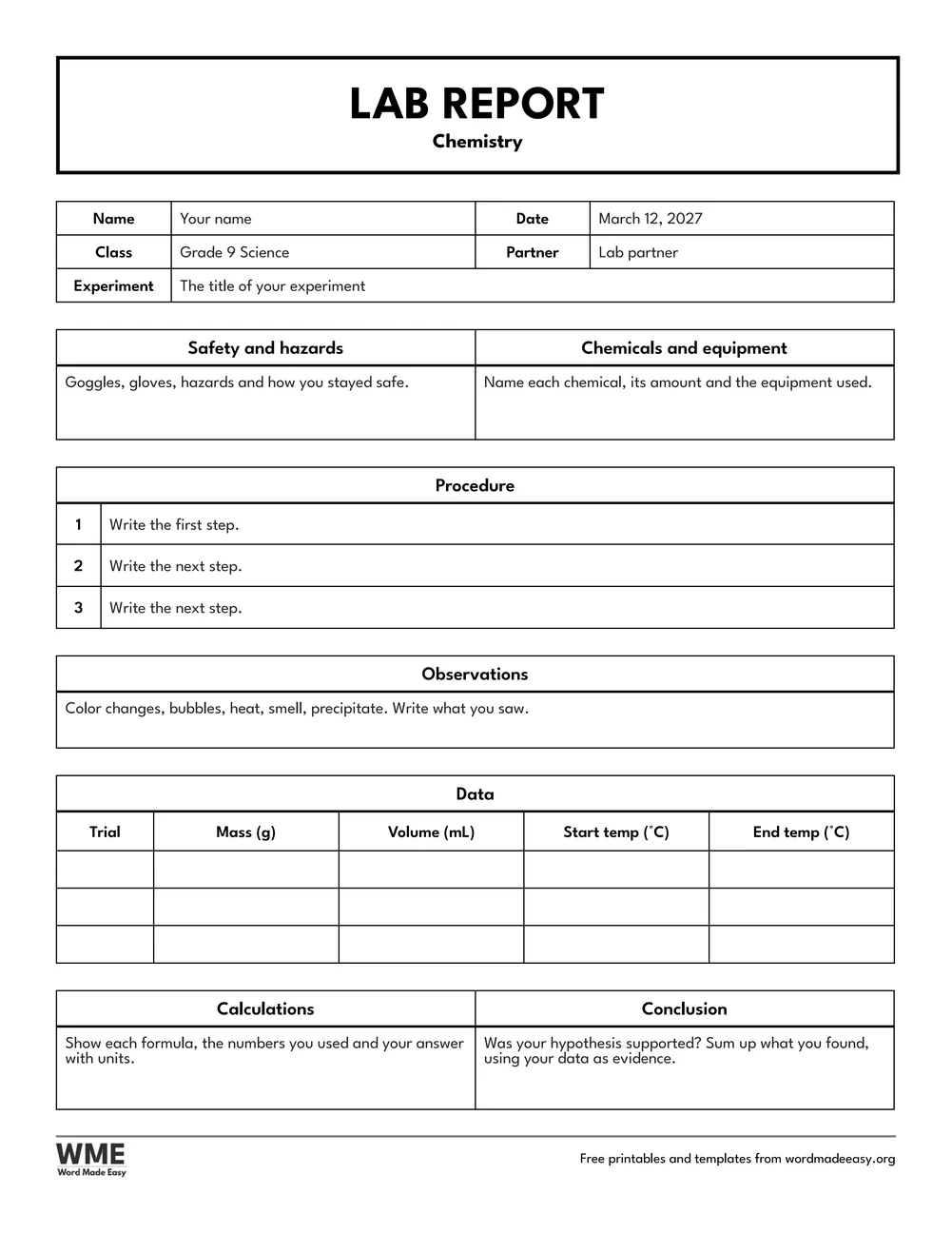
| Chemistry Lab Report | Chemistry: safety, chemicals and equipment, observations, data and calculations | A4 and US Letter, colour and black and white |
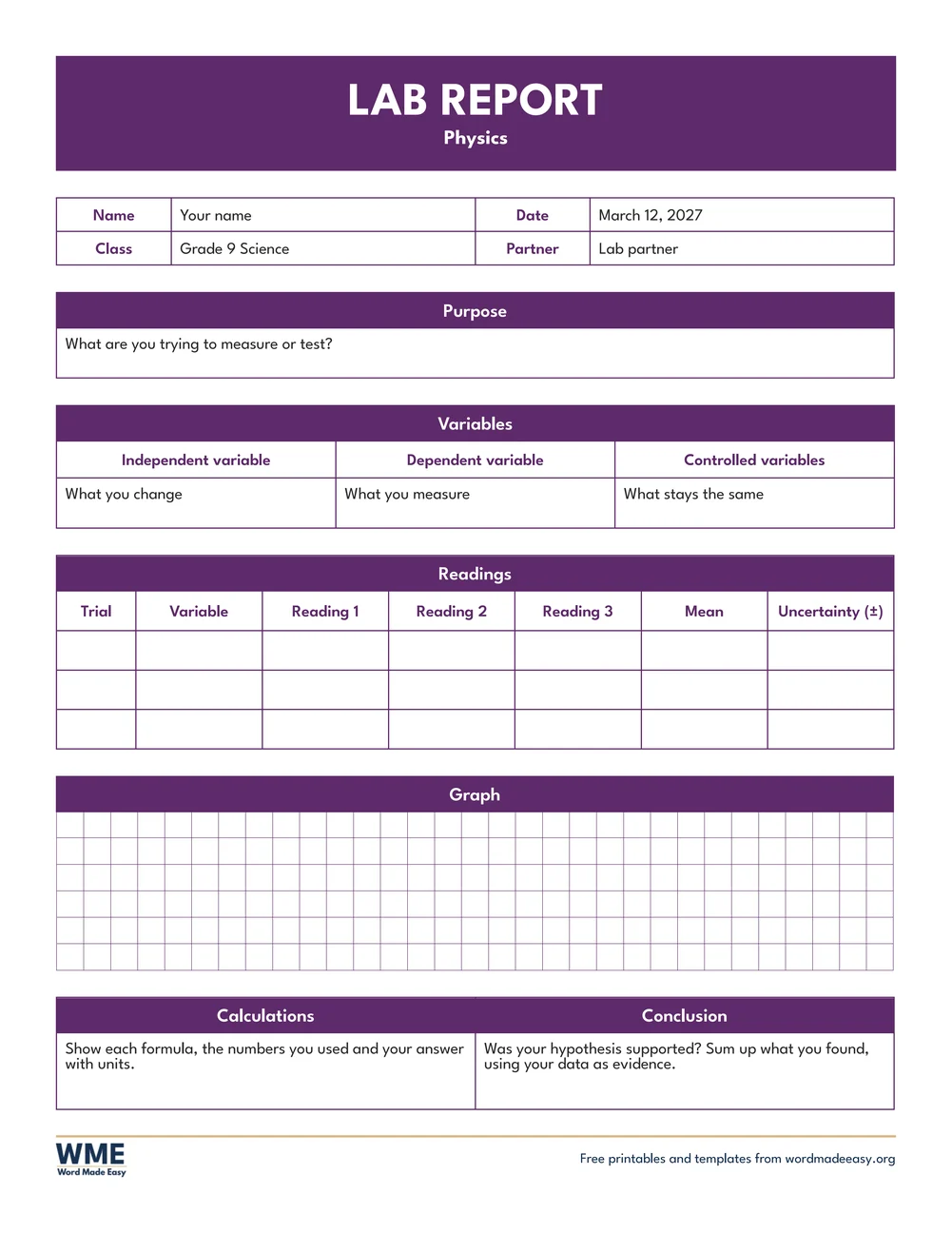
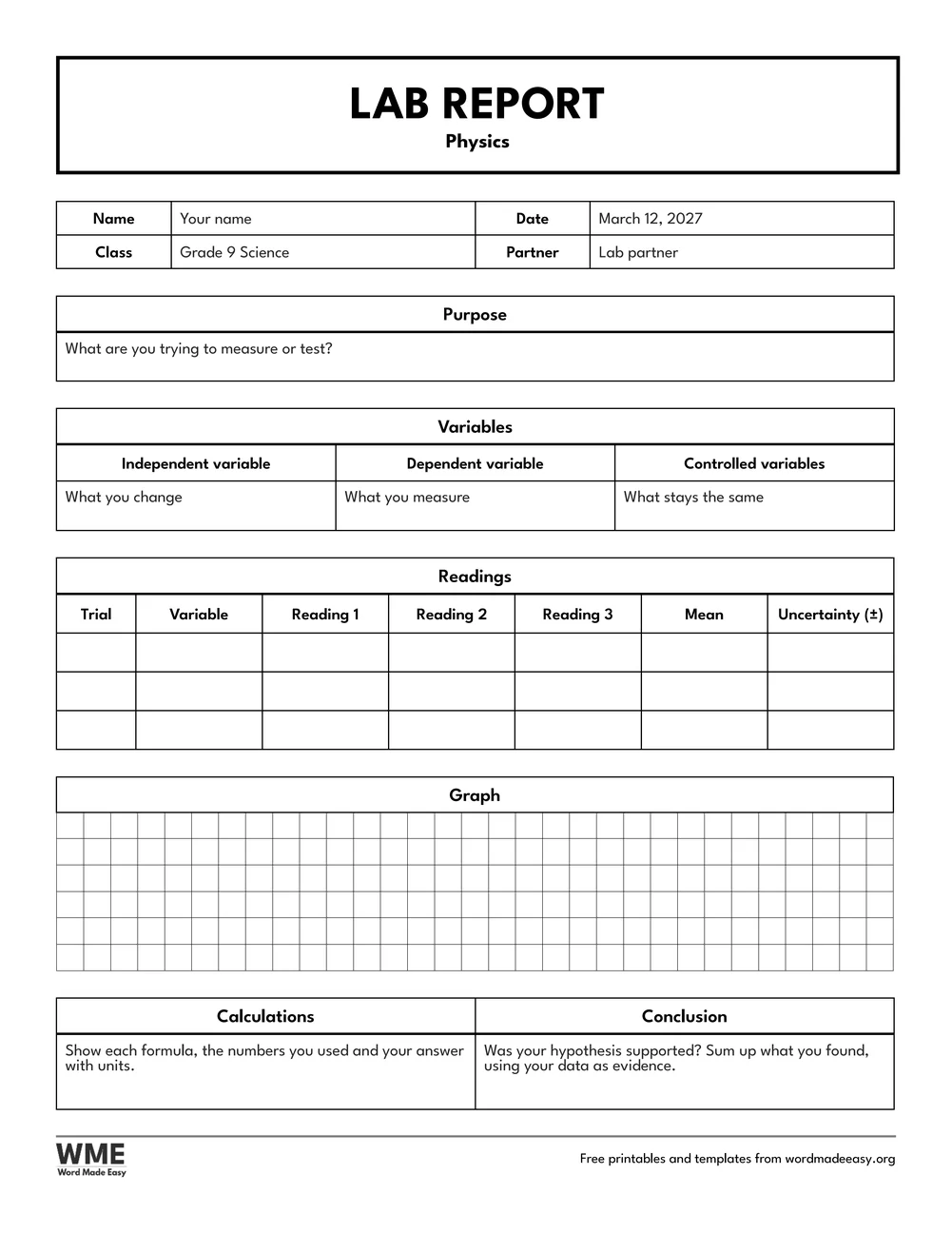
| Physics Lab Report | Physics: variables, readings with uncertainty, graph grid and calculations | A4 and US Letter, colour and black and white |
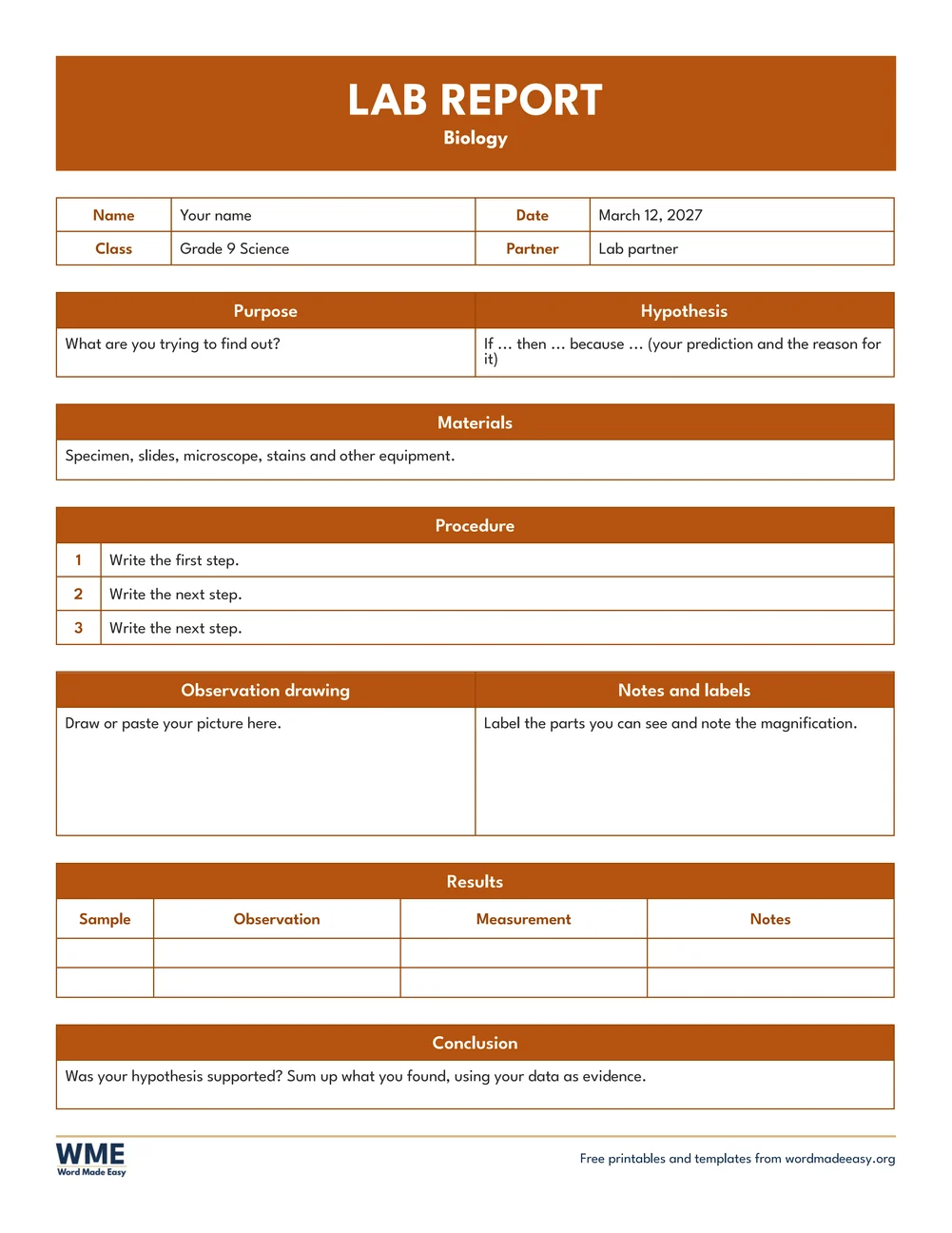
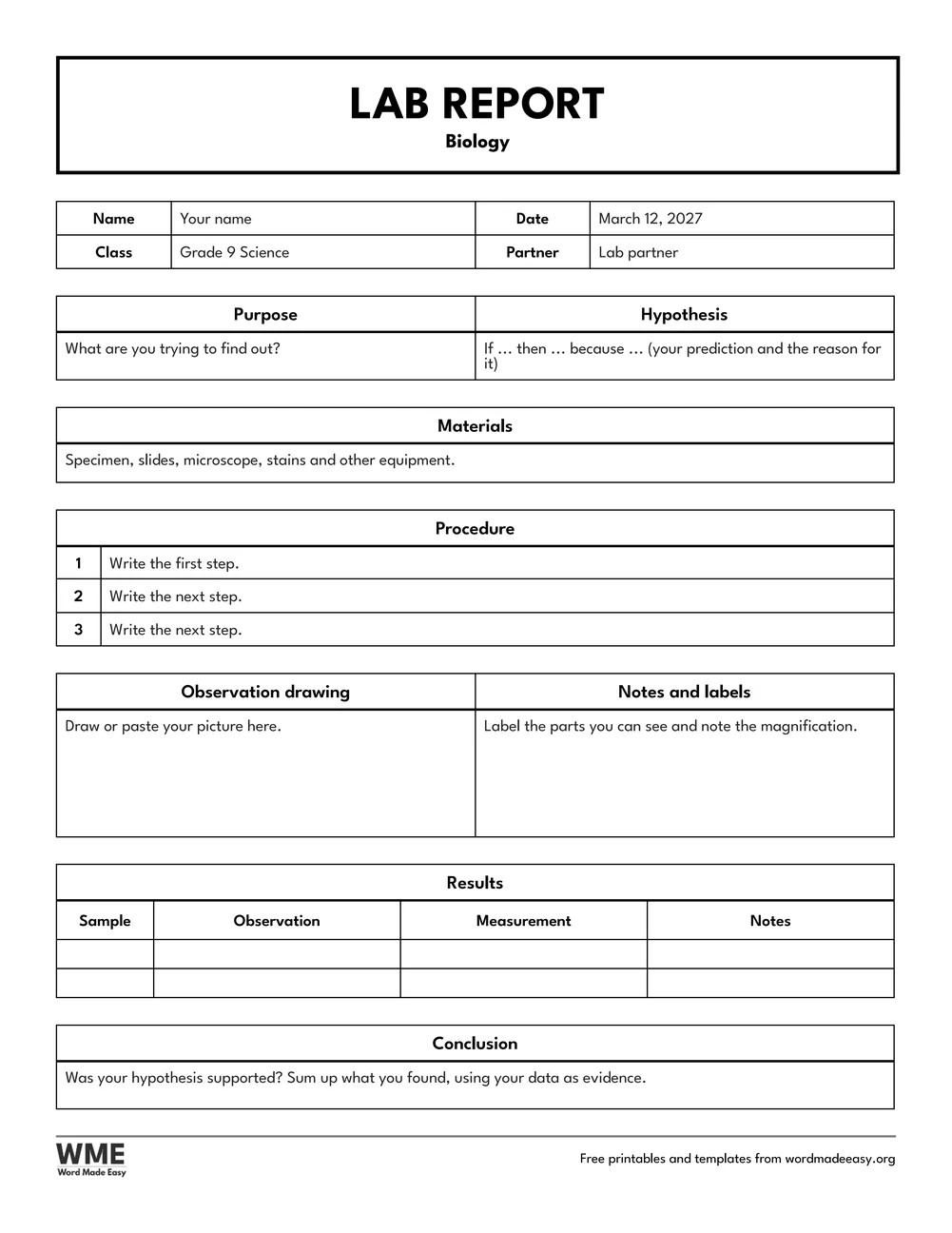
| Biology Lab Report | Biology: observation drawing box with notes and a results table | A4 and US Letter, colour and black and white |
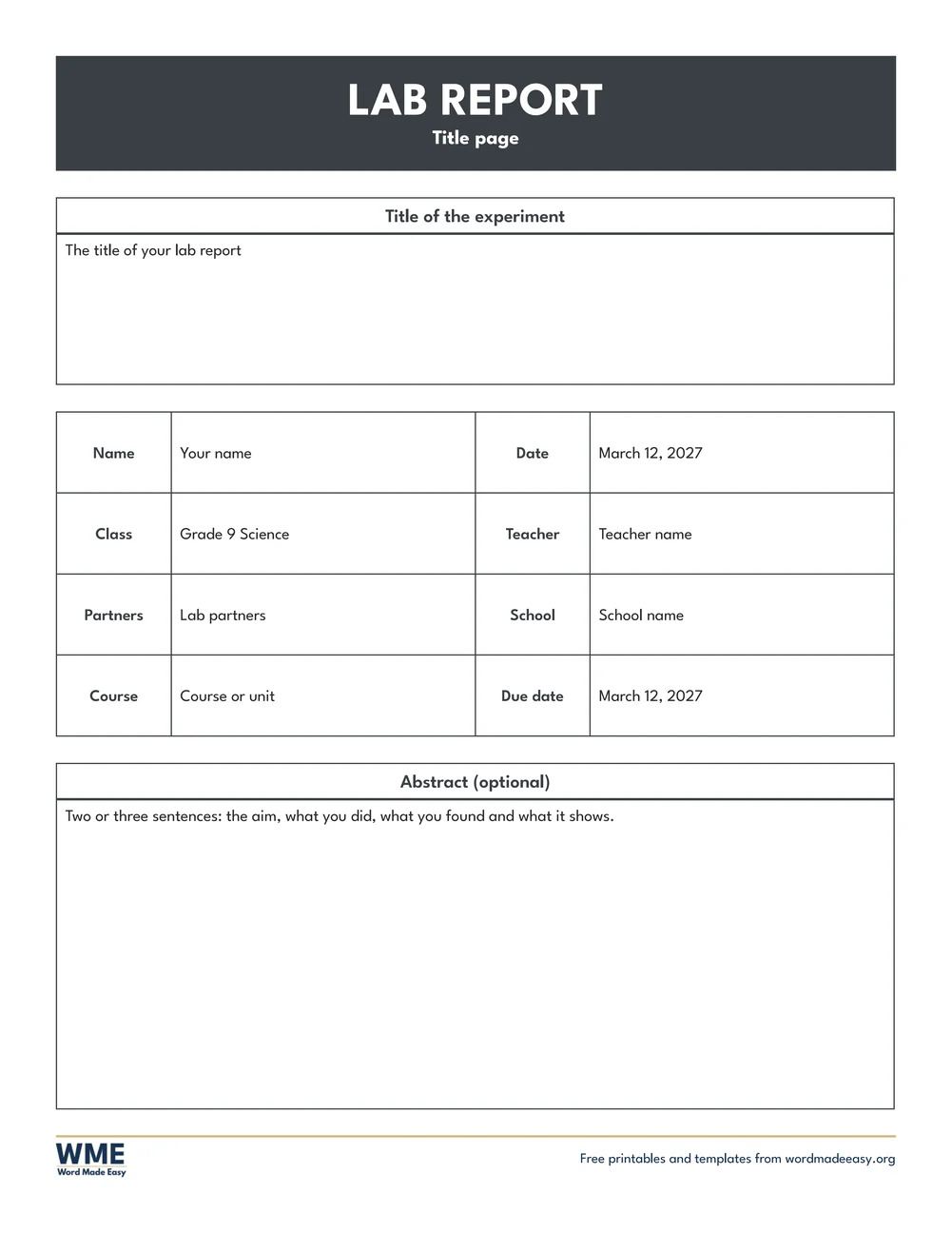
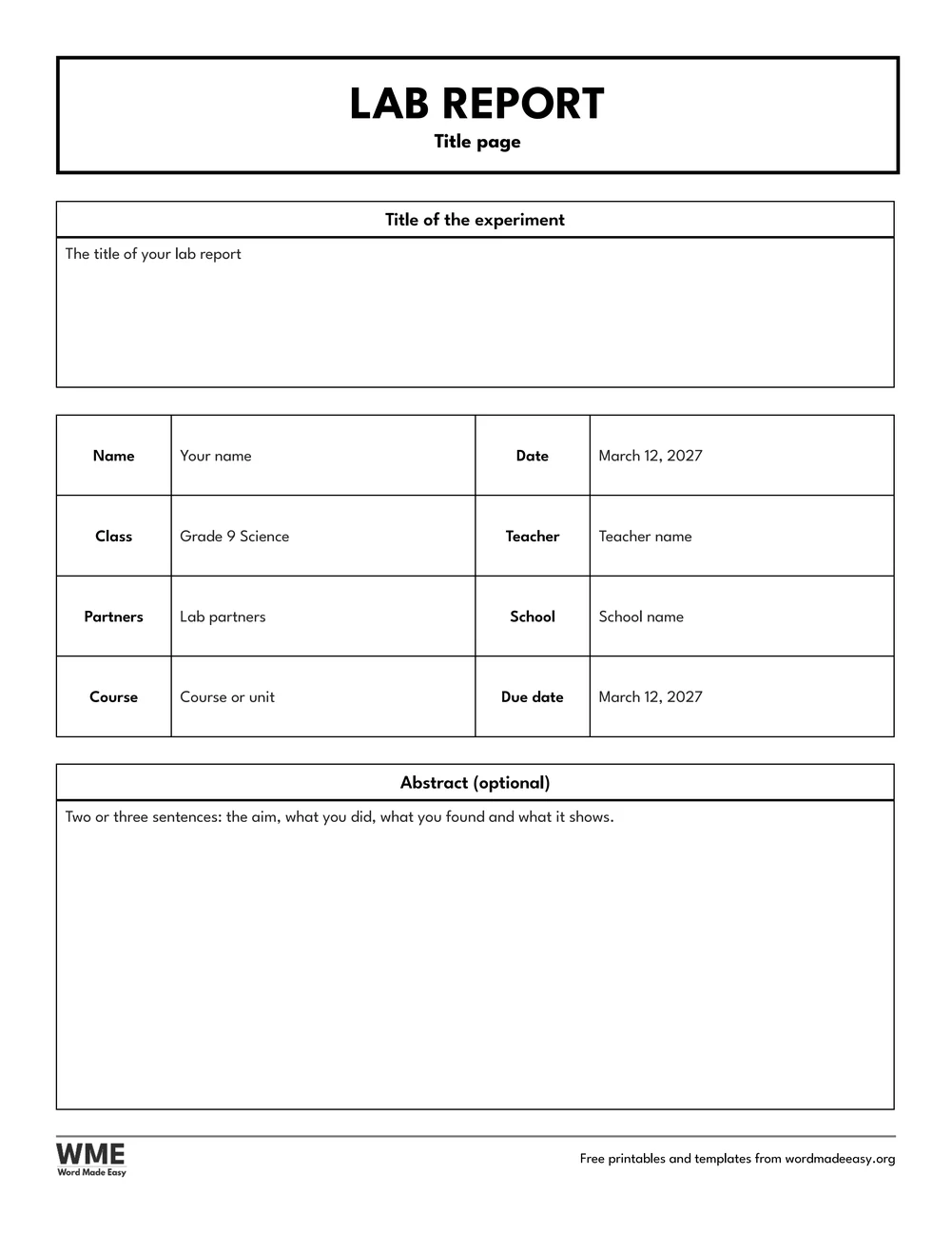
| Lab Report Title Page | Cover page with title, name, class, teacher and an abstract box | A4 and US Letter, colour and black and white |
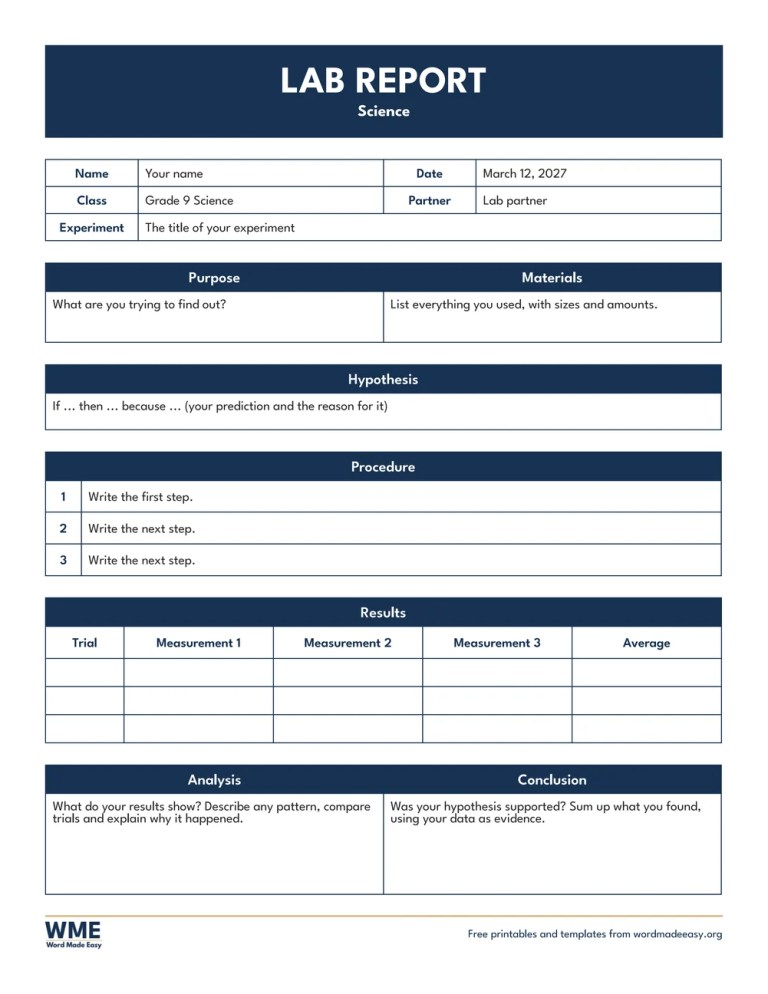
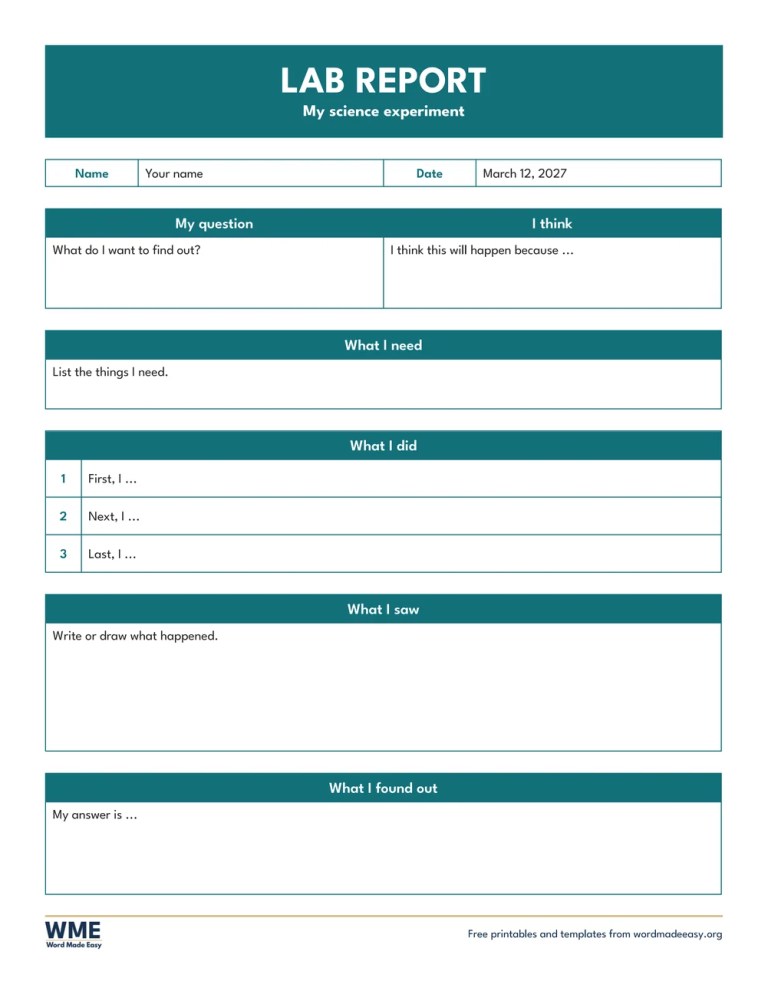
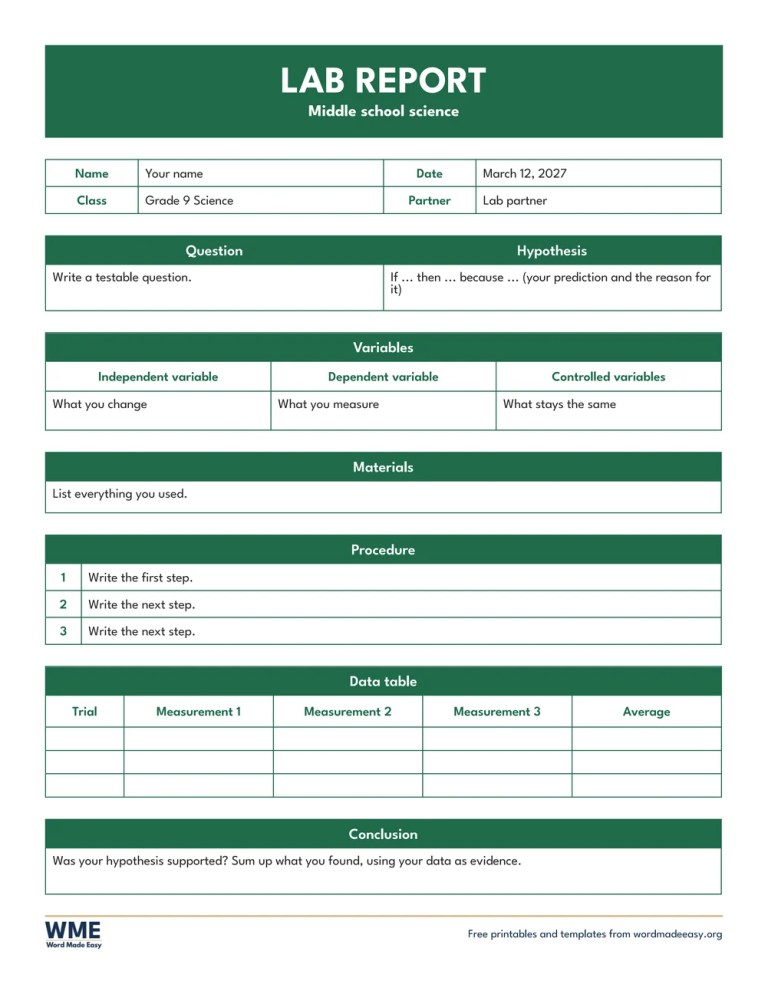
👉 Every answer is a click-and-type box with grey sample text: click it and type, and the box keeps its shape. Table cells in the results tables are ordinary Word cells, so you can add rows or rename a column.
What Goes in a Lab Report?
Most school and college lab reports follow the same story. The aim (or purpose) says what you are trying to find out, and the hypothesis is your prediction with a reason. The materials list the equipment, and the method gives the steps so that someone else could repeat the experiment. Results hold your measurements, usually in a table and sometimes a graph. The analysis explains the pattern and any errors, and the conclusion says whether the hypothesis was supported. Teachers often add or swap a section, so every box here can be retitled.
Which Lab Report Template Should You Choose?
- Primary: the Junior Lab Sheet has big boxes and plain prompts: My question, I think, What I did, What I saw.
- Middle school: Scientific Method adds a variables table (what you change, measure and keep the same).
- High school: High School Detailed adds background and sources of error; Classic Lab Report is the all-round choice for any subject.
- By subject: Chemistry has safety, chemicals and calculations; Physics has readings with uncertainty and a graph grid; Biology has an observation drawing box beside notes.
- The Lab Report Title Page is a cover for any of them. For a reading project instead, try the book report templates.
How to Fill In a Lab Report in Word
- Choose colour or black and white and your paper size above, download the ZIP and open a template.
- Click each grey sample, such as the title of your experiment, and type your own words.
- Add your data to the results table; press Tab in the last cell to add a row.
- On the graph grid, print the page and plot by hand, or paste a chart from Excel over the grid.
- Check units and spelling, then print or choose File > Save As > PDF.
Write the method in the past tense and in your own words, and put units in every column heading. Keep the conclusion to the point: say whether the hypothesis was supported and give one number from your results as evidence.
Black and White Versions
Every lab report also comes in black and white: black headings with a rule under each, black table lines and no filled bars, so a class set prints sharply on any printer. In the download box, choose Colour, Black and white or All, then A4, US Letter or both.
Want to print without editing? Every download has three folders: the editable Word files, the same sheets as PDFs, and every page as a print-ready image (JPEG), so you can print straight away without opening Word.
Print at 100% (Actual size) on A4 or US Letter, the size in the file name. For handing in online, save the finished report as a PDF from Word; the ready-made PDF and image in the download are blank samples, so fill in the Word file first.
FAQs
Is this lab report template free?
Yes. All eight are free in Word on A4 and US Letter, in colour and black and white, with PDF and image versions in the ZIP.
Which lab report format does it follow?
The common school format: aim or purpose, hypothesis, materials, method, results, analysis and conclusion. Each box can be retitled to match your teacher.
Can students type straight into it?
Yes. Every answer is a click-and-type box, or print a copy for handwriting.
Is there a lab report title page?
Yes. The Lab Report Title Page has the title, name, class, teacher, date and an optional abstract box.
Does it work for chemistry, physics and biology?
Yes. There is a template for each, with safety and calculations, readings and a graph grid, or an observation drawing box.
Does the spelling change with paper size?
Yes. A4 files use UK words such as aim, apparatus and colour; US Letter files use purpose, materials and color.
Conclusion
Eight lab report templates for every age and science subject, ready to type into in Microsoft Word.
Choose your paper size above and download the ZIP. For note-taking before the experiment, use the cornell notes templates.
Related Tutorials
- Free Cornell Notes Templates for Word
- Free Book Report Templates for Word
- Free Graphic Organizer Templates for Word
Word Templates
Recently Added Word Templates
Browse the complete collection of free printable Word templates for home and school, all made by a teacher.
New to Word? Our Word tutorials show you how to edit and print your templates.

Leave a comment
Have a question about these templates, or an idea for a new one? Ask below.