
February 2027 Calendar for Word: 6 Free Printable Designs
Preview every calendar, choose colour or black and white and your paper size, then download your Word templates in one small ZIP file.
A4 and US Letter6 calendarsFree

Can’t find the template you need? Request a template and I’ll make it in Word, free.
Get new free printables first: follow Word Made Easy on Pinterest
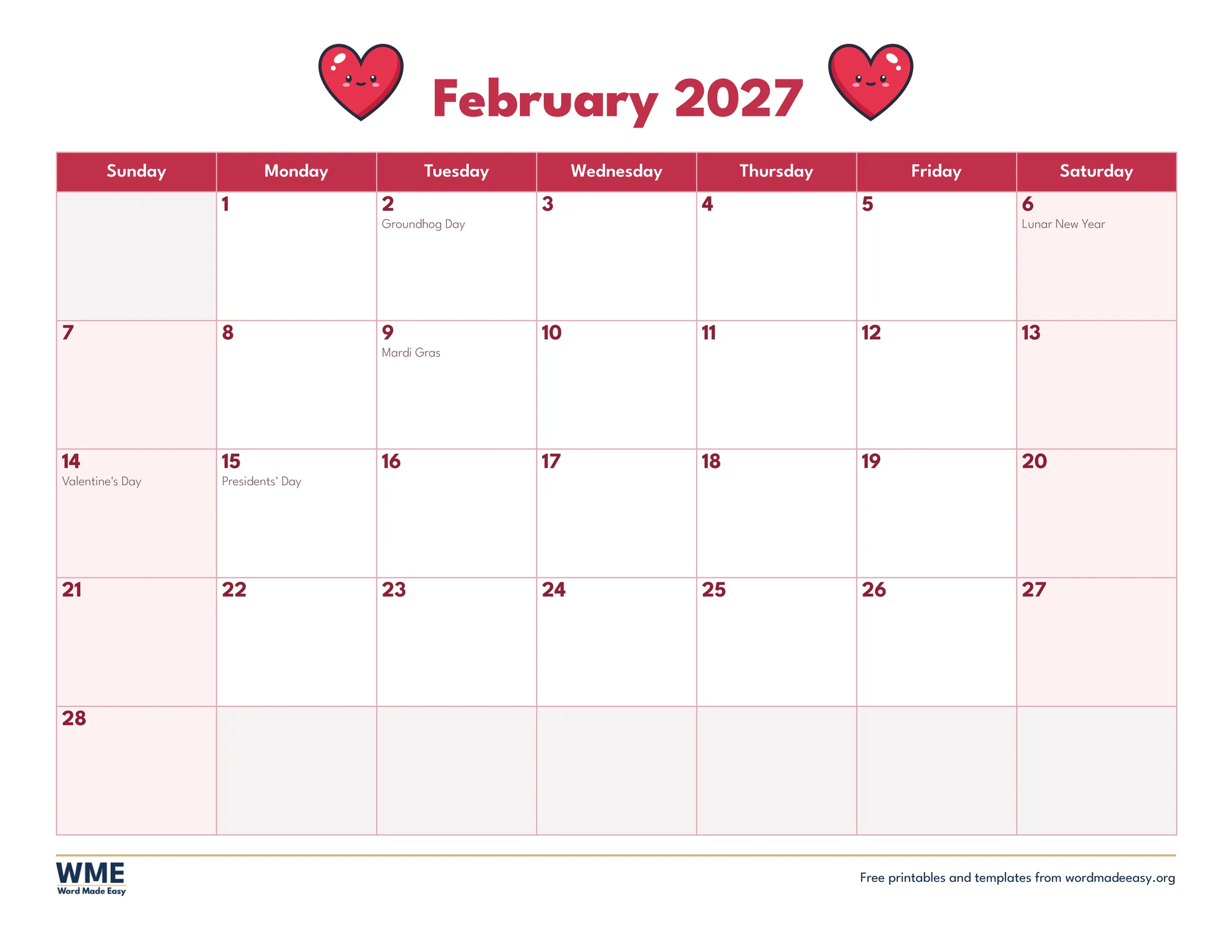
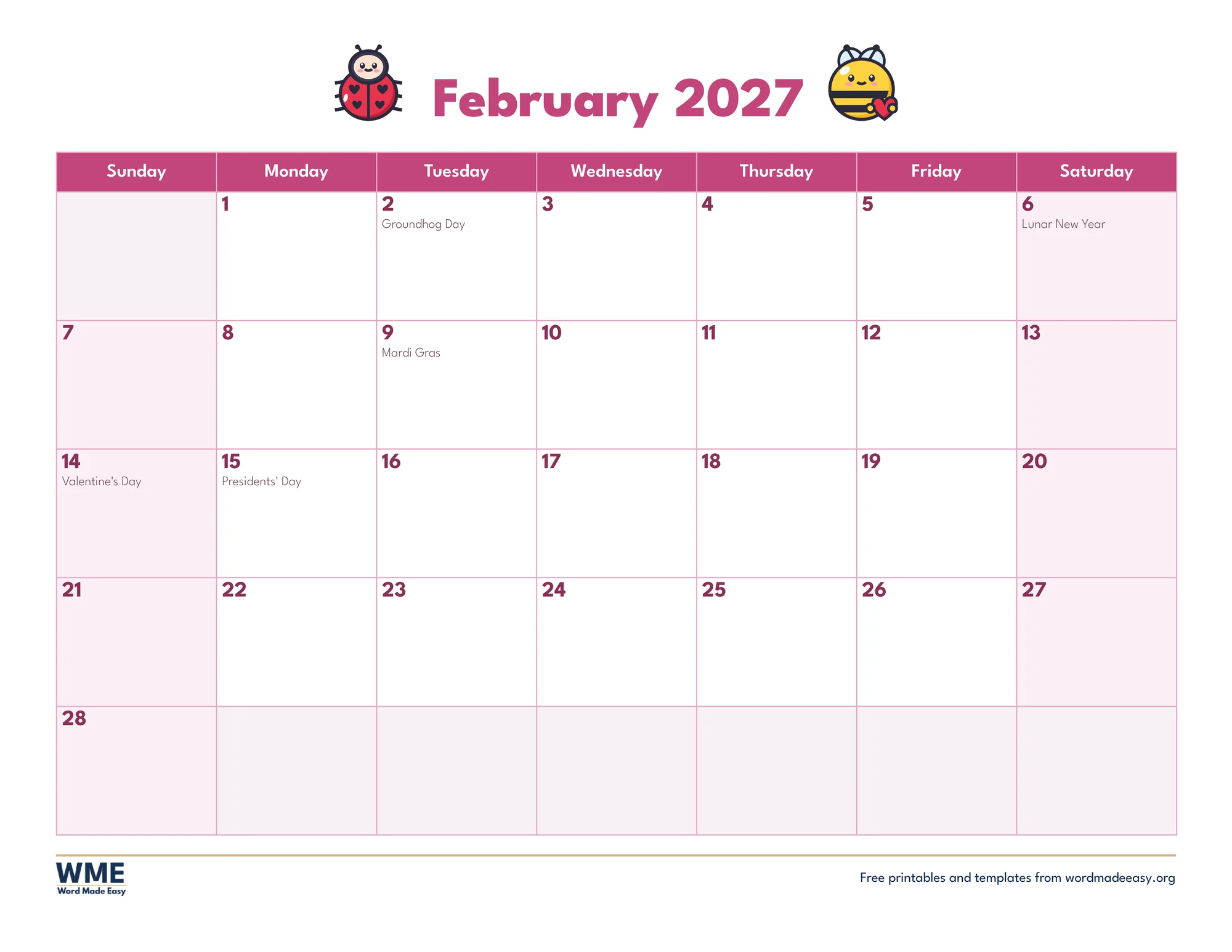
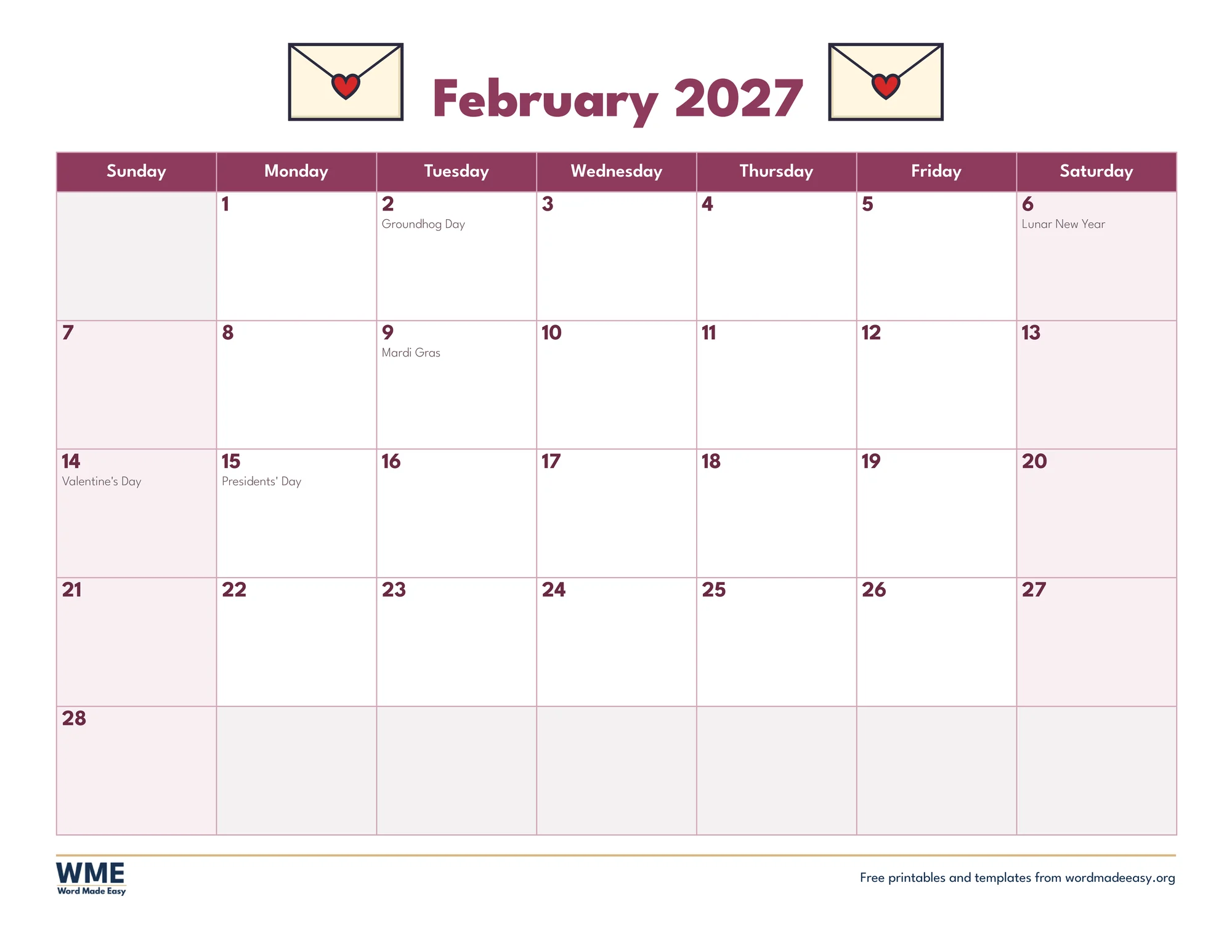
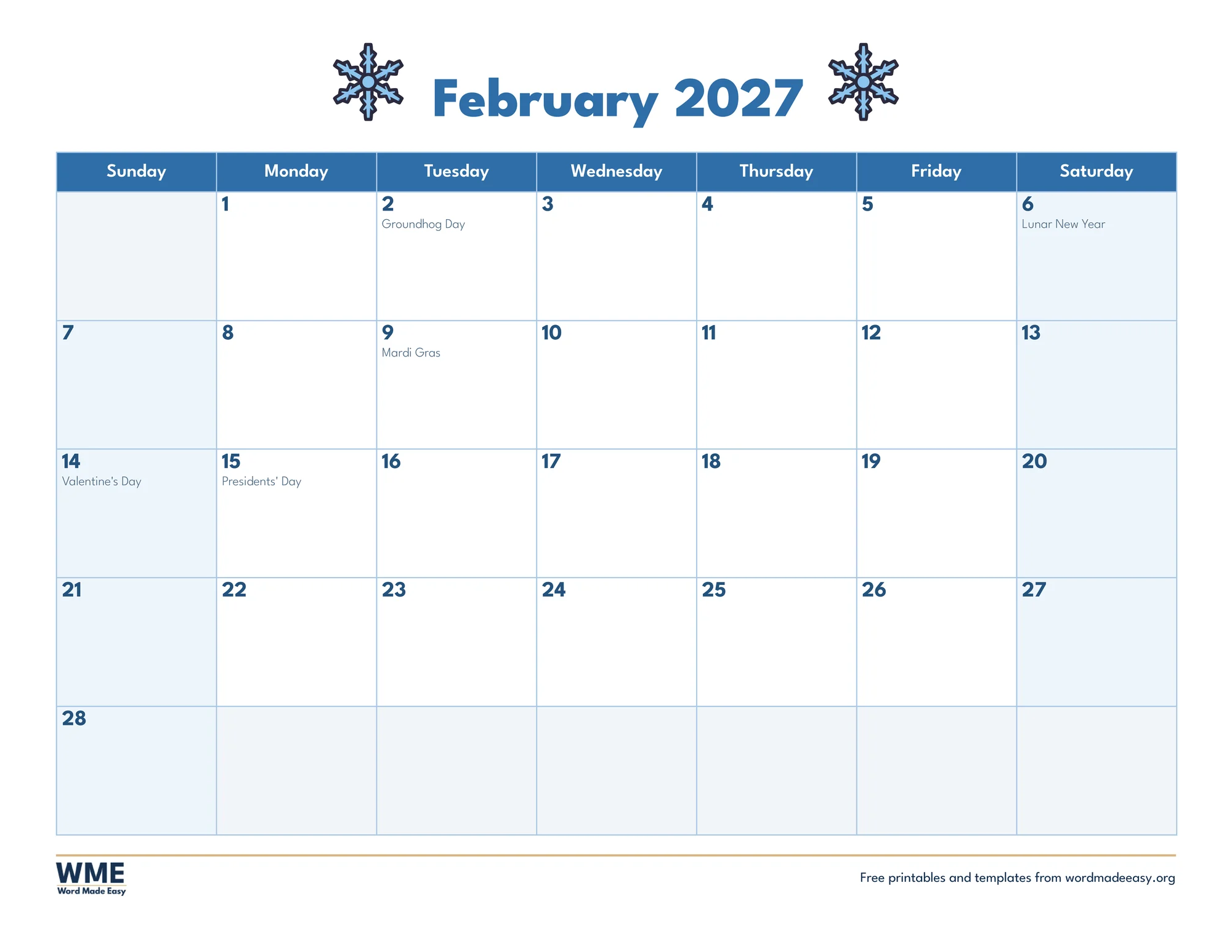
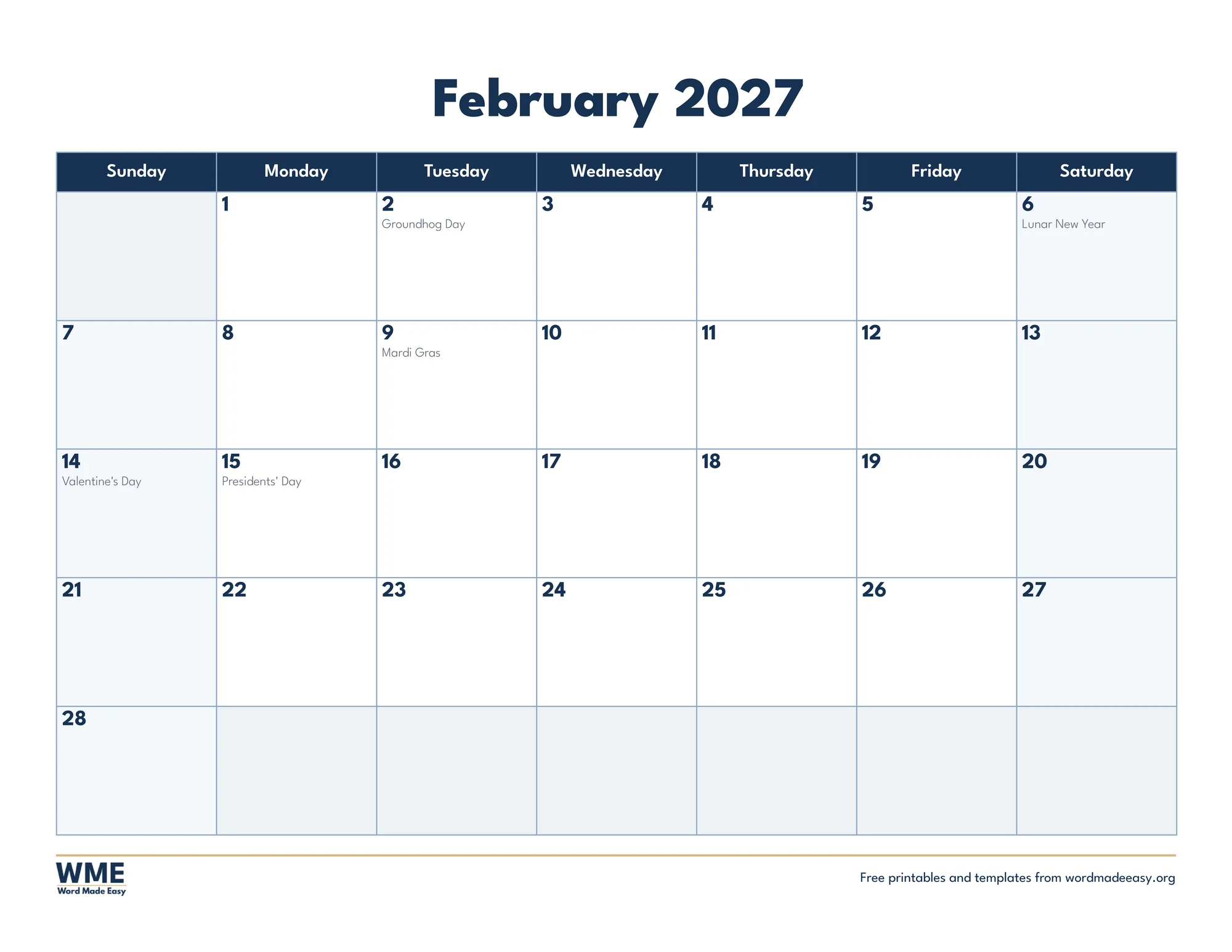
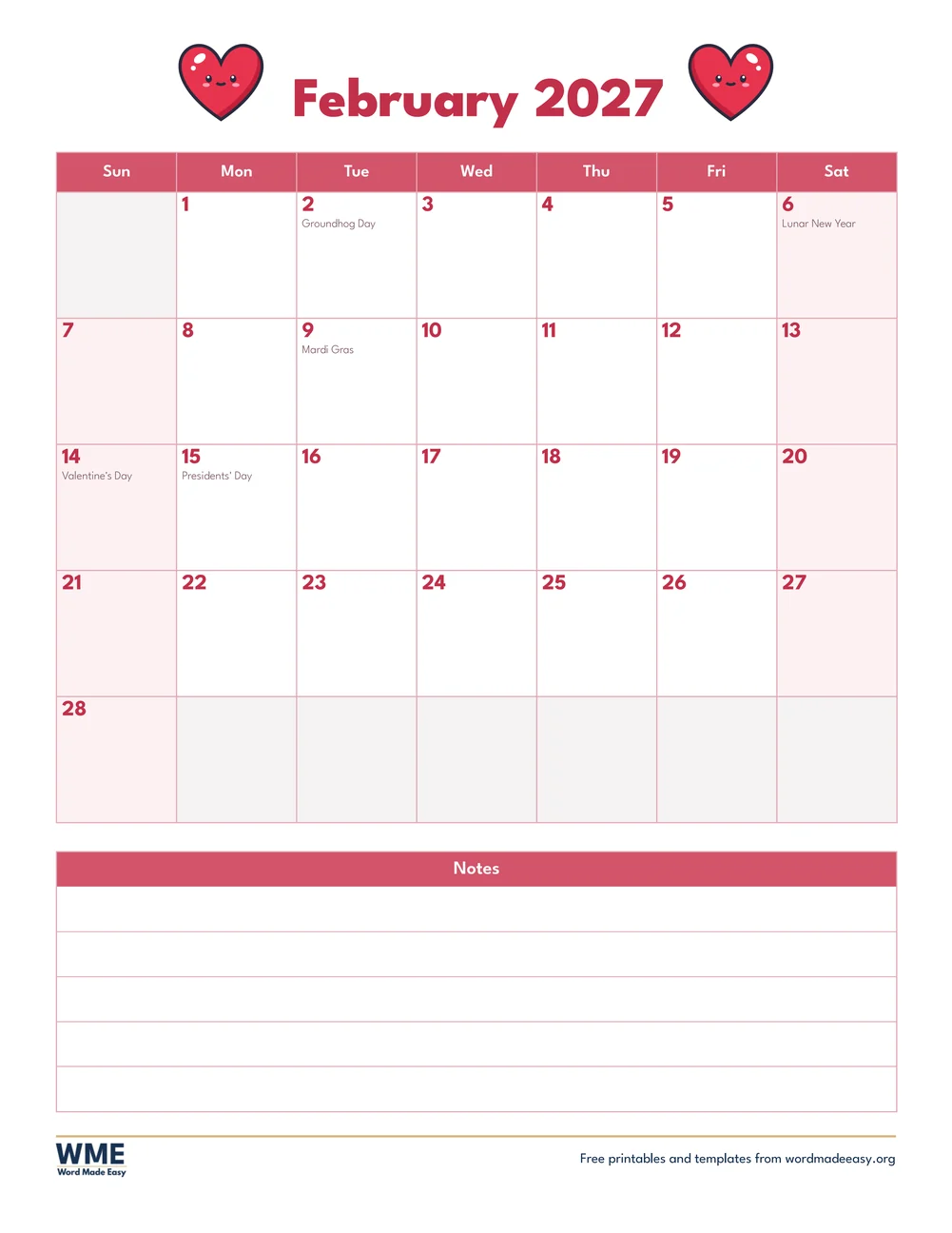
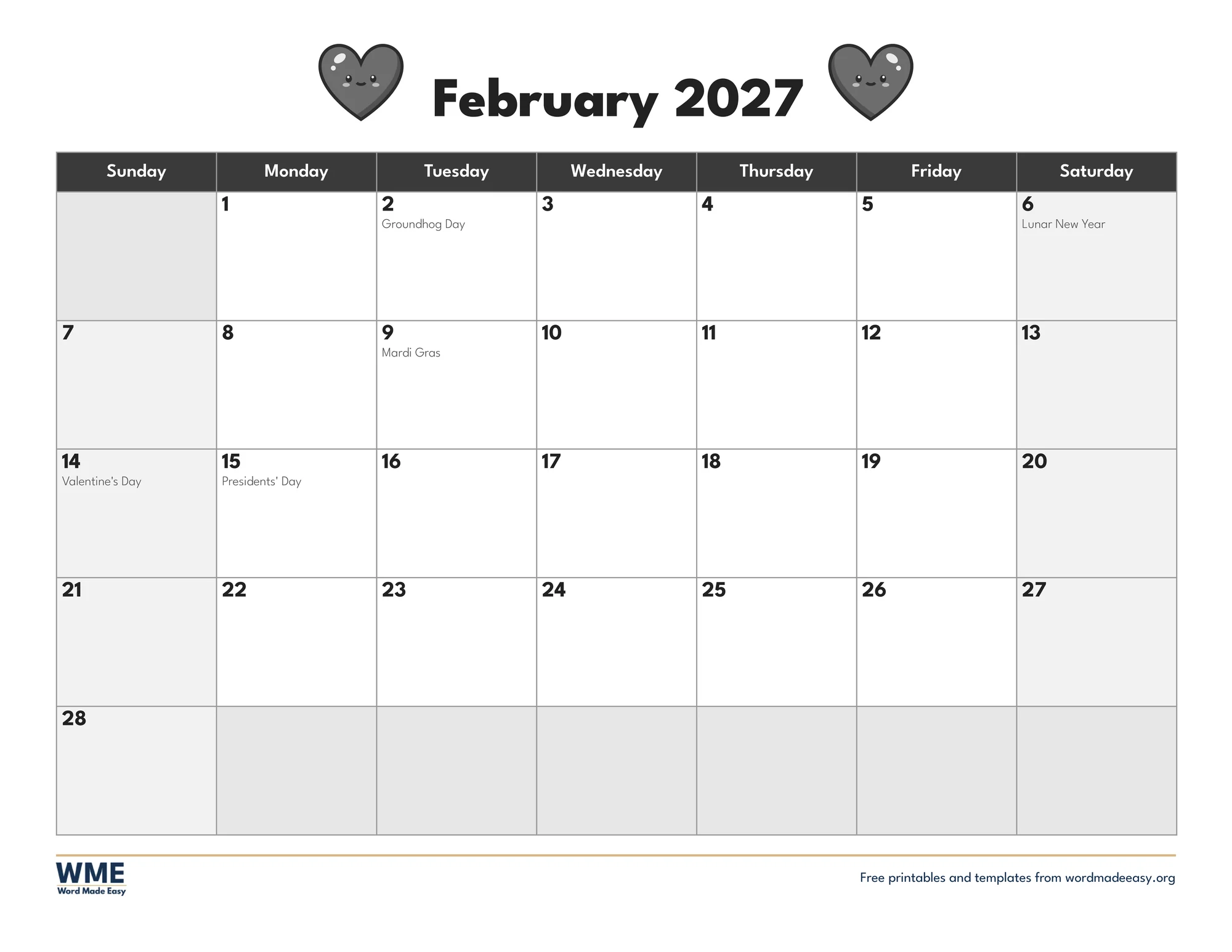
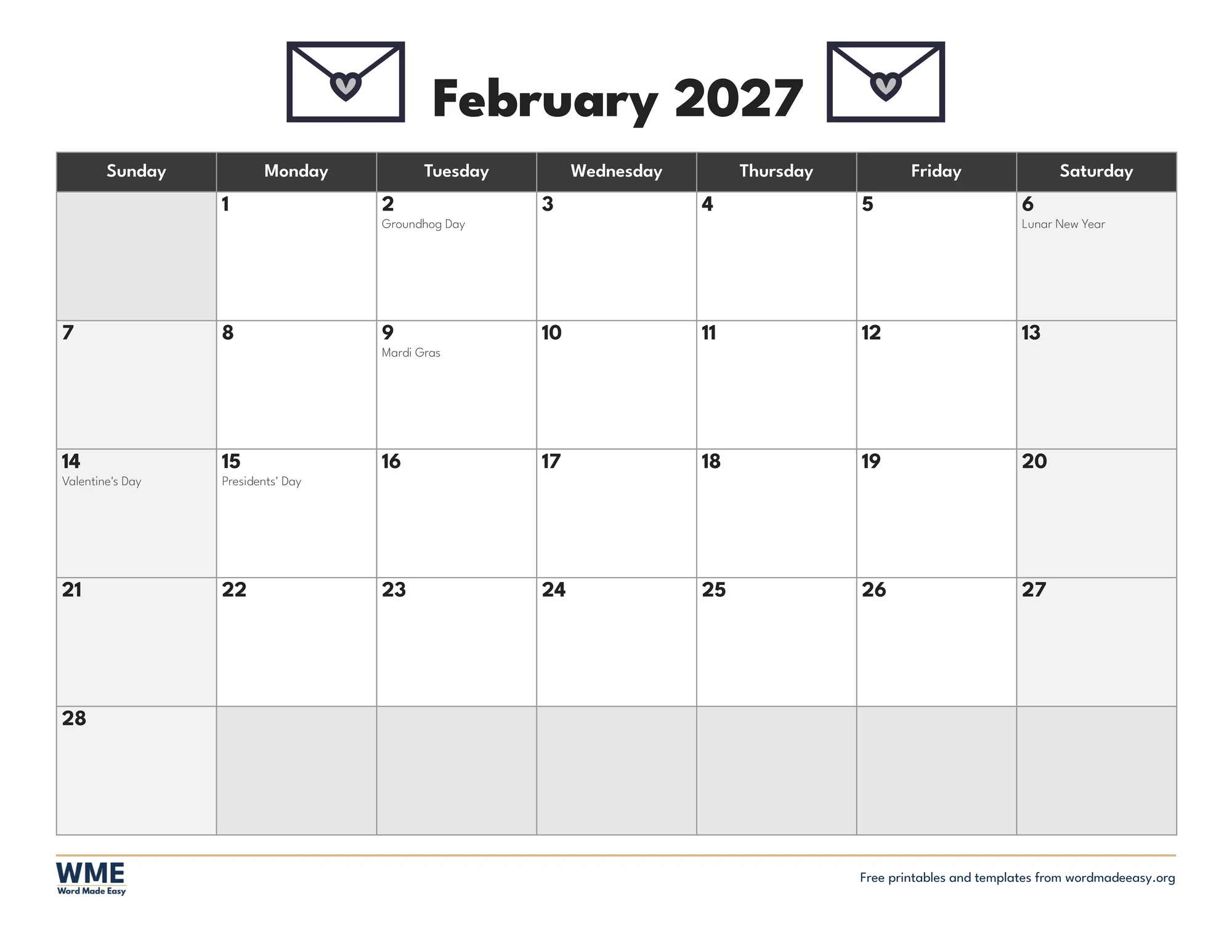
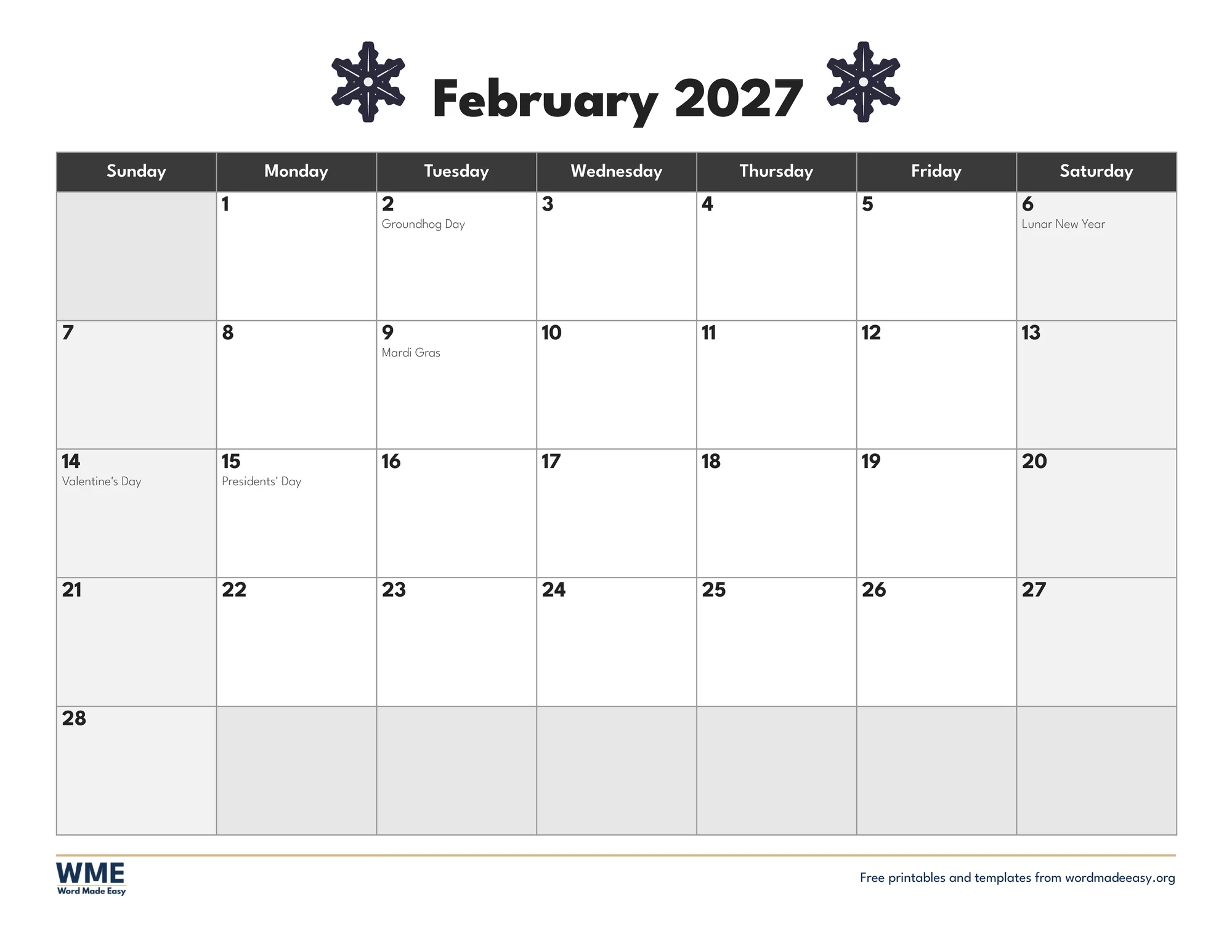
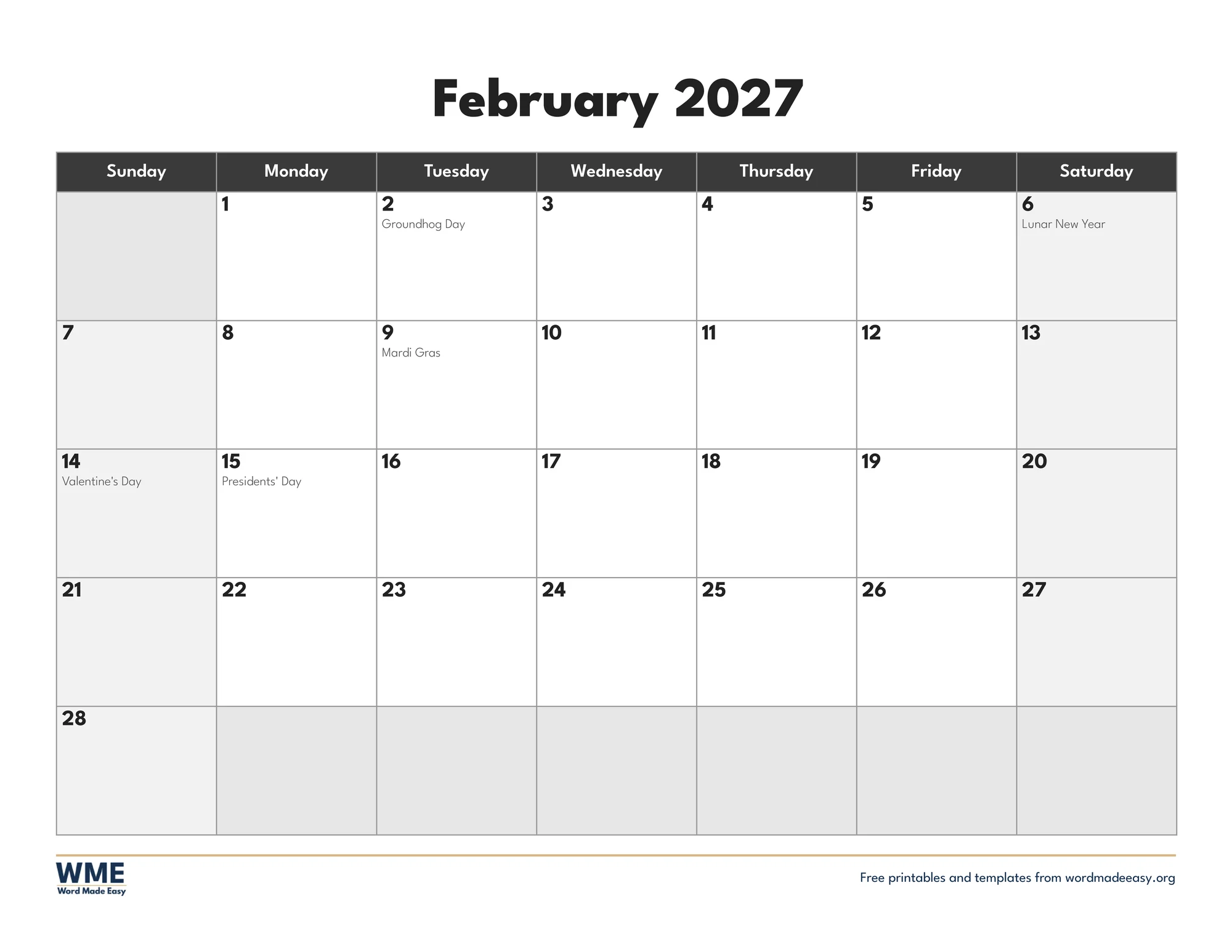
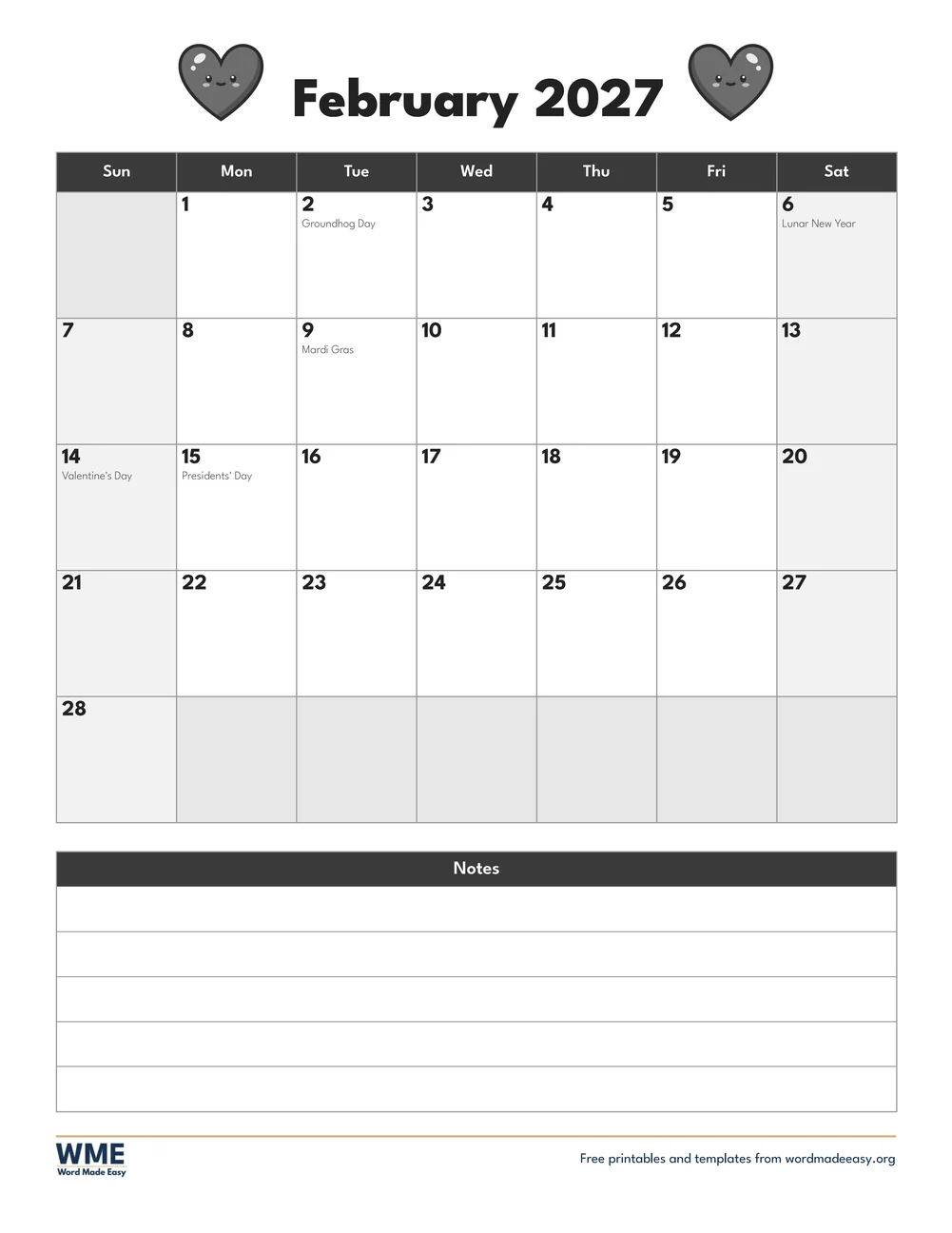
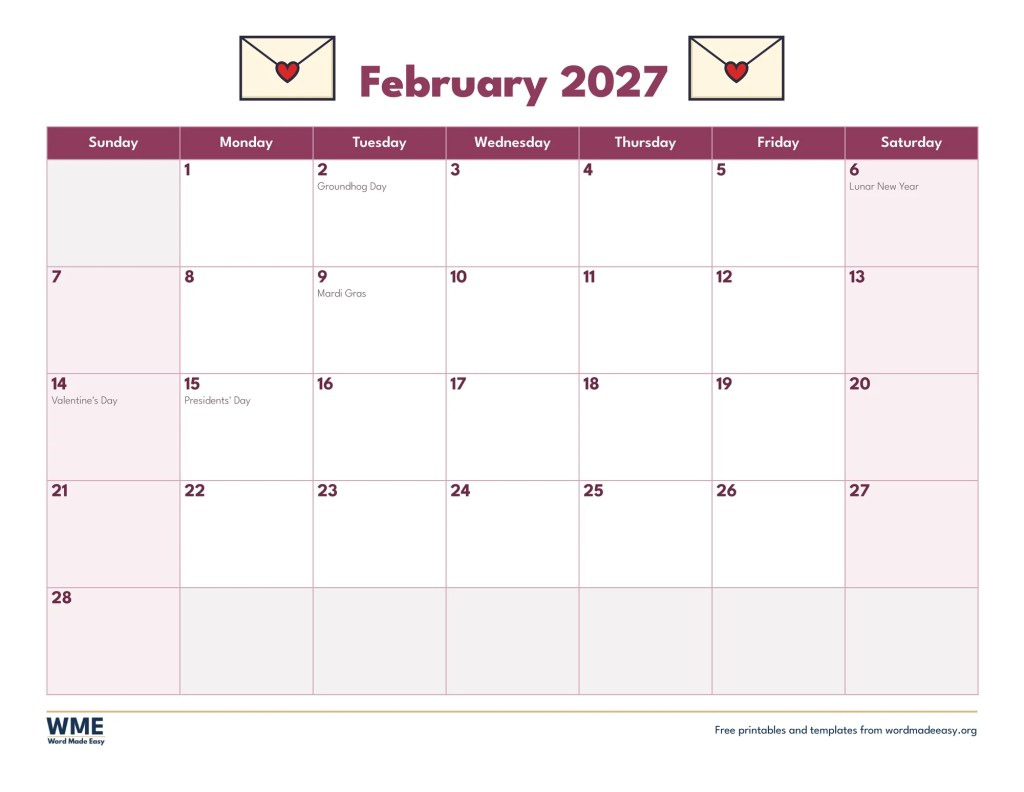
This free February 2027 calendar comes in six designs you can type on in Microsoft Word: Valentine Hearts, Love Bugs with a ladybird and a bee, Love Letters, Winter Snowflake, a plain Simple page and a portrait Hearts with Notes calendar, each on US Letter or A4 and in colour or black and white. Each calendar is an ordinary Word table, and the hearts, ladybird, bee, envelope and snowflake were drawn in PowerPoint using only shapes.
Below you’ll find how February 2027 falls, which dates are already marked, which design suits which room, and how to add your own plans before printing.
What’s in the February 2027 Calendar
| Calendar | Look | Paper |
|---|---|---|
| Valentine Hearts | Rose red with hearts | US Letter and A4, colour and black and white |
| Love Bugs | Pink with a ladybird and a bee | US Letter and A4, colour and black and white |
| Love Letters | Plum with love letter envelopes | US Letter and A4, colour and black and white |
| Winter Snowflake | Icy blue with snowflakes | US Letter and A4, colour and black and white |
| Simple | Plain navy, no pictures | US Letter and A4, colour and black and white |
| Hearts with Notes | Portrait, with a notes box | US Letter and A4, colour and black and white |


👉 Every day is a box in a Word table: click after the date number, press Enter and type. Holidays and special days are already filled in, in small grey text you can delete.
February 2027 at a Glance
February 2027 has 28 days, starts on a Monday and ends on a Sunday, so the A4 calendars, which start on Monday, fit the month into exactly four rows. The US Letter calendars start on Sunday and use five. Lunar New Year, the Year of the Goat, is on Saturday 6 February. Easter falls late, on 28 March, so Shrove Tuesday is 9 February: Mardi Gras on the US pages and Pancake Day on the A4 pages, with Ash Wednesday the next day. Valentine’s Day is a Sunday, and Presidents’ Day is Monday 15 February. Groundhog Day, 2 February, is on the US Letter pages.
Which February Calendar Design Should You Choose?
- Valentine Hearts: rose red with a smiling heart on each side of the title, for a family wall or a classroom.
- Love Bugs: pink with a ladybird and a bee, a cheerful month for younger children.
- Love Letters: plum with an envelope sealed with a heart, a softer page for a desk or kitchen.
- Winter Snowflake: icy blue for anyone who wants February without the hearts.
- Simple: navy and white with no pictures, for rotas, appointments and binders.
- Hearts with Notes: a portrait page with a lined notes box for birthdays, goals or a to do list.
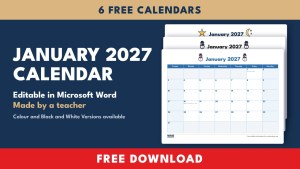
- Planning ahead? The January 2027 calendar has six winter designs in the same layout.
How to Fill In Your February Calendar in Word
- Choose colour or black and white and your paper size above, download the ZIP and open a design.
- Click just after a date number and press Enter to start a line under it.
- Type the event: a half-term break, a dentist appointment, a birthday or a Valentine’s dinner.
- To mark a busy day, click in its box and choose Table Design > Shading, then a pale colour.
- On Hearts with Notes, click the first notes line and type, pressing Down Arrow to move to the next line.
- Print one copy to check it, then one for each person or room.
February is short, so it is a good month for a 28-day challenge: tick each box when you read, walk or practise. In a classroom, let children add one kind act a day in the Love Bugs boxes in the week of Valentine’s Day.
Black and White Versions
Each calendar also comes in black and white: dark grey headings, light grey weekends and grey hearts, bugs, envelopes and snowflakes, so it prints cleanly without colour ink. In the download box, choose Colour, Black and white or All, then US Letter, A4 or both.
How to Print the February Calendar
Want to print without editing? Every download has three folders: the editable Word files, the same sheets as PDFs, and every page as a print-ready image (JPEG), so you can print straight away without opening Word.
Print at 100% (Actual size) on the paper in the file name, US Letter or A4. Choose Landscape in the print box for the five landscape designs if your printer does not pick it up; Hearts with Notes is portrait. Card keeps it flat on a noticeboard.
FAQs
Is this February 2027 calendar free?
Yes. Choose US Letter or A4, colour or black and white, and download all six designs in one ZIP file.
What day does February 2027 start on?
Monday 1 February 2027. It ends on Sunday 28 February: 2027 is not a leap year.
Which holidays are marked?
US Letter: Groundhog Day, Lunar New Year, Mardi Gras, Valentine’s Day and Presidents’ Day (15 February). A4: Lunar New Year, Pancake Day, Ash Wednesday and Valentine’s Day.
Why does the A4 calendar start on Monday?
Weeks start on Monday in the UK and most of Europe and on Sunday in the USA and Canada, so each paper follows the usual layout where it is printed.
Can I delete the holidays?
Yes. They are ordinary text in the date boxes: select one and delete it or type over it.
Is there a black and white version?
Yes. Every design comes in black and white with grey headings and grey pictures, which saves colour ink.
Conclusion
Six February 2027 calendars with the month’s holidays already in place, ready to type on in Word and print for the fridge, the classroom or the office.
Choose your paper size above and download the ZIP. For the rest of the year, see the january 2027 calendar.
Related Tutorials
- Free January 2027 Calendar for Word
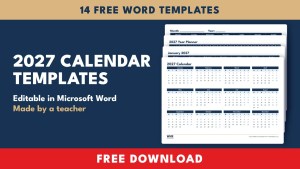
- Free 2027 Calendar Templates for Word
- Free Blank Calendar Templates for Word
Word Templates
Recently Added Word Templates
Browse the complete collection of free printable Word templates for home and school, all made by a teacher.
New to Word? Our Word tutorials show you how to edit and print your templates.

Leave a comment
Have a question about these templates, or an idea for a new one? Ask below.