
Year in Review Templates for 2026: 8 Free Printable Wrapped Designs
Preview every template, choose colour or black and white and your paper size, then download your Word templates in one small ZIP file.
A4 and US Letter8 templatesFree
Can’t find the template you need? Request a template and I’ll make it in Word, free.
Get new free printables first: follow Word Made Easy on Pinterest
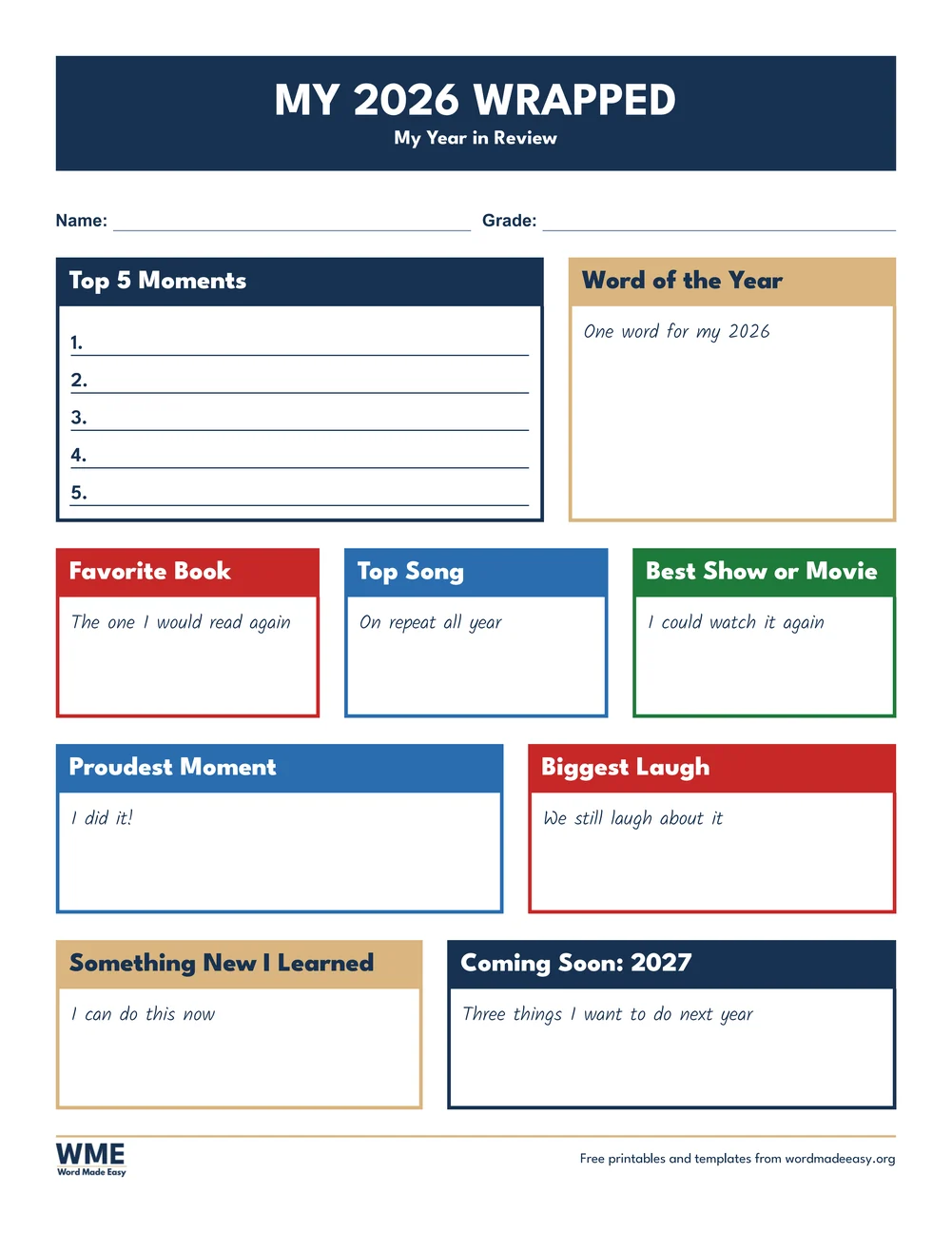
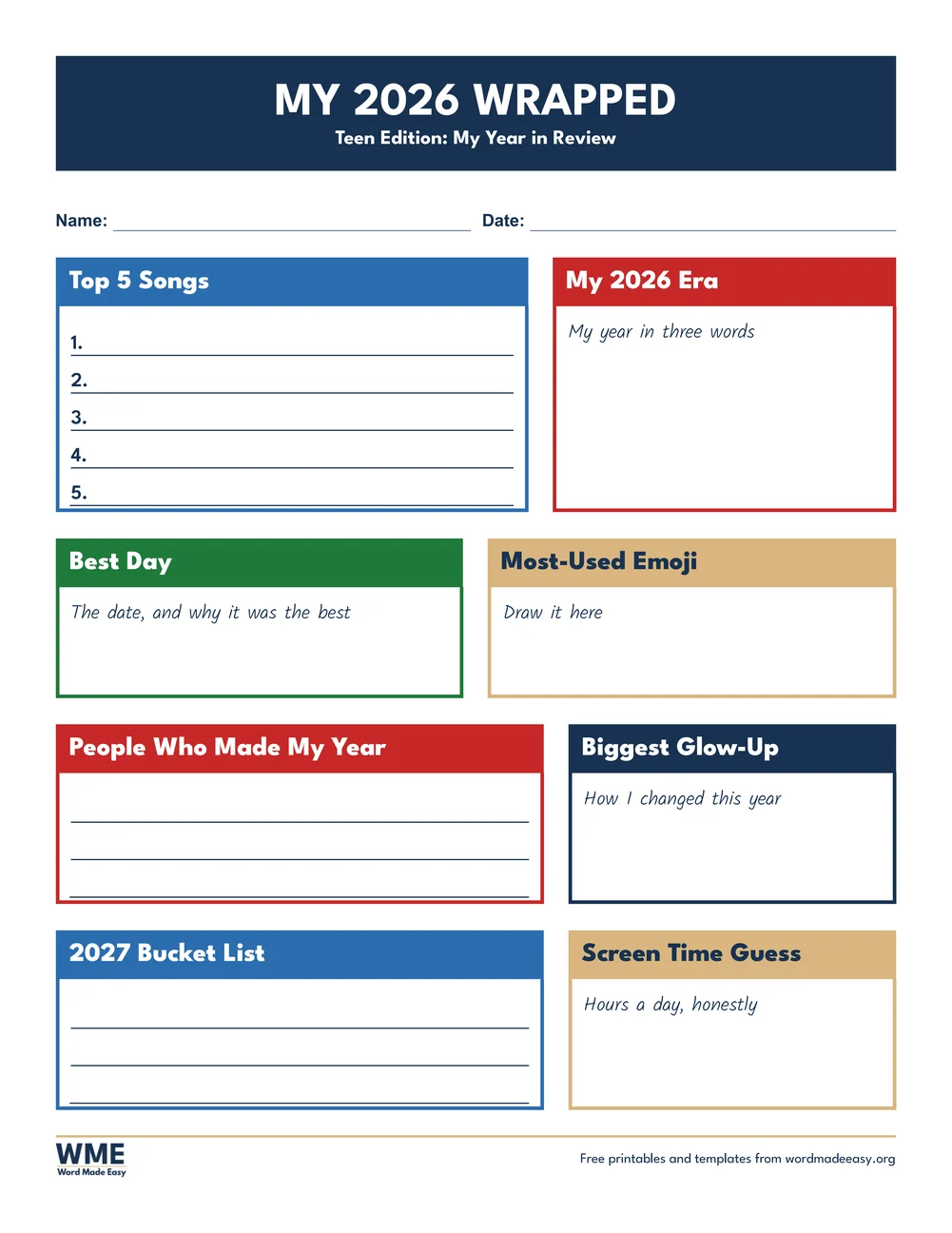
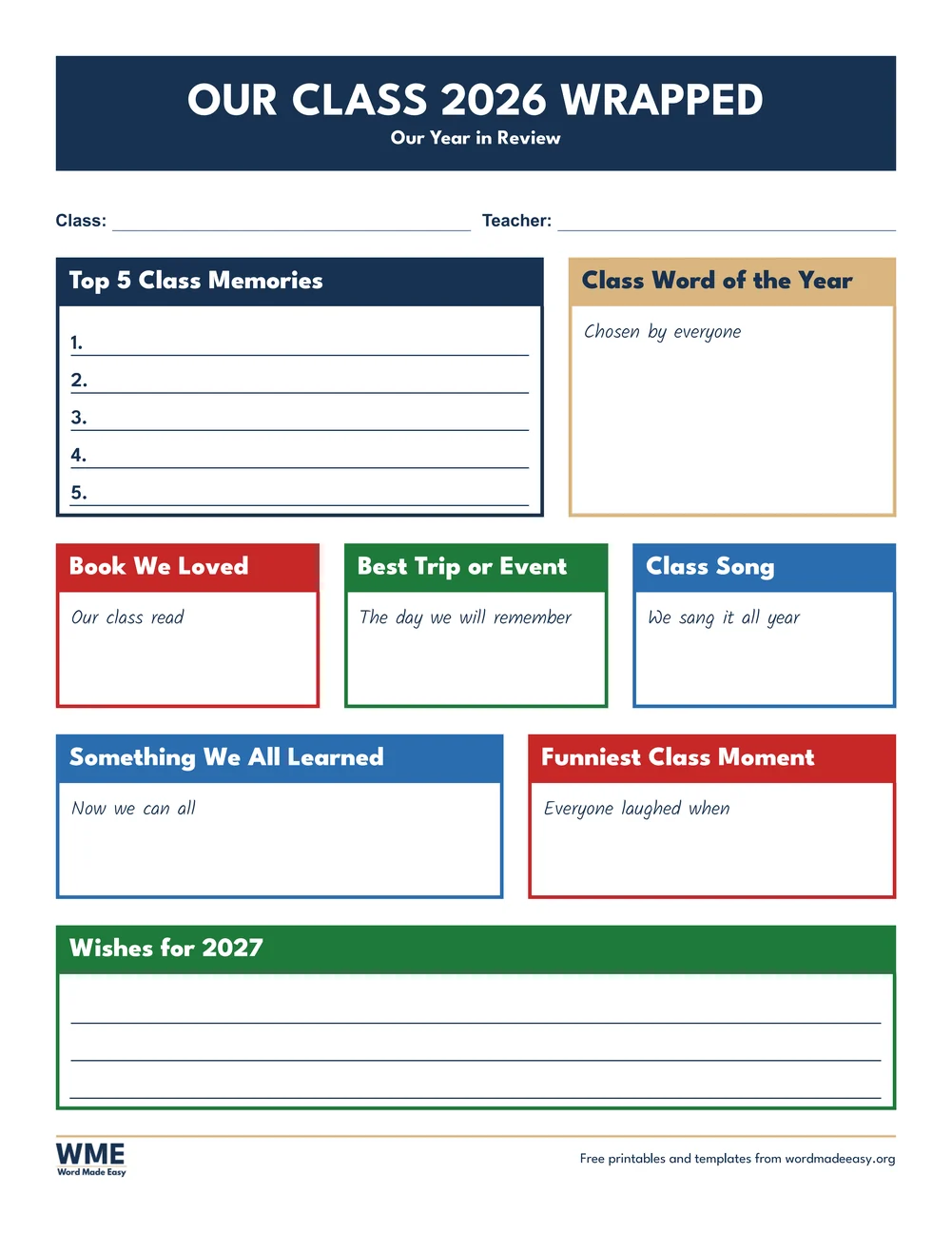
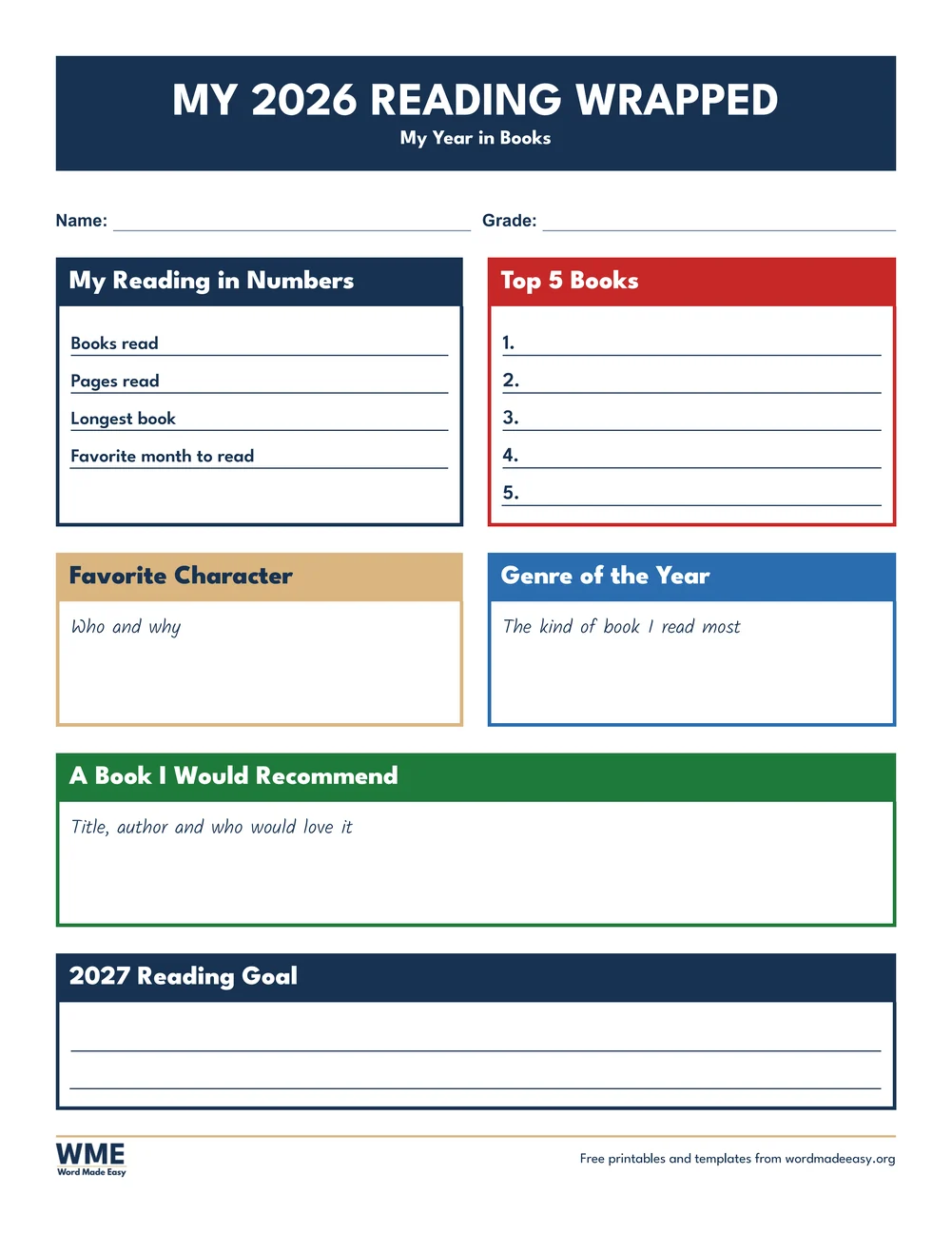
These free year in review templates turn the end of 2026 into one bright page to fill in. They use the bold look of the streaming-app year summaries people share each December, with big headings and solid colour tiles, but each tile is a box to write or type in: a top 5 list, a word of the year, the best book or song, the proudest moment and three plans for 2027. There are eight designs, for students, teens, a whole class, readers, families, teachers and adults, plus a blank version with empty headings. Every heading, prompt and list number is editable Word text.
Below you’ll find what goes on each design, which one suits your class, family or yourself, and the reflection questions that get the most honest answers.
What’s in the Year in Review Templates for 2026
| Template | Best for | Paper |
|---|---|---|
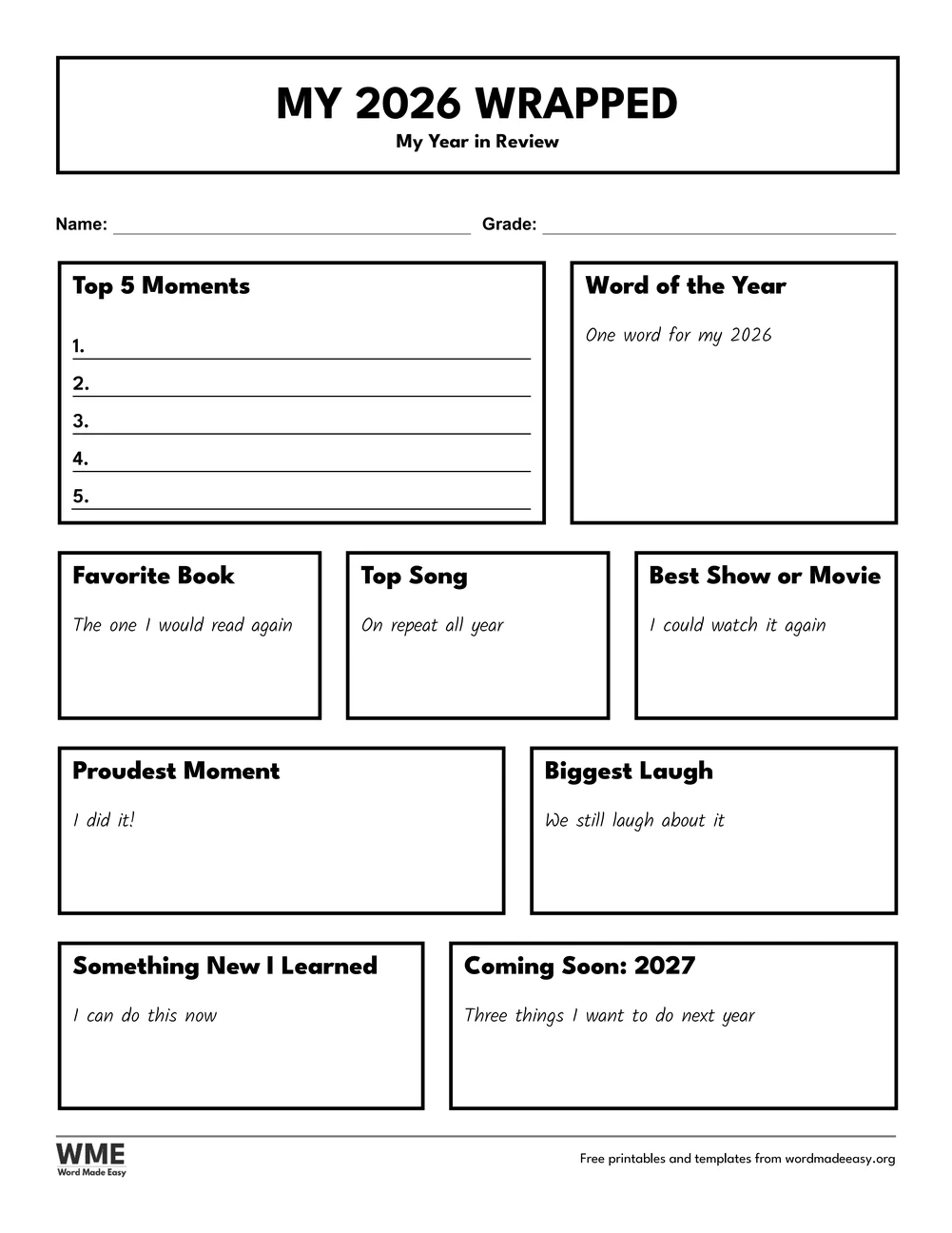
| Student Wrapped | Students: top 5 moments, word of the year, favourite book and song | US Letter and A4, colour and black and white |
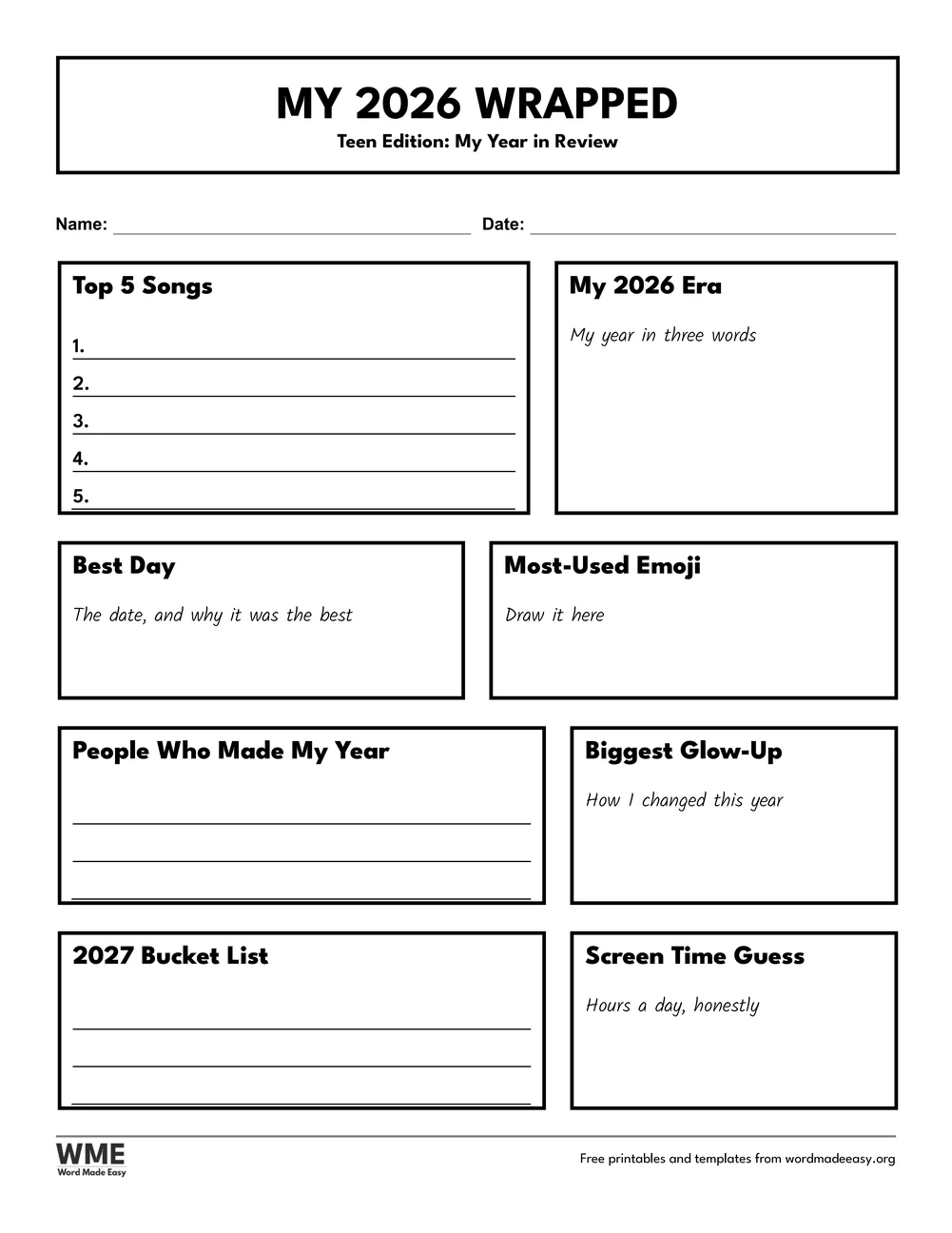
| Teen Wrapped | Teens: top 5 songs, my era, emoji, glow-up and bucket list | US Letter and A4, colour and black and white |
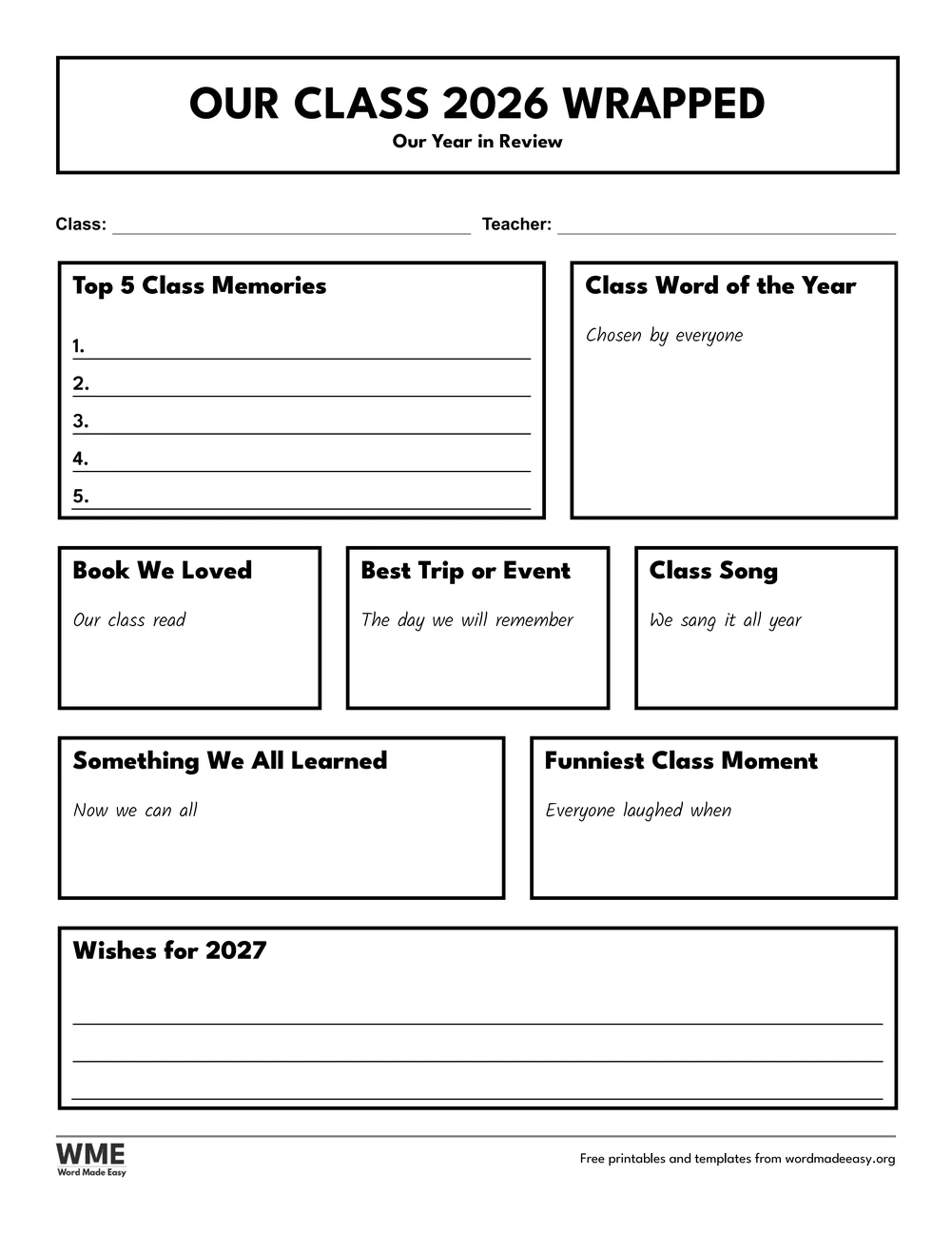
| Class Wrapped | A whole class: memories, class word, book, trip and wishes | US Letter and A4, colour and black and white |
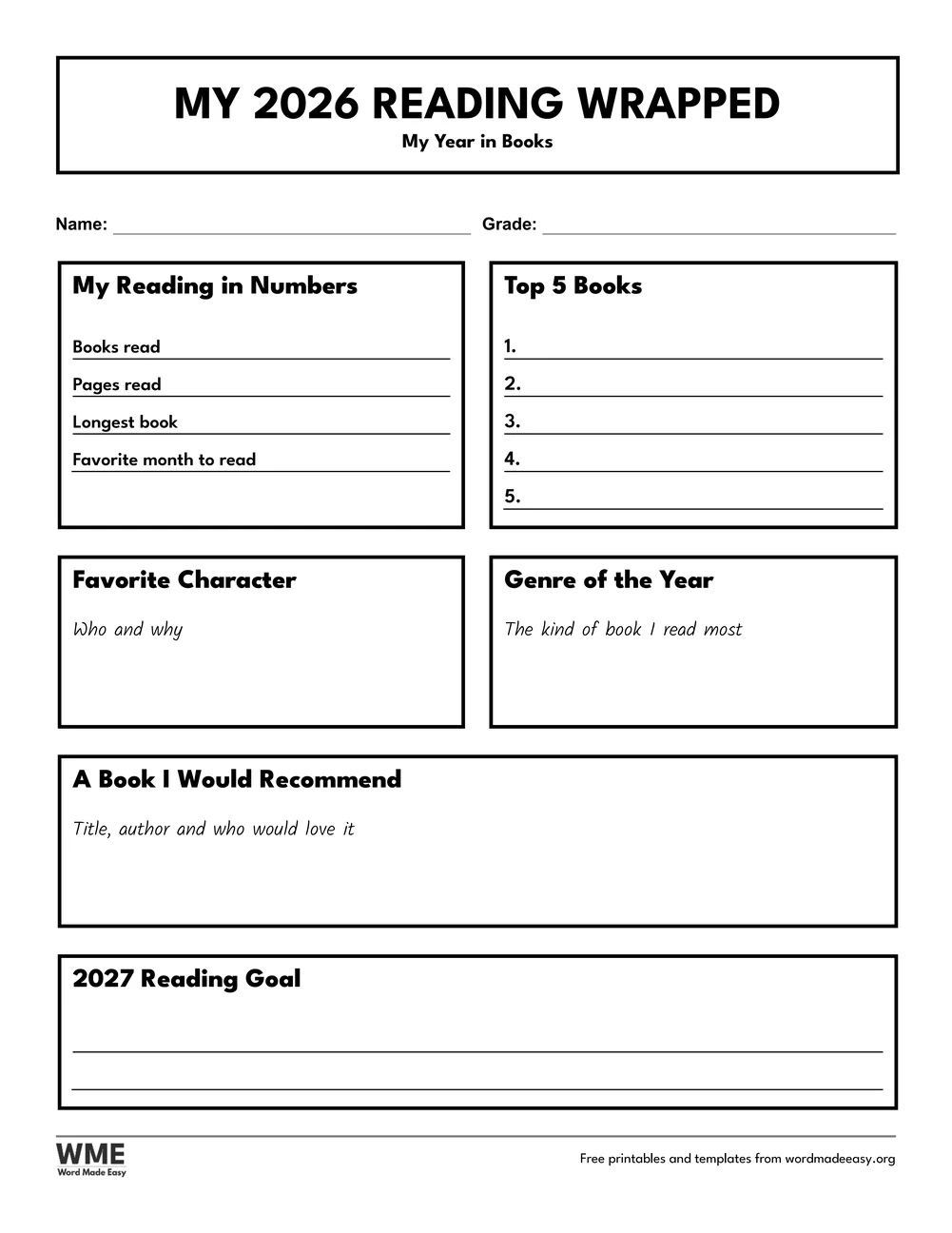
| Reading Wrapped | Readers: reading in numbers, top 5 books, character and goal | US Letter and A4, colour and black and white |
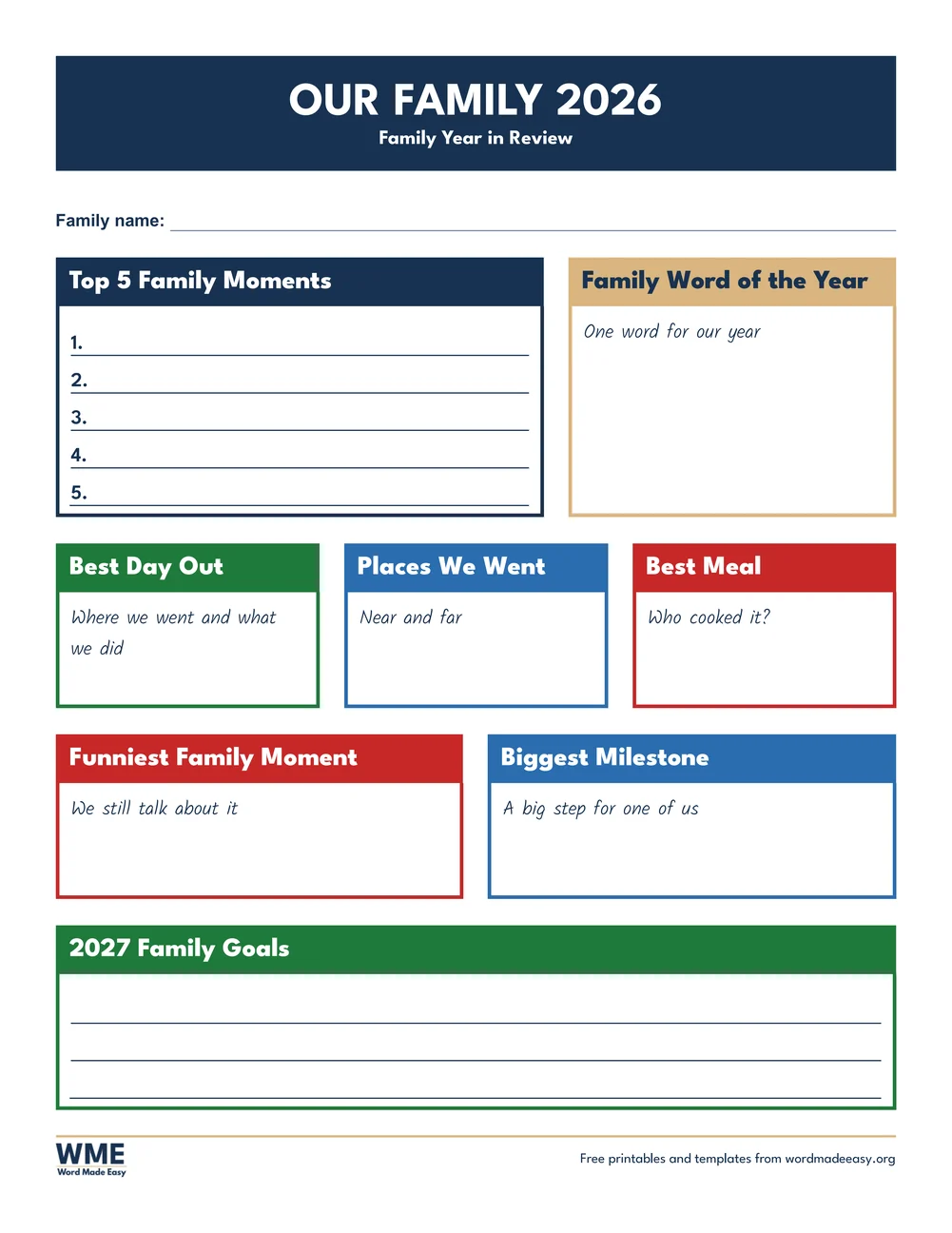
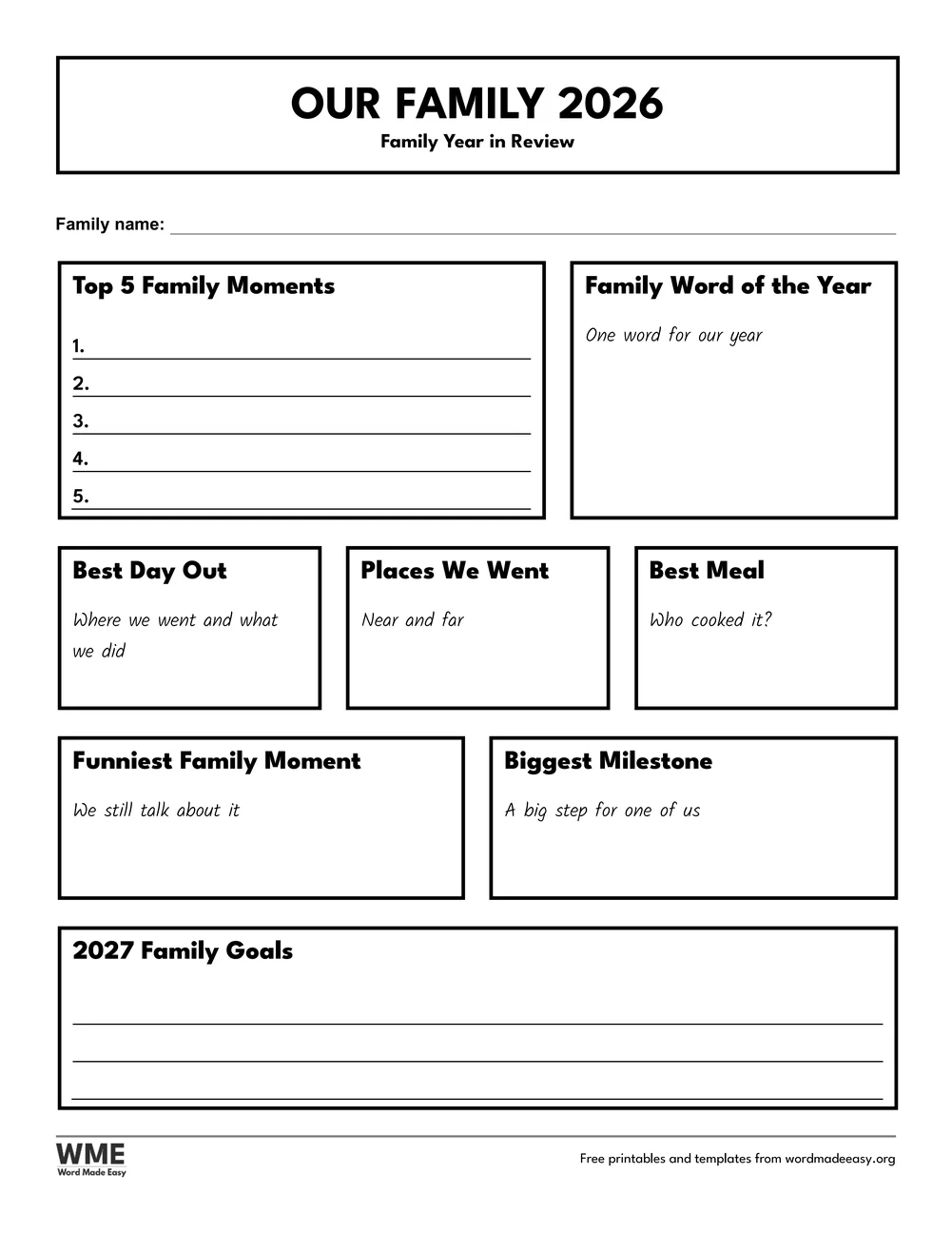
| Family Year in Review | Families: top 5 moments, days out, milestones and goals | US Letter and A4, colour and black and white |
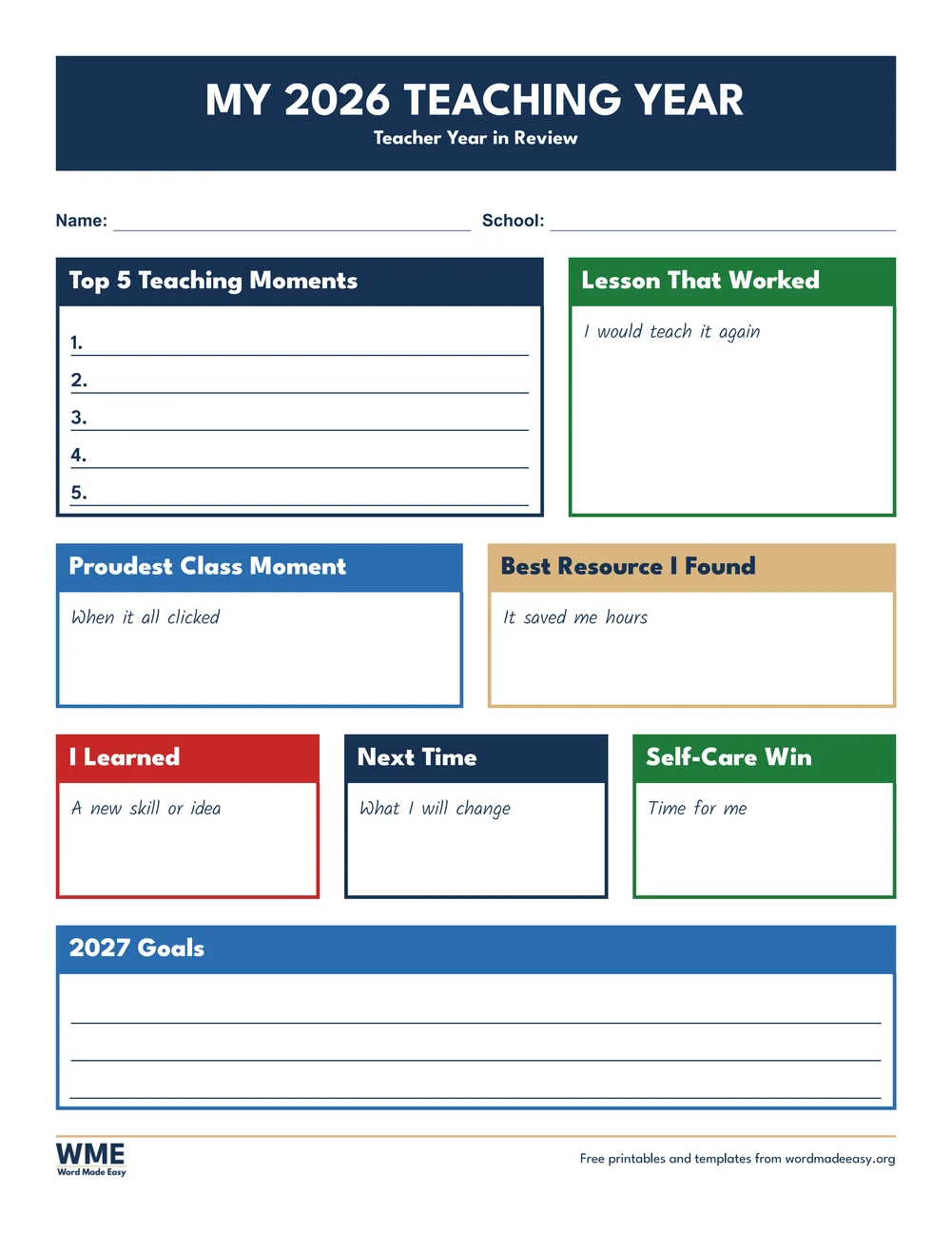
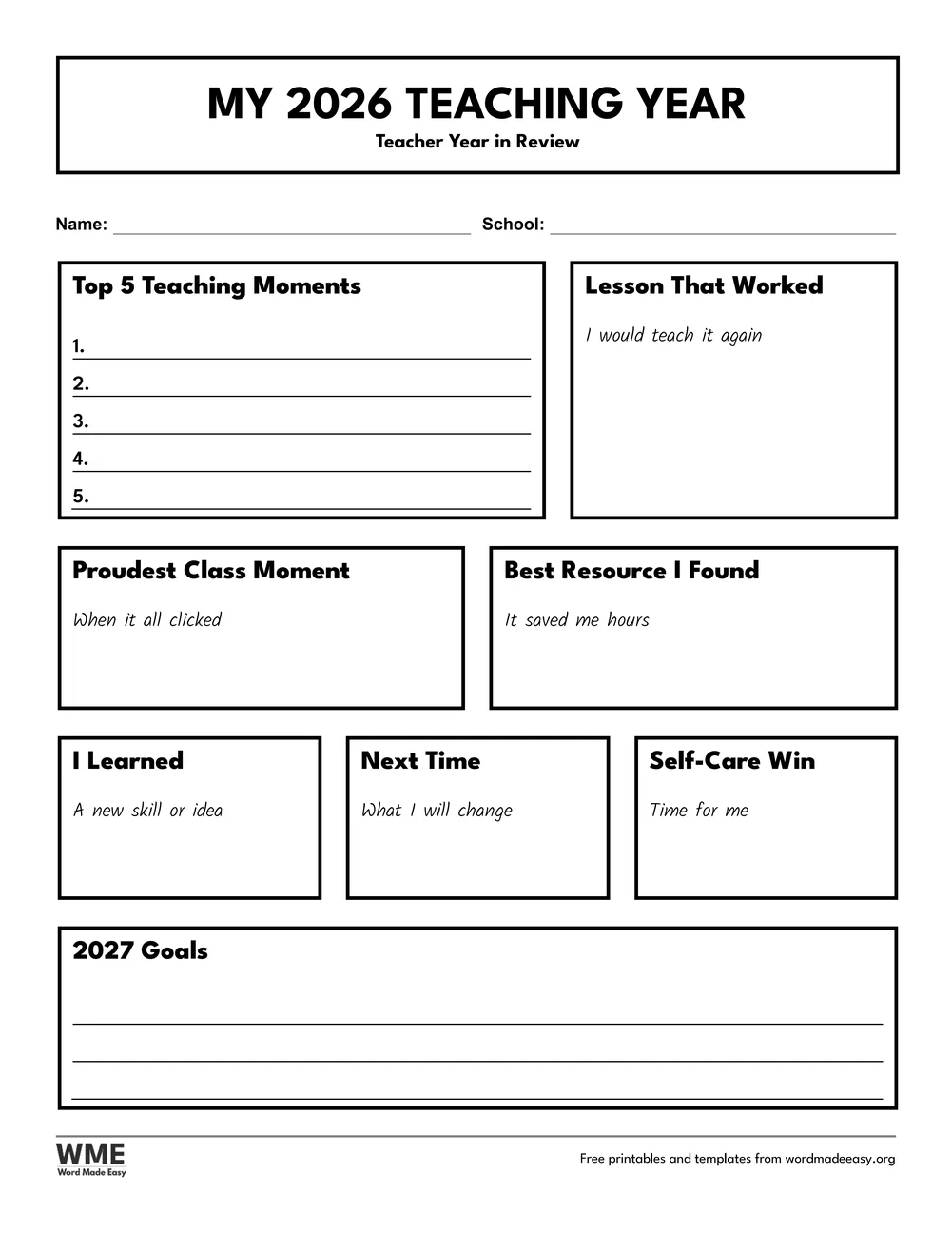
| Teacher Year in Review | Teachers: teaching moments, lessons, resources and goals | US Letter and A4, colour and black and white |
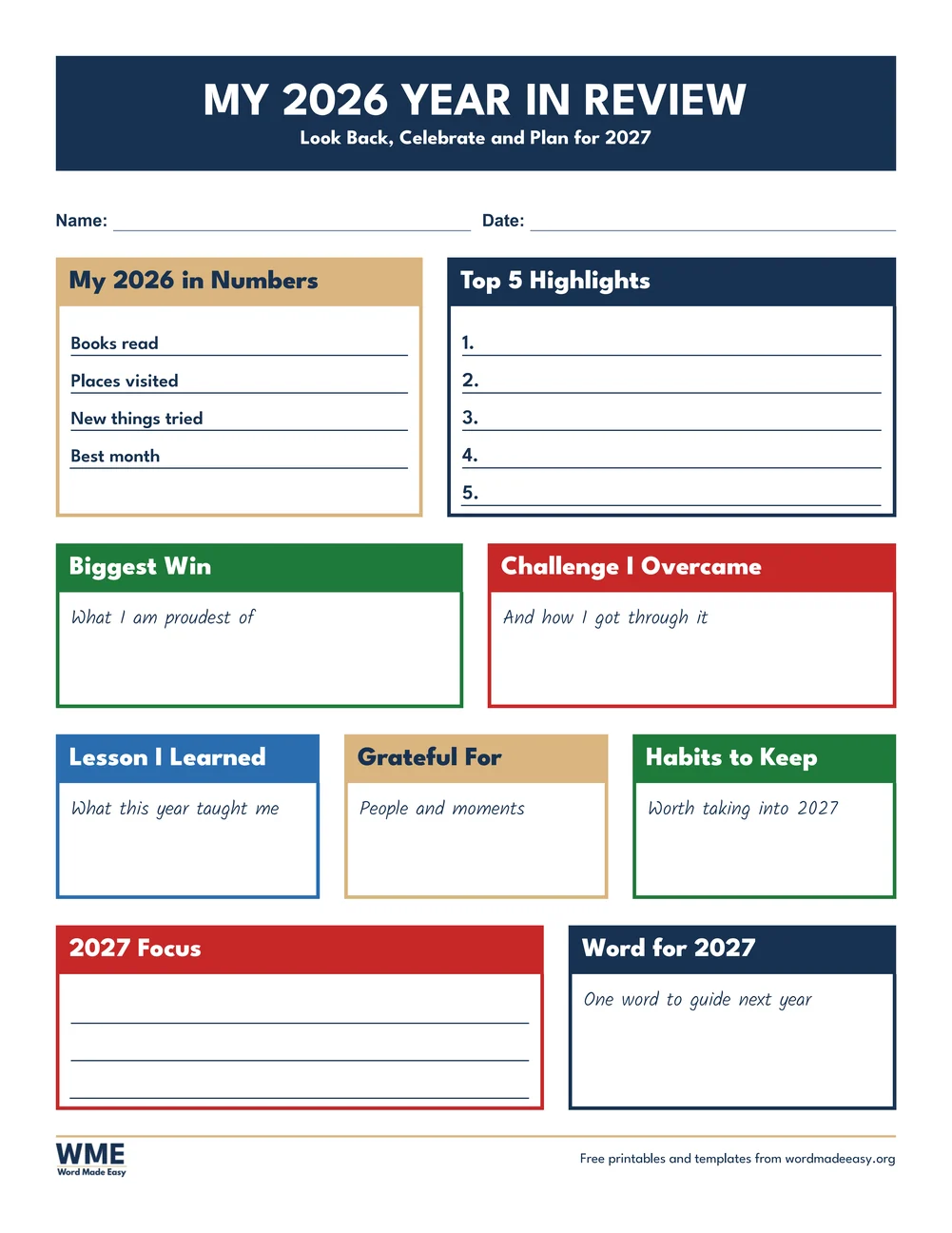
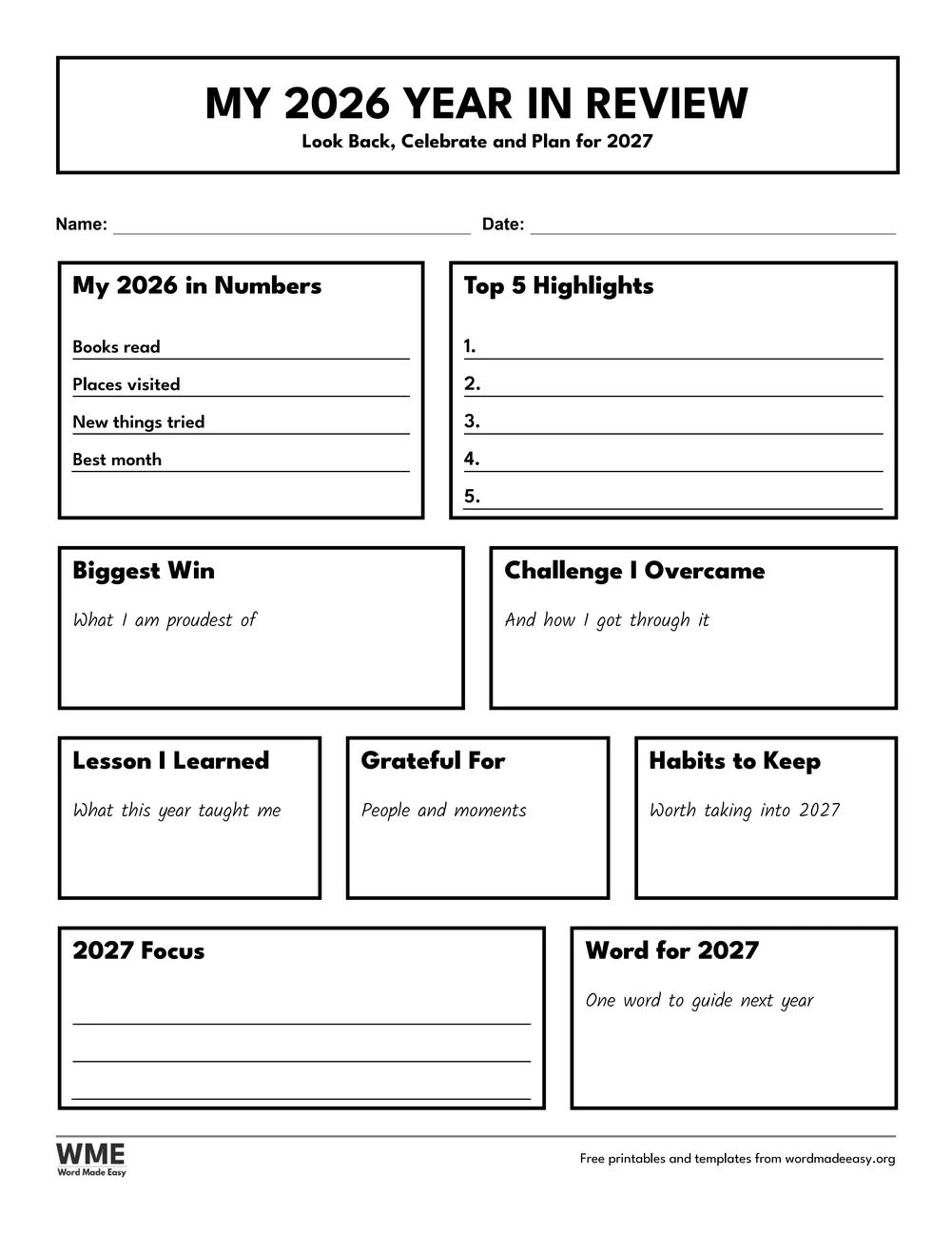
| Adult Year in Review | Adults: year in numbers, wins, lessons and focus for 2027 | US Letter and A4, colour and black and white |
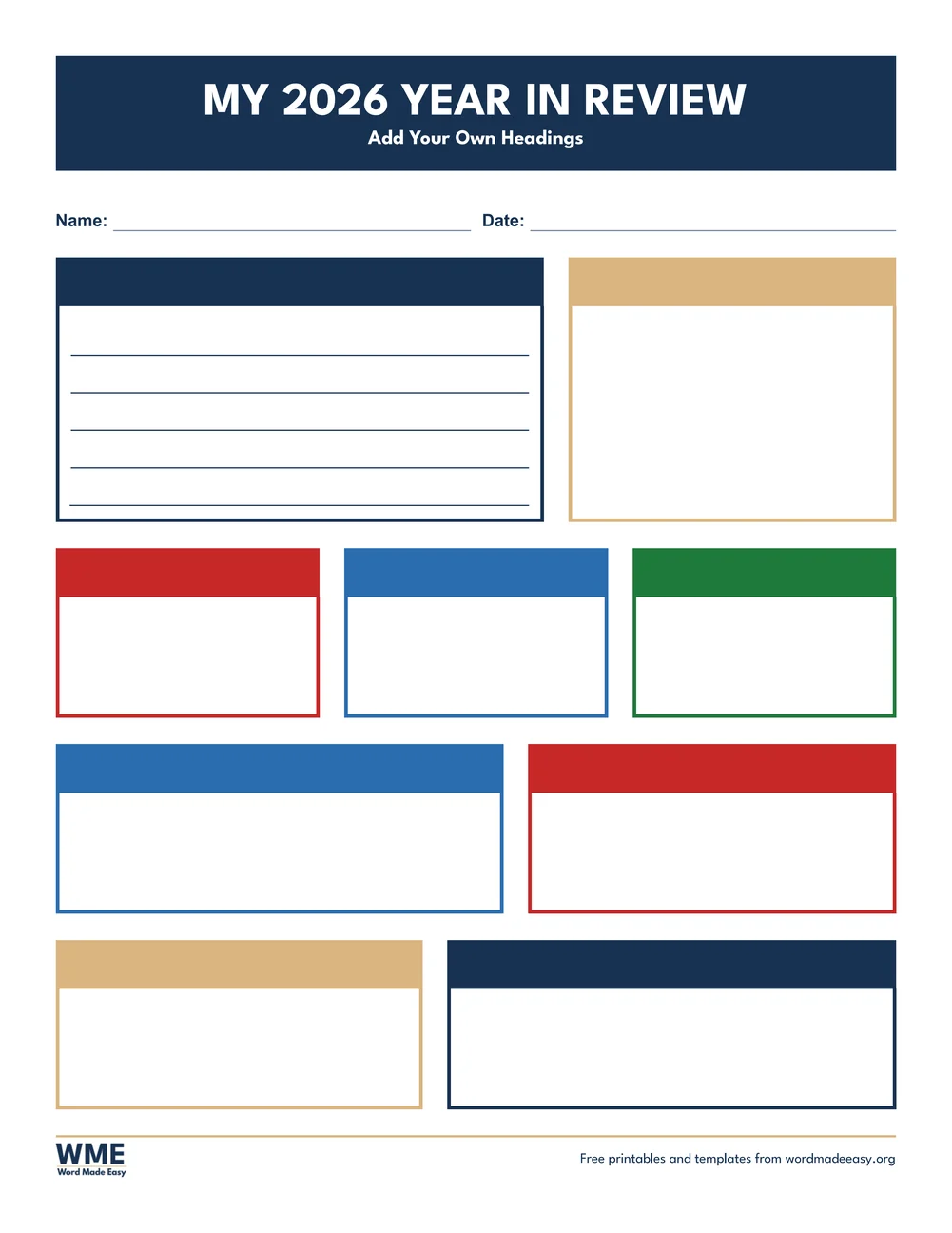
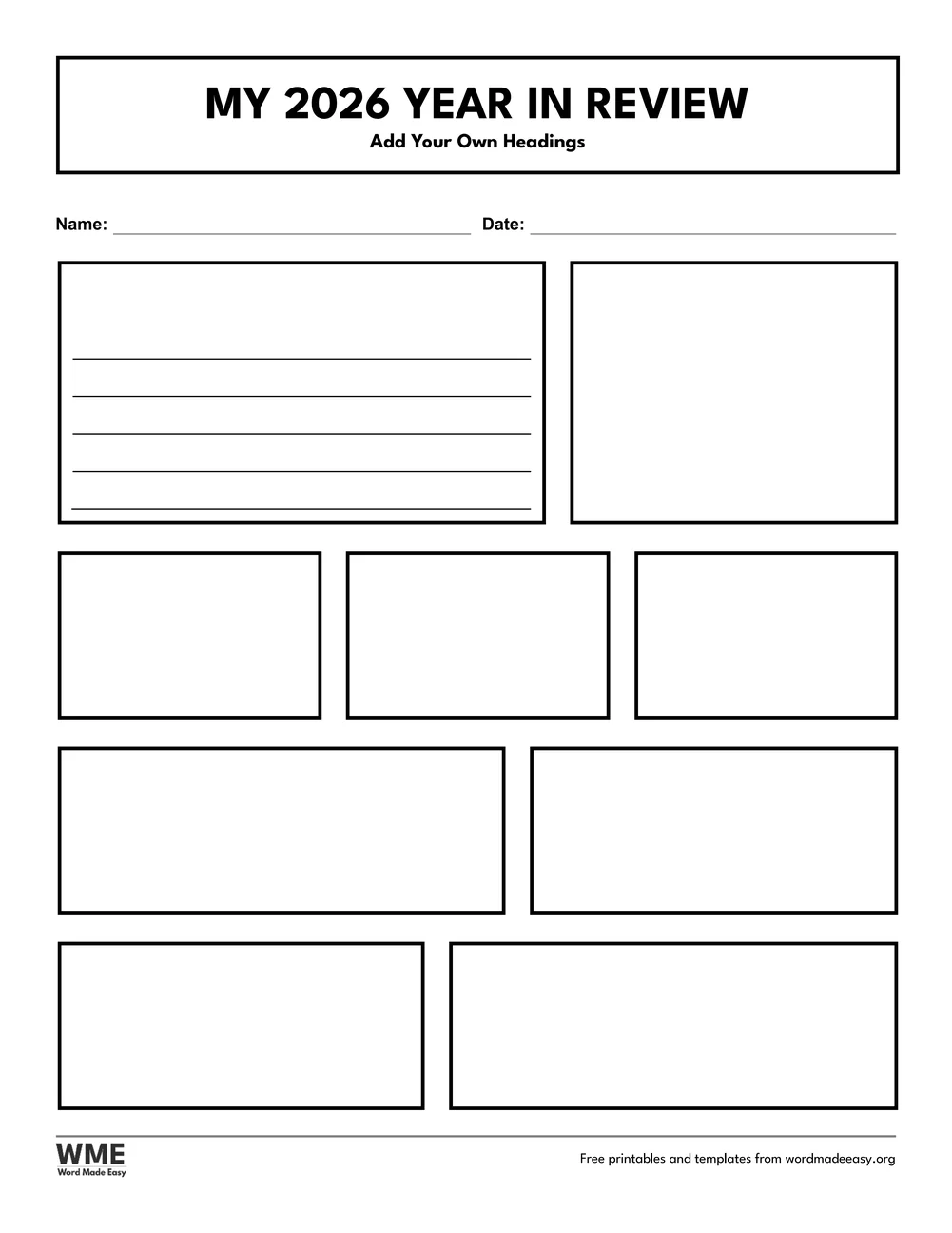
| Blank Year in Review | Blank tiles: type your own headings | US Letter and A4, colour and black and white |
👉 Every heading, prompt and line is Word text in a table, so you can click a box and type, or retype a heading to ask your own question. The tiles stretch to fill the page.
What Goes on a Year in Review Page?
A year in review page looks back before it looks forward. Lists come first because they are quick to start: five best moments, five songs or five books. Then come the questions that need a moment of thought, such as the proudest moment, the biggest challenge or something new you can do now. The last tile always points ahead to 2027, so the page ends on a plan rather than a memory. Short handwritten prompts sit in each box to help anyone who stares at a blank space, and the numbers tiles on the Reading and Adult pages turn the year into a few quick facts, such as books read or places visited.
Which Year in Review Template Should You Use?
- Student Wrapped: top 5 moments, word of the year, favourite book, song and show, proudest moment and three things for 2027, for ages 7 to 11.
- Teen Wrapped: top 5 songs, my 2026 era in three words, best day, most-used emoji to draw, glow-up, people who made the year and a 2027 bucket list.
- Class Wrapped: one page for the whole class to fill in together: class memories, a class word of the year, the book you loved, the best trip and wishes for 2027.
- Reading Wrapped: reading in numbers, top 5 books, favourite character, genre of the year, a book to recommend and a 2027 reading goal.
- Family Year in Review: top 5 family moments, best day out, places you went, best meal, the funniest moment, a milestone and family goals for 2027.
- Teacher Year in Review: teaching moments, a lesson that worked, the best resource you found, what you will change and a self-care win.
- Adult Year in Review: 2026 in numbers, top 5 highlights, the biggest win, a challenge you overcame, what you are grateful for and a word for 2027.
- Blank Year in Review: the same colour tiles with empty headings, for your own questions.
- Ready to plan ahead? The New Year goals worksheets pick up where the Coming Soon: 2027 tile leaves off.
How to Fill In Your Year in Review in Word
- Choose your paper size and colour or black and white above, download the ZIP and open the design you want.
- Click into a box and type over the grey handwriting prompt, or print the page and write by hand.
- On a numbered list, click just after the number and type, then press the Down Arrow to move to the next line.
- To ask a different question, select a tile heading and type your own words.
- Print one copy for each person, or put the Class Wrapped page on the board and fill it in together.
In class, give students ten minutes for the lists first and save the proudest moment for last, when they have warmed up. Families can each fill in a page on New Year’s Eve and read them aloud. Keep the pages in a folder and compare them next December.
Black and White Versions
Every design also comes in black and white: the colour heading blocks become white tiles with black headings inside a black frame, and the write-in lines turn black, so the page photocopies cleanly for a class. In the download box, choose Colour, Black and white or All, then US Letter, A4 or both.
How to Print the Year in Review Templates
Want to print without editing? Every download has three folders: the editable Word files, the same sheets as PDFs, and every page as a print-ready image (JPEG), so you can print straight away without opening Word.
Print at 100% (Actual size) on the paper in the file name, US Letter or A4. The A4 files use UK spelling and a Class line; the US Letter files use US spelling and a Grade line. Thicker paper keeps a finished page neat for a wall display or a memory box.
FAQs
Are these year in review templates free?
Yes. All eight designs are free: choose US Letter or A4, colour or black and white, and download them in one ZIP file with Word, PDF and image versions.
Is this a Wrapped template?
It uses the bold, colourful Wrapped style, with big headings and solid colour tiles, but it is an original Word Made Easy design with no app names or logos, so it is fine to print in class.
Which design is best for students?
Student Wrapped suits ages 7 to 11 and Teen Wrapped suits secondary school. Class Wrapped is one page the whole class fills in together.
Can I change the headings?
Yes. Every heading and prompt is Word text, so you can type over it, and the Blank Year in Review has empty headings ready for your own questions.
What are good end of year reflection questions?
Start with quick lists, such as your top 5 moments, then ask about a proud moment, a challenge you overcame, something new you learned and one word for next year.
Is there a black and white version?
Yes. Every design also comes in black and white, with outlined tiles and black lines, so it prints well on any printer and saves colour ink.
Conclusion
Eight year in review templates in a bold Wrapped style, ready to fill in for 2026 in Word or on paper and to end with a plan for 2027.
Choose your paper size above and download the ZIP. To turn those 2027 plans into goals, see the new year’s goals worksheets for kids: 5 printables.
Related Tutorials
- Free New Year’s Goals Worksheets for Kids for Word: 5 Printables
- Free Vision Board Templates for Word: 5 Goal Setting Printables
- Free 2027 Calendar Templates for Word: 14 Monthly and Yearly Printables
Word Templates
Recently Added Word Templates
Browse the complete collection of free printable Word templates for home and school, all made by a teacher.
New to Word? Our Word tutorials show you how to edit and print your templates.
Leave a comment
Have a question about these templates, or an idea for a new one? Ask below.