
Free PMES Portfolio Templates for Word (DM 89, s. 2025): 6 Printables
Preview every template, choose colour or black and white and your paper size, then download your Word templates in one small ZIP file.
Made by a teacherLong bond and A428 Word documentsFree
Can’t find the template you need? Request a template and I’ll make it in Word, free.
Get new free printables first: follow Word Made Easy on Pinterest
These free PMES portfolio templates give you six designs on long bond (8.5 x 13 in) and A4: a PMES evidence record (MOV tracker), a portfolio cover in navy, green or maroon, a teacher profile, seven PPST domain dividers, classroom observation preparation and reflection notes and an end-of-year portfolio checklist, each in colour and in black and white. I’m Patrick Elliott, a teacher and Inclusion Lead. I checked DepEd Memorandum No. 089, s. 2025 and the PPST (DepEd Order No. 42, s. 2017) while designing these pages, so the seven domains and 37 strands are complete, and nothing here copies or replaces an official DepEd form.
In this guide, you’ll find what DM 89, s. 2025 says about portfolios, which template helps at each stage of the school year, and how to keep one simple record of your MOVs.
What’s in the PMES Portfolio Templates (DM 89, s. 2025)
| Template | What it is for |
|---|---|
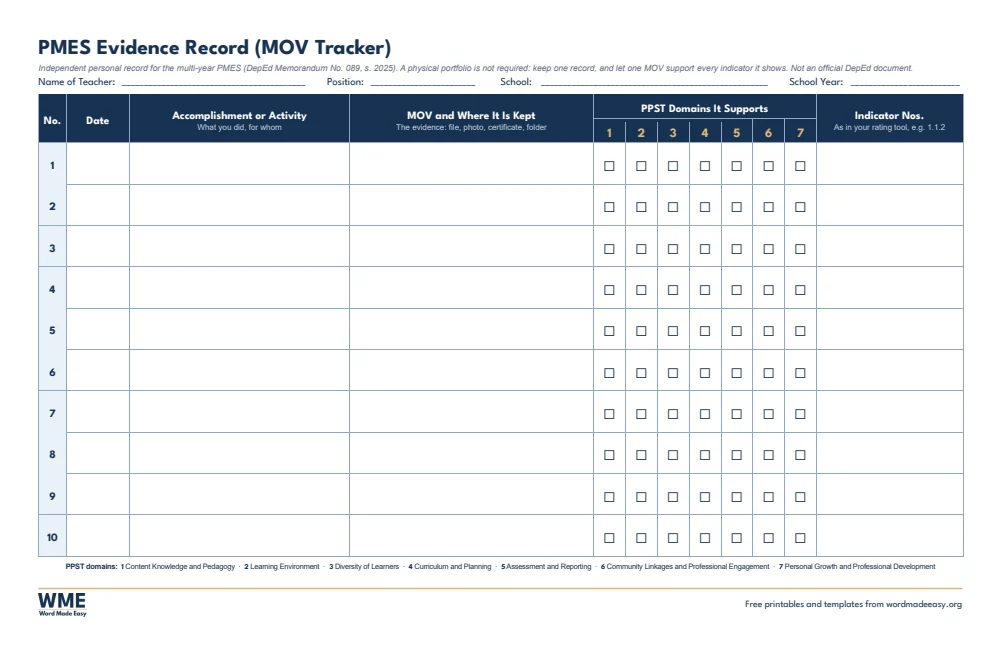
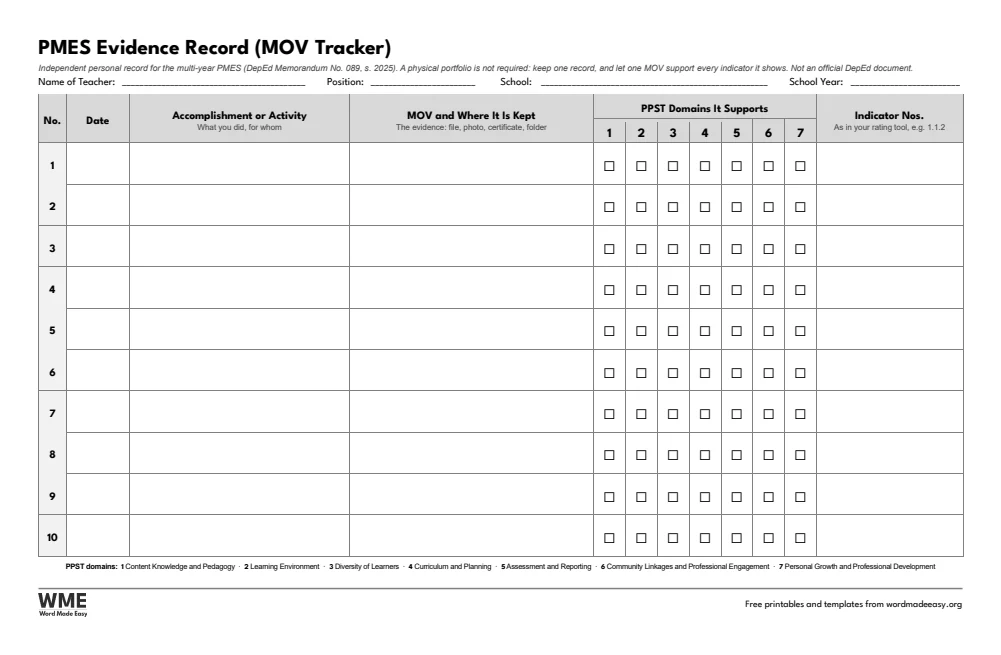
| PMES Evidence Record (MOV Tracker) | Log each MOV once and tick every PPST domain it supports, 20 rows on 2 pages |
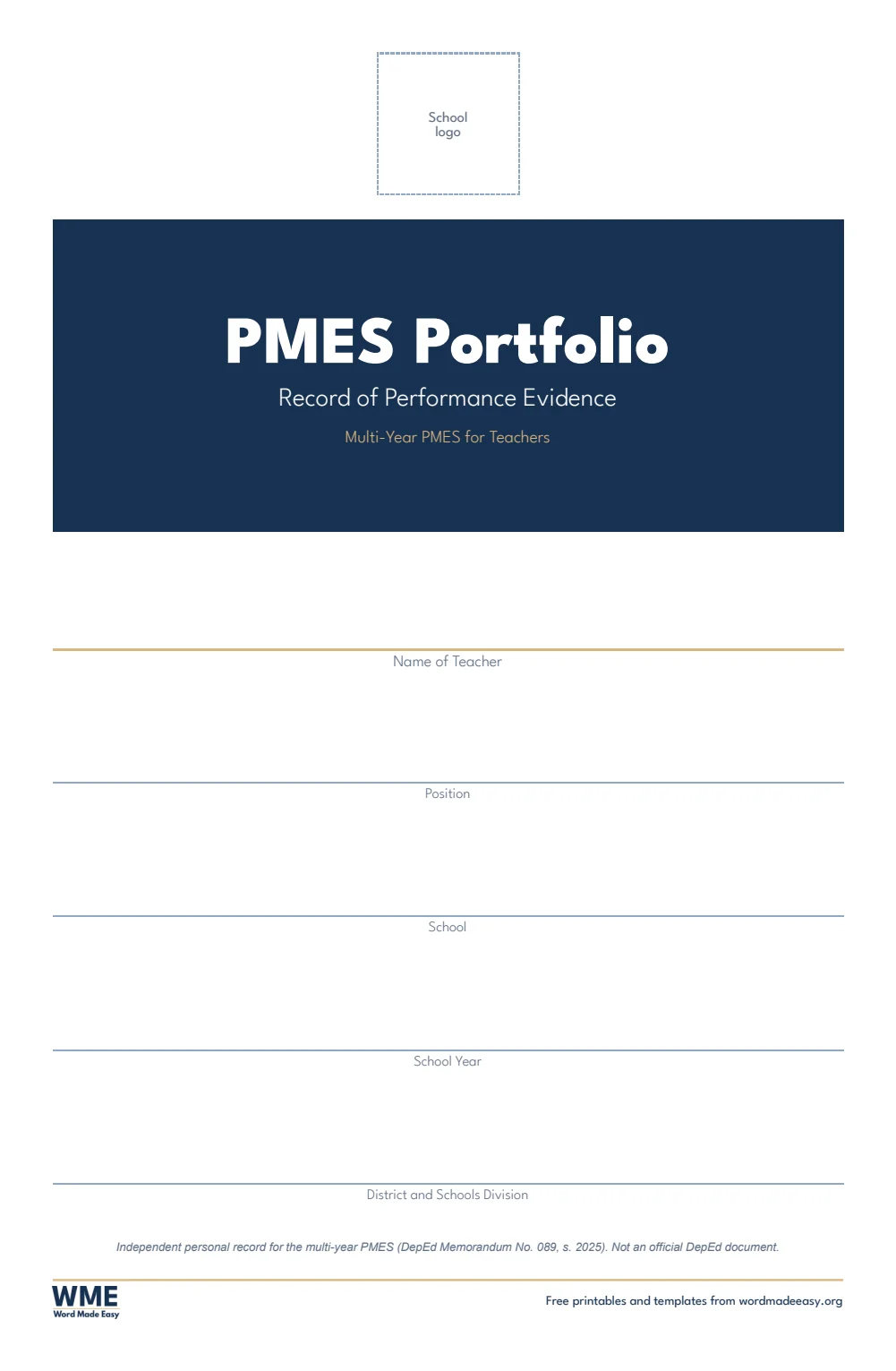
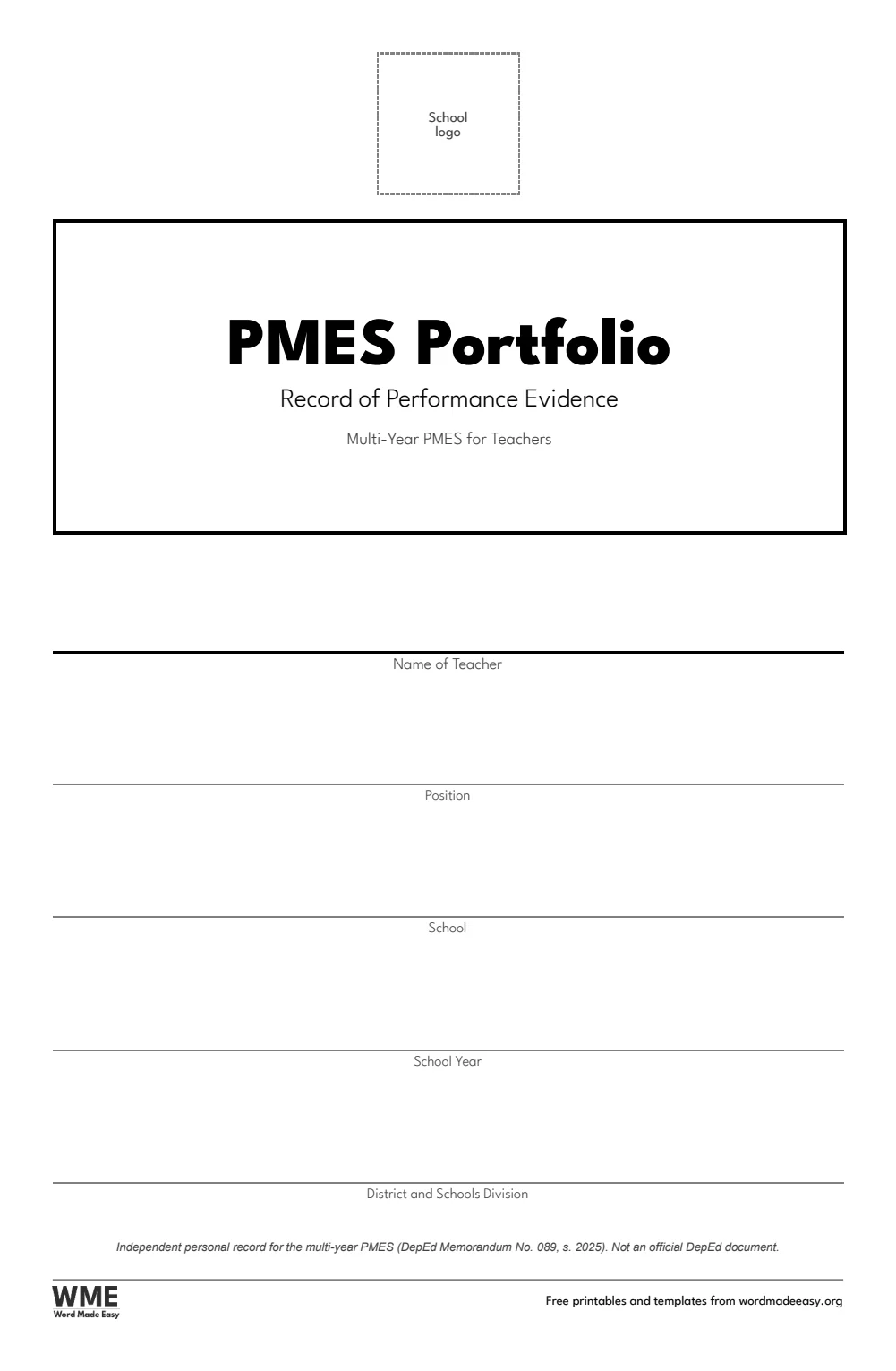
| PMES Portfolio Cover, Navy | A typographic cover: your name, position, school and school year |
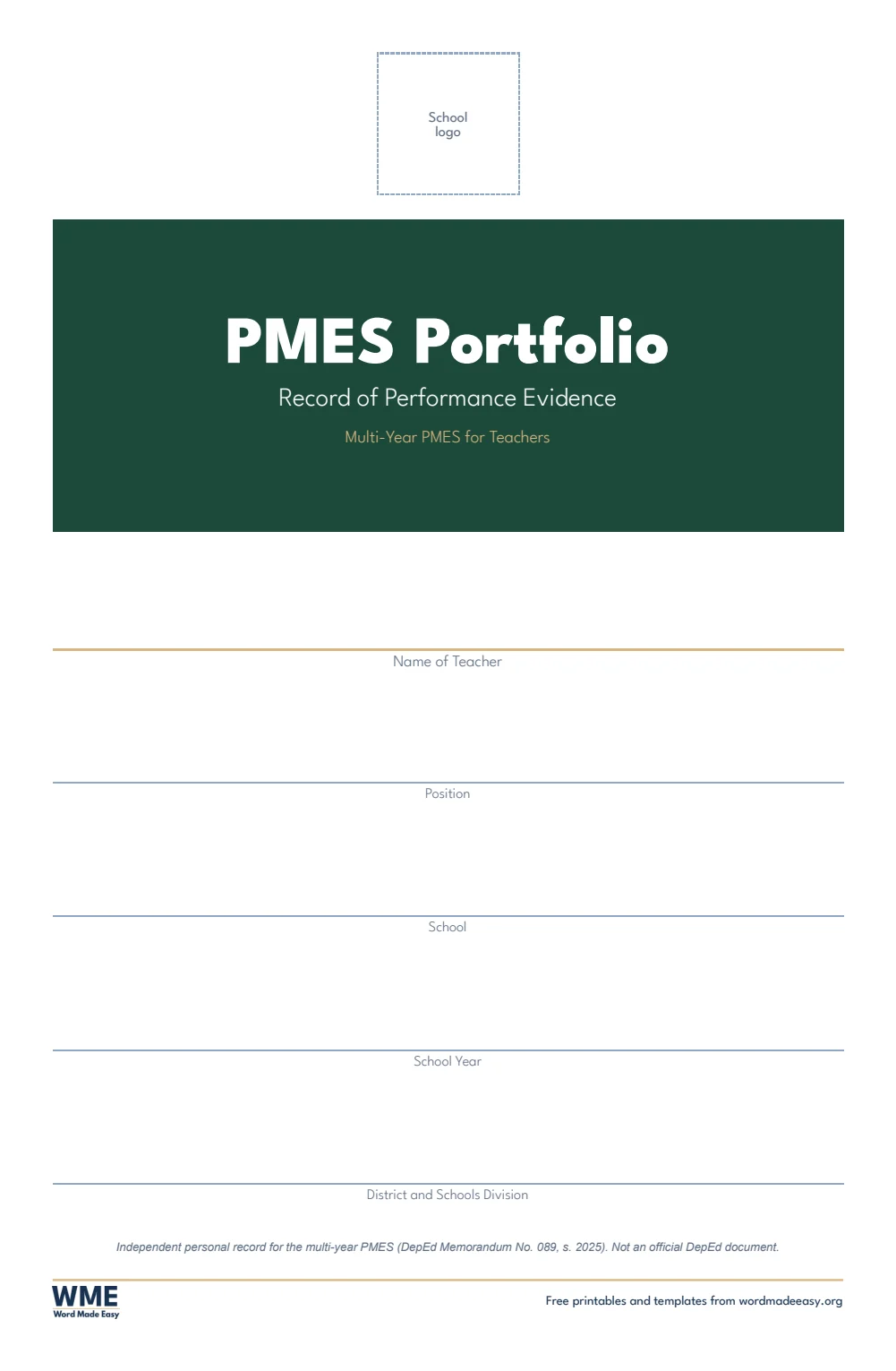
| PMES Portfolio Cover, Green | A typographic cover: your name, position, school and school year |
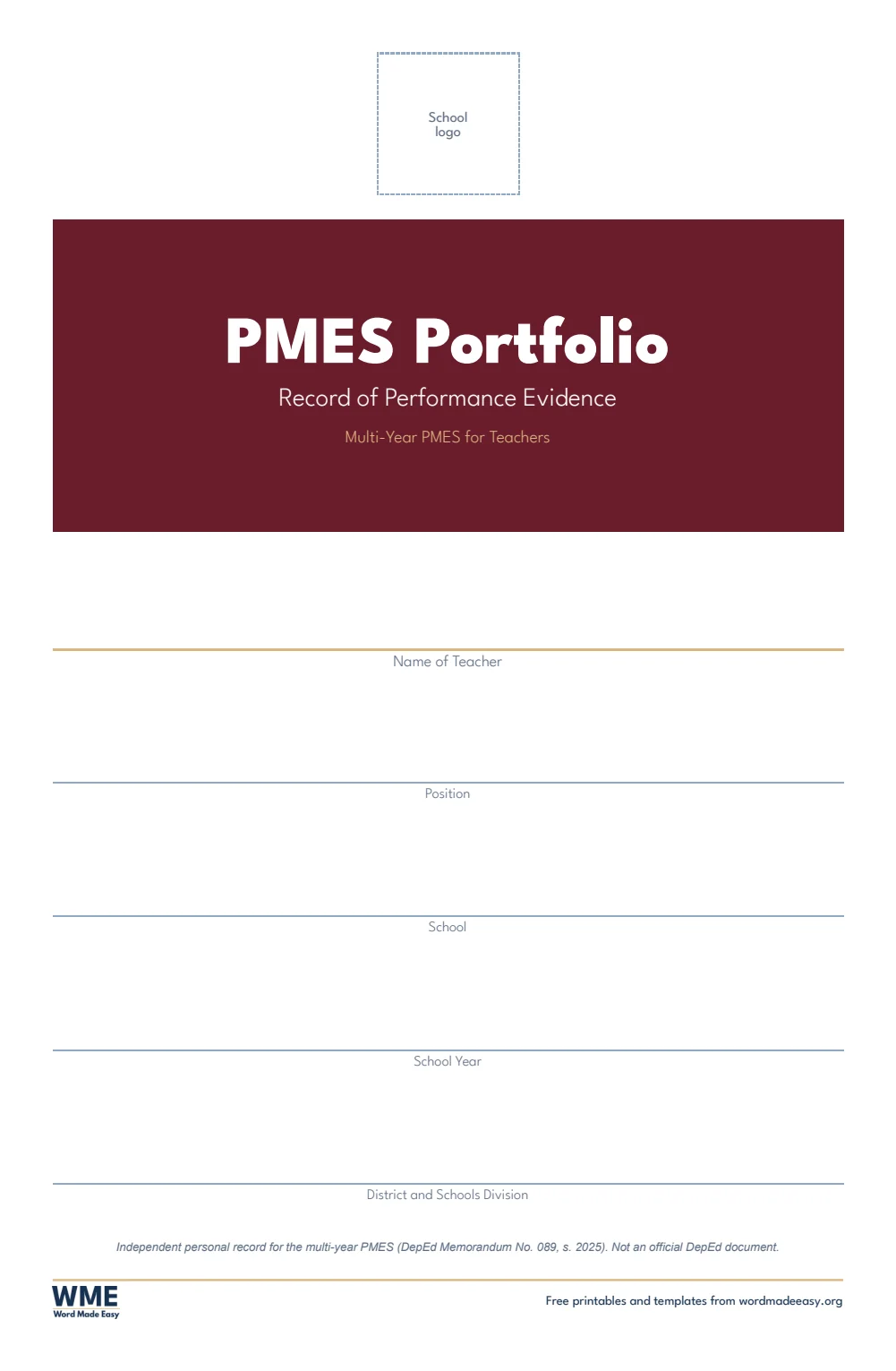
| PMES Portfolio Cover, Maroon | A typographic cover: your name, position, school and school year |
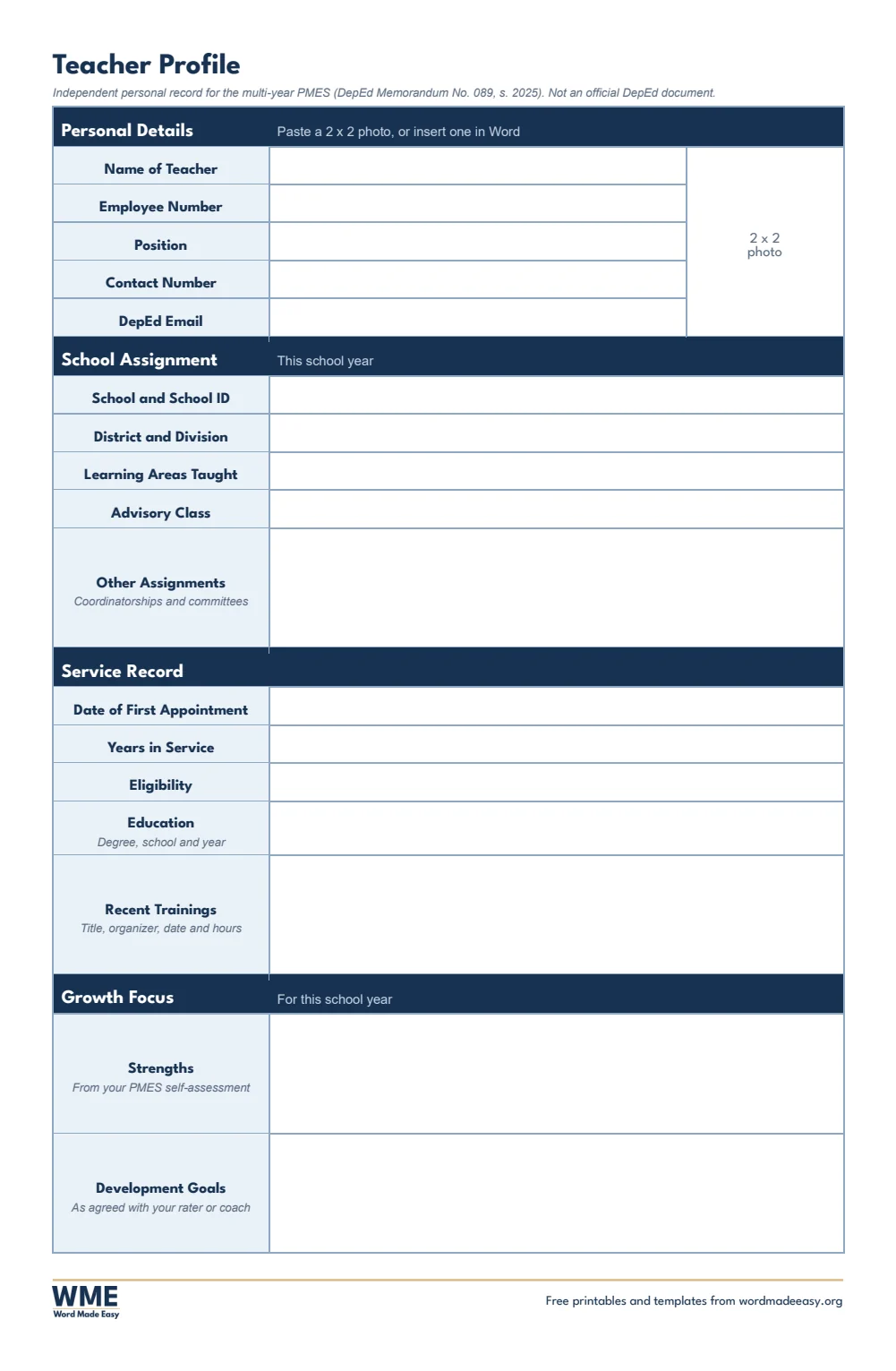
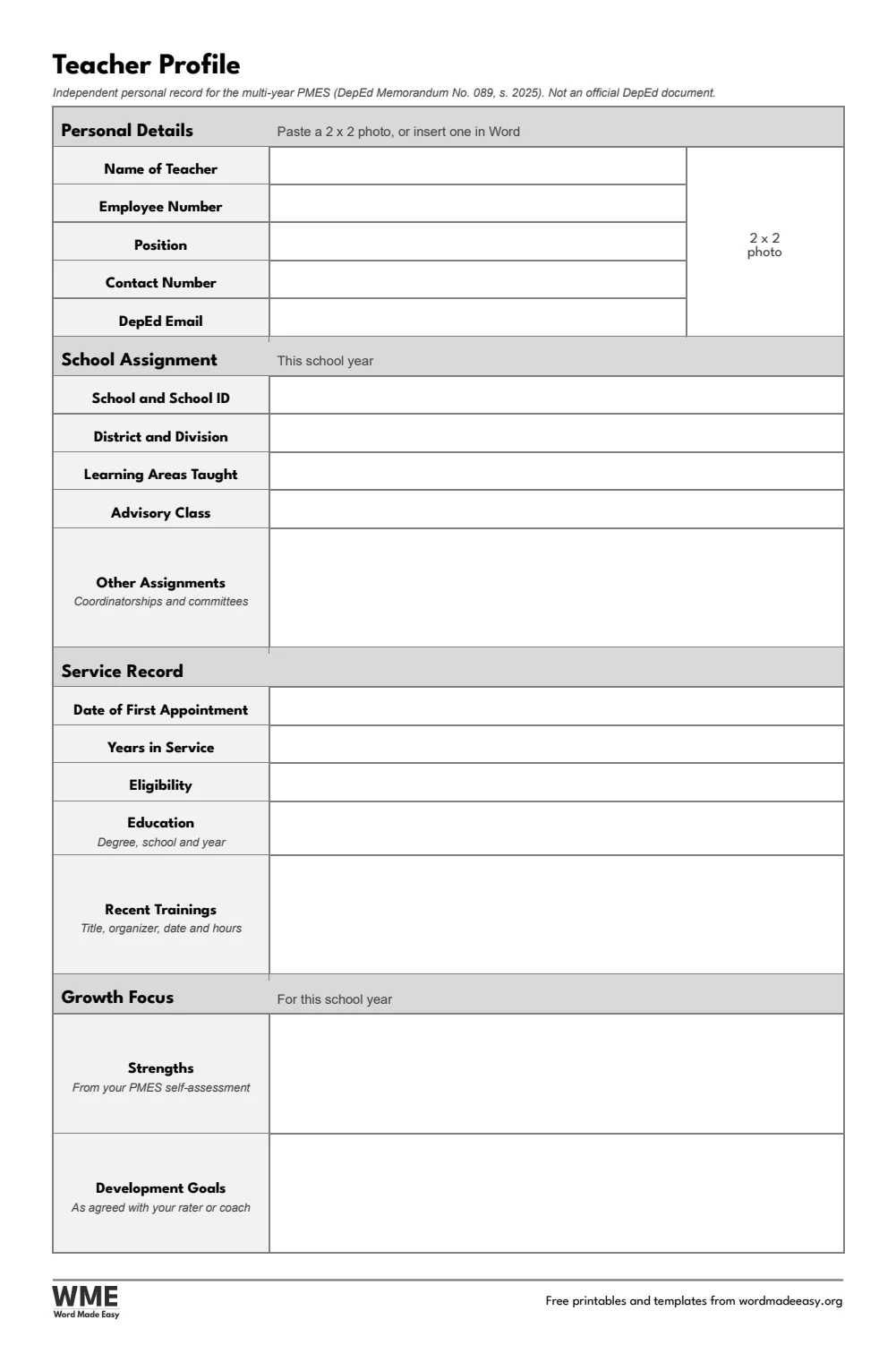
| Teacher Profile | Personal, school and service details, a photo box and your growth focus |
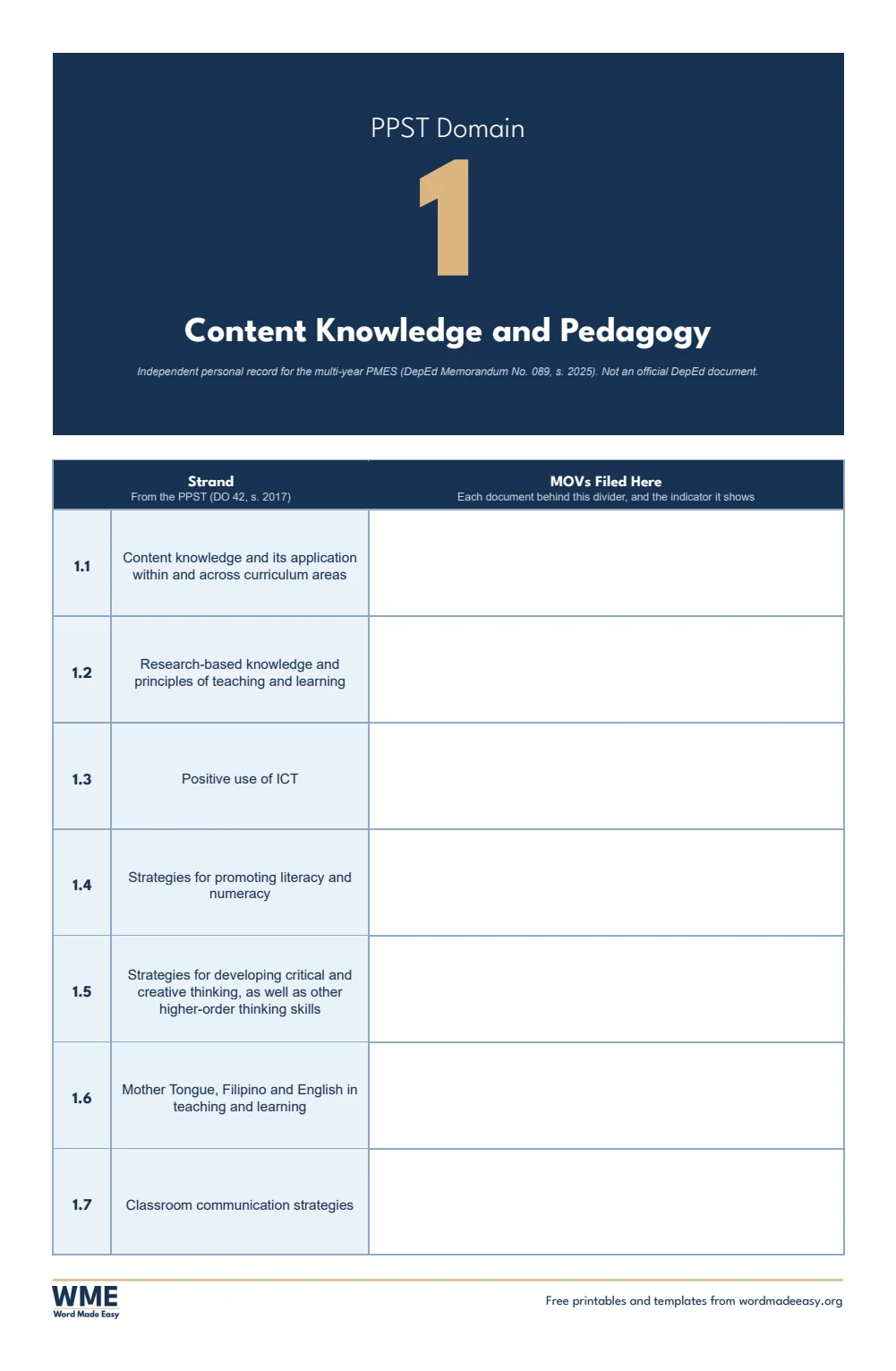
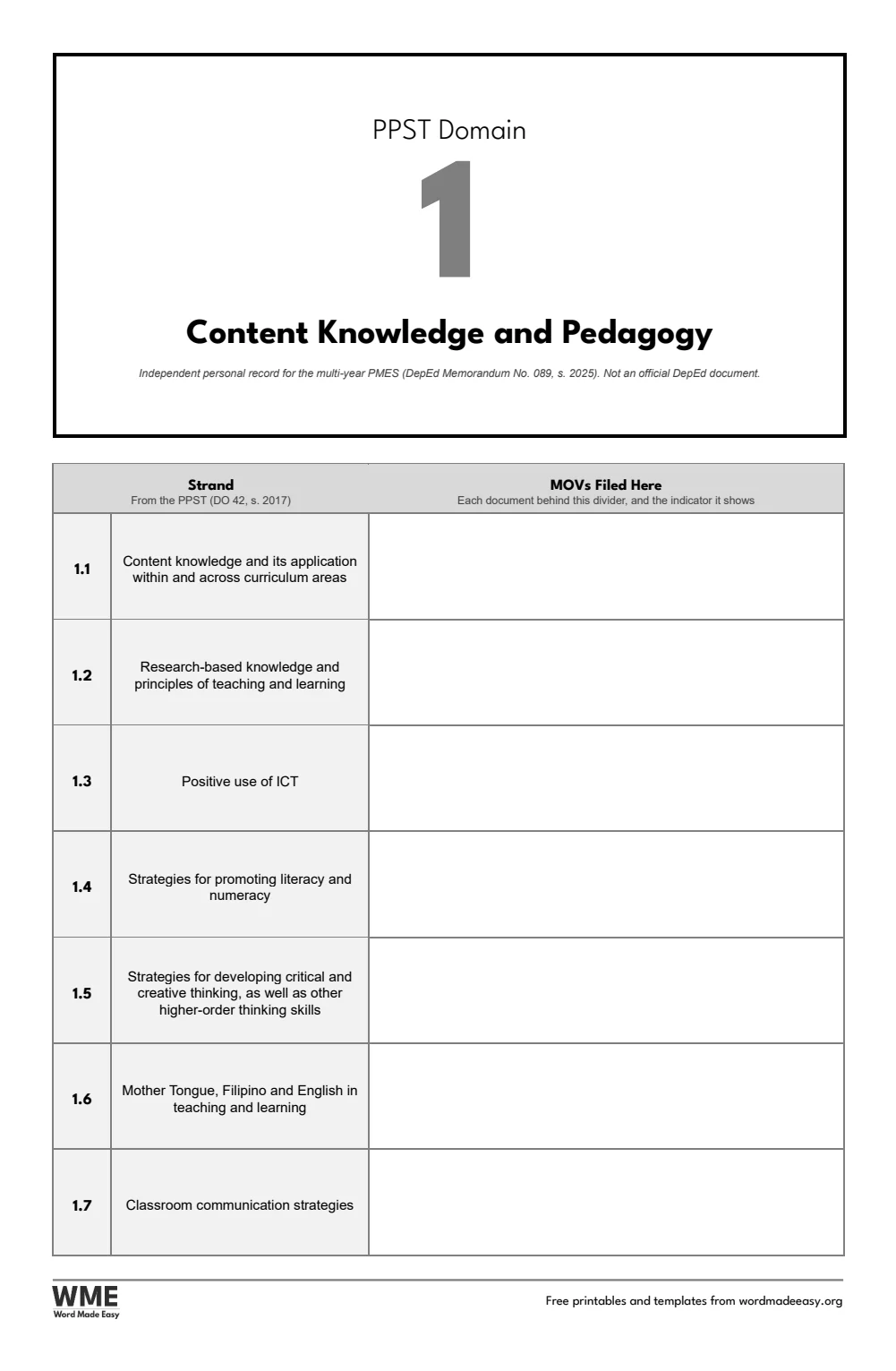
| PPST Domain Dividers | Seven dividers, each listing its strands with space for the MOVs filed behind it |
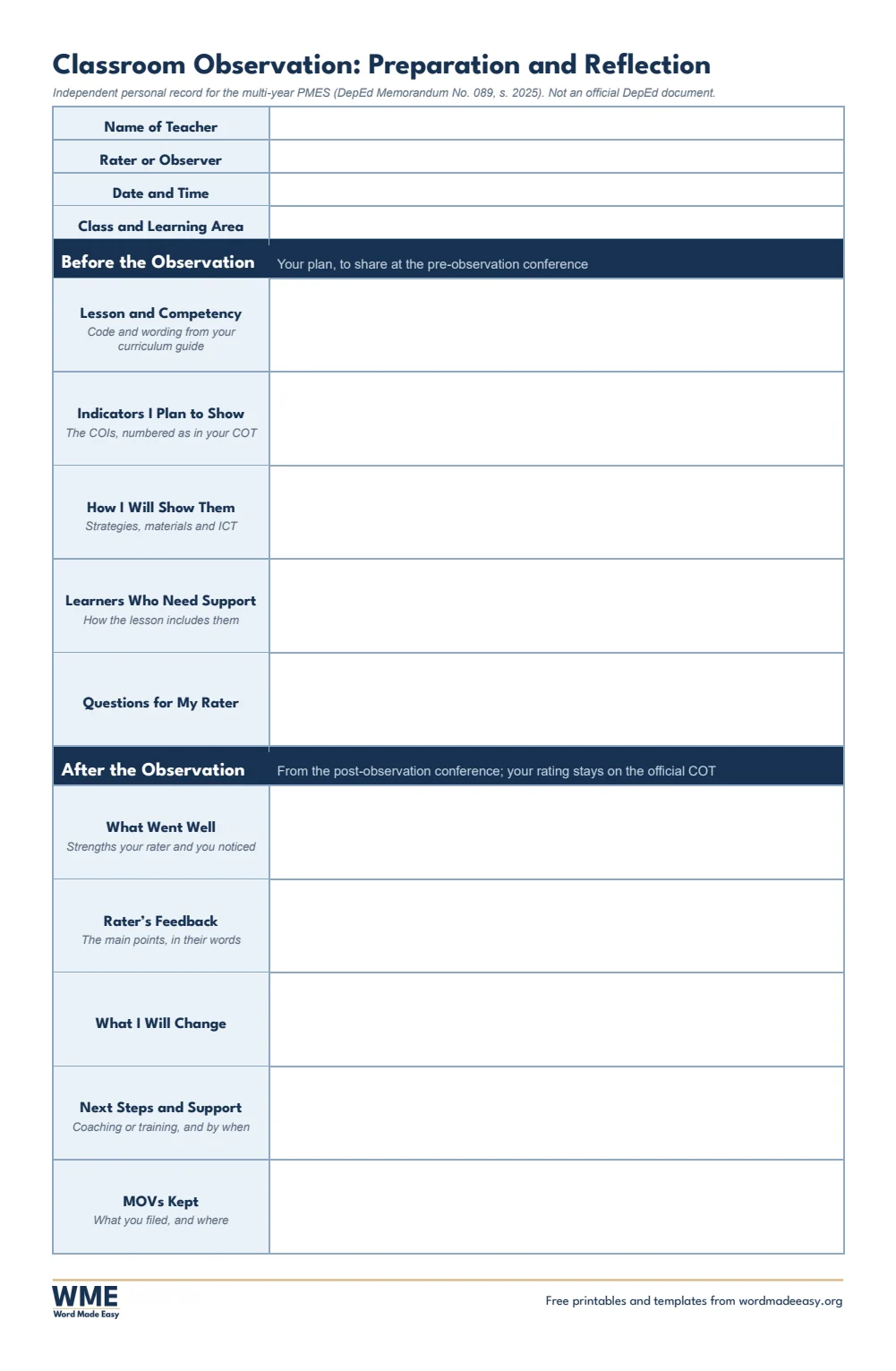
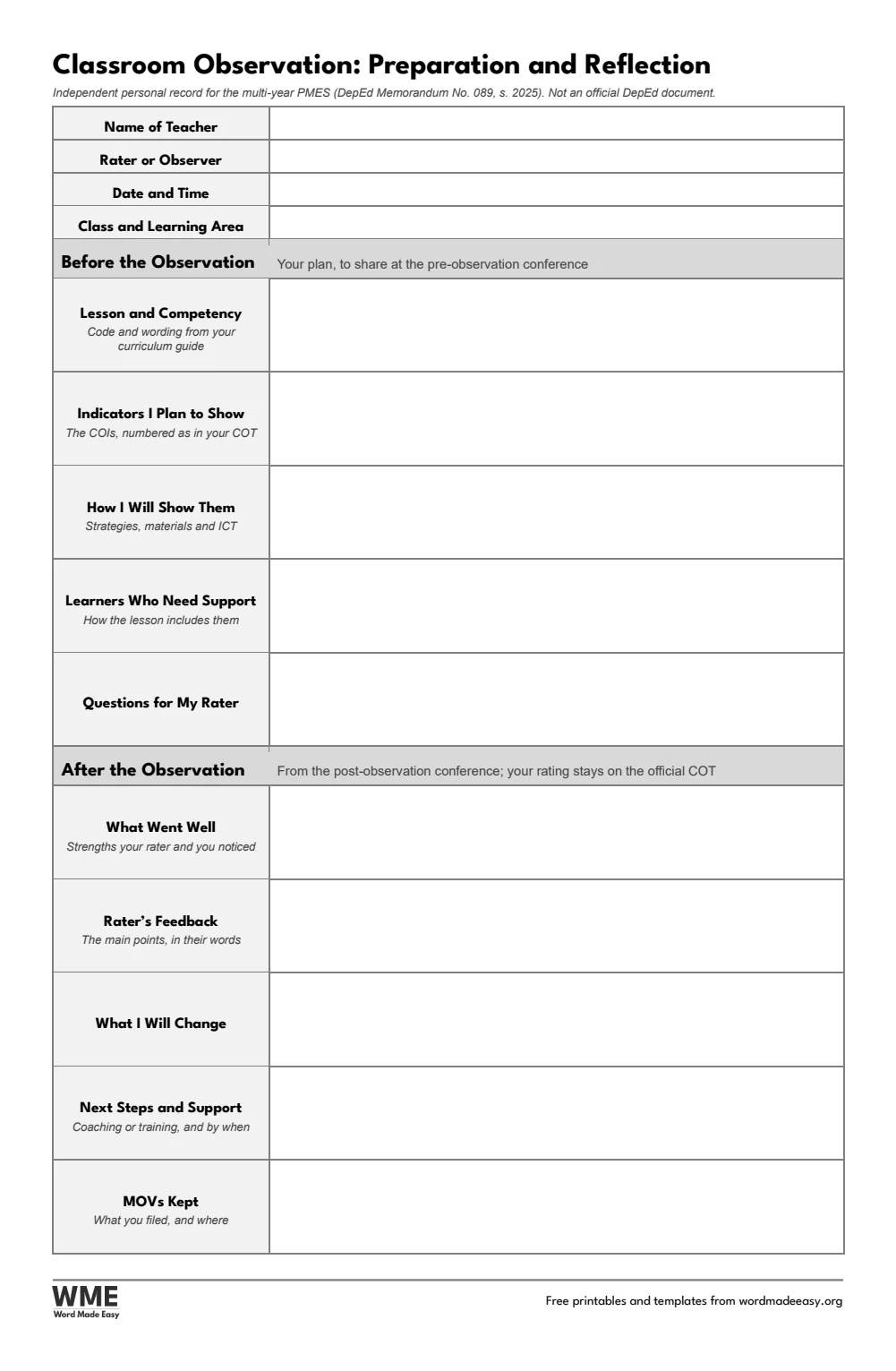
| Classroom Observation Preparation and Reflection | Your notes before and after an observation (not the COT itself) |
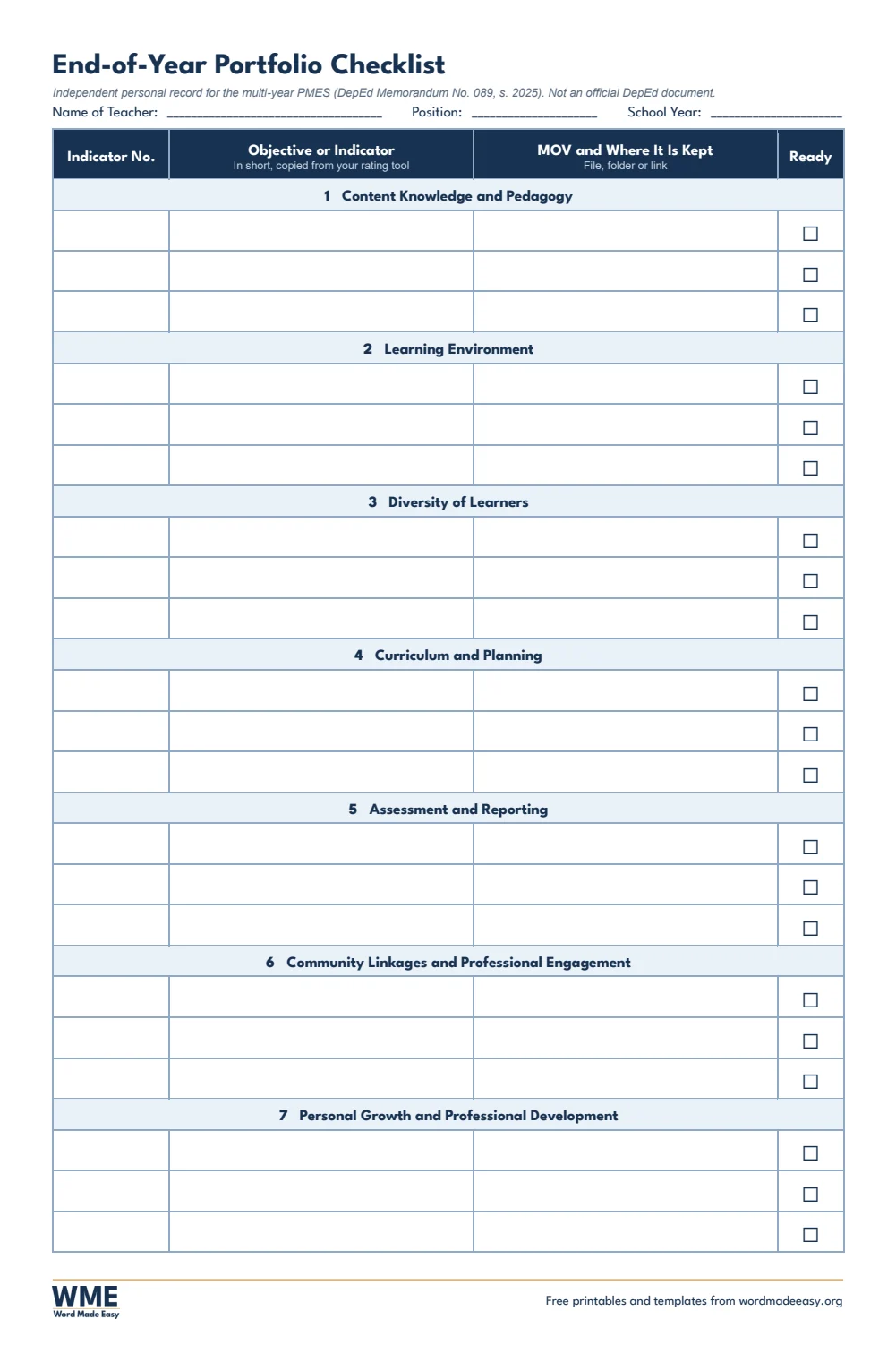
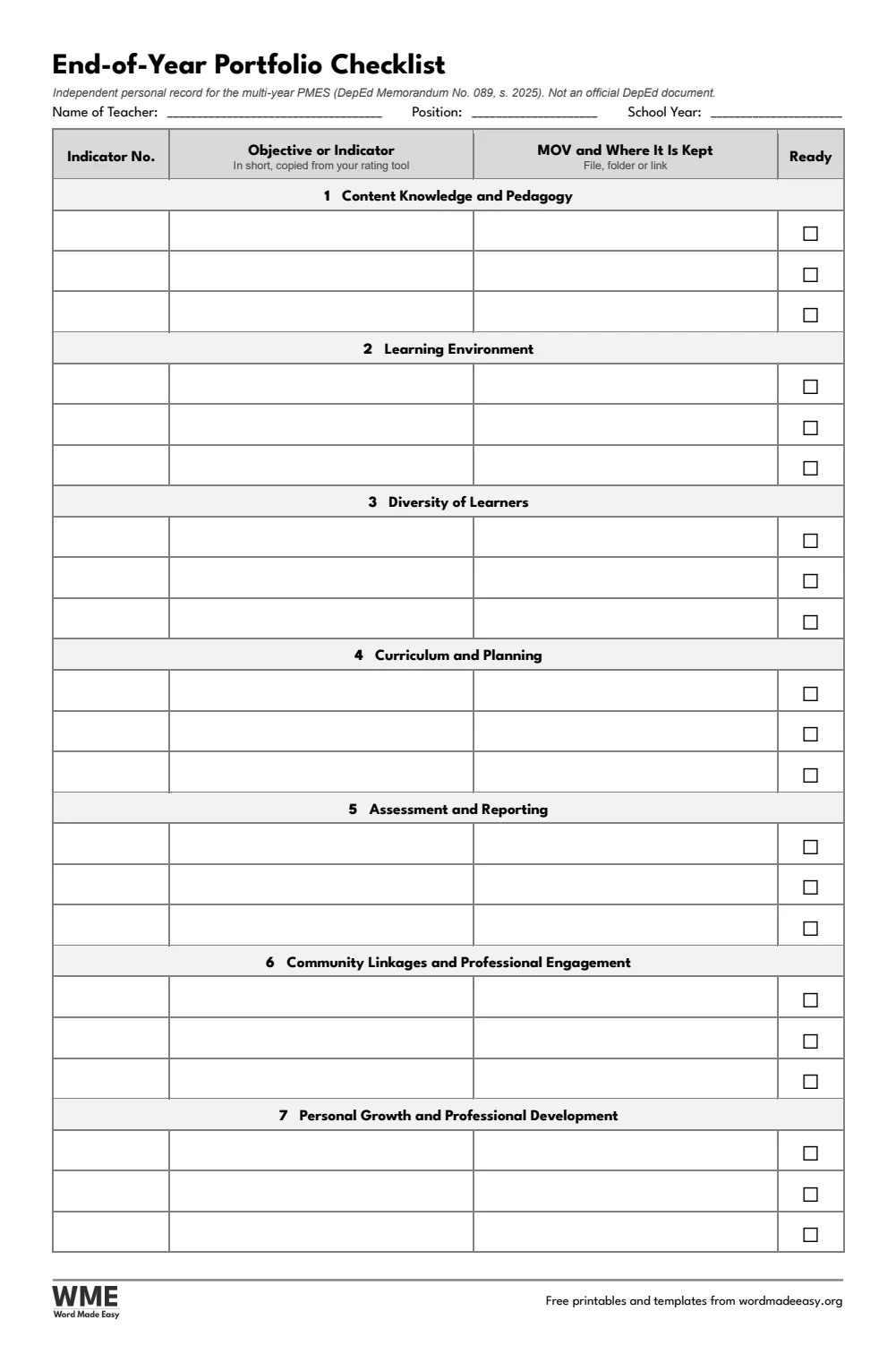
| End-of-Year Portfolio Checklist | Each objective, where its MOV is kept and a ready tick, by domain |
👉 Every box is a Word table cell: click and type, and the row grows if you write more. The indicator numbers are not printed on the pages: copy them from your own rating tool, because the official list sits in the DepEd Excel files.
What Is a PMES Portfolio?
The Performance Management and Evaluation System (PMES) for teachers is set out in DepEd Memorandum No. 089, s. 2025, which runs over several school years from SY 2025-2026 to SY 2027-2028. Teachers show their performance through means of verification (MOVs) rated against the Philippine Professional Standards for Teachers (PPST). The memorandum does not require a physical portfolio, and the official tools (the self-assessment, rating tools, the Classroom Observation Tool and the e-IPCRF) are Excel files. One MOV can support several indicators, so you do not need a separate copy for each one. These templates are an optional, independent personal record to keep your MOVs organised. They are not official DepEd documents and carry no DepEd seal.
Which PMES Portfolio Template Should You Use?
- PMES Evidence Record (MOV Tracker): two landscape pages with 20 rows: log each MOV once, with its date, and tick every PPST domain it supports.
- PMES Portfolio Cover: a simple typographic cover in navy, green or maroon (plus black and white) for your name, position, school and school year.
- Teacher Profile: personal, school and service details, a photo box and your professional growth focus.
- PPST Domain Dividers: seven pages, one per domain, listing all 37 PPST strands with space to note the MOVs filed behind each one.
- Classroom Observation Preparation and Reflection: your own notes before and after an observation. It is not the COT itself.
- End-of-Year Portfolio Checklist: each objective by domain, where its MOV is kept and a tick when it is ready.
- Planning lessons for this year? See the ILAW lesson plan templates for DepEd Order No. 016, s. 2026.
- Setting up your class? The classroom structuring templates give you classroom rules in Filipino and English, class officers, a birthday chart and a Phil-IRI reading progress chart for your bulletin board or class folder.
- Running SLAC sessions? The LAC templates give you a session plan, a yearly school LAC plan, an attendance sheet, minutes and a reflection sheet based on DepEd Order No. 35, s. 2016, and their outputs make good MOVs.
How to Keep Your PMES Portfolio Simple
- Choose long bond or A4 above, download the ZIP and fill in the cover and teacher profile once.
- Open your rating tool and copy the objective or indicator numbers you are working on onto the dividers and the checklist.
- Each time you have a new MOV, add one row to the evidence record and tick every domain it supports.
- Before and after each classroom observation, use the preparation and reflection page.
- Near the end of the rating period, go through the checklist so every objective has its MOV ready.
Keep one copy of each MOV and point to it from every indicator it supports, rather than printing it again. Many teachers keep the record on screen and only print what their school head asks for. Always follow your school or division’s instructions and the official DepEd forms; these pages only help you stay organised.
Black and White Versions
Every template on this page also comes in a black and white version with the same layout: grey headings and an outlined title, so it prints clearly on any printer and saves ink. In the download box, choose Colour, Black and white or All, then your paper size: long bond, A4 or both.
How to Print the PMES Portfolio Pages
Print at 100% (Actual size) on the same paper as the file. For long bond, load 8.5 x 13 inch paper and choose that size in the printer settings (it may be called Folio or Long). The evidence record prints landscape. The black and white versions use grey headings, to save ink.
FAQs
Are these PMES portfolio templates free?
Yes. Choose long bond or A4 and download all the Word templates in one ZIP file at no cost.
Who made these PMES portfolio templates?
Patrick Elliott, a teacher and Inclusion Lead, designed and built every PMES portfolio by hand in Microsoft Word.
Is a physical PMES portfolio required?
No. DepEd Memorandum No. 089, s. 2025 does not require a physical portfolio. These templates are optional, for teachers who want one tidy personal record.
Is this an official DepEd form?
No. It is an independent template from Word Made Easy with no DepEd seal. The official PMES tools, such as the e-IPCRF and the COT, are DepEd Excel files.
Why are the indicator numbers not printed?
So the pages match whatever rating tool you use. Copy the numbers from your own rating tool onto the dividers and the checklist.
Can one MOV count for more than one indicator?
Yes. One MOV may support several indicators, so log it once on the evidence record and tick every domain it supports.
Is there a black and white version?
Yes. Every template comes in colour and in black and white, on long bond and A4. Choose Black and white, or All, in the download box.
Conclusion
These PMES portfolio templates help Filipino teachers keep their MOVs in one simple, optional record, human-made by a teacher in Microsoft Word.
Choose your paper size above, download the ZIP, and to plan this year’s lessons, try the ILAW lesson plan templates.
Related Tutorials
- Free ILAW Lesson Plan Templates for Word
- Free Narrative Report and Accomplishment Report Templates for Word
- Free Anecdotal Record Templates for Word
Word Templates
Recently Added Word Templates
Browse the complete collection of free printable Word templates for home and school, all made by a teacher.
New to Word? Our Word tutorials show you how to edit and print your templates.
Leave a comment
Have a question about these templates, or an idea for a new one? Ask below.