
Free Debt Payoff Tracker Printables for Word: 5 Sheets with Debt Snowball
Preview every template, choose colour or black and white and your paper size, then download your Word templates in one small ZIP file.
Made by a teacherA4 and US Letter20 Word documentsFree


Can’t find the template you need? Request a template and I’ll make it in Word, free.
Get new free printables first: follow Word Made Easy on Pinterest
These free debt payoff tracker printables give you 5 designs as Word documents on US Letter and A4: a debt snowball worksheet, a debt payoff tracker, a debt payoff colouring chart, a credit card payoff tracker and a monthly debt payment log, each in colour and in black and white. I’m Patrick Elliott, a teacher and Inclusion Lead. I kept these trackers simple on purpose: one plan, one page to colour in, and a log, so the progress is easy to see.
In this guide, you’ll find how the debt snowball and avalanche methods work, which tracker to use for each step, and how to stay motivated until the last payment.
What’s in the Debt Payoff Tracker Printables
| Paper | Template | What it’s for |
|---|---|---|
| US Letter | Debt Snowball Worksheet | List debts smallest to largest and roll each payment into the next |
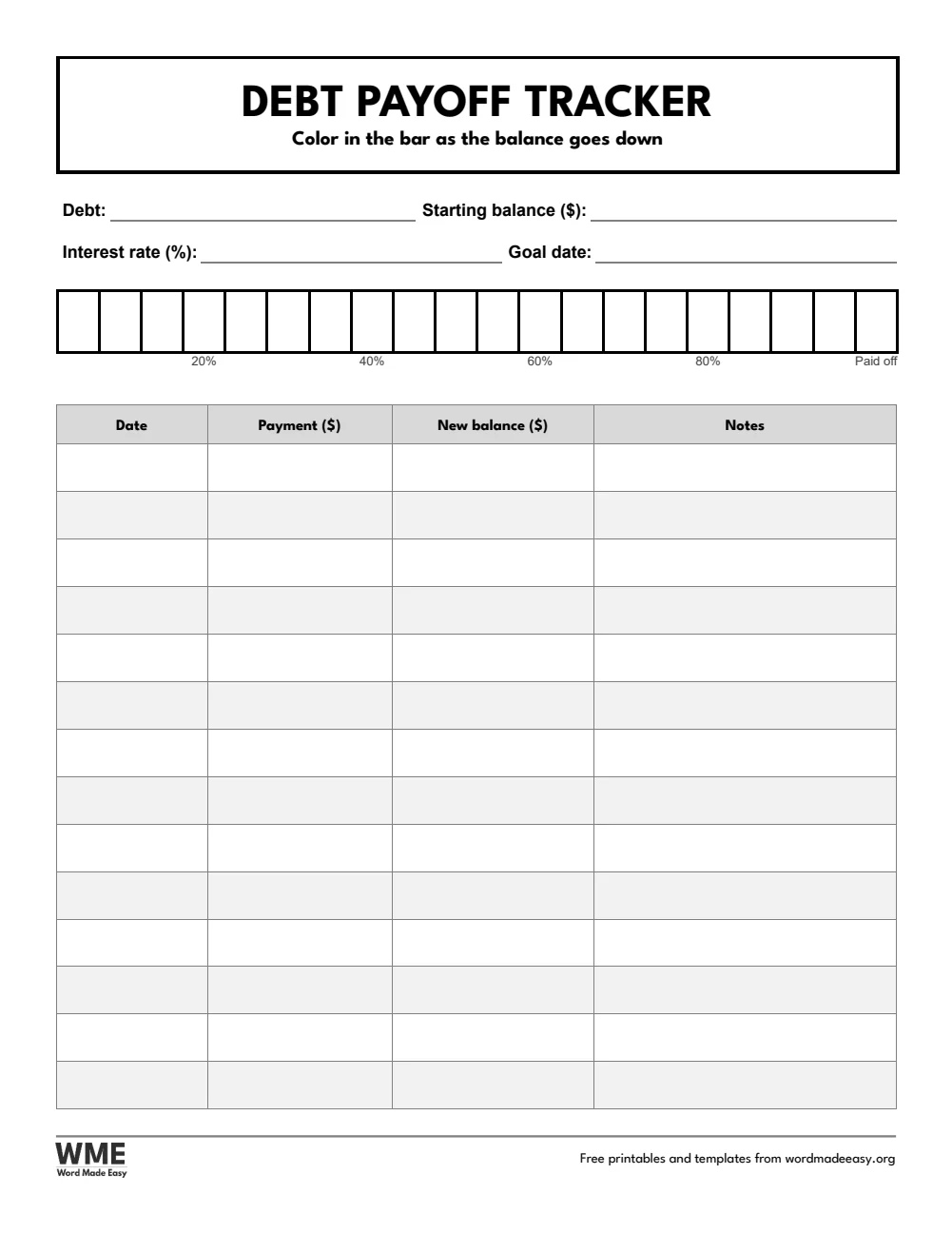
| US Letter | Debt Payoff Tracker | One debt: a 20-step bar to colour and a payment log |
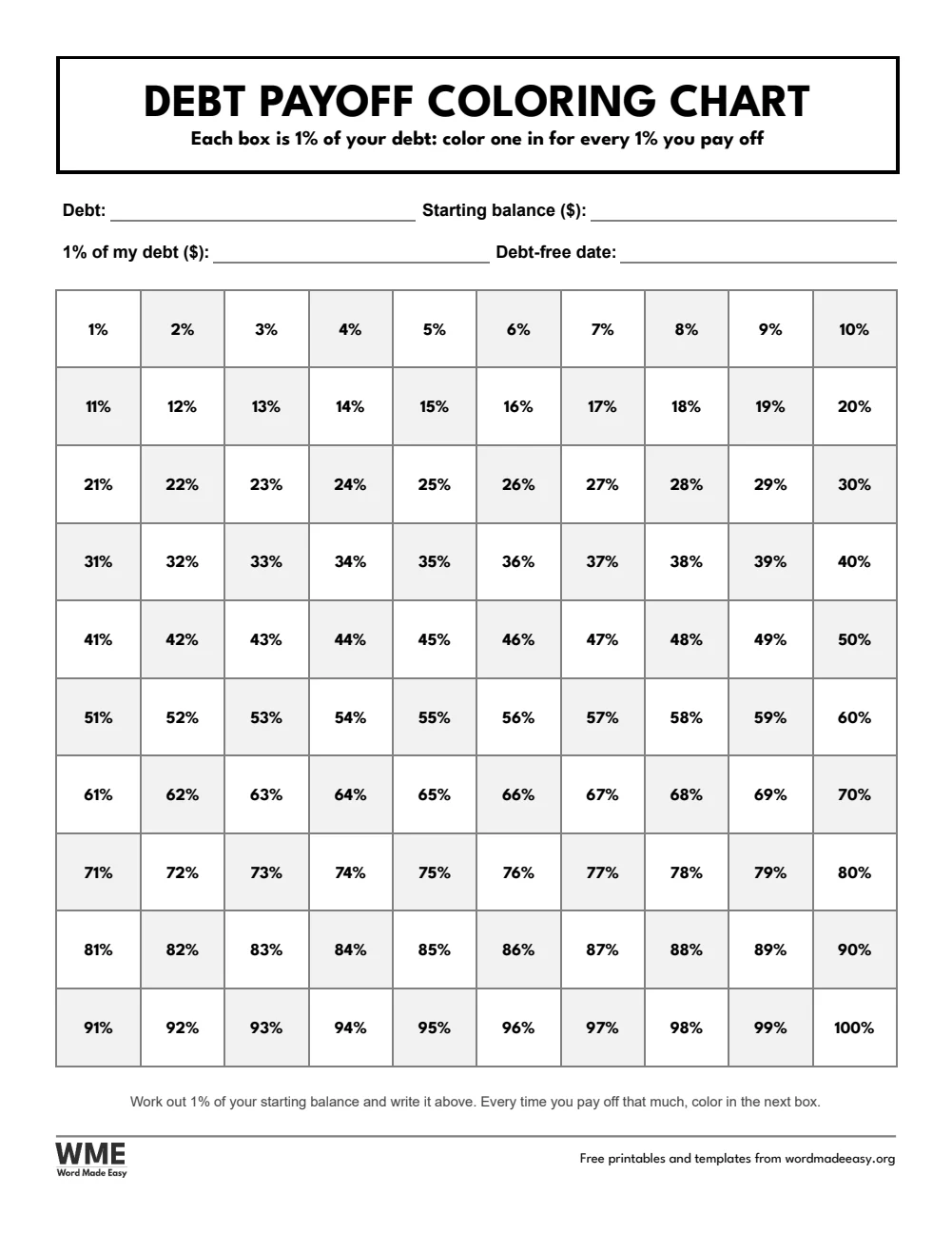
| US Letter | Debt Payoff Coloring Chart | 100 boxes, each 1% of your debt, to colour as you pay |
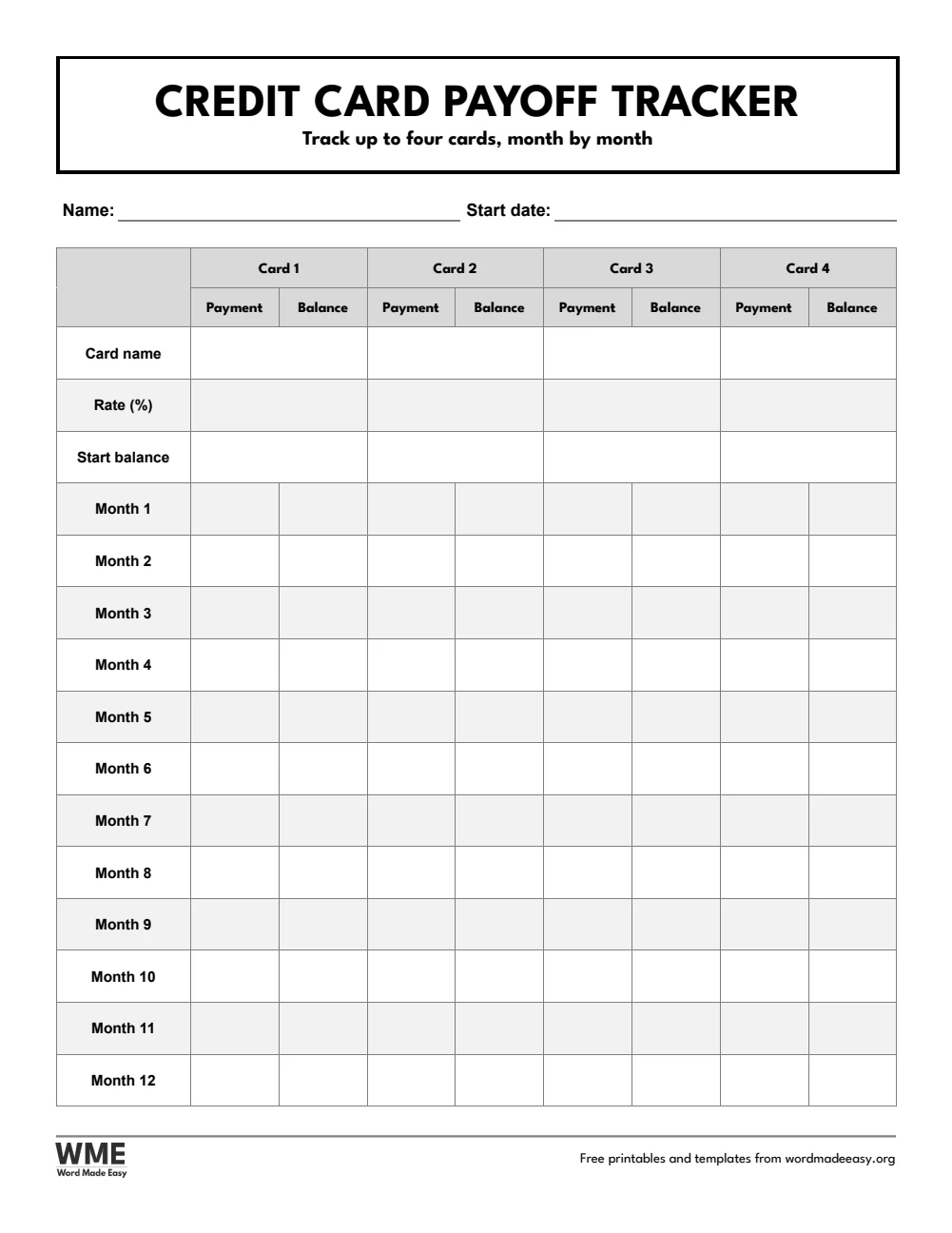
| US Letter | Credit Card Payoff Tracker | Up to four cards with payments and balances for 12 months |
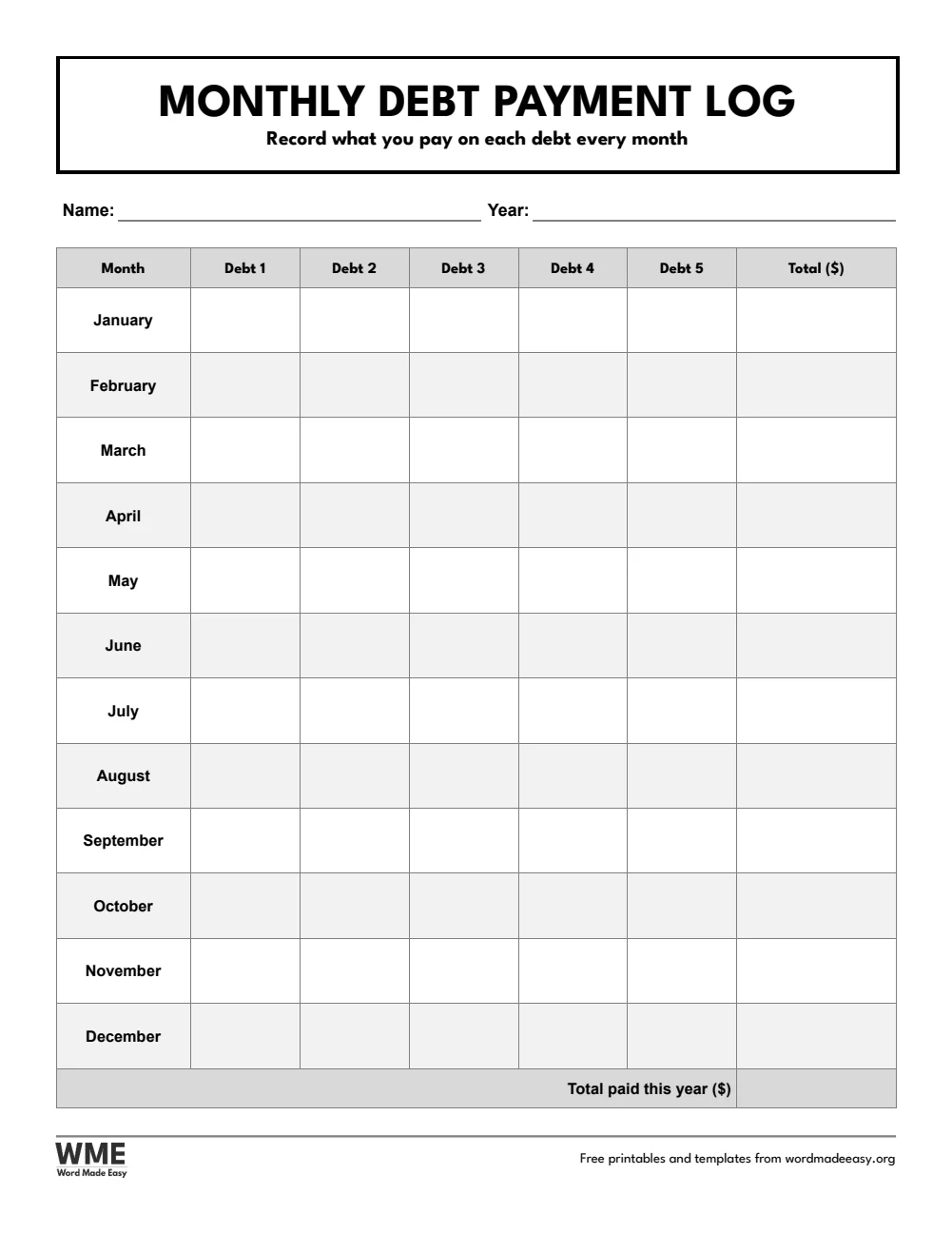
| US Letter | Monthly Debt Payment Log | Payments on up to five debts for every month of the year |
| A4 | Debt Snowball Worksheet | List debts smallest to largest and roll each payment into the next |
| A4 | Debt Payoff Tracker | One debt: a 20-step bar to colour and a payment log |
| A4 | Debt Payoff Coloring Chart | 100 boxes, each 1% of your debt, to colour as you pay |
| A4 | Credit Card Payoff Tracker | Up to four cards with payments and balances for 12 months |
| A4 | Monthly Debt Payment Log | Payments on up to five debts for every month of the year |
👉 Every heading is fixed: type your debts and payments into Word, or print the pages and fill them in by hand.
How Does the Debt Snowball Work?
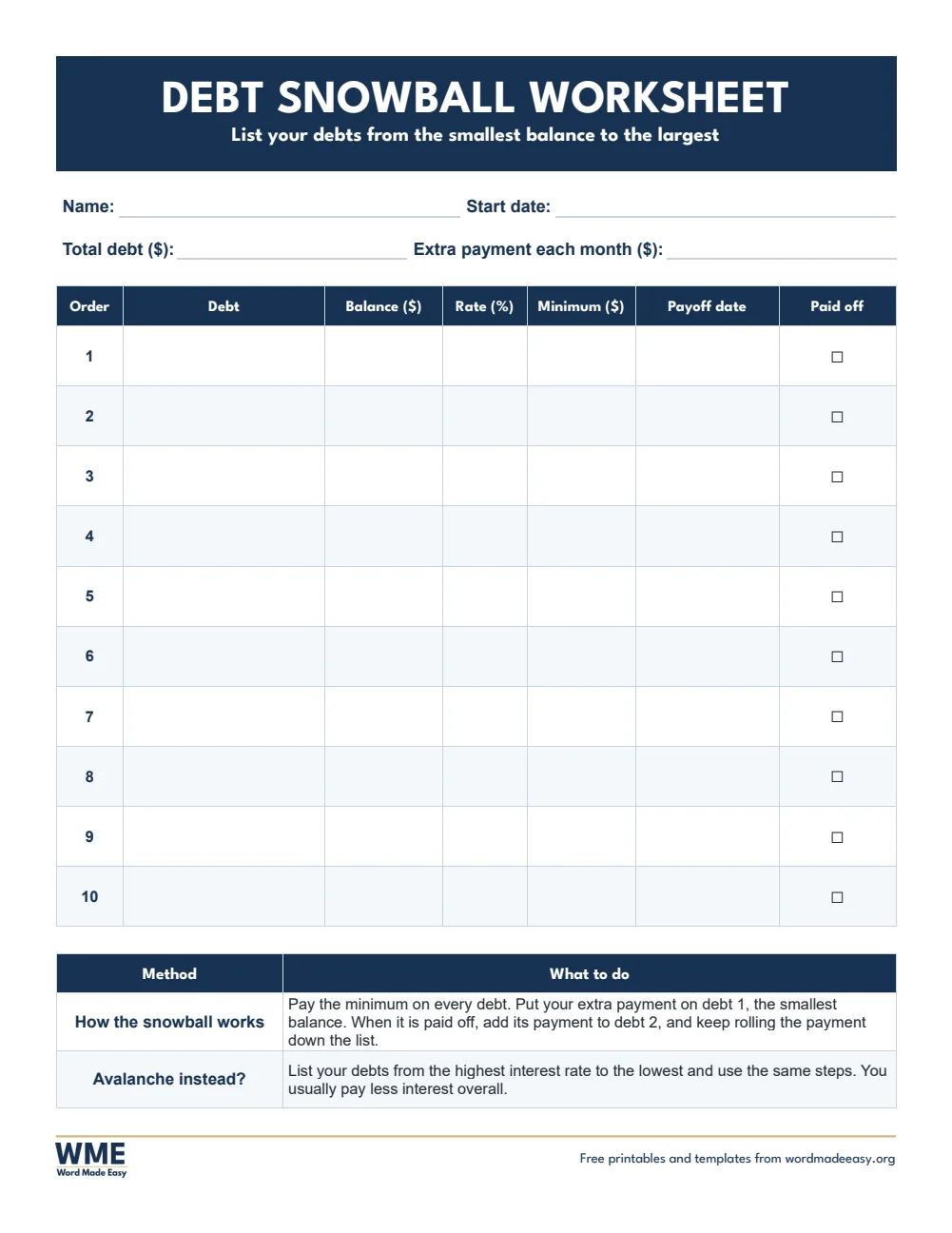
The debt snowball is a simple plan for paying off several debts. You list your debts from the smallest balance to the largest, pay the minimum on all of them, and put every extra dollar on the smallest one. When that debt is paid off, you add its payment to the next debt, so the payment grows like a snowball rolling downhill. The avalanche method uses the same steps but orders the debts from the highest interest rate to the lowest, which usually costs less interest. These printables are for tracking your own plan, not financial advice: for help with serious debt, talk to a non-profit credit counsellor.
Which Debt Tracker Should You Use?
- Debt snowball worksheet: ten debts in payoff order with the balance, rate, minimum payment, payoff date and a paid-off box, plus a reminder of how the snowball and avalanche work.
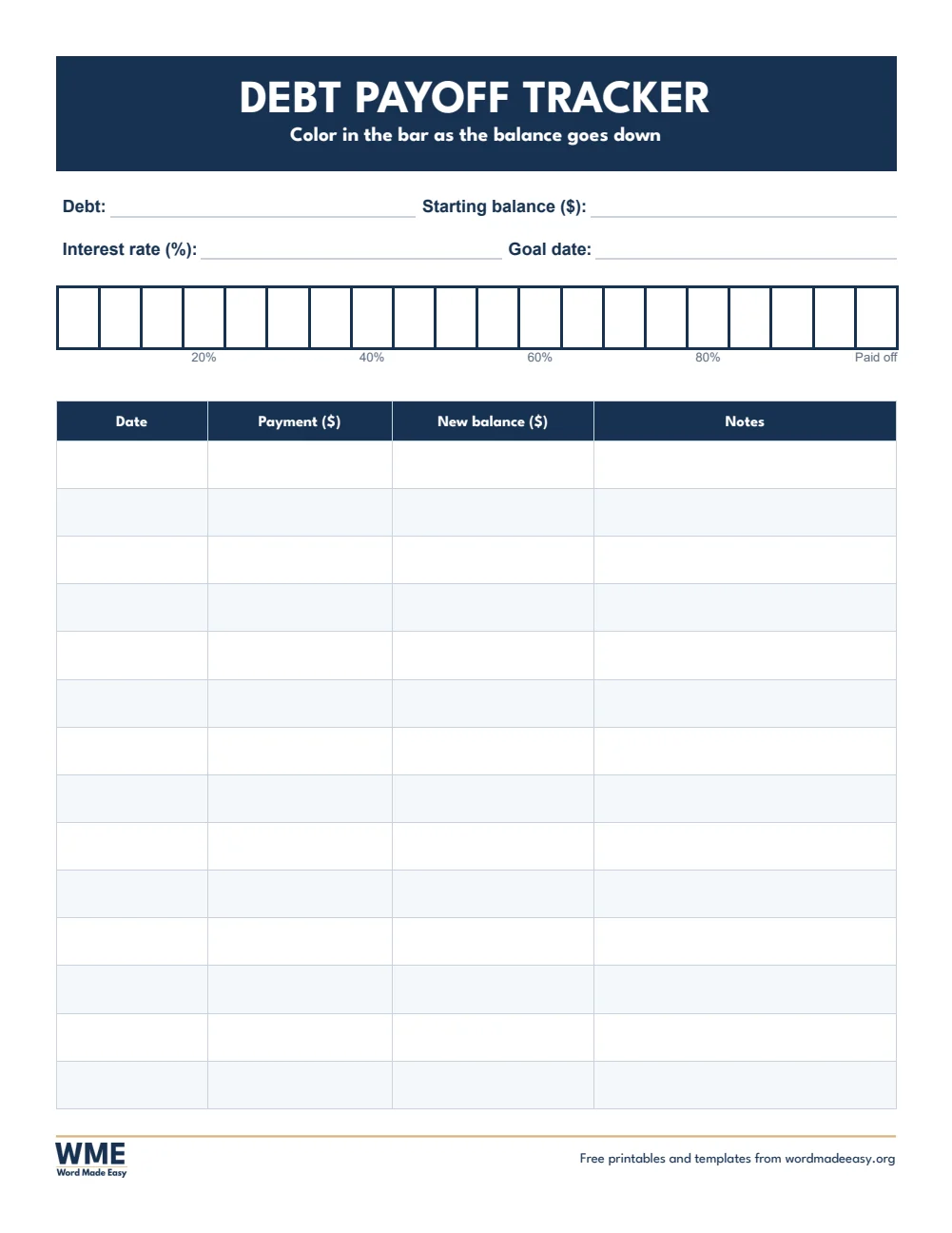
- Debt payoff tracker: one debt, with a 20-step bar to colour in down to “Paid off” and a payment log.
- Debt payoff colouring chart: 100 boxes, each 1% of your debt, to colour in as you pay it down.
- Credit card payoff tracker: up to four cards with the rate and starting balance, then the payment and balance for 12 months.
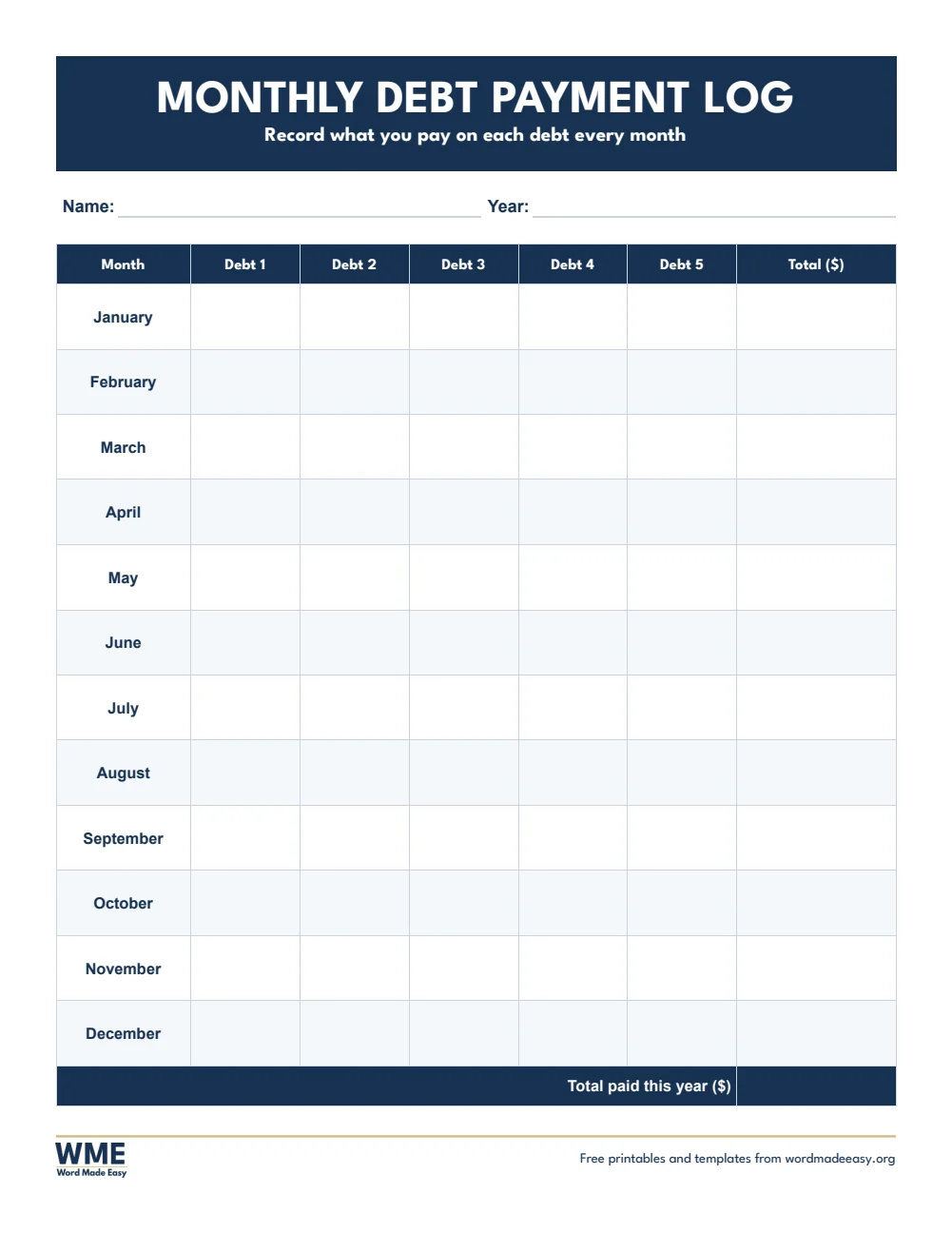
- Monthly debt payment log: what you paid on up to five debts every month, with a yearly total.
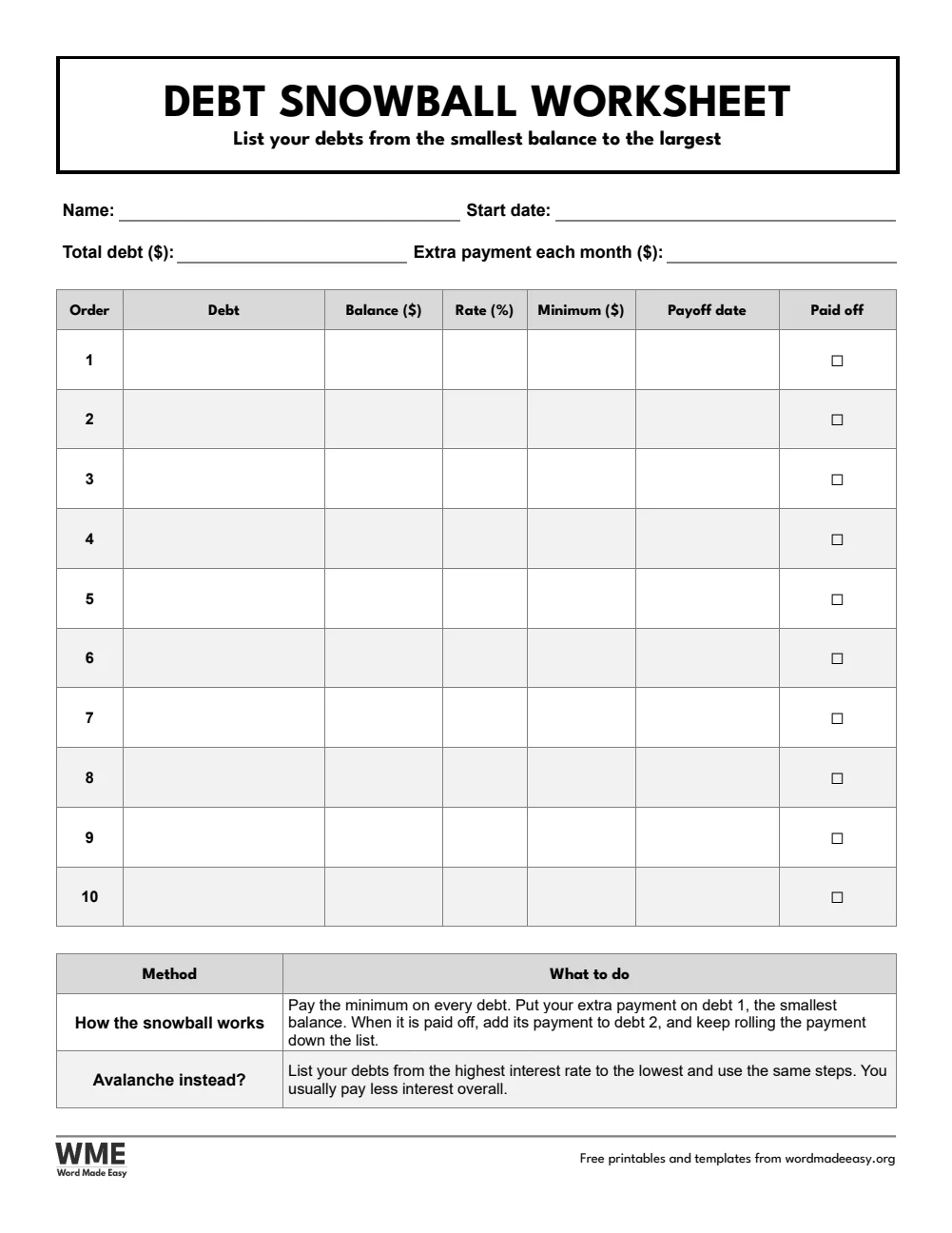
- Black and white versions: every template also comes in a printer-friendly black and white version with grey headings, to save ink.
How to Start Paying Off Your Debt
- Choose your paper size above, download the ZIP and open the debt snowball worksheet in Word.
- List every debt with its balance, interest rate and minimum payment, smallest balance first (or highest rate first for the avalanche).
- Decide how much extra you can pay each month and write it at the top.
- Use a debt payoff tracker or the colouring chart for the debt you are paying first, and colour it in as the balance falls.
- Record every payment in the monthly payment log, and tick each debt off on the worksheet when it reaches zero.
Pay the extra amount as soon as you are paid, before you can spend it. Find extra money with a budget planner and keep going with a savings challenge once the debt is gone.
How to Print the Trackers
Print at 100% (Actual size) on the same paper as the file, US Letter or A4. Print the colouring chart and the payoff tracker in black and white if you want more room to colour.
FAQs
Are these debt payoff trackers free?
Yes. Choose US Letter or A4, colour or black and white, and download all five trackers in one ZIP file at no cost.
What is the difference between the debt snowball and the debt avalanche?
The snowball pays off the smallest balance first, for quick wins. The avalanche pays off the highest interest rate first, which usually costs less interest. The worksheet works for both.
How does the debt payoff colouring chart work?
Work out 1% of your starting balance and write it at the top. Every time you pay off that much, colour in the next of the 100 boxes.
Can I type into the trackers?
Yes. Click into any cell in Word and type, or print the pages and fill them in by hand.
Is this financial advice?
No. These printables help you track your own plan. For help with serious debt, talk to a non-profit credit counsellor.
Is there a black and white version?
Yes. Every template comes in colour and in black and white, on US Letter and A4. Choose Black and white, or All, in the download box.
Conclusion
These debt payoff trackers give you a clear plan and a page to colour in for every step toward paying off your debt, ready to print from Word.
Choose your paper size above, download the ZIP, and to find money for extra payments, use the budget templates.
Related Tutorials
- Free Budget Templates for Word
- Free Savings Challenge Printables for Word
- Free Check Register Templates for Word
Word Templates
Recently Added Word Templates
Browse the complete collection of free printable Word templates for home and school, all made by a teacher.
New to Word? Our Word tutorials show you how to edit and print your templates.

Leave a comment
Have a question about these templates, or an idea for a new one? Ask below.