
Free Check Register Templates for Word: 20 Printable Registers
Preview every template, choose colour or black and white and your paper size, then download your Word templates in one small ZIP file.
Made by a teacherA4 and US Letter20 Word documentsFree



Can’t find the template you need? Request a template and I’ll make it in Word, free.
These free check register templates give you 20 Word documents on US Letter and A4: a check register, a transaction register, a check register with budget categories, a checkbook reconciliation and a checkbook-size register, each in colour and in black and white. I’m Patrick Elliott, a teacher and Inclusion Lead. I built these with the columns a bank register uses, an opening balance line and a reconciliation sheet, so balancing a checkbook takes minutes.
In this guide, you’ll find which register suits how you pay, how to keep a running balance, and how to balance your checkbook against your bank statement.
What’s in the Check Register Templates
| Paper | Version | Best for |
|---|---|---|
| A4 | Check Register | Number, date, description, payment, deposit and balance |
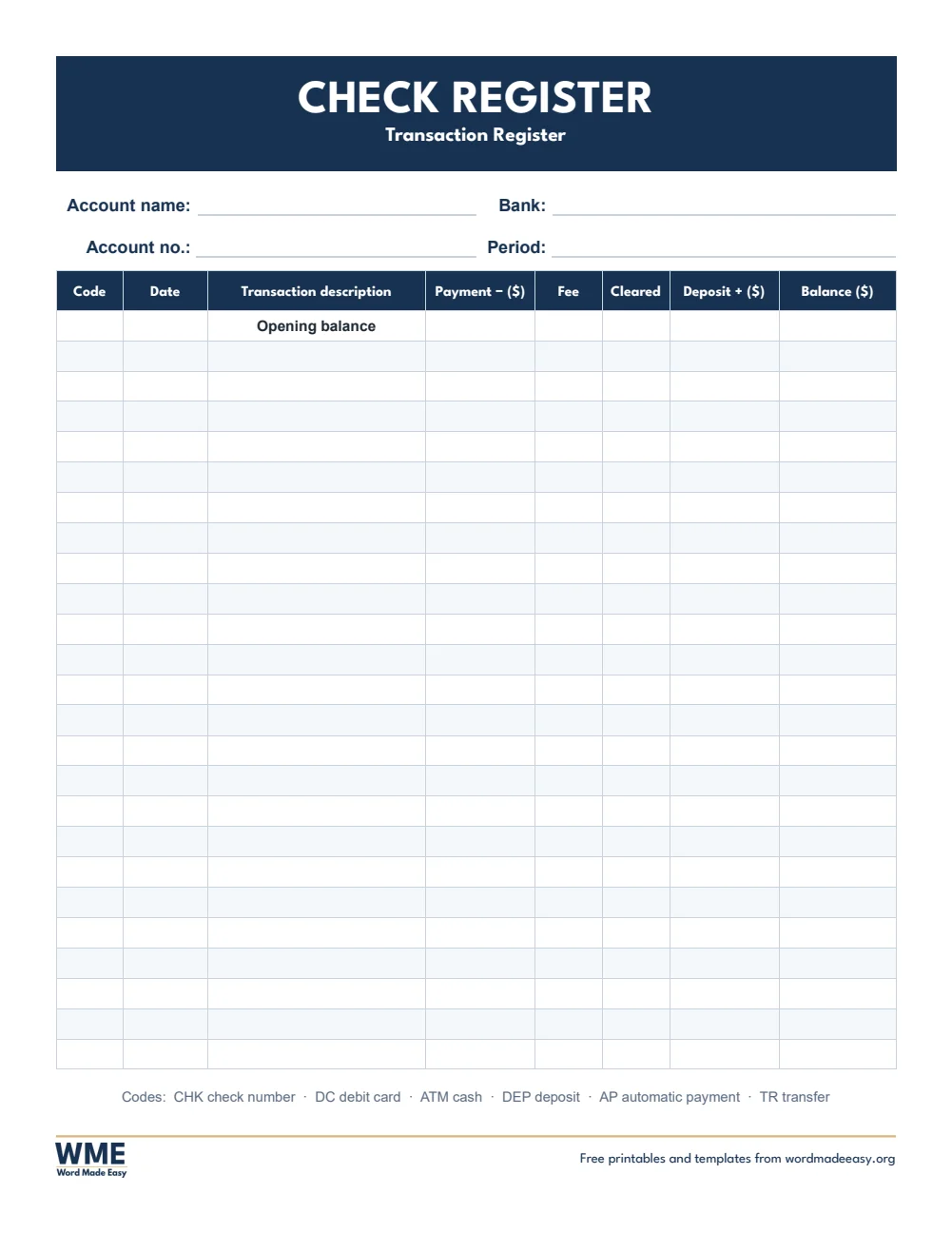
| A4 | Transaction Register | Debit card, ATM, transfers and fees with transaction codes |
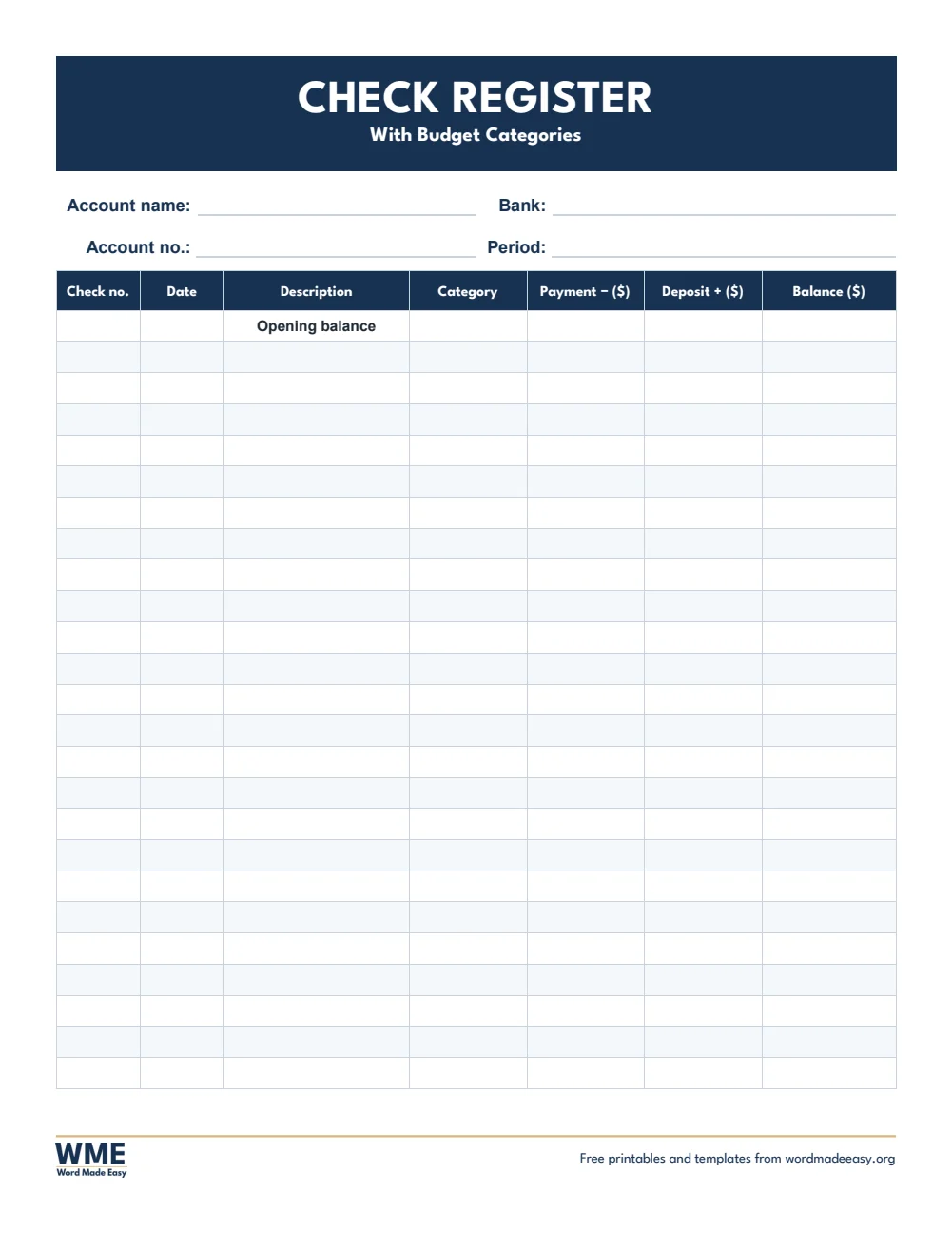
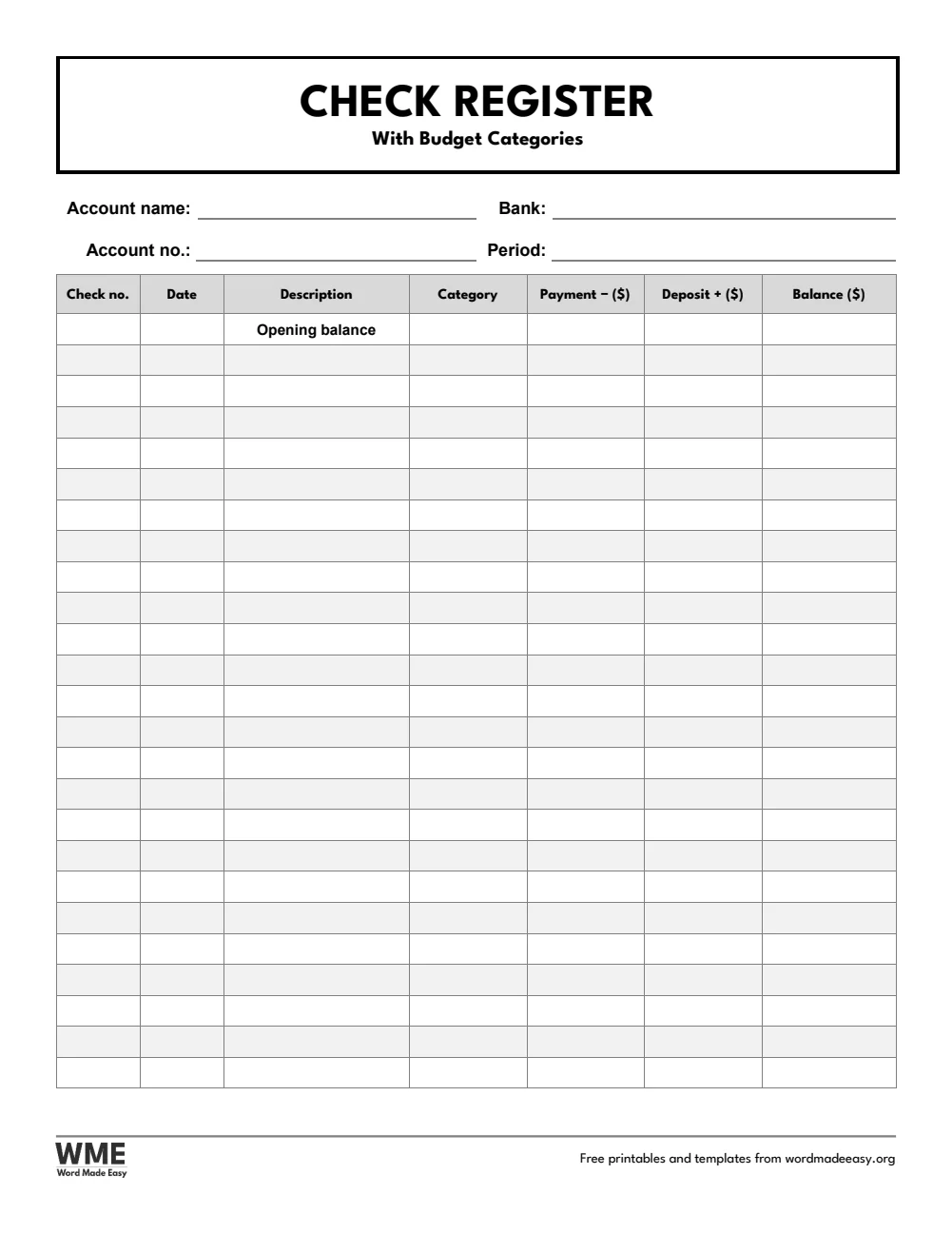
| A4 | Check Register with Categories | A budget category for every payment |
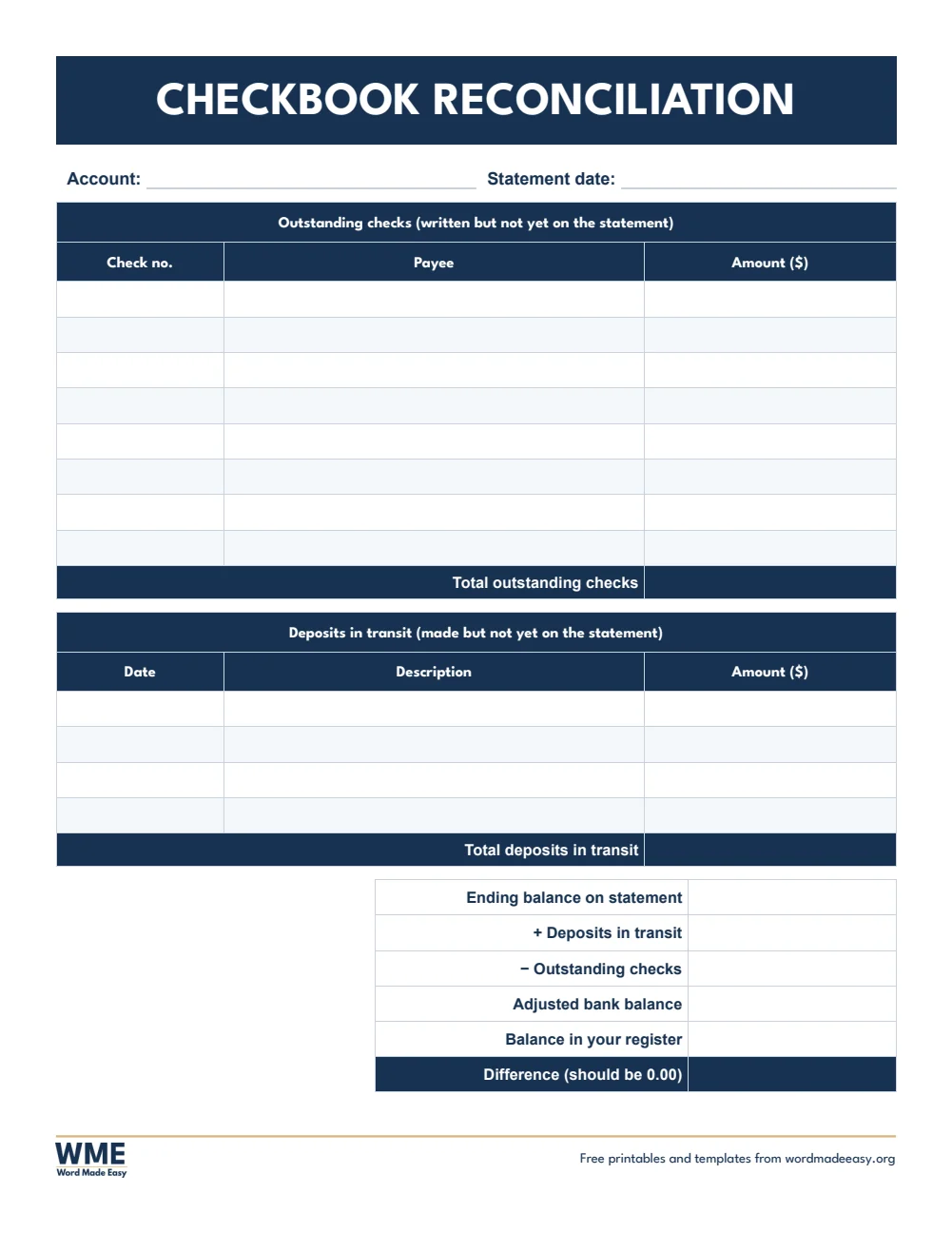
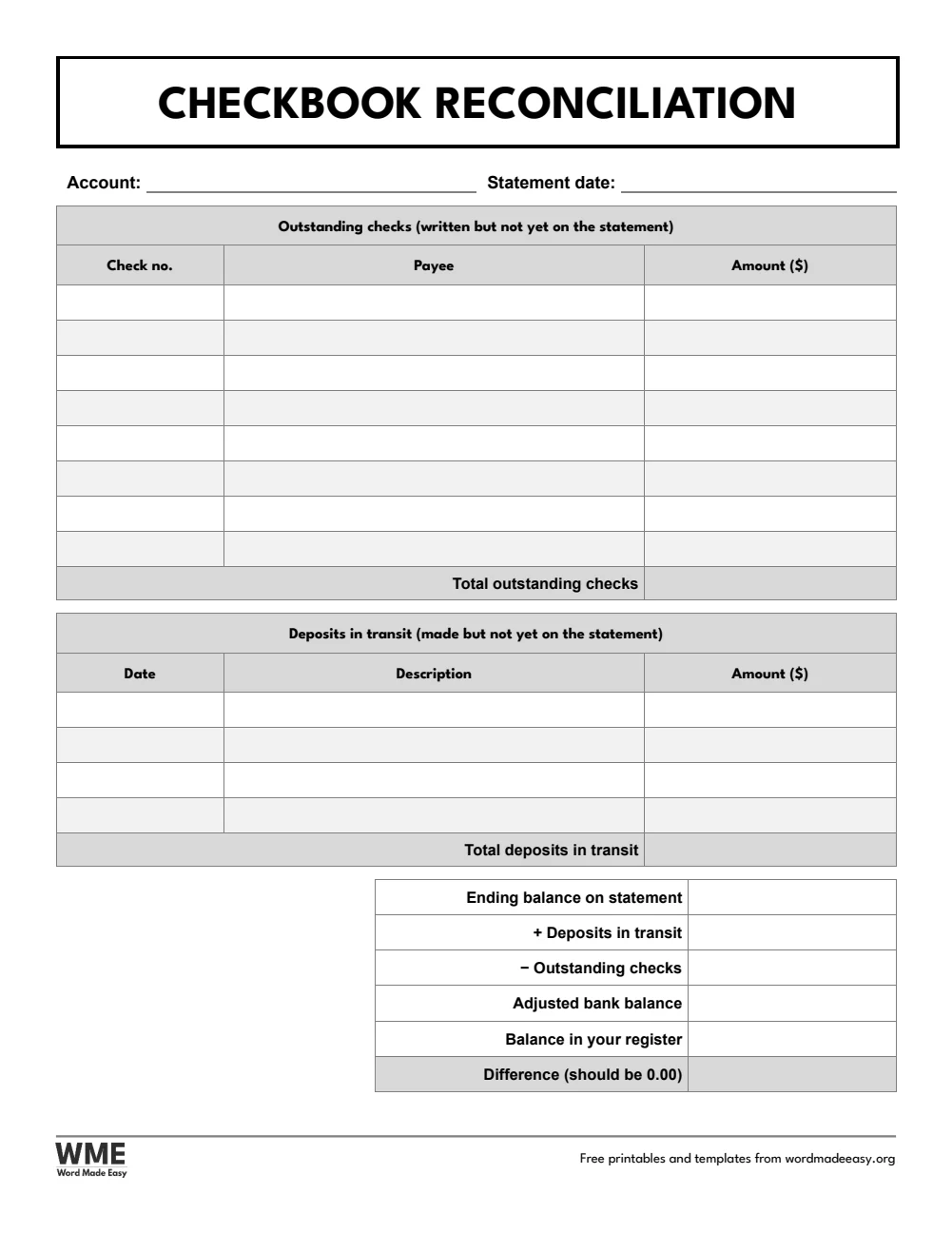
| A4 | Checkbook Reconciliation | Balance your register against the bank statement |
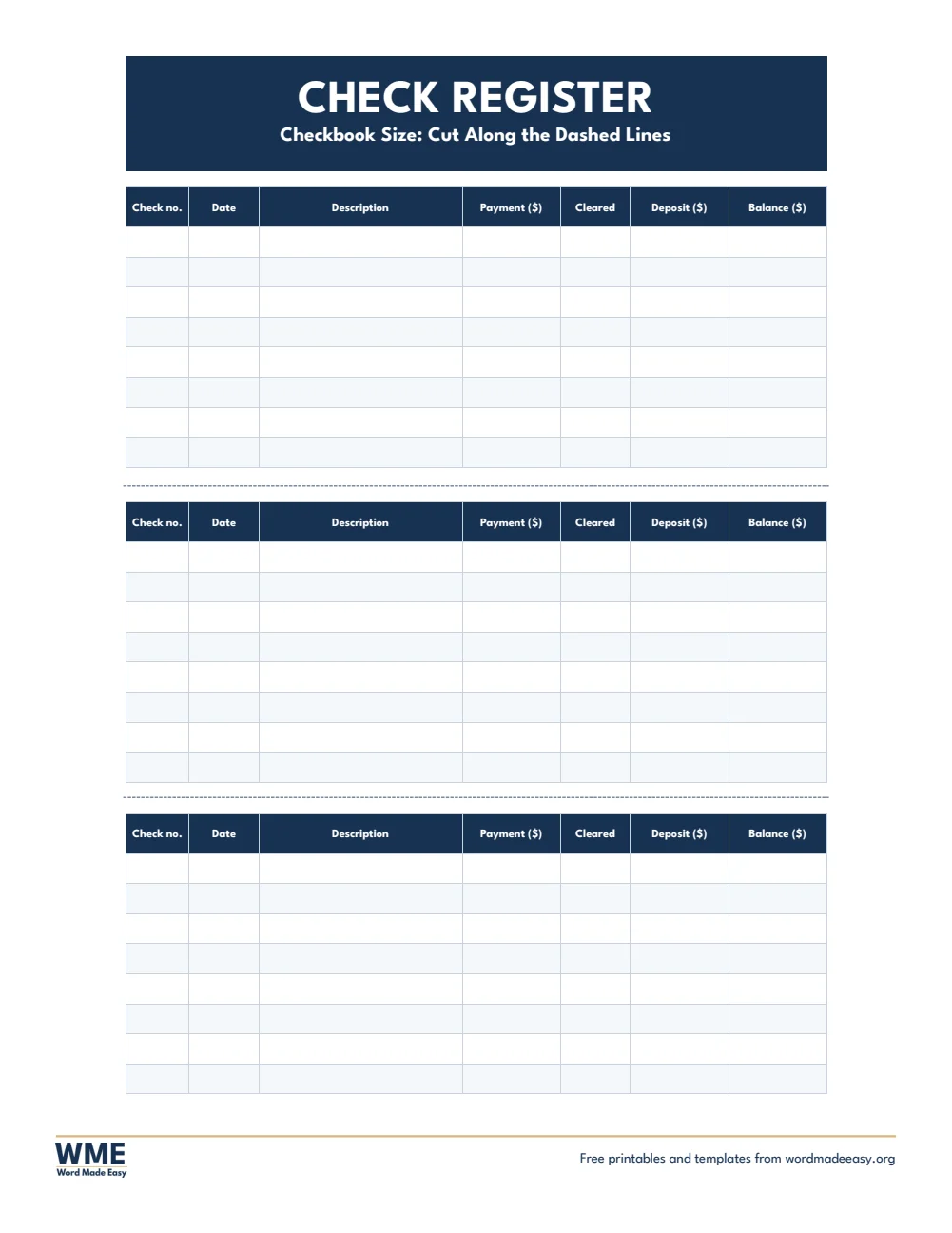
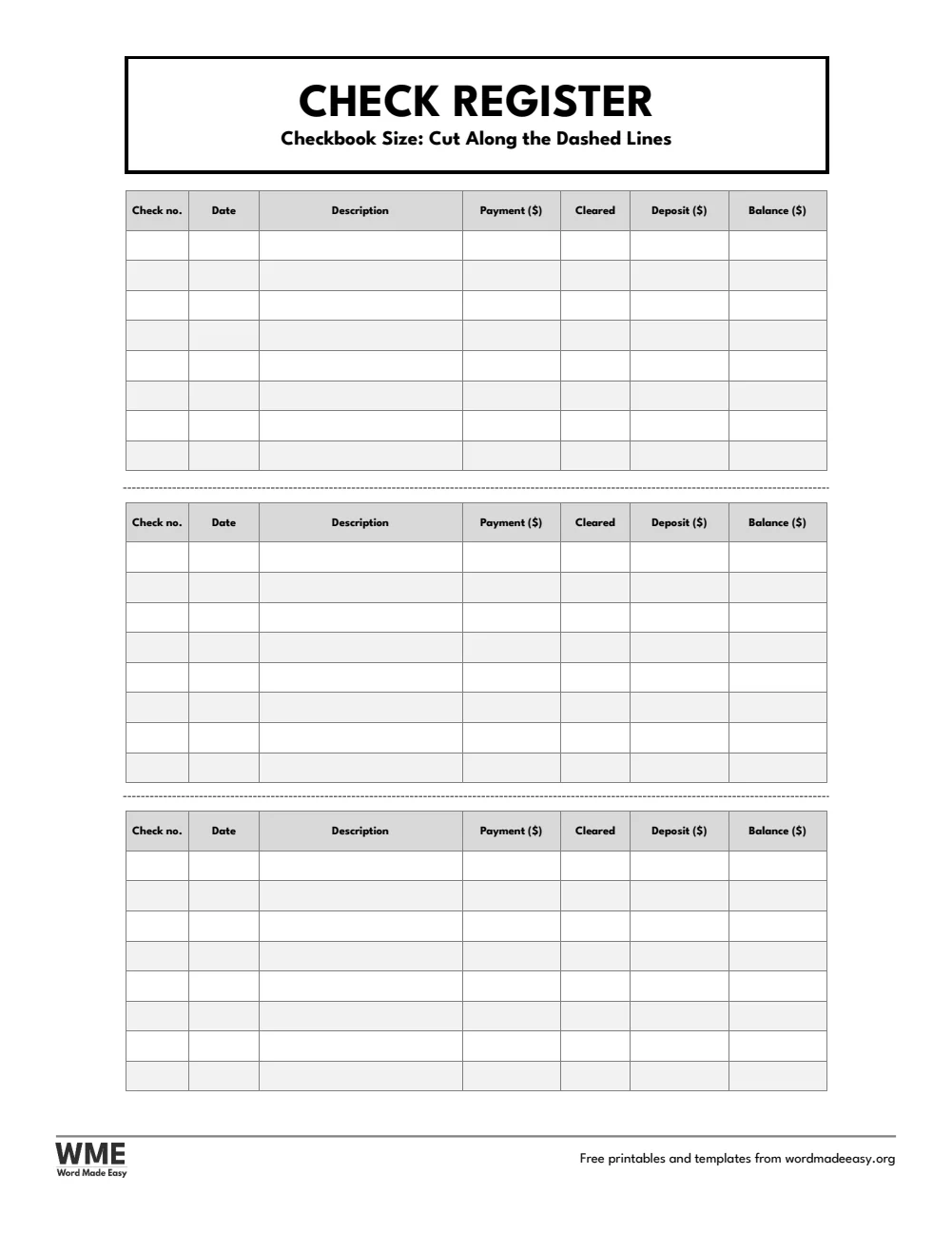
| A4 | Checkbook Register | Three cut–out strips that fit inside a checkbook |
| US Letter | Check Register | Number, date, description, payment, deposit and balance |
| US Letter | Transaction Register | Debit card, ATM, transfers and fees with transaction codes |
| US Letter | Check Register with Categories | A budget category for every payment |
| US Letter | Checkbook Reconciliation | Balance your register against the bank statement |
| US Letter | Checkbook Register | Three cut–out strips that fit inside a checkbook |
👉 Every column is a Word table cell, so you can type entries on screen or print a stack of pages and write by hand.
What Is a Check Register?
A check register is a running record of the money going in and out of a checking account: every check, debit card payment, withdrawal and deposit, with the balance after each one. Keeping it up to date shows what you really have to spend, including checks that have not cleared yet, and makes it easy to spot a mistake on your statement.
Which Check Register Should You Use?
- Check register: check number, date, description, payment, cleared, deposit and balance, starting from an opening balance.
- Transaction register: adds a code column and a fee column for debit card, ATM, transfers and automatic payments, with a key to the codes.
- Check register with categories: a budget category for every payment, so you can see where your money goes.
- Checkbook register: three strips on each page, each one 6.25 by 2.5 inches, the same size as the register that comes in a checkbook. That is why this page has wider margins than the others: cut along the dashed lines and each strip slips inside your checkbook cover.
- Checkbook reconciliation: outstanding checks, deposits in transit and the adjusted balance, to check your register against your statement.
- Black and white versions: every template also comes in a printer-friendly black and white version with grey headings, to save ink.
How to Keep a Check Register
- Write your opening balance on the first line.
- Record every payment and deposit on the day you make it, including card payments and automatic bills.
- Take each payment away from the balance and add each deposit, so the last line always shows what you have.
- When your statement arrives, tick each cleared item and use the reconciliation sheet to check that the two balances match.
Write down fees and interest from your statement too, or your balance will drift. If the reconciliation does not come to zero, look for a missing entry, an amount in the wrong column or two digits swapped. The A4 versions use UK wording, such as cheque number.
Black and White Versions
Every template on this page also comes in a black and white version with the same layout: grey headings and an outlined title, so it prints clearly on any printer and saves ink. In the download box, choose Colour, Black and white or All, then your paper size: A4, US Letter or both.
How to Print at the Right Size
Print at 100% (Actual size) on US Letter or A4. For the checkbook register, cut along the dashed lines so each strip fits your checkbook.
FAQs
Are these check register templates free?
Yes. Choose A4 or US Letter and download all the Word templates in one ZIP file at no cost.
Who made these check register templates?
Patrick Elliott, a teacher and Inclusion Lead, designed and built every check register by hand in Microsoft Word.
What does the cleared column mean?
Tick it when the payment or deposit shows on your bank statement. Items without a tick are still outstanding.
Will the checkbook register fit in my checkbook?
Yes. Each strip is 6.25 by about 2.5 inches. Print at 100%, cut along the dashed lines and slip the strips into your checkbook cover.
Is there a black and white version?
Yes. Every template comes in colour and in black and white, on US Letter and A4. Choose Black and white, or All, in the download box.
Can I remove the Word Made Easy footer?
Yes. Double-click the bottom of the page, click the logo and the web address, and press Delete.
Conclusion
These check register templates make it easy to keep a true balance and catch mistakes early, human-made by a teacher and ready to type into or print from Word.
Choose your paper size above, download the ZIP, and to plan your spending, try the budget templates.
Related Tutorials
- Free Budget Templates for Word
- Free Expense Report Templates for Word
- Free Receipt Templates for Word
Word Templates
Recently Added Word Templates
Browse the complete collection of free printable Word templates for home and school, all made by a teacher.
New to Word? Our Word tutorials show you how to edit and print your templates.
Leave a Reply