
Free Onboarding Checklist Templates for Word: 16 Printables
Preview every template, choose colour or black and white and your paper size, then download your Word templates in one small ZIP file.
Made by a teacherA4 and US Letter16 Word documentsFree




Can’t find the template you need? Request a template and I’ll make it in Word, free.
These free onboarding checklist templates give you 16 Word documents on US Letter and A4: a two-page new hire onboarding checklist, a new hire paperwork checklist, a 30-60-90 day plan and a new employee orientation checklist, each in colour and in black and white. I’m Patrick Elliott, a teacher and Inclusion Lead. I built these around the stages new staff go through in their first three months, with a name and a date beside every task so nothing is missed.
In this guide, you’ll find which checklist suits each stage of onboarding, what to include before and after the first day, and how to share the tasks out.
What’s in the Onboarding Checklist Templates
| Paper | Version | Best for |
|---|---|---|
| A4 | New Hire Onboarding Checklist | Two pages: before the first day, first day, first week and first 90 days |
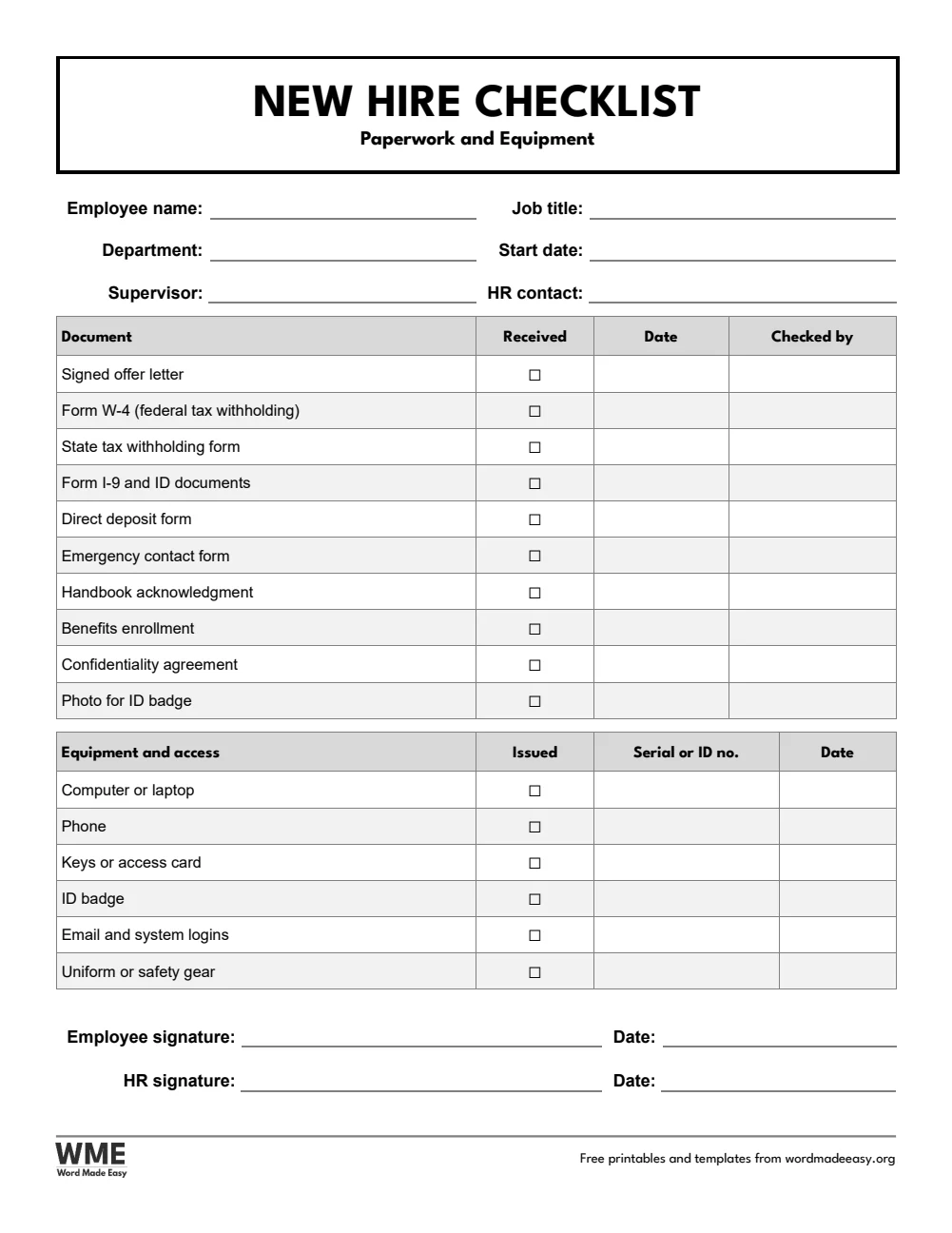
| A4 | New Hire Paperwork Checklist | Forms to collect and equipment to hand over |
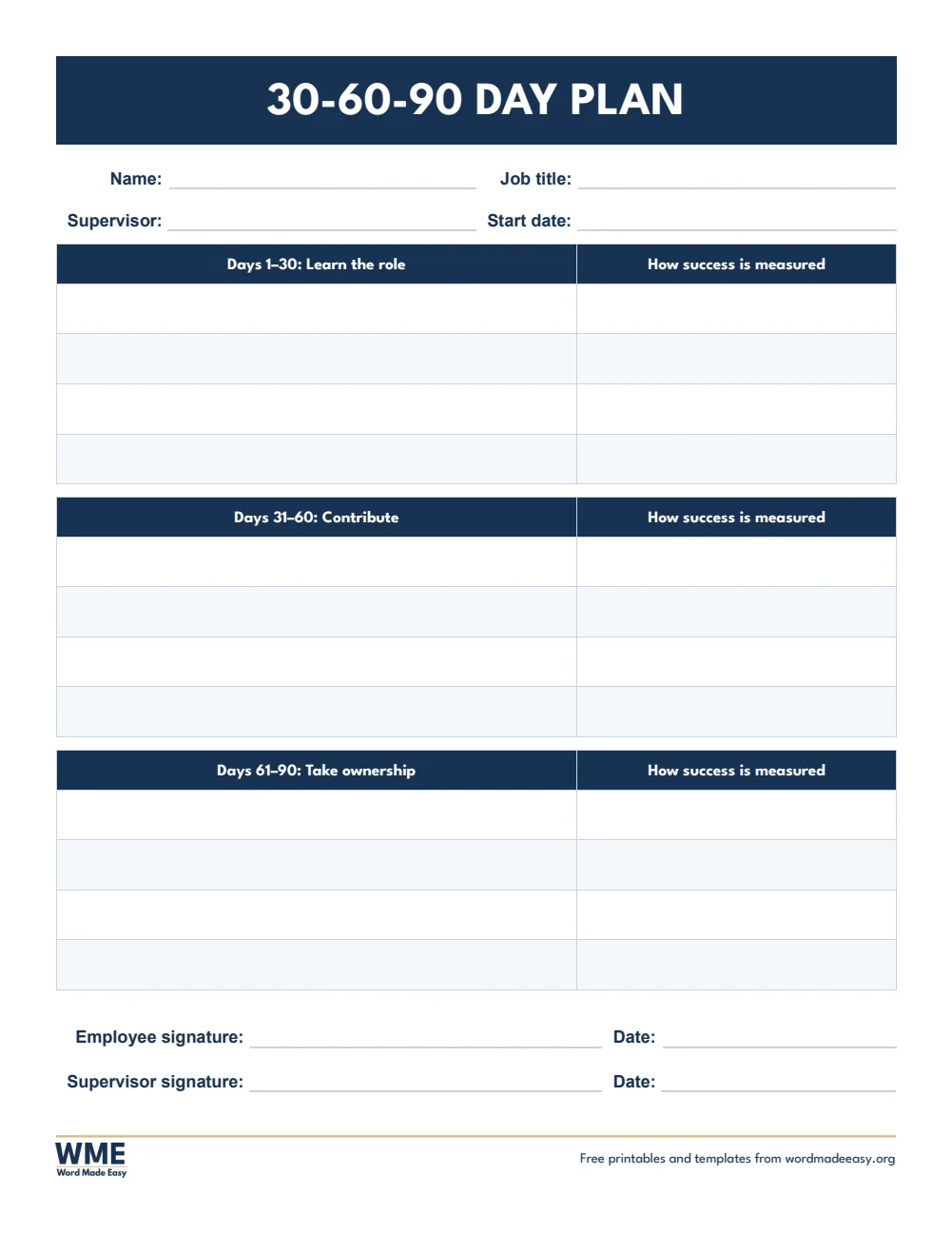
| A4 | 30-60-90 Day Plan | Goals for each stage with how success is measured |
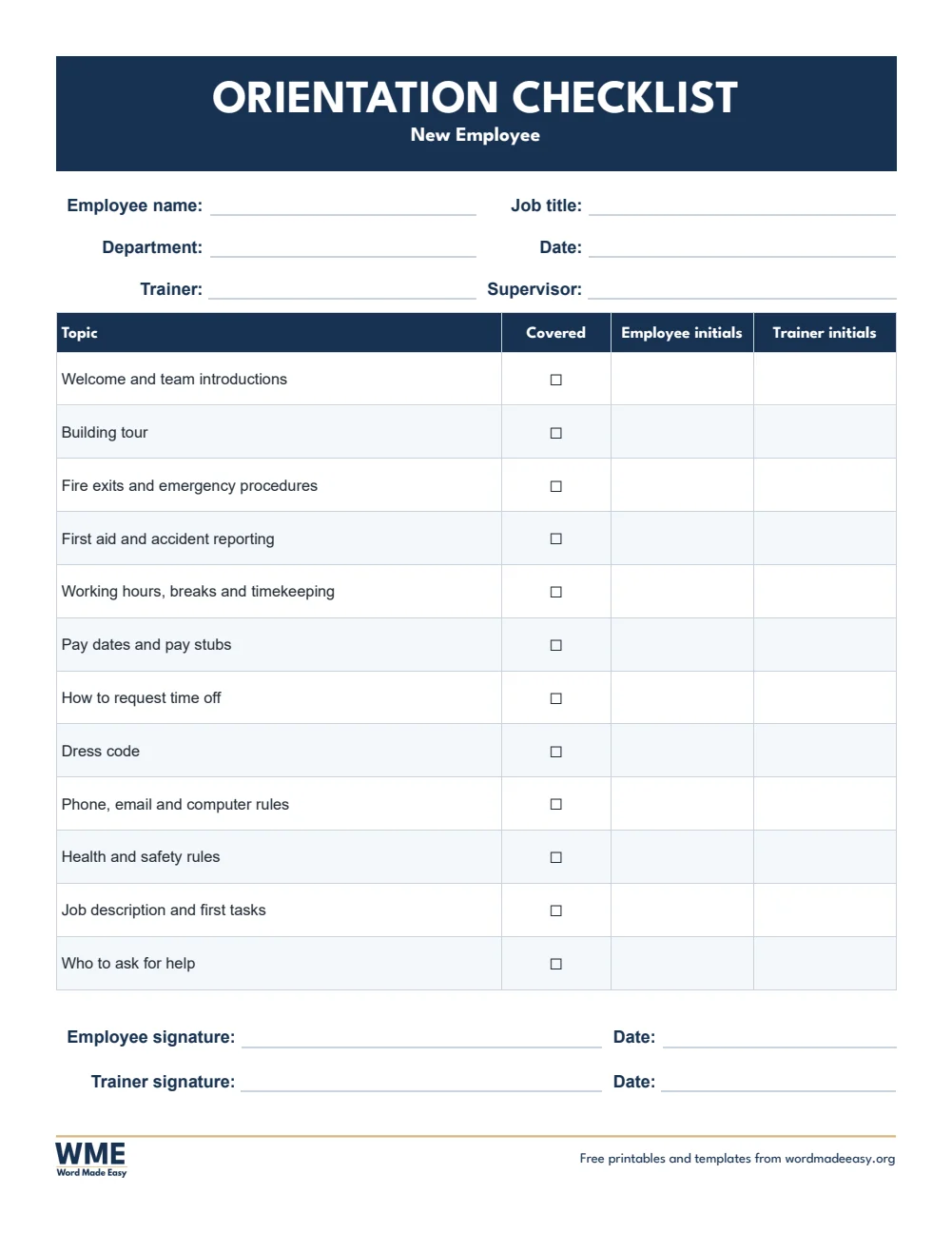
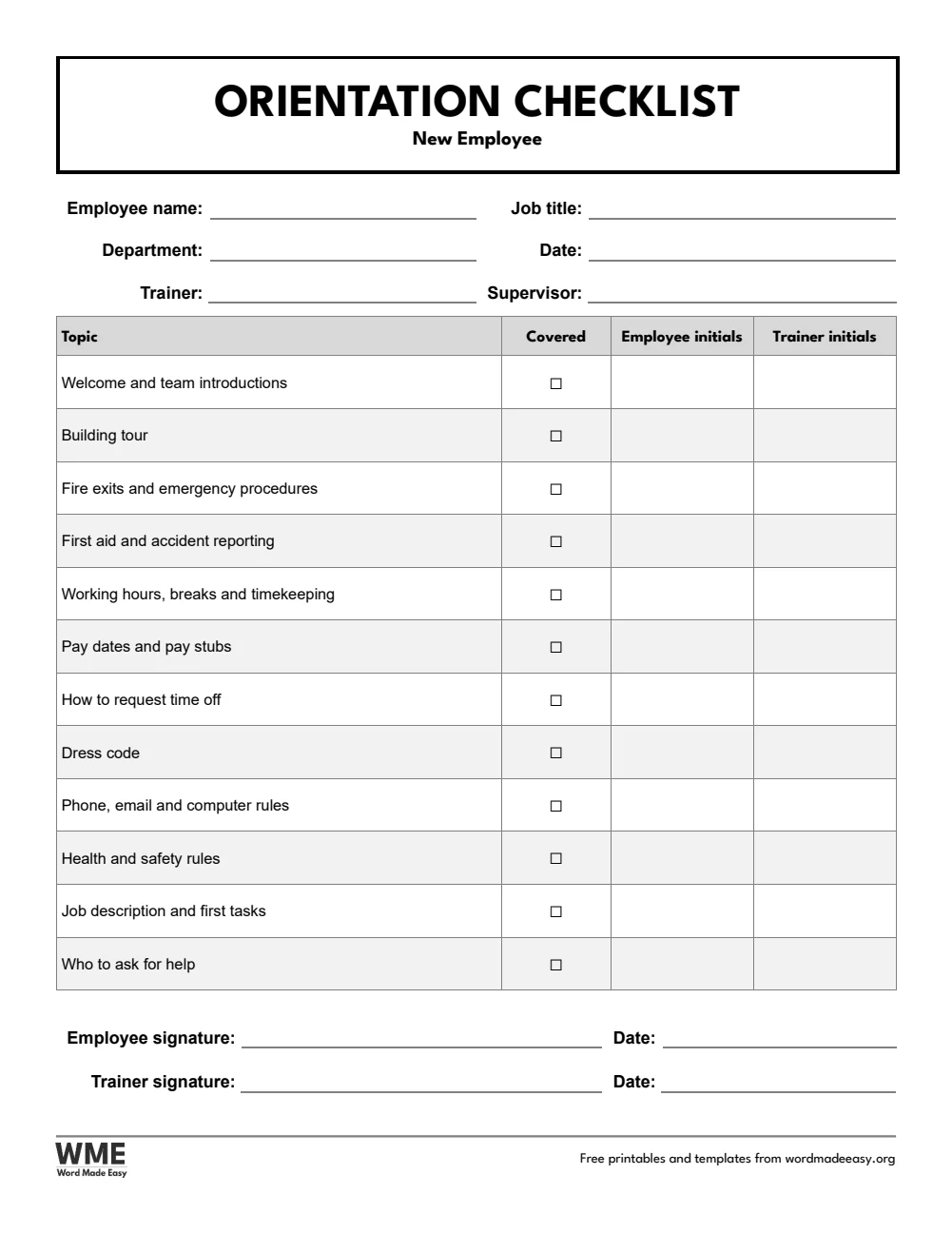
| A4 | New Employee Orientation Checklist | Topics to cover, initialled by employee and trainer |
| US Letter | New Hire Onboarding Checklist | Two pages: before the first day, first day, first week and first 90 days |
| US Letter | New Hire Paperwork Checklist | Forms to collect and equipment to hand over |
| US Letter | 30-60-90 Day Plan | Goals for each stage with how success is measured |
| US Letter | New Employee Orientation Checklist | Topics to cover, initialled by employee and trainer |
👉 Every task has its own row with Who, Due and Done columns, so you can type names and dates on screen and tick each task as it is done.
What Is an Onboarding Checklist?
An onboarding checklist lists everything that needs to happen to bring a new employee into a job, from sending the offer letter to the 90-day review. Splitting the tasks into stages, and naming who does each one, means nothing is forgotten and the new hire feels expected and supported from day one.
Which Onboarding Checklist Should You Use?
- New hire onboarding checklist: two pages of tasks for before the first day, the first day, the first week, the first 30 days and days 31 to 90, with who, due and done columns and space for notes.
- New hire paperwork checklist: the forms to collect (W-4, I-9 and direct deposit on US Letter; P45, right to work and bank details on A4) and the equipment and logins to hand over.
- 30-60-90 day plan: goals for learning the role, contributing and taking ownership, with how success is measured.
- New employee orientation checklist: the topics to cover on the first day, initialled by the employee and the trainer.
- Black and white versions: every template also comes in a printer-friendly black and white version with grey headings, to save ink.
How to Use an Onboarding Checklist
- Fill in the new hire’s name, start date, manager and buddy as soon as the offer is accepted.
- Write who is responsible and a due date next to each task.
- Tick each task as it is done, and go through the orientation checklist on the first day.
- Agree the 30-60-90 day plan in the first week and look at it again at each check-in.
Add your own tasks and delete any that do not apply: every row is an ordinary Word table row. Keep the completed paperwork checklist in the employee’s file, and check which forms your state or country requires.
Black and White Versions
Every template on this page also comes in a black and white version with the same layout: grey headings and an outlined title, so it prints clearly on any printer and saves ink. In the download box, choose Colour, Black and white or All, then your paper size: A4, US Letter or both.
How to Print at the Right Size
Print at 100% on US Letter or A4. Print the two-page onboarding checklist double-sided, so it stays on one sheet.
FAQs
Are these onboarding checklist templates free?
Yes. Choose A4 or US Letter and download all the Word templates in one ZIP file at no cost.
Who made these onboarding checklist templates?
Patrick Elliott, a teacher and Inclusion Lead, designed and built every onboarding checklist by hand in Microsoft Word.
What should be on a new hire checklist?
Tasks for before the first day (equipment, accounts, paperwork), the first day (welcome, tour, safety), the first week (training, first tasks) and check-ins at 30, 60 and 90 days.
What is a 30-60-90 day plan?
A plan that sets goals for a new employee’s first three months: learning the role in the first 30 days, contributing by day 60 and taking ownership by day 90.
Is there a black and white version?
Yes. Every template comes in colour and in black and white, on US Letter and A4. Choose Black and white, or All, in the download box.
Can I remove the Word Made Easy footer?
Yes. Double-click the bottom of the page, click the logo and the web address, and press Delete.
Conclusion
These onboarding checklist templates give every new hire a well-planned start, human-made by a teacher and ready to type into or print from Word.
Choose your paper size above, download the ZIP, and for the 90-day review, try the performance review templates.
Related Tutorials
- Free Performance Review Templates for Word
- Free Job Application Form Templates for Word
- Free Emergency Contact Form Templates for Word
Word Templates
Recently Added Word Templates
Browse the complete collection of free printable Word templates for home and school, all made by a teacher.
New to Word? Our Word tutorials show you how to edit and print your templates.
Leave a Reply