
March 2027 Calendar for Word: 6 Free Printable Designs
Preview every design, choose colour or black and white and your paper size, then download your Word files in one small ZIP file.
A4 and US Letter6 designsFree
Can’t find the template you need? Request a template and I’ll make it in Word, free.
Get new free printables first: follow Word Made Easy on Pinterest
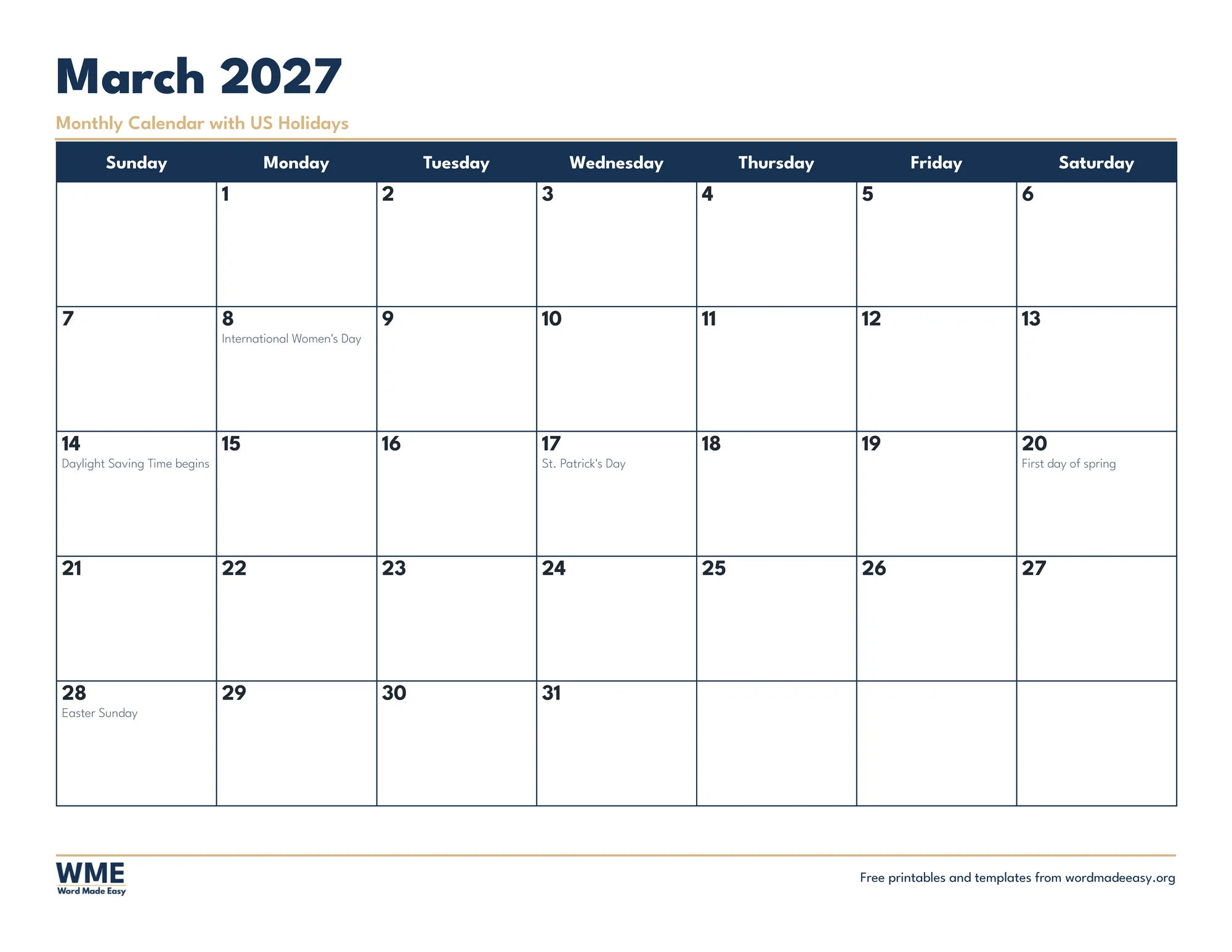
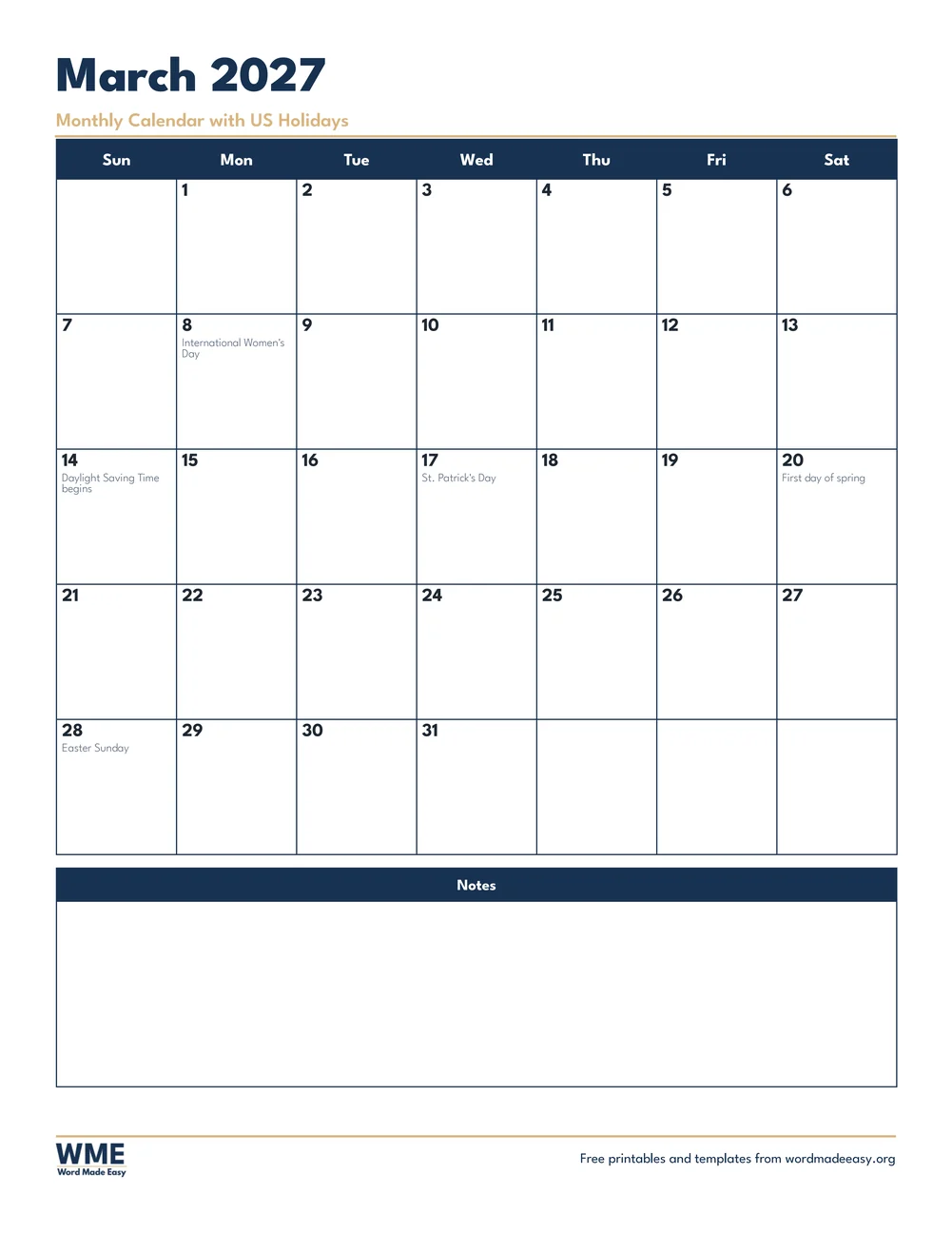
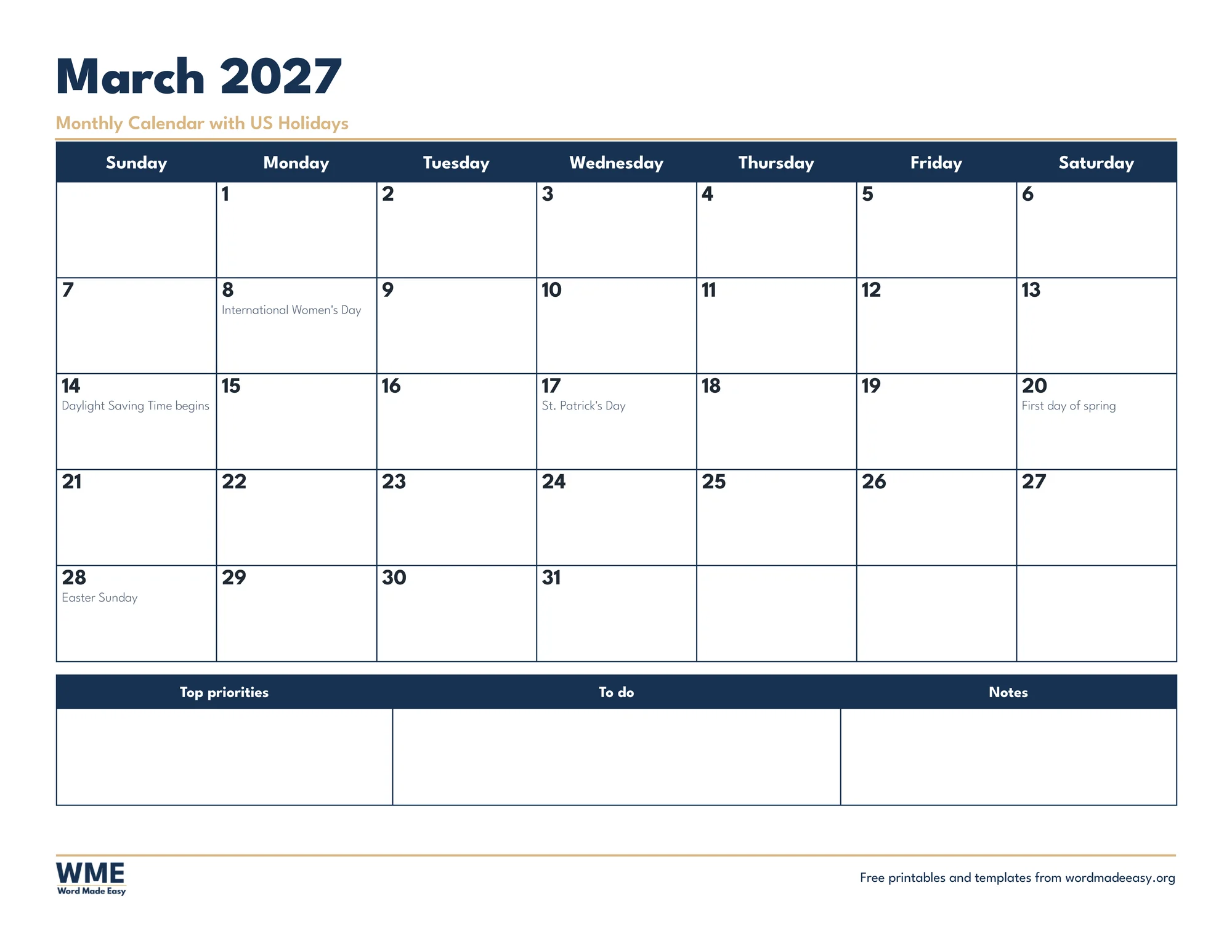
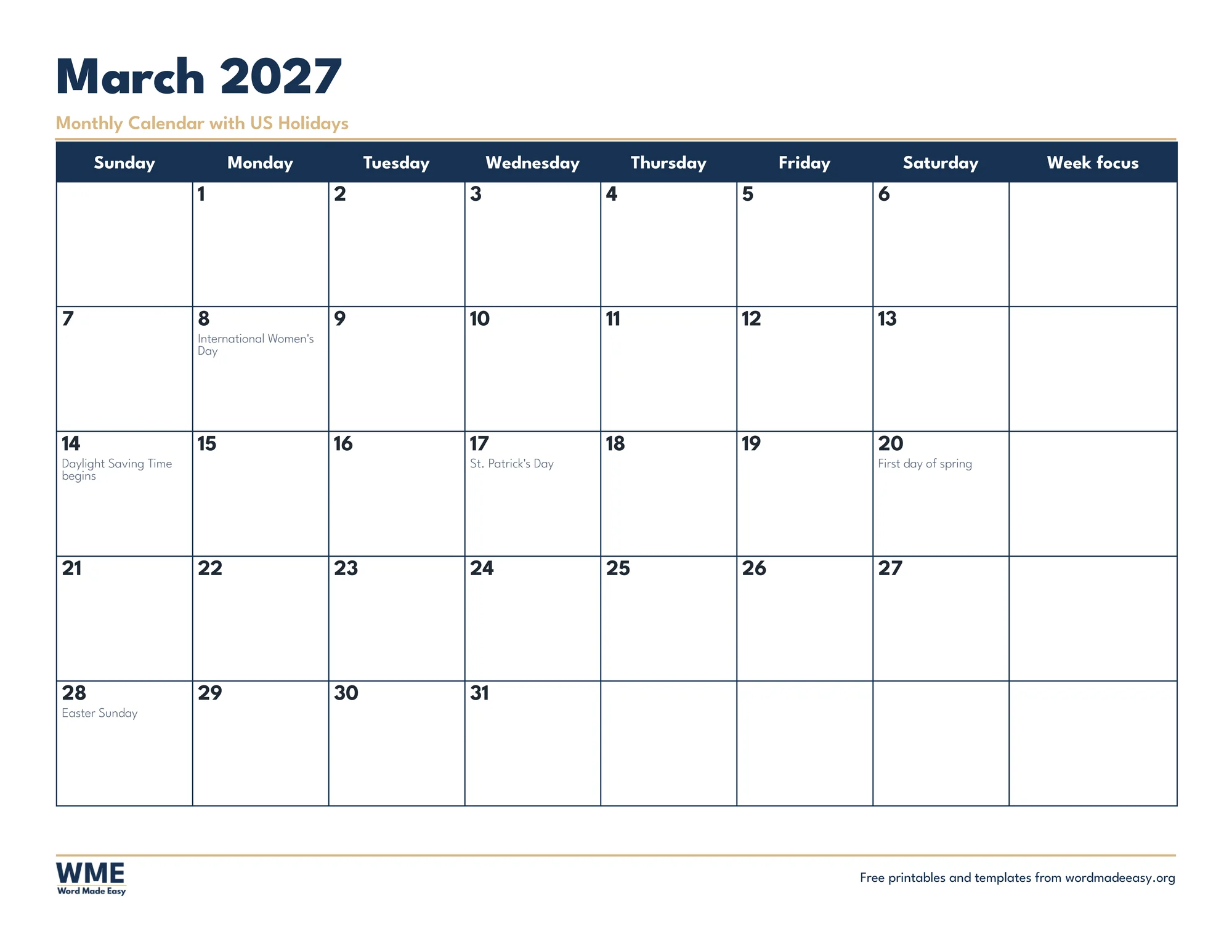
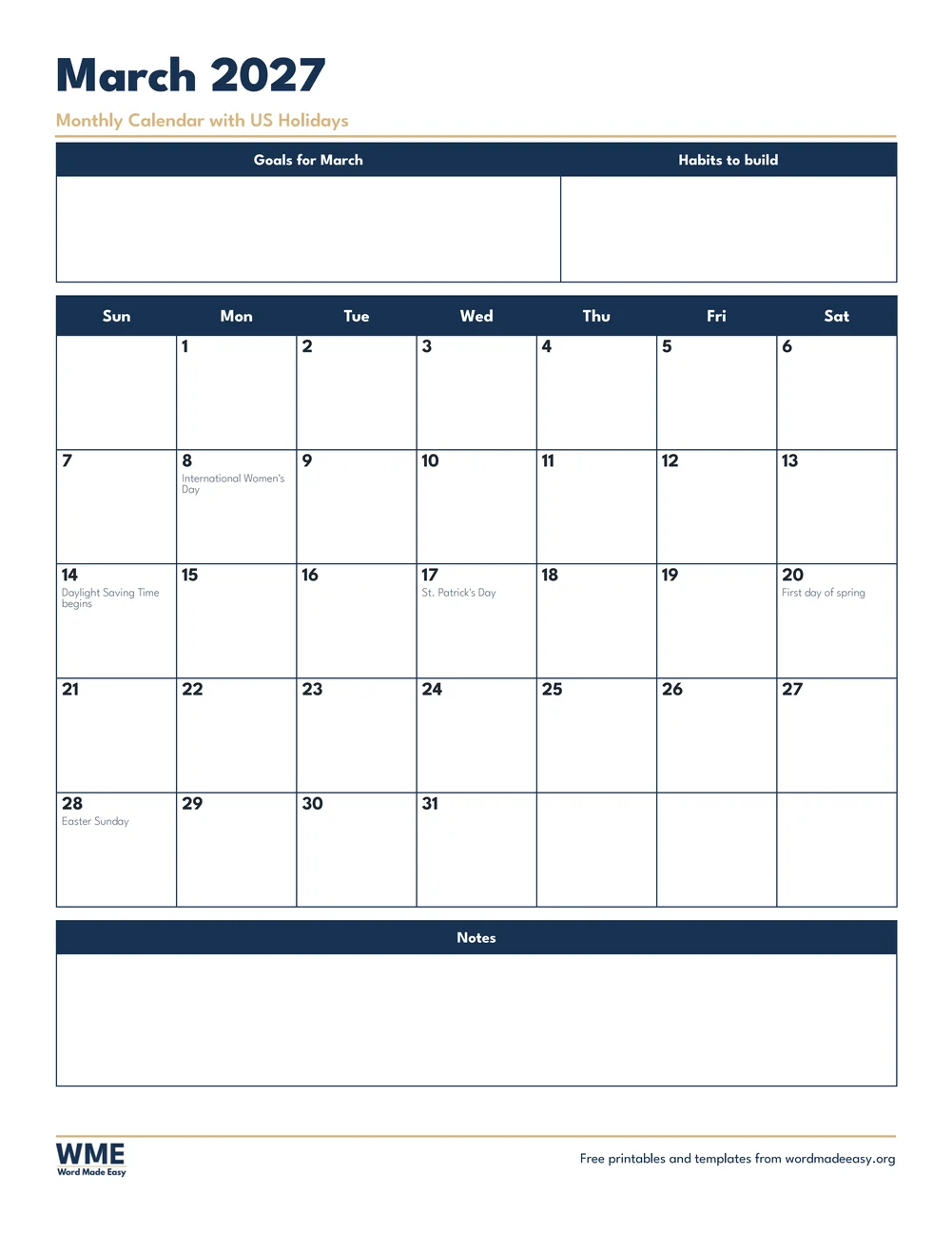
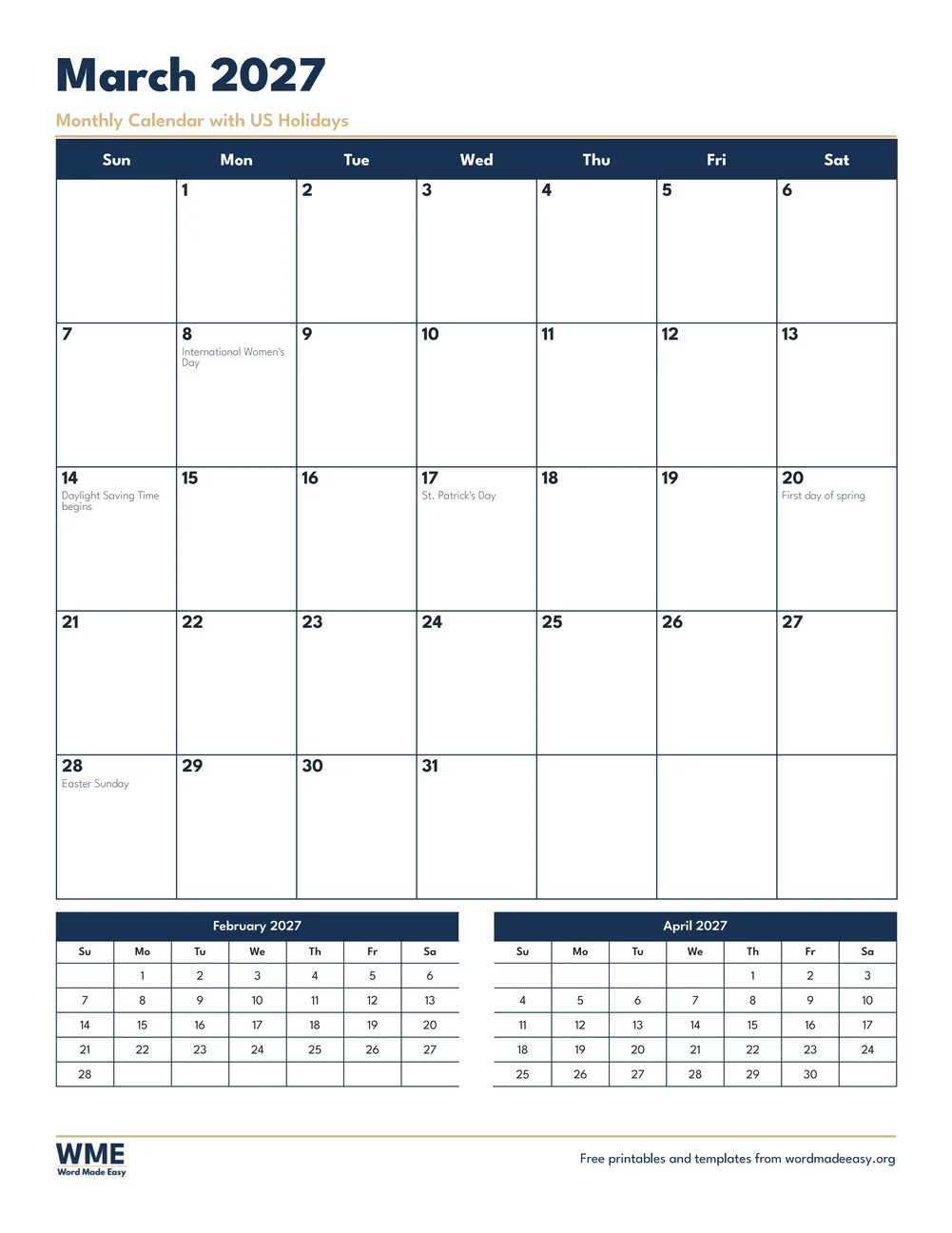
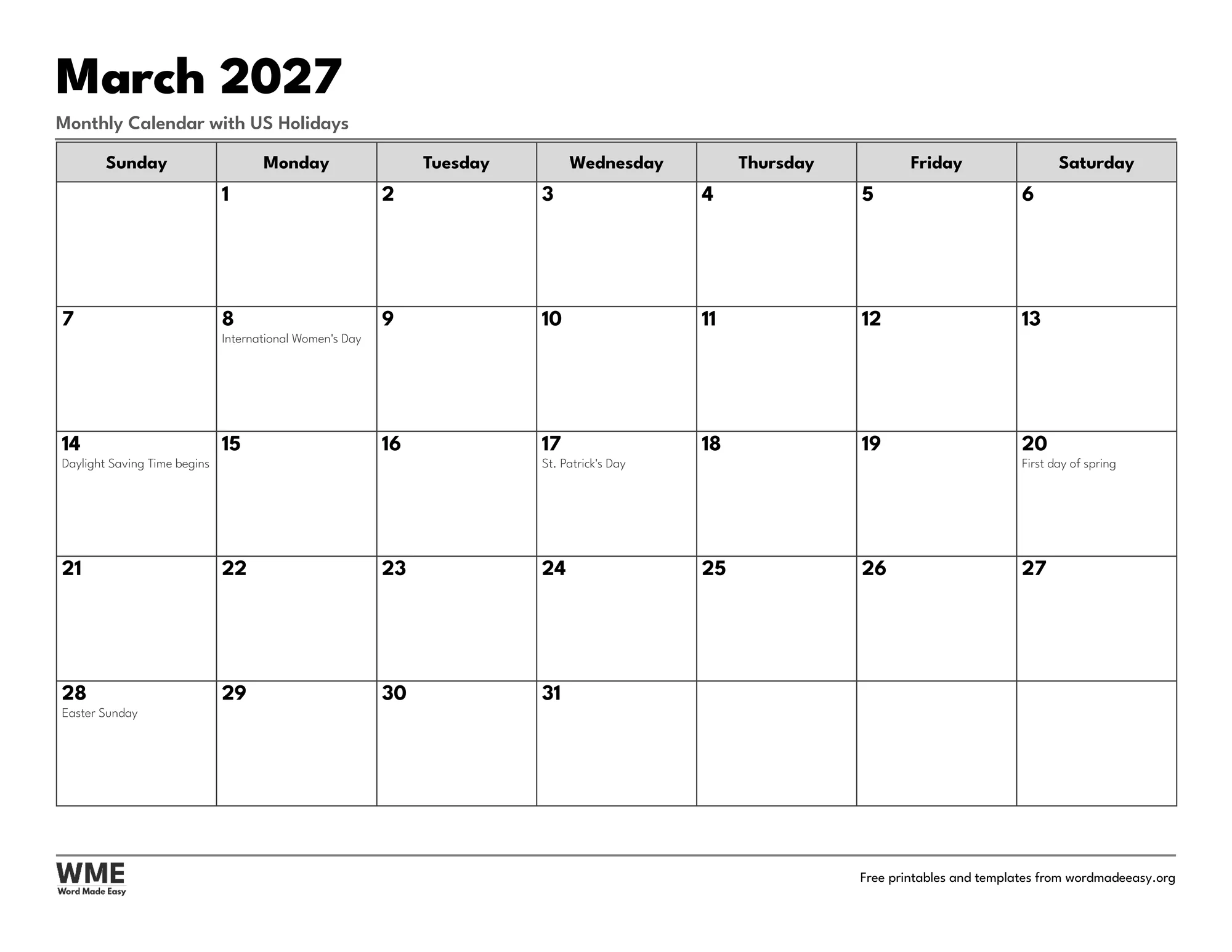
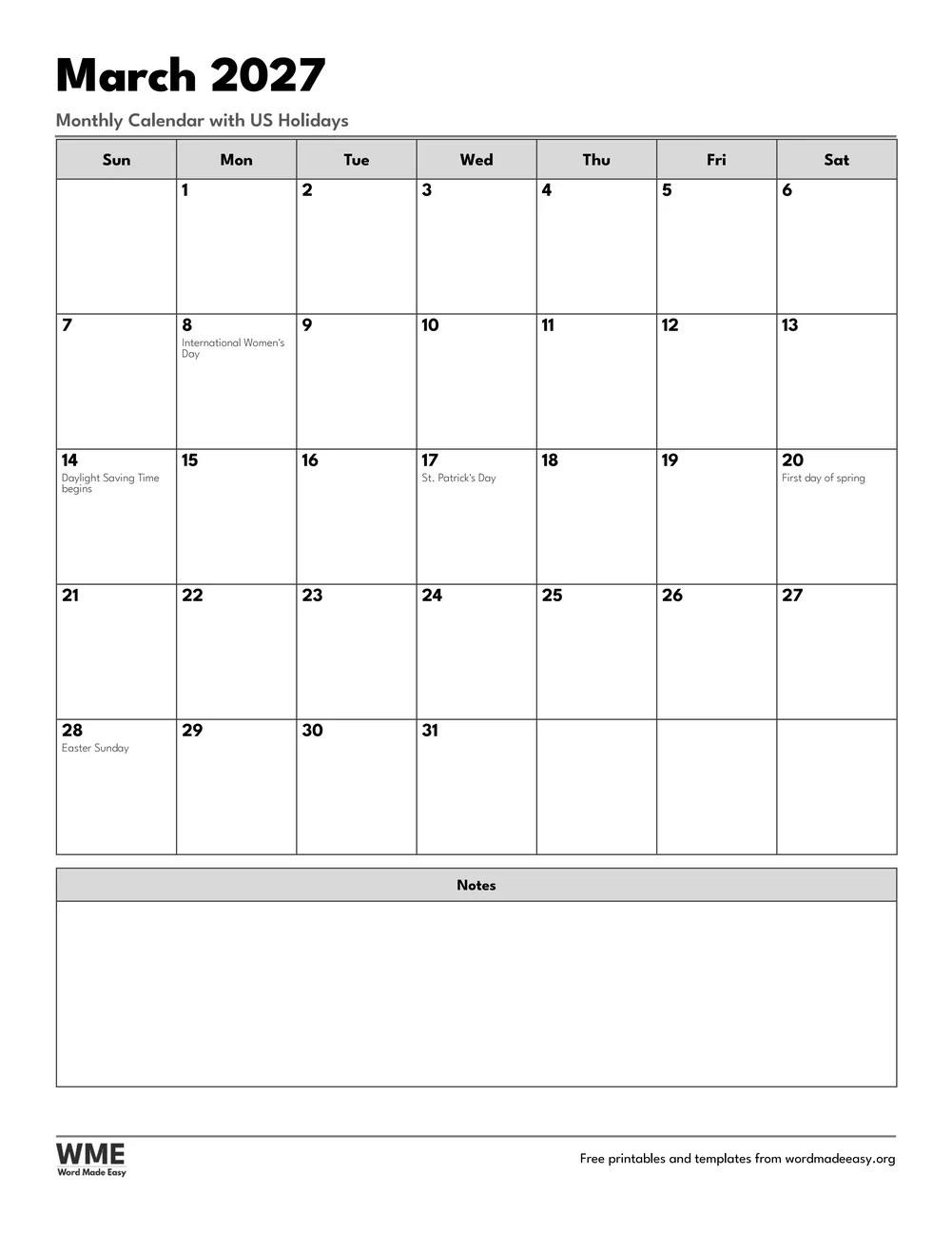
This free March 2027 calendar comes in six layouts you can type on in Microsoft Word: a Simple landscape month, a portrait page with a notes box, a landscape page with priorities boxes, a weekly focus planner, a month with goals, habits and notes, and a Mini Months page that shows February and April below March. Each is on US Letter or A4, in colour or black and white. Each calendar is an ordinary Word table with typed dates, so a day can be renamed, shaded or moved, and every design was checked on US Letter and A4 so the title sits centrally and the day boxes are even.
Below you’ll find how March 2027 falls, which dates are marked, which layout suits planning, and how to add your own events before printing.
What’s in the March 2027 Calendar
| Calendar | What’s on it | Paper |
|---|---|---|
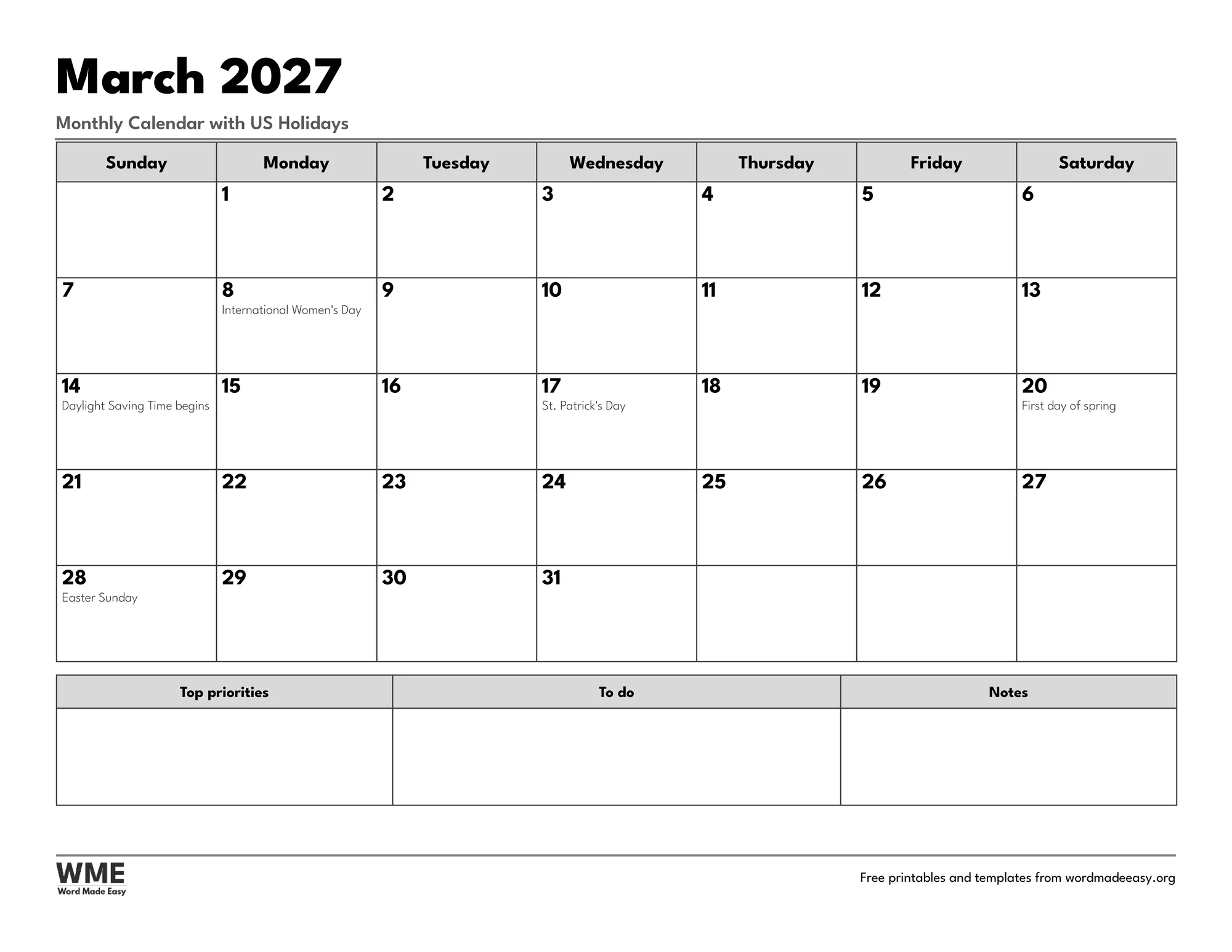
| Simple | Landscape month, holidays marked | US Letter and A4, colour and black and white |
| Portrait with Notes | Month grid above a notes box | US Letter and A4, colour and black and white |
| Landscape with Priorities | Month grid with a priorities strip | US Letter and A4, colour and black and white |
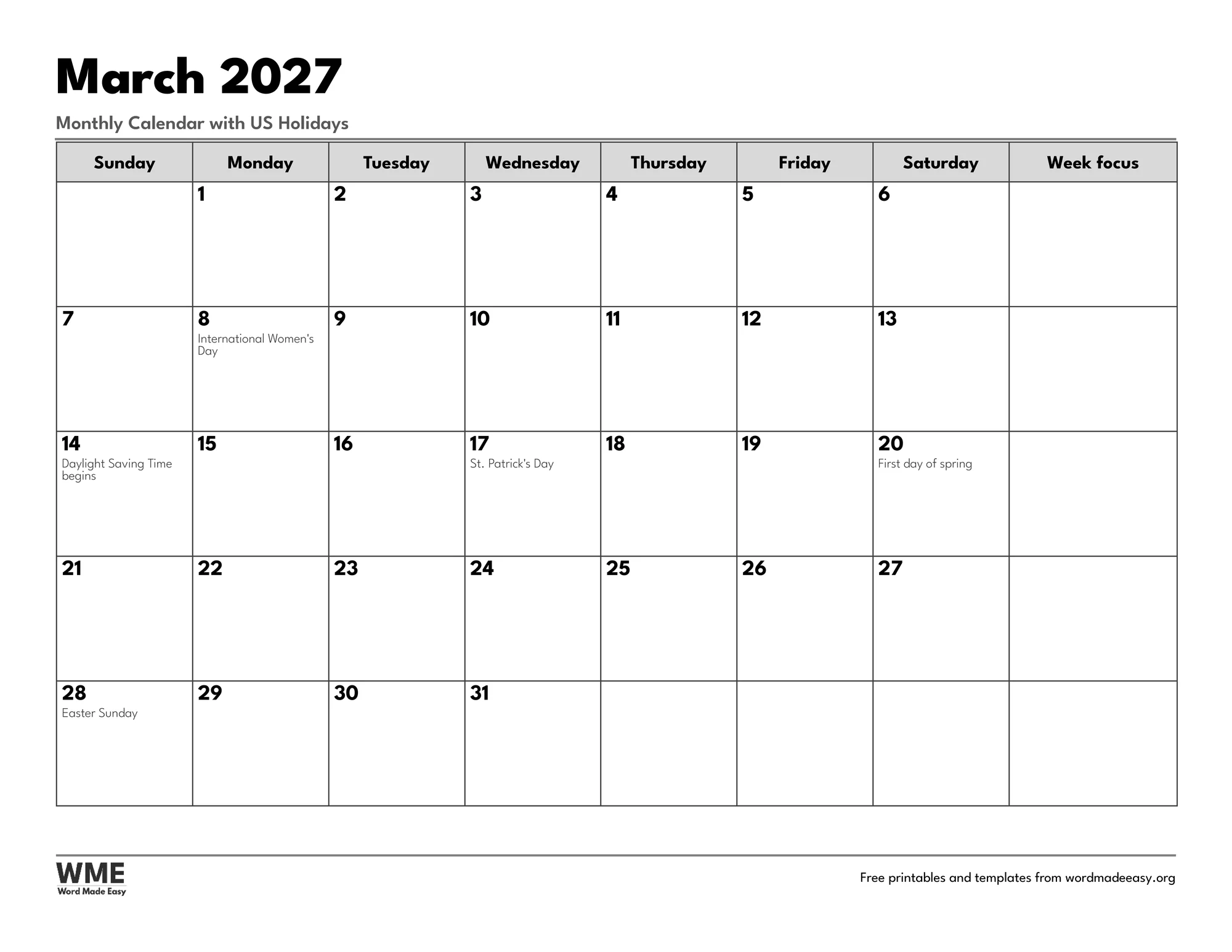
| Weekly Focus | A focus column for every week | US Letter and A4, colour and black and white |
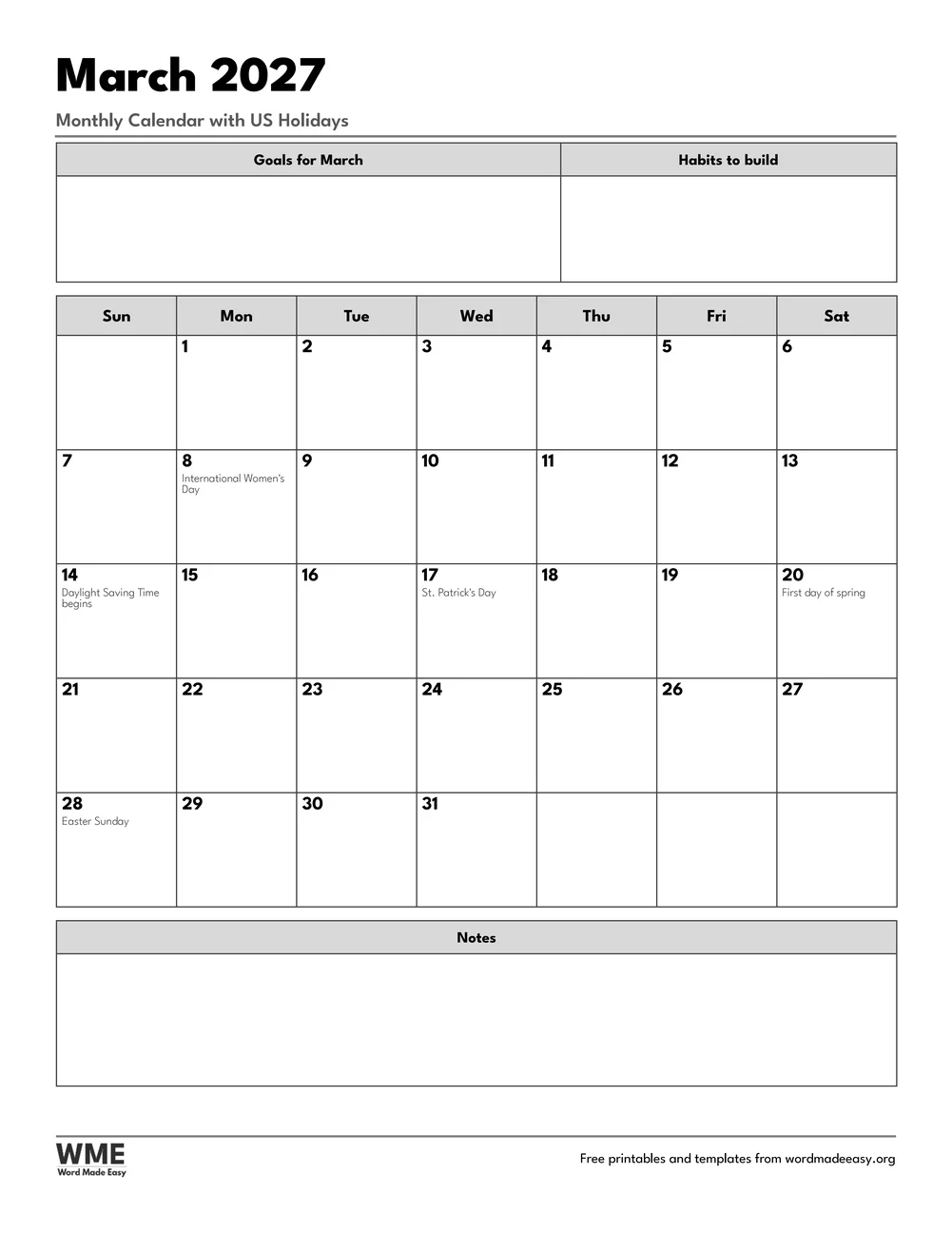
| Monthly Planner with Goals | Month, goals and to do list | US Letter and A4, colour and black and white |
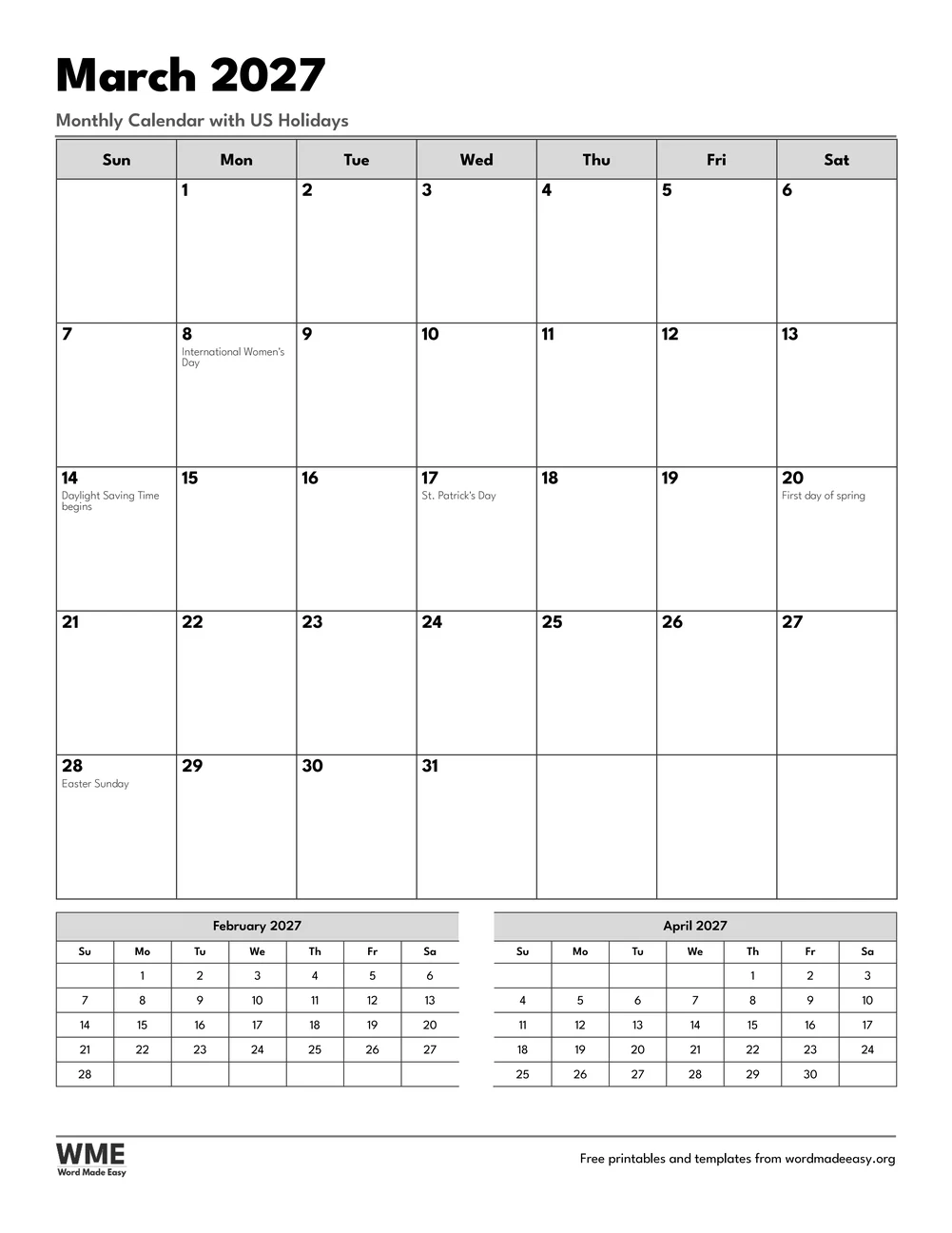
| Mini Months | March with February and April below | US Letter and A4, colour and black and white |
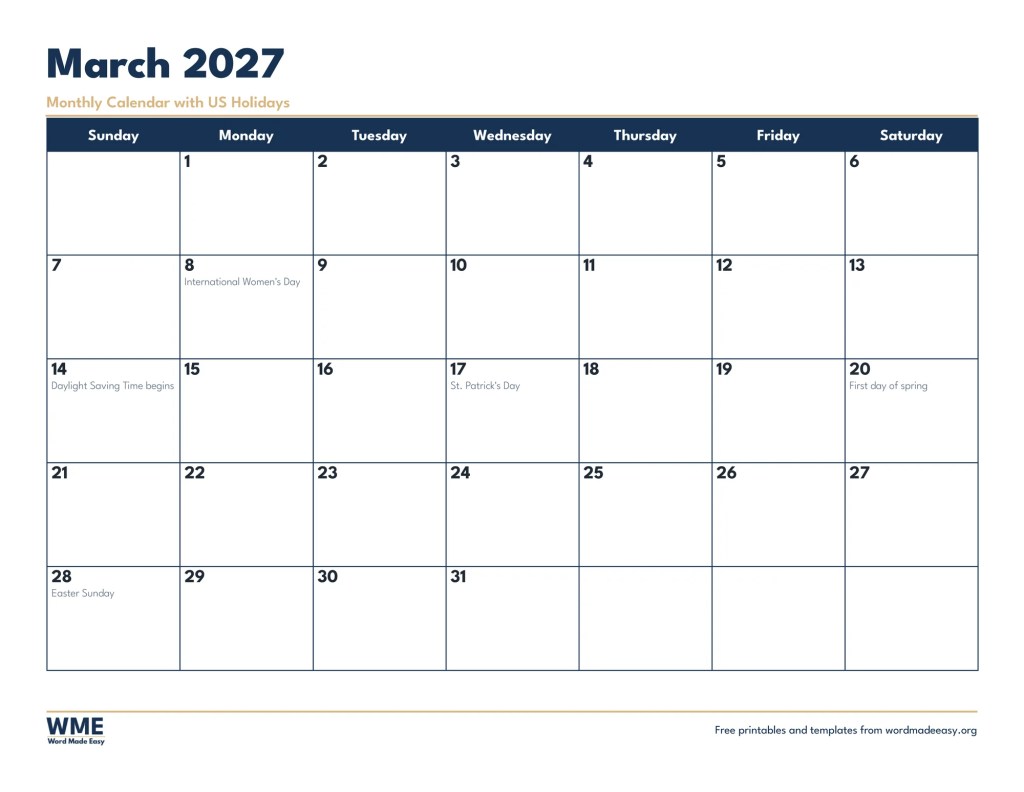
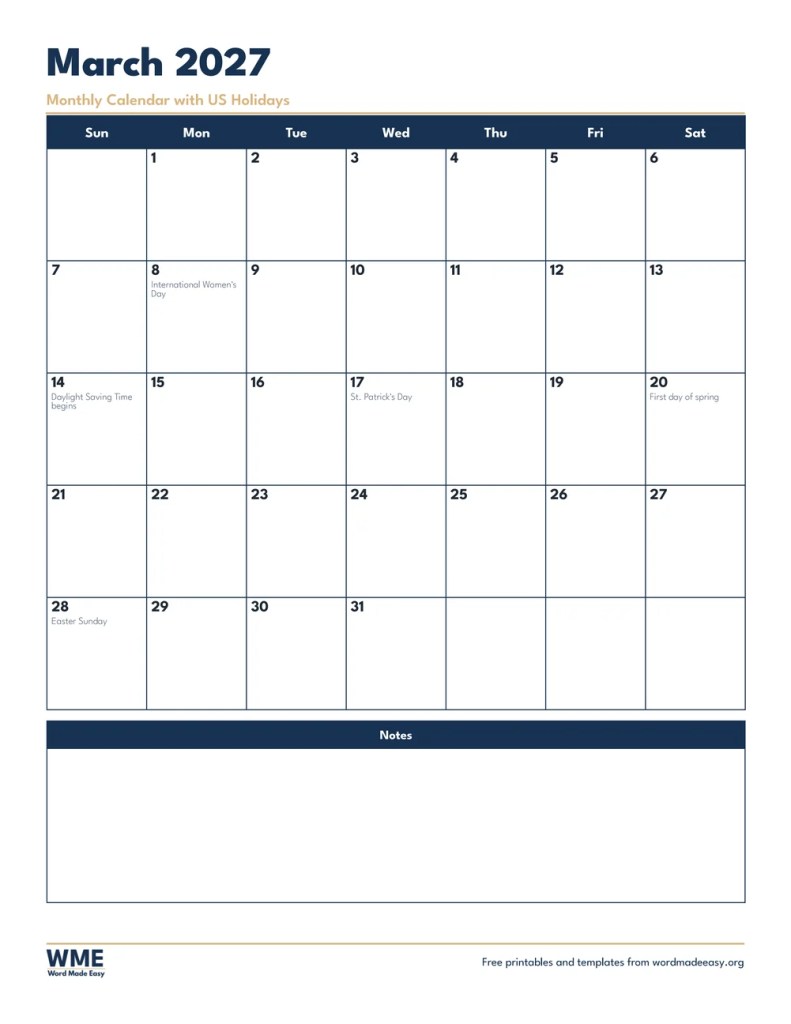
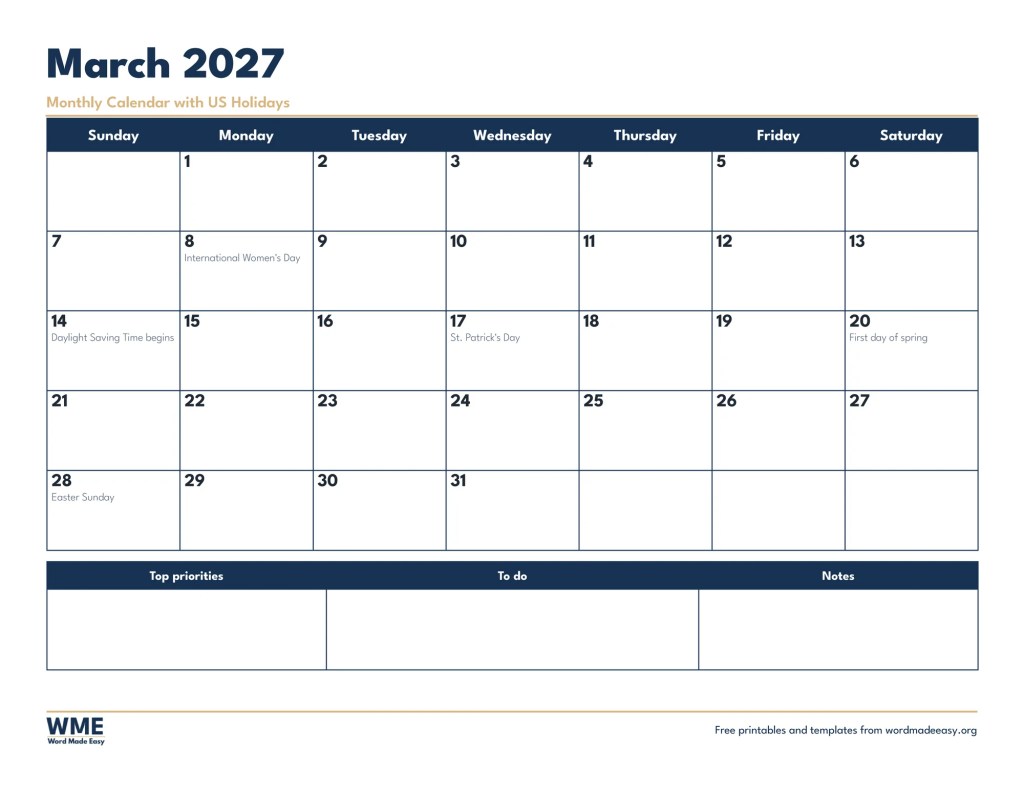
👉 Every day is a box in a Word table. Click after the date, press Enter and type. Holidays and special days are filled in with small grey text that you can delete or replace.
March 2027 at a glance
March 2027 has 31 days, begins on a Monday and ends on a Wednesday, so both the Sunday-start and Monday-start pages need five rows. International Women’s Day is Monday 8 March, St Patrick’s Day is Wednesday 17 March and the first day of spring is Saturday 20 March. In the US, Daylight Saving Time begins on Sunday 14 March. Easter Sunday falls on 28 March, which is also the day UK clocks go forward, with Good Friday on the 26th, and Mothering Sunday in the UK is on 7 March. The US Letter pages mark the US dates and the A4 pages mark the UK ones.
Which March calendar design should you choose?
- Simple: a landscape month with big date boxes, for a wall, a desk or a binder.
- Portrait with Notes: the month above a notes box, for reminders and lists that belong to the month.
- Landscape with Priorities: the month with three boxes below it for top priorities, to do and notes.
- Weekly Focus: a column beside each week for its main aim, so busy weeks have a plan.
- Monthly Planner with Goals: the month with goals and habits above the grid and a notes box below.
- Mini Months: March in full with February and April small underneath, for looking back and ahead.
- Planning the whole year? The 2027 calendar templates cover every month, and the January 2027 calendar is in the same style.
How to fill in your March calendar in Word
- Choose colour or black and white and your paper size, download the ZIP and open a design.
- Click after a date number and press Enter to start a new line in that box.
- Type each event, deadline or birthday, keeping it short so it fits the box.
- To highlight a busy day, click in its box and choose Table Design, then Shading, then a pale colour.
- On Weekly Focus, type each week’s main aim in its line before the month starts.
- Print one copy to check the layout, then print the others.
March is a good month for a clear-out plan or a spring reset. Give one priority to each week, then tick it off on the calendar when it is done. If you work across the US and UK, print both papers and compare: the dates are the same but the holidays differ.
Black and white versions
Every March design also comes in black and white: the headings turn dark grey with white text and the lines turn mid grey, so the calendar prints cleanly without colour ink. In the download box, choose Colour, Black and white or All, then US Letter, A4 or both.
How to print the March calendar
Want to print without editing? Every download has three folders: the editable Word files, the same sheets as PDFs, and every page as a print-ready image (JPEG), so you can print straight away without opening Word.
Print at 100% (Actual size) on the paper in the file name, US Letter or A4. Landscape designs print best with Landscape chosen in the print box; Portrait with Notes is upright. Card keeps a wall calendar flat.
FAQs
Is this March 2027 calendar free?
Yes. Choose US Letter or A4, colour or black and white, and download all six designs in one ZIP file.
What day does March 2027 start on?
Monday 1 March 2027. It ends on Wednesday 31 March and has 31 days.
When is Easter in 2027?
Easter Sunday is 28 March 2027 and Good Friday is 26 March, so both fall inside this calendar.
When does daylight saving time start in 2027?
In the US it starts on Sunday 14 March 2027. In the UK the clocks go forward on Sunday 28 March.
Why does the A4 calendar start on Monday?
The UK and much of Europe begin the week on Monday, and the US begins it on Sunday, so each paper follows its usual layout.
Can I remove the holidays?
Yes. They are normal text inside the date boxes: select one and delete it, or type your own event over it.
Conclusion
Six ways to see March 2027, from a plain month to one with goals and the months either side.
Choose your paper size above and download the ZIP. To plan the full year, see the 2027 calendar templates.
Related Tutorials
- Free 2027 Calendar Templates for Word
- Free January 2027 Calendar for Word
- Free February 2027 Calendar for Word
Word Templates
Recently Added Word Templates
Browse the complete collection of free printable Word templates for home and school, all made by a teacher.
New to Word? Our Word tutorials show you how to edit and print your templates.
Leave a comment
Have a question about these templates, or an idea for a new one? Ask below.