
Standard Operating Procedure Templates: 6 Free SOPs for Word
Preview every design, choose colour or black and white and your paper size, then download your Word files in one small ZIP file.
A4 and US Letter6 templatesFree
Can’t find the template you need? Request a template and I’ll make it in Word, free.
Get new free printables first: follow Word Made Easy on Pinterest
A standard operating procedure template gives every routine task one written method that anyone on the team can follow. These six free layouts run from a one-page SOP for a small shop to a detailed version with roles and checks, a tick-box checklist, a flow of decisions, a training record and a revision log. Each opens in Microsoft Word, so you can fit it to your own process. Every SOP layout is made in Microsoft Word with plain tables, so rows, headings and wording are yours to change, and each was checked on US Letter and A4 so the steps fit a single page.
Below you’ll find what goes into an SOP, which of the six layouts to start with, and how to write steps that people really follow.
What’s in the Standard Operating Procedure Templates
| Template | What’s on it | Paper |
|---|---|---|
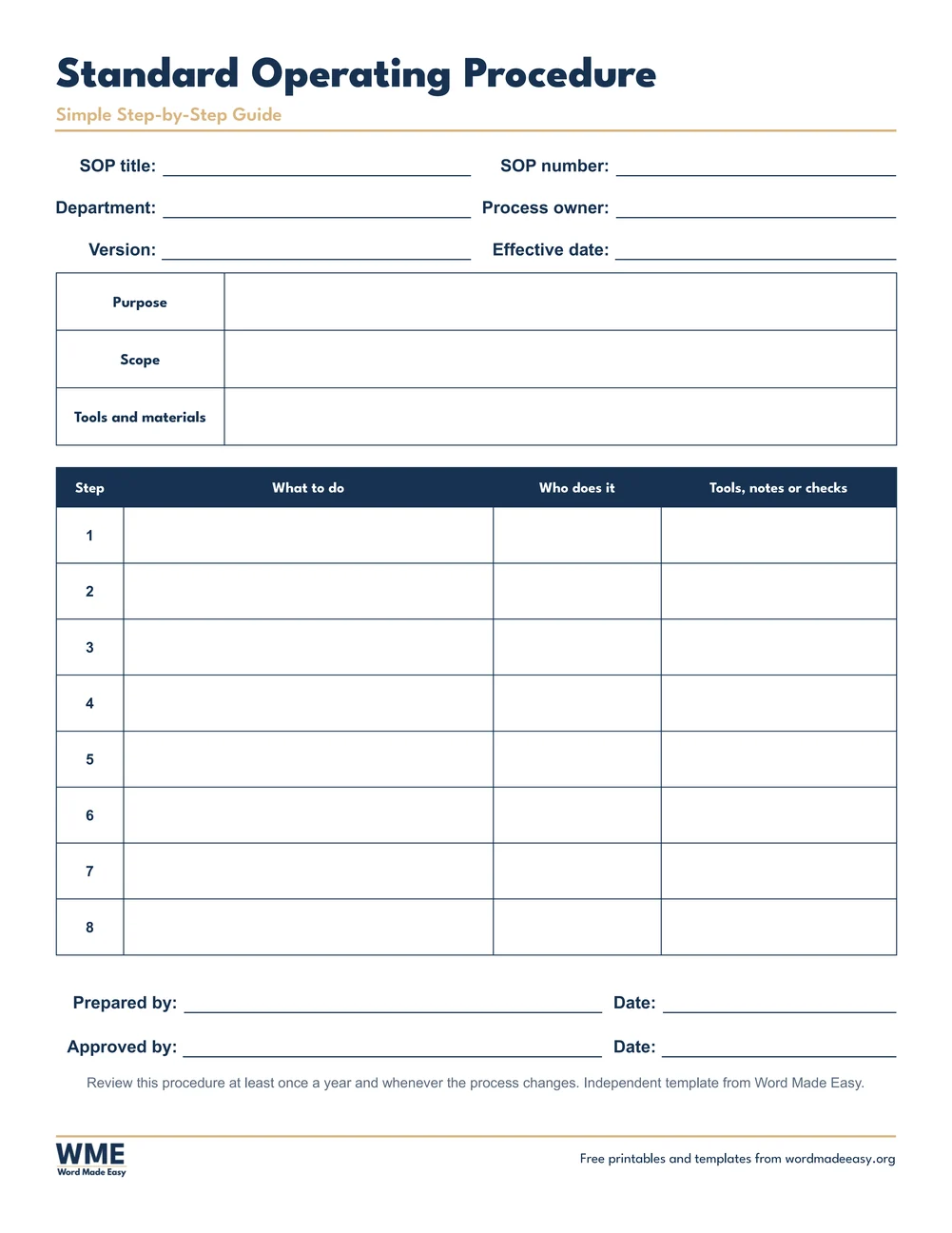
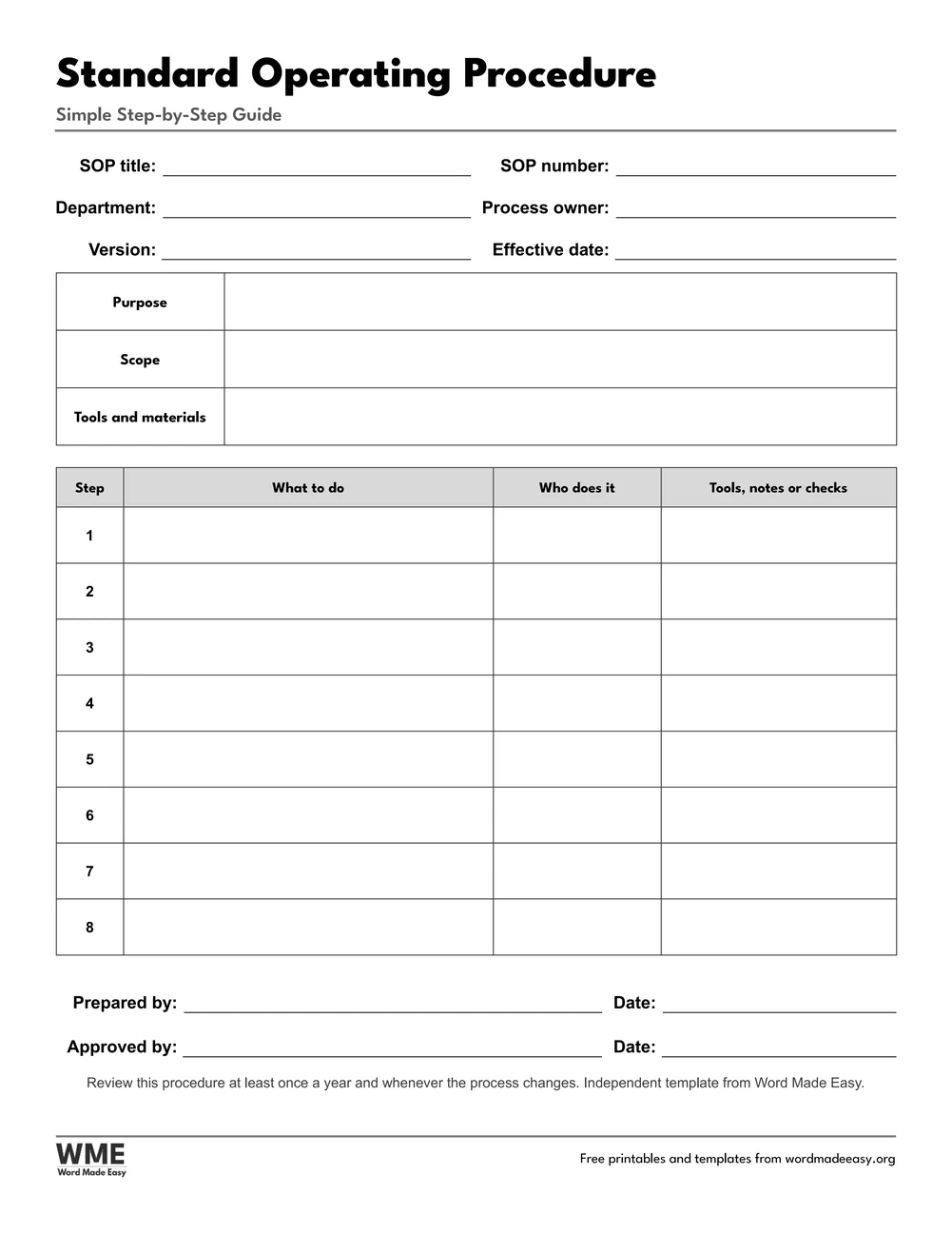
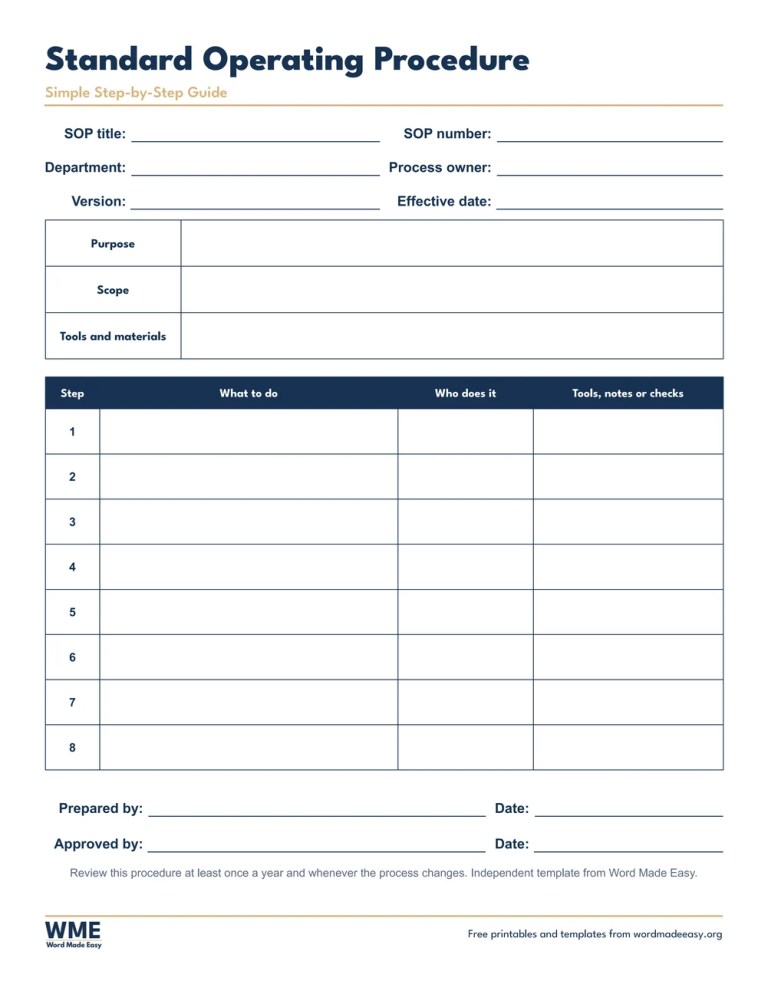
| Simple SOP | Purpose, scope and numbered steps | US Letter and A4, colour and black and white |
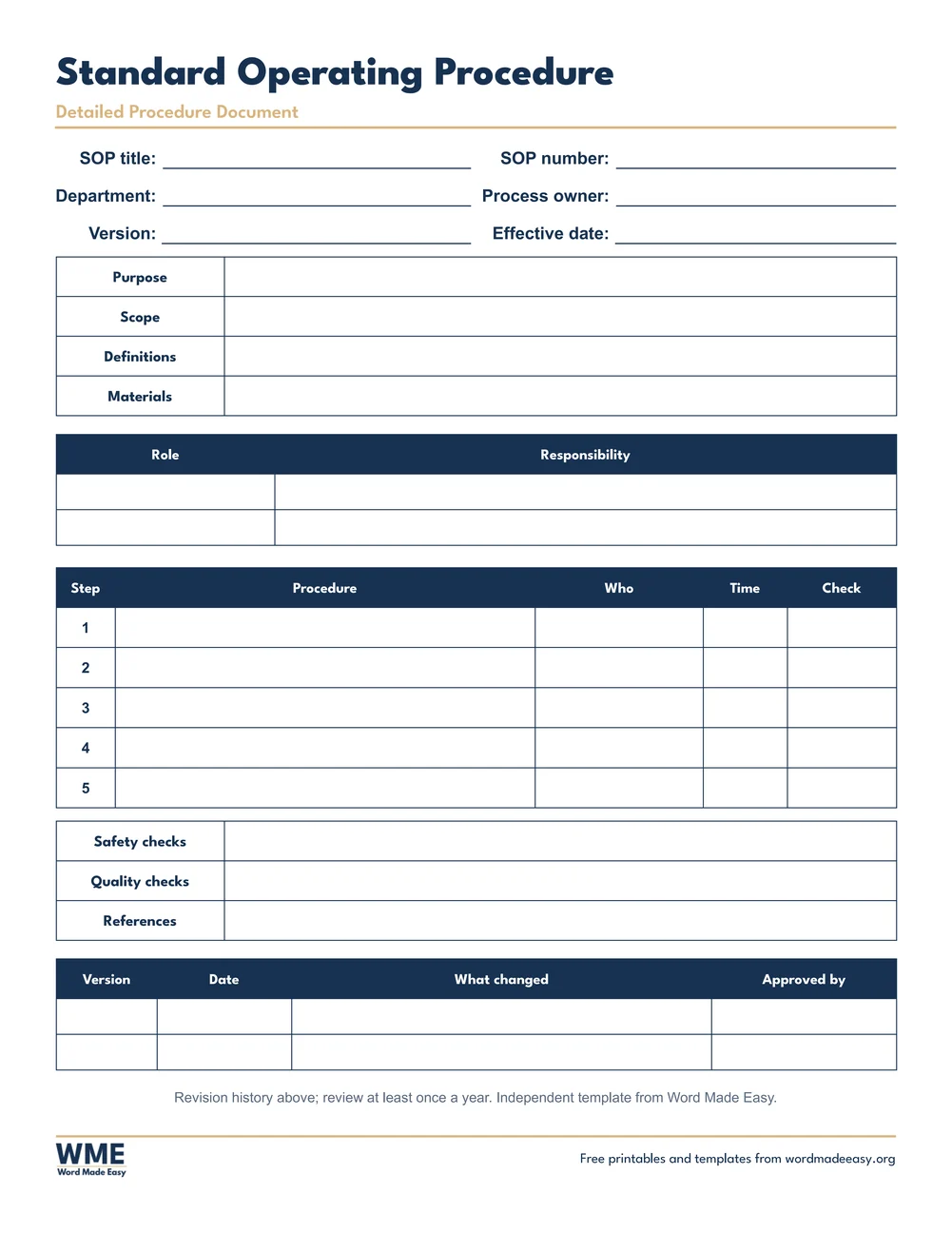
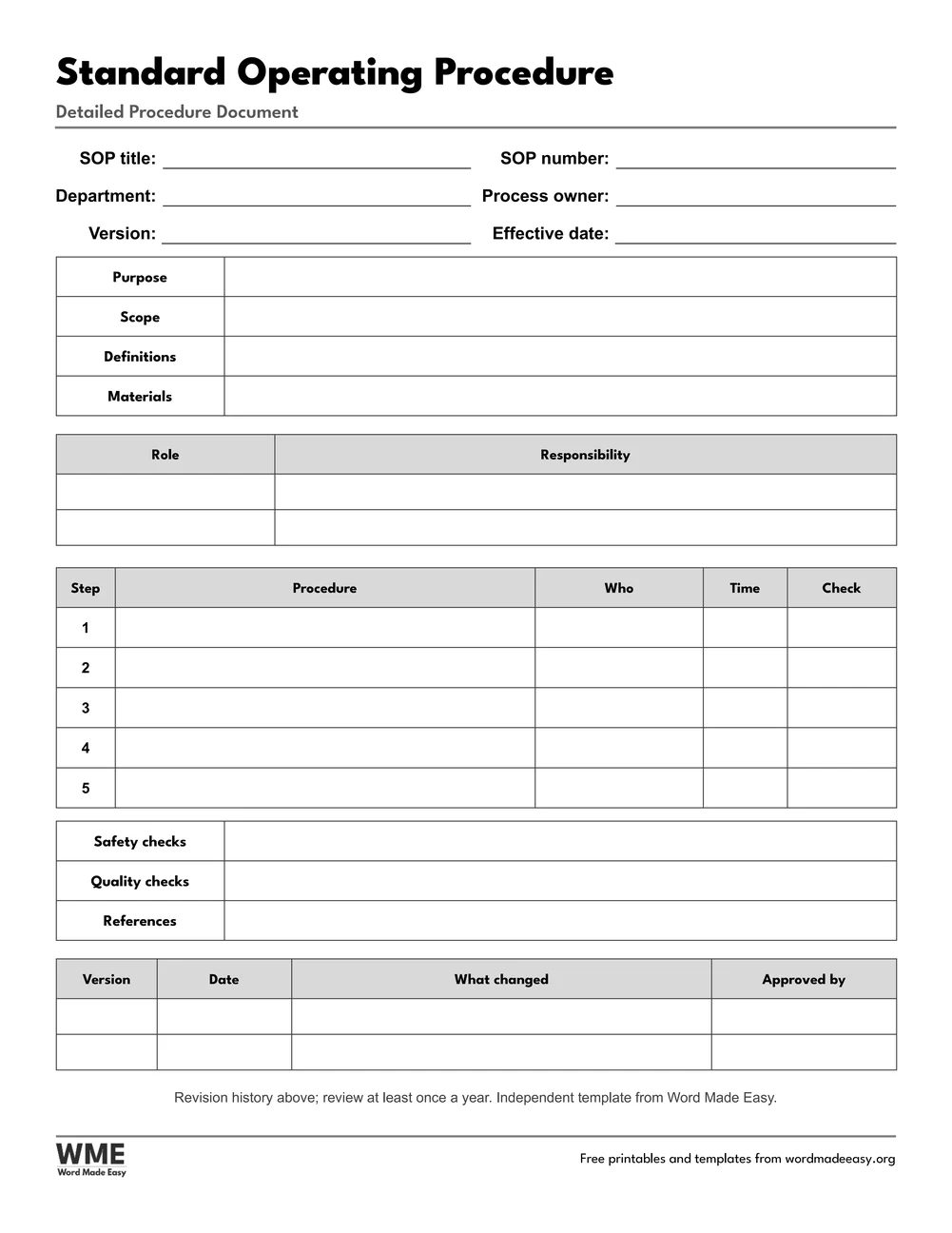
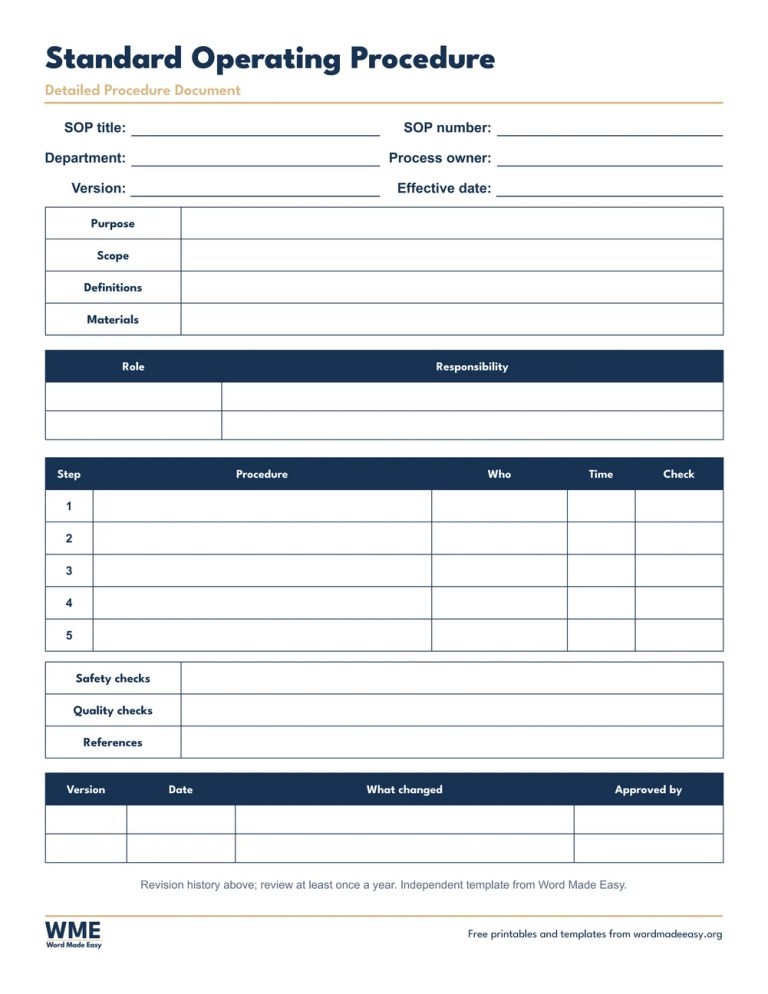
| Detailed SOP | Roles, definitions, steps and checks | US Letter and A4, colour and black and white |
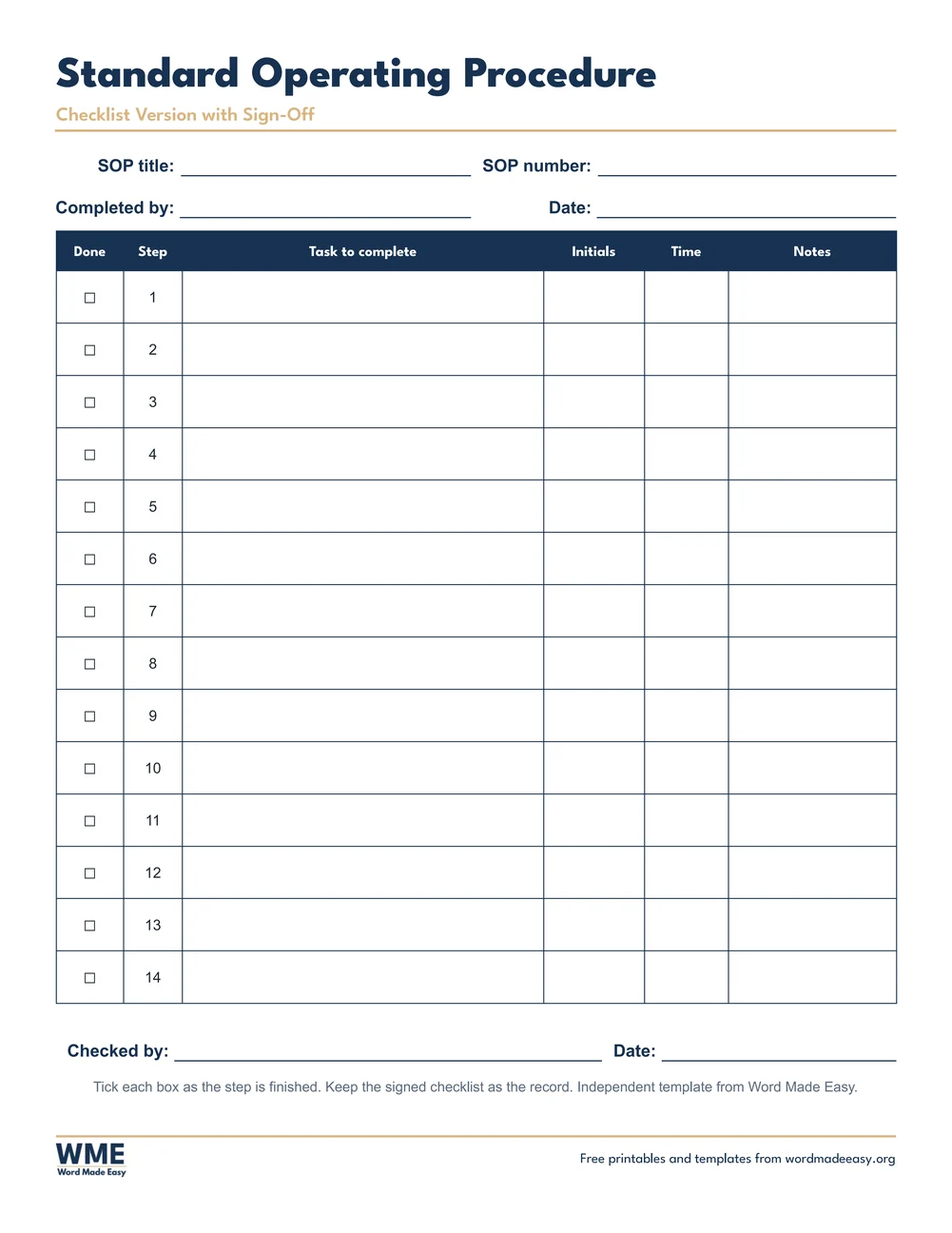
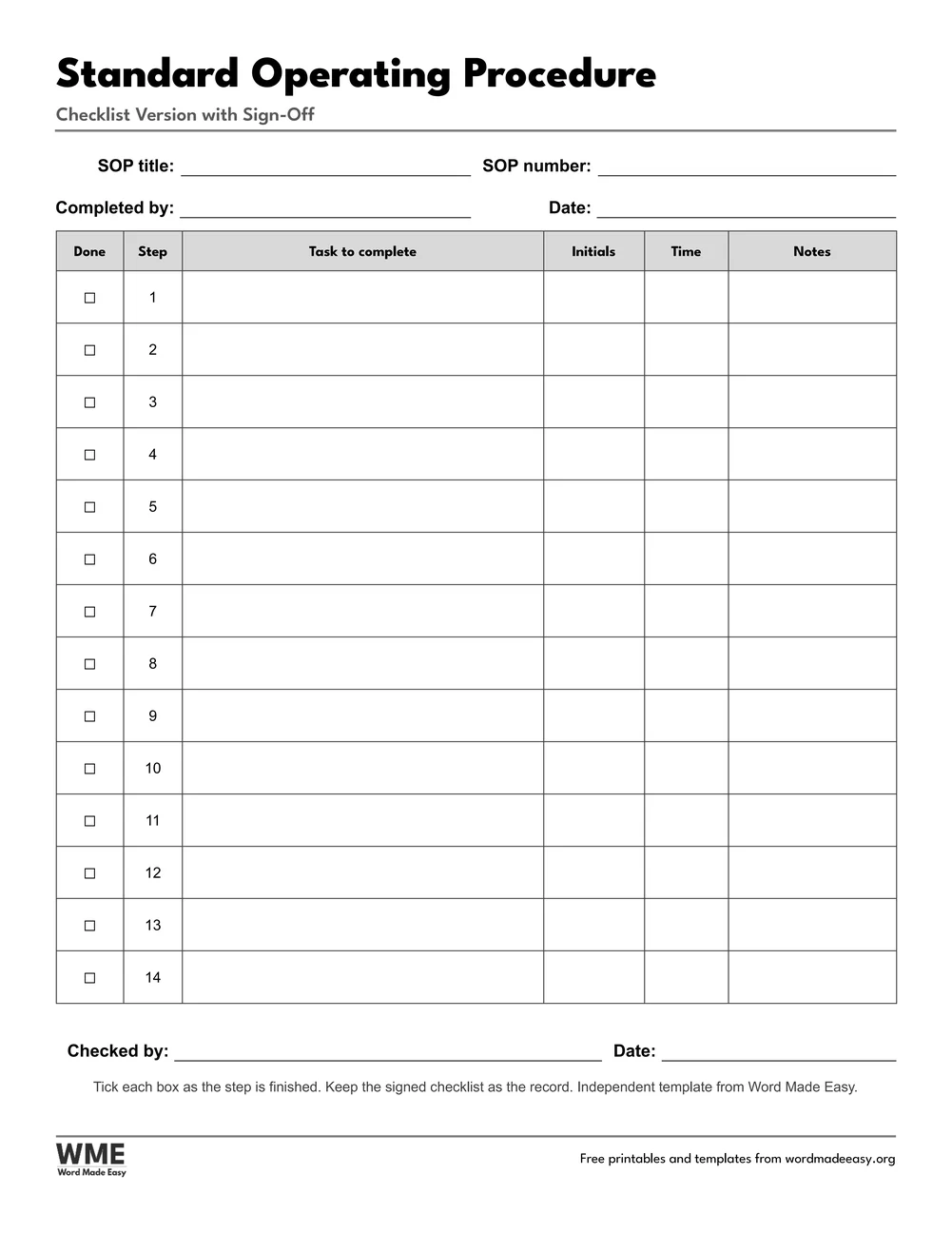
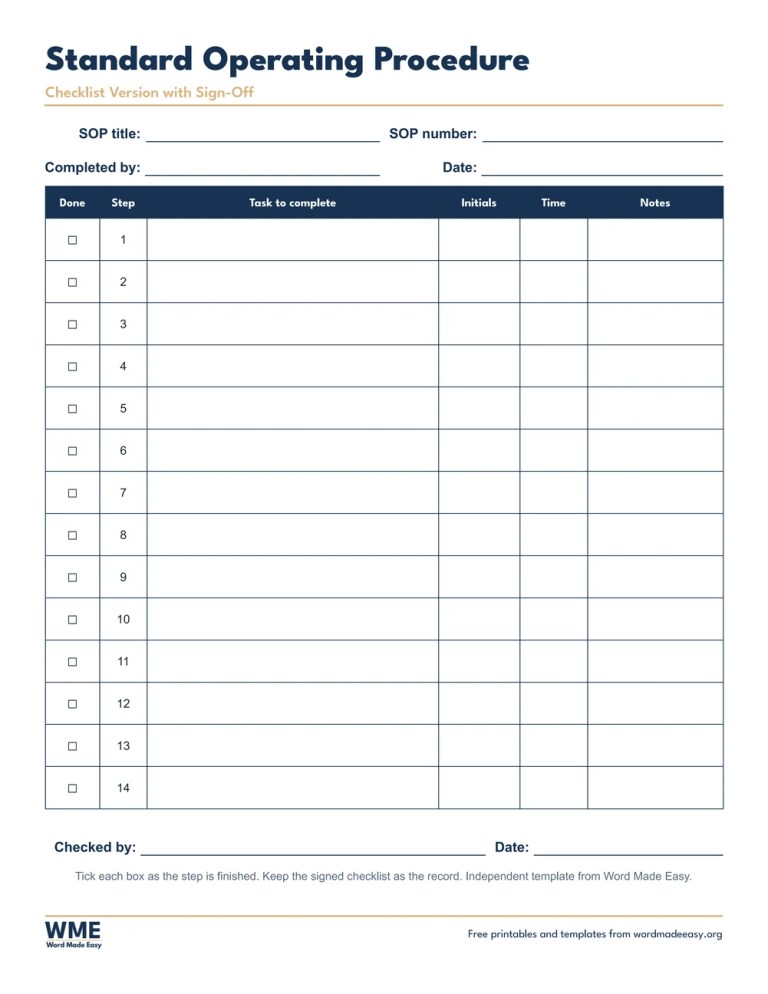
| SOP Checklist | Tick-box steps for repeat tasks | US Letter and A4, colour and black and white |
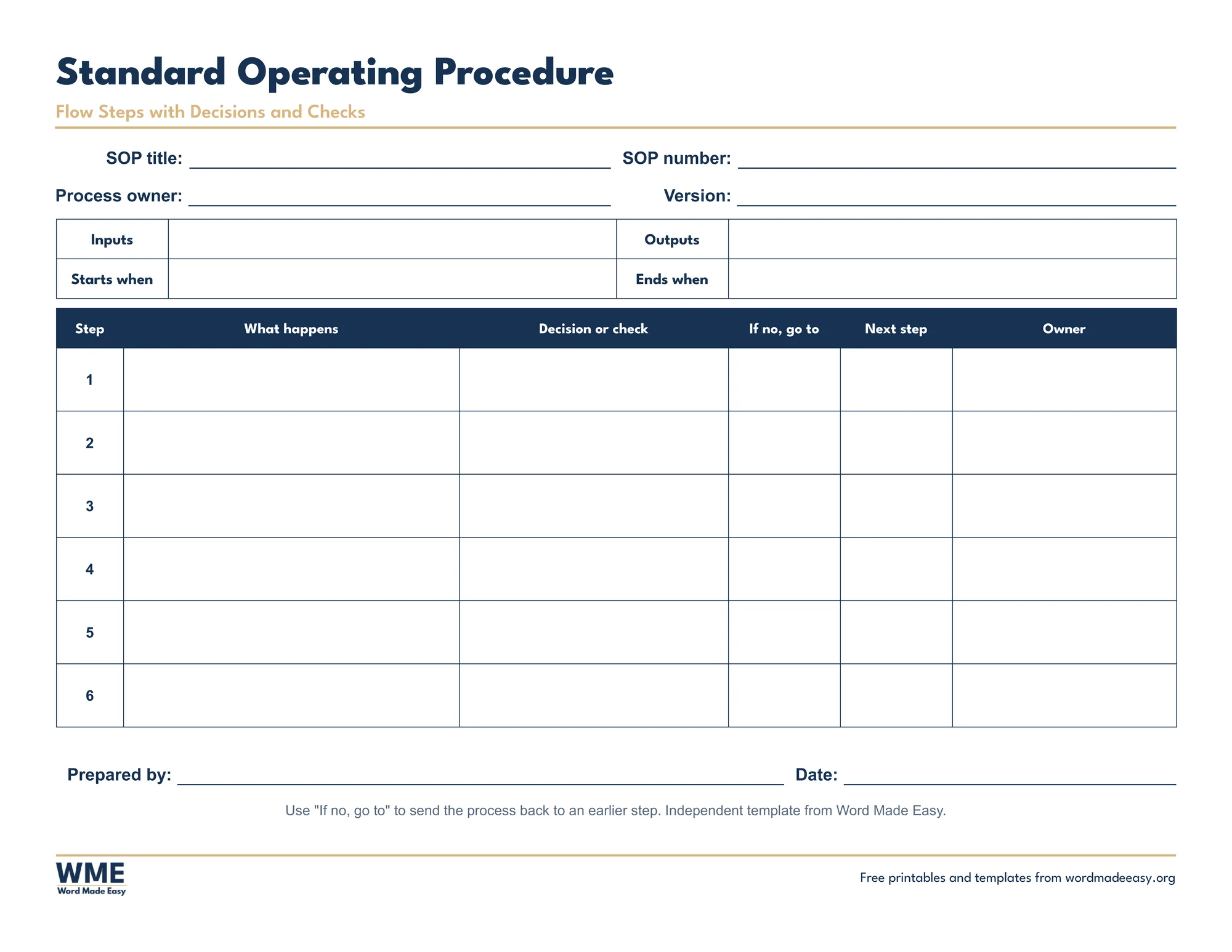
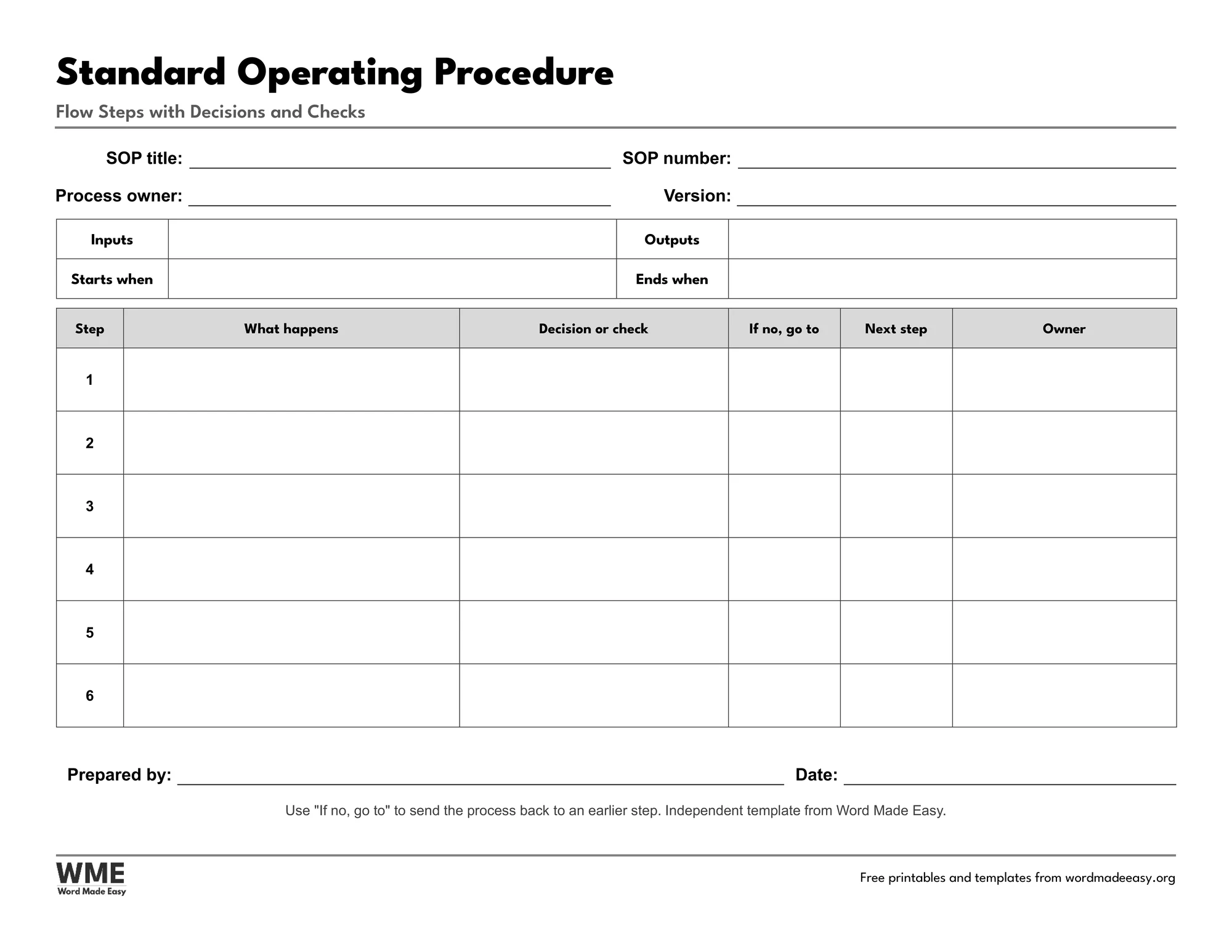
| SOP with Flow Steps | Steps with decisions and outcomes | US Letter and A4, colour and black and white |
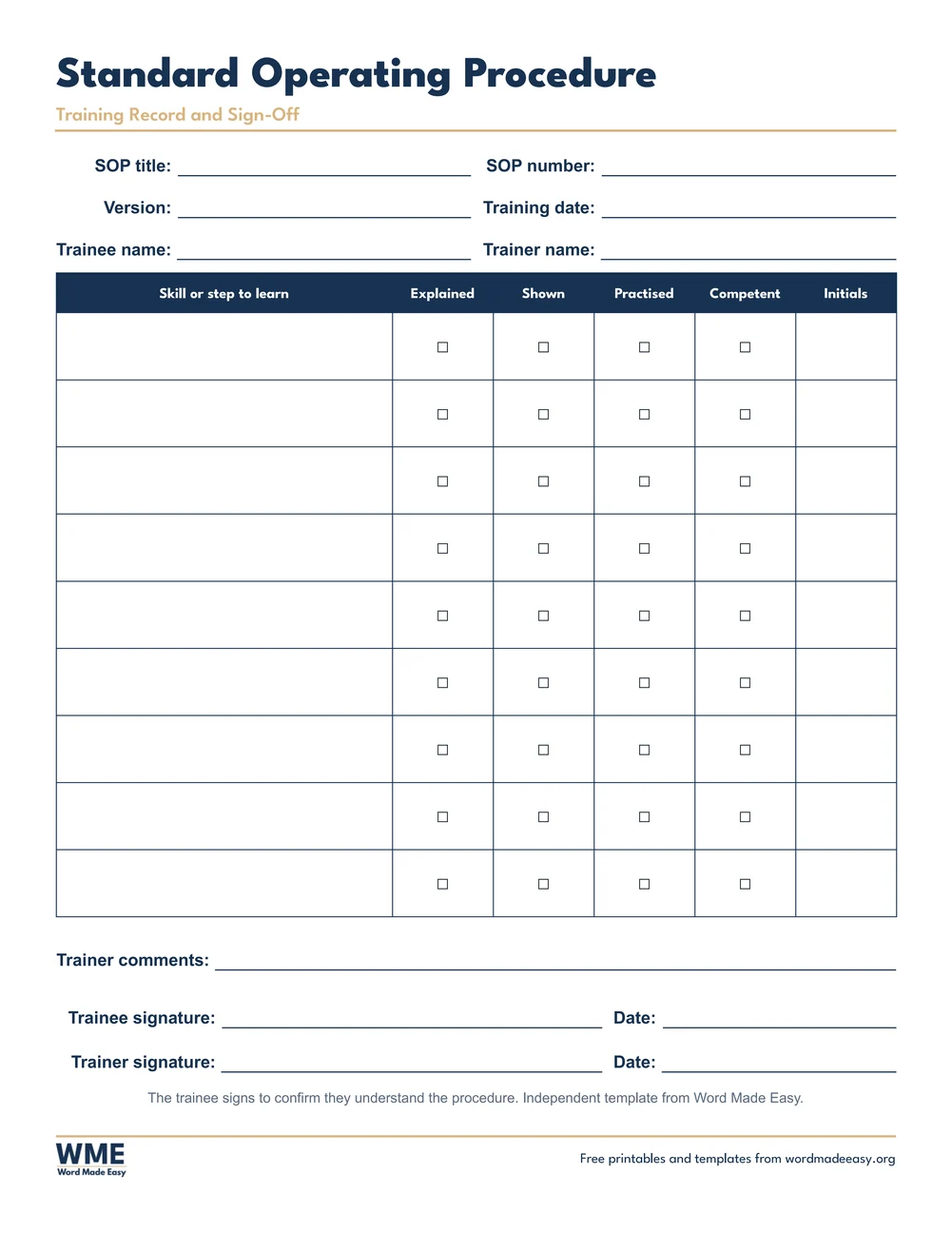
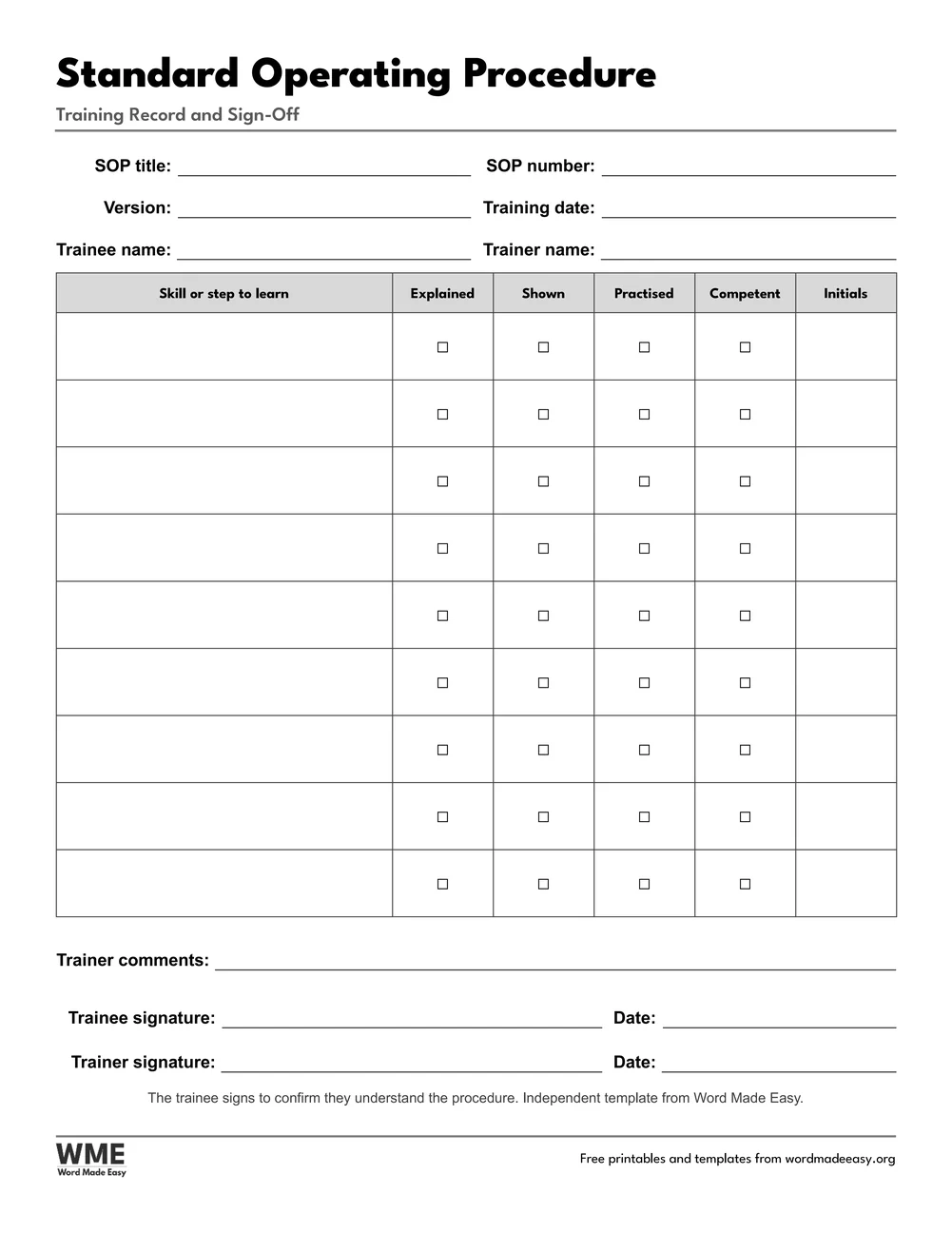
| SOP Training Record | Who was trained, when, signed | US Letter and A4, colour and black and white |
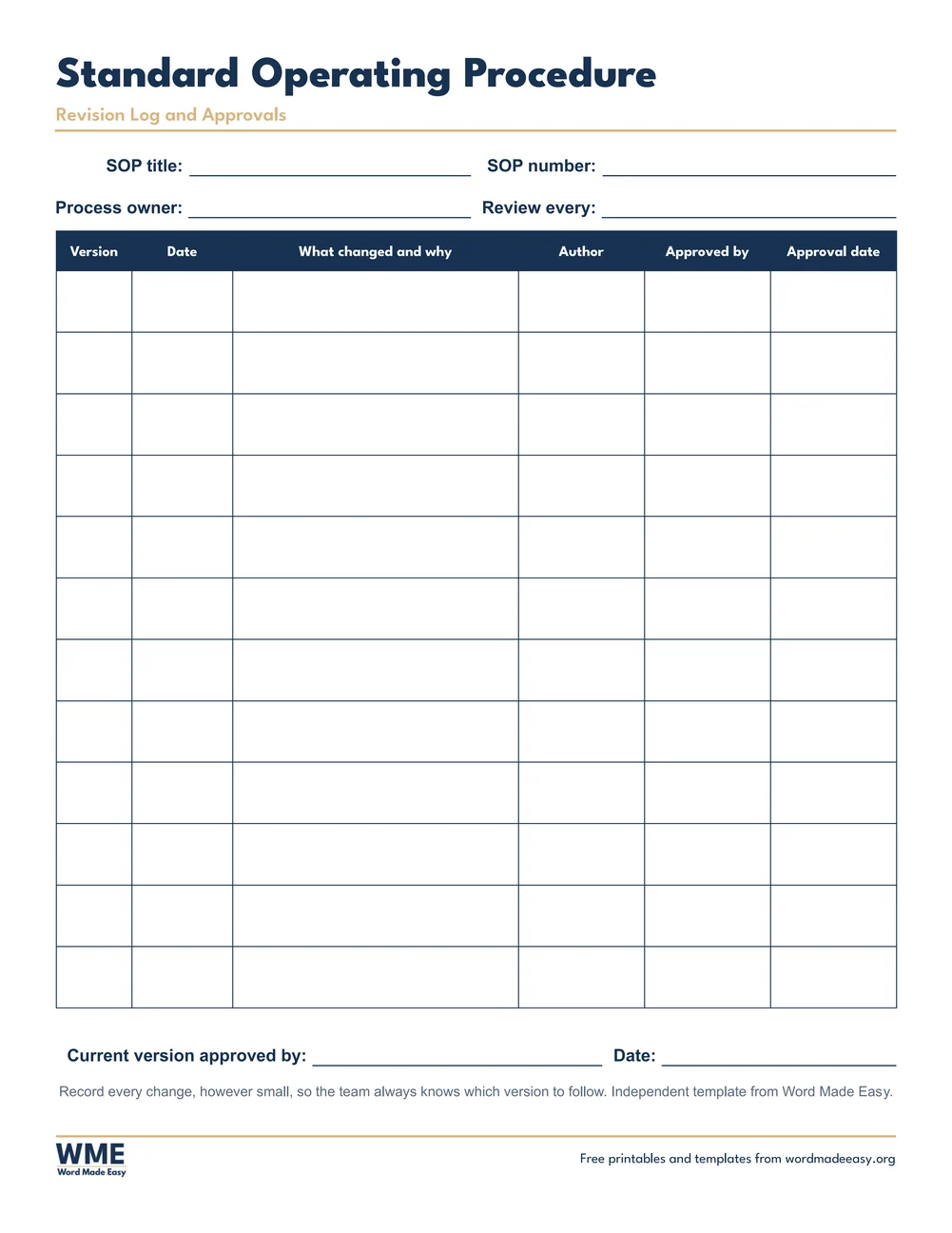
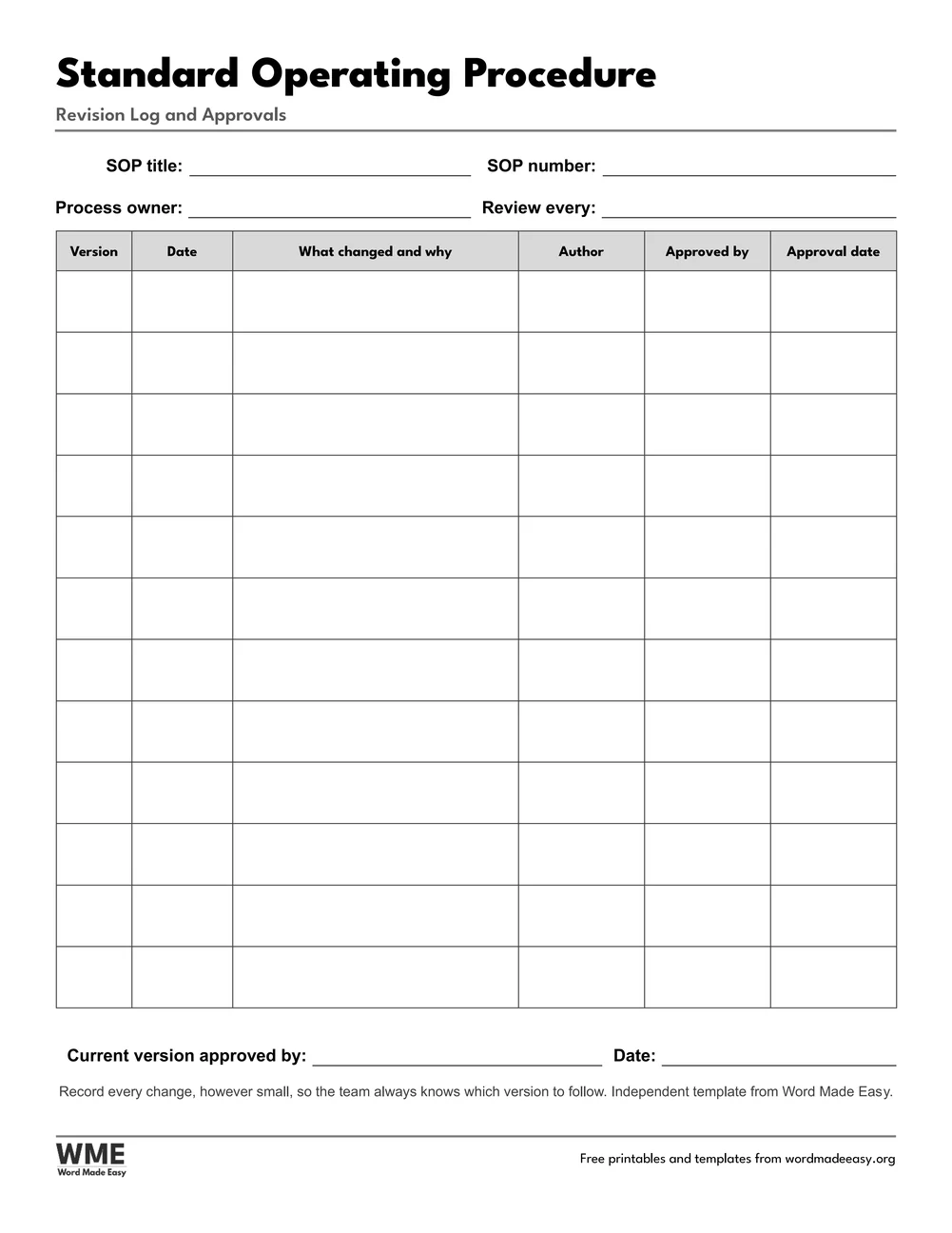
| SOP Revision Log | Version history and approvals | US Letter and A4, colour and black and white |
👉 Type straight into the boxes and table rows. Rows can be added at the end of any table by pressing Tab in the last cell, and the example headings can be renamed to suit your team.
What is a standard operating procedure?
A standard operating procedure, or SOP, is a short document that explains how to carry out one routine task the same way each time: opening a till, onboarding a client, cleaning a machine, handling a refund. It states why the task matters, who does it, what is needed and the steps in order, with the checks that show it was done properly. Written down, it saves repeated explanations, makes training faster and gives a manager something to point to when results vary between people.
Which SOP layout should you use?
- Simple SOP: purpose, scope, tools and ten numbered steps with the person responsible, for small teams and quick tasks.
- Detailed SOP: adds responsibilities, definitions, safety and quality checks, and a version box for formal procedures.
- SOP Checklist: the same steps as tick boxes with a sign-off, for tasks done daily such as opening and closing.
- SOP with Flow Steps: each step shows what to do, the decision to make and where to go next, for tasks with branches.
- SOP Training Record: lists who was trained on which procedure, by whom and when, with signatures.
- SOP Revision Log: keeps the version, date, change and approver in one table so updates are traceable.
- Setting up a new starter? Pair an SOP with the onboarding checklist templates.
How to write an SOP in Word
- Pick one task and watch it done properly, noting every step as it happens.
- Open the layout that fits and type the title, number, owner and the date it takes effect.
- Write the steps as short commands, one action each, in the order they happen.
- Add who does each step and any tool, check or warning to the notes column.
- Ask someone who has never done the task to follow the page, then fix every step that confused them.
Keep each SOP to one page where you can, and put the most important warning next to the step where it matters rather than at the top. Number your procedures so they can be found, review each at least once a year, and note the new version on the revision log whenever the process changes. The checklist templates suit tasks that need ticking more than explaining.
Black and white versions
Each SOP layout also comes in black and white: the dark title and table headings become light grey with black text, and the gold rule becomes grey, which keeps a printed binder cheap to produce. In the download box, choose Colour, Black and white or All, then US Letter, A4 or both.
How to print an SOP
Want to print without editing? Every download has three folders: the editable Word files, the same sheets as PDFs, and every page as a print-ready image (JPEG), so you can print straight away without opening Word.
Print at 100% (Actual size) on the paper in the file name, US Letter or A4. For a work folder, print the procedure on its own sheet so a replaced version can be swapped without disturbing the others.
FAQs
Is this standard operating procedure template free?
Yes. Choose US Letter or A4, colour or black and white, and download all six layouts in one ZIP file.
What is the difference between an SOP and a checklist?
An SOP explains how and why a task is done. A checklist only confirms that each step happened, so many teams use both.
How long should an SOP be?
As short as the task allows. One page covers most routine jobs; longer procedures can be split into several linked SOPs.
Who should write the SOP?
The person who does the task best, with a manager checking it. People who do the work spot steps a manager would miss.
How often should an SOP be reviewed?
At least once a year and any time the equipment, rules or steps change. Record each review on the revision log.
Can I add my company logo?
Yes. Click into the page, choose Insert then Pictures and place your logo near the title. All text can be changed.
Conclusion
Six SOP layouts that turn what one person knows into a page the whole team can follow.
Choose your paper size above and download the ZIP. For tick-box routines, see the onboarding checklist templates.
Related Tutorials
- Free Onboarding Checklist Templates for Word
- Free Checklist Templates for Word
- Free Expense Report Templates for Word
Word Templates
Recently Added Word Templates
Browse the complete collection of free printable Word templates for home and school, all made by a teacher.
New to Word? Our Word tutorials show you how to edit and print your templates.

Leave a comment
Have a question about these templates, or an idea for a new one? Ask below.