
Free Certificate of Recognition Templates for Word: 5 Printables
Preview every template, choose colour or black and white and your paper size, then download your Word files in one small ZIP file.
Made by a teacherLong bond and A420 Word documentsFree


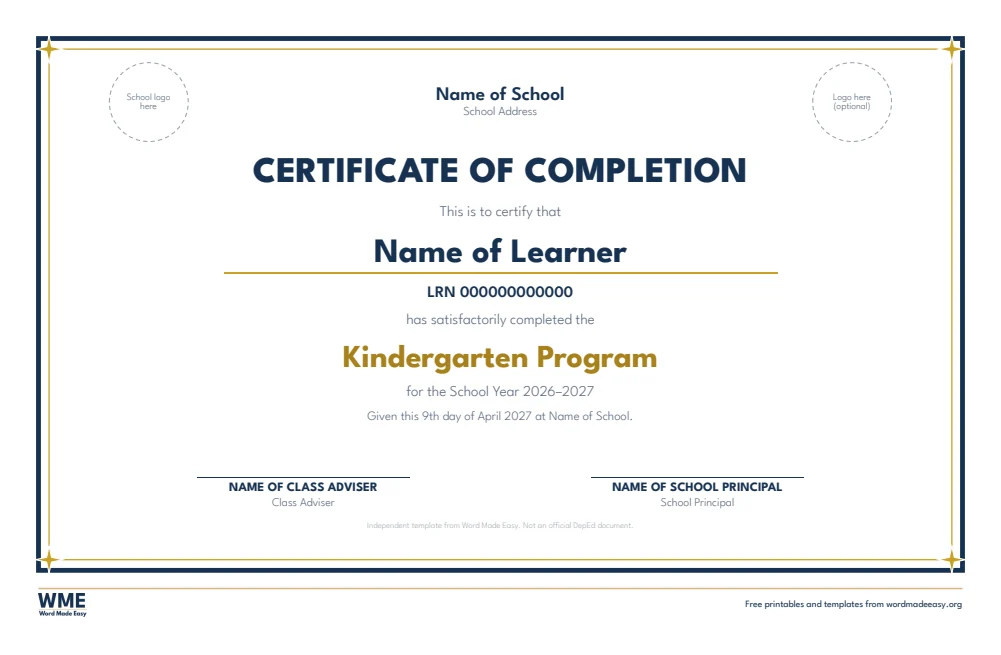
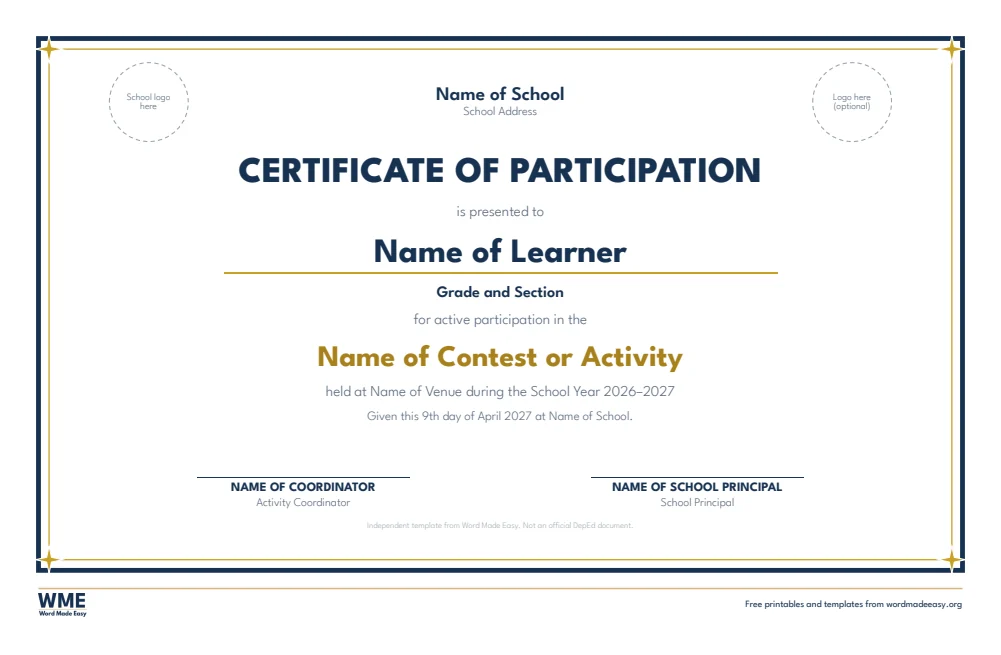

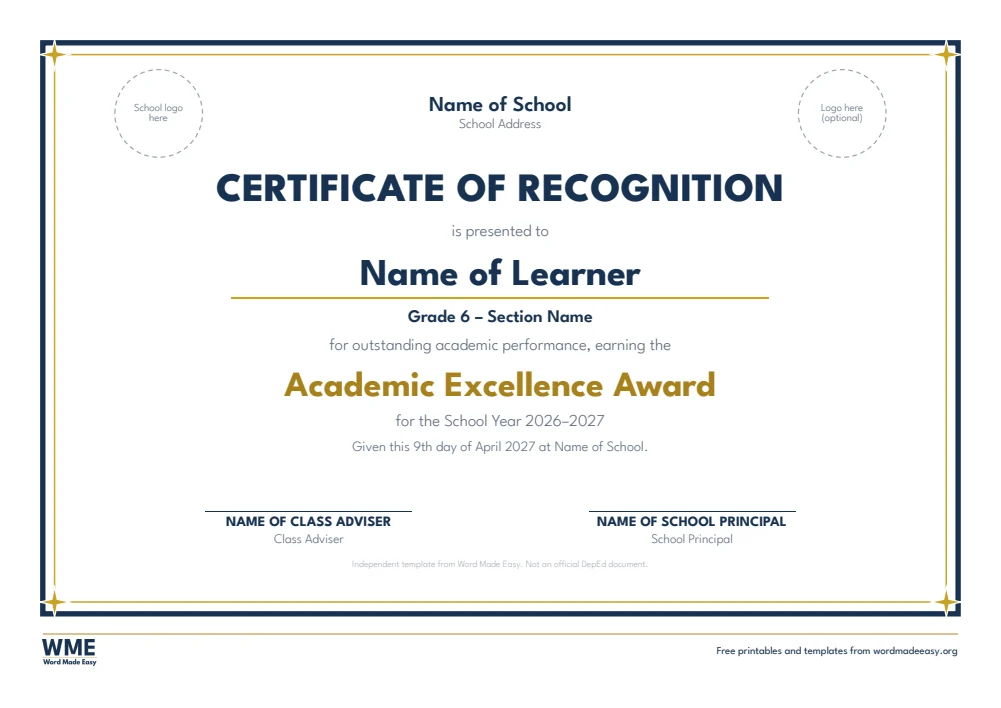
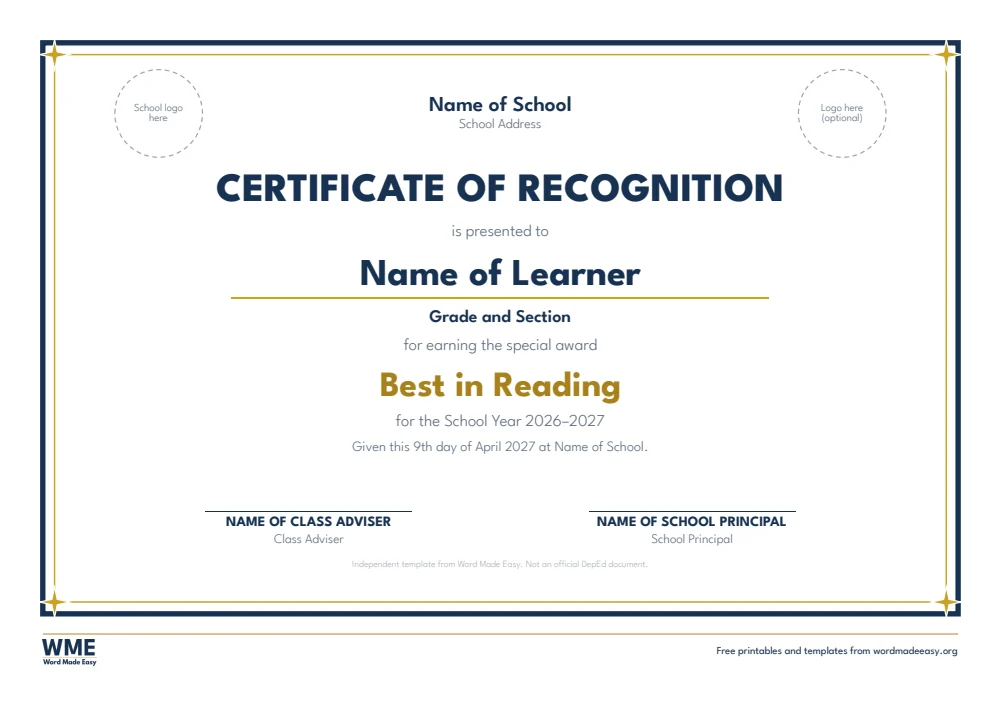



Can’t find the template you need? Request a template and I’ll make it in Word, free.
Get new free printables first: follow Word Made Easy on Pinterest
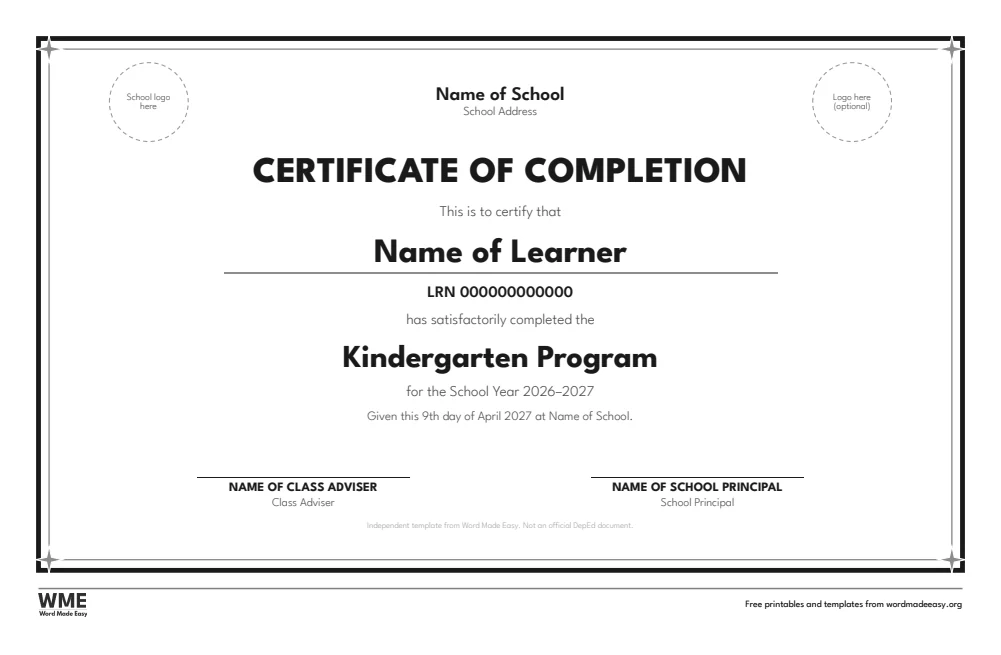
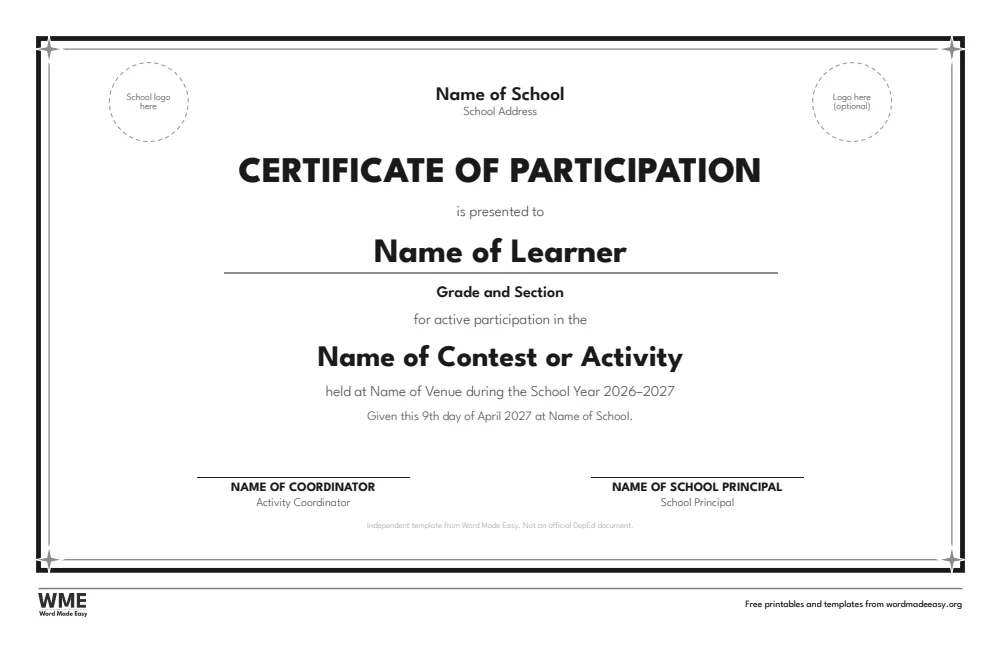
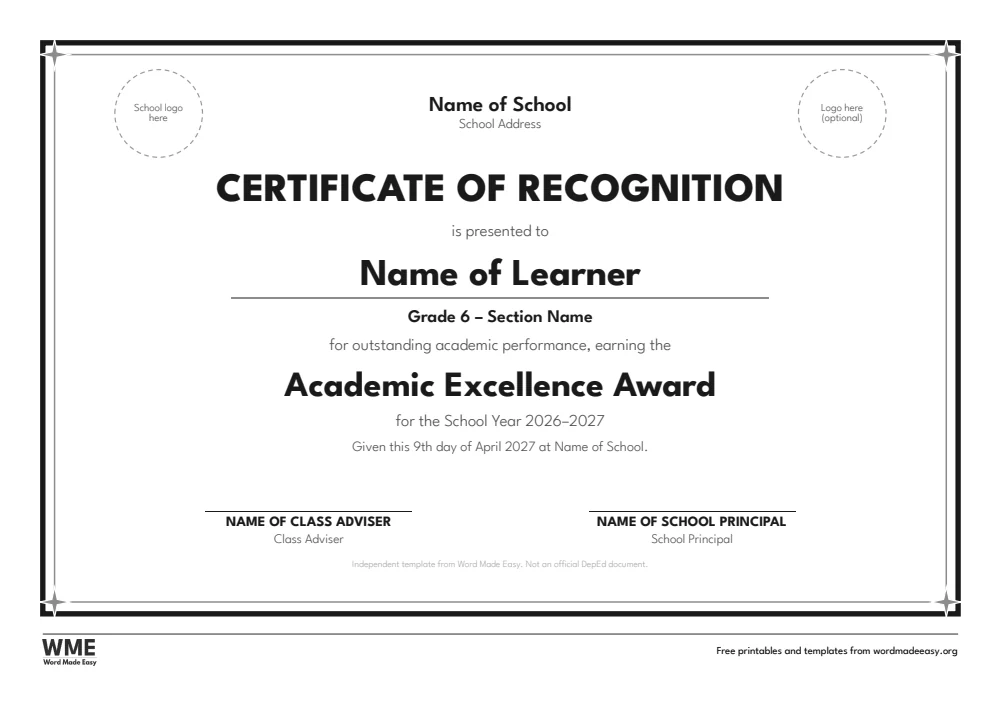
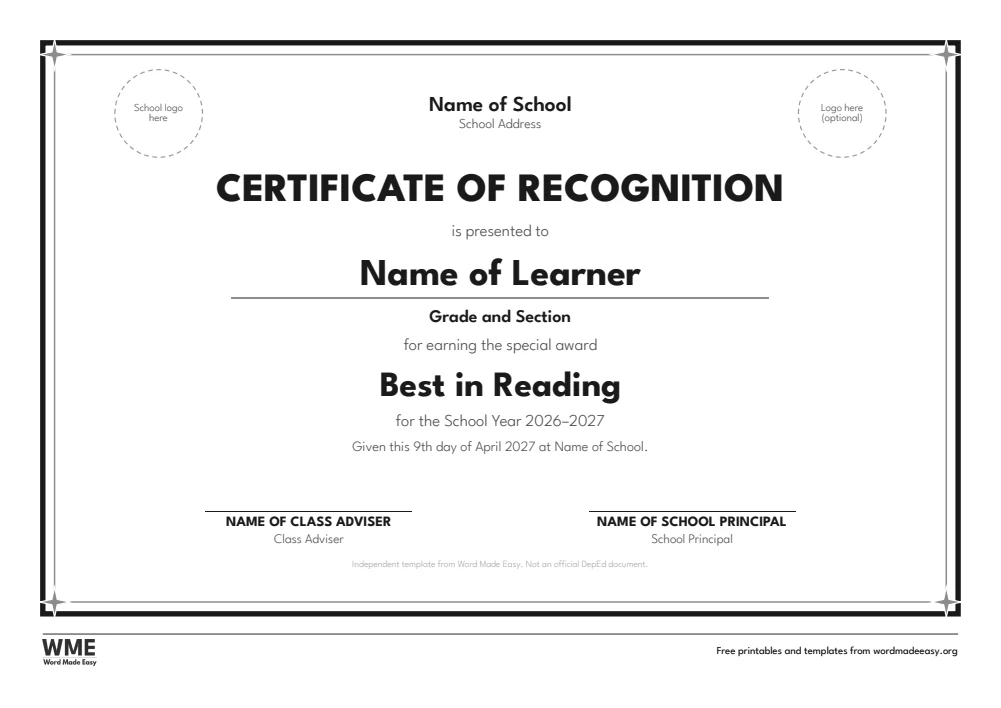
These free certificate of recognition templates give you Word documents on long bond (13 x 8.5 in) and A4 landscape: a certificate of recognition with honors, an academic excellence certificate, a special award certificate, a certificate of completion or moving-up and a certificate of participation, each in colour and in black and white. Every template is human-made by a teacher: I’m Patrick Elliott, a teacher and Inclusion Lead, and I designed and built each one myself in Microsoft Word, then printed them to check they line up and fill the page as they should.
In this guide, you’ll find which certificate to use, how to fill in the names and honors, and how to print a whole class quickly with mail merge.
What’s in the Certificate of Recognition Templates
| Paper | Template | Best for |
|---|---|---|
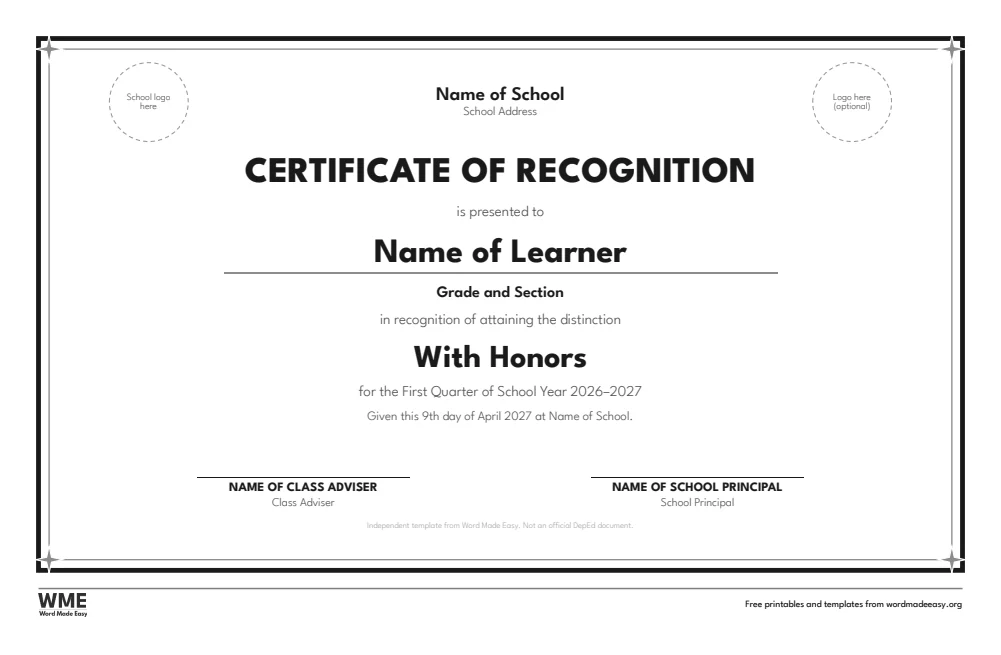
| Long bond (8.5 x 13) | Certificate of Recognition With Honors | Learner, grade and section, With Honors / With High Honors / With Highest Honors drop–down, adviser and principal |
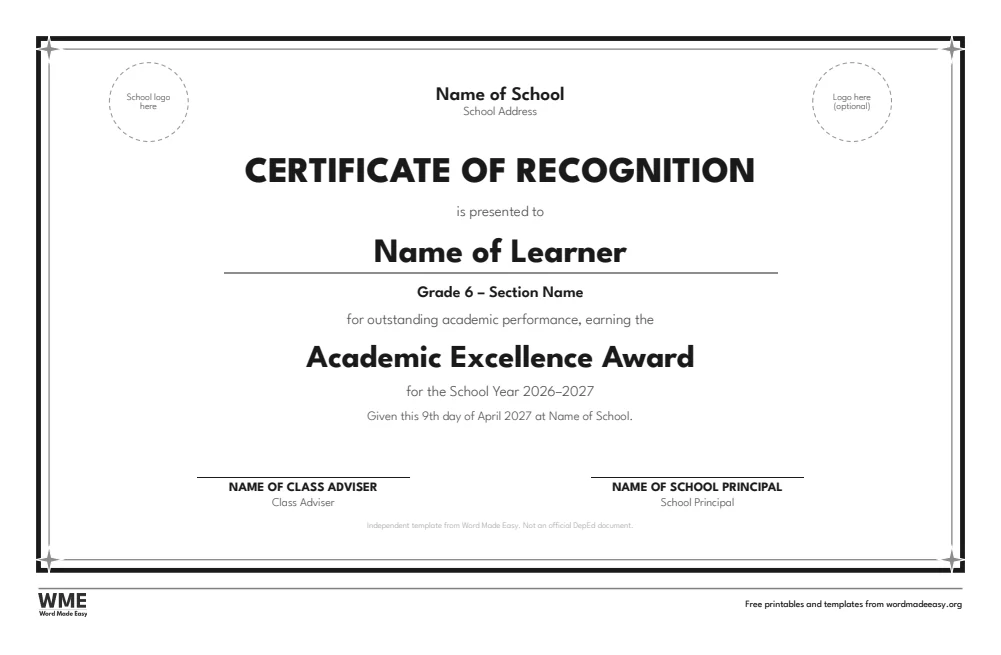
| Long bond (8.5 x 13) | Certificate of Recognition Academic Excellence | Year–end honors list: grade level drop–down, section, Academic Excellence Award, School Year 2026–2027 |
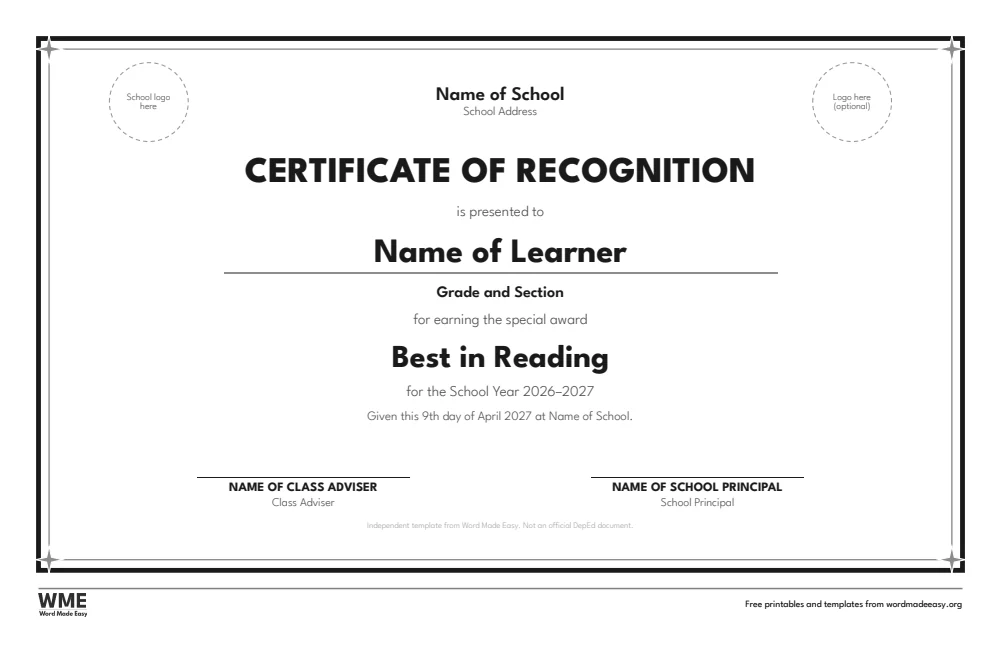
| Long bond (8.5 x 13) | Certificate of Recognition Special Award | Best in Reading, Most Diligent, Perfect Attendance and 5 more in an editable drop–down |
| Long bond (8.5 x 13) | Certificate of Completion Moving-Up | Kindergarten, Elementary or Junior High School Program drop–down, LRN and school year |
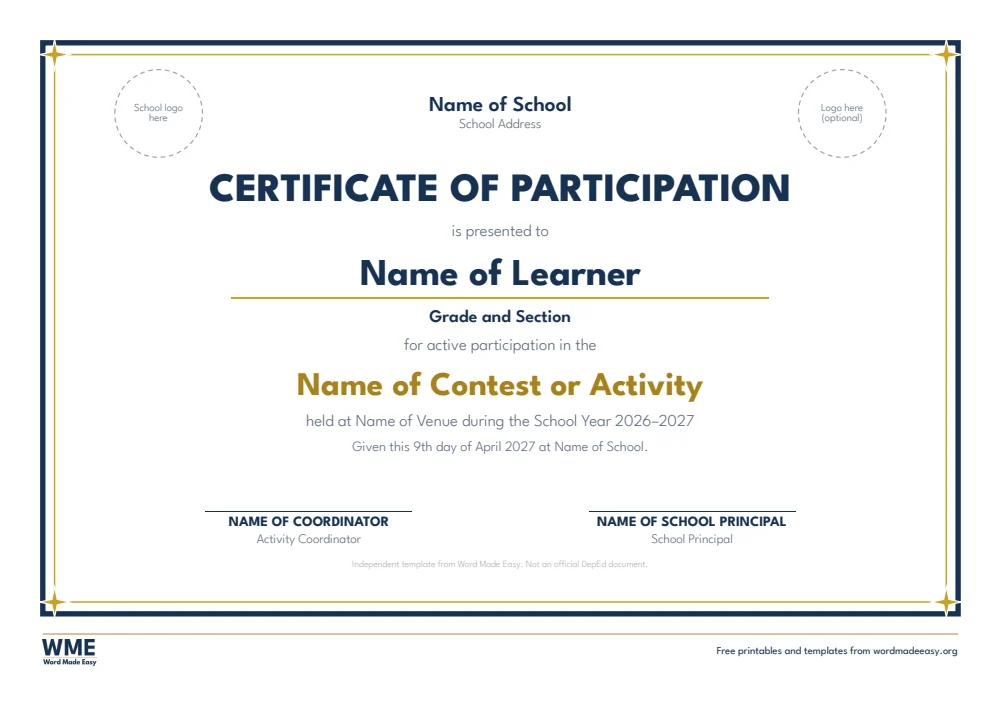
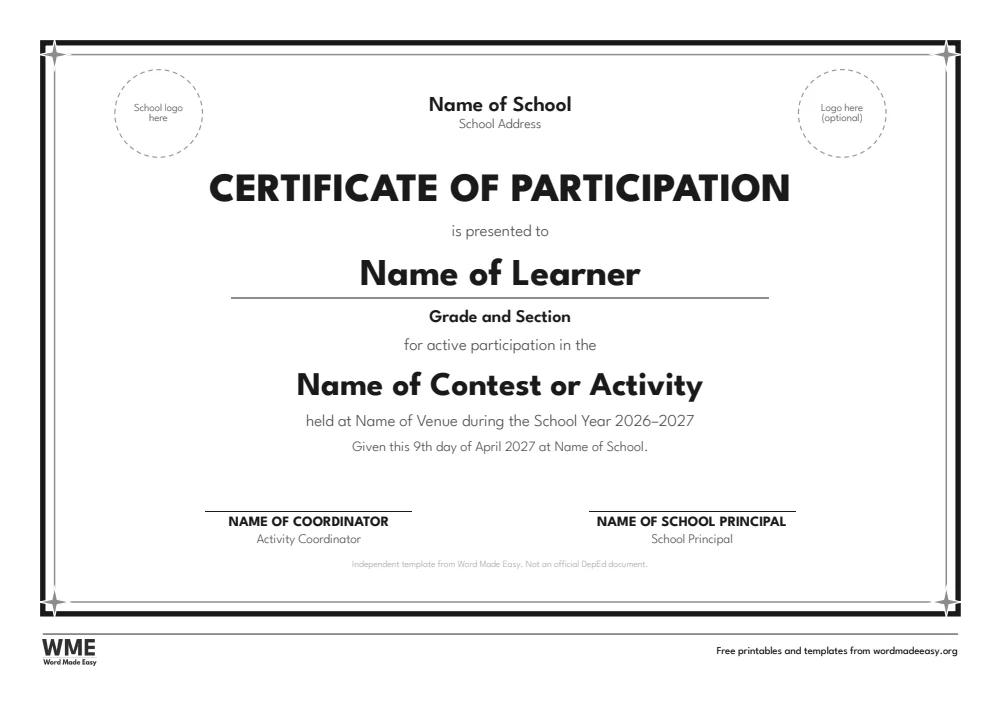
| Long bond (8.5 x 13) | Certificate of Participation | Contests, programs and activities: name of the activity, venue, coordinator and principal |
| A4 | Certificate of Recognition With Honors | Learner, grade and section, With Honors / With High Honors / With Highest Honors drop–down, adviser and principal |
| A4 | Certificate of Recognition Academic Excellence | Year–end honors list: grade level drop–down, section, Academic Excellence Award, School Year 2026–2027 |
| A4 | Certificate of Recognition Special Award | Best in Reading, Most Diligent, Perfect Attendance and 5 more in an editable drop–down |
| A4 | Certificate of Completion Moving-Up | Kindergarten, Elementary or Junior High School Program drop–down, LRN and school year |
| A4 | Certificate of Participation | Contests, programs and activities: name of the activity, venue, coordinator and principal |
👉 Click any name, grade or date and type. Click With Honors to choose With High Honors or With Highest Honors from the list.
What Goes on a Certificate of Recognition?
Philippine school certificates of recognition follow a familiar layout: the school logo and name at the top, “Certificate of Recognition”, “is presented to”, the learner’s name, grade and section, the distinction, the grading period or school year, the “Given this … day of …” line, and signatures of the class adviser and the school principal. They are independent templates from Word Made Easy, not official DepEd documents, so they carry no DepEd seal: add your school’s name and logo if your division asks for them.
Which Certificate Should You Use?
- With Honors: choose With Honors, With High Honors or With Highest Honors from a list, for each quarter or the year.
- Academic Excellence: for the year-end honors list, with the grade level and school year.
- Special Award: Best in Reading, Most Diligent, Perfect Attendance and more, or type your own.
- Completion or Moving-Up: for Kindergarten, Elementary or Junior High School completers.
- Participation: for contests, programs and school activities. Plan the ceremony with the recognition program templates.
How to Fill In the Certificates
- Choose your paper size above, download the ZIP and open the certificate you want.
- Click the school name and address and type, then add your school logo in the circle (right-click, Change Picture).
- Click the learner name, grade and section and type, then choose the honor from the list.
- Type the date in the “Given this” line and the names of the adviser and principal.
- Print at 100% on long bond or A4 landscape. For a whole class, use mail merge with a list of names.
Print one test certificate first and check the logo and the names fit. For many learners, keep a list in Excel and use Mailings > Start Mail Merge in Word. Our step-by-step guide shows how to mail merge certificates in Word, including names in capitals and awards.
Black and White Versions
Every template on this page also comes in a black and white version with the same layout: grey headings and an outlined title, so it prints clearly on any printer and saves ink. In the download box, choose Long bond or A4 for the colour files, Black and white for the black and white files on both papers, or Everything for all of them.
How to Print at the Right Size
- Open the template in Word and press Ctrl + P (Cmd + P on a Mac).
- Choose the paper size in the file name: long bond (8.5 x 13 in) or A4.
- Set scaling to 100% or Actual size, not Fit to page.
- Print one sheet and measure a row with a ruler before you print a class set.
Every sheet keeps a 1/2 inch (12.7 mm) margin on all sides, so nothing is cut off on home inkjets, school laser printers or older printers with a wide edge.
FAQs
Are these certificate of recognition templates free?
Yes. Choose long bond or A4 and download all the Word templates in one ZIP file at no cost.
Who made these certificate of recognition templates?
Patrick Elliott, a teacher and Inclusion Lead, designed and built every certificate of recognition by hand in Microsoft Word.
Can I choose With High Honors?
Yes. Click With Honors and pick With Honors, With High Honors or With Highest Honors from the list.
Can I add the school logo?
Yes. Right-click the logo circle and choose Change Picture, or delete it if you do not need it.
Is this an official DepEd certificate?
No. It is an independent template that follows the usual layout. Check what your school or division requires.
Is there a black and white version?
Yes. Every certificate comes in colour and in black and white, on long bond and A4. Choose Black and white, or Everything, in the download box.
Conclusion
These certificates of recognition make every honor and award look its best, human-made by a teacher in Microsoft Word.
Choose your paper size above, download the ZIP, and to plan the ceremony itself, use the recognition program templates.
Related Tutorials
- Free Recognition Program Templates for Word
- Free Certificate Templates for Word
- Free Item Analysis and MPS Templates for Word
Word Templates
Recently Added Word Templates
Browse the complete collection of free printable Word templates for home and school, all made by a teacher.
New to Word? Our Word tutorials show you how to edit and print your templates.
Leave a comment
Have a question about these templates, or an idea for a new one? Ask below.