
Free Gift Certificate Templates for Word: Christmas, Business and Kids
Preview every template, choose colour or black and white and your paper size, then download your Word templates in one small ZIP file.
Made by a teacherA4 and US Letter8 Word documentsFree
Can’t find the template you need? Request a template and I’ll make it in Word, free.
Get new free printables first: follow Word Made Easy on Pinterest
These free gift certificate templates give you Word documents on US Letter and A4, three to a page: a Christmas gift certificate, a business gift certificate and kids’ gift coupons. On A4 they are called gift vouchers. Every template is human-made by a teacher: I’m Patrick Elliott, a teacher and Inclusion Lead, and I designed and built each one myself in Microsoft Word, then printed and measured them to check the sizes on the label.
In this guide, you’ll find which gift certificate to choose, how to type the details, and how to print and cut them neatly.
What’s in the Gift Certificate Templates
| Paper | Template | Best for |
|---|---|---|
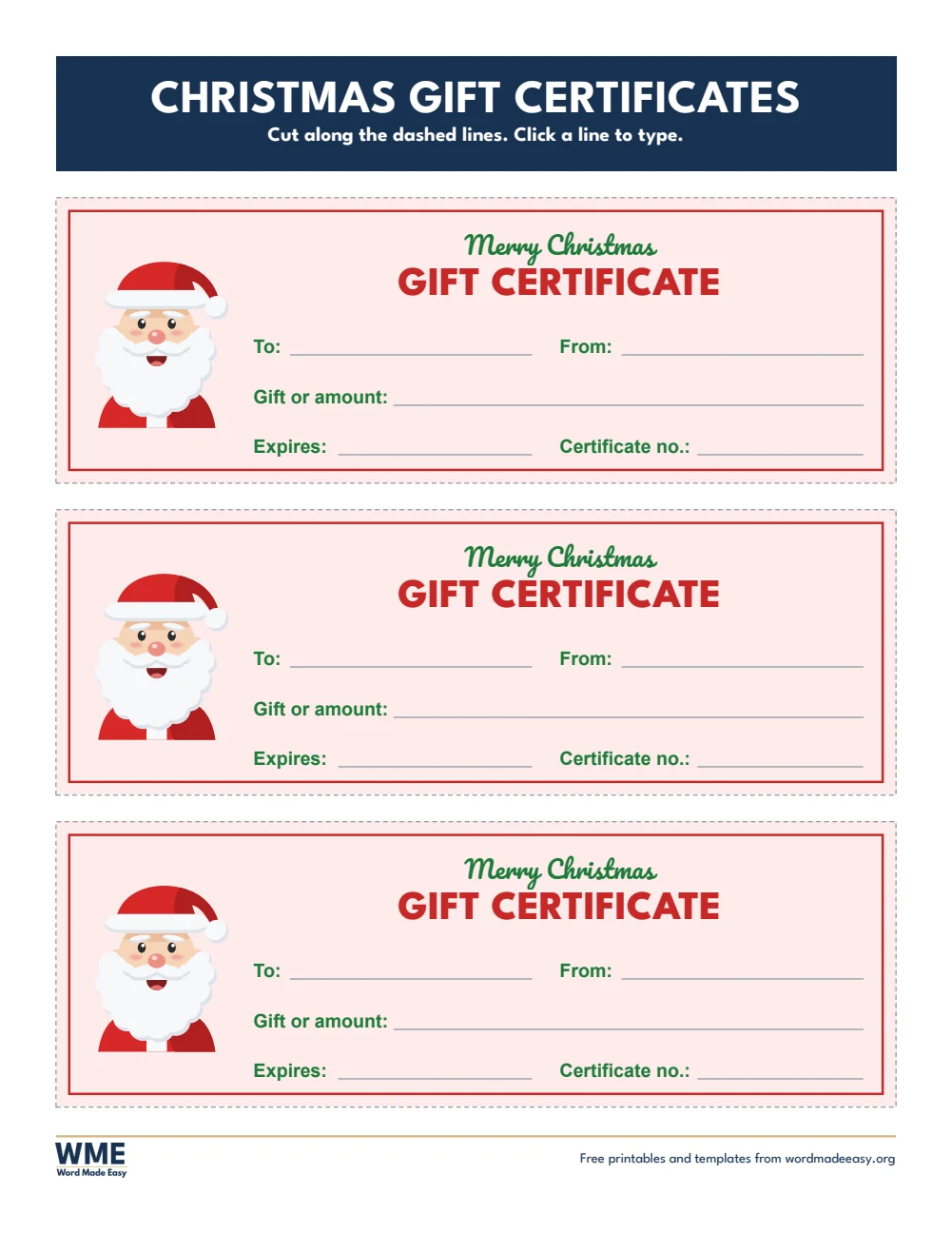
| A4 | Gift Certificate Christmas Gift Voucher | Santa, To, From, gift or amount, expiry and number |
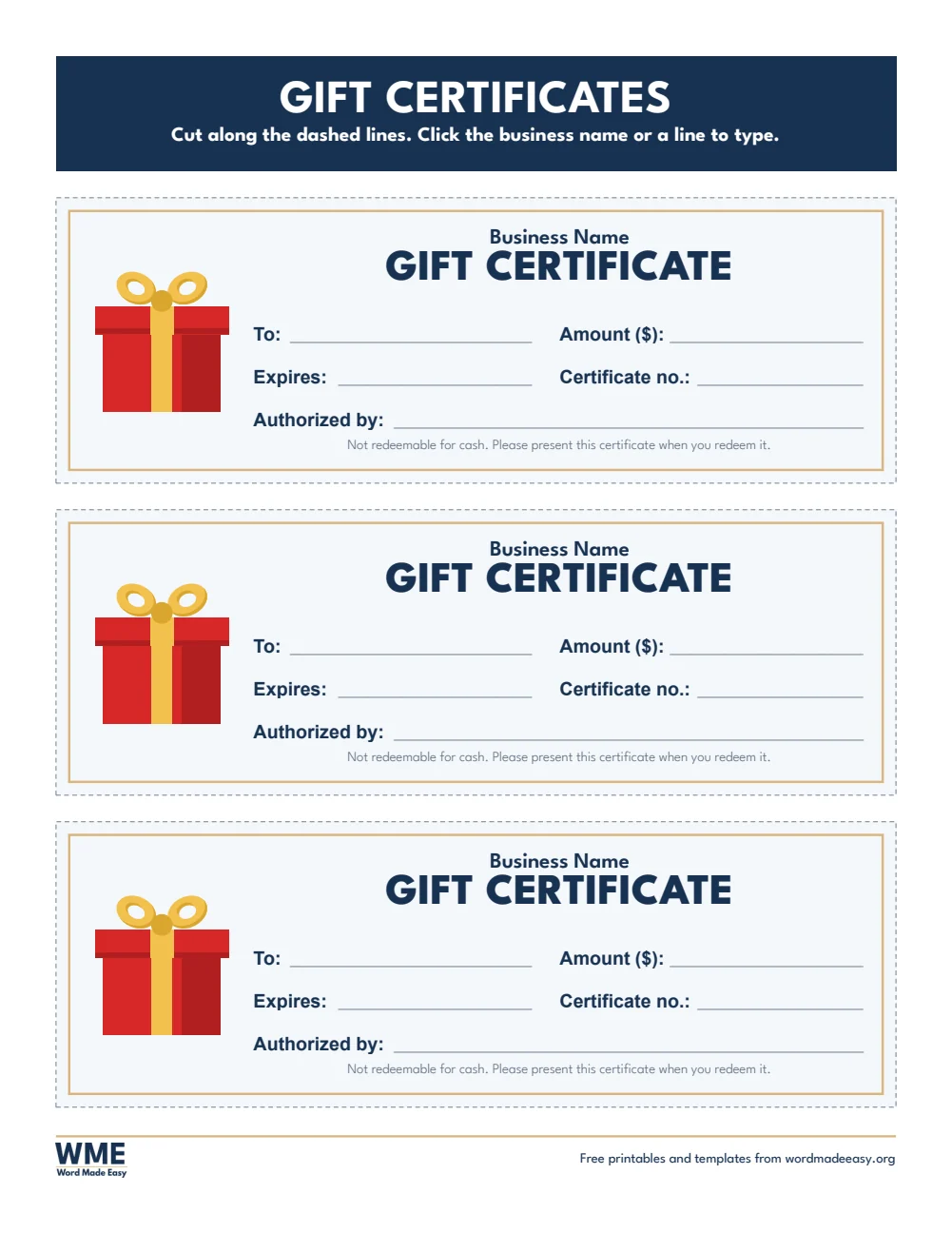
| A4 | Gift Certificate Business Gift Voucher | Business name, amount, certificate number, expiry and authorized by |
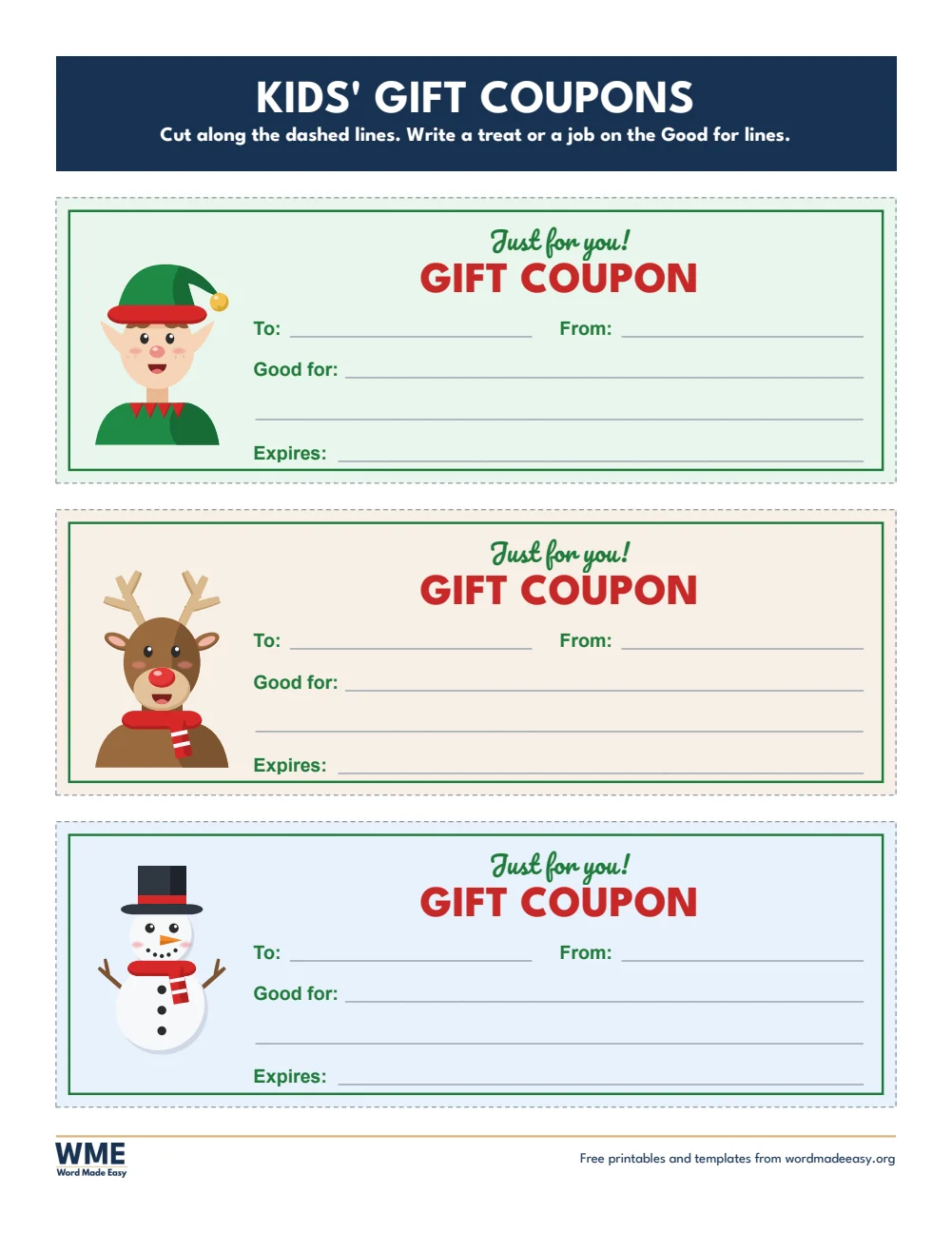
| A4 | Gift Certificate Kids’ Gift Coupon | Elf, reindeer and snowman coupons with two Good for lines |
| US Letter | Gift Certificate Christmas Gift Certificate | Santa, To, From, gift or amount, expiry and number |
| US Letter | Gift Certificate Business Gift Certificate | Business name, amount, certificate number, expiry and authorized by |
| US Letter | Gift Certificate Kids’ Gift Coupon | Elf, reindeer and snowman coupons with two Good for lines |
👉 Click a line and type: To, From, the gift or amount, the expiry date and the certificate number.
What Is a Gift Certificate?
A gift certificate, or gift voucher, is a printed promise of a gift: an amount to spend, a service or a treat. Each one here is the full width of the page, three to a sheet, with a frame inside a dashed cutting line, one picture at the left, and lines for who it is to and from, the gift or amount, and the expiry date. The Santa, elf, reindeer, snowman, Christmas tree, present, stocking and holly pictures were drawn by Patrick Elliott in PowerPoint, using only shapes, with no clip art and no AI.
Which Gift Certificate Should You Use?
- Christmas gift certificate: Santa and a “Merry Christmas” heading, for a present you can’t wrap.
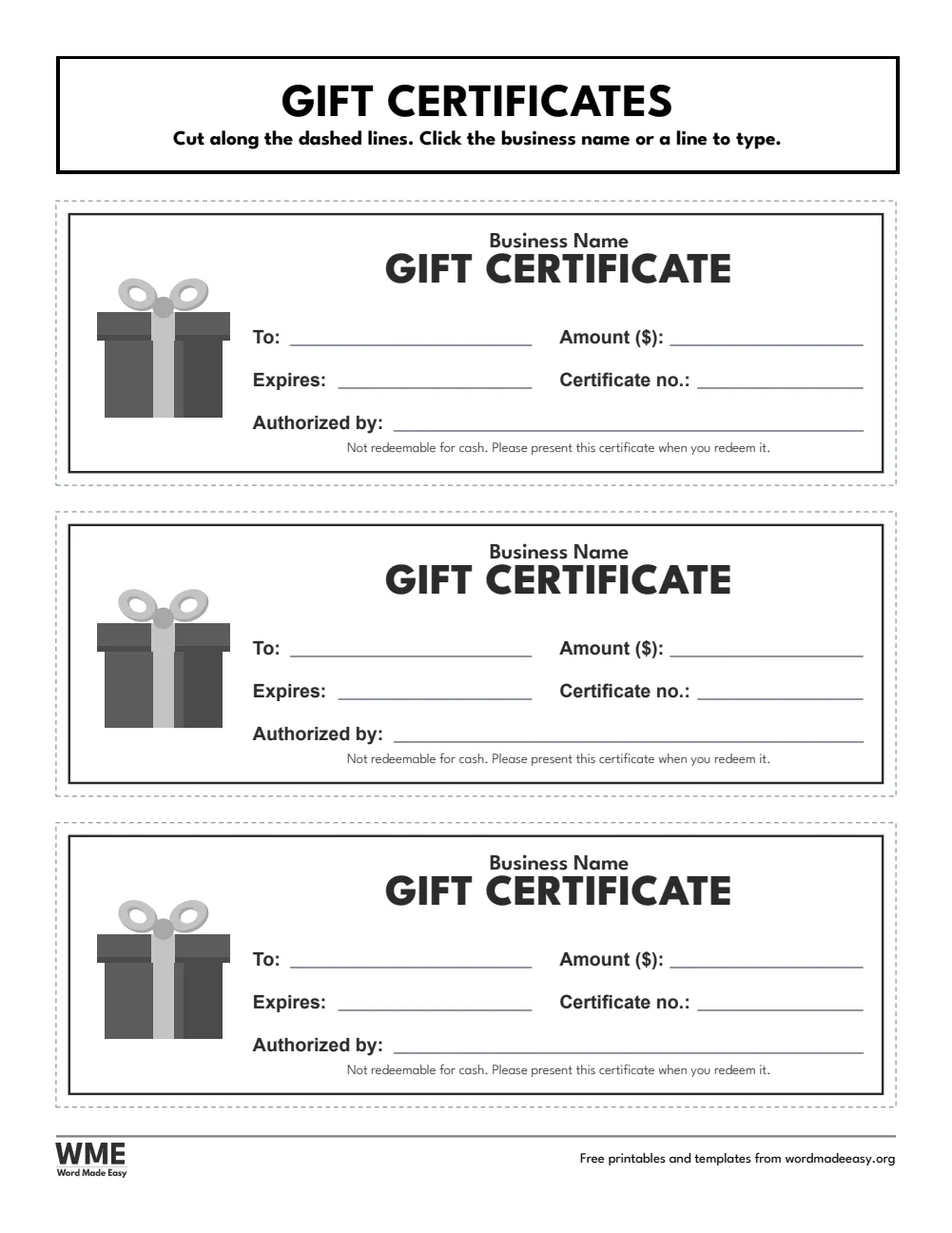
- Business gift certificate: your business name, the amount, a certificate number, an expiry date and an “Authorized by” line. It also comes in black and white.
- Kids’ gift coupons: an elf, a reindeer and a snowman, with two “Good for” lines for a treat, a trip or an extra bedtime story.
- For awards rather than gifts, see the certificate templates.
How to Make a Gift Certificate in Word
- Choose your paper size above, download the ZIP and open the gift certificate you want.
- Click each line and type: To, From, the gift or amount and the expiry date.
- For a business, type the business name and give each certificate its own number.
- Print at 100% (Actual size), on card if you have it.
- Cut along the dashed lines.
Number every business certificate and keep a list, so you know which ones have been used. Thin card makes the certificates feel like a real present.
Black and White Versions
The business gift certificate also comes in a black and white version with the same layout, so it prints clearly on any printer and saves ink. In the download box, choose Colour, Black and white or All, then your paper size: US Letter, A4 or both. The Christmas and kids’ designs come in colour only.
How to Print at the Right Size
- Open the template in Word and press Ctrl + P (Cmd + P on a Mac).
- Choose the paper size in the file name: A4 for UK and Australian sheets, US Letter for US sheets.
- Set scaling to 100% or Actual size, not Fit to page.
- Print one sheet and measure a row with a ruler before you print a class set.
Every sheet keeps a 1/2 inch (12.7 mm) margin on all sides, so nothing is cut off on home inkjets, school laser printers or older printers with a wide edge.
FAQs
Are these gift certificate templates free?
Yes. Choose A4 or US Letter and download all the Word templates in one ZIP file at no cost.
Who made these gift certificate templates?
Patrick Elliott, a teacher and Inclusion Lead, designed and built every gift certificate by hand in Microsoft Word.
How many gift certificates fit on a page?
Three, each the full width of the page, with a dashed line round each one to cut along.
Can I add my business logo?
Yes. Click the picture on the business certificate, then right-click and choose Change Picture to use your own logo.
Is it a gift certificate or a gift voucher?
Both mean the same thing. The US Letter files say gift certificate and the A4 files say gift voucher.
Is there a black and white version?
Yes, for the business gift certificate. Choose Black and white in the download box. The Christmas and kids’ designs come in colour only.
Conclusion
These gift certificate templates turn any gift into something to hand over, human-made by a teacher, with pictures drawn in PowerPoint.
Choose your paper size above, download the ZIP, and for awards and achievements, use the certificate templates.
Related Tutorials
- Free Certificate Templates for Word
- Free Christmas Gift Tags for Word
- Free Letterhead Templates for Word
Word Templates
Recently Added Word Templates
Browse the complete collection of free printable Word templates for home and school, all made by a teacher.
New to Word? Our Word tutorials show you how to edit and print your templates.
Leave a comment
Have a question about these templates, or an idea for a new one? Ask below.